
Ultra-fast moodboards with real taste
A product photography shoot plan
with every SKU and angle counted.
The SKU list and its angles, the brand's spec, packshots versus lifestyle, props, and how many products fit in a day. Agreed with the brand before the samples arrive.


Creatives working for these brands already got early access
- Red Bull
- Canon
- Artlist
- Porsche
See how easy it is to get started
Watch a real project come together, from a blank board to a finished plan, clicked through step by step.
Start from a ready-made template
Pick a board to see what you can build, then let AI fill it in. Every template is a real, editable starting point on the same infinite canvas.

Film Moodboard
Collect film references, color palettes, lighting, locations, and tone in one place, then invite your crew.
What goes in a product photography shoot plan?
A product photography shoot plan is the SKU list with the angles each product needs, the brand's spec for backgrounds, crops and files, the split between packshots and lifestyle, and how many products fit in a day. Storyflow is an AI visual workspace that builds the plan for your product shoot on one infinite canvas: the SKU list with its angles, the brand's spec, props and references, and a shot table its AI makes from the brand's product spreadsheet for you to correct.
Lock the spec before the first frame. Background, shadow, crop and padding per channel, file size, colour space and the naming pattern all get agreed in writing. Amazon's main image, for one, needs a pure white background with the product filling at least 85% of the frame. A spec agreed after the shoot is a reshoot you did not quote.
Count angles per SKU, not photos per day. A common shape for a simple product is four to six images: front, back, side, three-quarter, a detail and a scale or in-hand shot. Group SKUs that share a setup so the lights move once per group, not once per product. A colourway is a swap on the same set, not a new setup.
Keep packshots and lifestyle apart. Packshots are fast and repeatable on one set; lifestyle needs props, styling, sometimes a model and a location, and gets through a fraction of the SKUs in the same hours. Plan them as separate days or separate halves of a day, each with its own shot list, and price them separately too.
Ultra fast from brief to board
From a product spreadsheet to shoot days you can quote.
Four steps, finished before the first sample box is opened.
01
Get the list and the spec
Ask the brand for its SKU spreadsheet with variants, the channels the images go to, five or six images they like and the date samples arrive. Attach the spreadsheet and the AI lays the products out as a table, one row per SKU.
02
Group SKUs by setup
Products that share a background, lighting and scale go in one group, shot back to back. Mark the hero products that also get lifestyle images, and flag anything reflective, transparent or tiny that needs its own setup.
03
Plan the days
Divide the groups into shoot days by what fits, with the lifestyle setups on their own day. Each SKU row carries a status (Not started, In progress, In review, Done), so the brand can see how far through the list you are.
04
Walk the brand through it
Step through the plan fullscreen on the pre-production call and settle the spec, the hero products and the props in one sitting. Anything they change after that is a change to a plan they agreed, with a price attached.
Know what every SKU needs before the first sample box opens.
Angles, spec, lifestyle references and the brand's sign-off. Capture, retouching and the store upload happen in the tools built for them.
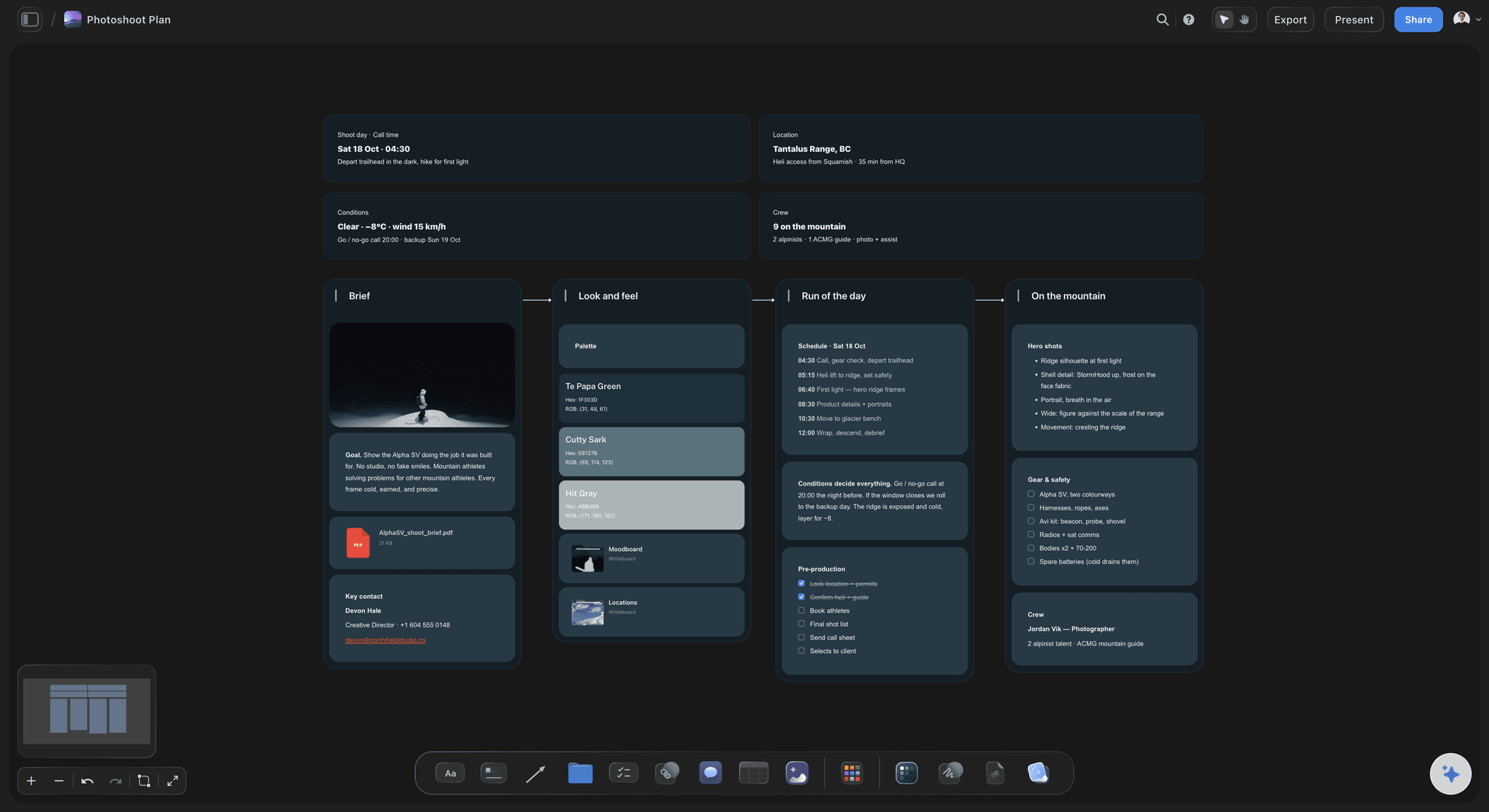
The shot list, product by product
A SKU table with the angles on every row
SKU, variant, setup group, angles, shoot day and status in one table, built from the brand's spreadsheet. A count at the foot of the table keeps the number of SKUs in view as the brand adds variants.
See the photoshoot plan template →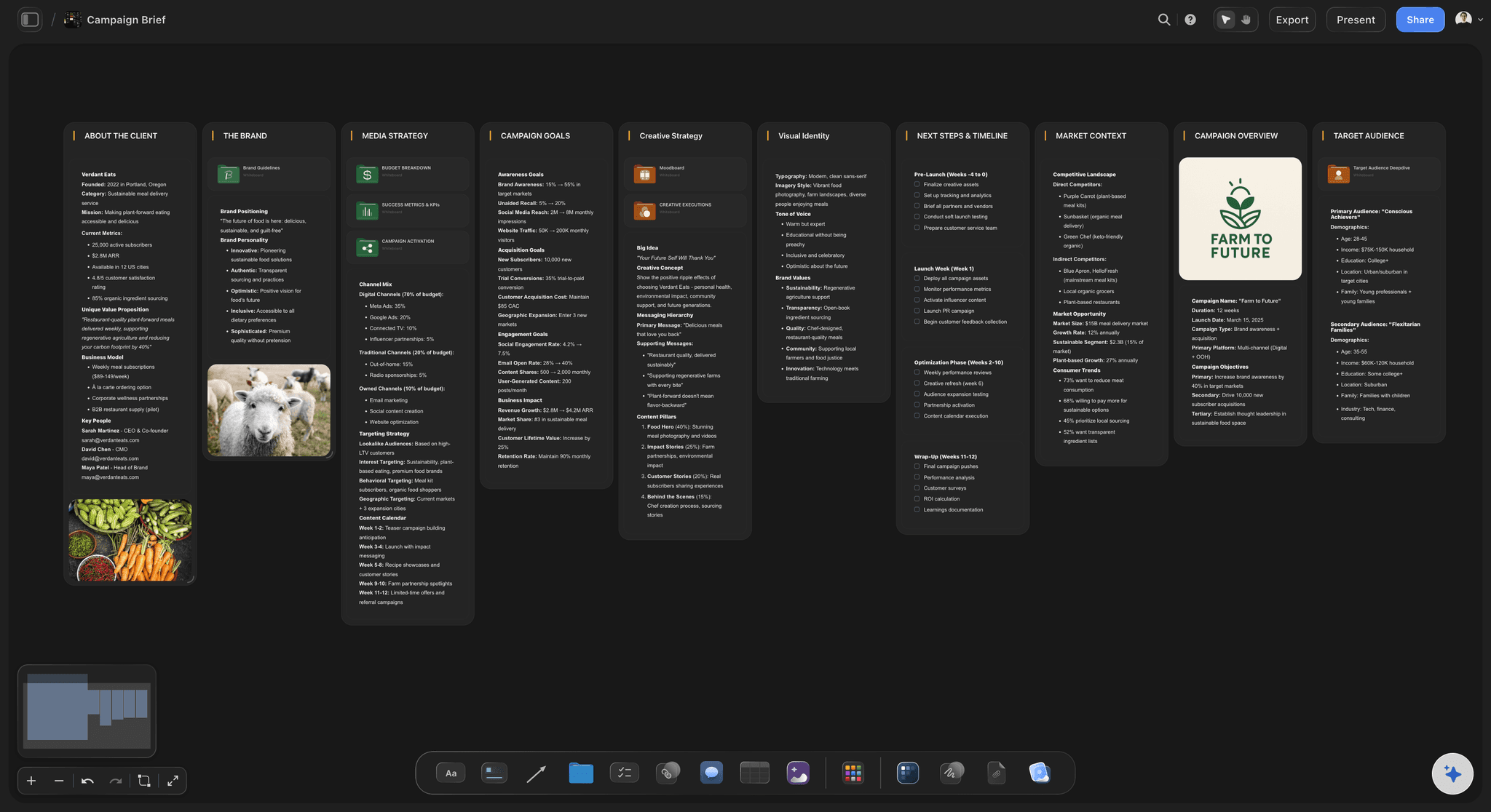
What the brand has already decided
The spec, written where the crew reads it
Background, shadow, crops per channel, padding, pixel dimensions, colour profile and file names as a short doc on the board. The AI drafts it from the brand's notes, and anything they have not decided stays an open question on the board.
See the project brief template →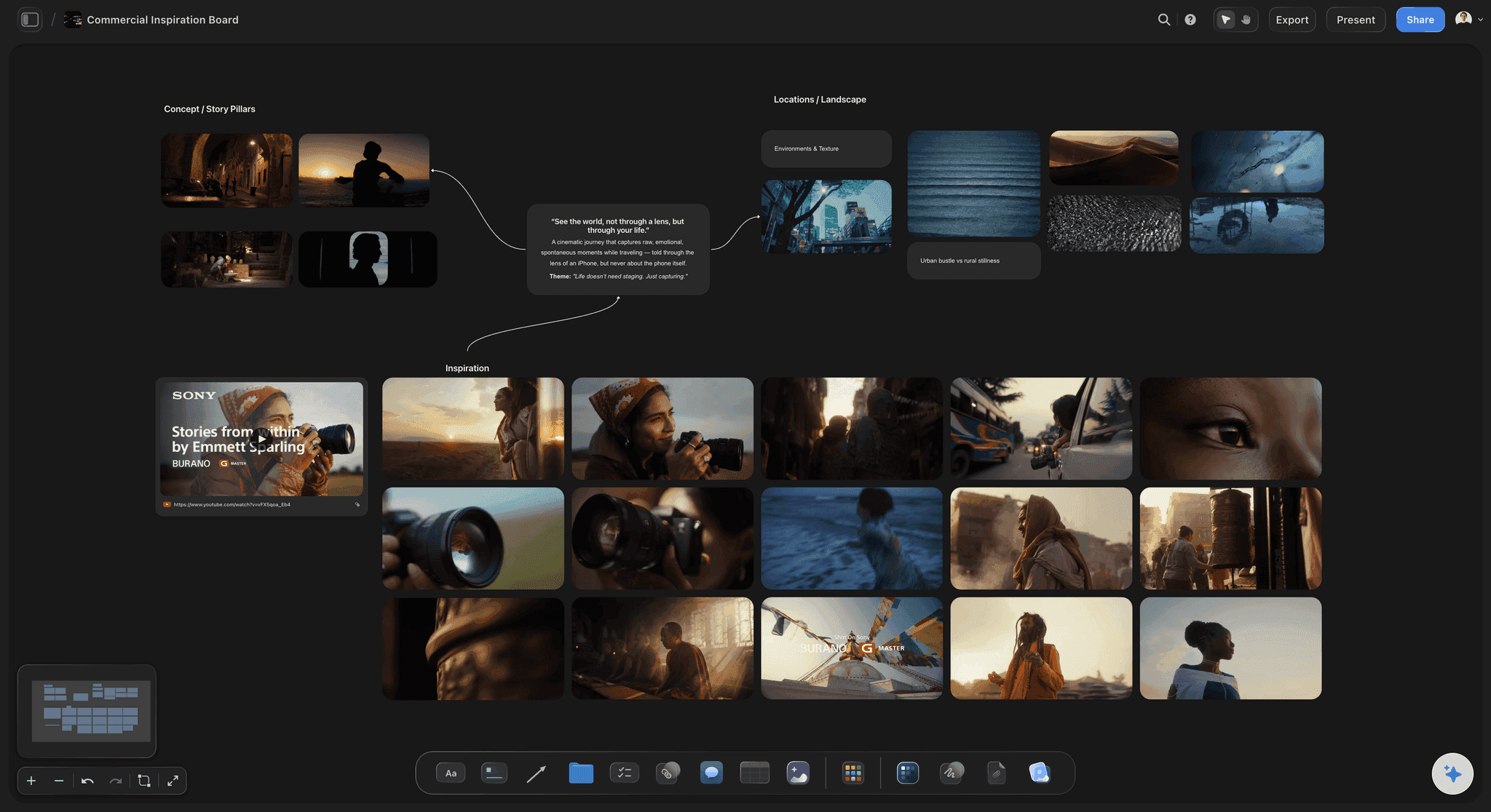
The lifestyle look
Props, surfaces and references in one place
Reference images grouped by product line, colour swatches for the surfaces, and the props list beside them. Upload the brand's last campaign video and grab the frames that set the look.
See the product moodboard →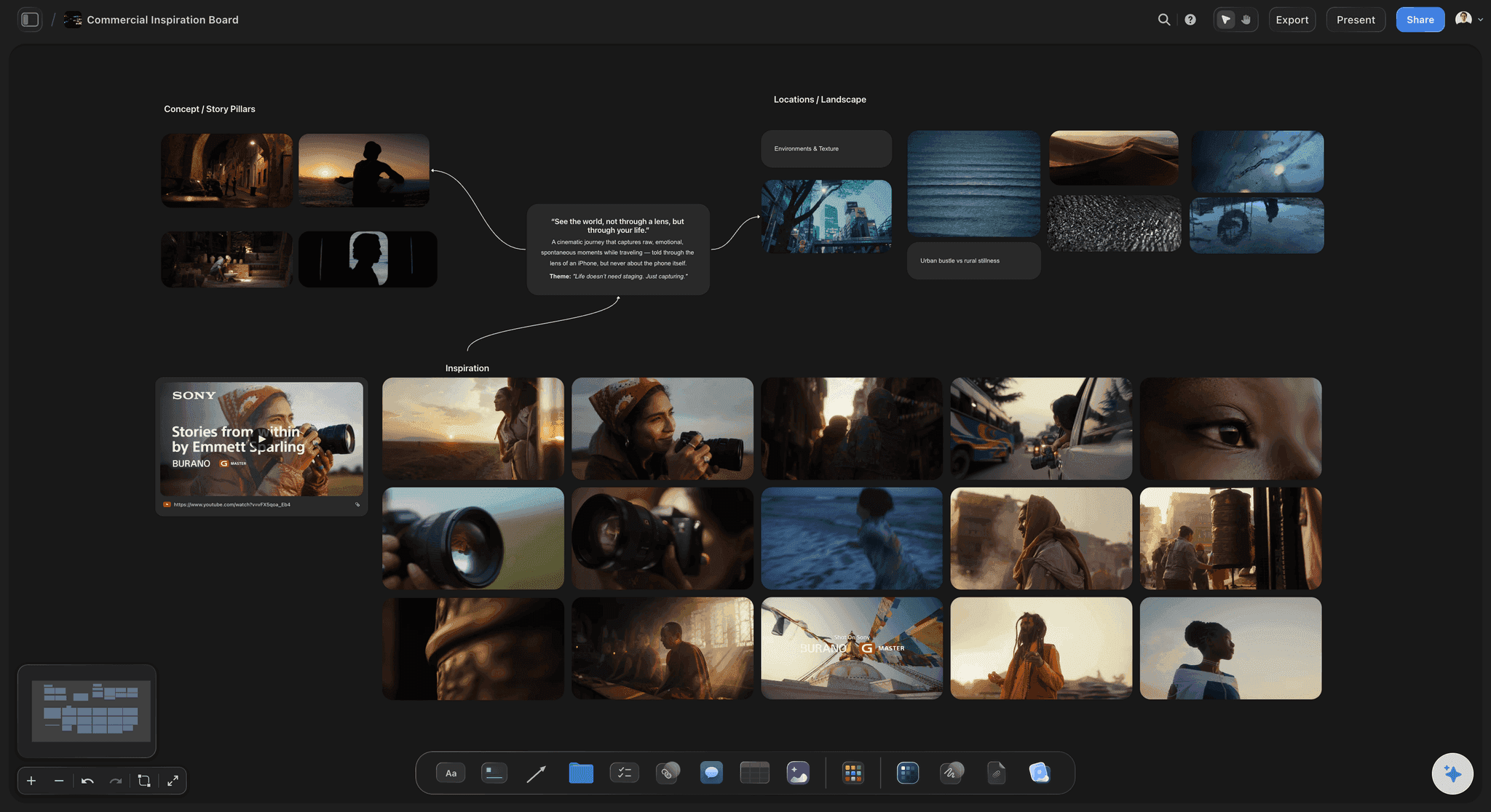
Sent to the brand
One plan the founder and the studio both read
The founder reads the plan from a view-only link, and signs in to question a SKU or swap a reference, so changes land before the samples ship. Retail buyers who want a file get the whole board as a PDF.
See the client presentation tool →Every brand's spec, kept for the next drop.
The next collection starts from the last plan, with the spec and the setups already agreed. Storyflow is paid-only during early access, with plans from $7.99 a month billed annually ($9.99 monthly). A free plan launches before the end of 2026, and anyone a paid member invites to a board joins free.
Unlimited shoot boards, reference images and files on every paid plan
AI that reads a product spreadsheet and drafts the SKU table and spec
Tables with status, date and label cells, and a count at the foot of each column
View-only links, whole-board PDF export and presentation mode
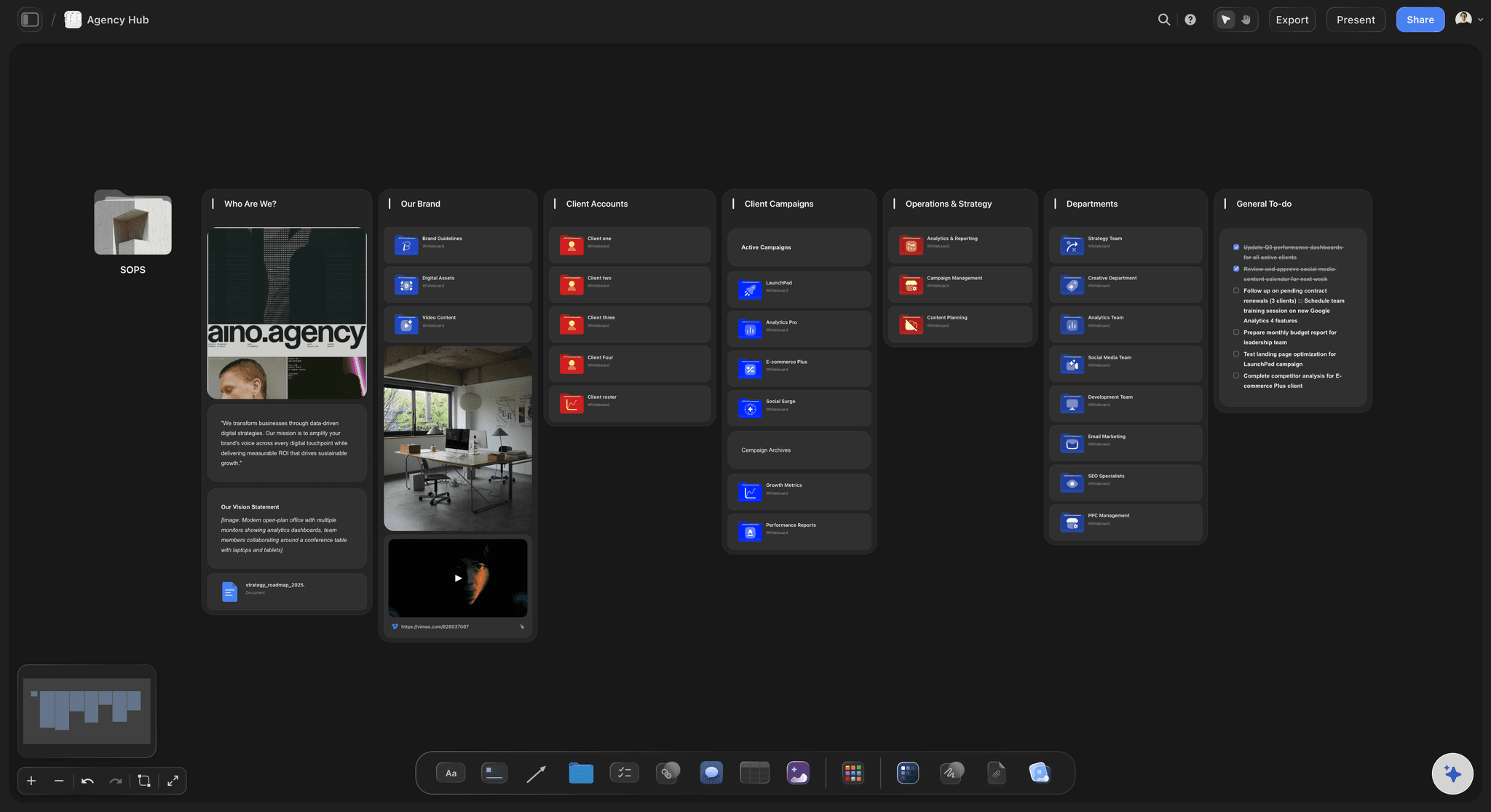
Built for people with taste
A product shot list, from spec sheet to delivery.
Each part answers a question that otherwise comes back after delivery as a reshoot.
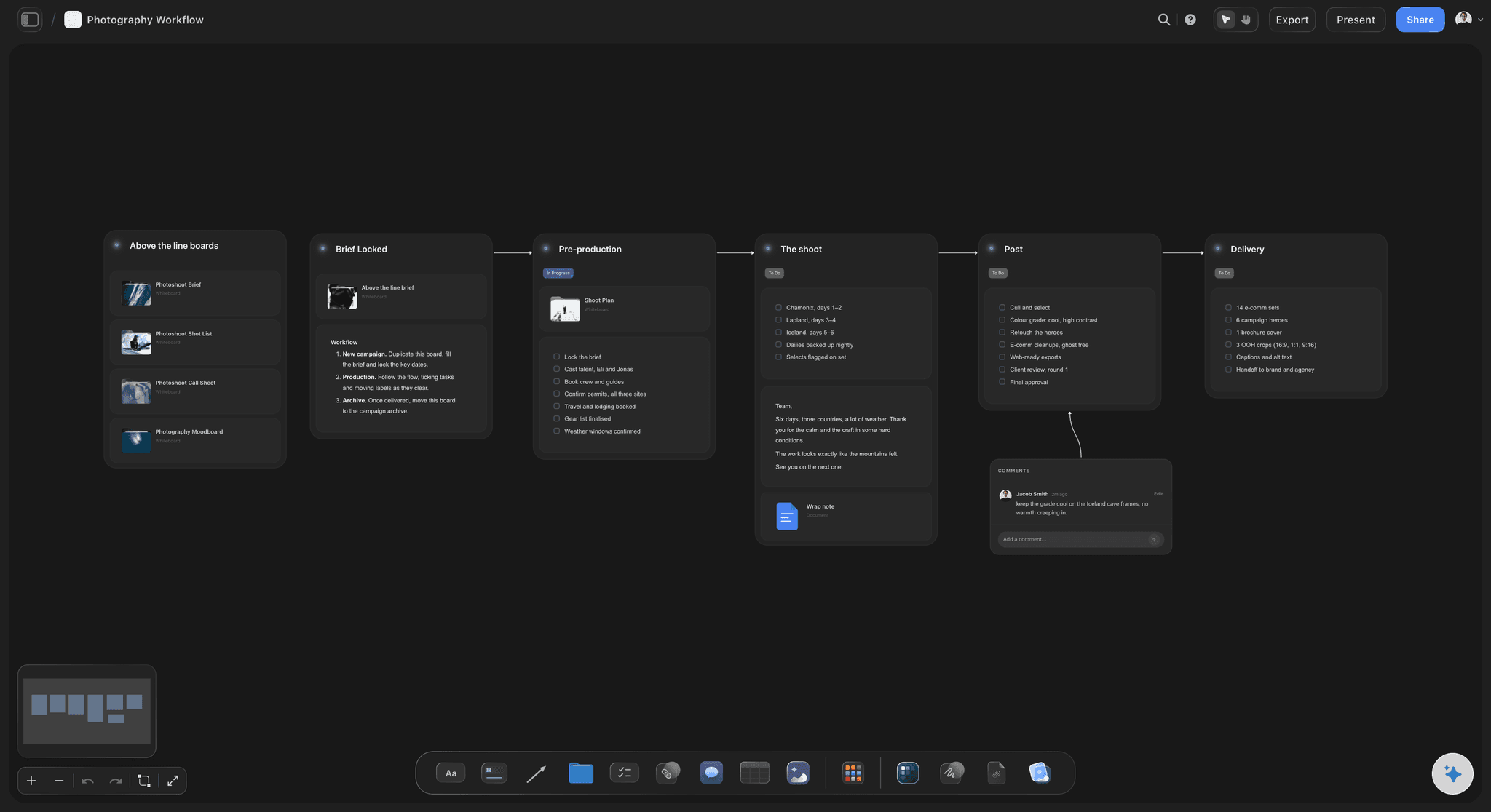
Spec: agreed before samples ship
The brand's spec
Background and shadow: Pure white, a colour or a surface, and natural shadow, a drop shadow or none. Marketplaces often dictate the main image; the brand's own store usually does not, so ask which rule applies to which channel.
Crops per channel: A common set: 1:1 for marketplaces and the store grid, 4:5 for the social feed, 9:16 for stories. Shoot loose enough that every crop comes from one frame.
Files and naming: Pixel size, format, colour space and a naming pattern such as SKU_colour_angle_01. Naming agreed up front is what lets the brand upload without renaming 400 files.
Retouching level: Dust and label clean-up, colour matching to the sample, or compositing. Write the level per image type, because it can take longer than the shoot.

Packshots: every SKU and variant
The SKU list
Angles per SKU: Front, back, side, three-quarter, detail, and a scale or in-hand shot where size matters. Apparel adds flat lay, ghost mannequin or on-model, which are different setups.
Variants: Every colourway and size that looks different gets its own row. A variant nobody listed is the one missing from the product page on launch day.
Setup groups: Products that share a background, lighting and scale in one group. Reflective, transparent and very small products get their own group and their own time.
Samples in and out: Which samples arrived, their condition, anything missing, and where they go back to. A damaged or late sample is the most common reason a shoot day ends short.
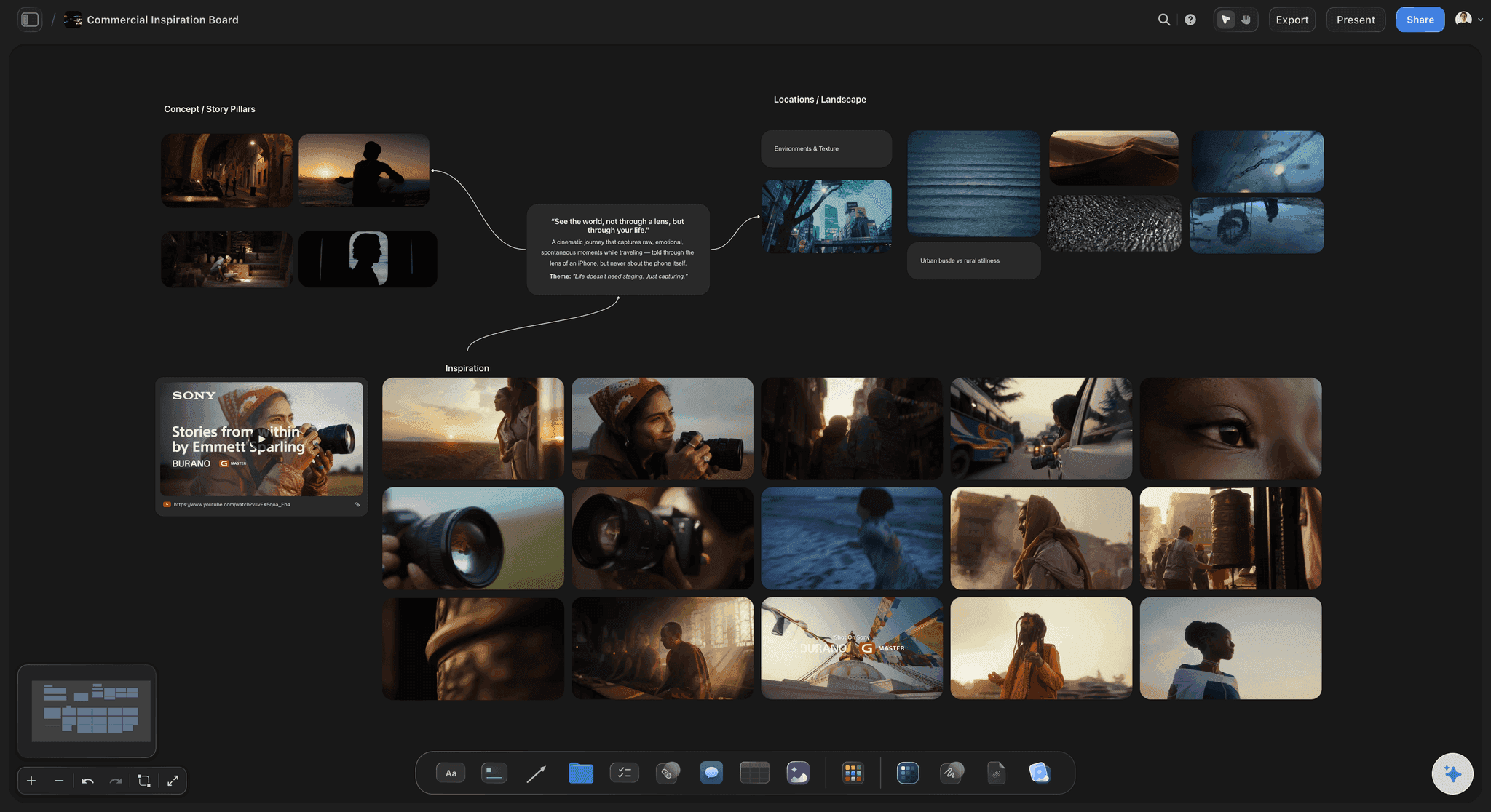
Lifestyle: the hero products
Lifestyle, props and styling
Hero products only: Lifestyle images for the products that lead the launch or the ads, not for every SKU. Agree the list with the founder before styling is booked.
Props and surfaces: What sits beside the product, what it sits on, and who sources it. Keep the props within the brand's palette so the grid holds together.
Model, hands and location: Whether a person, hands or a location is needed, and the release each one requires. Each adds booking time the founder rarely plans for.
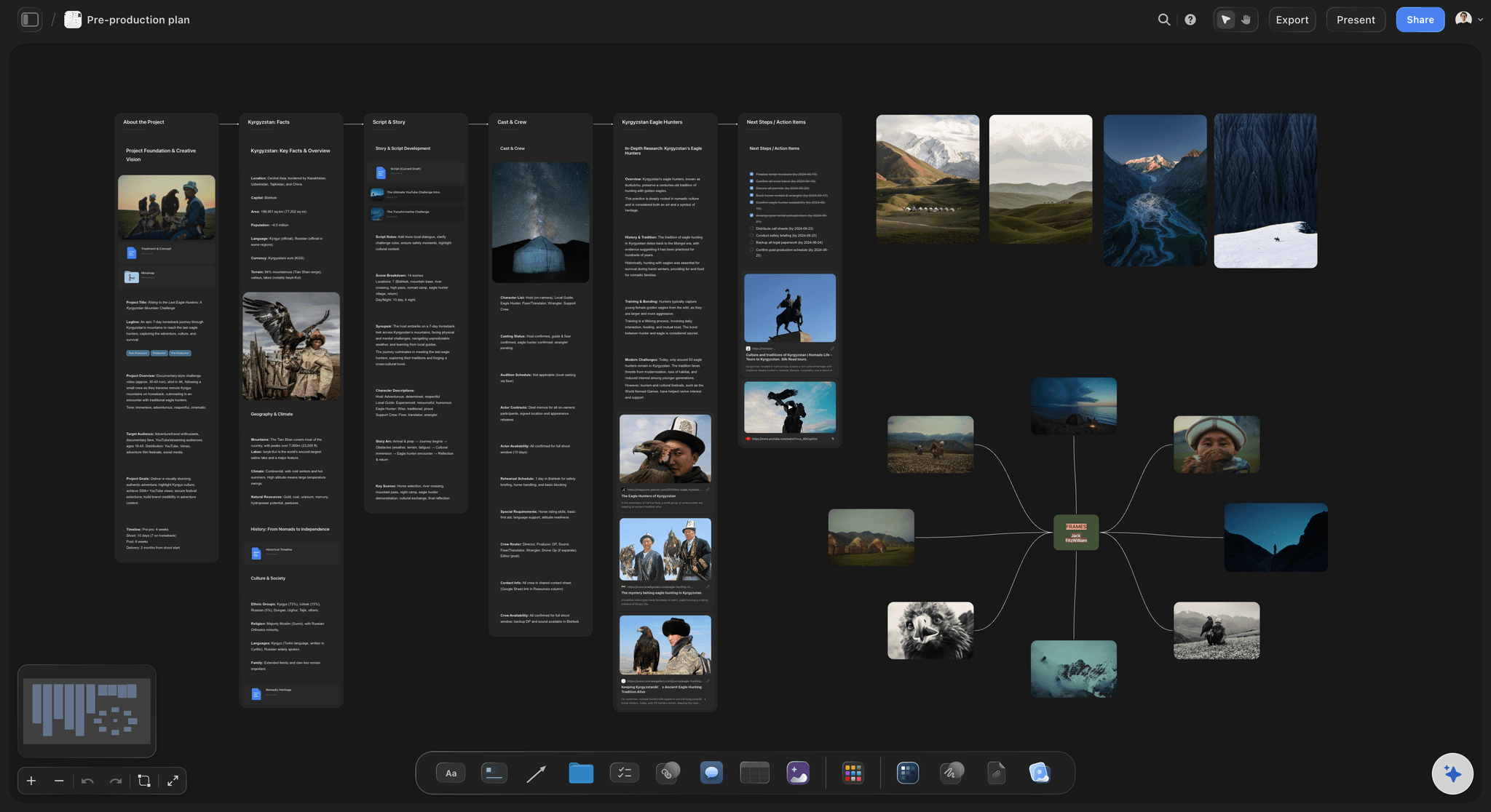
Studio days, pricing and usage
The days and the terms
Capacity per day: Budget the day by setup: simple SKUs on white move fast because the lights stay put, while each lifestyle setup needs styling and a new light. Complex, reflective or styled products bring that down fast.
Price per image, per SKU or per day: Per image suits small orders, per SKU suits catalogues with a fixed angle set, a day rate suits lifestyle. State which you use and what one unit includes.
The reshoot rule: Who pays when a sample arrives late or damaged, or when the spec changes after the shoot. Write it down before the samples ship.
Delivery and usage: Turnaround, retouch rounds, how the files are sent, and where the brand may use them: store, marketplaces, organic social, paid ads or print. Paid ads and packaging often carry their own fee.
Explore templates for your project
Every template opens as a real, editable board on the infinite canvas. Pick the closest fit and make it your own.
Film Moodboard
Collect film references, color palettes, lighting, locations, and tone in one place, then invite your crew.
One app instead of five
A shot plan with the look beside it, or a SKU database.
Storyflow keeps the SKU list beside the look it has to match. Airtable, Notion and Google Sheets handle a large catalogue as data, with filters and linked records.
Storyflow
Recommended
Reference images on an open canvas beside the SKU list
Grab a still from a reference video
Status per SKU row
Filter the SKU list by status
SKU rows linked to a shoot-day table
Airtable
Reference images on an open canvas beside the SKU list
Grab a still from a reference video
Status per SKU row
Filter the SKU list by status
SKU rows linked to a shoot-day table
Notion
Reference images on an open canvas beside the SKU list
Grab a still from a reference video
Status per SKU row
Filter the SKU list by status
SKU rows linked to a shoot-day table
Google Sheets
Reference images on an open canvas beside the SKU list
Grab a still from a reference video
Status per SKU row
Filter the SKU list by status
SKU rows linked to a shoot-day table
What creators are saying
Join early creators getting structured workspaces and AI that remembers their projects
“Storyflow has sped up my workflow by at least 3x, which means more flow state and more projects I can actually ship. It truly changed the way me and my team create.”

Reilin Joey
Director & YouTuber
“One prompt gets me a structured board. But the tactics are my favorite. I run my YouTube scripts through them and my intros and retention got better. It's amazing.”

Justkay
YouTuber & Freelance Filmmaker
“I used to juggle five apps to plan a project. Now I describe what I am making and get boards, lists, and a schedule. All in one place.”

George
@fernwehchronicles
What studios and founders ask before a product shoot.
Angles per SKU, Amazon rules, SKUs per day, pricing units and usage.
Storyflow keeps the SKU list and the brand's spec on one board, beside the references the lifestyle images must match, and its AI builds the SKU table from the brand's spreadsheet. The brand opens the plan by link with no account, or gets it as a PDF. Use Airtable or Notion if the catalogue runs to thousands of SKUs and you need filters and linked records.
One row per SKU and variant, with the angles it needs, its setup group, the shoot day and a status. Above the list sits the brand's spec, so the crew shoots every row to the same rules. Mark the hero products that also get lifestyle images, and list the props and surfaces for those separately.
For a simple product, plan four to six angles, plus one or two lifestyle images for the hero products. Apparel, beauty and higher-priced products often need more. Agree the angle set per product type in the plan, so every SKU of that type is shot the same way.
Amazon's main image needs a pure white background (RGB 255, 255, 255), the product filling 85% or more of the frame, no props or items not included, and no text, logos, borders or watermarks, at 1,000 pixels or more on the longest side so zoom works. Secondary images can show lifestyle and detail. Put the rule in the plan's spec so the main image is shot for it, not fixed in retouching.
A common shape is 15 to 30 simple SKUs a day on white at four to six angles, and six to twelve lifestyle setups. It depends on the setup more than the camera. Reflective, transparent or very small products, apparel on a model and heavy styling bring it down. Plan the days by setup group, not by an average.
A packshot shows the product alone on a plain background, lit the same way for every SKU, for store and marketplace listings. Lifestyle shows it in use or in a setting, with props, styling and sometimes a model, for the brand's own channels and ads. They need different setups, different days and different prices, so plan and quote them separately.
The SKU list with every variant, the channels the images go to, the spec for background, crops and files, five or six images they like, which products are heroes, when samples arrive and where they go back, the retouching level, the delivery date and where the images may be used. A founder who has never briefed a shoot will need these asked, not assumed.
Per image suits small orders and mixed products. Per SKU suits catalogues with a fixed angle set, because the brand can multiply it out. A day rate suits lifestyle and styled work, where the output per day varies. Whichever you use, say what one unit includes: angles, retouching level, crops and usage.
A first draft, yes; the samples on the table are the final check. Attach the brand's product spreadsheet to Storyflow and its AI lays the SKUs out as a table, and drafts the angles and the spec from the brand's notes. Whatever nobody has decided, you raise with the brand. You set the setup groups, the days and the price.
No. Tethered capture and selects belong in Capture One or Lightroom, retouching in Photoshop, file storage and sharing in a DAM or Dropbox, and publishing in Shopify or the marketplace's seller tools. What Storyflow holds is the agreement those files are checked against: the SKU list, angles and spec. Link it from your booking email.
Say where the brand may use the images: its own store, marketplaces, organic social, paid ads, email, packaging or print, and for how long. Store and marketplace use is often included in the base price, while paid ads, packaging and retailer use by third parties are commonly priced as their own line. Write it into the plan and the contract.
Not during early access. Storyflow is paid-only during early access, with plans from $7.99 a month billed annually ($9.99 monthly). A free plan launches before the end of 2026, and anyone a paid member invites to a board joins free. The brand pays nothing to open the shoot plan.
More from Storyflow
Photography proposal template
Photoshoot planning
Photoshoot plan template
Product moodboard
Storyflow for photographers
Brand photoshoot planning
Real estate video planning
Photoshoot moodboard
Product launch planner
Shot list template
Best moodboard tools for product photographers
Photoshoot call sheet and shot list
Pricing
How to make a photoshoot moodboard
Social media shot list
Product launch video
Moodboard tool for photographers
Agree the spec before the samples ship.
Attach the product spreadsheet and correct the SKU table the AI drafts from it.