
Extremely reliable pre-production
A real estate video shot list
you reuse on every listing.
Exterior, entry, every room as a buyer tours it, drone, twilight and the agent's lines, plus the prep list the seller gets two days before. Built once, reused on every listing.


Creatives working for these brands already got early access
- Red Bull
- Canon
- Artlist
- Porsche
See how easy it is to get started
Watch a real project come together, from a blank board to a finished plan, clicked through step by step.
Start from a ready-made template
Pick a board to see what you can build, then let AI fill it in. Every template is a real, editable starting point on the same infinite canvas.

Pre-Production
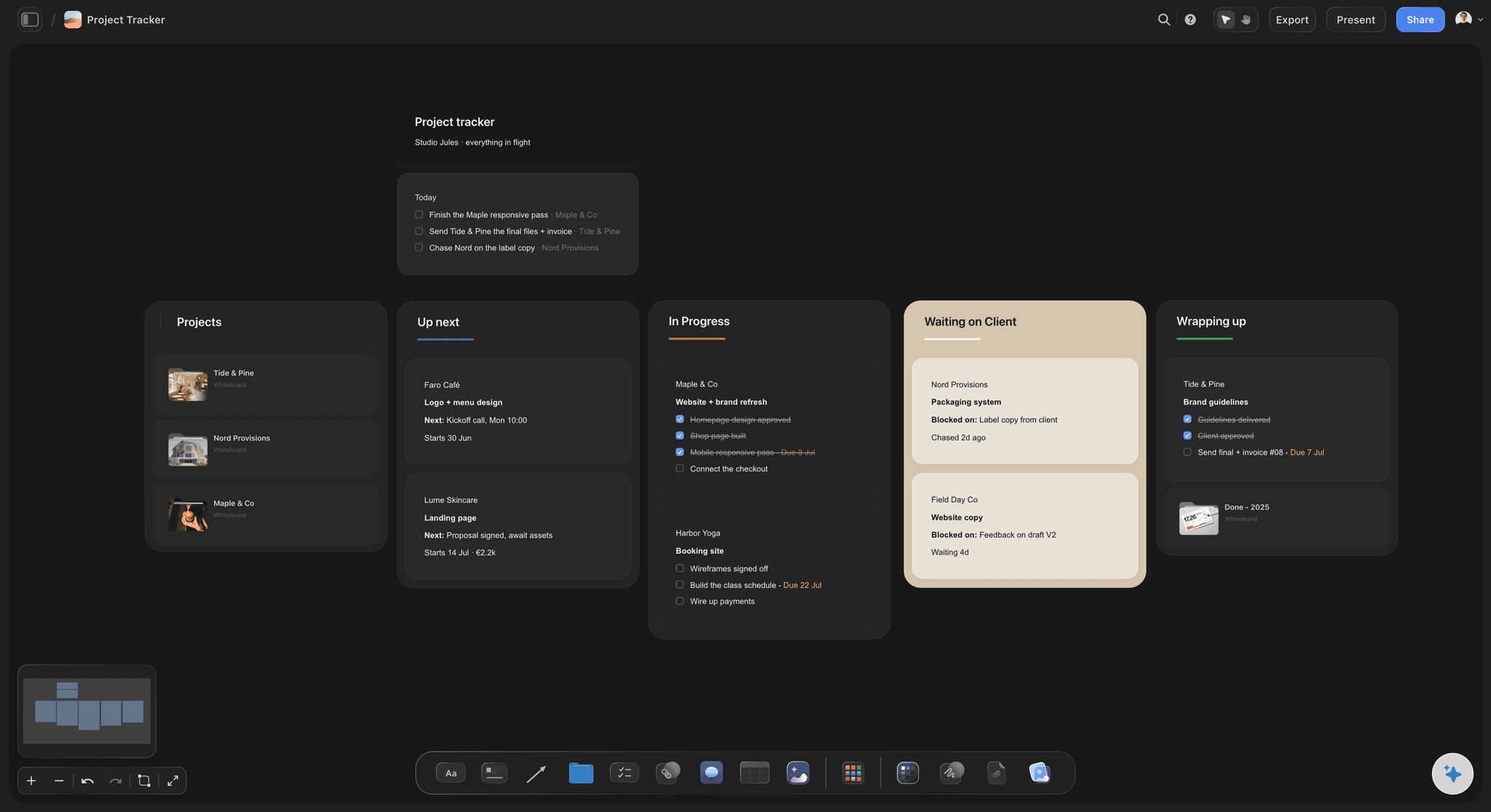
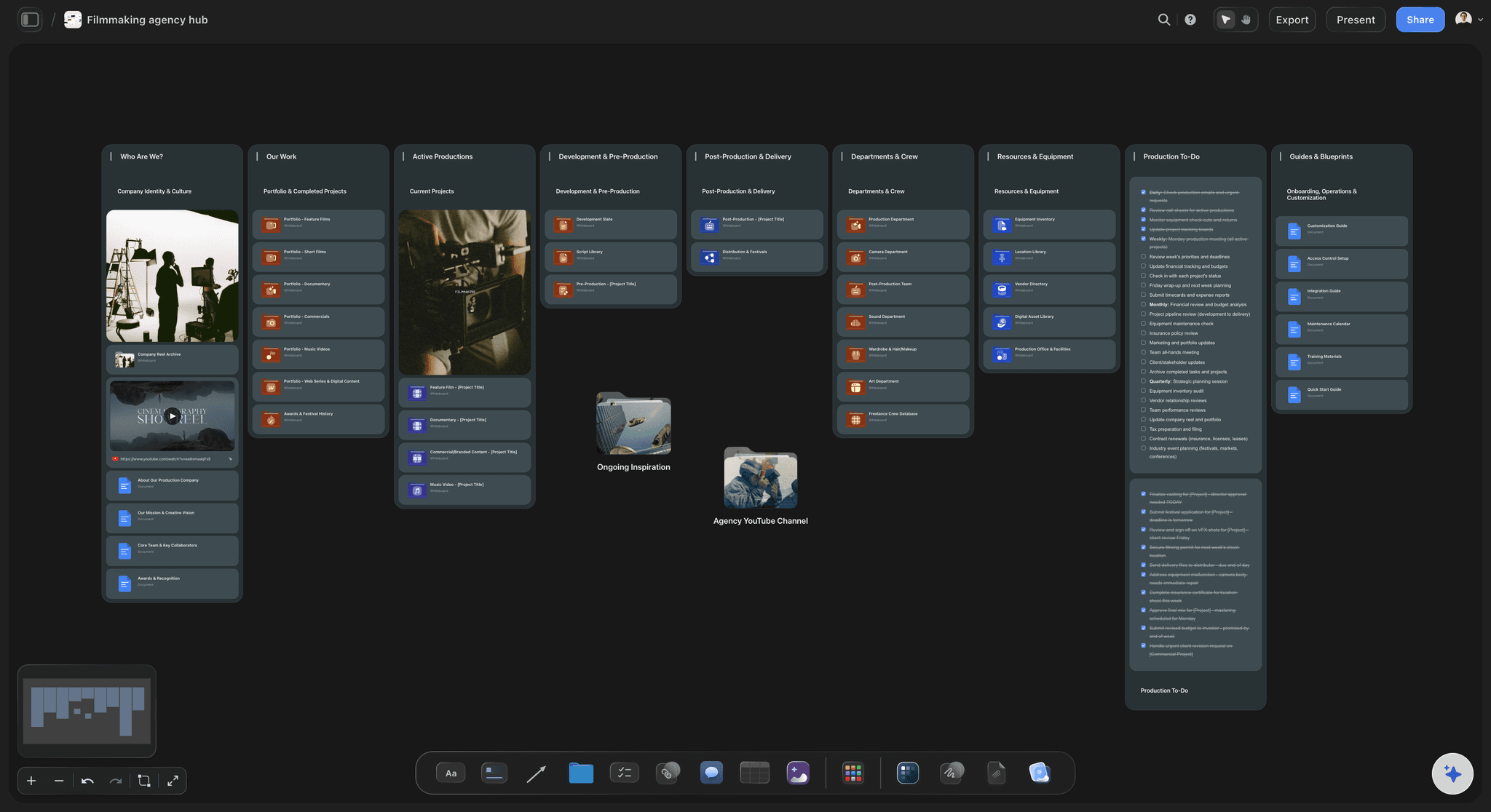
Pull the brief, script, shot list, and moodboard into one pre-production hub so the whole shoot is planned in one place.
What goes on a real estate video shot list?
A real estate video shot list is the order you film a property in: the exterior and approach, the entry, the rooms as a buyer walks them, the drone and twilight passes, and the agent's lines. Storyflow is an AI visual workspace that plans a listing video on one infinite canvas: a shot list in walk-through order that its AI adapts to each property's notes, the prep checklist for the agent, reference clips, and one template board you duplicate for each listing.
Film the walk, not the floor plan. Buyers watch a listing video as a tour, so the order follows the path from the front door: entry, living, kitchen, dining, primary suite, secondary rooms, outdoor space. A common shape is two moving shots per main room and one detail per selling feature. A room shot out of order becomes a cut that confuses.
The shoot is won before you arrive. Send the agent a prep checklist two days out: every bulb working, blinds set the same way, cars off the driveway, counters cleared, pets and people out, TVs and ceiling fans off. A seller who never saw the list turns a 90-minute shoot into an afternoon of moving laundry.
Plan two cuts from one visit. Many MLSs accept only an unbranded tour, with no agent name, phone number or logo, while the agent wants a branded vertical for social. Put both in the shot list, including the agent's intro and outro, so the vertical is framed for 9:16 on the day, not rescued in the crop.
Ultra fast from brief to board
Build the listing template once, then shoot five a week from it.
Four steps. The first one you only do once.
01
Build your template board
Your standard shot list, drone and twilight passes, the agent's lines, the prep checklist and your turnaround rules, laid out once on one board. Ask the AI to draft it from the packages you sell and rewrite what does not match how you shoot.
02
Duplicate it for the listing
Duplicate the board for each property and paste the agent's notes: bedrooms, the pool, the view, the kitchen they just redid. The AI adapts the room order and the must-shows, and removes what the house does not have.
03
Send the prep list two days out
Share the prep checklist with the agent and ask for three things back: access and lockbox details, the seller's must-shows, and whether the agent will be on camera. Anything missing at that point becomes a reschedule, not a surprise.
04
Track every listing to delivery
A studio board with one row per listing: address, shoot date, due date, editor and a status. Rows stay in date order, so the listings due tomorrow sit at the top of the week.
Five listings a week without rebuilding the shot list.
What gets filmed at each address, and what the seller does first. Orders, payments and delivery stay with the platform agents book through.
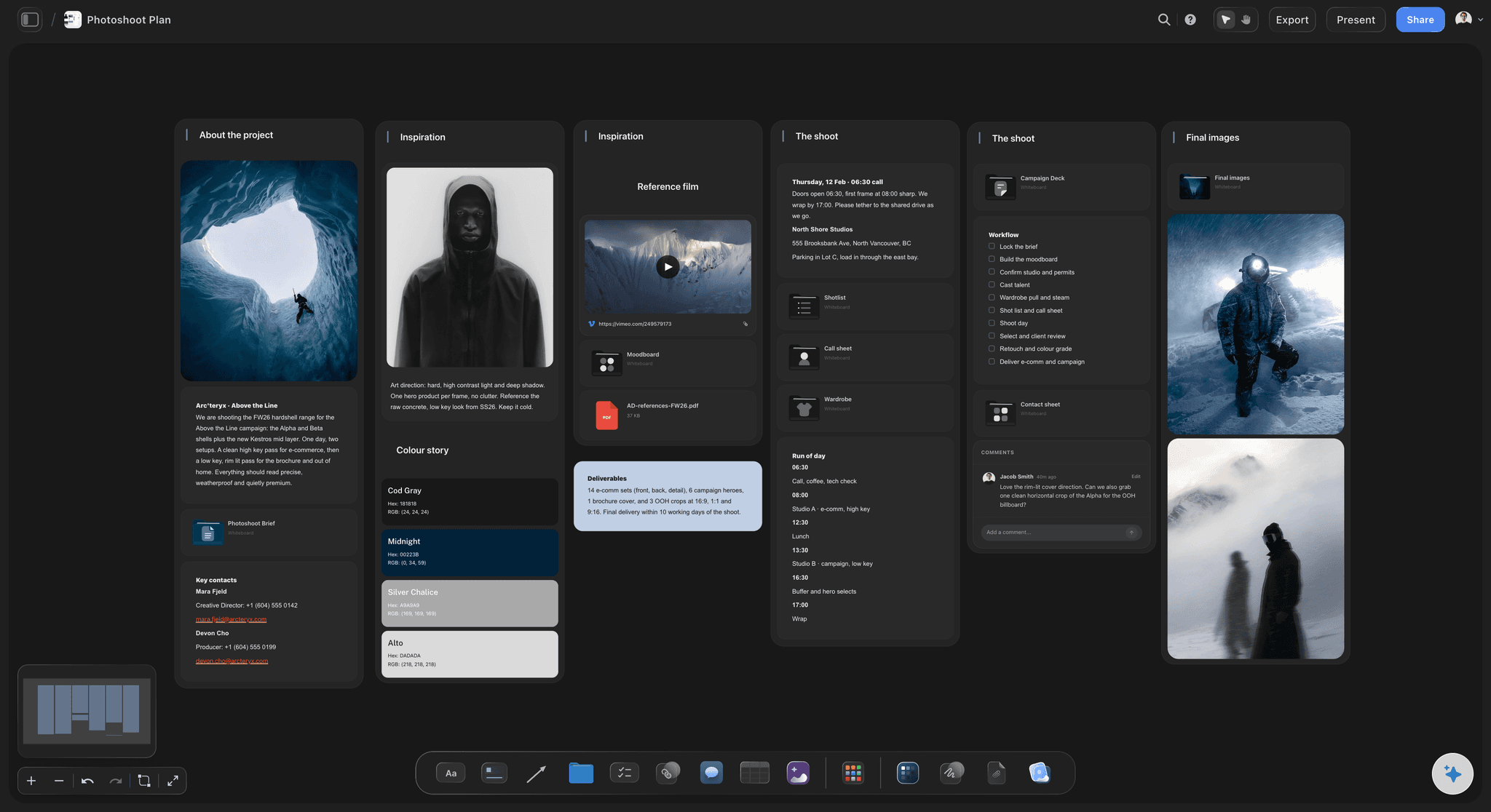
Walk-through order, drone and twilight
A shot list in the order a buyer walks
Exterior, approach, entry, every room in path order, outdoor space, drone and twilight, each shot with its move and its must-show. The AI's shot list workflow drafts it from the listing notes for you to correct on site.
See the AI shot list generator →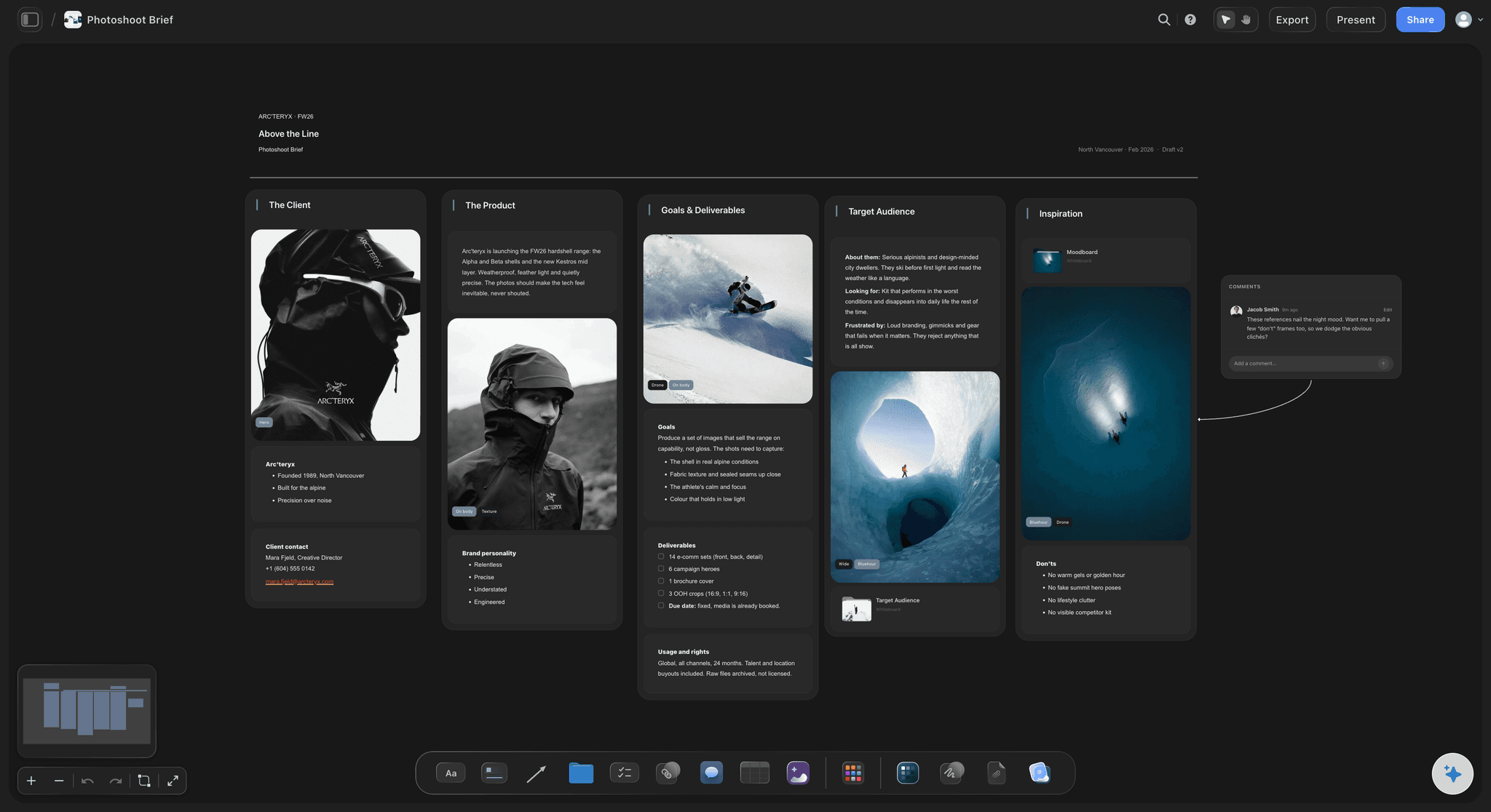
What the seller does before you arrive
A prep checklist the agent forwards
Lights, blinds, cars, counters, pets, TVs and fans as a to-do list on the listing board. Change it once on the template and every listing made from it afterwards carries the new version.
See the pre-production checklist →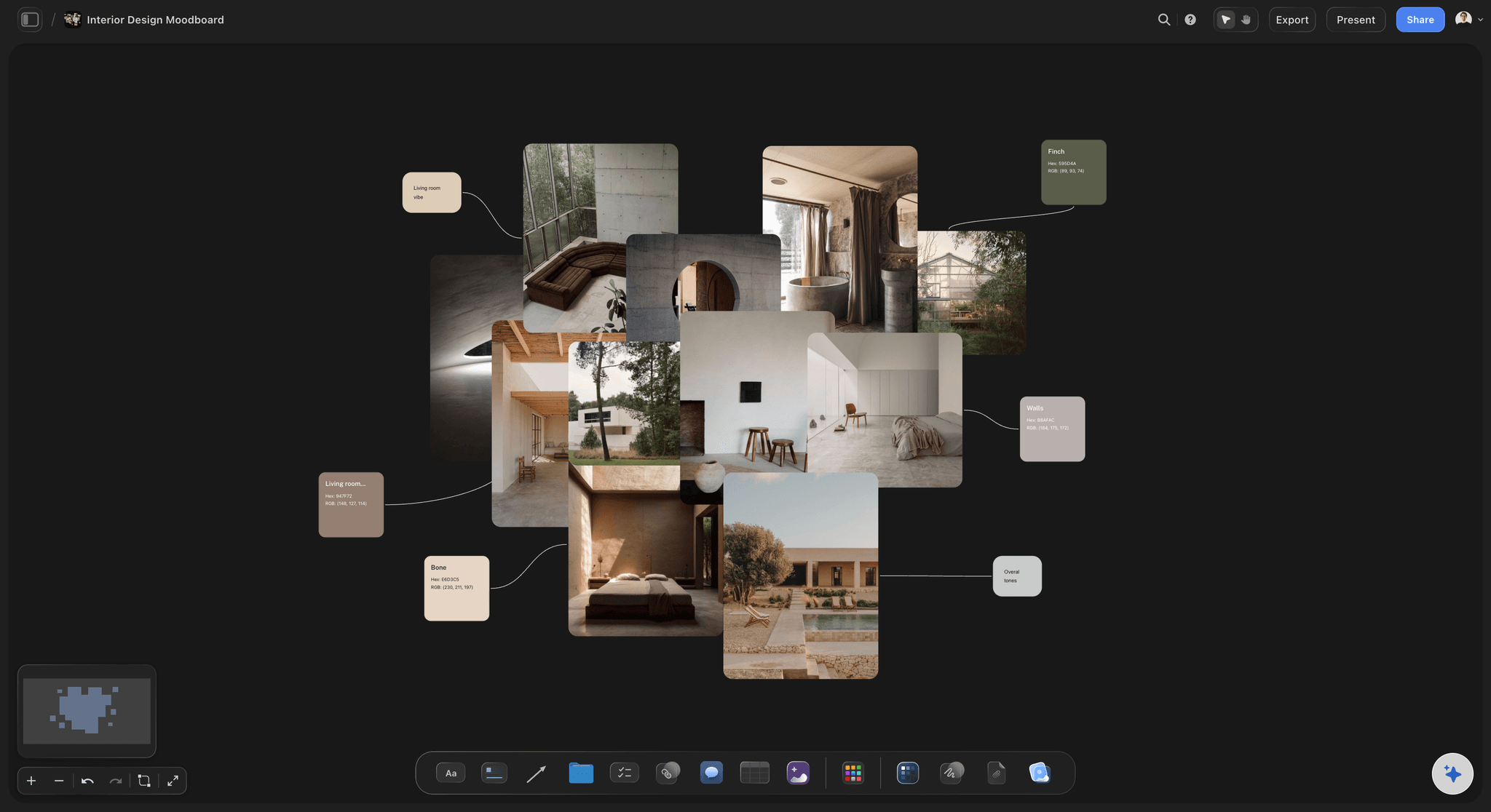
The look the agent is paying for
References you can point at
Upload a listing video the agent loved, play and scrub it, and grab the frames that show the pace and the grade you are matching. Keep the agent's colours and logo beside it for the branded cut.
See the video frame grabber →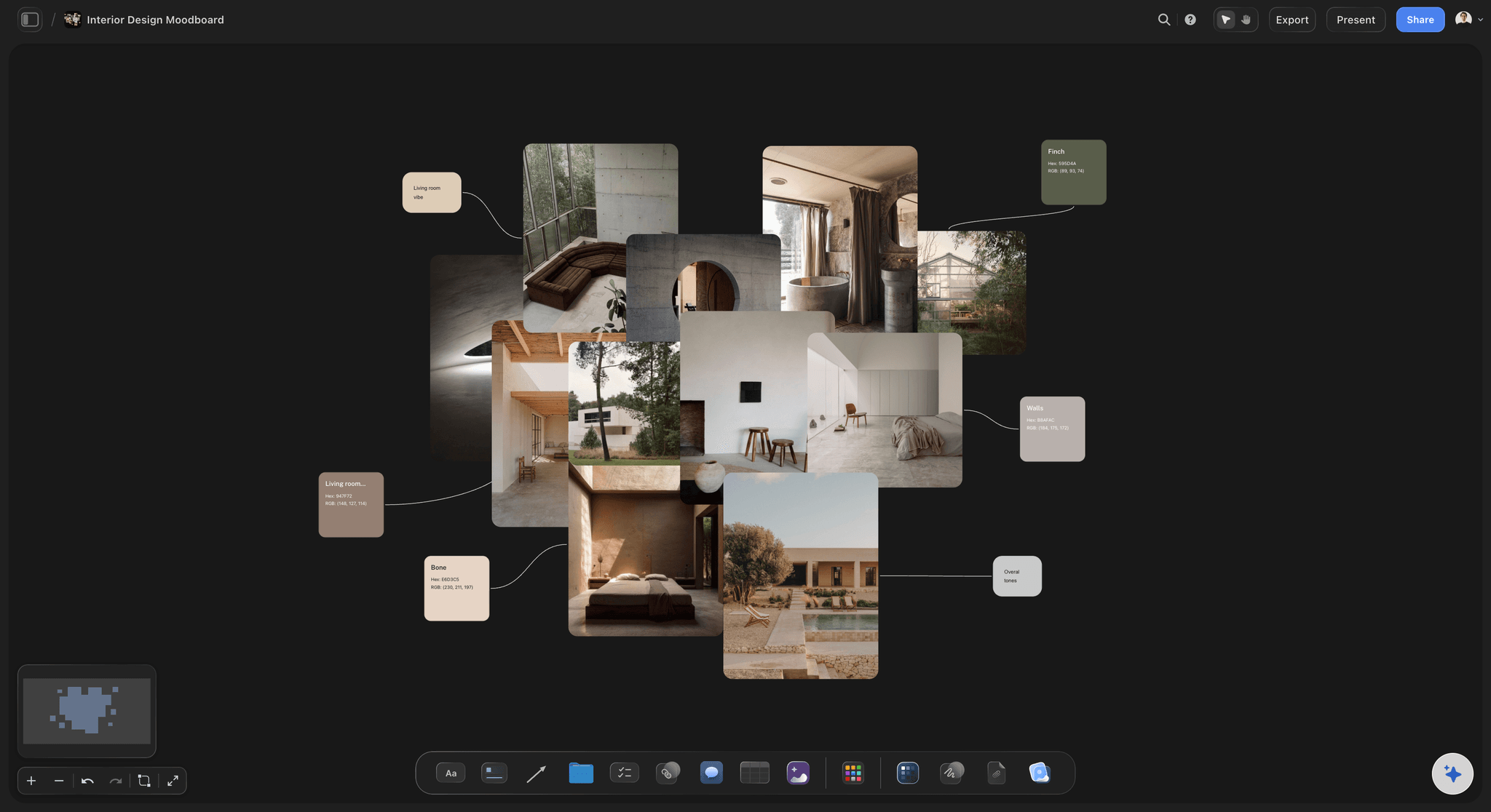
One link per listing
The agent sees the plan, not a text thread
Send the agent the listing board's view-only link before the shoot. They read it in any browser, and sign in when they want to add a must-show. A seller who wants the prep list on paper gets the whole board as a PDF.
See the client presentation tool →One board per listing, one row per week.
Keep every listing and the week's shoots on one studio board. Storyflow is paid-only during early access, with plans from $7.99 a month billed annually ($9.99 monthly). A free plan launches before the end of 2026, and anyone a paid member invites to a board joins free.
Unlimited listing boards, photos and video uploads on every paid plan
AI that adapts the shot list and prep checklist to each property
Tables with date, person and status cells for the week's shoots
Reusable template boards, view-only links and whole-board PDF export
Built for people with taste
A property video shot list, from the curb to twilight.
Copy it into whatever you shoot from. A common shape for a two-minute listing video is 25 to 30 clips, and this order gets them without walking the house twice.
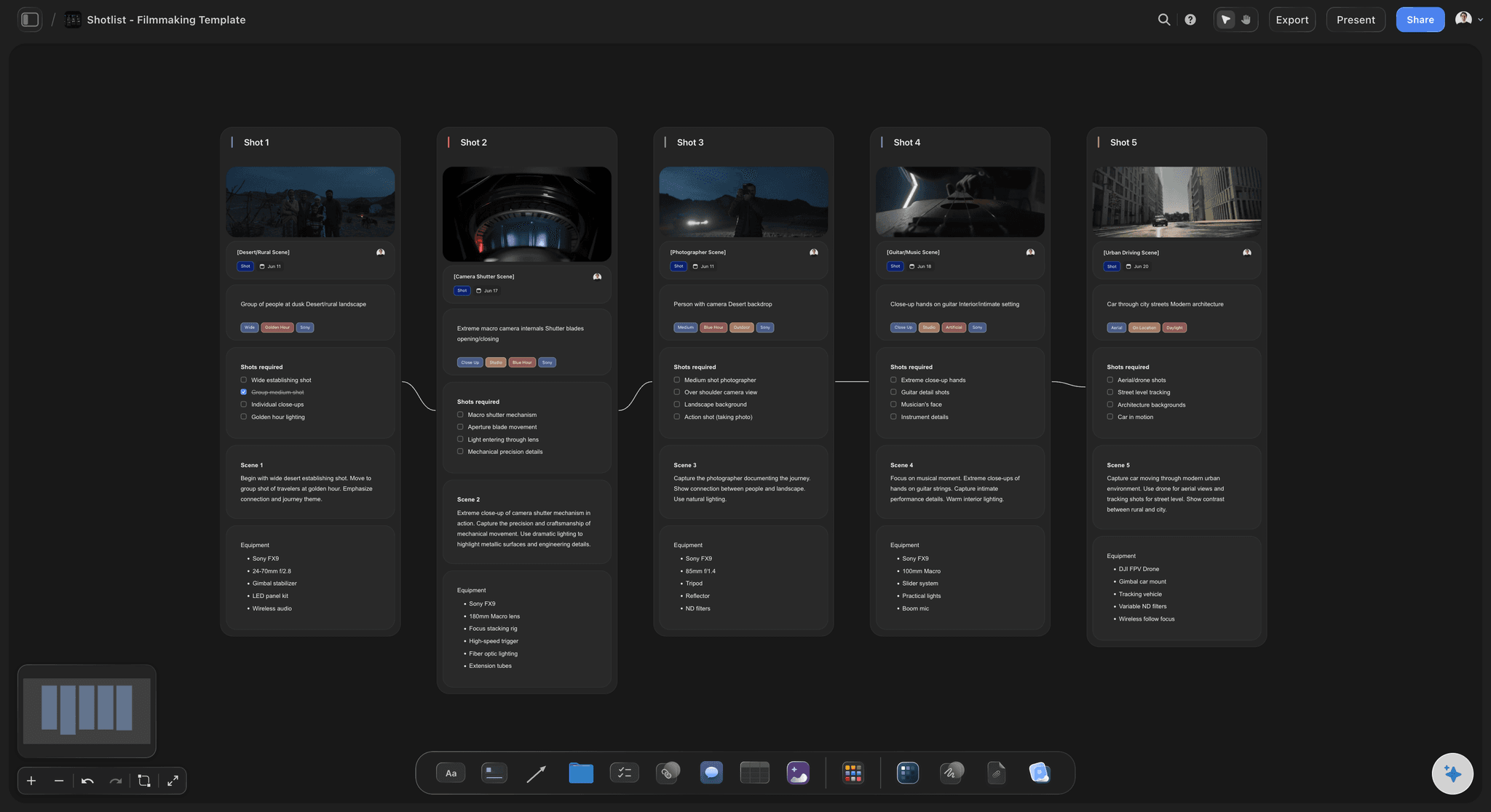
Shots 1 to 3
Outside and the way in
1. The hero exterior: The front at an angle, shot when the sun is on the facade, as a slow push-in or pull-back. Schedule the shoot around the light on the front, not around your next appointment.
2. The drone passes: A reveal from above, the lot and the street, and what is nearby that sells it: water, a park, the town centre. Check airspace rules for the address before the agent is promised drone.
3. The approach and the entry: Walking up to the door, the door opening, the first view inside. This is the shot that tells the viewer the tour has started.
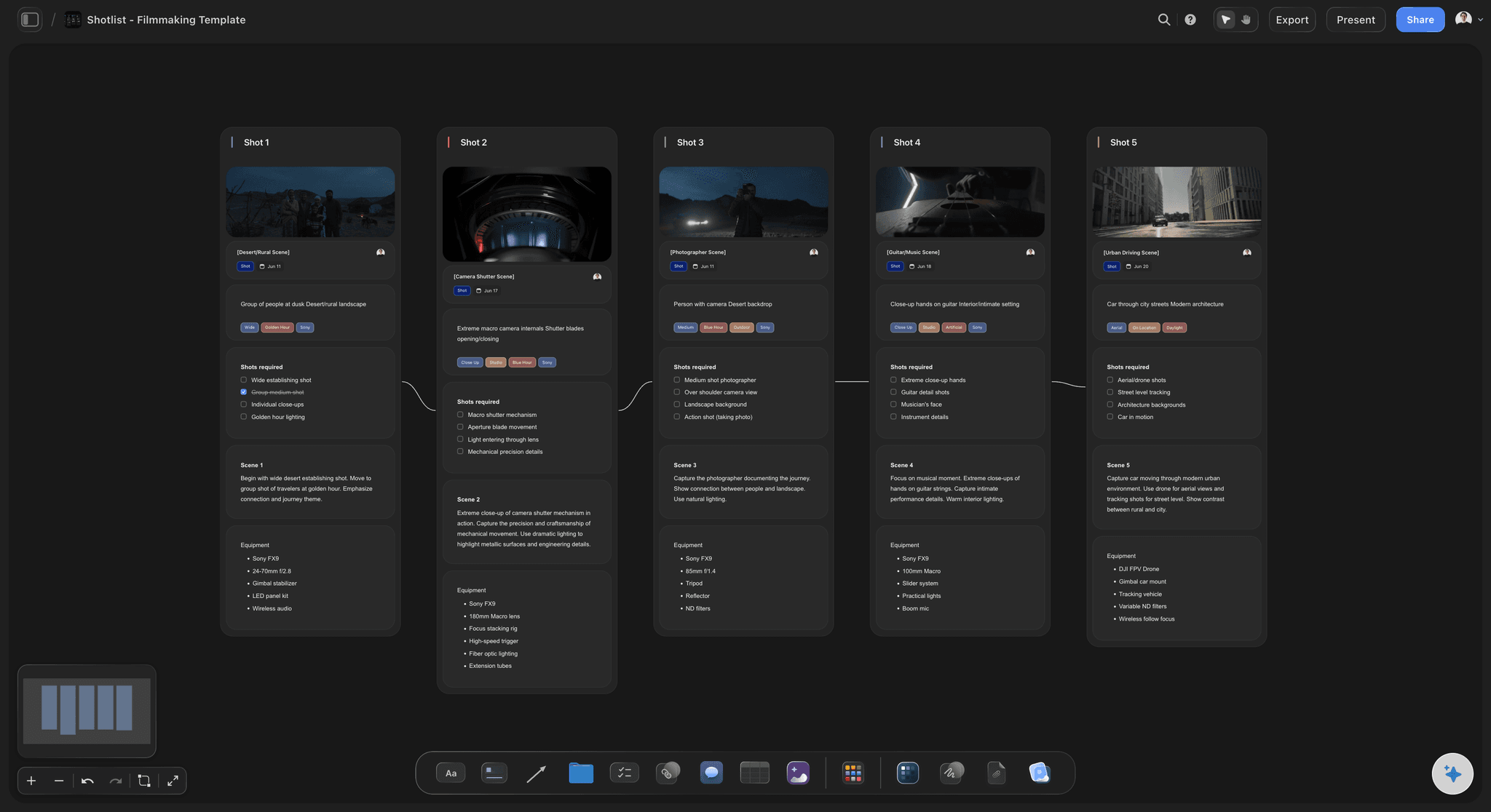
Shots 4 to 7
Inside, in walk-through order
4. Living and kitchen: Two moving shots each, a slow push and a lateral move, plus one detail per feature the agent named: the range, the island, the fireplace. These rooms carry the video.
5. The primary suite: The bedroom wide, the view from the bed, the bathroom and the closet. Beds made tight and personal items gone, which is why it is on the prep list.
6. Secondary rooms: One wide each. Skip the laundry and the box room unless they sell something, and say so in the shot list so an assistant does not film them anyway.
7. Outdoor and amenities: Garden, deck, pool, the view, then shared amenities for a unit: gym, roof, lobby. End outside so the edit can cut back to the drone.
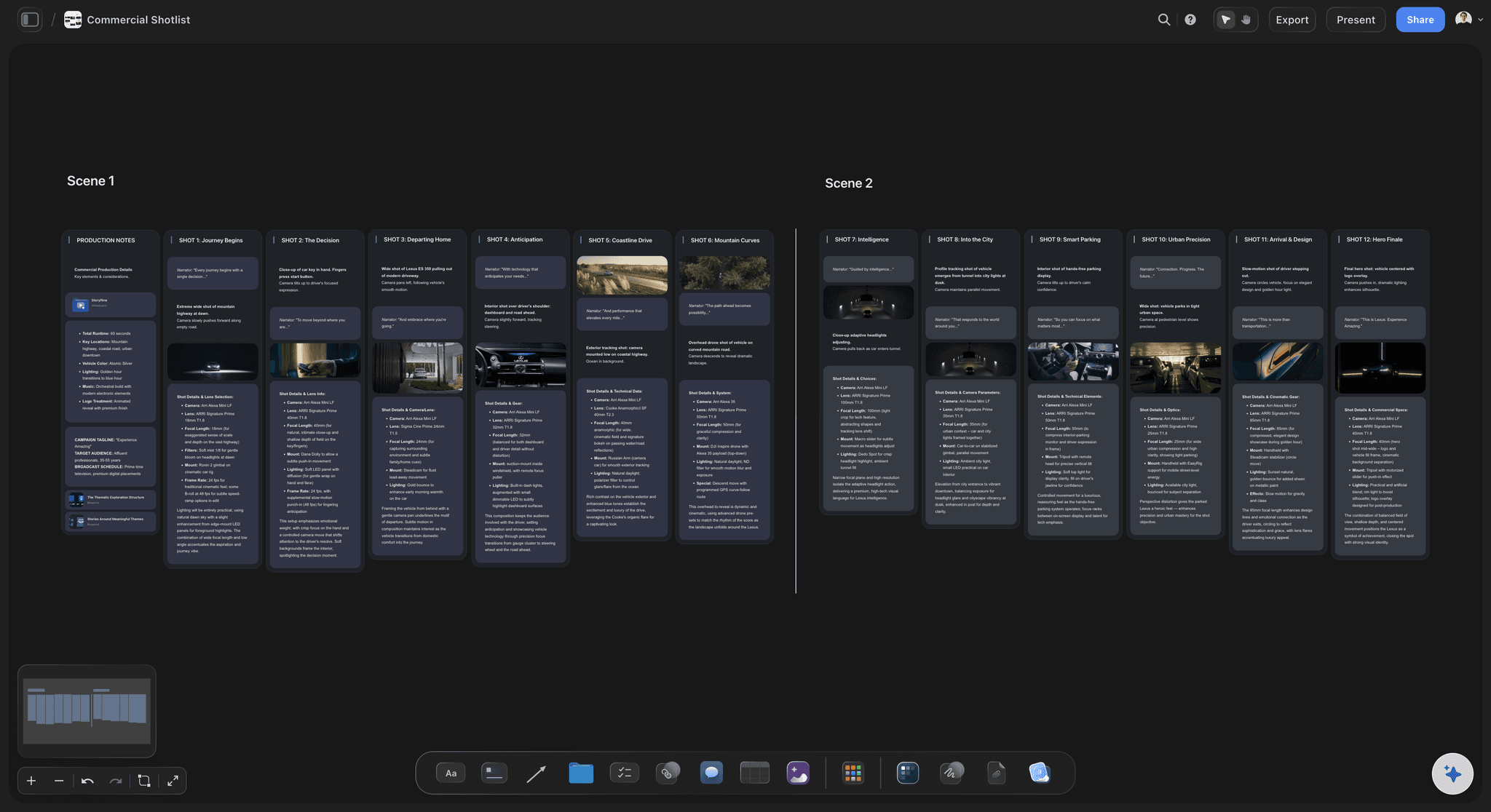
Shots 8 to 10
The agent, the twilight and the two cuts
8. The agent on camera: A short intro at the front door and an outro in the best room, two or three lines each, written before the day. Mic the agent; a camera mic in an empty house sounds like an empty house.
9. The twilight pass: The exterior with every light on, 15 to 30 minutes after sunset, as its own visit or the last slot of the day. It is the pass most exposed to weather, so it needs its own reschedule rule.
10. Two cuts from one shoot: An unbranded horizontal tour of one to two minutes for the MLS, and a branded vertical of 30 to 60 seconds for the agent's social. Frame the vertical's shots on the day.
Before the agent books
What protects a listings business
Turnaround, stated: Many studios promise photos the next day and video in 48 to 72 hours. Write yours on the template, so the agent's listing date and your edit queue agree before you book.
Reschedule and weather: What happens when rain cancels the drone or the twilight, how much notice a reschedule needs, and the fee for arriving to a house that is not ready.
The licence: Unless your contract says otherwise, you keep the copyright and license the agent to market that listing. Builders, stagers and the next listing agent need their own licence.
Size and travel: Price by square-footage band and travel distance, not by the hour. A 6,000-square-foot house is a different shot list, not a longer version of the same one.
The photo set on the same visit: Stills are most of what agents order: plan the photo count with the room order, and shoot them before the video so the house is dressed once.
Explore templates for your project
Every template opens as a real, editable board on the infinite canvas. Pick the closest fit and make it your own.
Pre-Production
Pull the brief, script, shot list, and moodboard into one pre-production hub so the whole shoot is planned in one place.
One app instead of five
Planning the shoot versus running the orders.
Storyflow plans what gets filmed at each property. Aryeo and HDPhotoHub run the orders, payments and delivery your agents see, and a spreadsheet holds a list that cannot show a reference clip.
Storyflow
Recommended
Shot list per property in walk-through order
Reference video plays on the planning board
Agent books the shoot online
Media locked until the agent pays
Property website for the listing
Aryeo
Shot list per property in walk-through order
Reference video plays on the planning board
Agent books the shoot online
Media locked until the agent pays
Property website for the listing
HDPhotoHub
Shot list per property in walk-through order
Reference video plays on the planning board
Agent books the shoot online
Media locked until the agent pays
Property website for the listing
Google Sheets
Shot list per property in walk-through order
Reference video plays on the planning board
Agent books the shoot online
Media locked until the agent pays
Property website for the listing
What creators are saying
Join early creators getting structured workspaces and AI that remembers their projects
“Storyflow has sped up my workflow by at least 3x, which means more flow state and more projects I can actually ship. It truly changed the way me and my team create.”

Reilin Joey
Director & YouTuber
“One prompt gets me a structured board. But the tactics are my favorite. I run my YouTube scripts through them and my intros and retention got better. It's amazing.”

Justkay
YouTuber & Freelance Filmmaker
“I used to juggle five apps to plan a project. Now I describe what I am making and get boards, lists, and a schedule. All in one place.”

George
@fernwehchronicles
What listing shooters ask about video.
Room order, seller prep, drone, twilight, turnaround and who owns the footage.
Storyflow keeps your standard listing shot list, the seller's prep checklist and your turnaround on one template board you duplicate per property, and its AI adapts the list to each house. Agents open it by link with no account, or get it as a PDF. Use Aryeo or HDPhotoHub for booking, payment and delivery, and a spreadsheet if you only need a printable list.
The hero exterior, drone passes, the approach and entry, two moving shots each of the living room and kitchen, the primary suite, one wide per secondary room, the outdoor space and amenities, and details of each feature the agent names. Add the agent's intro and outro if they are on camera, and a twilight exterior for listings that justify it.
In the order a buyer walks it, so the edit reads as a tour: exterior and drone, approach, entry, living, kitchen, dining, primary suite, secondary rooms, then outside. Shoot the exterior when the sun is on the front, which can mean starting inside. Keep the shot list in walk-through order even when you film out of it.
A prep checklist two days out: every bulb working, blinds set the same way, cars off the driveway, counters and bathrooms cleared, beds made tight, pets and people out, TVs and ceiling fans off. Ask back for access details, the seller's must-shows and whether the agent will be on camera. Ask the agent to forward the list to the seller.
Put both in the shot list as their own passes with their own conditions. Check airspace rules for the address before drone is promised, and hold a weather rule for both. Twilight is best 15 to 30 minutes after sunset with every light on, as a separate visit or the last slot of the day. Licensing and flight approvals are handled outside the plan.
If the video is for the agent's social channels, often yes: a short intro at the door and an outro in the best room, two or three lines each, written before the day and recorded with a mic. Keep the agent out of the unbranded MLS cut. Put the lines on the listing board so the agent can rehearse them.
An unbranded video has no agent name, face, phone number or logo, which many MLSs require for the tour link. A branded video carries the agent and their brokerage and runs on social and the agent's site. Most listings get both: the unbranded tour for the MLS and the branded cut for social, planned together in one shot list.
Next-day photos and video within two or three days is a common promise, faster for a rush fee. Put your turnaround on the template and keep a row per listing with its shoot date, due date and status, kept in date order. The agent's listing date is the real deadline, so ask for it when they book.
Yes, from the listing notes, with you correcting it on site. In Storyflow you paste the bedrooms, the features and the agent's must-shows into the listing board, and the AI adapts your template's shot list and prep checklist to that property. You decide the order, the moves and what gets skipped.
No. Online booking, order forms, payments, invoices, locking media until the agent pays, property websites and MLS-sized delivery belong in Aryeo or HDPhotoHub, along with scheduling across shooters. Storyflow is what the shooter works from on site; put the listing board's link in the order confirmation, so the agent gets the prep list with the booking.
Unless your contract says otherwise, the photographer or videographer keeps the copyright and licenses the agent to market that listing. Builders, stagers, architects and the next agent to list the property need their own licence. State the licence in your terms, and price extra usage, such as a developer's advertising, as its own line.
Not during early access. Storyflow is paid-only during early access, with plans from $7.99 a month billed annually ($9.99 monthly). A free plan launches before the end of 2026, and anyone a paid member invites to a board joins free. Agents pay nothing to open a listing board.
More from Storyflow
Shot list template
AI shot list generator
Video production proposal template
Storyflow for photographers
Product photography shoot plan
Photoshoot plan template
Interior design moodboard
Video production checklist
Video production tracker
Free video frame grabber
Best tools for real estate photographers
How to make a shot list
Pricing
Wedding videography planner
Shoot the next listing from a template.
Describe the packages you sell and build your listing template.