
Pitch-ready plans, extremely reliable
Plan the product launch video
back from the day it goes live.
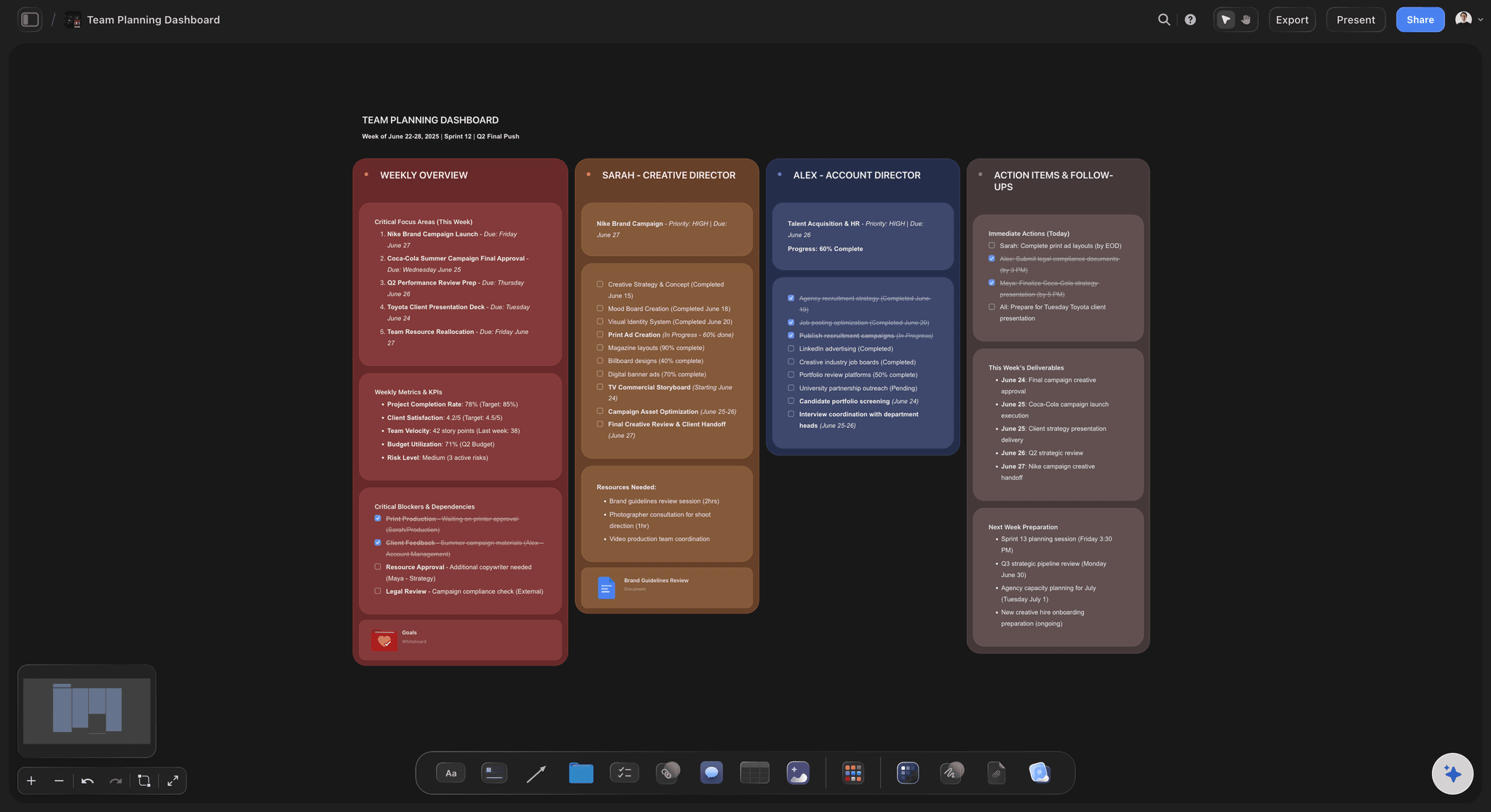
One message and its demo moment, a 60-second script, the storyboard, the shot list and a cut per channel, planned on the same board as the launch.


Creatives working for these brands already got early access
- Red Bull
- Canon
- Artlist
- Porsche
See how easy it is to get started
Watch a real project come together, from a blank board to a finished plan, clicked through step by step.
Start from a ready-made template
Pick a board to see what you can build, then let AI fill it in. Every template is a real, editable starting point on the same infinite canvas.

Storyboard
Lay out your shots frame by frame with images and notes, then reorder them until the sequence reads like the finished cut.
How do you plan a product launch video?
A product launch video is the minute or so that shows what you built, why it matters and what to do next, cut down for every channel on launch day. Storyflow is an AI visual workspace that plans the video beside the launch itself on one infinite canvas: a script and storyboard the AI drafts, a shot list, a cut per channel, and a planner that counts back from launch day to script lock.
One message, one demo moment. Write the message as a sentence a stranger could repeat, then pick the demo moment: the single shot where the product does what it promises. Every other second either sets that moment up or proves it happened. A video that tries to carry two messages lands neither of them.
Shoot it, record it, or both. Software launches are mostly screen recordings with zooms and a voiceover, sometimes with the founder on camera. Physical products need a shoot: hero shots on a clean background and the product in real hands. A mix of the two costs the most. Decide before the script, because it changes who you hire.
Launch day is fixed, so script lock is the real deadline. Count back three weeks: the last goes to the fine cut, cutdowns and captions, the middle one to recording and a first cut, and the earliest to the script, which locks as it ends. Record the interface only once it is final, or you will record it twice.
Ultra fast from brief to board
From one message to a cut for every channel.
The message comes first; every date follows from it.
01
Write the message, pick the demo moment
Paste the positioning and the launch brief, and write the one sentence the video has to land. Choose the moment the product proves it, and the AI's video script workflow drafts a 60-second script in beats around it for you to cut.
02
Storyboard the sixty seconds
The AI's storyboard workflow lays the script out frame by frame: the problem, the reveal, the proof and the end card. Note under each frame whether it is filmed, screen-recorded or motion graphics, so the cost shows before anyone is booked.
03
Set script lock and every date after it
The planner puts script lock, the recording day, the first cut, the fine cut and the cutdown deadline in a table with a date column, rows kept in date order. The shot list sits beside it, and so does the cutdown list.
04
Brief the editor from the board
Your editor or agency works from the script, the frames, the shot list and the cutdown list with each ratio and length, right next to everything else in the launch. Nothing gets re-briefed in a chat thread.
The launch video, planned where the launch is planned.
Recording, editing and rendering stay in your editor's tools. The board holds what they need before anyone presses record.
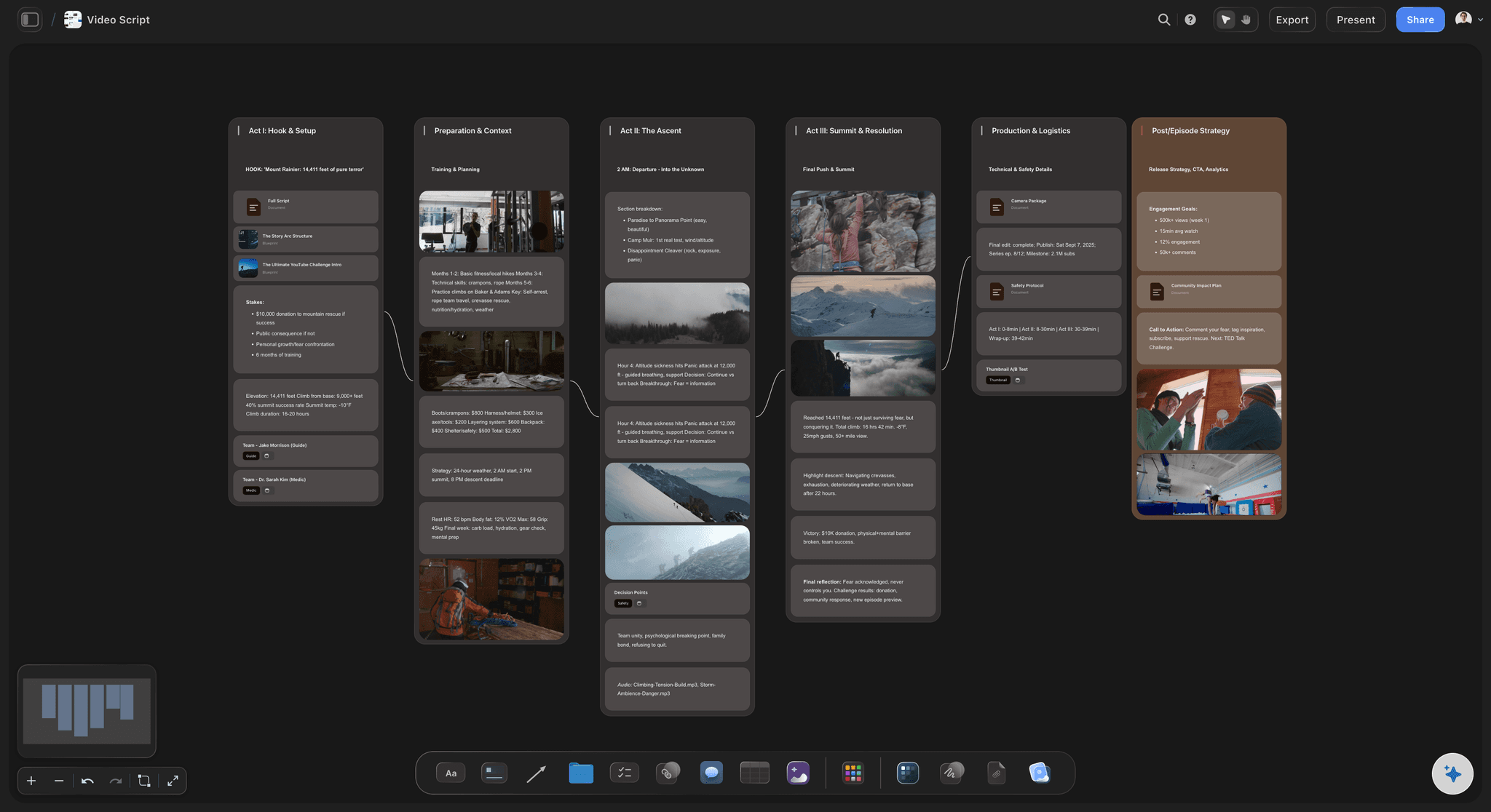
The words, timed
A 60-second script in beats
The AI's video script workflow drafts the script as beats with a second count on each: hook, problem, reveal, proof, result and call to action. You rewrite it until one message is left standing.
See how the AI drafts video scripts →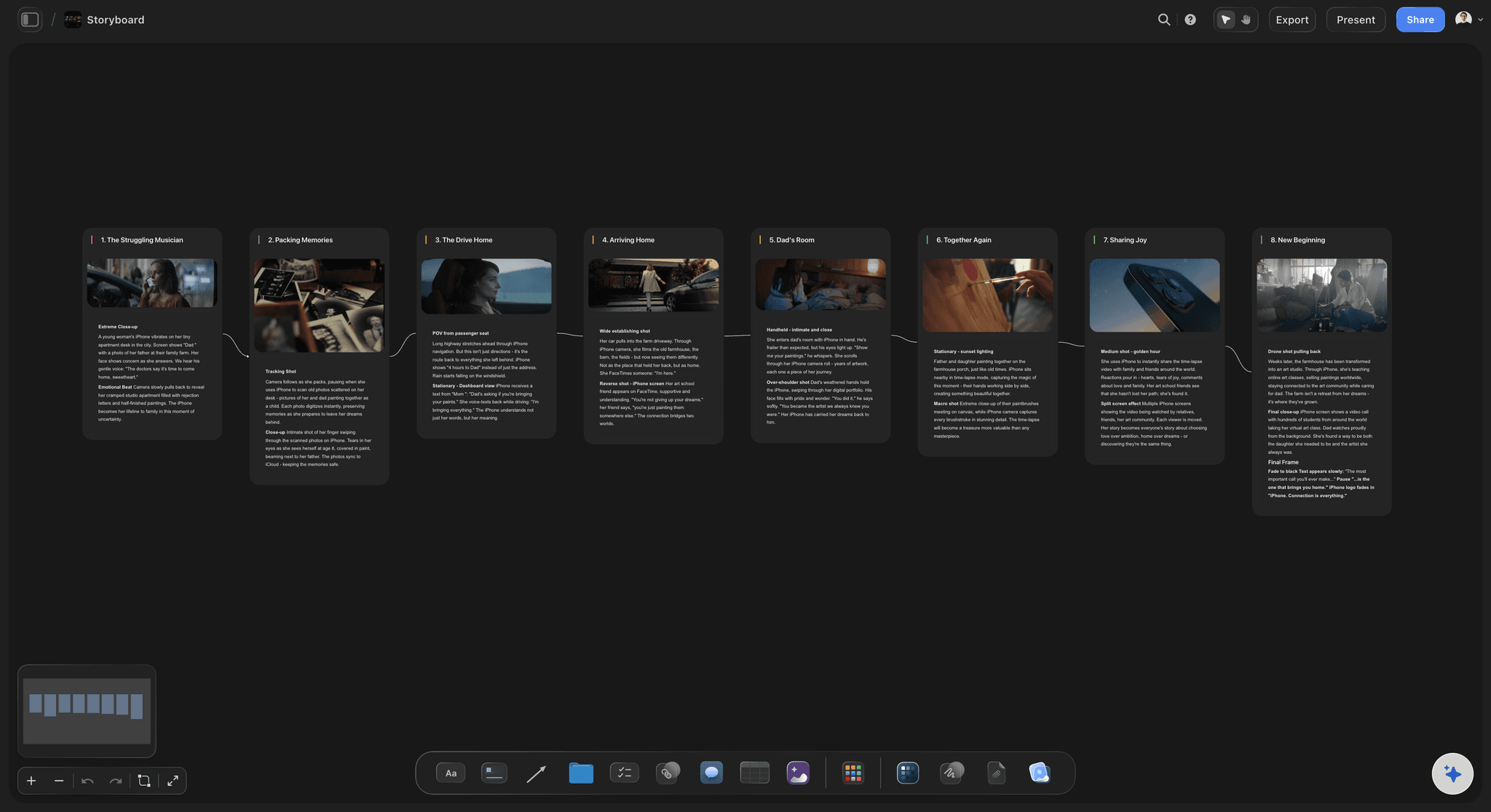
Frames before the shoot
A storyboard the founder and the editor both read
Six to ten frames, each with the line, the shot and a note on how it gets made. The AI's storyboard workflow lays them out and describes them on every paid plan, and generates the frame images on Pro and Max.
See the explainer video storyboard →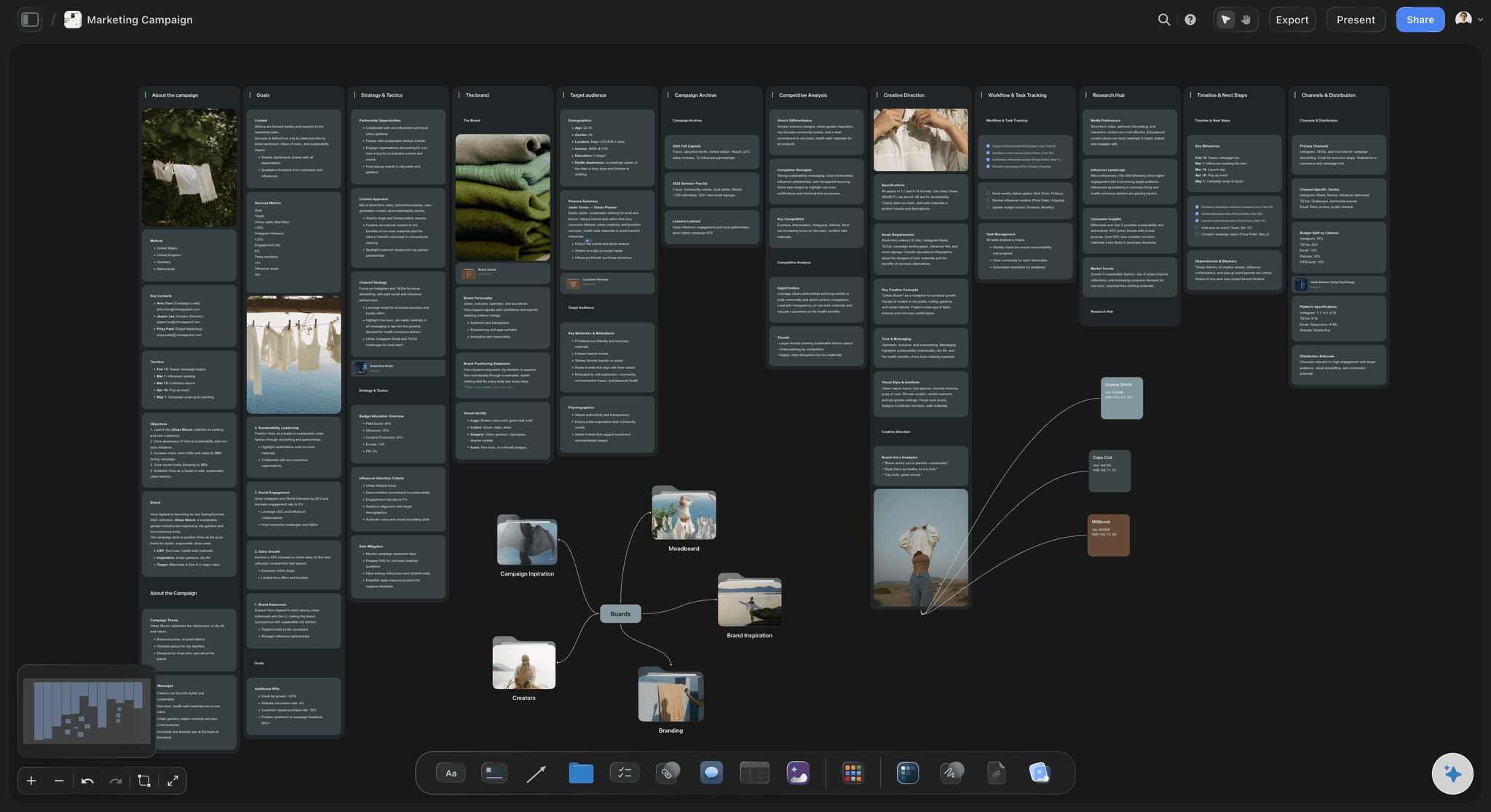
Dates that hold
The video plan inside the launch plan
The planner puts script lock, recording and the cutdown deadline in a dated table beside the launch roadmap. When launch day slips, the video's dates sit next to it, ready to move by hand.
See the product launch planner →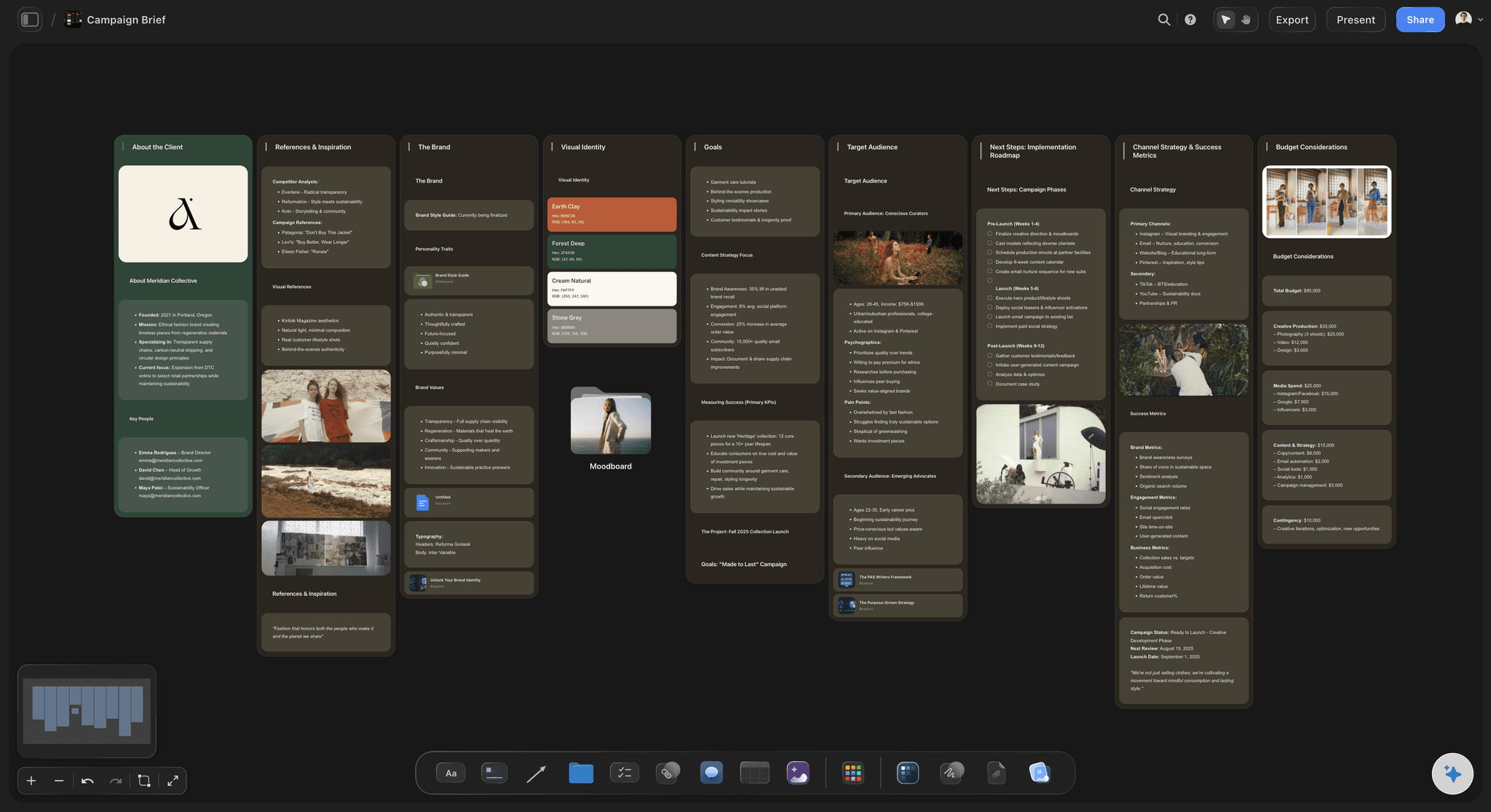
Sent to the editor
One link for the editor, the agency and the investors
Your editor opens the board from a view-only link with no account, and signs in to comment beside a frame or a line of the script. Export the whole board as a PDF for anyone who wants a file, or step through it fullscreen on the kickoff call.
See the marketing storyboard →Every launch keeps its own video plan.
Duplicate the last launch's board and the script beats, the cutdown list and the dates come with it. Storyflow is paid-only during early access, with plans from $7.99 a month billed annually ($9.99 monthly). A free plan launches before the end of 2026, and anyone a paid member invites to a board joins free.
Room for every launch you run: unlimited boards and file uploads on paid plans
AI video script, storyboard and shot list workflows (frame images on Pro and Max)
A planner that turns launch day into a dated video schedule
View-only links for your editor, whole-board PDF export and presentation mode
Built for people with taste
A 60-second beat sheet, three weeks of dates and a cut per channel.
A common shape for a 60-second launch with three weeks to go. Short of time, cut storyboard frames, never the days before script lock.
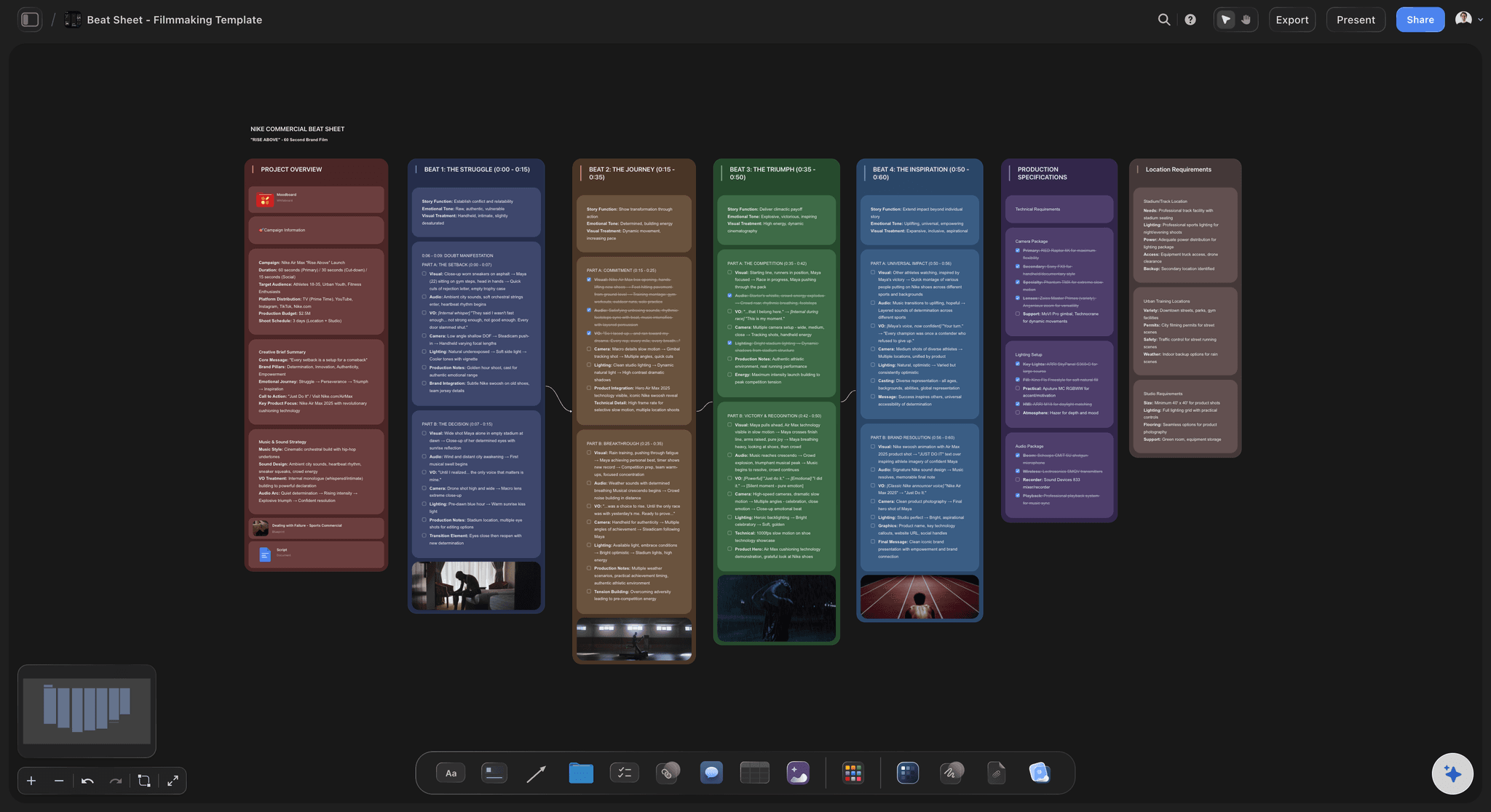
The beat sheet
Sixty seconds, from the hook to the call to action
0 to 3 seconds: the hook: One image or line that names the problem before any logo appears. On feeds that play muted, put it on screen as text.
3 to 20 seconds: the problem, then the reveal: Show the old way failing in the viewer's world, then cut to the product name and the one-line promise on the demo moment. That frame becomes the thumbnail.
20 to 45 seconds: the proof: The demo moment in full, plus one or two features doing real work, recorded on the final interface or shot in real hands. Cut every feature that does not prove the one message.
45 to 60 seconds: the result and the call to action: What changes for the user, in a beta customer's words if you have them, then one action and where to take it: sign up, preorder, join the waitlist. Hold the end card for at least three seconds.
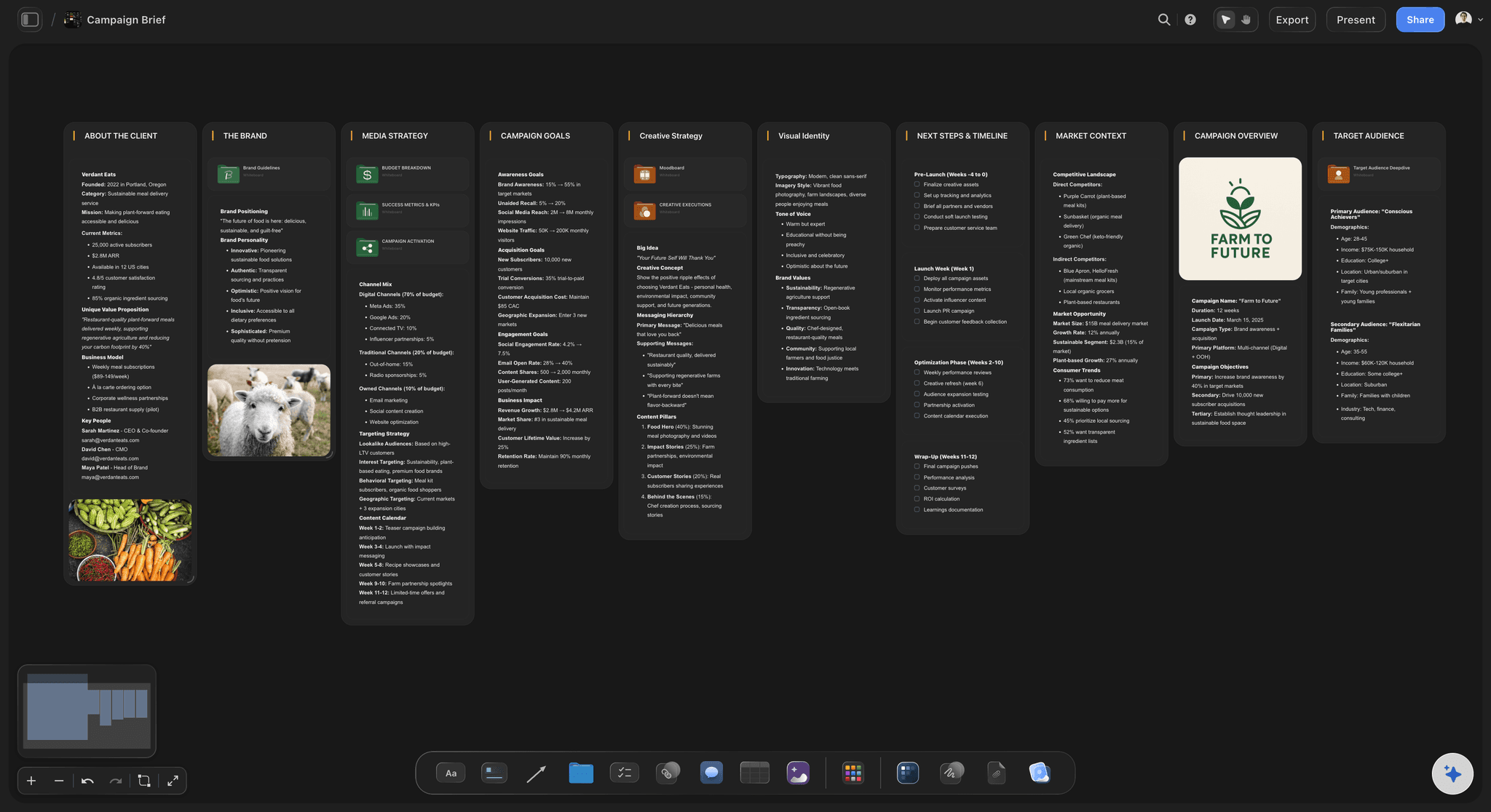
Three weeks, worked back
The dates between script lock and launch day
Three weeks out: message, script, storyboard: Write the message, draft the script, storyboard it and book whoever records, shoots or edits. End the week with script lock: after it, every change costs a re-record.
Two weeks out: record and first cut: Record the demo on the final interface, shoot any live action in a single day, and see a first cut by Friday. If the interface is still changing, freeze the screens the demo shows.
One week out: fine cut, cutdowns and captions: One round of notes on the fine cut, then the cutdowns, captions, thumbnails and end cards. Upload and schedule each post in its own platform two days early, not on launch morning.
Launch day and the day after: Post in the order the launch plan sets, and pin the video wherever a channel allows it. The day after, cut a 15-second clip around whichever line people quote back to you.
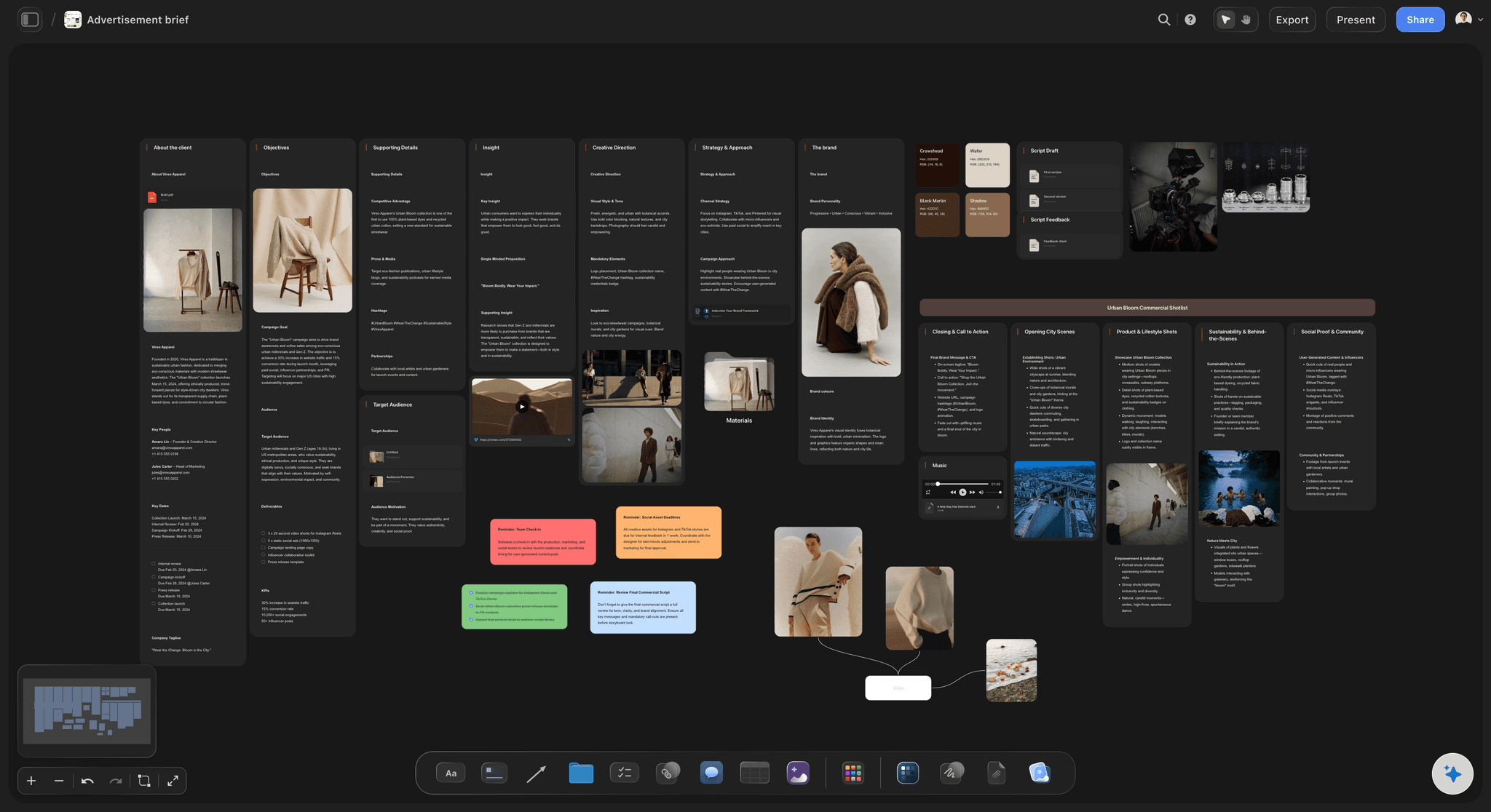
Ratios and lengths, channel by channel
A cut for each channel, with its ratio and length
Landing page: 60 to 90 seconds, 16:9: The full version with sound, plus a silent 10 to 20-second loop for the top of the page, since browsers generally autoplay video only without sound. Keep any text large enough to read at phone width.
X and LinkedIn: 30 to 60 seconds, 1:1 or 4:5: A square or 4:5 frame fills more of a phone screen than 16:9, and burned-in captions carry it without sound. Open on the hook, not the logo.
TikTok, Reels and Shorts: 15 to 30 seconds, 9:16: Reframe for vertical instead of letterboxing the 16:9 cut, and keep text clear of the bottom and right edges where each app draws its buttons. This is where the founder talking straight to camera fits.
Launch email and Product Hunt: Most email apps will not play video, so use a still or a GIF of the demo moment that links to the full cut. Product Hunt only accepts the video as a YouTube link that is not set to private, so upload the full cut there first.
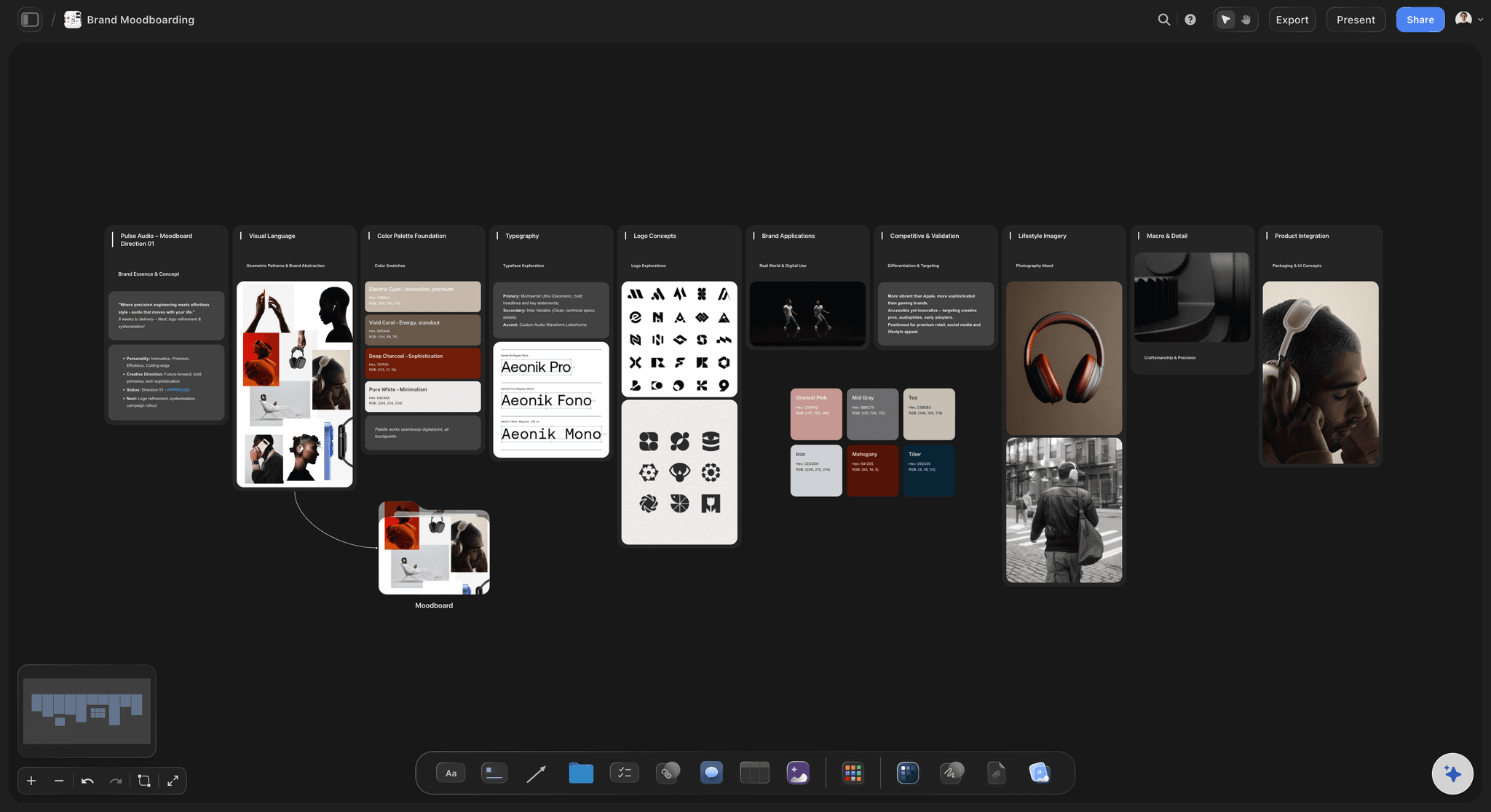
Launch video examples
Three shapes most launch videos take
The founder demo: The founder on camera for the problem and the call to action, the screen recording for the proof. It is the cheapest shape that still builds trust, and it suits software bought from people customers want to meet.
The product reveal: No talking: music, hero shots and a few lines of type, for a physical product or a big visual change. It needs a real shoot and a tight storyboard, and it explains the least about how the product works.
The customer proof: A beta customer's words over the product in use, closing on the launch offer. It needs someone willing to go on camera before launch, planned like any filmed customer testimonial.
Explore templates for your project
Every template opens as a real, editable board on the infinite canvas. Pick the closest fit and make it your own.
Storyboard
Lay out your shots frame by frame with images and notes, then reorder them until the sequence reads like the finished cut.
One app instead of five
Storyflow vs Canva, Descript and Notion for a launch video.
Canva makes the video from templates, and Descript records it and edits it by editing the transcript. Notion holds the launch plan as pages. Storyflow lines the video up against the launch date, from the script to the cutdown list.
Storyflow
Recommended
Shot list drafted from the storyboard
Planner works back from the launch date
Frames grabbed from a reference video
Screen demo recorded in the tool
Finished cut edited and exported
Canva
Shot list drafted from the storyboard
Planner works back from the launch date
Frames grabbed from a reference video
Screen demo recorded in the tool
Finished cut edited and exported
Descript
Shot list drafted from the storyboard
Planner works back from the launch date
Frames grabbed from a reference video
Screen demo recorded in the tool
Finished cut edited and exported
Notion
Shot list drafted from the storyboard
Planner works back from the launch date
Frames grabbed from a reference video
Screen demo recorded in the tool
Finished cut edited and exported
What creators are saying
Join early creators getting structured workspaces and AI that remembers their projects
“Storyflow has sped up my workflow by at least 3x, which means more flow state and more projects I can actually ship. It truly changed the way me and my team create.”

Reilin Joey
Director & YouTuber
“One prompt gets me a structured board. But the tactics are my favorite. I run my YouTube scripts through them and my intros and retention got better. It's amazing.”

Justkay
YouTuber & Freelance Filmmaker
“I used to juggle five apps to plan a project. Now I describe what I am making and get boards, lists, and a schedule. All in one place.”

George
@fernwehchronicles
Product launch videos, answered.
Length, script, ideas, timing, assets and music for a small team's launch.
Storyflow plans the launch video right next to the launch plan, on one board: the AI's video script and storyboard workflows draft the script and frames, a shot list and cutdown list follow, and every date is set back from launch day. Your editor opens the board by link with no account or reads it as a PDF. To record and edit, use Screen Studio, Descript, Premiere or CapCut.
Long enough to show the demo moment once, properly: for most launches that means 60 to 90 seconds for the full cut on the landing page. Each channel then gets its own shorter cut rather than the same file, down to 15 seconds for vertical feeds. If the product needs more than 90 seconds to show, make a separate demo video and link to it.
Start from one message and one demo moment, then write in beats: a three-second hook, the problem, the reveal, the proof, the result and one clear action. Read it aloud against a timer; about 130 to 150 spoken words fill a minute at a natural pace. Cut every feature that does not prove the message, and lock the script before anyone records.
Start from what your first customers will believe: the founder showing the product on screen, a wordless reveal of a physical product, or a beta customer describing what changed. Then look for one surprising demo moment inside that shape, such as a task that used to take an afternoon finishing in seconds. Map the options as a mind map on the launch board before you pick one.
Screen-record when the product is software and the proof happens on screen; film when the product is physical or the story needs a person; mix them when the founder or a customer carries the problem and the screen carries the proof. The mix sets the crew, the days and the budget, so settle it before the script, and note on each storyboard frame how it will be made.
Three weeks before launch is a workable minimum for a 60-second video with a screen demo: a week for the message, script and storyboard ending in script lock, a week to record and cut, and a last week to polish, cut down and caption. Add a week or two for a live-action shoot, and start earlier if the interface is still changing.
A demo video shows how the product works, feature by feature, often for two to five minutes, and it lives on the product page and in sales follow-ups. A launch video sells the reason to care in about a minute and asks for one action. Plan both on the same board, because the demo usually reuses the launch video's screen recordings.
Logo files and brand colours, the final interface screens, product shots, the music track and its licence, voiceover files, caption files, a thumbnail for each channel, and the end card with the URL. Keep the list as a table on the launch board with an owner and a date column, so nothing arrives on launch morning, and have the AI export it as an Excel file if the agency tracks assets there.
AI can draft the plan. In Storyflow the video script workflow drafts the script in beats, the storyboard workflow lays out the frames, with generated images if you are on Pro or Max, and the shot list workflow breaks them into shots. The recording, the edit and the render happen in a video tool, and your judgement decides which line stays.
No. Storyflow plans the video and keeps it tied to the launch. For a polished screen recording on a Mac, use Screen Studio; to record and edit by editing the transcript, Descript; for a full edit, Premiere; for quick vertical cuts, CapCut. Paste the board link into the brief you send the editor, so they work from the script, frames and cutdown list.
Use a track licensed for how the video will run: some stock music licences exclude paid ads or broadcast, so check the tier before you boost a post. A popular song needs a sync licence from the publisher and a master licence from the label, which is rarely worth it for a launch. Keep the licence file with the assets on the launch board.
Not during early access. Storyflow is paid-only during early access, with plans from $7.99 a month billed annually ($9.99 monthly). A free plan launches before the end of 2026, and anyone a paid member invites to a board joins free. A freelance editor you invite pays nothing to work on the plan.
More from Storyflow
Product launch planner
Launch roadmap
Product launch checklist
Go-to-market plan template
Explainer video storyboard
Marketing storyboard
AI video script generator
Testimonial video planner
How to plan a product launch visually with a small team
The small-team launch timeline template
Music licensing for video
Content repurposing planner
Pricing
Simple AI storyboarding tool
Kickstarter campaign planner
Product launch plan with ChatGPT
Plan a product launch visually
Lock the script before launch day locks you in.
Open a canvas, paste the launch brief, and give the script a lock date. No download.