
Extremely clear strategy, zero busywork
A monthly client report
the client actually reads.
For agencies and studios on a retainer: one verdict at the top, the work beside its numbers, the hours used, and three things you need from the client next month. One board, one link.


Creatives working for these brands already got early access
- Red Bull
- Canon
- Artlist
- Porsche
See how easy it is to get started
Watch a real project come together, from a blank board to a finished plan, clicked through step by step.
Start from a ready-made template
Pick a board to see what you can build, then let AI fill it in. Every template is a real, editable starting point on the same infinite canvas.

Marketing Plan
Lay out your goals, channels, and initiatives for the quarter on one board.
What should a monthly client report include?
A monthly client report is the short account an agency sends a retainer client each month: whether the work is on track, what shipped, what it did against the target, how many of the paid hours were used, and what happens next. Storyflow is an AI visual workspace that builds that report on one infinite canvas: the verdict, the work, the numbers and the hours, beside the plan for next month. Its AI lists everything that changed on the client's board during the month and turns the figures you paste or attach into charts.
Open with one line the client could repeat to their boss. On track, ahead or behind, and the one reason why. Most clients read that line, look at two pictures and stop. Write the report so that a reader who stops there still knows the truth, and put everything else below it for the reader who keeps going. Write that line last, after you have looked at everything below it.
Then show what shipped, as the work itself rather than a list of task names. The six posts, the landing page, the two cut-downs of the film, each with a picture and the one number that belongs to it. A post next to its saves and a page next to its sign-ups says more than a table of twenty metrics. Pick three to five numbers for the whole month, and show each one against last month and against the target you agreed at the start. For a social retainer that might read: saves 1,840 against 1,500 last month and a target of 2,000; link clicks 920 against 1,100 and a target of 1,000. One number up and short, one number down and short, and the report says which one you are fixing first.
Report the hours like a bill nobody is surprised by. A worked example: a 60 hour monthly retainer at $120 an hour is $7,200. This month used 52 hours: strategy 6, creative 28, production 10, account management 8. Eight hours roll over, or are spent on the test the client asked about in week two. Put the four lines in a table with a Sum footer so the total adds itself, and say in one sentence what the spare hours will be used for.
End with what you need from them. Most retainers slow down on the client side: feedback that takes nine days, a product shot that never arrives, a sign-off waiting on someone who is on holiday. List each ask with a name and a date, and put it near the top of next month's plan. The report that names the delay politely is the one that stops it happening again.
Keep the month's report on the same board as the work, not in a separate deck. Next month you duplicate the report section, change the numbers, and the history builds up beside it. After six months, the client can scroll back through half a year of what was made and what it did, and the renewal conversation has its evidence already laid out.
Ultra fast from brief to board
Four moves, and the month is reported.
About an hour a month if the client's board is already where the work happens, and the first one takes an afternoon to set up.
01
Ask what changed this month
On the client's board, ask Storyflow's AI what changed in the last month. It lists what was added, edited or moved and who did it. That list is the first draft of what shipped, and nothing gets forgotten because it happened in week one.
02
Put the work next to its numbers
Lay out the pieces that shipped as pictures, each with its one number underneath. Paste the month's figures or attach the CSV or Excel export from the ad platform, and ask the AI for a bar or line chart of the three to five numbers that matter.
03
Add the hours and the asks
Add a table for hours used by type of work, with a Sum footer against the retainer. Below it, list what you need from the client next month with a name and a date beside each ask.
04
Write the verdict, then send one link
Write the one line at the top last, once you have seen everything below it. Send a view-only link the client opens with no account, step through it in presentation mode on the monthly call, or export the board as a PDF.
The verdict, the work, the hours and the asks.
Storyflow builds and shows the report. The figures still come out of the ad platforms and the analytics account.

What shipped
The month's changes, listed for you
Ask Storyflow's AI what changed on the client's board this month and it lists every piece added, edited or moved, with who did it. Turn that list into the shipped section instead of rebuilding the month from memory.
See the agency client project planning board →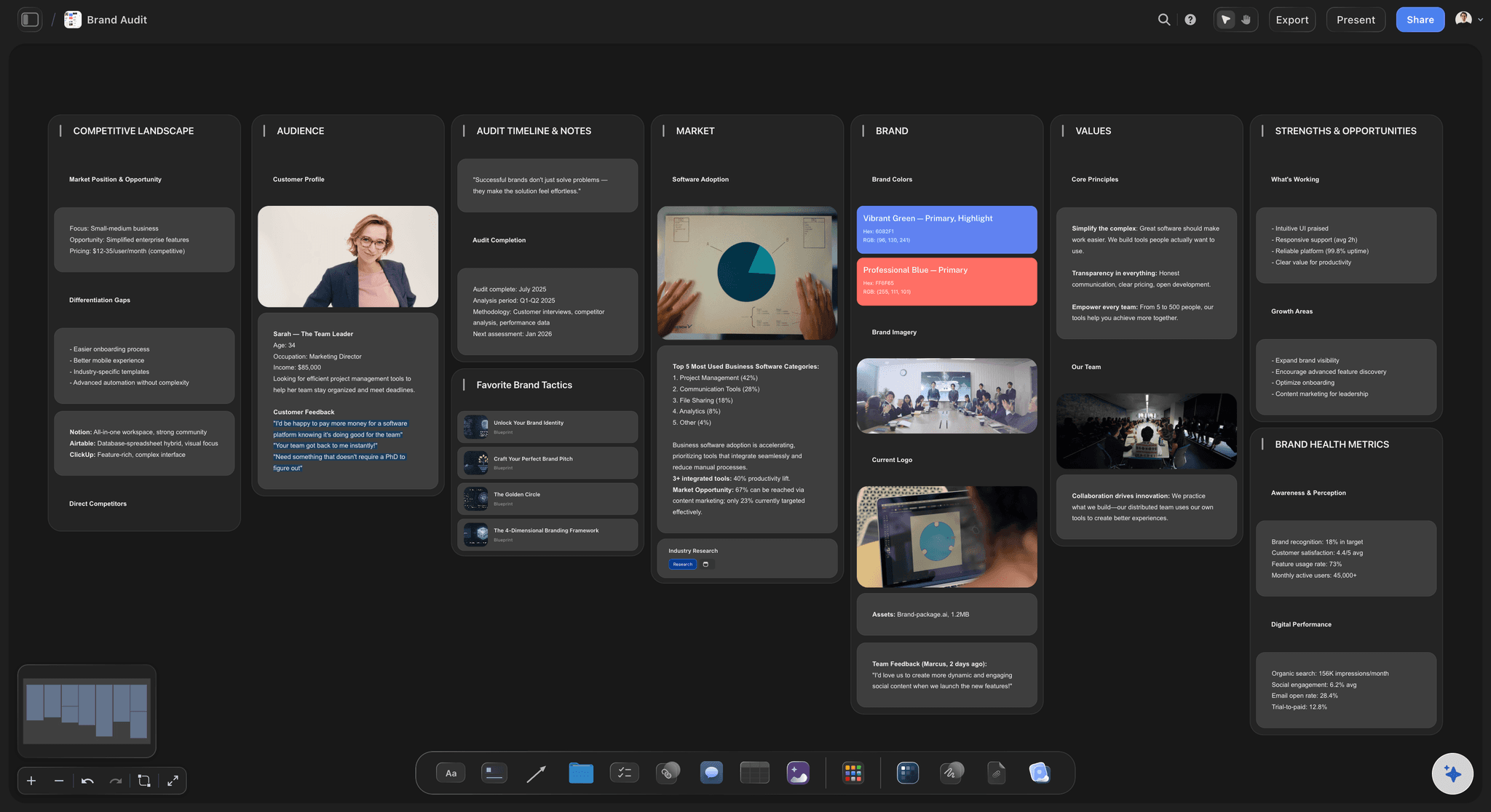
The numbers
Charts from the figures you already have
Paste the month's numbers or attach the export from the ad platform, and the AI draws a bar, line or pie chart from those real values. Three to five numbers, each against last month and the target.
See the campaign wrap report →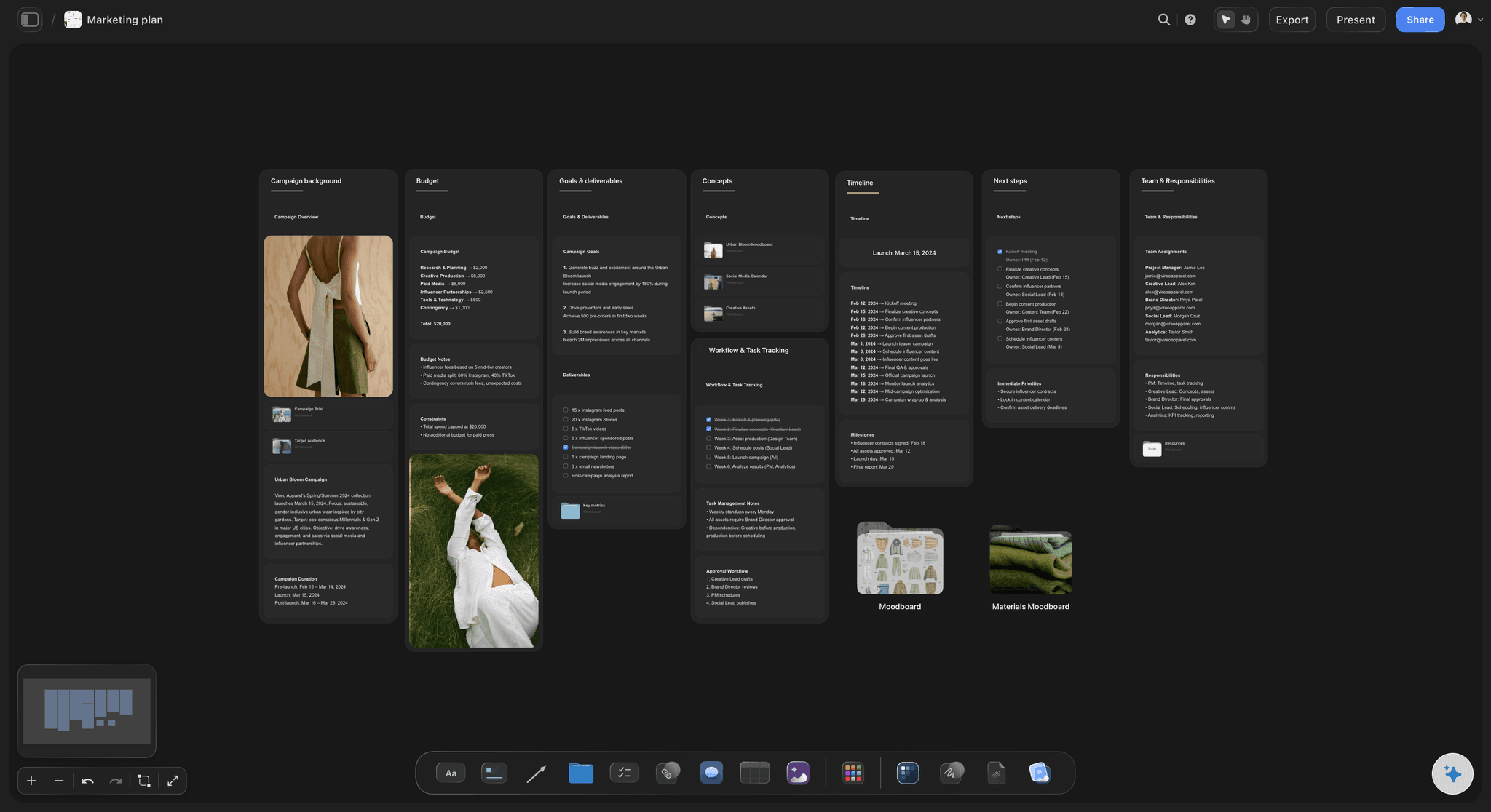
The retainer
Hours used, totalled in the footer
Strategy, creative, production and account management in one table with a currency or hours column and a Sum footer. The client sees what the fee bought, and you see early when a month is running hot.
See the creative retainer plan →
The read
One link, the monthly call, or a PDF
The client opens the report from a view-only link in any browser with no account. Step through it fullscreen on the call in presentation mode, or export the whole board as a PDF for the client's finance team.
See the client presentation tool →Six months of reports, one scroll back.
Each month's report sits on the client's board beside the work it describes, so the renewal meeting opens with half a year of evidence instead of a deck built the night before. Storyflow is paid-only during early access, with plans from $7.99 a month billed annually ($9.99 monthly). A free plan launches before the end of 2026, and anyone a paid member invites to a board joins free.
Unlimited boards, image uploads and files on every paid plan
Invite the client to their board without buying them a seat
Charts drawn from real figures you paste or attach
Whole-board PDF export for the client's finance team
Presentation mode for the monthly call, no export needed
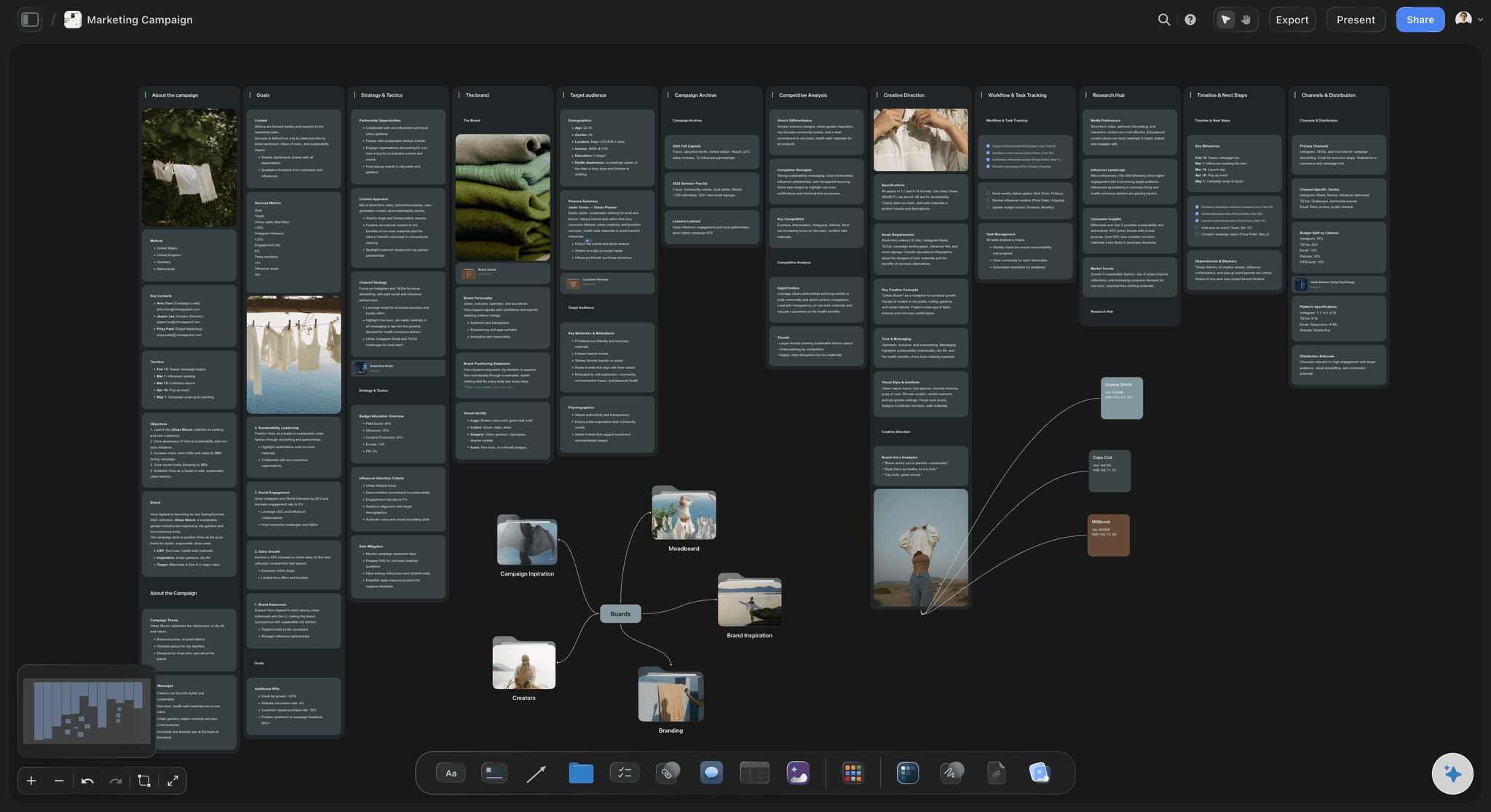
Built for people with taste
Why monthly reports get skimmed and then argued about.
Three habits that turn a useful monthly report into a chore, and each one is easy to break once the report lives on the same board as the work.
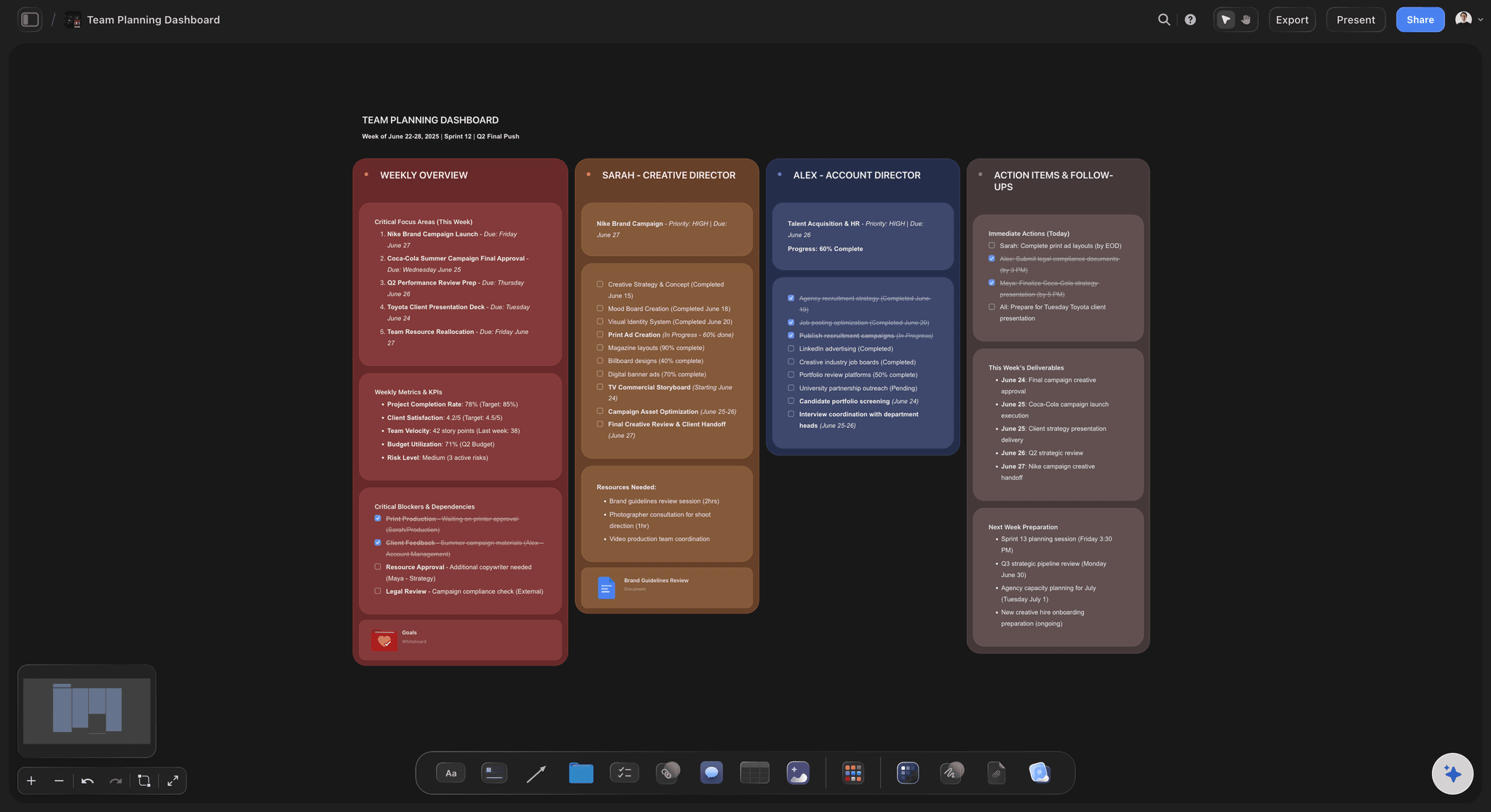
The data dump
Twenty metrics and no answer
One verdict at the top: On track, ahead or behind, and the reason in one sentence. A client who reads only that line still knows where the account stands.
Three to five numbers, not twenty: Pick the numbers the client agreed to judge you on, show each against last month and the target, and leave the rest in an appendix.
Blanks stay blank: A figure you could not get is left empty with a note, not estimated. The guessed number is the one quoted back at you in the quarterly review.
Misses said plainly: If a number missed, say so first, then say what you will change. Clients forgive a miss far faster than they forgive finding it themselves, usually in a meeting with their own boss in the room.
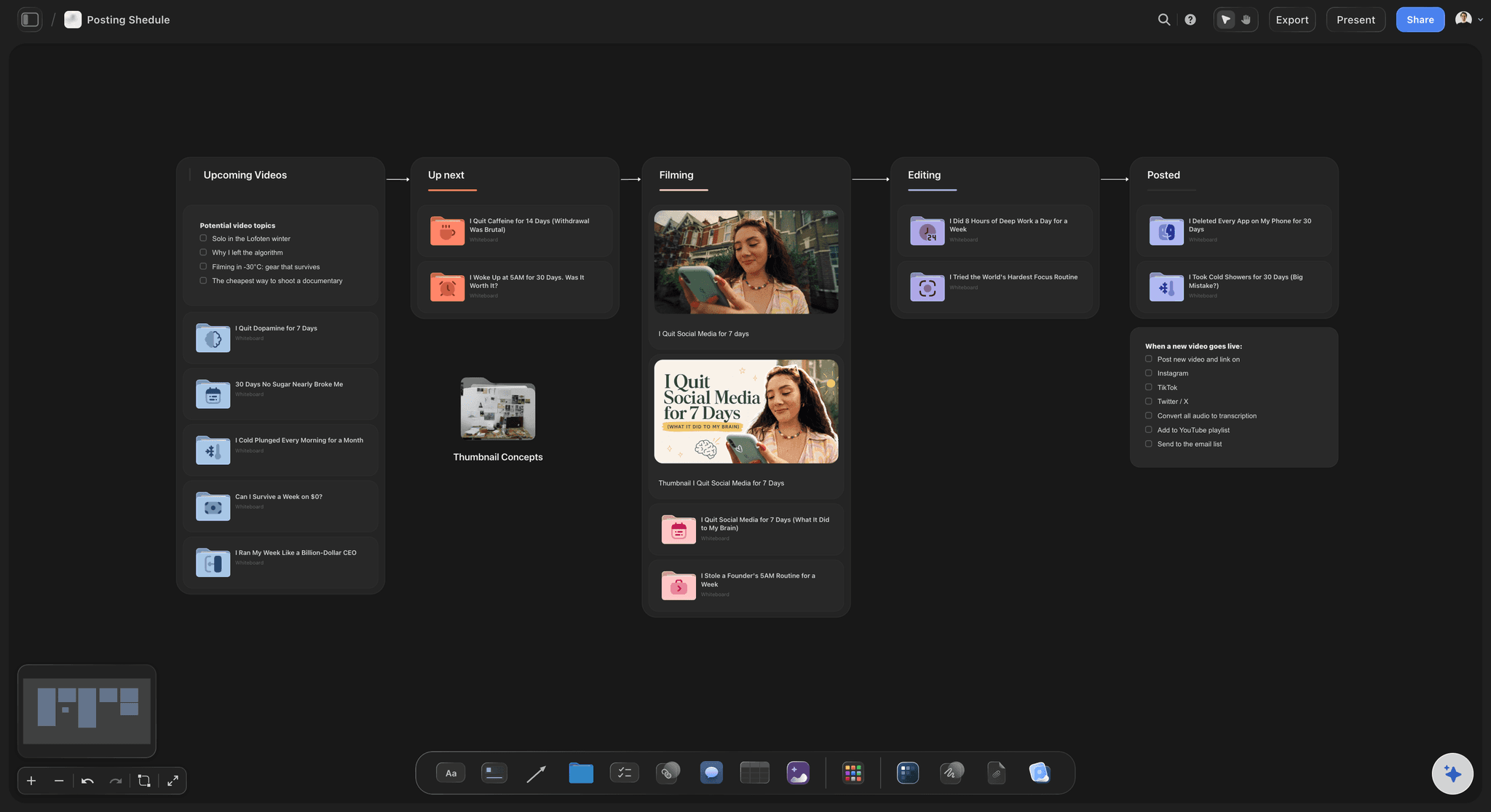
The missing work
A report that never shows what was made
Every piece as a picture: The posts, the page and the film appear as themselves, so a client who was not in the reviews still sees what their fee produced.
One number under each piece: Saves under the post, sign-ups under the page, completion rate under the film. The link between work and result is there to see, not described.
Nothing lost from week one: Ask the AI what changed on the board in the last month. Work that shipped early and was forgotten by the end of the month comes back onto the list.
The best piece first: Lead with the piece that worked best and say why you think it did. That sentence shapes next month's brief more than any chart.
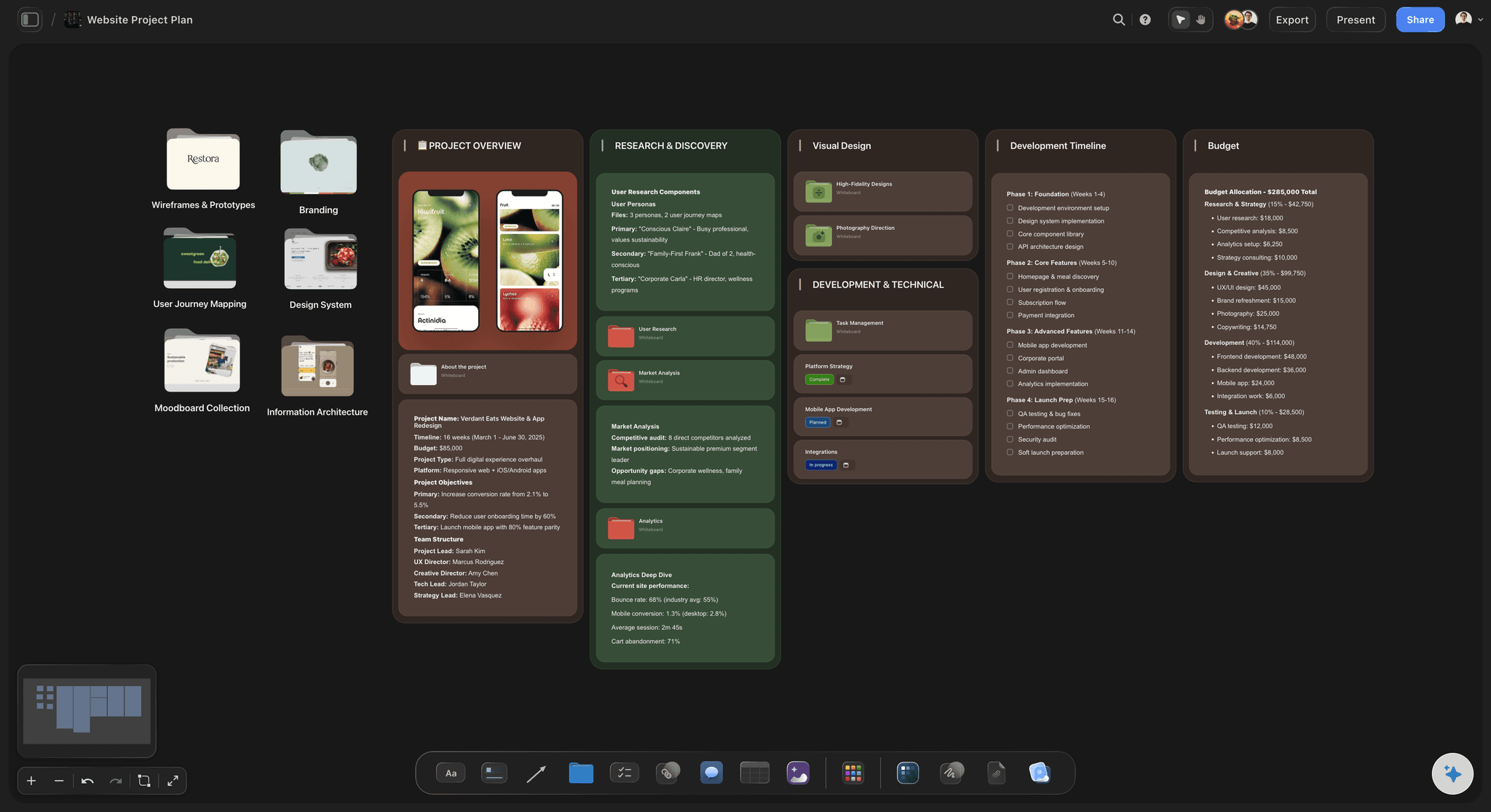
The next month
Delays on the client side never get named
Asks with a name and a date: Feedback on the second film by the 8th, product shots by the 12th, sign-off from the brand lead by the 15th. Each one is a row with a name and a date, not a hint buried in the last paragraph of an email.
Spare hours given a job: Hours left over are not a quiet bonus. Say what they will be spent on, such as the test the client mentioned, so the retainer looks used and useful.
Next month's plan on the same board: The plan sits beside the report it came from, so the client approves next month with this month's results in view.
Comments where they belong: A client who signs in leaves a comment beside the exact chart or piece they mean, instead of a reply-all asking which number you meant.
Explore templates for your project
Every template opens as a real, editable board on the infinite canvas. Pick the closest fit and make it your own.
Marketing Plan
Lay out your goals, channels, and initiatives for the quarter on one board.
One app instead of five
Where Storyflow fits in client reporting.
It builds the monthly report around the work. It does not connect to ad accounts or send reports on a schedule.
Storyflow
Recommended
The work shown next to its numbers
Charts from figures you paste or attach
AI lists what changed on the account this month
Hours used against the retainer, totalled
Client reads it from a link, no account
Next month's asks with names and dates
Live data pulled from ad and analytics accounts
Reports emailed on a schedule
Reporting dashboards
The work shown next to its numbers
Charts from figures you paste or attach
AI lists what changed on the account this month
Hours used against the retainer, totalled
Client reads it from a link, no account
Next month's asks with names and dates
Live data pulled from ad and analytics accounts
Reports emailed on a schedule
Slides and a spreadsheet
The work shown next to its numbers
Charts from figures you paste or attach
AI lists what changed on the account this month
Hours used against the retainer, totalled
Client reads it from a link, no account
Next month's asks with names and dates
Live data pulled from ad and analytics accounts
Reports emailed on a schedule
What creators are saying
Join early creators getting structured workspaces and AI that remembers their projects
“Storyflow has sped up my workflow by at least 3x, which means more flow state and more projects I can actually ship. It truly changed the way me and my team create.”

Reilin Joey
Director & YouTuber
“One prompt gets me a structured board. But the tactics are my favorite. I run my YouTube scripts through them and my intros and retention got better. It's amazing.”

Justkay
YouTuber & Freelance Filmmaker
“I used to juggle five apps to plan a project. Now I describe what I am making and get boards, lists, and a schedule. All in one place.”

George
@fernwehchronicles
Client report questions
What agencies ask before they change how the monthly report is made.
In Storyflow, build it on the client's board in five parts: a one-line verdict, the work that shipped shown as pictures with one number each, three to five numbers against last month and the target, the hours used against the retainer in a table that totals itself, and next month's plan with the client's asks and dates. The AI lists what changed on the board that month so nothing is missed.
Storyflow is built for the part of reporting a dashboard cannot do: showing the client the work next to the numbers it earned, the hours used, and what you need from them next month, on the same board the work was made on. Its AI lists the month's changes and charts the figures you bring. Live data pulled straight from ad and analytics accounts is still a job for AgencyAnalytics, DashThis or the platforms' own reports.
Short enough to read in five minutes. One verdict line, the pieces that shipped, three to five numbers, the hours table and the asks. On a Storyflow board that fits on one screen when zoomed out, with any detail placed further along for the reader who wants it. If it takes longer than an hour to write, the board is missing something you should be keeping there during the month.
No. Storyflow does not connect to Meta, Google Ads, TikTok or Google Analytics, and it does not refresh figures on its own. Paste the month's numbers or attach the CSV or Excel export and its AI reads them and draws the charts. If the client needs a live dashboard, keep AgencyAnalytics or DashThis for that and link to it from the report.
Say it in the first line, give the one reason you believe, and say what changes next month. Show the miss on the chart rather than burying it. Clients rarely leave over a bad month; they leave over a surprise. On Storyflow's board the change you promise sits in next month's plan, so it is checked the following month.
Only the ones the client agreed to judge the work on at the start, usually three to five: for example reach, saves or clicks, sign-ups or sales, and cost per result. Show each against last month and the target. Everything else goes in an appendix section on the Storyflow board, not in the summary.
It can draft the parts that are slow to gather. Storyflow's AI lists what changed on the client's board in the last month, reads the figures you attach, draws the charts and can draft the summary from what is on the board. It proposes; you write the verdict line yourself, because you are the one who has to stand behind it on the call.
As a short table: one row per type of work, hours in one column, a Sum footer, and the retainer total beside it. For example 52 of 60 hours used, with the 8 spare hours given a named job. On a Storyflow board the table sits under the work it paid for, so the fee and the output are read together.
A monthly report is a regular account of an ongoing retainer: what shipped this month, the numbers so far and what comes next. A wrap report is written once, after a campaign ends, and judges the whole campaign against its goal. Storyflow has a separate board and page for the wrap; many agencies send both.
Yes. Share the report with a view-only link and the client opens it in any browser with no account. To comment on a chart or a piece of work they sign in, and anyone a paid member invites to a Storyflow board joins free. For a file, export the whole board as a PDF.
Send it two days before the monthly call and present the three parts that need a decision: the miss, the plan and the asks. In Storyflow, step through the board fullscreen in presentation mode on the call, so everyone looks at the same piece at the same time. Skip reading the numbers aloud; the client has already seen them, and the call is for deciding what changes.
Yes, if each month lives on the same board. Duplicate last month's report section on the Storyflow board, change the numbers and the pieces, and keep the old one beside it. After a few months the client can scroll through the history, which is the evidence you want at renewal time, and a new account manager can read how the account got here in ten minutes.
No. Storyflow runs in the browser and there are no native mobile or desktop apps. The client opens the report from a link on any device with a browser, and you present it from the same tab on the call.
More from Storyflow
Campaign wrap report
Creative retainer plan
Client review board
Client presentation tool
Agency client project planning
Content studio workflow
Agency campaign planning
Case study builder
Media plan template
Creative client onboarding
RFP response plan
Campaign management software
Storyflow for agencies
Dashboard with ChatGPT
Project dashboard
Client presentation with Claude
Send a report the client reads to the end.
One verdict, the work beside its numbers, the hours and the asks. One board, one link.