
Extremely clear strategy, zero busywork
A stakeholder map
before the first client review.
For agencies and studios: who at the client decides, who can block, who only needs to know and who talks to whom, on one board your team reads before every review.


Creatives working for these brands already got early access
- Red Bull
- Canon
- Artlist
- Porsche
See how easy it is to get started
Watch a real project come together, from a blank board to a finished plan, clicked through step by step.
Start from a ready-made template
Pick a board to see what you can build, then let AI fill it in. Every template is a real, editable starting point on the same infinite canvas.

Marketing Plan
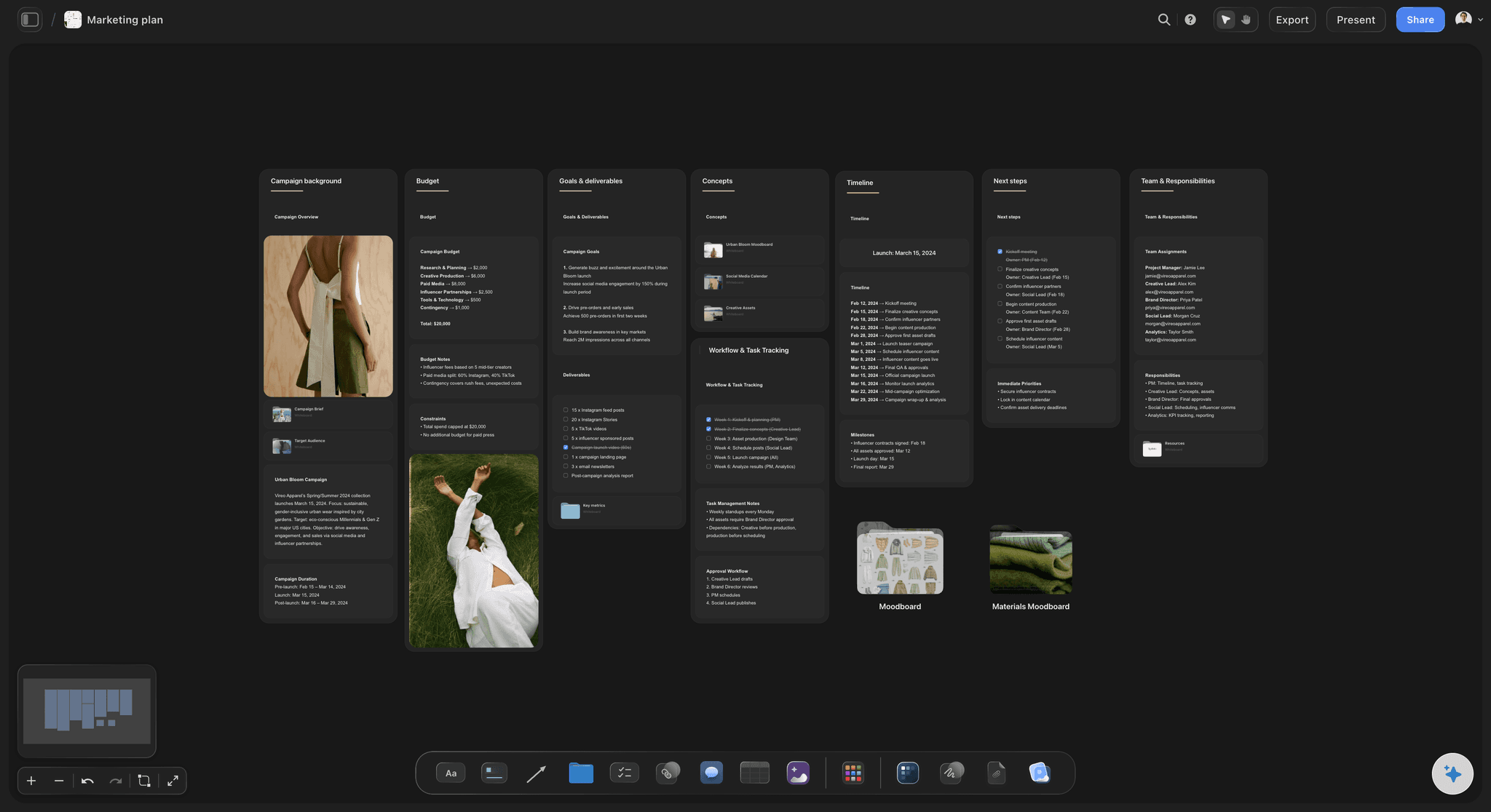
Lay out your goals, channels, and initiatives for the quarter on one board.
How do you map a client's stakeholders?
You map a client's stakeholders by placing every person who can affect the project on a grid of two questions: how much influence they have over it, and how much they care about it. Storyflow is an AI visual workspace that maps stakeholders on one infinite canvas: the four boxes, a card for each person, the lines that show who talks to whom and a plan for each group. Its AI reads the kickoff notes or the email thread you paste, pulls out the names and roles, and draws the who-talks-to-whom diagram for you to correct.
The grid gives you four boxes and one rule for each. High influence and high interest: work with them closely, and never surprise them. High influence and low interest: keep them satisfied with short updates, because they can stop the project and are not watching it. Low influence and high interest: keep them informed, because they do the daily work and talk to everyone. Low influence and low interest: check on them now and then, in case they move.
Give each person a card with six lines: their name and role, what they want from this project, what worries them, how they like to hear from you, who they listen to, and what they have to sign. The fifth line is the one an org chart never shows, and it is often the one that decides the project. Fill the lines in from what you heard at the kickoff, and leave a line empty when you do not know. An empty line is a question for your contact. A guess written down as a fact is worse than a gap.
Here is a worked example. An agency is rebranding a software company of 200 people. Nine people go on the map. Work closely: the marketing chief, who owns the budget line, and the head of product. Keep satisfied: the chief executive, the company lawyer and the finance chief. Keep informed: the brand manager, who is the daily contact, plus the sales director and the head of people. Check now and then: one outside board member. Two, three, three and one.
Read that map and the risks are plain. The daily contact cannot approve anything. The chief executive will see the work for the first time at the final review unless you plan otherwise, so book ten minutes with them before the second review. The lawyer can refuse a name the whole team already loves, so the lawyer sees the shortlist before the team does. Neither step was in the proposal, and both come straight from the map.
Keep the map inside your own team. It is a working tool, not a client document, so put it on a board the client cannot reach, outside any project or folder you have shared with them, and write every card as if the person might read it one day: facts and preferences, never opinions about them. Look at it again after each review. People change boxes more often than anyone expects.
Ultra fast from brief to board
Four moves from a kickoff call to a map.
It takes about an hour after the kickoff, and it is the hour that saves the third review.
01
List everyone who can affect the project
Paste the kickoff notes, the attendee list or the email thread. Storyflow's AI pulls out each name and role and makes a card per person. Add the people who were not in the room: legal, finance, the founder.
02
Place each person in a box
Set out four boxes for the four mixes of influence and interest. Drag each card into the box where you think the person sits today. If your team disagrees about someone, that is worth knowing now.
03
Draw who talks to whom
Ask the AI for a diagram of who reports to whom and who listens to whom, with a word on each arrow. Or draw the lines by hand between the cards and type on each one.
04
Write a plan for each box
One short note per box: how often you will be in touch, in what form, and who on your team owns the relationship. Open the map before every review and move the cards that have changed.
The four boxes, the people, the lines and the plan.
Storyflow holds the map beside the project it protects. It does not score people or keep a log of your conversations.
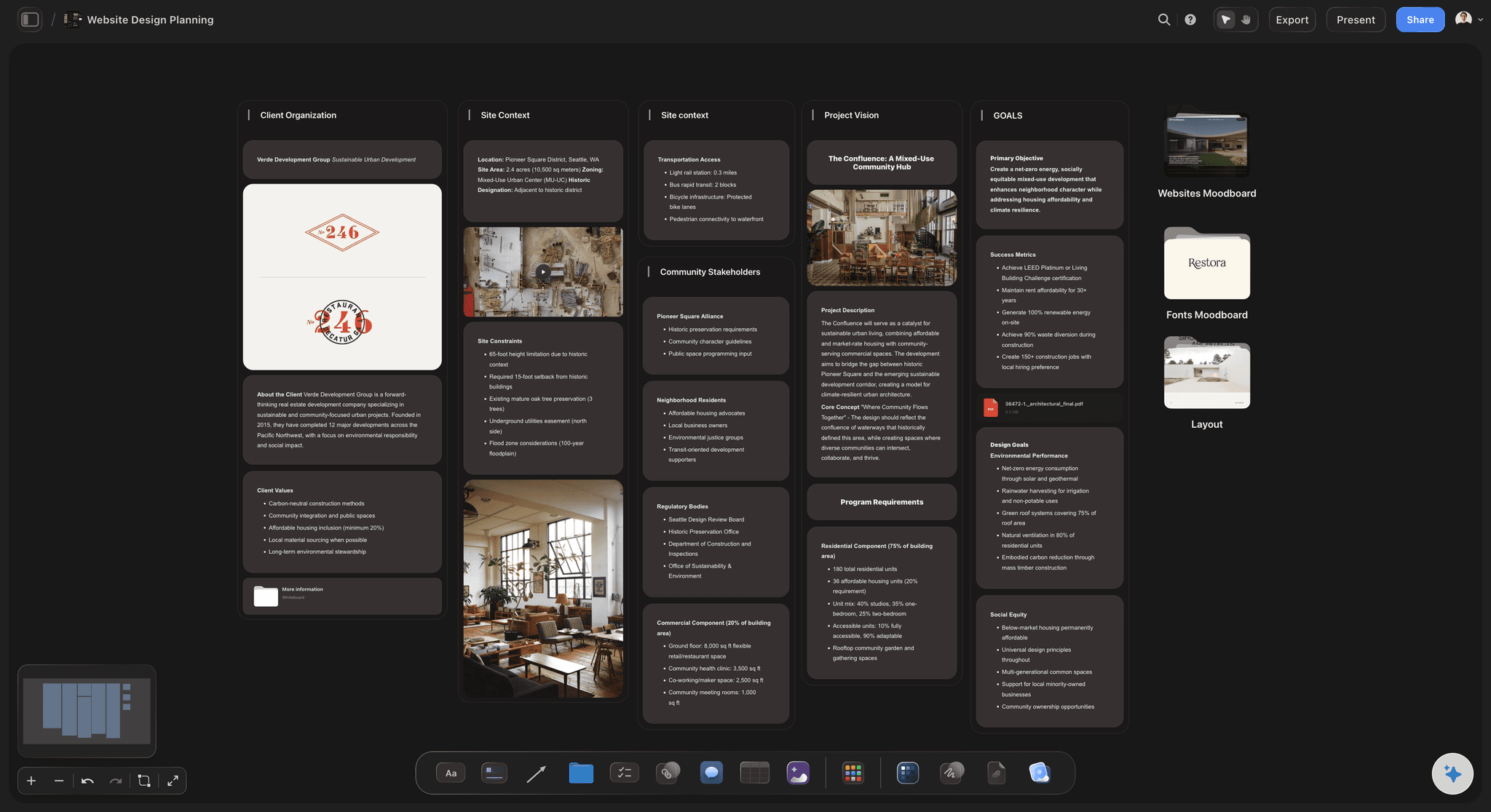
The four boxes
Influence one way, interest the other
Four boxes on the board, each with its rule written at the top: work closely, keep satisfied, keep informed, check now and then. A person's place is a card you can drag, not a cell you have to retype.
See the diagram maker →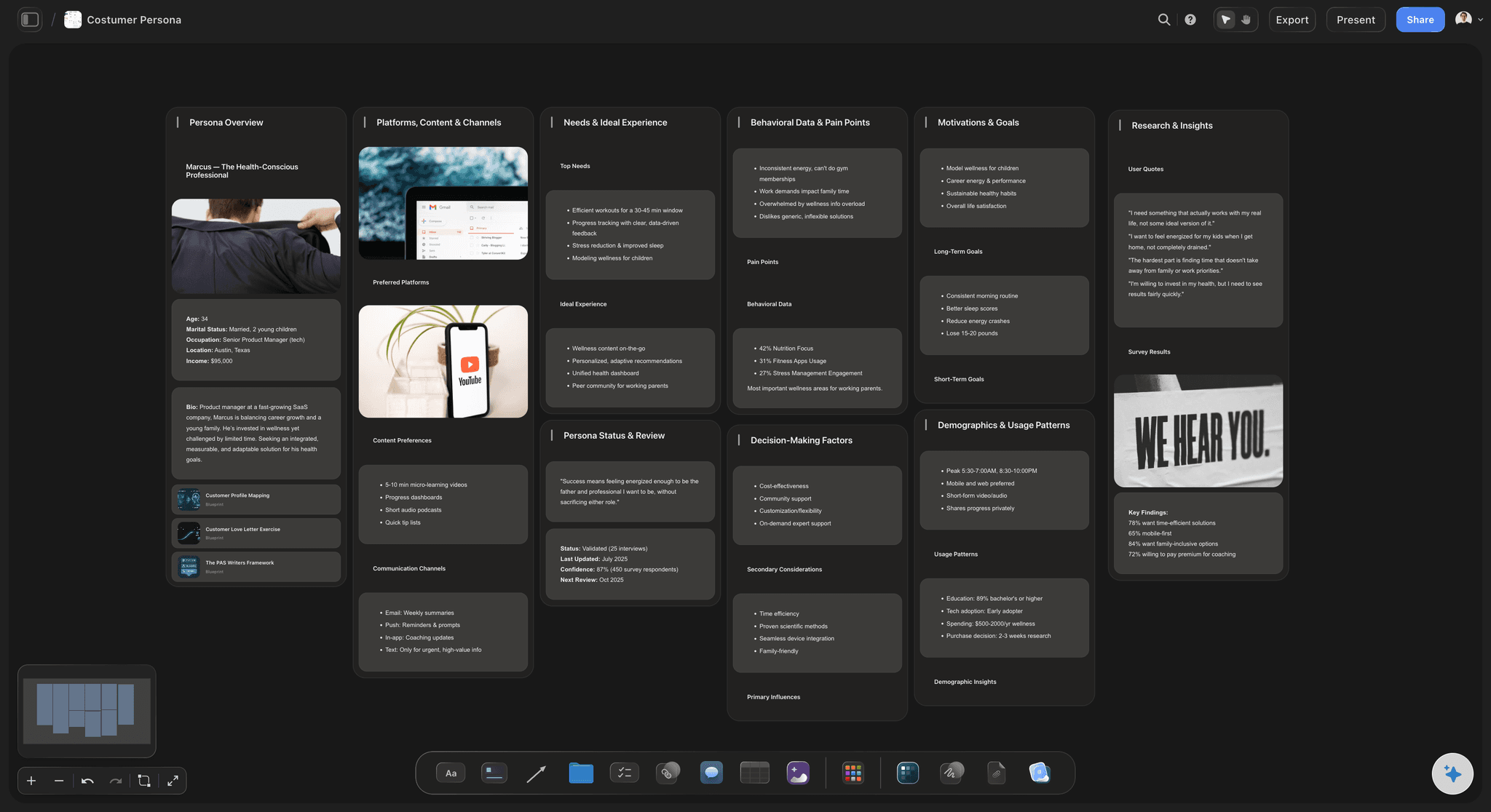
The people
Six lines on every card
Name and role, what they want, what worries them, how they like to hear from you, who they listen to and what they sign. Short enough that a new team member reads the whole client before their first call.
See creative client onboarding →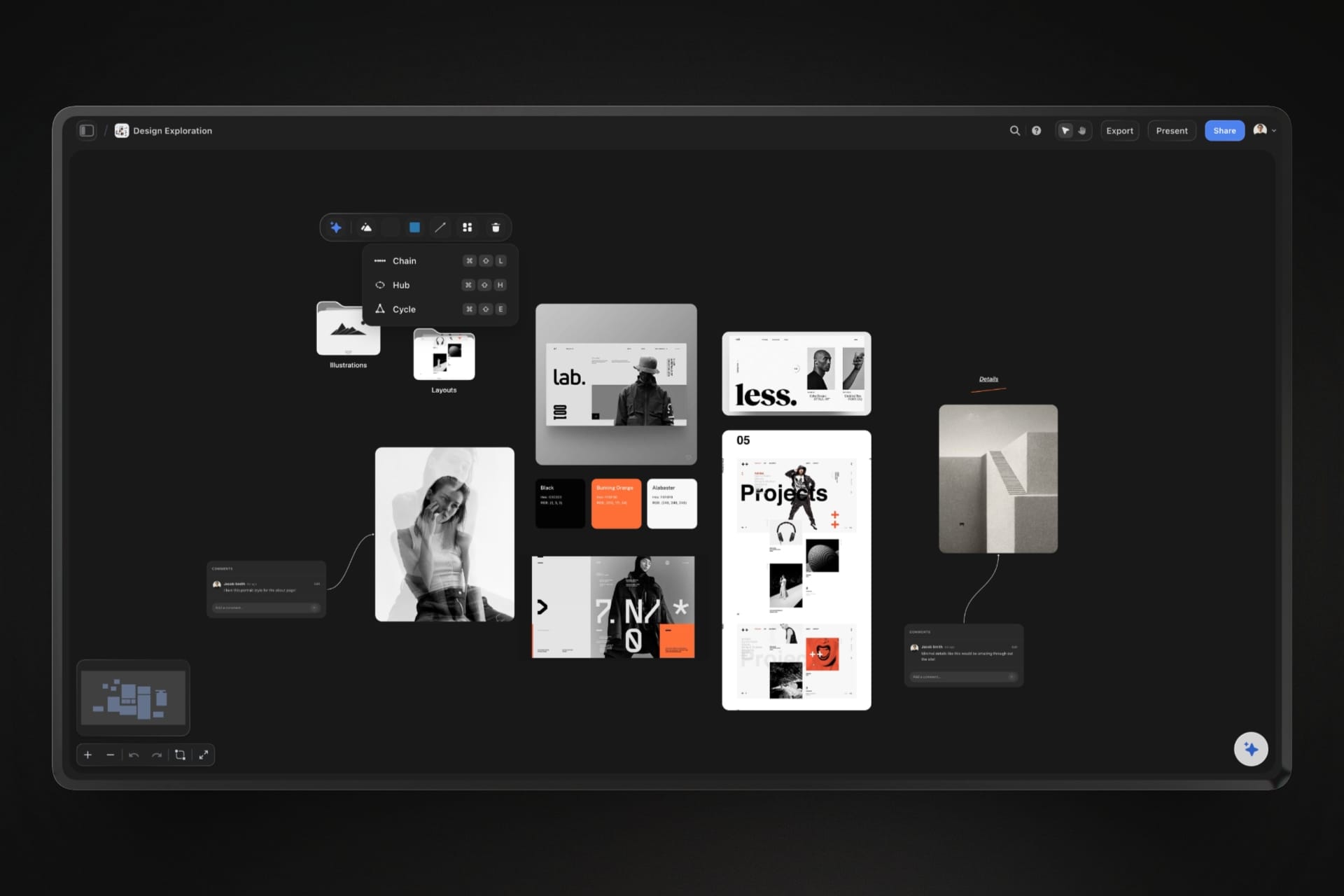
The lines
Who reports to whom, and who listens to whom
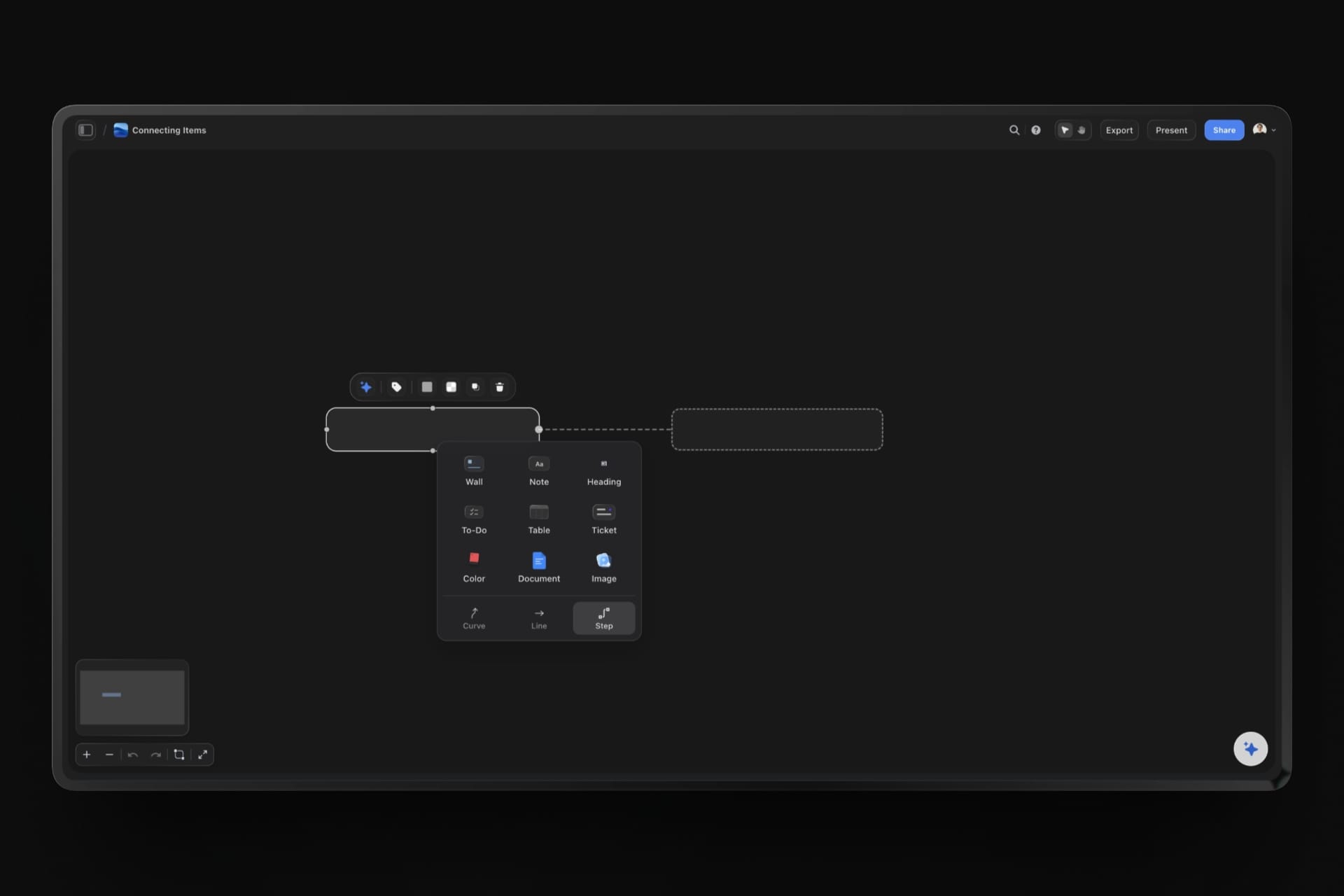
Draw a line between two cards and type a word on it: reports to, listens to, must sign, disagrees with. Storyflow's AI can also draw the whole thing as a tidy diagram of boxes and arrows from your notes.
See the org chart maker →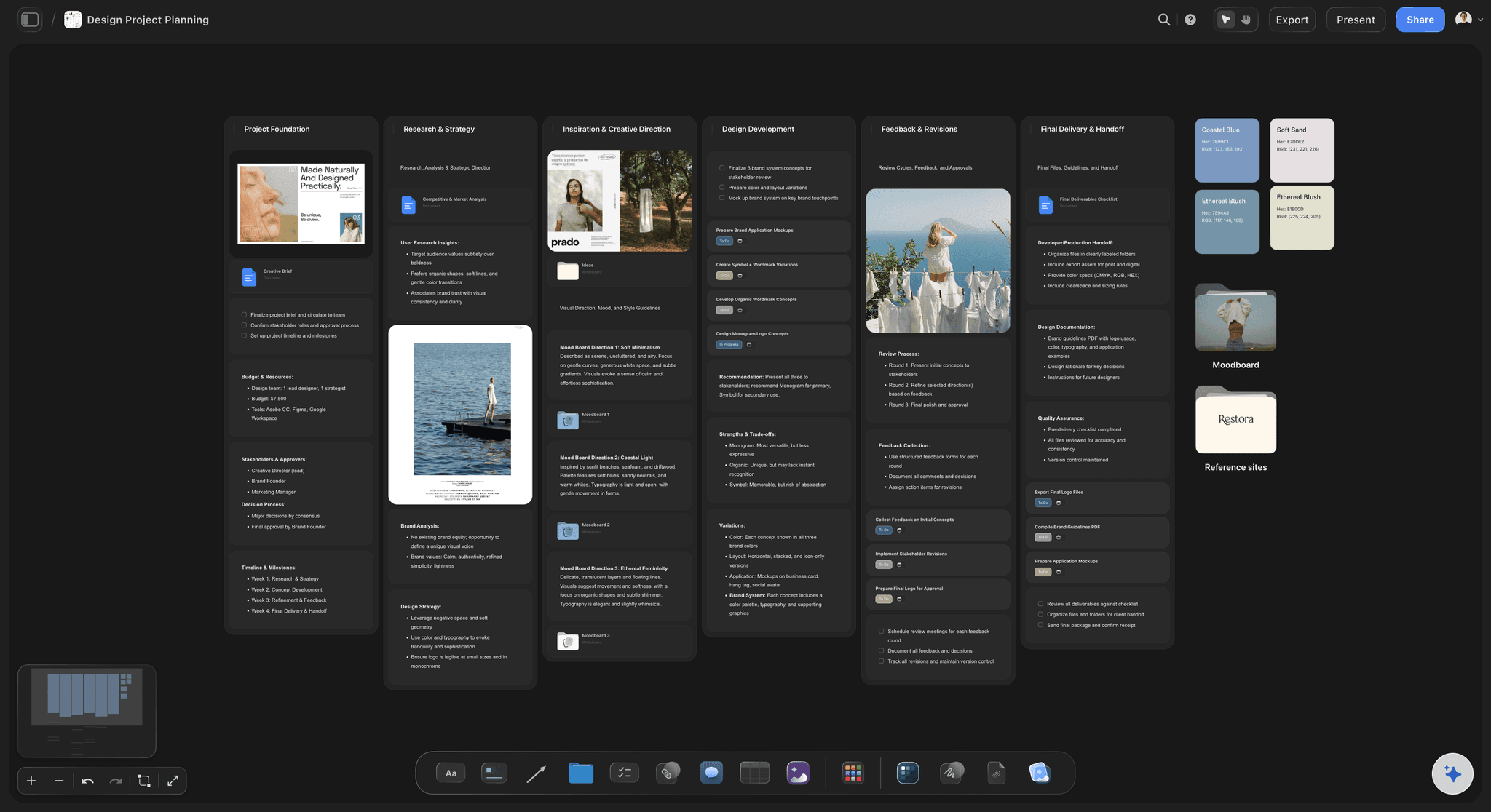
The plan
The right people at the right review
The map tells you who has to see the work before each review and who only needs the summary after it. Write that next to each review round, so the invitation list is a decision and not a habit.
See the client review board →One map for every client, kept where the client cannot see it.
Keep each client's map on its own board, shared only with your team. Invite the client to their review boards one at a time, never to the whole project, because a project invitation opens every board in it. Storyflow is paid-only during early access, with plans from $7.99 a month billed annually ($9.99 monthly). A free plan launches before the end of 2026, and anyone a paid member invites to a board joins free.
Unlimited boards, image uploads and files on every paid plan
A board is only open to the people you invite or send a link to
An AI that turns kickoff notes into a card for each person
Lines between cards, with a word on each
Invite a freelance strategist to the map without buying them a seat
Built for people with taste
Why client work gets stopped late.
Three things go wrong when nobody has mapped the client. Each one is cheap to prevent in week one and costly to fix in week eight.
The wrong room
You presented to people who cannot say yes
The decider is named: One card in the top box carries the words signs off. If you cannot say whose card that is after the kickoff, asking is the first job, before any design work starts.
The daily contact is not the decider: The person who answers your emails usually sits in the keep informed box. Treat them well and keep them close, and still plan how the work reaches the person above them.
Every review has a guest list: Next to each review round, write who has to be there for the result to count. If one of them cannot come, move the review. A yes from the wrong room is not a yes.
New names go on the map the same day: When someone new is copied into an email, add a card. Ask Storyflow's AI to pull the names from the thread you paste, so nobody is missed because the list was made in a hurry.
The late veto
Someone important sees it last
Keep satisfied means keep shown: People with high influence and low interest will not come to your reviews. Send them one picture and three lines after each round, so the final review holds nothing new for them.
Legal and finance early: A lawyer can refuse a name. A finance chief can refuse a cost. Put them on the map at kickoff and show them the short version before the team is attached to an idea.
Ten minutes before the big review: Book a short preview with the most senior person a few days before the review that matters. They get to react in private, and you get to fix it before the room sees it.
Who listens to whom: If the chief executive trusts the sales director's taste, the sales director is on your map whether or not the brief names them. Draw the line and label it.

The stale map
The map was right at kickoff
Open it before every review: Five minutes with the map before each review: who has changed box, who has gone quiet, who is new. Move the cards while you talk.
A date on every move: When a card changes box, add a line to it with the date and the reason. Three months in, that trail explains why the project went the way it did.
Ask what changed: Ask Storyflow's AI what changed on the map since the last review. It lists the cards that were added, edited or moved and who on your team did it.
Hand it to the next team: When the retainer starts or a new account lead joins, the map is the fastest briefing you have. Invite them to the board and they read a year of relationships in ten minutes.
Explore templates for your project
Every template opens as a real, editable board on the infinite canvas. Pick the closest fit and make it your own.
Marketing Plan
Lay out your goals, channels, and initiatives for the quarter on one board.
One app instead of five
Where Storyflow fits in stakeholder mapping.
It holds the map beside the client's project. It has no ready-made stakeholder template, and it cannot sort people by a column.
Storyflow
Recommended
Four boxes you drag people between
Lines that show who talks to whom, with a word on each
AI turns kickoff notes into a card per person
The map sits beside the client's project boards
Notes and a plan on each person's card
Open only to the people you invite
A ready-made stakeholder map template
Sort or filter people by a column
Diagram tools
Four boxes you drag people between
Lines that show who talks to whom, with a word on each
AI turns kickoff notes into a card per person
The map sits beside the client's project boards
Notes and a plan on each person's card
Open only to the people you invite
A ready-made stakeholder map template
Sort or filter people by a column
A spreadsheet
Four boxes you drag people between
Lines that show who talks to whom, with a word on each
AI turns kickoff notes into a card per person
The map sits beside the client's project boards
Notes and a plan on each person's card
Open only to the people you invite
A ready-made stakeholder map template
Sort or filter people by a column
What creators are saying
Join early creators getting structured workspaces and AI that remembers their projects
“Storyflow has sped up my workflow by at least 3x, which means more flow state and more projects I can actually ship. It truly changed the way me and my team create.”

Reilin Joey
Director & YouTuber
“One prompt gets me a structured board. But the tactics are my favorite. I run my YouTube scripts through them and my intros and retention got better. It's amazing.”

Justkay
YouTuber & Freelance Filmmaker
“I used to juggle five apps to plan a project. Now I describe what I am making and get boards, lists, and a schedule. All in one place.”

George
@fernwehchronicles
Stakeholder mapping questions
What account leads and strategists ask before a kickoff, and what they learn at the review that went wrong.
In Storyflow, make a card for every person who can affect the project, then place each card in one of four boxes by influence and interest. Draw lines for who reports to whom and who listens to whom, and type a word on each line. Write a short plan for each box, and open the map before every review to move the cards that have changed.
Storyflow is built for this exact job on client work: a card for each person, four boxes to drag them between, lines that show who talks to whom, and the map kept beside the project it protects. Its AI turns your kickoff notes into the cards. A CRM such as HubSpot or Salesforce still keeps the record of every call and email with each person.
High influence and high interest: work with them closely. High influence and low interest: keep them satisfied with short updates. Low influence and high interest: keep them informed. Low influence and low interest: check on them now and then. On a Storyflow board each box has its rule written at the top, and each person is a card inside it.
Six lines: name and role, what they want from the project, what worries them, how they like to hear from you, who they listen to, and what they have to sign. Keep it to facts and preferences. On a Storyflow card those six lines fit without scrolling, and a new team member can read the whole client in ten minutes.
Anyone who can approve the work, block it, pay for it or has to live with it. That is the people in the kickoff, and also the ones who were not: the lawyer, the finance chief, the founder, the sales team who will use the new deck. When in doubt, add the card to the Storyflow board and put it in the last box.
It can do the listing and the drawing. Paste your kickoff notes or an email thread and Storyflow's AI pulls out the names and roles as cards, and it can draw who reports to whom as a diagram of boxes and arrows. It cannot know how much influence each person really has. You place the cards, because that judgement is the map.
An org chart shows who reports to whom. A stakeholder map shows who can affect your project and how much they care, which is often a different picture. The chief executive's trusted adviser may sit nowhere near the top of the chart. In Storyflow you can keep both on one board: the chart for the formal lines, the map for the real ones.
Usually not. It is a working tool for your own team. Keep it in a Storyflow project the client has not been invited to, or invite the client to their own boards one at a time, since an invitation to a whole project opens every board in it. Still write every card as if the person might read it: facts and preferences, never opinions about them.
Add them to the map at once, in the high influence box, and ask your contact what they care about. Then show them the work in private before the next review, with the reasons behind it. On the Storyflow board, note the date they appeared. If it happens twice on one account, the kickoff question about who signs off needs rewriting.
Before every review, and whenever someone joins, leaves or changes role at the client. It takes five minutes on a Storyflow board: drag the cards that have moved and add a line with the date and the reason. A map made at kickoff and never opened again is right for about a month.
No. Storyflow does not give people a score, sort or filter them by a column, send them messages or keep a log of your calls and emails. It also ships no ready-made stakeholder map template, so you set out the four boxes yourself or ask the AI to. A CRM such as HubSpot or Salesforce is the right place for the contact record.
For most agency projects, between eight and fifteen. Fewer than six usually means someone is missing, often legal or finance. More than twenty and the map stops being readable, so group the people with low influence by team and give each team one card. On a Storyflow board you can open a team's card later and split it if one of them starts to matter.
No. Storyflow runs in the browser, and there are no native mobile or desktop apps. Open the map in a browser on your laptop before a review, or on your phone in the taxi on the way there. Anyone on your team you invite opens the same board with nothing to download.
More from Storyflow
Client review board
Org chart maker
Diagram maker
Make diagrams with Claude
Creative client onboarding
Agency client project planning
Brand discovery workshop
Brand positioning workshop
Rebrand planner
RFP response plan
Affinity diagram maker
Storyflow for agencies
Storyflow for consultants
Website project plan
Project dashboard
Know who decides before you present.
A card for each person, four boxes, the lines between them and a plan for each group. One hour after the kickoff, on one board your team reads before every review.