
Extremely simple, seriously capable
How to make an org chart: map your team structure in minutes.
Lay out roles as notes and shapes, draw reporting lines with connectors, and rearrange the whole structure as often as your team changes. If you prefer text, define the chart in Mermaid and let the diagram render itself.


Start your org chart
Open a board and connect roles with notes, shapes, and clean connector lines.
Create your org chartUnlimited boards
Free plan before the end of 2026
Works in your browser
How it works
How to make an org chart online.
Three steps from a blank board to a chart your whole company understands.
1
Add your roles
Open a board and drop in a note or shape for every person or role. The infinite canvas means the chart never runs out of room, however wide the team gets.
2
Draw the reporting lines
Connect roles with connector lines that stay attached when you move things around. Prefer typing? Write the hierarchy in a Mermaid diagram and it renders as a chart.
3
Share or export
Send a view-only link so everyone sees the current structure, or export the board as a PDF or image for decks and onboarding docs.
Creatives working for these brands already got early access
- Red Bull
- Canon
- Artlist
- Porsche
See how easy it is to get started
Watch a real project come together, from a blank board to a finished plan, clicked through step by step.

See who reports to whom at a glance.
A good org chart answers questions before anyone has to ask them. Lay out leadership, teams, and reporting lines visually, color-code departments with note colors, and keep the whole structure readable on one canvas.
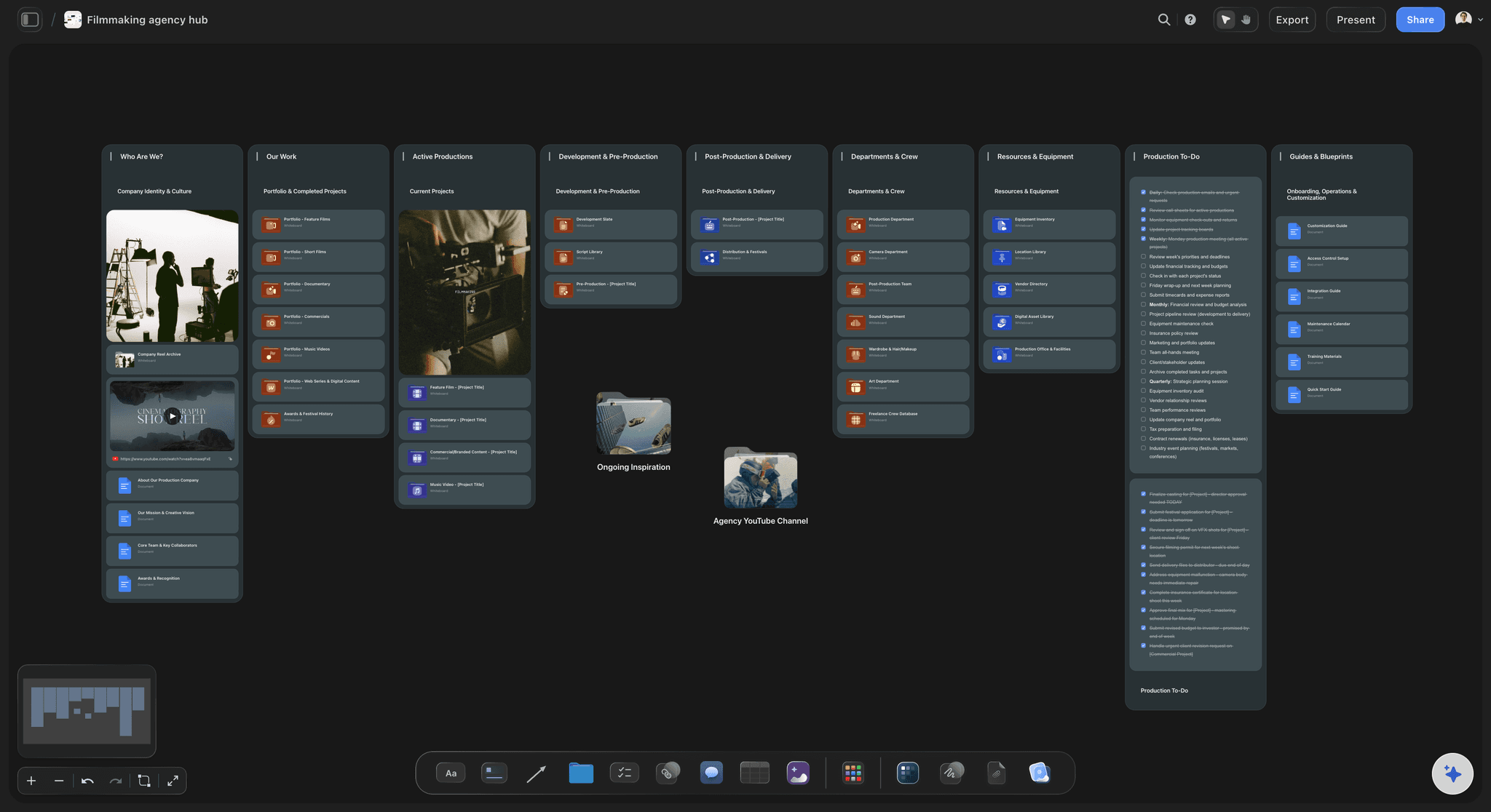
Built for agencies, studios, and crews.
Map a production crew, an agency pod, or a whole studio. Because the chart lives on an infinite canvas, you can chart the core team in the center and branch freelancers, vendors, and clients around it.
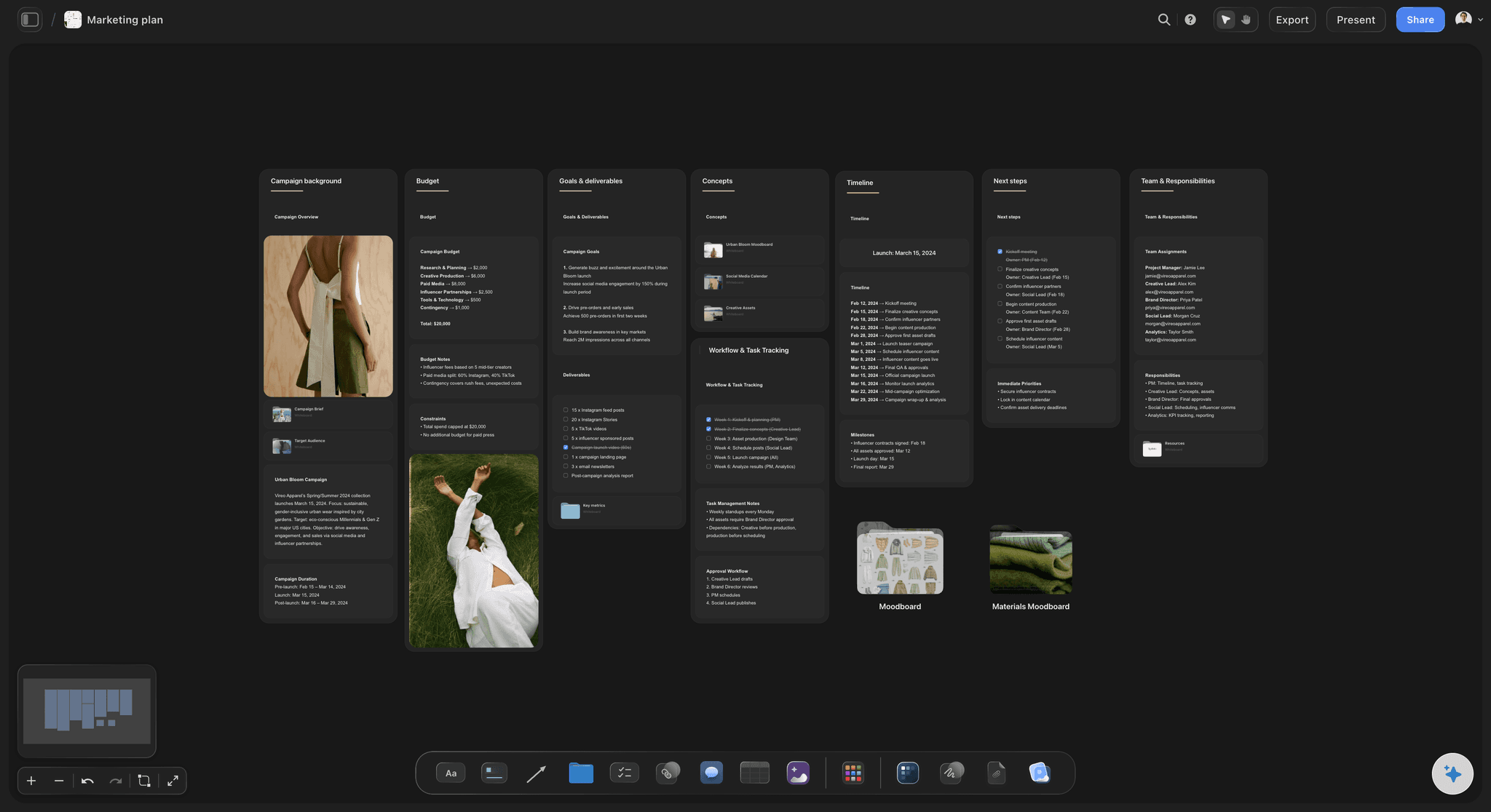
Keep the chart next to the work it explains.
An org chart is more useful beside the plan it supports. Put the structure next to project briefs, kanban boards, and notes on the same canvas, so responsibilities and work stay connected instead of living in separate files.
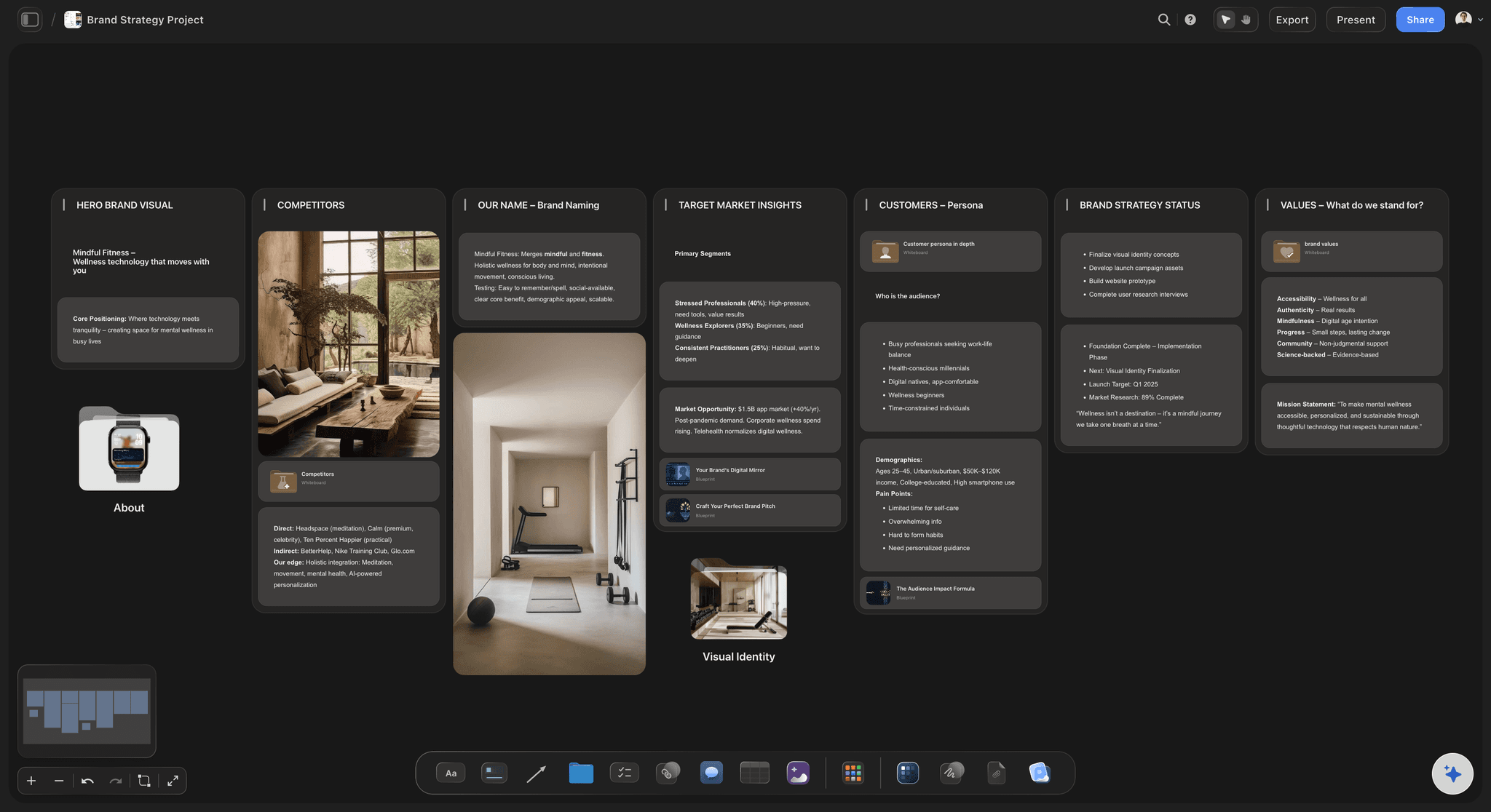
Share the structure without sending files.
When the team changes, update the board once. Anyone with the view-only link always sees the latest version, and you can still export a PDF or image whenever a deck or handbook needs a static copy.
Org charts that survive the next reorg.
Storyflow turns org charts into something you can actually keep up to date. Add a note or shape per role, connect them with lines that follow when you drag things around, and restructure in seconds when the team changes. No rigid grid, no fighting a diagram tool that fights back.
Draw it by hand or define it in text.
Storyflow supports Mermaid diagrams, so you can describe the hierarchy in a few lines of text and get a rendered chart on the canvas. It is the fastest way to chart a large organization, and you can still annotate the result with notes, colors, and comments.
Is there a free org chart maker?
Storyflow is paid-only during early access, from $7.99 a month billed annually. What is free today: anyone a paid member invites to a board signs up and joins free, and a view-only link opens in any browser with no account (commenting needs sign-in). A free plan launches before the end of 2026. Every paid plan includes unlimited boards on an infinite canvas, AI usage, and everything you need for org charts: notes, connector lines, Mermaid diagrams, comments, and view-only share links.
What creators are saying
Join early creators getting structured workspaces and AI that remembers their projects
“Storyflow has sped up my workflow by at least 3x, which means more flow state and more projects I can actually ship. It truly changed the way me and my team create.”

Reilin Joey
Director & YouTuber
“One prompt gets me a structured board. But the tactics are my favorite. I run my YouTube scripts through them and my intros and retention got better. It's amazing.”

Justkay
YouTuber & Freelance Filmmaker
“I used to juggle five apps to plan a project. Now I describe what I am making and get boards, lists, and a schedule. All in one place.”

George
@fernwehchronicles
Frequently asked questions.
Reporting lines, Mermaid, and keeping charts current.
Open a board, add a note or shape for each role, and draw reporting lines with connector lines. The connectors stay attached when you move elements, so reorganizing the chart is as simple as dragging roles into place.
Not yet. Storyflow is paid-only during early access, with plans from $7.99 a month billed annually ($9.99 monthly). A free plan launches before the end of 2026, and anyone a paid member invites to a board joins free. Everything an org chart is made of, notes, connector lines, and Mermaid diagrams, comes with every paid plan, and unlimited boards mean each team or restructuring scenario can have its own chart.
Yes. Storyflow supports Mermaid diagrams, so you can define the hierarchy in Mermaid syntax and it renders as a chart on your canvas. This is especially handy for large organizations where dragging every box would take too long.
Just edit the board. Add or remove roles, drag branches around, and the connector lines follow. Anyone with the view-only link automatically sees the updated structure, so there is no stale PDF floating around.
Yes to both. The view-only link keeps everyone looking at the live structure, which matters for a chart that changes often, while PDF and image exports cover slide decks, handbooks, and onboarding documents.
Yes. Because the chart lives on an infinite canvas, you can surround it with sticky notes, tables, kanban boards, and comments: role descriptions, hiring plans, and open questions all stay next to the structure they belong to.
Map your team with an org chart.
Add roles, draw reporting lines, and share a view-only link, all on an infinite canvas. A free plan launches before the end of 2026.