
Ultra-fast moodboards with real taste
A moodboard app for boards
a client or crew acts on.
The AI builds a first board from your brief and sorts it into named groups when you ask, frames come straight out of video, and one view-only link opens it for anyone.


Creatives working for these brands already got early access
- Red Bull
- Canon
- Artlist
- Porsche
See how easy it is to get started
Watch a real project come together, from a blank board to a finished plan, clicked through step by step.
Start from a ready-made template
Pick a board to see what you can build, then let AI fill it in. Every template is a real, editable starting point on the same infinite canvas.

Film Moodboard
Collect film references, color palettes, lighting, locations, and tone in one place, then invite your crew.
Which moodboard app should you use?
A moodboard app is where you collect images and references on a board, and the one to use depends on whether the board sets a feeling or has to be acted on. Storyflow is an AI visual workspace that builds the moodboard a client or crew has to act on, all on one infinite canvas: a first board the AI makes from your brief, named groups it sorts when you ask, frames grabbed straight from video, and one view-only link that opens with no account. Pinterest is better for finding images, Canva for a polished one-page layout from a template, and Milanote for boards built by hand around notes and to-do lists. A common setup uses two: one app to collect and one to decide.
The useful distinction is between a board that sets a feeling and a board someone has to act on. A board made to agree a tone with a director or a client can be loose and evocative. A board a photographer shoots from, a designer builds from or a stylist buys from has to be specific: fewer images, grouped, with a line under each group saying what it decides. The most common failure in moodboarding is stopping at the first kind when the project needed the second.
The method is the same in any app. Collect far more than you need, then group the references by what they decide rather than how they feel: palette, light, texture, composition, styling. Write one line under each group stating the claim, then cut to the nine to twelve images that each settle a question. In Storyflow the AI can organise a messy board into named groups for you, but choosing which references are right stays with you, because that choice is the work.
Storyflow runs in the browser, so there is nothing to install and every board lives at a link; there are no native apps for phone or tablet. It is a newer product with a smaller template library than Canva or Milanote, and it has no image library of its own to browse. What it adds is that the moodboard sits on the same canvas as the rest of the project, so the brief, the shot list and the plan stay one scroll from the references they came from.
Ultra fast from brief to board
From a pile of references to a board that decides something.
Collect widely, group by decision, then cut most of it.
01
Open a canvas
No download and nothing to install. The board opens in your browser, and so does every link you send.
02
Build it or pull it in
Describe the look and the AI builds a first board, or drag in images, links, PDFs and video and grab the frames you mean. There is no object cap.
03
Group by decision
Ask the AI to organise the board into named groups, or do it by hand: palette, light, texture, composition. Write the claim under each group.
04
Cut it down and share
Keep the nine to twelve images that settle a question. Send a view-only link, or export the whole board as an image or PDF.
Collecting is easy. This helps with the rest.
AI that builds a first board and groups it on request, frames from video, and one link to share it.

Grab a frame from video
Reference moving images, not just stills
Pull a frame out of a video you uploaded, or out of a YouTube or Vimeo embed, straight onto the canvas. For film, motion, light and colour, the frame you mean is usually in a video rather than a photo library.
See the film lookbook →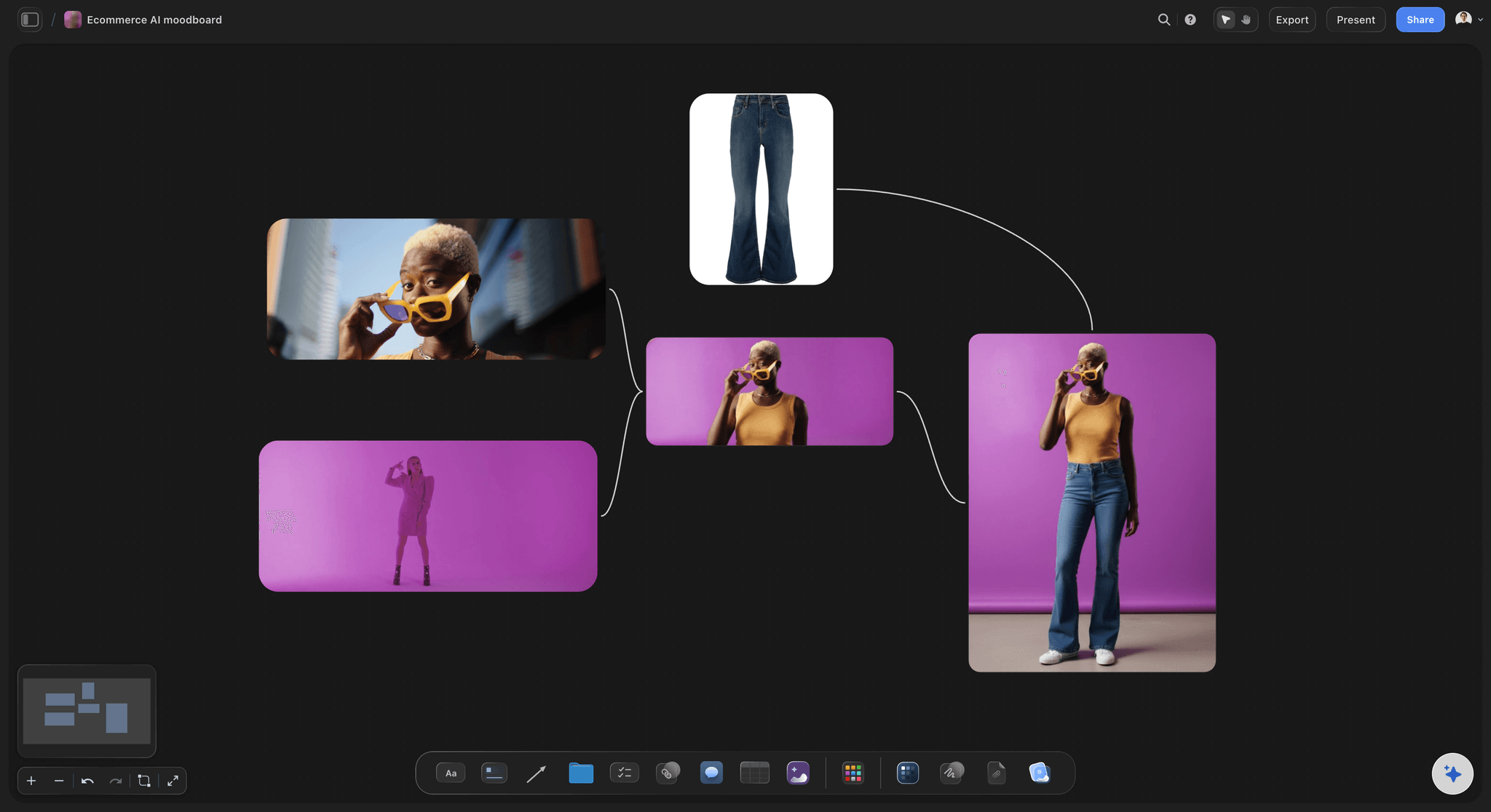
AI that builds a board and groups it on request
A first board from a brief, grouped by what it decides
Describe the project and the AI builds a first moodboard; point it at a messy board and it moves the references into named groups. It proposes and you decide: keep what is right, or undo the whole change in one click.
See the AI mood board maker →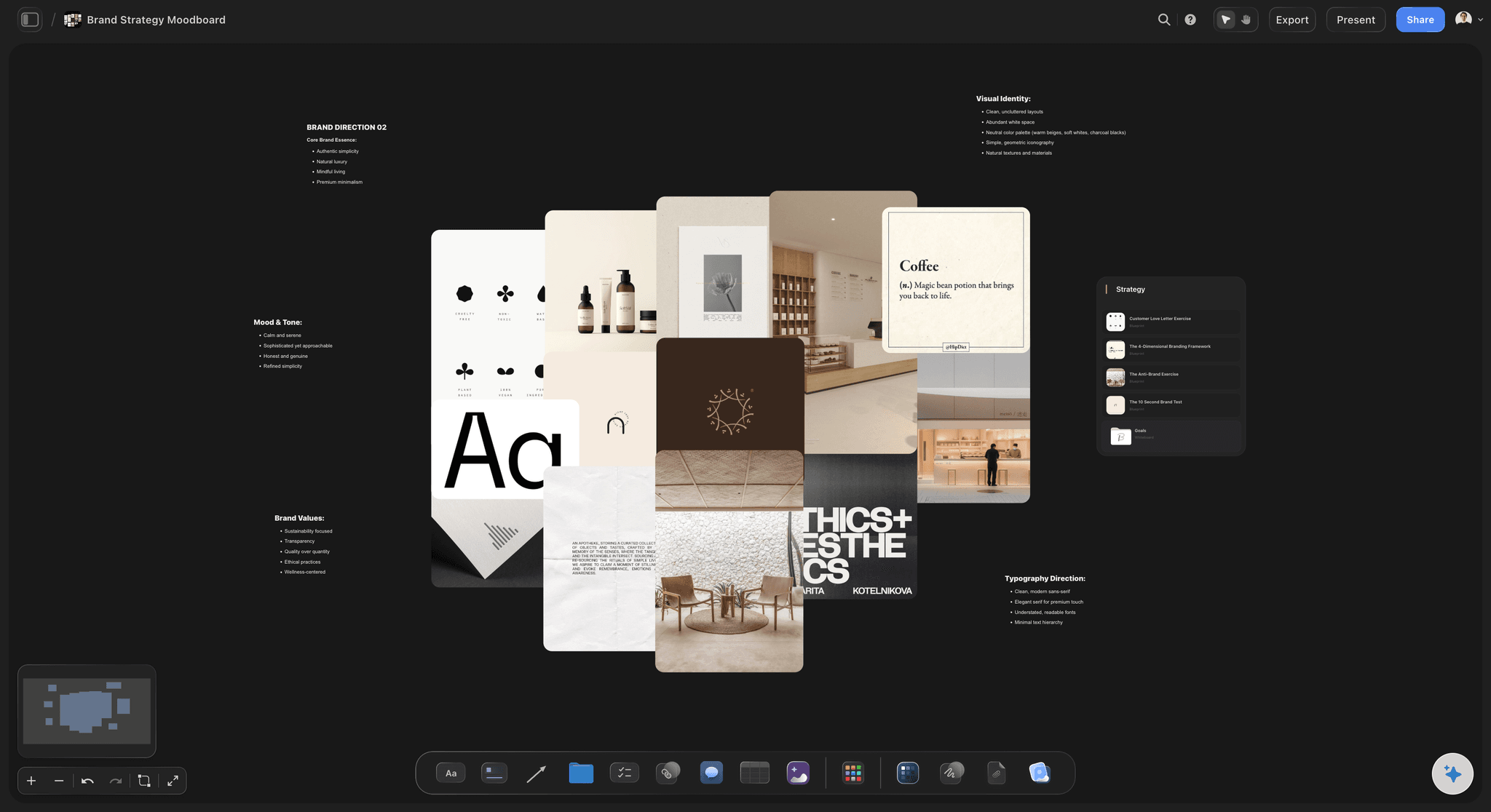
Palettes, notes and text beside the images
Say what each group is claiming
Pull the colours out into swatches, write a line under each cluster, and the board stops being open to interpretation. That line is the difference between a mood and a direction.
See the free colour palette maker →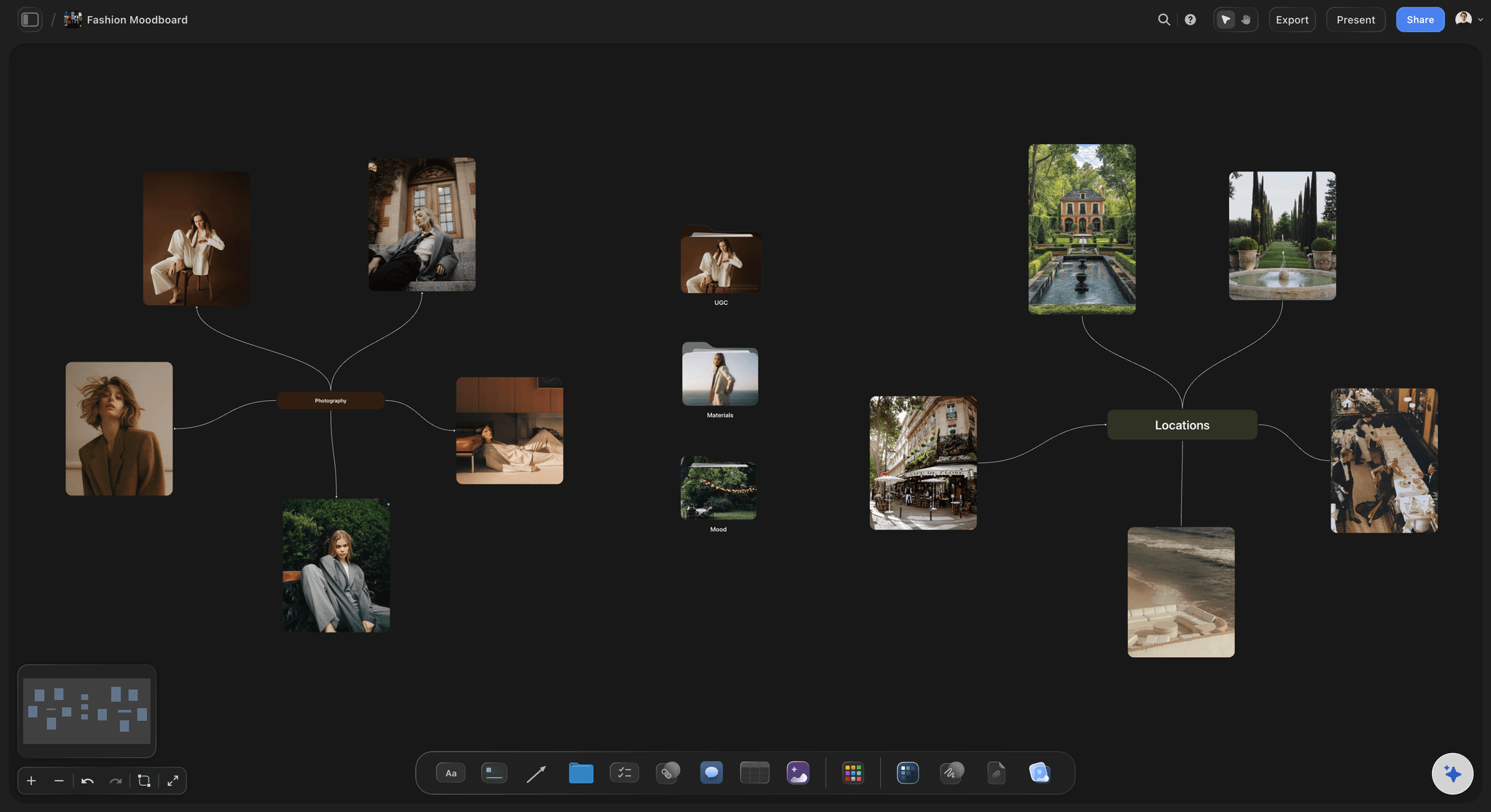
One link, no account needed to view
Send it to a client who has nothing installed
A view-only link opens the board in any browser with no account, and a client who wants to comment signs in first. Moodboards exist to be shown, and an account wall is a common reason one never gets looked at properly.
See moodboards for clients →Unlimited boards. No object cap.
Collect as widely as the project needs and keep every board. Storyflow is paid-only during early access, with plans from $7.99 a month billed annually ($9.99 monthly). A free plan launches before the end of 2026, and anyone a paid member invites to a board joins free.
Unlimited moodboards on an infinite canvas
Frames grabbed from uploaded video, YouTube and Vimeo
AI that builds a board from a brief and groups it when you ask
View-only links that open with no account

Built for people with taste
More than a wall of things you liked.
The test of a moodboard is whether someone can act on it without asking you what you meant.
Collect, group, state the claim, then cut
Work through the whole process, not just the fun part
Collect without a ceiling: Gather far more than you will use. There is no object cap, so the constraint at this stage is your time rather than the tool, and a wide first pass is what surfaces the unexpected reference.
Group by decision, not by vibe: Cluster references by what each group is claiming: this is the palette, this is the texture, this is the kind of composition. Groups organised by feeling read differently to every viewer.
Write the claim underneath: One line under each cluster removes the ambiguity that images alone always carry. This is the step that turns a board someone admires into a board someone can build from.
Then cut most of it: A finished board is a small board. Twelve images that each settle a question beat sixty that collectively suggest an atmosphere, and the cutting is where the thinking actually happens.
AI that can see the board you have already built
Structure with AI, choose the images yourself
Build the board from a brief: Describe the project and the AI builds a first moodboard, which is more useful than a blank canvas when you do not yet know what the categories are. It proposes; you keep, move or delete.
Organise a messy board into groups: Point the AI at a board of loose references and it moves them into named groups without retyping or rebuilding anything. Undo puts everything back in one click.
Generate a reference on Pro and Max: AI image generation is on the Pro and Max plans, for a look nobody has photographed yet. A generated image is a sketch of an idea, so label it as one on the board.
It has no taste: Choosing which references are right is the actual work of moodboarding and depends on knowing the project. The AI organises the board; the selection stays with you.
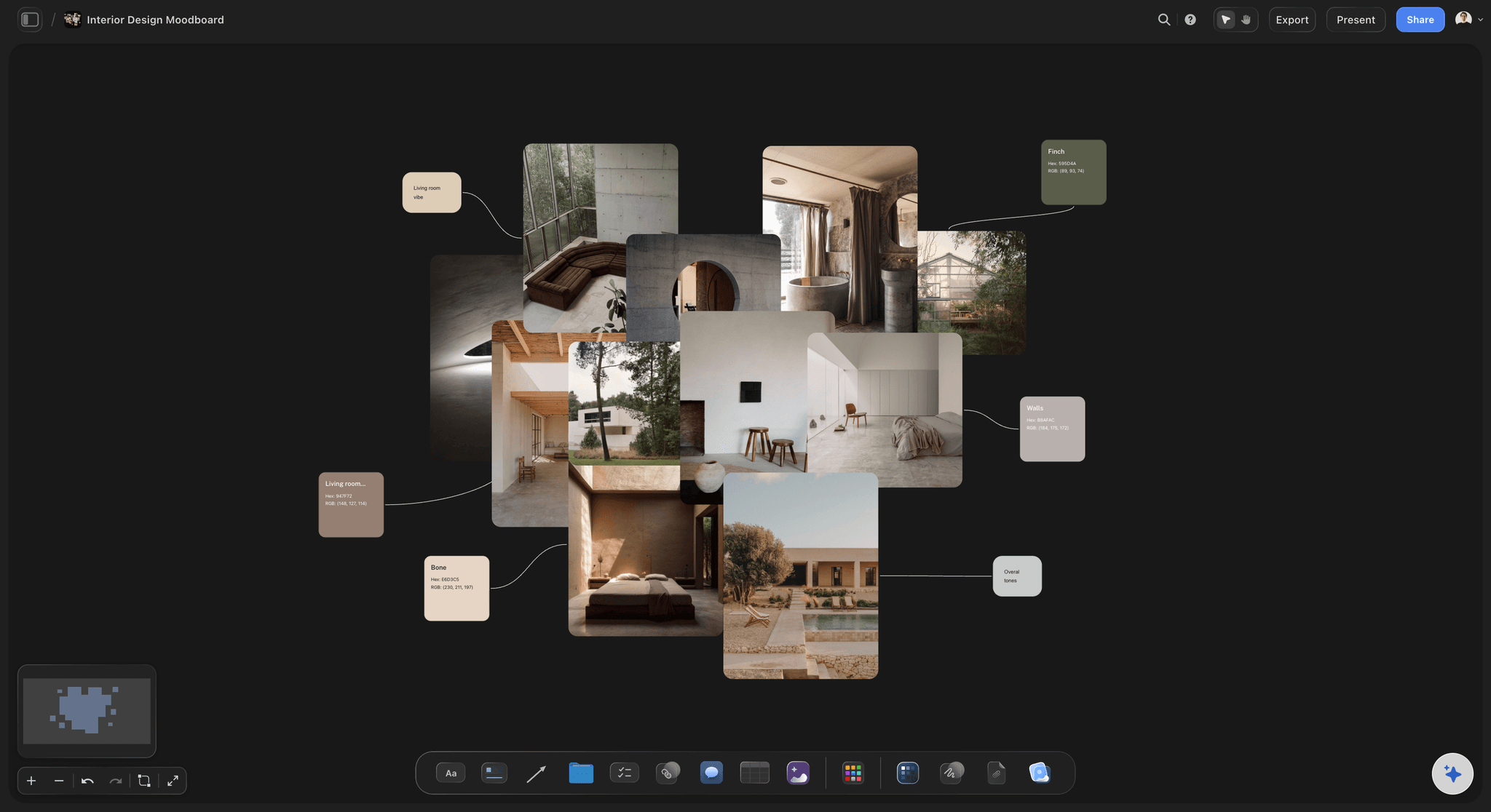
Images, video, GIFs, PDFs, links and notes
Anything you can drag, on one canvas
Drag and drop anything: Images, video files, animated GIFs, PDFs and links go straight onto the canvas. A moodboard that can hold a video clip is meaningfully different from one that only holds stills.
Works in any browser: Nothing to install and no app to download, so a board opens on whatever machine you are on. Every board lives at a link rather than in a file on one computer.
Keep the source links attached: Drop the link beside the image so you can trace a reference back to where it came from. That matters when you need to license it or find more from the same source.
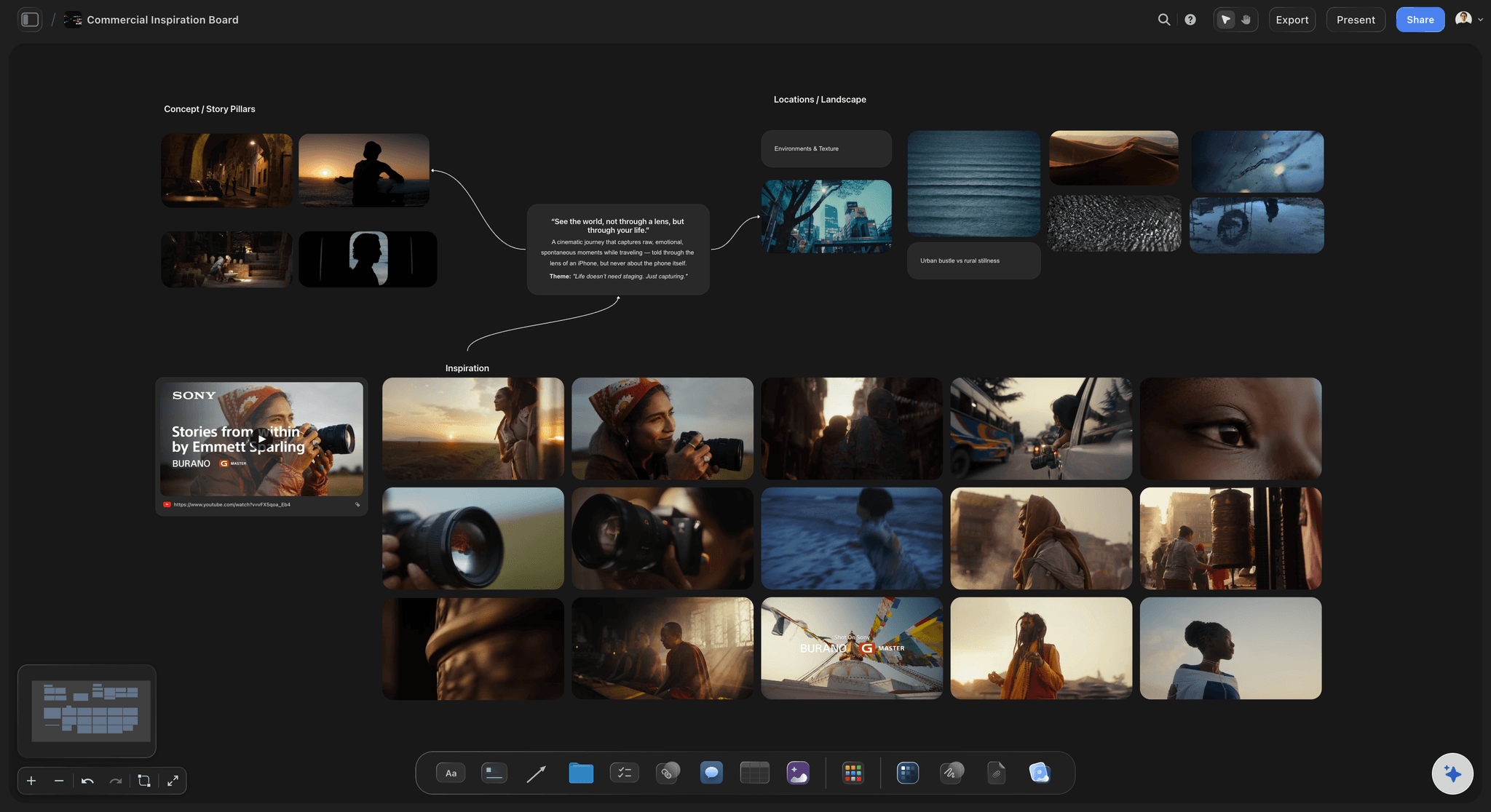
The moodboard beside the rest of the project
Not a separate app that only holds pictures
Next to the work it informs: The moodboard can sit beside the shot list, the brief, the wardrobe plan or the style guide on the same canvas. The reference stays one scroll from the decision it is meant to shape.
The next step drafted from it: Select the references and the AI drafts a shot list from them, one entry per setup. You edit a draft instead of retyping the board into another tool.
Share and collaborate: Send a view-only link to a client, or invite collaborators onto the board. Invited collaborators edit the same board at the same time on any paid plan.
Export for a deck or a print-out: Export the whole board as an image or PDF for a presentation or a wall. Boards export as an image or PDF only.
Explore templates for your project
Every template opens as a real, editable board on the infinite canvas. Pick the closest fit and make it your own.
Film Moodboard
Collect film references, color palettes, lighting, locations, and tone in one place, then invite your crew.
One app instead of five
Storyflow vs Pinterest, Canva and Milanote.
Pinterest is where images are found, Canva makes a polished layout from a template, and Milanote suits boards built by hand around notes. Storyflow is for the board a client or crew has to act on.
Storyflow
Recommended
AI builds the board from a brief
Frames grabbed from video references
Free placement on an infinite canvas
View-only link that opens with no account
Huge library to discover images
Native apps for phone and tablet
AI builds the board from a brief
Frames grabbed from video references
Free placement on an infinite canvas
View-only link that opens with no account
Huge library to discover images
Native apps for phone and tablet
Canva
AI builds the board from a brief
Frames grabbed from video references
Free placement on an infinite canvas
View-only link that opens with no account
Huge library to discover images
Native apps for phone and tablet
Milanote
AI builds the board from a brief
Frames grabbed from video references
Free placement on an infinite canvas
View-only link that opens with no account
Huge library to discover images
Native apps for phone and tablet
What creators are saying
Join early creators getting structured workspaces and AI that remembers their projects
“Storyflow has sped up my workflow by at least 3x, which means more flow state and more projects I can actually ship. It truly changed the way me and my team create.”

Reilin Joey
Director & YouTuber
“One prompt gets me a structured board. But the tactics are my favorite. I run my YouTube scripts through them and my intros and retention got better. It's amazing.”

Justkay
YouTuber & Freelance Filmmaker
“I used to juggle five apps to plan a project. Now I describe what I am making and get boards, lists, and a schedule. All in one place.”

George
@fernwehchronicles
Moodboard app questions, answered.
Which app to use, how to make a board people can act on, and where Pinterest wins.
Storyflow is the best moodboard app for a board someone has to act on: the AI builds a first board from your brief and sorts it into named groups when you ask, frames are grabbed straight from video, and a client or crew opens it from one view-only link with no account. Pinterest is better for finding images, Canva for a polished layout from a template, and Milanote for boards built by hand around notes.
No. Storyflow is paid-only during early access, with plans from $7.99 a month billed annually ($9.99 monthly). A free plan launches before the end of 2026, and anyone a paid member invites to a board joins free. A client opening a view-only link never needs an account. If you need a free app today, Pinterest, Canva and Milanote all have free plans.
No. Storyflow runs in the browser with nothing to install, so a board opens on whatever computer you are using and lives at a link rather than in a file. There are no native apps for phone or tablet. Anyone you send a view-only link to opens the board in their browser with no account. If you want to build boards natively on an iPad, Milanote and Morpholio Board have apps for it.
Collect far more than you need, then cut most of it, because the cutting is where the thinking happens. Group the references by what each group decides rather than how it feels: this cluster is the palette, this one the texture, this one the composition. Write one line under each group stating the claim, since images alone are open to interpretation. Then keep the nine to twelve images that each settle a question.
Yes. Grab a frame from a video you uploaded (MP4, MOV or WEBM) or from a YouTube or Vimeo embed straight onto the canvas; for embeds, the browser first asks permission to capture the screen. For film, motion, light and colour work, the reference you mean usually exists in moving footage rather than a photo library. Video files and animated GIFs can sit on the board too, so a reference that only makes sense in motion stays in motion.
Yes, as a first draft. Describe the project and Storyflow's AI builds a moodboard on the canvas, and when you ask, it organises the references on a filled board into named groups. On Pro and Max it can also generate images for a look nobody has photographed. What it cannot do is have taste: choosing which references are right depends on knowing the project, so the AI proposes and you keep, move or delete.
Storyflow's AI builds a first board, sorts it into named groups when you ask and drafts the next step from it, such as a shot list, and frames can be grabbed from video. Milanote is a well-made board for arranging references and notes by hand, with native apps and a free plan but no AI that builds the board. Choose Storyflow when the board has to become a plan, and Milanote to build every board by hand.
Both, for different stages. Pinterest is the best place to find images, and its library is the reason to use it. It is weaker at the next step, because a Pinterest board is a grid of saves rather than a layout you arrange, caption and cut. Collect on Pinterest, then bring the images that matter into Storyflow, where they are grouped by decision and shared as one board a client can act on.
Yes. Send a view-only link and the client opens the whole board in any browser with no account or install. To leave a comment they sign in, and the comment sits on the board beside the reference it is about. Invite anyone who needs to edit, and people a paid member invites join free. You can also export the whole board as an image or PDF for a deck or a print-out.
No. There is no object cap, so a board holds as many images, clips and notes as you put on it, and boards are unlimited on every paid plan. That matters at the collecting stage, where the useful instinct is to gather widely, and for a running inspiration board that should keep growing instead of forcing you to delete older references.
Yes, and it is the main difference from an app that only holds pictures. The moodboard sits on the same canvas as the brief, the shot list, the wardrobe plan or the style guide, and the AI can draft a shot list from the references you select. Keeping them together keeps a reference tied to the decision it is meant to shape, instead of living in a tool opened once at the start.
More from Storyflow
AI mood board maker
Moodboard maker
Free moodboard maker
Moodboards for clients
Collaborative moodboard
Moodboard for designers
Photoshoot moodboard
Photoshoot planning, moodboard to shot list
Brand moodboard
Art direction board
Film lookbook
Moodboard from a brief
Best moodboard apps for creative decisions
Milanote vs Canva vs Pinterest vs PureRef vs Morpholio
How to make a photoshoot moodboard
Album art moodboard
Best moodboard app
Collect widely, then decide something.
Open a canvas and start dragging references in. No download.