
Extremely simple, seriously capable
Free color palette maker: build palettes beside your references.
Most palette tools give you five hex codes floating in a void. Storyflow puts color swatches on the same canvas as the images that inspired them, so your palette is always in context and always up to date.


Start your palette
Add color swatches to a free board and arrange them beside your reference images.
Create your paletteFree to use
No credit card required
Works in your browser
How it works
How to make a color palette online.
Three steps from inspiration to a working palette.
1
Set the scene
Create a free board and drop in the images that carry the mood you are chasing: photos, screenshots, or brand assets in JPG, PNG, or WebP.
2
Add color swatches
Place color swatch elements next to your references, dial in each color, and give every swatch a name like Primary, Accent, or Midnight so the palette explains itself.
3
Arrange and share
Order the swatches, group them with your moodboard, and share a view-only link so a client or teammate sees the palette in the context it was built for.
Creatives working for these brands already got early access
- Red Bull
- Canon
- Artlist
- Porsche
See how easy it is to get started
Watch a real project come together, from a blank board to a finished plan, clicked through step by step.
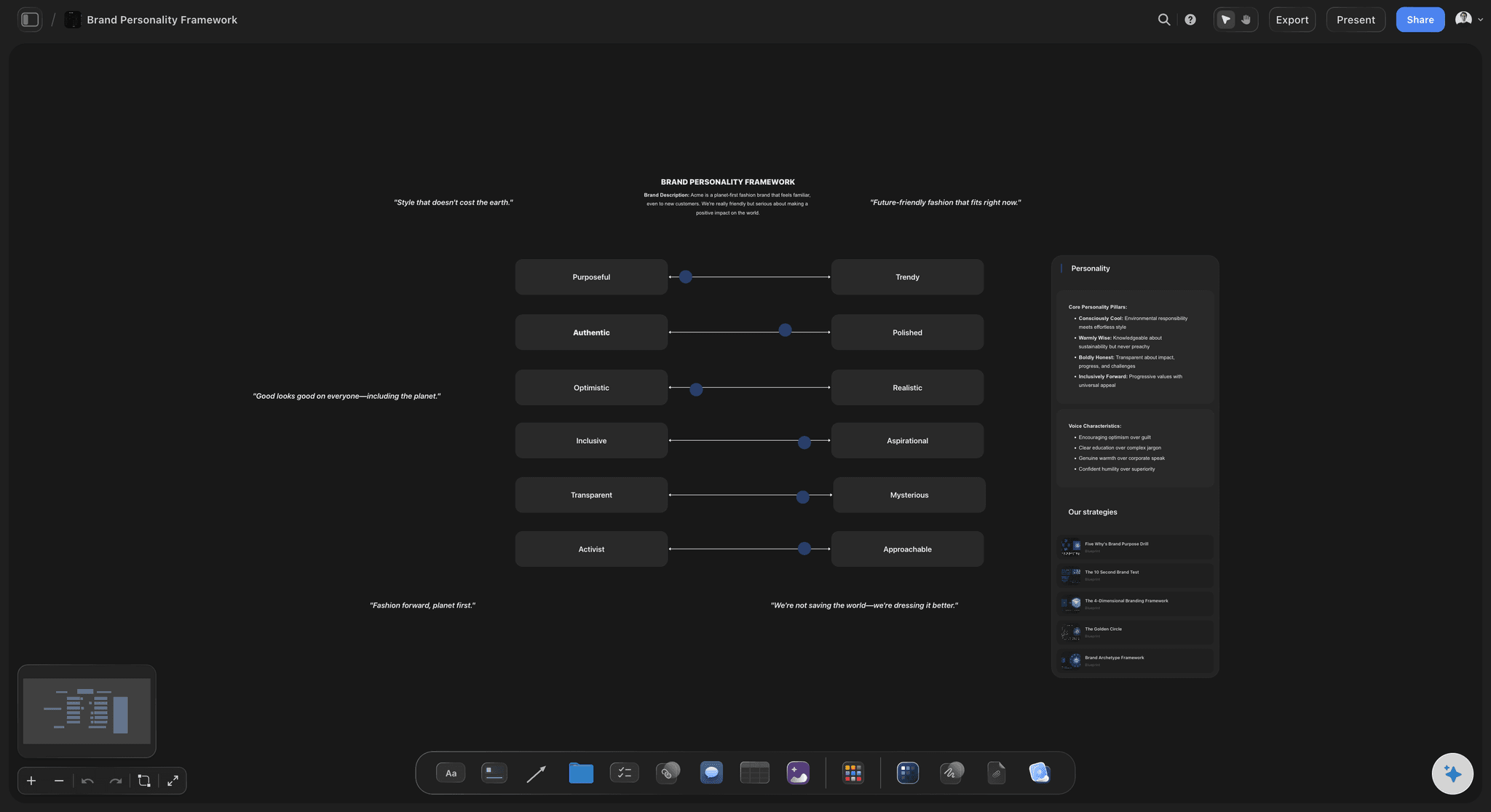
Give every color a name and a job.
A palette is more than a strip of pretty colors. Name each swatch after its role: primary, accent, background, warning. When the palette sits next to personality references and tone-of-voice notes, everyone reads it the same way.
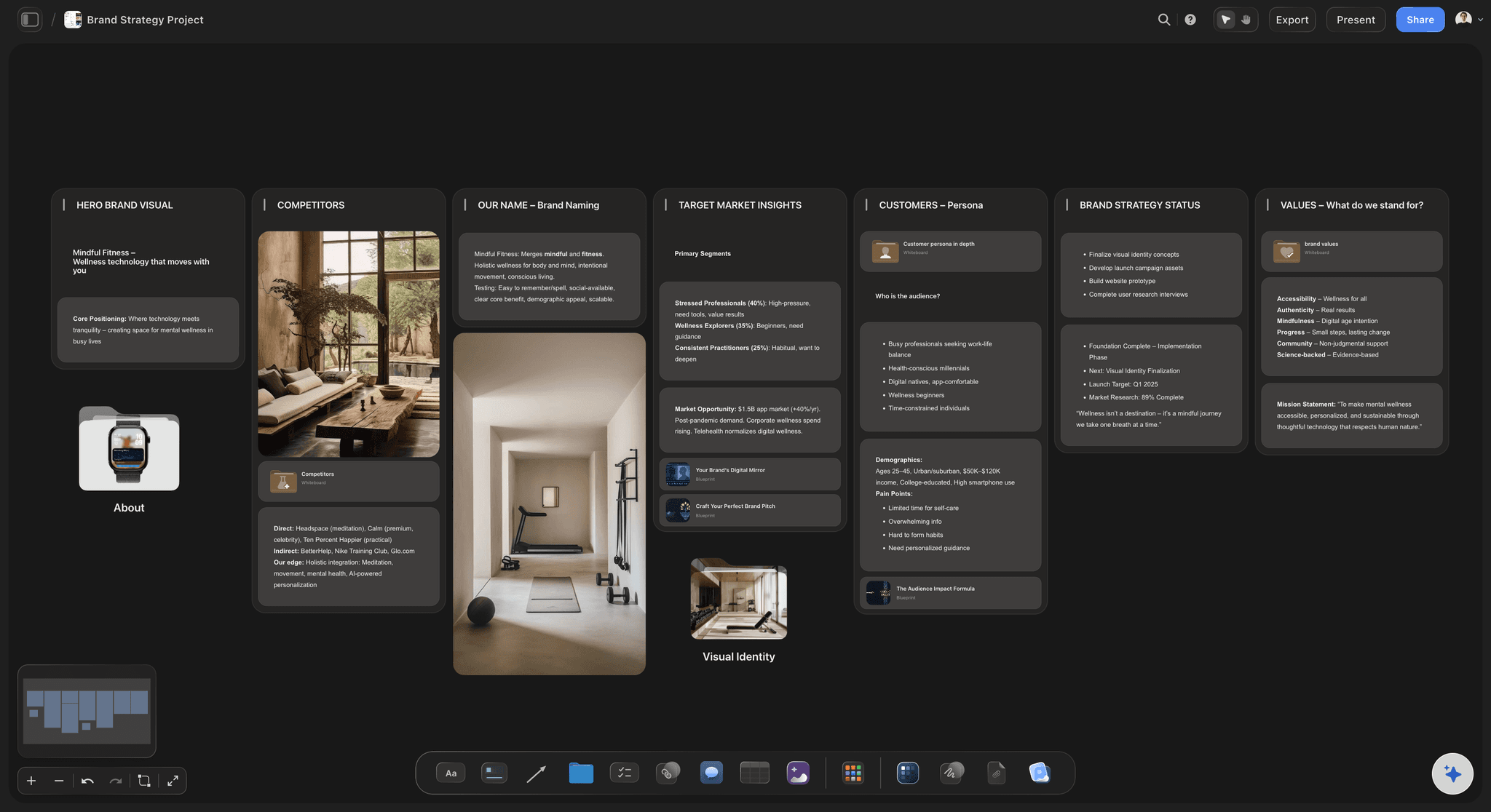
Keep brand colors where the brand lives.
Instead of burying hex codes in a document nobody opens, keep the official palette on the same board as your brand strategy, logo explorations, and campaign work. When a color shifts, update the swatch once and the whole board stays honest.
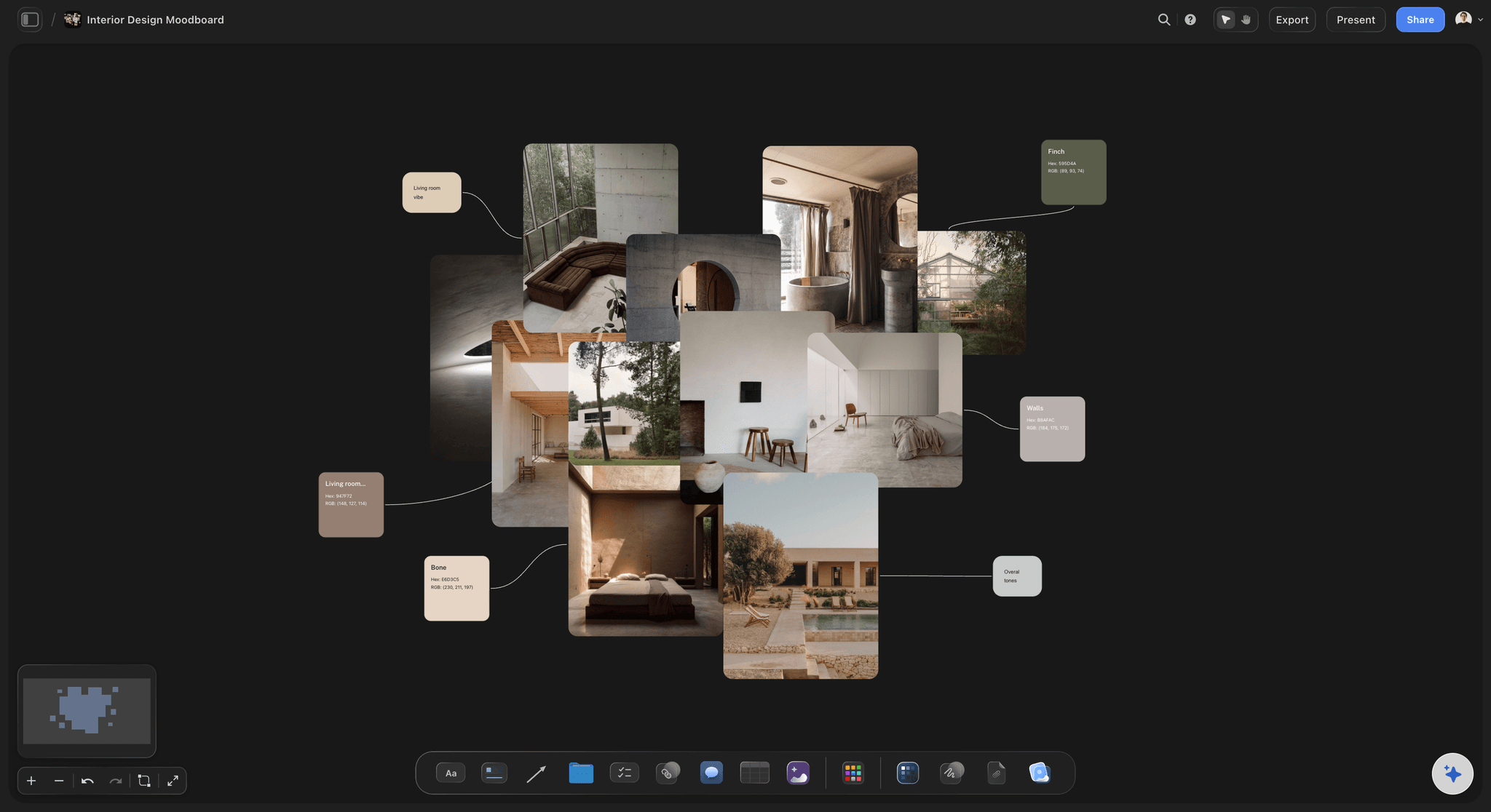
Match palettes to real spaces and materials.
Interior designers can build a palette right beside photos of the room, fabric close-ups, and material references. Compare candidate colors against the actual imagery, swap swatches in and out, and present the winning combination on one board.
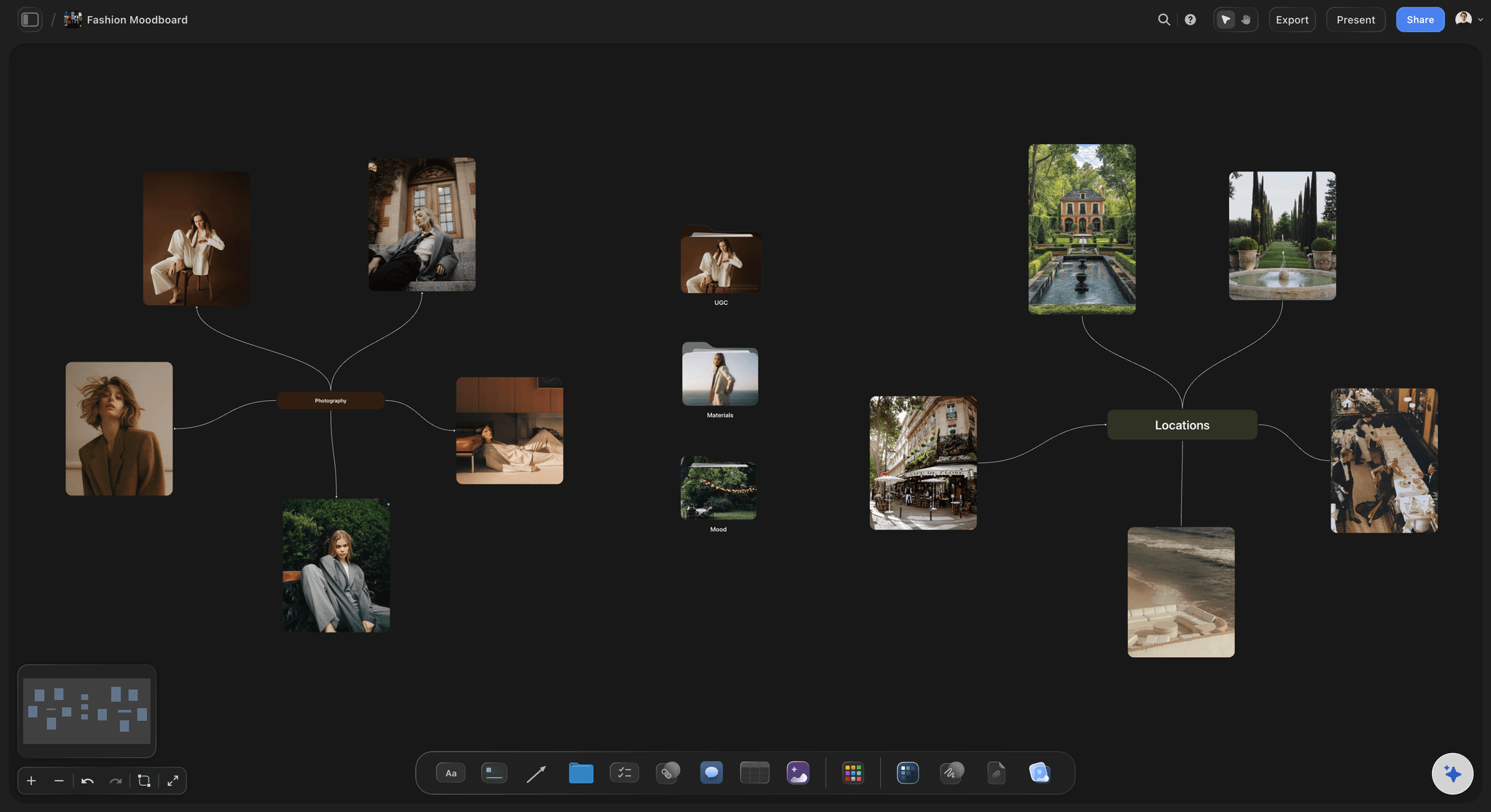
Explore several palettes side by side.
The infinite canvas makes comparison easy: lay out two or three palette directions next to the same reference images and judge them together. Keep the rejects on the board too, so the reasoning behind the final choice is never lost.
A color palette maker with context built in.
Storyflow's color swatch elements live on an infinite canvas alongside your images, notes, and boards. Build a palette by placing swatches next to the references that inspired them, tune each color until it matches what you see, and name every swatch so the palette documents itself. The result is a living palette, not a static export.
Free for designers, brands, and hobbyists.
Every paid plan includes unlimited boards, an infinite canvas, and unlimited file uploads. That is enough to build brand palettes, interior schemes, illustration palettes, and seasonal color stories, each on its own board or all in one workspace.
From palette to full creative direction.
Because the palette lives on a canvas, it can anchor a bigger picture. Surround it with moodboard imagery, typography screenshots, and campaign notes; add comments where a decision needs discussion; and share a view-only link that shows clients the colors together with the world they belong to.
What creators are saying
Join early creators getting structured workspaces and AI that remembers their projects
“Storyflow has sped up my workflow by at least 3x, which means more flow state and more projects I can actually ship. It truly changed the way me and my team create.”

Reilin Joey
Director & YouTuber
“One prompt gets me a structured board. But the tactics are my favorite. I run my YouTube scripts through them and my intros and retention got better. It's amazing.”

Justkay
YouTuber & Freelance Filmmaker
“I used to juggle five apps to plan a project. Now I describe what I am making and get boards, lists, and a schedule. All in one place.”

George
@fernwehchronicles
Frequently asked questions.
Swatches, naming colors, and sharing palettes.
Create a free board, add color swatch elements from the toolbar, and dial in each color. Name and arrange the swatches next to your reference images so the palette stays in context.
Not yet. Storyflow is paid-only during early access, with plans from $7.99 a month billed annually ($9.99 monthly). A free plan launches before the end of 2026, and anyone a paid member invites to a board joins free. Every paid plan lets you place unlimited swatches across unlimited boards, with unlimited file uploads for the reference images you build palettes around.
No. You build palettes by hand: place swatch elements beside your image and tune each color until it matches. Many designers prefer this because the palette reflects deliberate choices rather than an algorithm's averages.
Yes. Every swatch can carry a name, such as Primary, Accent, or Sand, so the palette communicates roles as well as values. Naming swatches makes handoffs to teammates and clients much clearer.
That is the core idea. Swatches, images, notes, and tables all live on the same infinite canvas, so your palette sits directly beside the moodboard, brief, or brand board it belongs to.
Send the board's view-only link. The palette opens in any browser next to the references it was built from, with every swatch name visible, and nobody needs an account to look.
Build your color palette in Storyflow.
Place named swatches beside the images that inspired them, on a free infinite canvas. No credit card required.