
Extremely simple, seriously capable
Everyone pins.
Nobody explains.
A shared moodboard fails in a specific way. Four people add references, the board fills up, and none of it says why anything is there. What you end up with is a group scrapbook that looks like consensus and hides four different opinions. The fix is making the reason travel with the reference.


Creatives working for these brands already got early access
- Red Bull
- Canon
- Artlist
- Porsche
See how easy it is to get started
Watch a real project come together, from a blank board to a finished plan, clicked through step by step.
Start from a ready-made template
Pick a board to see what you can build, then let AI fill it in. Every template is a real, editable starting point on the same infinite canvas.

Mind Map
Branch one central idea out into themes and sub-points, then drag the connections around until the structure makes sense.
How do teams build a moodboard together?
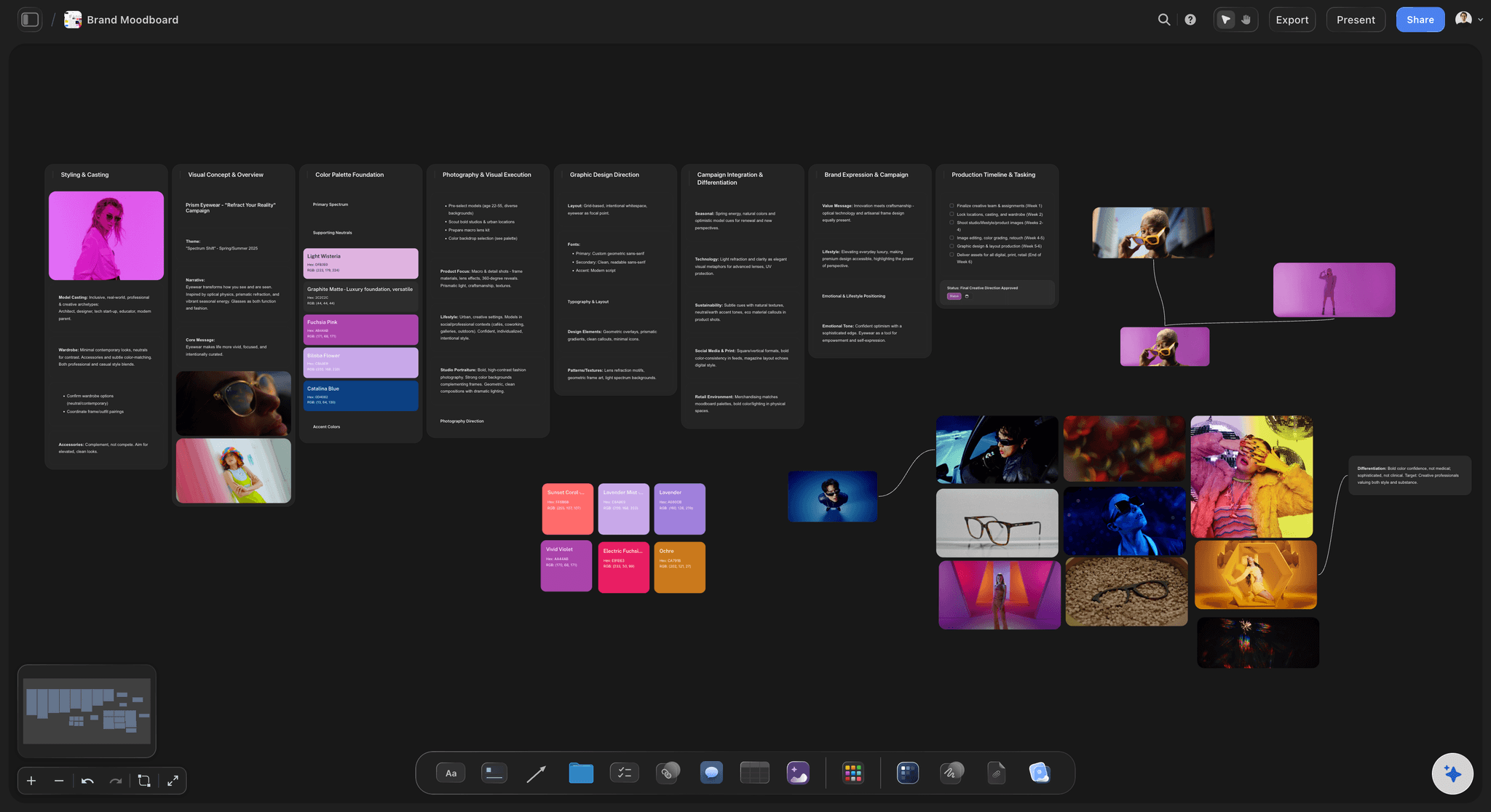
Badly, by default, and the reason is structural rather than social. Storyflow is an AI visual workspace that lets your team build a moodboard together on one infinite canvas: several people pinning at once, a reason attached to each reference, named directions, and a view-only link for client review. When one person builds a moodboard, the reasoning stays in their head and gets spoken during the presentation. When four people build one, there is no presentation to hold the reasoning, so it evaporates. The board looks collaborative and is actually four private boards overlapping.
This produces a familiar and expensive outcome: the group approves a board that everyone reads differently. One person added a reference for its restraint, another added one for its energy, and the board now points in two directions at once without anyone noticing, because nothing on it says what anything is for.
The fix is not a process meeting. It is making the annotation cheap enough that people actually do it. If adding a reason takes as long as adding the image, it happens. If it requires opening a comment thread or writing a document afterwards, it does not, and no amount of asking the team nicely changes that.
Storyflow puts text and images on the same infinite canvas as equal objects, so a line of reasoning beside a reference is the same amount of work as the reference. Boards are collaborative with unlimited collaborators on paid plans, and a view-only link lets a client review without rearranging it.
Ultra fast from brief to board
Structure first, then let everyone in.
The order matters more than the tooling.
01
Set the directions before sharing
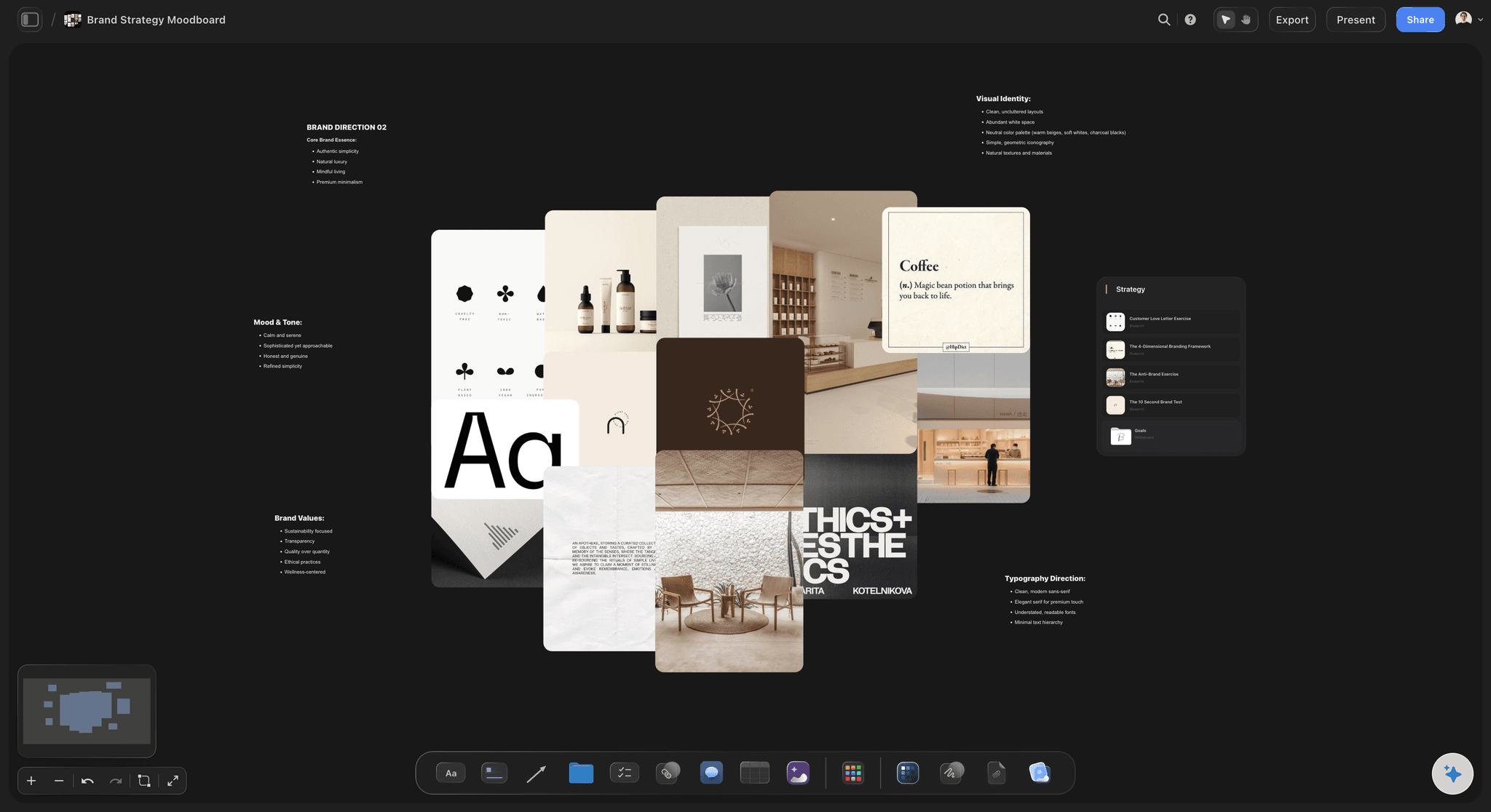
Two or three named routes on the board first. Without them, contributors pin into one undifferentiated pile.
02
Everyone adds to a direction
A reference goes under the route it supports, which forces the smallest possible act of reasoning at the moment of adding.
03
One line beside each
Text and images are the same kind of object here, so writing the reason costs about as much as dropping the image.
04
Edit down together
Cut to what holds, then send a view-only link to the client so the board they see is the board you agreed on.
Four things a shared board needs that a solo one does not.
Collaboration changes what the board has to carry.
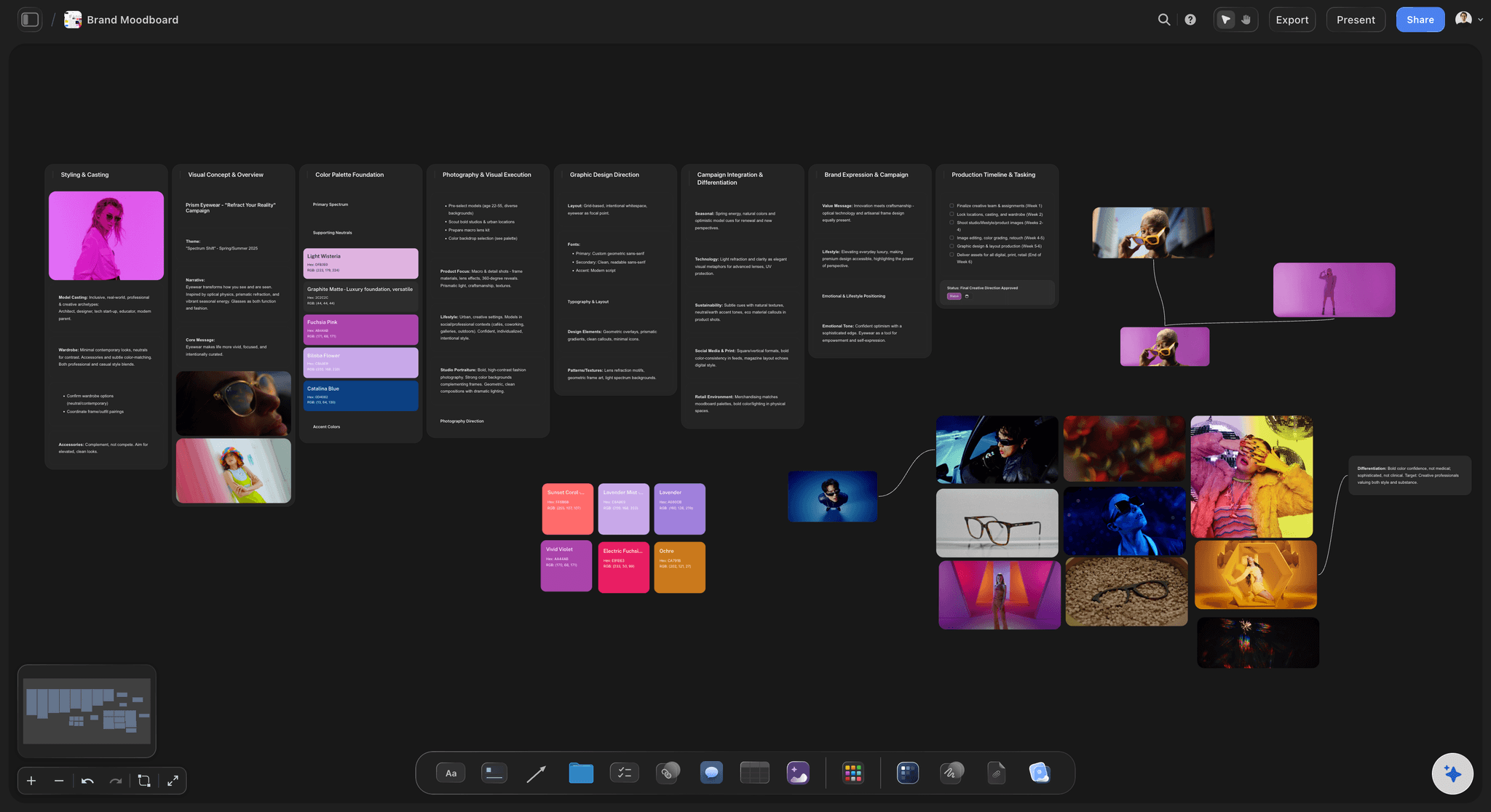
Reasoning travels
Text and image, same weight
Annotation only happens when it is as easy as pinning. Both are just objects on the canvas, so the reason stays with the reference.
See moodboards for designers →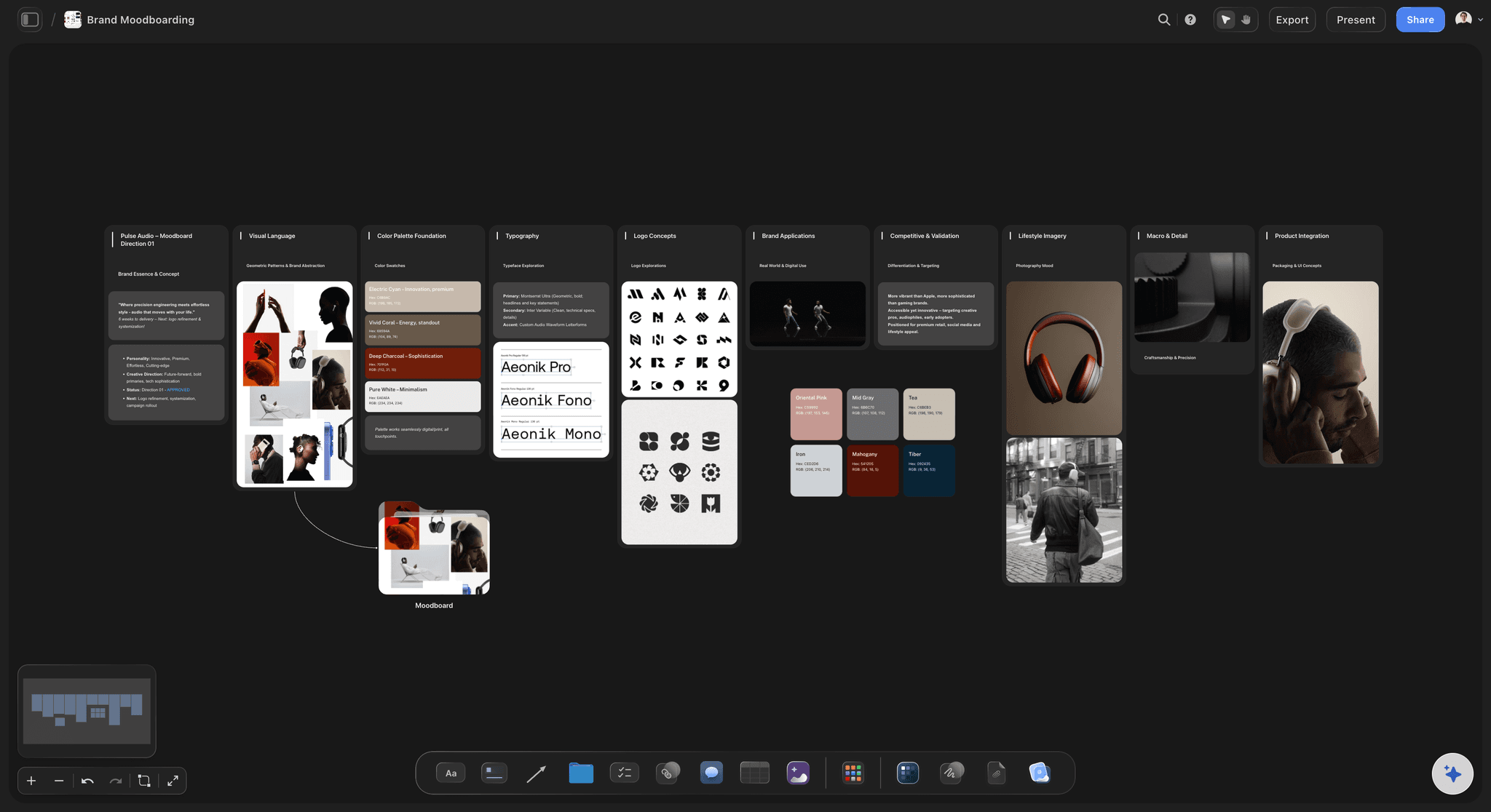
Routes, not a pile
Named directions up front
Give contributors somewhere specific to add. An empty shared board collects everything and resolves nothing.
See the art direction board →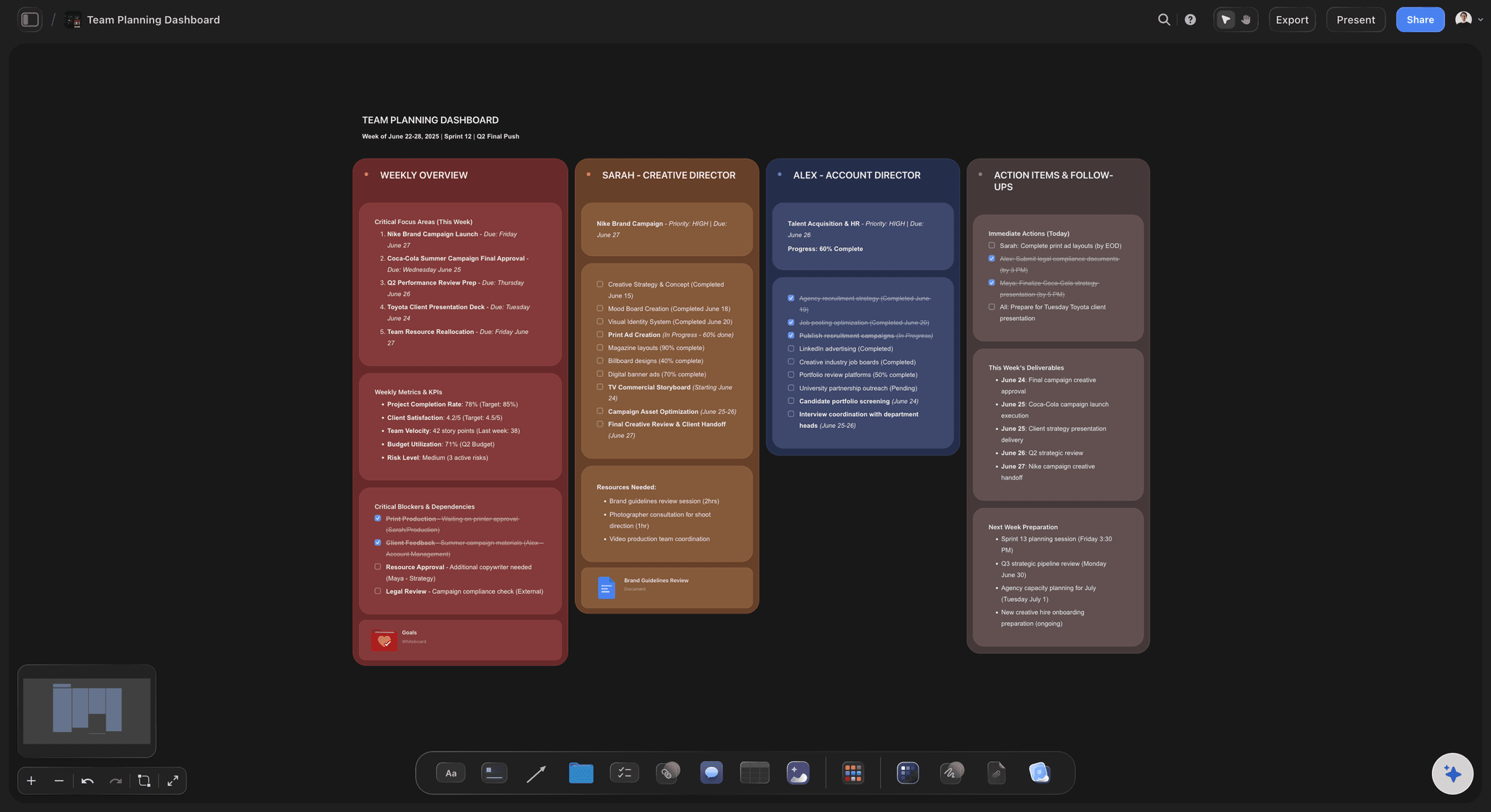
Everyone at once
No pinning queue
Unlimited collaborators on paid plans, all working on the same canvas, with a team workspace and roles available on Max.
See visual collaboration →
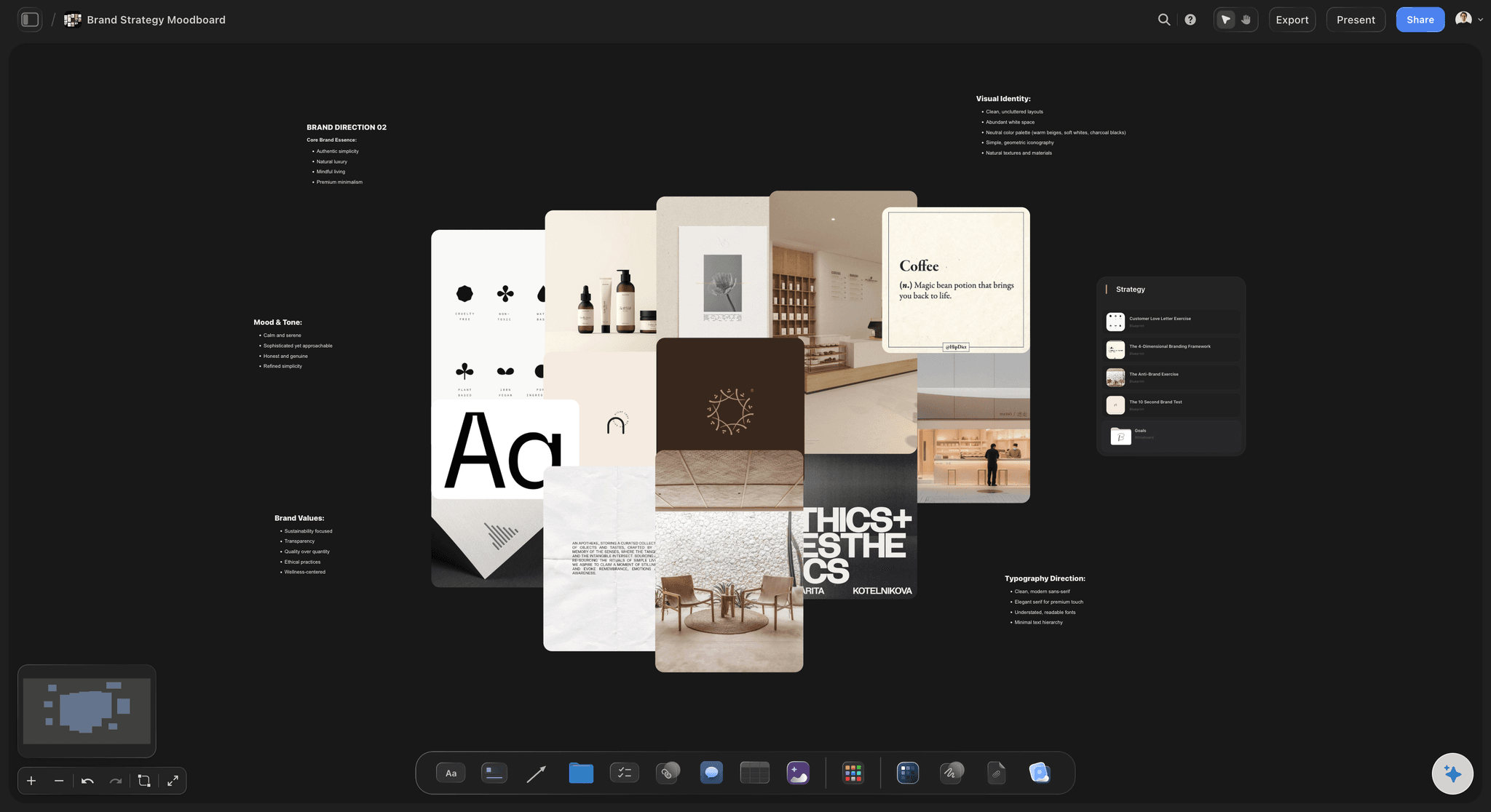
Clients see it clean
Read-only for review
Share the edited board without edit rights, so a review does not turn into the client reorganising your argument.
See moodboards for clients →Plans from $7.99/month annual. Free plan coming late 2026.
Unlimited collaborators and file uploads on Plus, Pro and Max, team roles on Max.
Unlimited collaborators on every paid plan
Unlimited file uploads on Plus, Pro and Max
View-only links for client review
Team workspace with roles on Max
Built for people with taste
Four failure modes of building direction as a group.
All four are invisible while the board is being built and obvious afterwards.
Failure one
Consensus that is not consensus
Four private boards, overlapping: Everyone pins toward what they already think, and the result looks agreed because nothing on it disagrees out loud.
The split shows up in the work: It surfaces at the first review, when the piece satisfies one reading of the board and not the other three.
Force the reason at add time: Adding under a named direction with a line of rationale makes the disagreement visible while it is still cheap.
Failure two
Annotation nobody does
Effort decides behaviour: If explaining a reference costs more than adding it, it will not happen, regardless of what the team agreed to do.
Comment threads are too expensive: A reason hidden behind a click is a reason nobody writes and nobody reads while scanning the board.
Text as a first-class object: When a note is just another thing on the canvas, the rationale sits in view beside the image at no extra cost.
Failure three
The board that only grows
Adding is social, cutting is not: Nobody wants to delete a colleague's reference, so a shared board accumulates and never resolves into a direction.
Make editing a scheduled act: Treat the cut as its own step with someone responsible, rather than hoping it happens continuously.
Keep the offcuts: Move what did not survive to a side area instead of deleting it, which makes the cut much easier to agree to.
Failure four
Clients editing the argument
Layout carries meaning: A moodboard is composed. When a reviewer rearranges it, the argument it was making quietly changes.
Separate review from authorship: A view-only link shows the board as presented, and the client needs no account to open it.
Keep internal exploration internal: Share the edited board rather than the working one, so the client sees a direction and not the team thinking out loud.
Explore templates for your project
Every template opens as a real, editable board on the infinite canvas. Pick the closest fit and make it your own.
Mind Map
Branch one central idea out into themes and sub-points, then drag the connections around until the structure makes sense.
What creators are saying
Join early creators getting structured workspaces and AI that remembers their projects
“Storyflow has sped up my workflow by at least 3x, which means more flow state and more projects I can actually ship. It truly changed the way me and my team create.”

Reilin Joey
Director & YouTuber
“One prompt gets me a structured board. But the tactics are my favorite. I run my YouTube scripts through them and my intros and retention got better. It's amazing.”

Justkay
YouTuber & Freelance Filmmaker
“I used to juggle five apps to plan a project. Now I describe what I am making and get boards, lists, and a schedule. All in one place.”

George
@fernwehchronicles
Collaborative moodboards, answered.
What teams ask before sharing a board.
Put named directions on the board before sharing it, and make the reason travel with the reference. A shared board with no structure collects everything and resolves nothing, and a board where nothing says why an image is there produces false consensus. In Storyflow text and images are equal objects on one canvas, so annotating costs about as much as pinning, which is the only reason it actually gets done.
Storyflow is a shared moodboard where the reason travels with the reference: several people build the same board at once, and text and images are equal objects on the canvas, so writing why a reference is there costs about as much as pinning it. You put named directions on the board before you share it, and clients review it from a view-only link.
Because when one person builds a board the reasoning gets spoken at the presentation, and when four people build one there is no presentation to hold it. Everyone pins toward what they already think, the board looks agreed, and the split appears at the first review of real work.
Yes, boards are collaborative and collaborators are unlimited on the paid plans. A team workspace with roles and permissions is on the Max plan, which matters once you want to control access rather than just share boards.
Make the cut a scheduled step with someone responsible for it. Adding is socially easy and deleting a colleague's reference is not, so it will not happen on its own. Moving offcuts to a side area rather than deleting them makes the edit much easier to agree to.
Yes, if you invite them as collaborators. Many teams collect client references on a working board early, then present an edited read-only version once a direction has been chosen, so the client sees a proposal rather than the team thinking out loud.
Yes, a view-only link shows the board exactly as composed and needs no account to open. This matters because a moodboard's layout carries meaning, and a reviewer rearranging it changes the argument.
Collaborators invited by a paid member can sign up free during early access. Plans start at $7.99 per month billed annually or $9.99 monthly, with a free plan before the end of 2026.
No, boards do not have version history today. If your process depends on rolling back to an earlier state, that is worth knowing before moving a critical board here.
You can add notes directly on the canvas beside anything, which is usually better than a threaded comment because it stays visible while scanning the board rather than hidden behind a click.
The canvas is infinite and file uploads are unlimited on the paid plans, so capacity is not the constraint. Editing down is, which is the actual difficulty with shared boards.
More from Storyflow
Moodboard for designers
Moodboard from a brief
Moodboard for clients
Moodboard maker
Visual collaboration
Whiteboard for creative teams
Moodboard app
For creative directors
Photoshoot planning
How to make a photoshoot moodboard
Creative direction deck
Architecture moodboard
Best moodboard app
Campaign visual direction
Make the reason travel with the reference.
Named directions, annotation that costs nothing, and a clean link for the client.