
Extremely simple, seriously capable
The brief exists.
The board does not.
Between receiving a brief and having something to show is a day of gathering, and most of that day is spent deciding what to look for. Hand the brief to a board that reads it and get a structure back: named directions, the questions the brief leaves open, and somewhere to put references as you find them.


Creatives working for these brands already got early access
- Red Bull
- Canon
- Artlist
- Porsche
See how easy it is to get started
Watch a real project come together, from a blank board to a finished plan, clicked through step by step.
Start from a ready-made template
Pick a board to see what you can build, then let AI fill it in. Every template is a real, editable starting point on the same infinite canvas.

Mind Map
Branch one central idea out into themes and sub-points, then drag the connections around until the structure makes sense.
Can you generate a moodboard from a brief?
You can generate the structure, and that is the part worth generating. Storyflow is an AI visual workspace that turns your written brief into a first draft moodboard on one infinite canvas: named directions, the questions the brief leaves open, and room for real references as you find them. A brief contains a handful of implied directions, usually two or three, and a set of things it does not say. Extracting those by hand is the first hour of the job, and it is the hour where you are least productive because you are reading rather than looking.
What cannot be generated is the taste. A moodboard is built from specific references chosen because of a specific quality, and a machine picking attractive images produces something that looks like a moodboard and functions as nothing. The reference is a decision, and outsourcing the decision produces a board you cannot defend in a review.
So the useful division is: the board drafts the shape, you supply the material. It reads the brief, proposes named directions with the quality each one is chasing, and marks the questions the brief has not answered. Then you gather against that structure, replacing the drafted description with the actual reference. Working against a structure is considerably faster than gathering into a void.
Storyflow reads an uploaded brief and drafts the board on an infinite canvas. The AI reads the whole active board plus up to five attached documents and three boards. AI image generation is on the Pro and Max plans, and unlimited file uploads are on every paid tier for the references you bring yourself.
Ultra fast from brief to board
Draft the shape, gather the substance.
The machine does the reading. You do the looking.
01
Upload the brief
Attach the document or paste the text. You can attach up to five documents, so a brief plus references and an old deck all count.
02
Get named directions
Two or three routes the brief implies, each with the quality it is chasing written out, rather than one undifferentiated grid.
03
See what the brief avoided
The questions it leaves open are flagged on the board. These are the ones that become expensive arguments in week three.
04
Replace drafts with real references
Gather against the structure. Each drafted description becomes an actual image chosen for the reason written beside it.
What a first draft can and cannot do.
Being clear about this is what makes it useful.
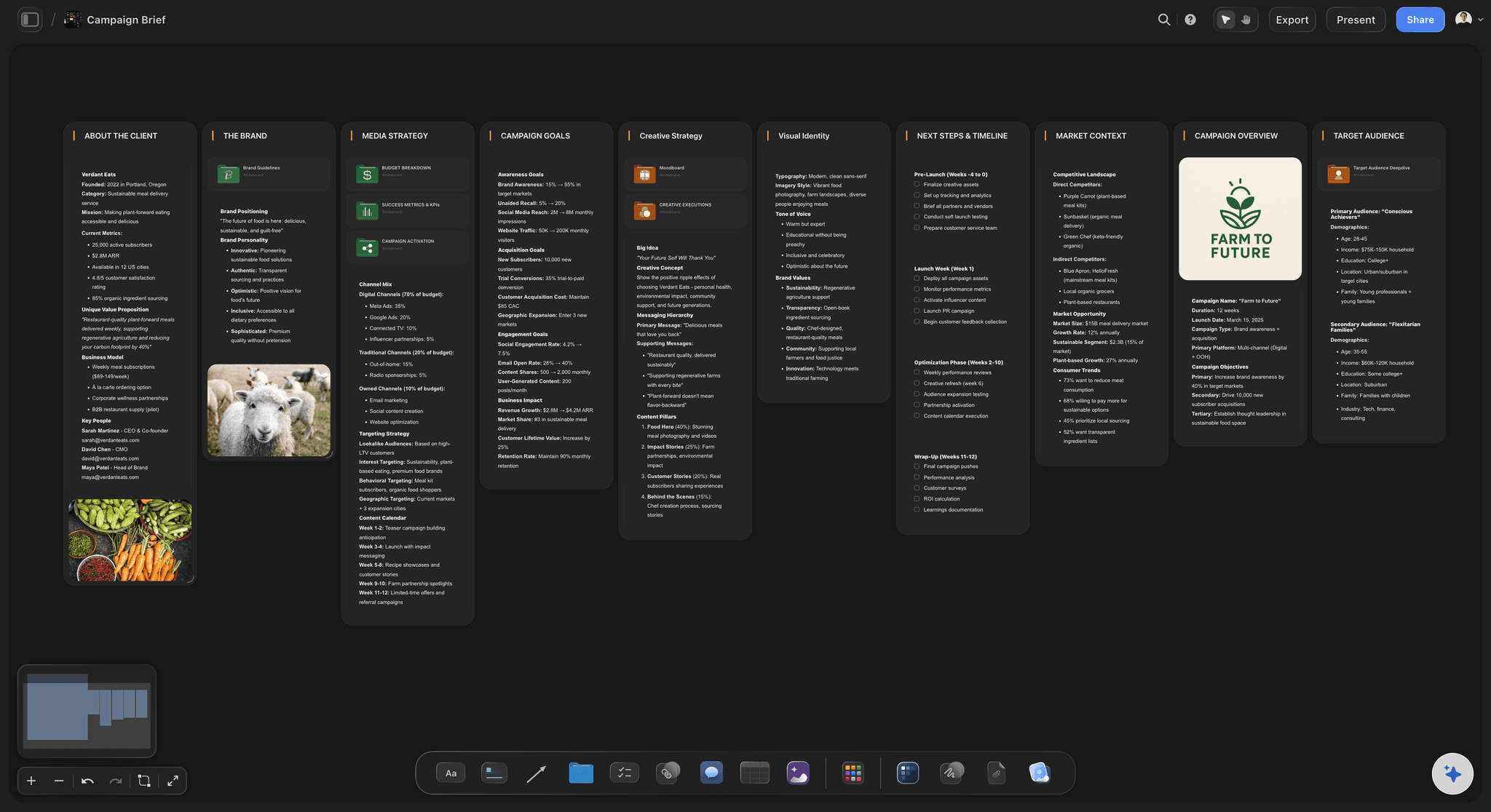
Reads your brief
Structure from the document
The directions come from the brief you uploaded rather than from a generic template, which is the difference between a draft and a stock layout.
See the design brief tool →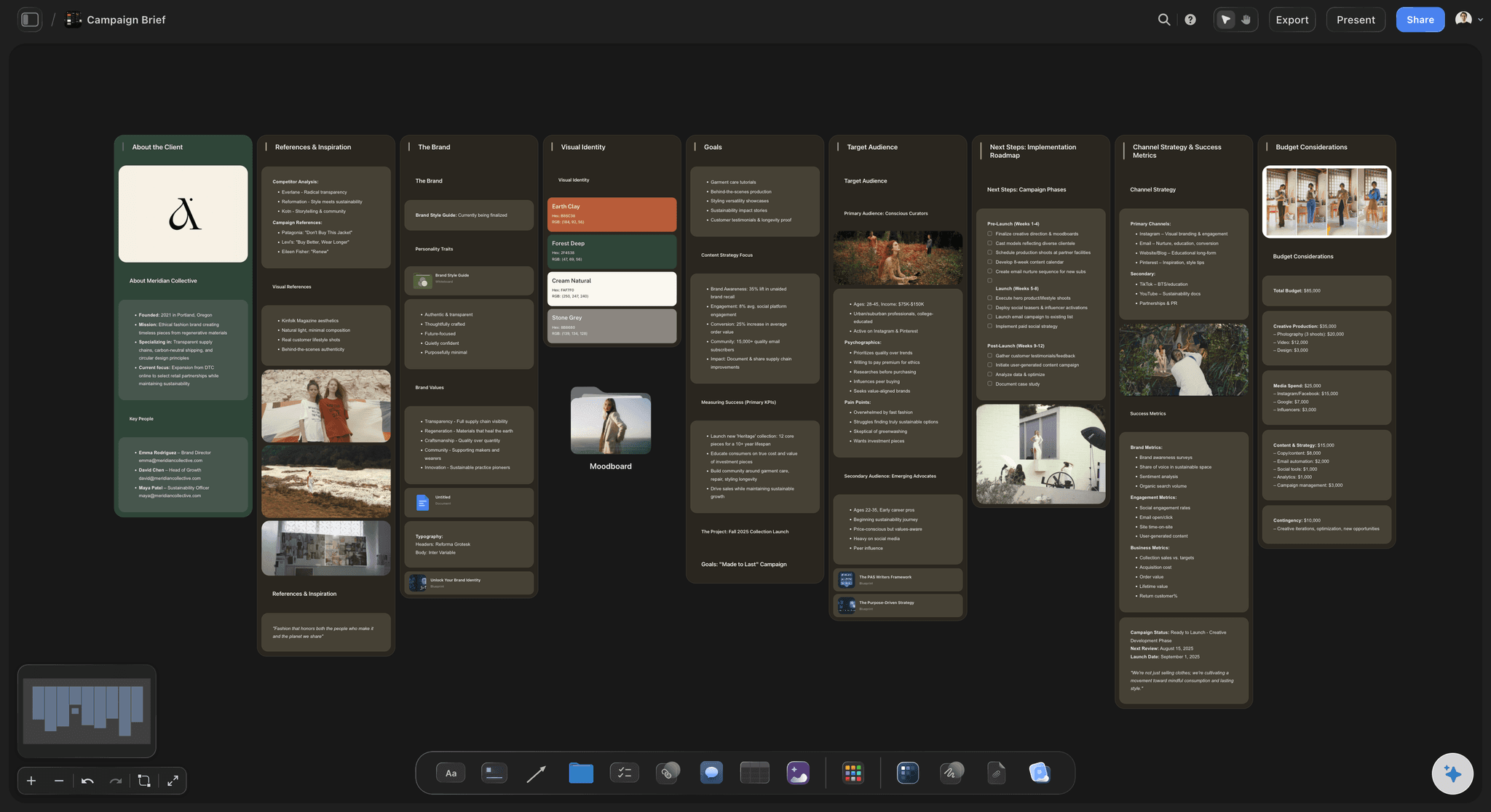
The gaps, named
What the brief did not say
Unanswered questions surfaced at the start, when asking is cheap, rather than at the first review when it looks like a missed requirement.
See the AI design brief generator →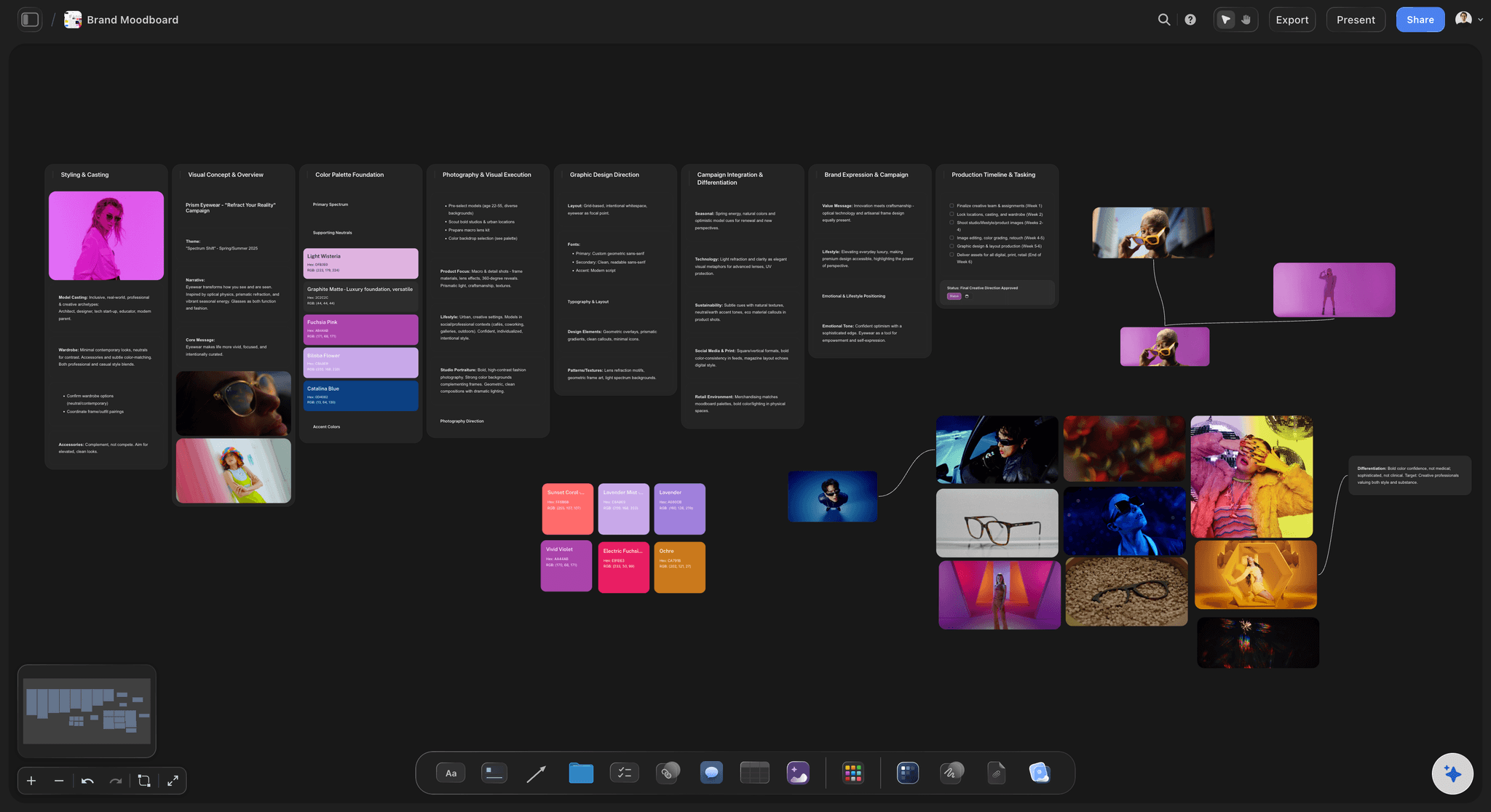
You choose the images
Taste is not generated
The draft holds the reasoning and the slots. The references are yours, because a reference chosen by a machine is one you cannot defend.
See the moodboard maker →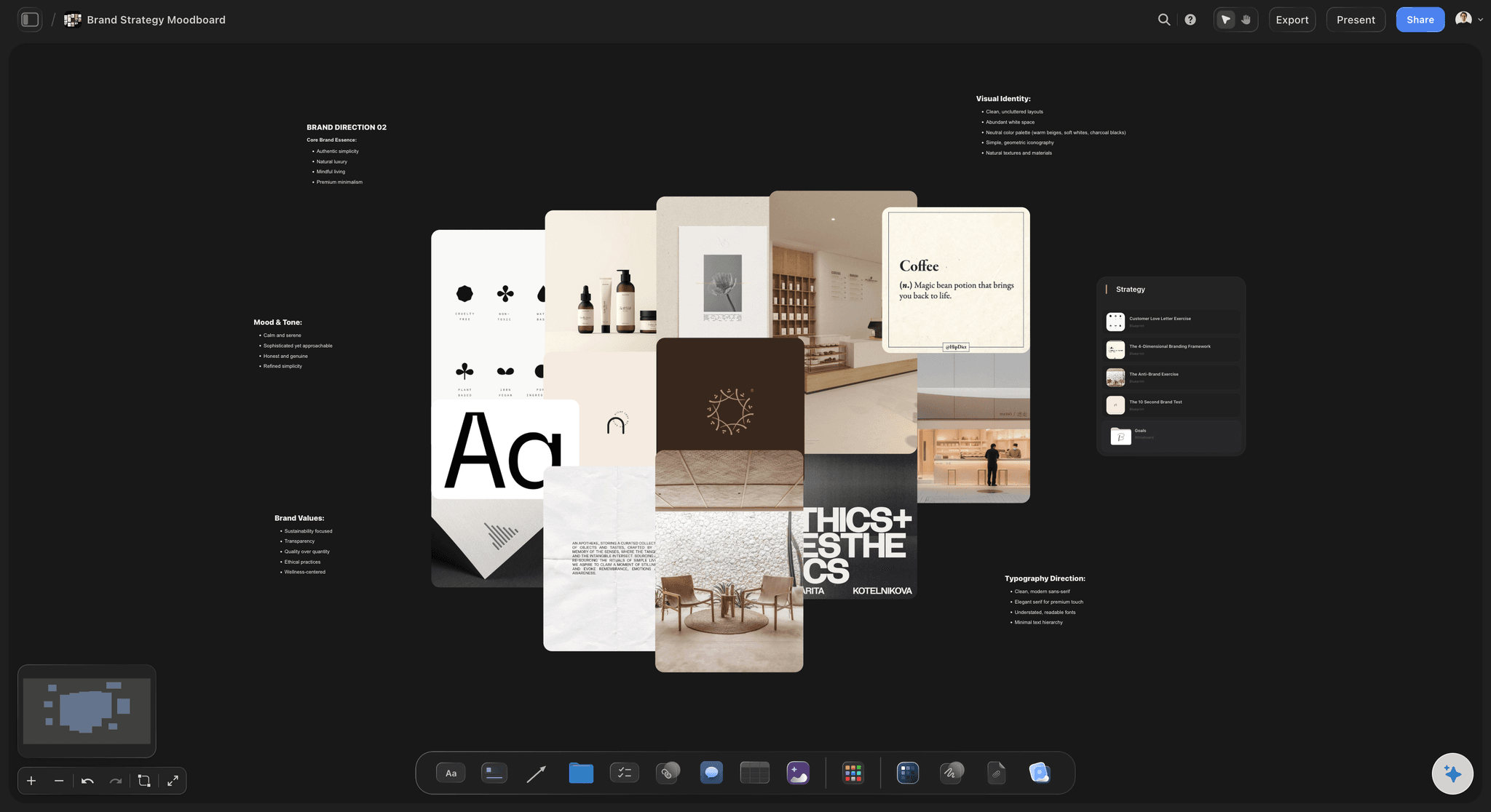
Straight into presenting
The board is already annotated
Because the rationale was drafted first, the finished board explains itself, which is what a review actually needs.
See moodboards for clients →Plans from $7.99/month annual. Free plan coming late 2026.
Unlimited file uploads on every paid plan. AI image generation on Pro and Max. Free plan before the end of 2026.
Attach up to five documents per message
Unlimited file uploads on Plus, Pro and Max
AI image generation on Pro and Max
Built for people with taste
Four things that make the start slow.
None of them are the gathering itself, which is the enjoyable part.
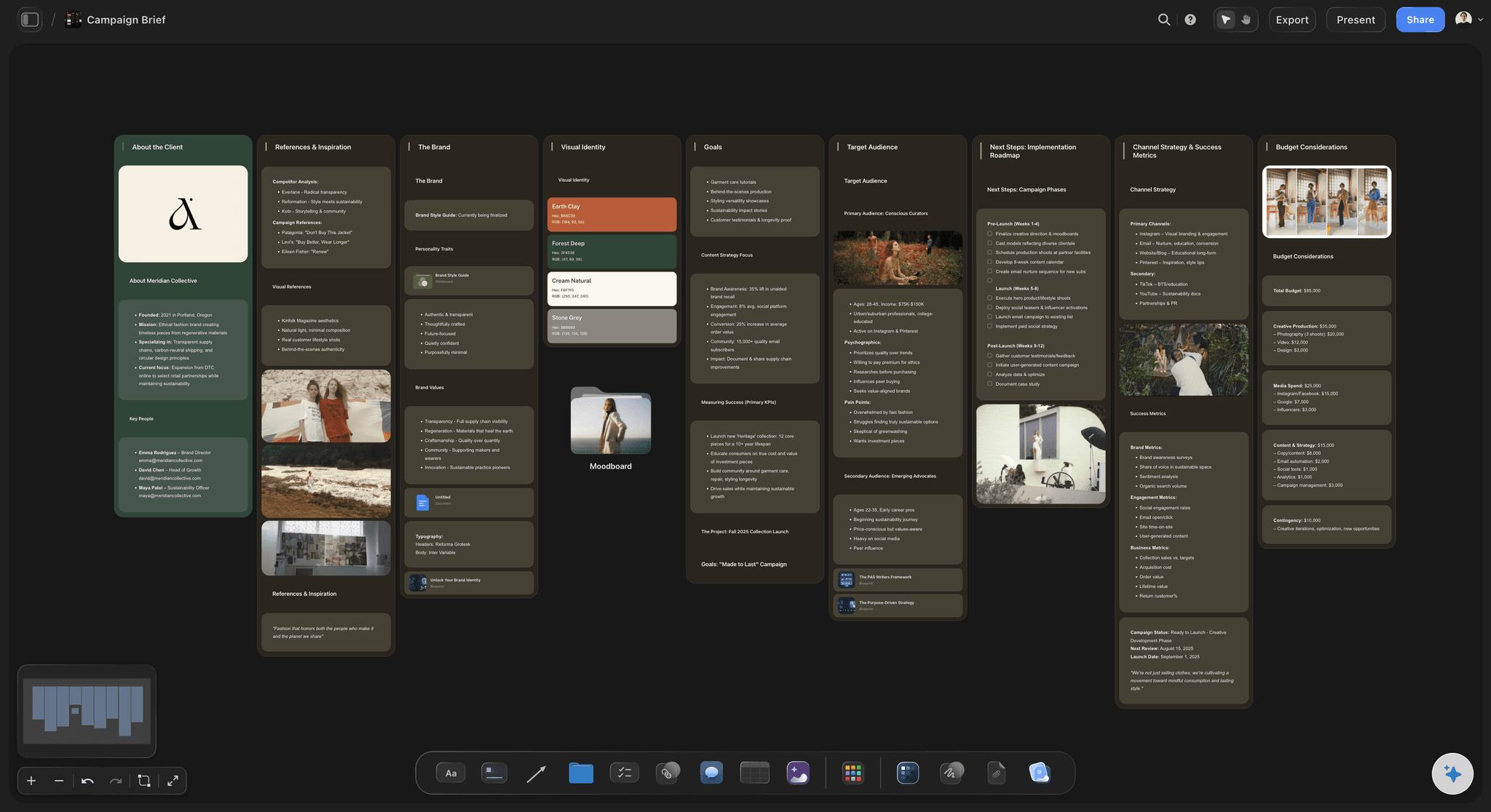
Slow one
Deciding what to look for
The brief has to be interpreted: Before gathering starts, someone has to turn prose into a set of visual questions, and that reading hour feels like no progress.
Searching without a target: Gathering with no structure produces a large pile of attractive images and no argument, which is a second day of work to sort.
Draft the questions first: With named directions on the board, gathering is aimed, and each reference either serves a direction or does not.
Slow two
The questions the brief avoided
Every brief has holes: Budget, tone, audience and what is explicitly out of scope are commonly missing, and their absence is not obvious on a first read.
Late questions look like failure: Asking in week three reads as having missed something. Asking on day one reads as being thorough.
Surface them on the board: The gaps go on the canvas beside the directions, so the conversation happens when it is still cheap.
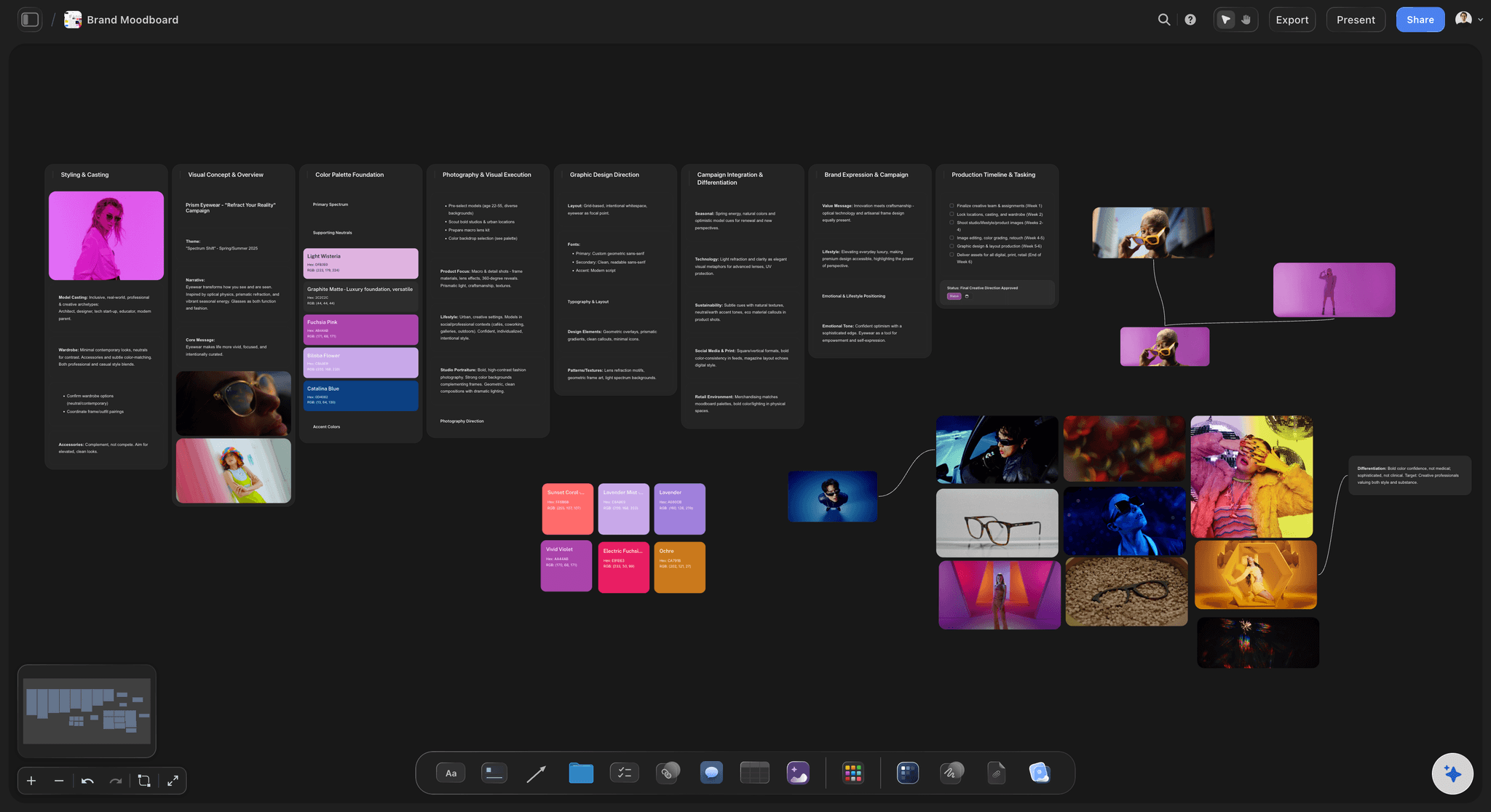
Slow three
Generated boards that cannot be defended
Attractive is not the same as chosen: A board of machine-picked images looks finished and collapses in the review, because there is no reason behind any of it.
The reference is a decision: You put a photograph on the board because of one quality. That judgement is the work, and generating it removes the value.
Generate structure, not taste: Draft the reasoning and the slots, then fill them yourself. The board is faster to build and still yours to argue for.
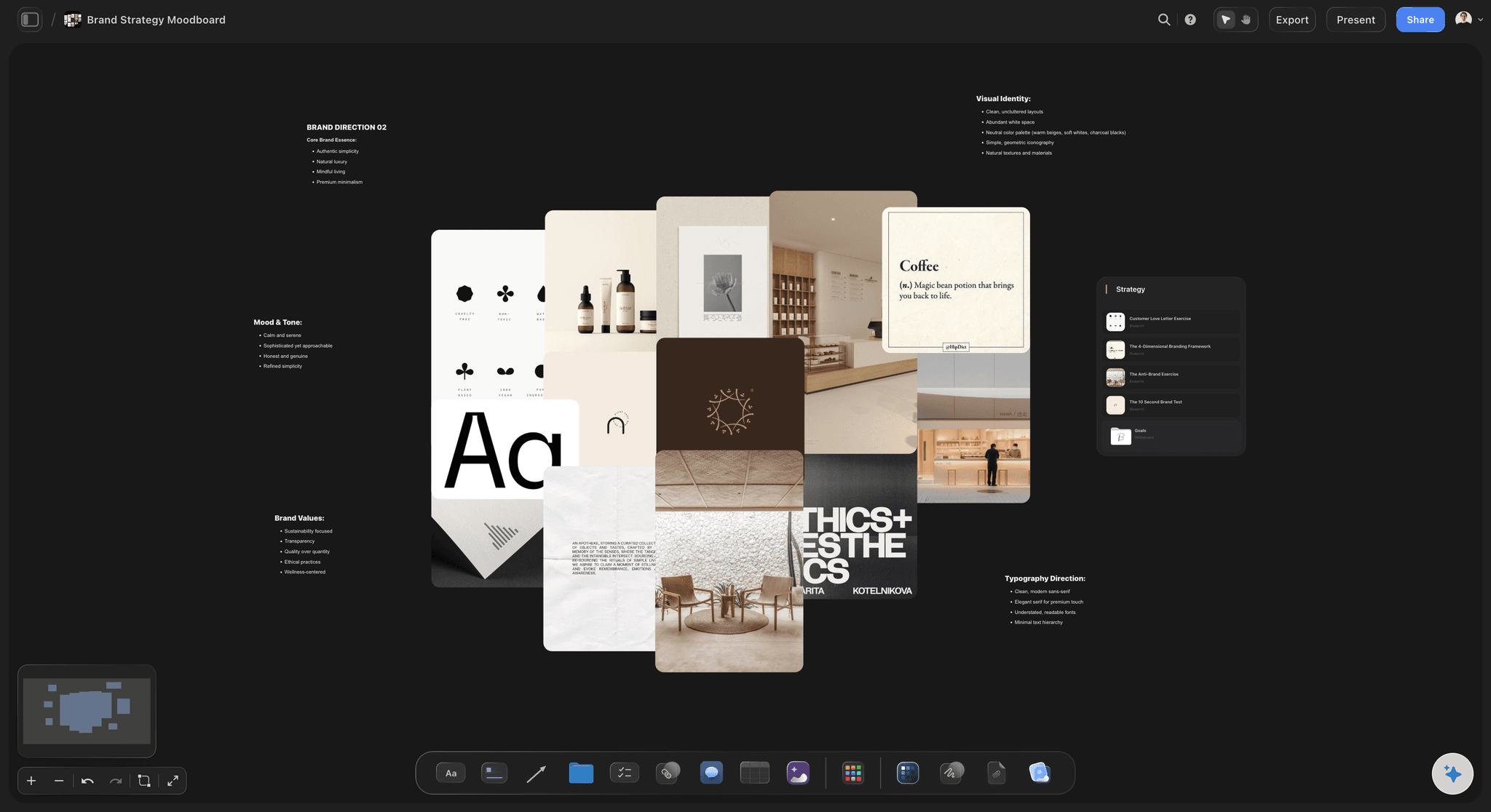
Slow four
Annotating after the fact
Rationale written last is thin: Explaining a board you already built means reconstructing reasons, and the write-up is usually the step that gets rushed.
Reasoning first inverts it: When the quality is written before the image is found, the annotation is the brief for the search rather than a caption after it.
The board arrives presentable: Because each cluster already says what it means, the finished board is ready to review without a separate writing pass.
Explore templates for your project
Every template opens as a real, editable board on the infinite canvas. Pick the closest fit and make it your own.
Mind Map
Branch one central idea out into themes and sub-points, then drag the connections around until the structure makes sense.
What creators are saying
Join early creators getting structured workspaces and AI that remembers their projects
“Storyflow has sped up my workflow by at least 3x, which means more flow state and more projects I can actually ship. It truly changed the way me and my team create.”

Reilin Joey
Director & YouTuber
“One prompt gets me a structured board. But the tactics are my favorite. I run my YouTube scripts through them and my intros and retention got better. It's amazing.”

Justkay
YouTuber & Freelance Filmmaker
“I used to juggle five apps to plan a project. Now I describe what I am making and get boards, lists, and a schedule. All in one place.”

George
@fernwehchronicles
Moodboards from briefs, answered.
What people ask about generating visual direction.
It can generate the structure, which is the part worth generating. Upload the brief and get two or three named directions with the quality each is chasing, plus the questions the brief leaves unanswered. What it should not generate is the references themselves, because a moodboard is built from specific images chosen for specific reasons, and a board of machine-picked pictures collapses the moment someone asks why an image is there.
Storyflow reads the brief and hands back a structure: the directions it implies, each with a name, and the questions the brief leaves open. You then swap the drafted structure for real references you chose yourself, on the same infinite canvas. The taste stays yours, the AI does not pick the images for you, and the board is already annotated when you present it.
Because the choice is the work. A reference is on the board because of one quality you noticed, and that judgement is what you are being paid for and what you have to defend in a review. A generated board looks finished and has nothing behind it.
A written brief, a positioning document, an old deck or notes. You can attach up to five documents and three boards to a message, so context beyond the brief itself can go in too.
Most briefs are silent on tone, on audience specifics, or on what is explicitly out of scope, and that silence is invisible on a first read. Surfacing it on day one means asking looks thorough. Asking in week three looks like you missed something.
AI image generation is available on the Pro and Max plans. For exploration most people bring found references instead, and file uploads are unlimited on every paid plan.
Everything is editable. Rename a direction, delete one, merge two, or throw the draft away and structure the board by hand. The draft is a starting point, and disagreeing with it is often how you work out what the brief actually meant.
Not on its own. It is a structure with reasoning and empty slots. It becomes presentable once you have replaced the placeholders with real references, which is the part that takes taste and cannot be skipped.
A template gives you the same layout regardless of the job. This reads your specific brief, so the directions and the questions come from the document in front of it rather than from a generic structure.
Yes, through a view-only link, so they can see it without needing an account or being able to rearrange it. The annotated structure means the board explains itself in the review.
Not during early access. Plans start at $7.99 per month billed annually or $9.99 monthly, with a free plan before the end of 2026.
More from Storyflow
Moodboard for designers
Collaborative moodboard
Moodboard maker
Design brief
AI design brief generator
Brief to project board
Photoshoot planning, moodboard to shot list
For creative directors
Art direction board
Creative direction deck
How to make a photoshoot moodboard
Moodboard app
Moodboard with Claude
Campaign concept board
Skip the interpretation hour.
Upload the brief, get named directions, then go and find the references.