
Every event detail, rock-solid in one place
A webinar run of show
with a time against every line.
The hour broken into blocks with start times and lengths, the five people on the call and the cue each one waits for, and a written plan for the six things that usually go wrong.


Creatives working for these brands already got early access
- Red Bull
- Canon
- Artlist
- Porsche
See how easy it is to get started
Watch a real project come together, from a blank board to a finished plan, clicked through step by step.
Start from a ready-made template
Pick a board to see what you can build, then let AI fill it in. Every template is a real, editable starting point on the same infinite canvas.

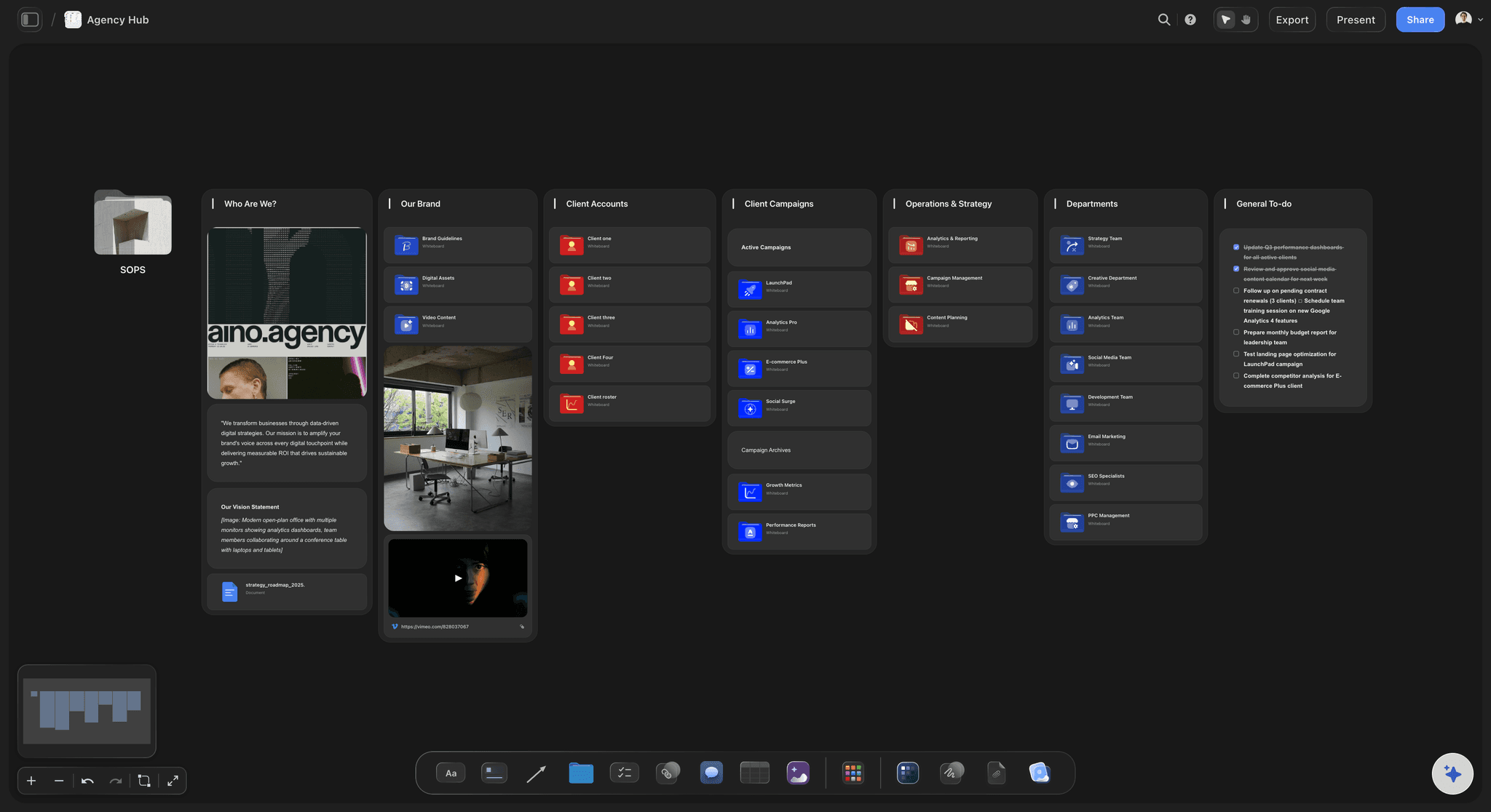
Commercial Moodboard
Pin references, palettes, and tone for a commercial so the look is clear before the shoot.
What is a webinar run of show?
A webinar run of show is the minute by minute order of the session: every block with a start time and a length, who is speaking in it, what is on screen while they speak, and the cue that starts the next block. Storyflow is an AI visual workspace that holds the whole running order on one infinite canvas: the timed blocks, the slides, the demo beats and the backup plan. The webinar platform still streams the room and sends the replay.
Here is a sixty minute session laid out the way most of them should be. Minus forty five: everyone joins the back room and tests sound, camera and screen share. Minus fifteen: the room opens with a holding slide and music. Minus five: last silence check, chat moderator posts the welcome message.
Then the hour itself. Zero: welcome, two minutes. Two: why you are here and what you will leave with, three minutes. Five: introduce the guest, two minutes. Seven: the main talk, twenty two minutes. Twenty nine: the demo, eight minutes. Thirty seven: questions, fifteen minutes, starting with one you already have. Fifty two: the offer and the single next step, four minutes. Fifty six: thank you, when the replay arrives, end. Two minutes of slack, on purpose.
Five people, not one. The host opens, links the blocks and closes. The presenter does the talk and nothing else. The producer watches the clock, sends the private nudges and runs the polls. The chat moderator answers in writing and pulls the good questions out into a list. The tech backup sits on a second machine, already logged in, with the deck open and the demo ready to take over. On a small team one person can hold two of these, but never the presenter, because the moment they are watching the clock they stop being good at talking.
Write the backup plan down before the day, because nobody invents a good one live. Six lines cover almost everything: if the presenter's connection drops, the host keeps talking and the tech backup shares the deck. If the demo breaks, cut to the recorded version that is already on the board. If screen share fails, the producer shares instead and the presenter clicks by asking. If no question comes, the host reads the one the team wrote in advance. If audio echoes, everyone not speaking mutes and the producer says so in chat. If the recording fails, say so at the end and send the deck plus a written summary the next day.
Ultra fast from brief to board
From an empty hour to a running order the room can follow.
Built in one sitting, read in one screen on the day.
01
Cut the hour into blocks
One row per block with a start time, a length, the speaker, and what is on screen. Lengths first, times second: decide the demo is eight minutes, then see what that does to the questions. The board shows the blocks as bars, so a twenty five minute talk stops looking like a short one.
02
Give every person one cue
Next to each block, write the exact line that hands over and the person who says it. Write the words, not the intent: "Thanks Maya. I am going to hand you my screen now, and you are taking us through the first three minutes of setup." The host knows the sentence that starts the demo. The producer knows the minute the poll opens. Nobody is reading the whole plan live, only their own next line.
03
Put the slides and the demo beside the timings
Lay the deck out as frames on the same board, with the demo steps in order underneath. When the talk runs long you can see which slide to drop, because it is right there next to the number of minutes it costs.
04
Write the six failures, then share one link
Six lines, six answers, on the board where the team will actually look. Send the guest speaker a view-only link so they can read their own section without joining anything, and export the whole board as a PDF for whoever wants it on a second screen.
Timings, roles, slides and the plan for when it breaks.
Storyflow builds the running order. Your webinar platform still streams the session and sends the replay.
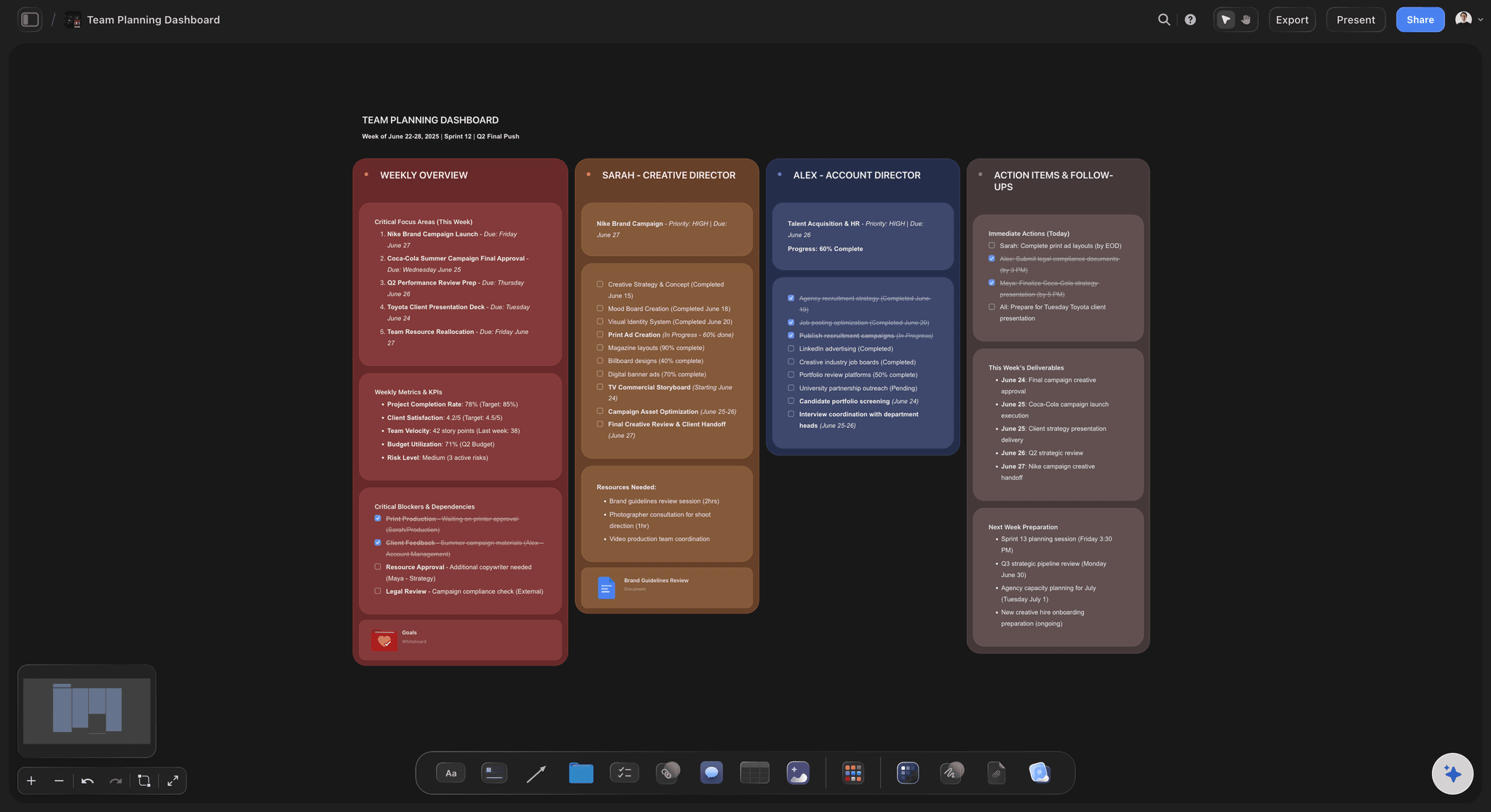
The clock
Every block with a start time and a length
Rows for the hour, from the tech check to the goodbye. Lengths add up in the footer, so when the guest asks for five more minutes you can see straight away what it takes them from.
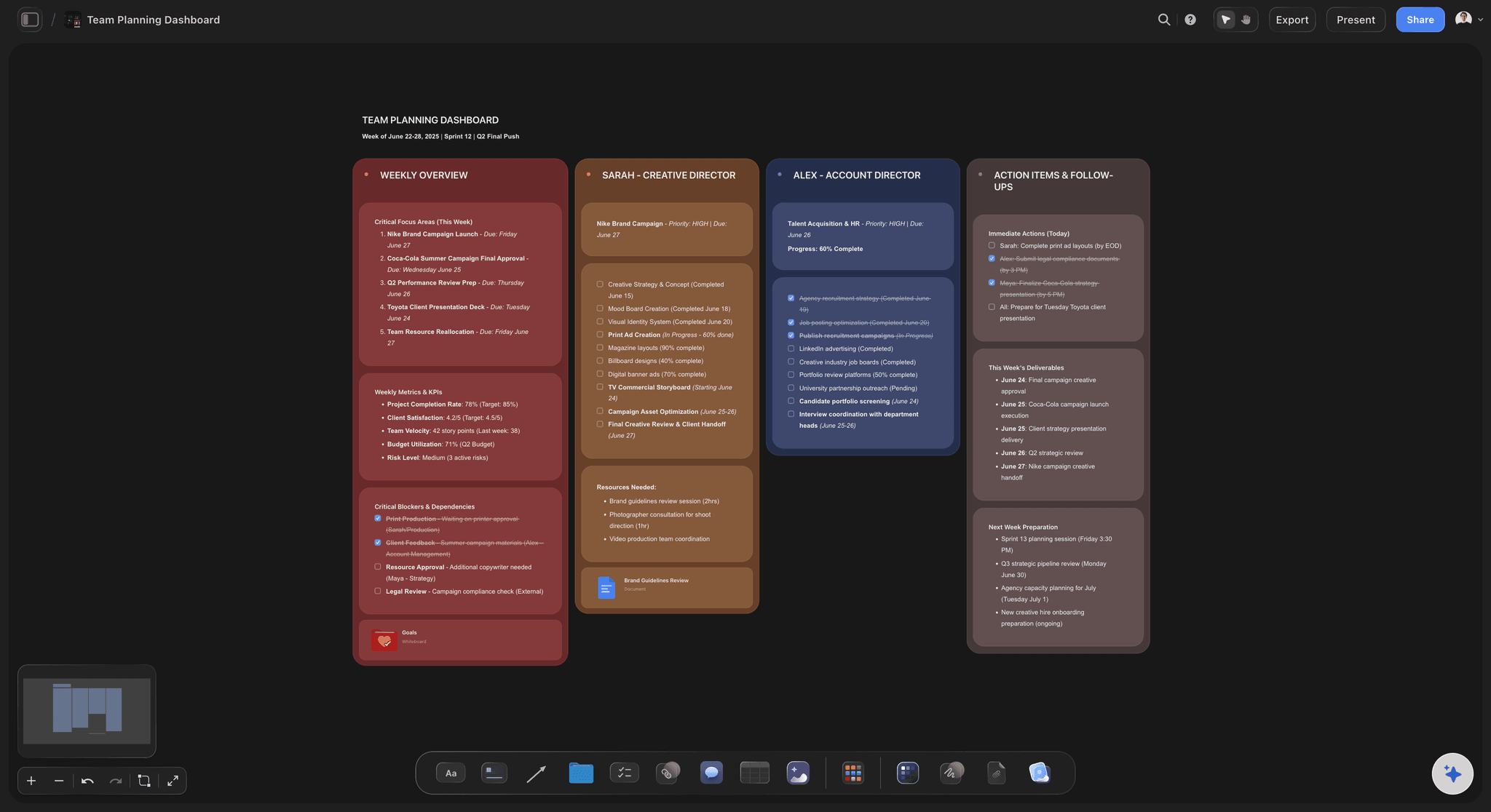
See the team planning board →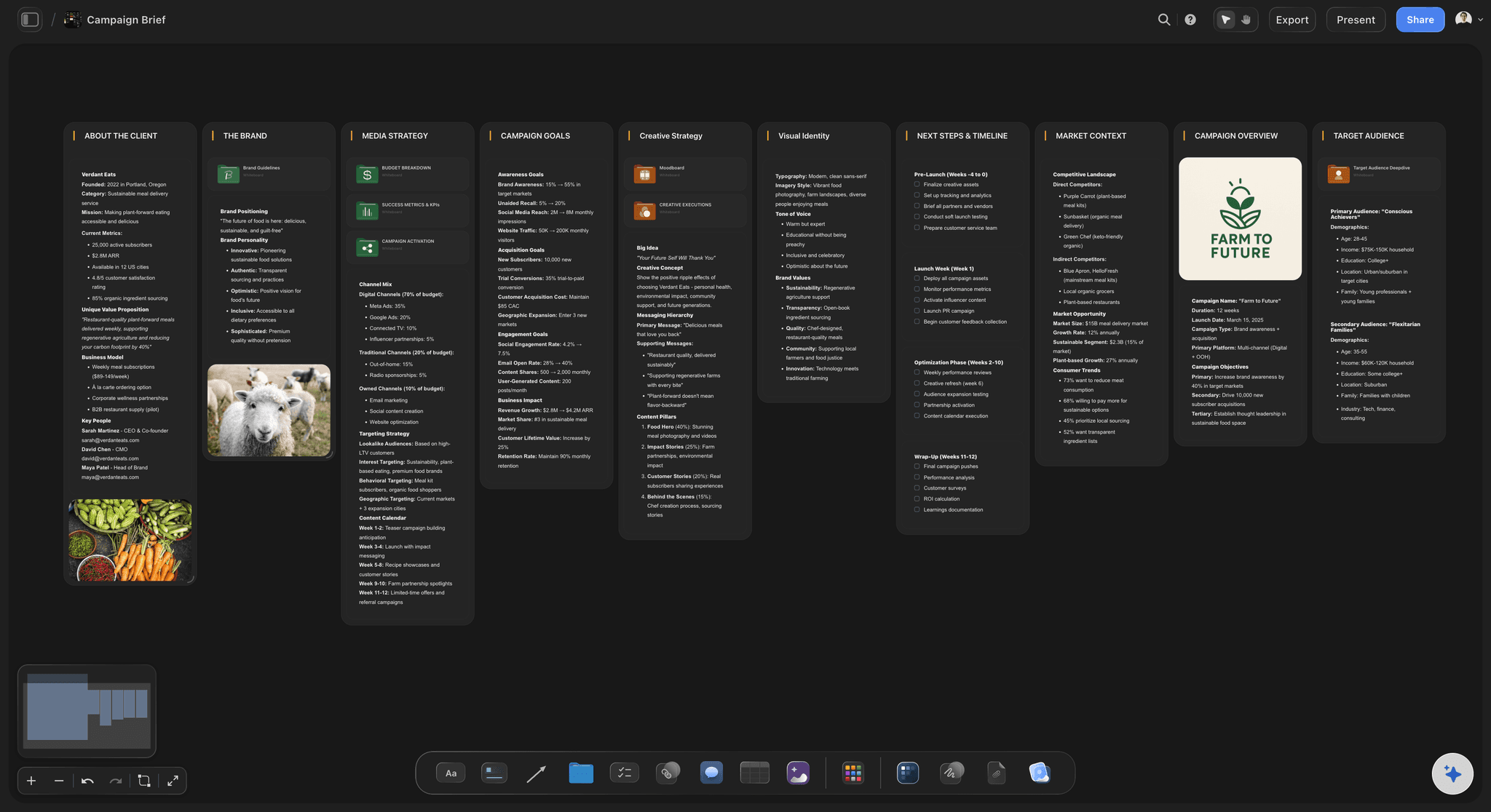
The people
Host, presenter, producer, moderator, backup
Each role gets a short list of what they hold and the one line they say to hand over. The tech backup's row says which machine they are on and what is already open on it, which is the detail that saves the session.
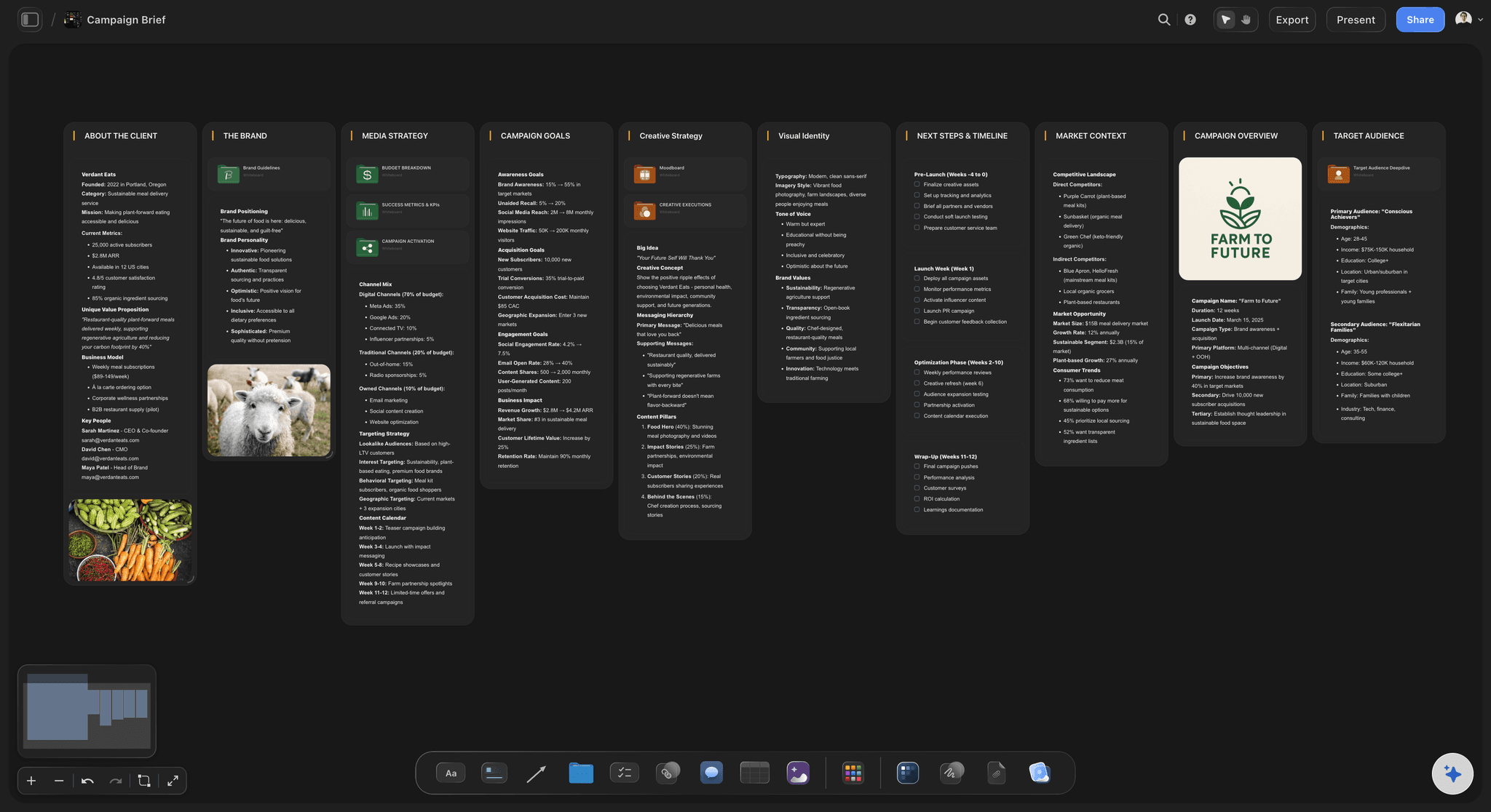
See the campaign brief board →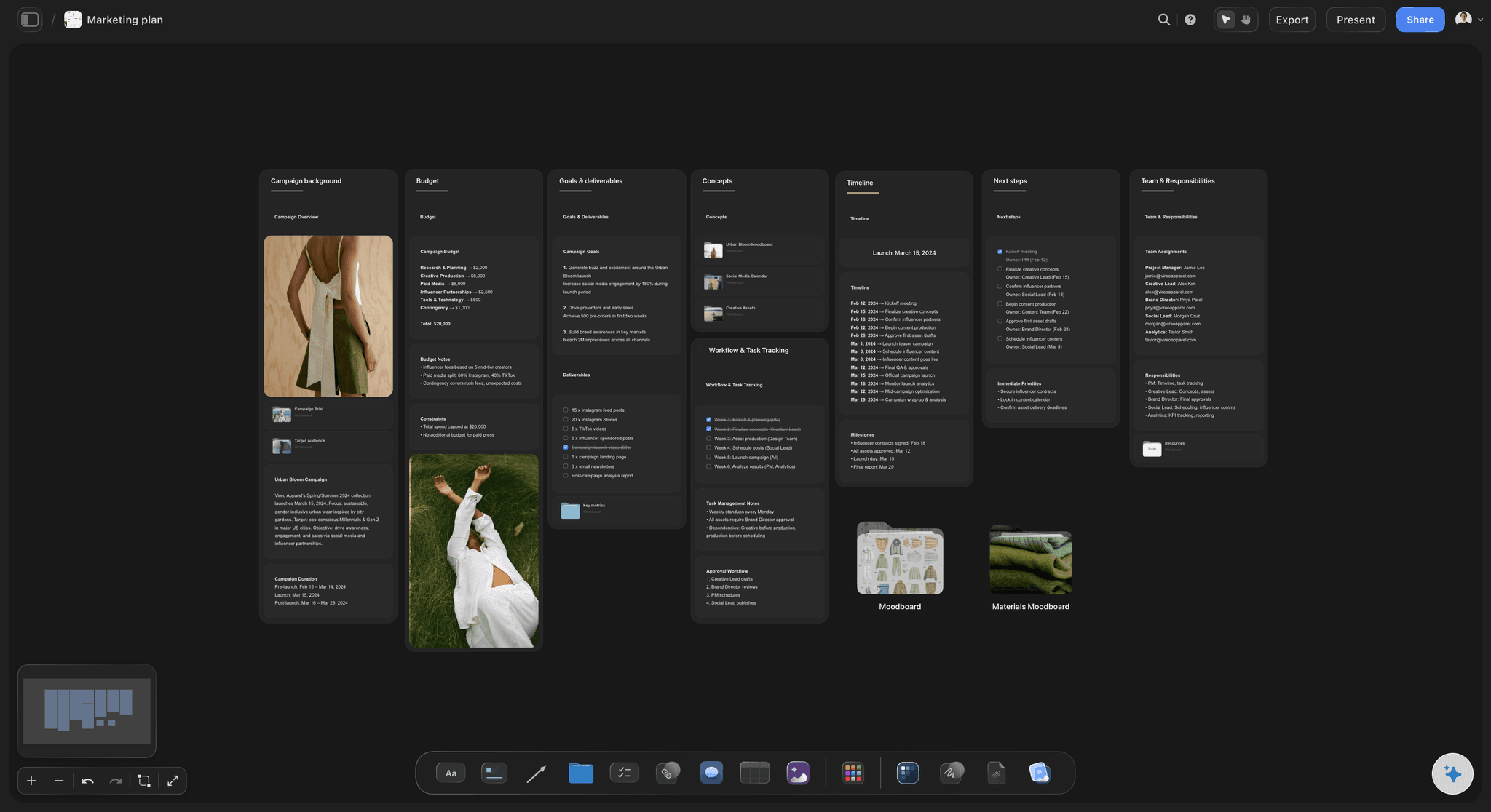
The two weeks before
Promotion, reminders and the dry run
Speaker confirmed, deck locked, dry run, promotion posts, reminder emails, tech check. Put them on a calendar with owners so the week of the webinar is about the webinar, not about chasing a bio and a headshot.
See the marketing plan board →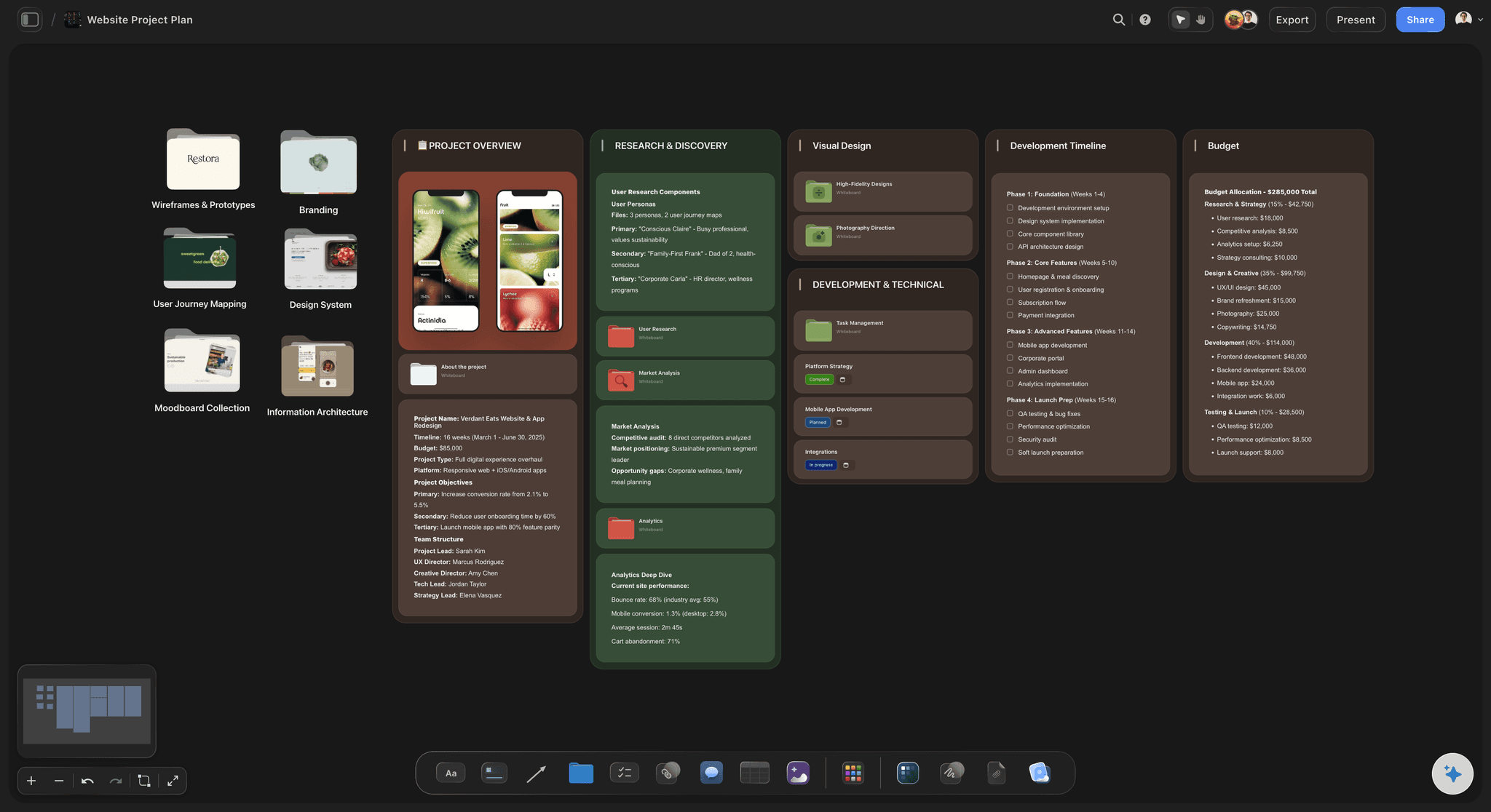
On the day
One link, or a PDF on the second screen
A view-only link opens in any browser with no account, so a guest speaker reads their section without signing up to anything. Export the board as a PDF if you would rather have it open beside the call than in another tab.
See the project plan board →The next one starts from the last one.
Copy the board, change the speaker, the date and the demo, and the timings that already worked stay where they are. Storyflow is paid-only during early access, with plans from $7.99 a month billed annually ($9.99 monthly). A free plan launches before the end of 2026, and anyone a paid member invites to a board joins free.
Unlimited boards, image uploads and files on every paid plan
Invite the guest speaker or the freelance producer without buying them a seat
200+ Tactics to start the running order instead of an empty page
Whole-board PDF export for the day itself
Presentation mode for the dry run, with no export first
Built for people with taste
Three things that go wrong in the hour itself.
All three are decided days earlier, by writing something down.
The overrun
The talk ate the questions
Lengths before times: Decide how many minutes each block is worth, then let the start times fall out of that. A running order built the other way round always ends with questions squeezed into four minutes.
Two minutes of slack you never spend: Plan the hour to finish at fifty eight. Something always takes longer than it should, and a session that ends on time is one people come back to.
Mark the slides you will drop: Pick three slides in advance that come out if you are running behind, and mark them on the board. Choosing live means choosing the wrong ones.
The producer holds the clock: One person watches the time and sends a private nudge at the five minute warning. The presenter should not be doing arithmetic while talking.
The silence
Nobody asked anything
Seed the first question: Write one real question on the board before the day and let the host read it out as the first one. The second question always comes easily; it is the first one people will not ask.
Collect questions at sign-up: Ask what they want answered on the registration form, then sort those into themes on the board. Half your Q and A is written before anyone joins.
The moderator is not decoration: Someone answering in chat keeps the room awake and pulls out the questions worth saying out loud. Give them their own row with the three answers they will need most.
One next step, said once: Close with a single thing to do, not three. Write the exact sentence on the board so the host does not improvise a weaker version of it at minute fifty five.
The failure
Something broke and everyone froze
Six failures, six written answers: Connection drops, demo breaks, screen share fails, no questions, audio echo, recording lost. Each one gets a line saying who does what. Reading a line beats inventing a plan in front of four hundred people.
A recorded demo, already on the board: Record the demo the day before and keep it beside the live one. When the live version fails you cut to it and keep going, and most of the room never learns anything went wrong.
The backup is logged in before the start: A second person, a second machine, the deck already open, already in the room. A backup who has to join and find the file is not a backup.
Say what happens next, out loud: If the recording is gone, tell them at the end and send the deck with a written summary the next day. People forgive a technical failure and remember a silence.
Explore templates for your project
Every template opens as a real, editable board on the infinite canvas. Pick the closest fit and make it your own.
Commercial Moodboard
Pin references, palettes, and tone for a commercial so the look is clear before the shoot.
One app instead of five
Where Storyflow sits on webinar day.
It plans and runs the order. The platform still streams the session and counts who came.
Storyflow
Recommended
Running order, roles and slides in one view
Cue lines written next to each block
View-only link, no account to read
Whole run of show exports as a PDF
Streams the session and hosts the room
Sign-up page, reminder emails and replay
Attendance, poll results and drop-off
Webinar platforms
Running order, roles and slides in one view
Cue lines written next to each block
View-only link, no account to read
Whole run of show exports as a PDF
Streams the session and hosts the room
Sign-up page, reminder emails and replay
Attendance, poll results and drop-off
Docs and slides
Running order, roles and slides in one view
Cue lines written next to each block
View-only link, no account to read
Whole run of show exports as a PDF
Streams the session and hosts the room
Sign-up page, reminder emails and replay
Attendance, poll results and drop-off
What creators are saying
Join early creators getting structured workspaces and AI that remembers their projects
“Storyflow has sped up my workflow by at least 3x, which means more flow state and more projects I can actually ship. It truly changed the way me and my team create.”

Reilin Joey
Director & YouTuber
“One prompt gets me a structured board. But the tactics are my favorite. I run my YouTube scripts through them and my intros and retention got better. It's amazing.”

Justkay
YouTuber & Freelance Filmmaker
“I used to juggle five apps to plan a project. Now I describe what I am making and get boards, lists, and a schedule. All in one place.”

George
@fernwehchronicles
Run of show questions
What marketing teams ask before the first dry run.
A webinar run of show is the minute by minute order of the session: each block with a start time and a length, who speaks, what is on screen, and the cue that starts the next block. Storyflow holds it on one board next to the slides and the demo steps, and a guest speaker can read it from a link without an account. The webinar platform still streams the room.
Storyflow covers the whole of this: six columns on one board for start time, length, block name, speaker, what is on screen and the cue line, with the slides, the demo beats and the six-line backup plan beside them. A guest speaker reads it from a link with no account. Streaming the session, taking registrations and counting attendance is still a job for your webinar platform.
Six columns: start time, length, block name, who is speaking, what is on screen, and the cue line that hands over. Add the tech check and the holding slide before minute zero, and put the backup plan on Storyflow's board beside it. Anything the producer has to remember rather than read is the thing that gets forgotten.
A working split: two minutes of welcome, three on why they are here, two to introduce the guest, twenty two for the talk, eight for the demo, fifteen for questions, four for the offer and next step, and two minutes of slack so it ends at fifty eight. Adjust the talk and the demo; protect the questions.
Four others if you can: a host to open, link and close, a producer watching the clock and the polls, a chat moderator answering in writing, and a tech backup on a second machine with the deck already open. One person can hold two roles, but never the presenter, who should only be talking.
Holds the clock, sends private nudges at the five minute warnings, opens and closes polls, starts and checks the recording, and takes over the screen share if the presenter's fails. They are the only person allowed to interrupt, which is why the cue times live in their row on Storyflow's board.
Read the one you wrote in advance. Put a real question on Storyflow's board before the day and have the host open with it. Collecting questions on the sign-up form also helps: sort them into themes beforehand and half the Q and A is already written.
Written down, not improvised. The host keeps talking, the tech backup shares the deck from their machine, and the presenter rejoins on a phone if they have to. Write the same kind of line for a broken demo, a failed screen share, an audio echo and a lost recording. Six lines cover almost every live failure.
Forty five minutes before the doors open, with everyone who will speak. Sound, camera, screen share and the demo, in that order. Open the room fifteen minutes early with a holding slide so people who arrive early see something calm instead of an empty screen.
Storyflow builds and holds the running order, next to the slides and the demo steps it describes. It does not run the webinar. Streaming the session, taking registrations, sending reminder emails, recording and counting attendance all happen in your webinar platform, promoting it with paid posts in the ad platforms themselves, and editing the recording afterwards in a review tool such as Frame.io, Filestage or Ziflow.
Yes. Storyflow's view-only link opens in any browser with no account, which is what you want when the speaker is from another company and will use it once. If they want to leave a note on their block they sign in to comment, and anyone a paid member invites to a board joins free.
Yes, as a draft. Attach the deck outline and last month's board and ask Storyflow's AI for a sixty minute run of show. It proposes the blocks, the lengths and the cue lines. You decide what the demo really takes and where the talk is too long, because it is the part only you have watched go wrong before.
Storyflow's table holds one row per block with its start time, length, speaker and cue line, and the length column takes a Sum footer so the total tells you straight away when the hour no longer fits. It cannot sort a table: rows stay in the order you drag them into. For a running order that is what you want, because the order is the show.
More from Storyflow
AI run of show generator
AI event planner
Storyflow for event planners
Workshop planning tool
Campaign calendar
Marketing planning software
Product launch planner
Video marketing plan
Content pillar planner
Storyflow for marketing teams
Storyflow for producers
Media plan template
Webinar planning template
Livestream run of show
Plan the hour before you promote it.
Blocks with times, five people with cues, and a written answer for everything that breaks.