
Plan videos ultra fast, post on time
A livestream run of show
you can read while you are live.
For streamers and YouTubers who go live: every segment with a start time and a length, what is on screen, where the sponsor reads sit, and the moments you plan to clip afterwards.


Creatives working for these brands already got early access
- Red Bull
- Canon
- Artlist
- Porsche
See how easy it is to get started
Watch a real project come together, from a blank board to a finished plan, clicked through step by step.
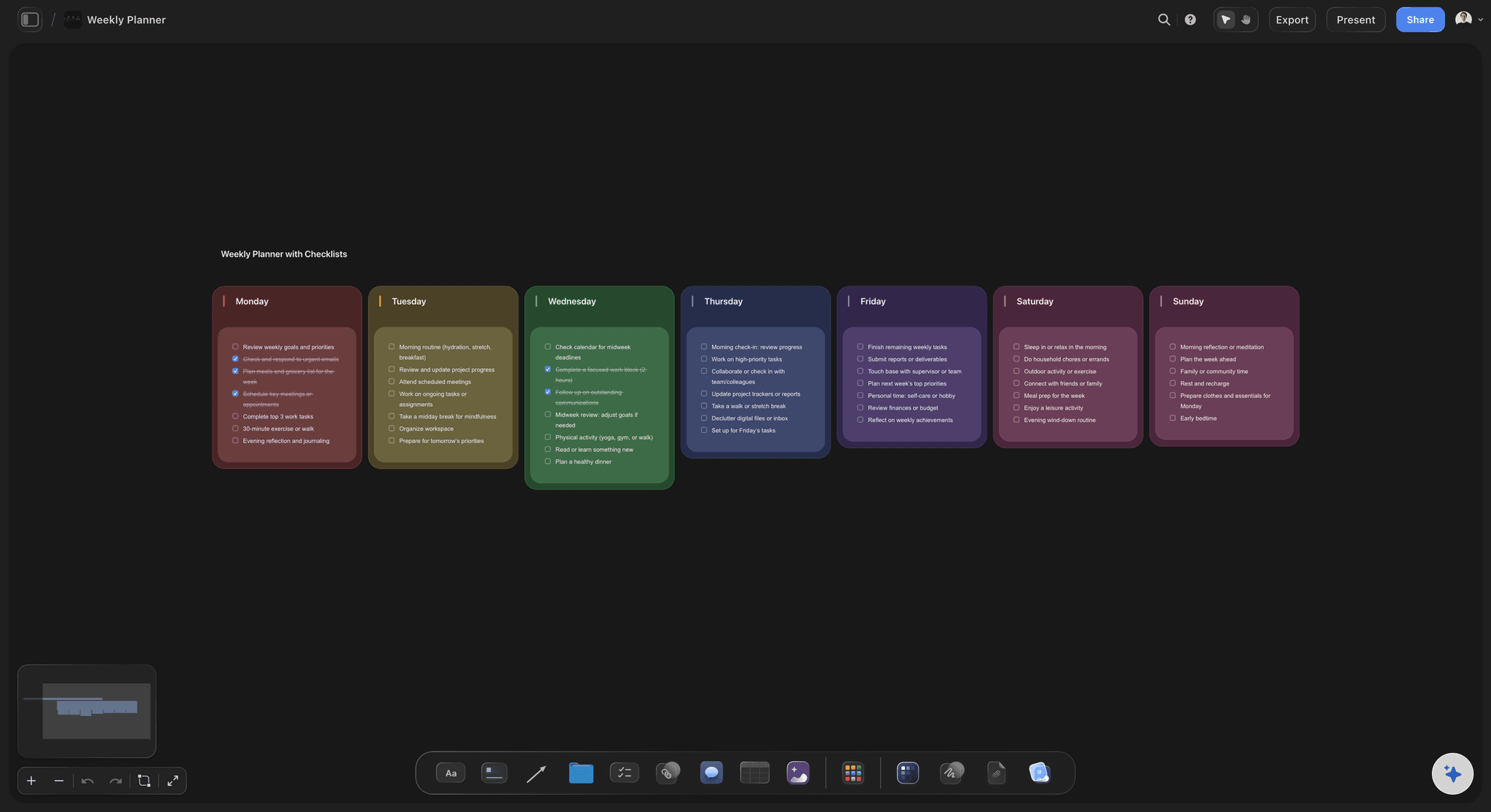
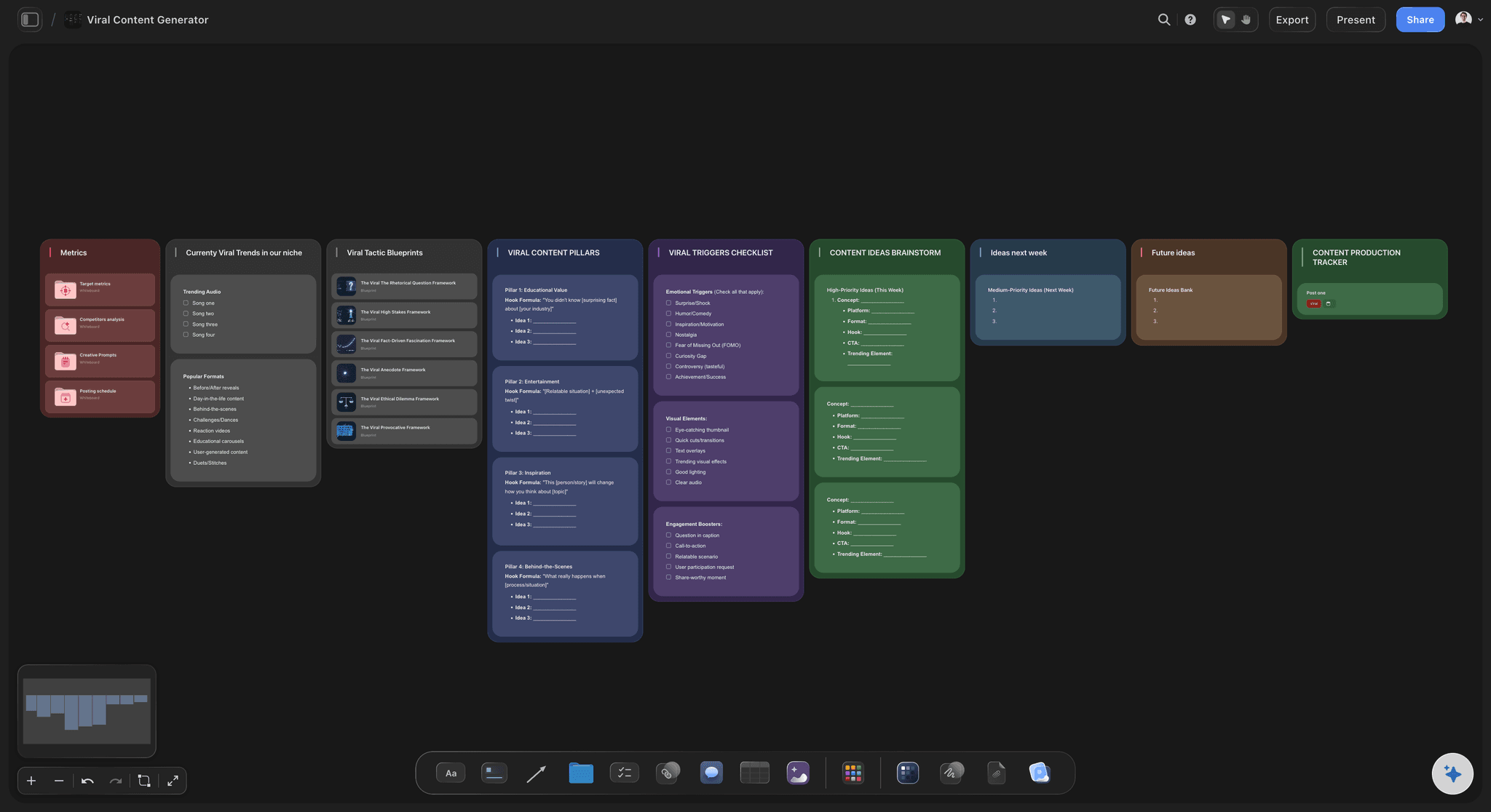
Start from a ready-made template
Pick a board to see what you can build, then let AI fill it in. Every template is a real, editable starting point on the same infinite canvas.

YouTube Plan
Plan a video from hook to outline to shot list, with references and thumbnail ideas sitting right beside it.
How do you make a livestream run of show?
You make a livestream run of show by listing every segment of the stream in order with a start time and a length, then adding what is on screen, the sponsor reads and the moments you plan to clip. Storyflow is an AI visual workspace that builds the run of show on one infinite canvas: a table of timed blocks, the links and assets each block needs, the sponsor's talking points and a clip list. Its AI drafts the blocks from a one line description of the stream, and after you go offline it turns your clip notes into cards with due dates.
Seven columns are enough: the start time, the length in minutes, the name of the block, what is on screen, what you say or do, the links and assets to have open, and a clip marker. Give the minutes column a Sum footer. If the stream is meant to run two hours and the footer says 135, you know before you go live that something has to go, and you choose what in advance and not at minute 110 with chat watching.
Here is a two hour stream starting at 19:00, in eleven blocks. Starting soon screen, 19:00, 5 minutes. Cold open with today's hook, 19:05, 3 minutes. Catch-up and the plan, 19:08, 7 minutes. First main block, 19:15, 35 minutes. Sponsor read, 19:50, 2 minutes. Community segment, 19:52, 18 minutes. Break, 20:10, 5 minutes. Second main block, 20:15, 30 minutes. Second sponsor read, 20:45, 2 minutes. The finale you promised in the cold open, 20:47, 8 minutes. Outro and what is next, 20:55, 5 minutes. That is 120 minutes.
The cold open and the finale are a pair. In the first three minutes you say what will happen by the end: the boss fight, the reveal, the final score, the giveaway. The finale delivers it. Everything between is easier to stay for when there is something named at the end, and viewers who join at minute 40 hear it again when you come back from the break. A stream with no promised ending still works for regulars. It does little for the person who arrived from a clip.
Sponsor reads go where the room is fullest and the mood is good, which is rarely the first ten minutes or the last five. Straight after the first main block is a safe default. Put the talking points, the link and the code in the row, so the read is in front of you when the time comes. A contract that asks for two reads, a pinned link and an on-screen banner is four things to remember, and a run of show remembers them for you.
Clips are planned before the stream and marked during it. Before you go live, name three moments you expect to be worth cutting: the hook, the peak of the main block and the finale. While live, type the time into the clip column when something lands. Afterwards each marked row becomes a card with a title, a platform and a due date, and the stream turns into a week of posts.
Ultra fast from brief to board
Four moves from an idea to a stream you can run.
Ten minutes before you go live is enough once the first run of show exists, because the next one starts as a copy.
01
Describe the stream and get the blocks
Tell Storyflow's AI what the stream is, how long it runs and when it starts. It builds a table of blocks with start times, minutes, what is on screen and notes. Give the minutes column a Sum footer to check the total.
02
Add the sponsor reads and the assets
Attach the sponsor's brief as a PDF or paste the talking points, and ask the AI to put the read in the right block with the link and the code. Add the links, images and files each block needs beside the table.
03
Run it from a second screen
Open the board in a browser on a second monitor or a tablet and zoom in on the table. When a moment lands, type the time in the clip column. Share a view-only link with your mods so they know what is coming.
04
Turn the clip marks into a posting list
After the stream, ask the AI to make a card for each marked moment, with a working title, the platform and a due date. Your editor works down the list, and the stream becomes a week of short posts.
The blocks, the screen, the sponsor and the clips.
Storyflow holds the plan for the stream. Your streaming software sends it, switches the scenes and runs the chat.
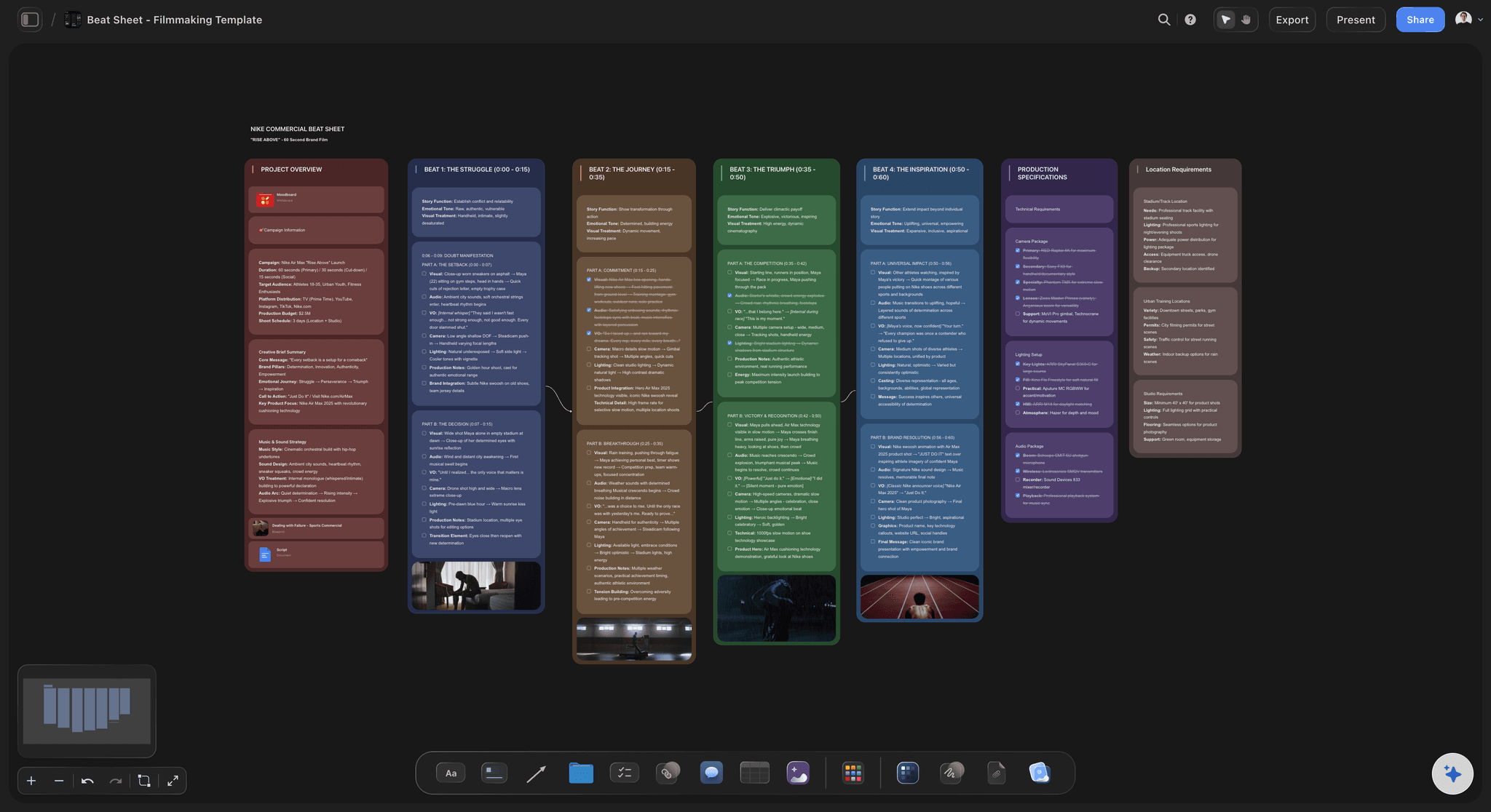
The timed blocks
A start time and a length on every segment
Eleven rows cover a two hour stream. The minutes column adds itself up in the footer, so a plan that runs 15 minutes over shows as 135 before you go live and not after.
See the AI run of show generator →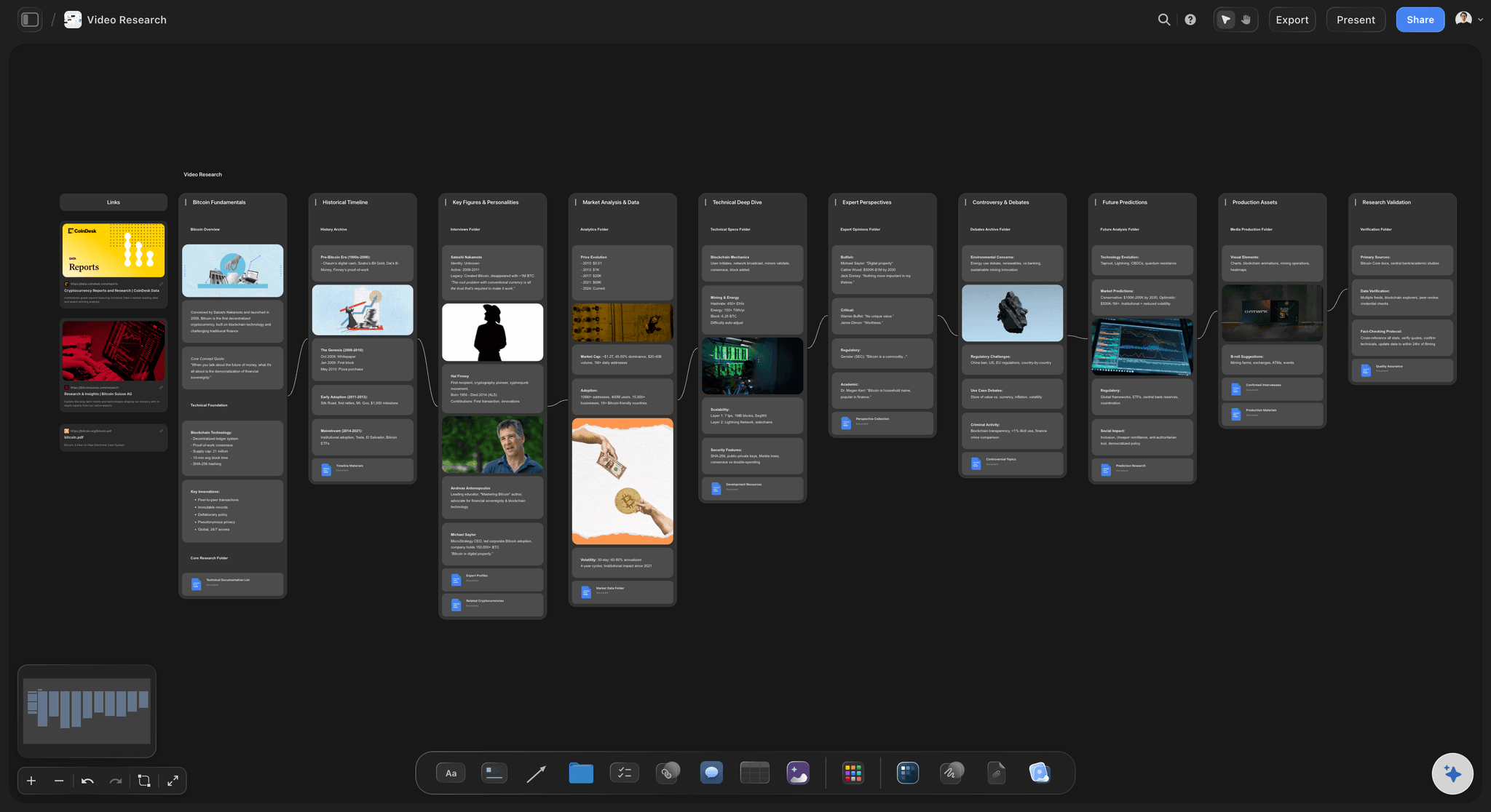
What is on screen
The links and assets each block needs
The video to react to, the bracket, the game to launch and the image to show sit beside the block that uses them. A YouTube link plays on the board, so you can check a clip without opening another tab.
See Storyflow for Twitch streamers →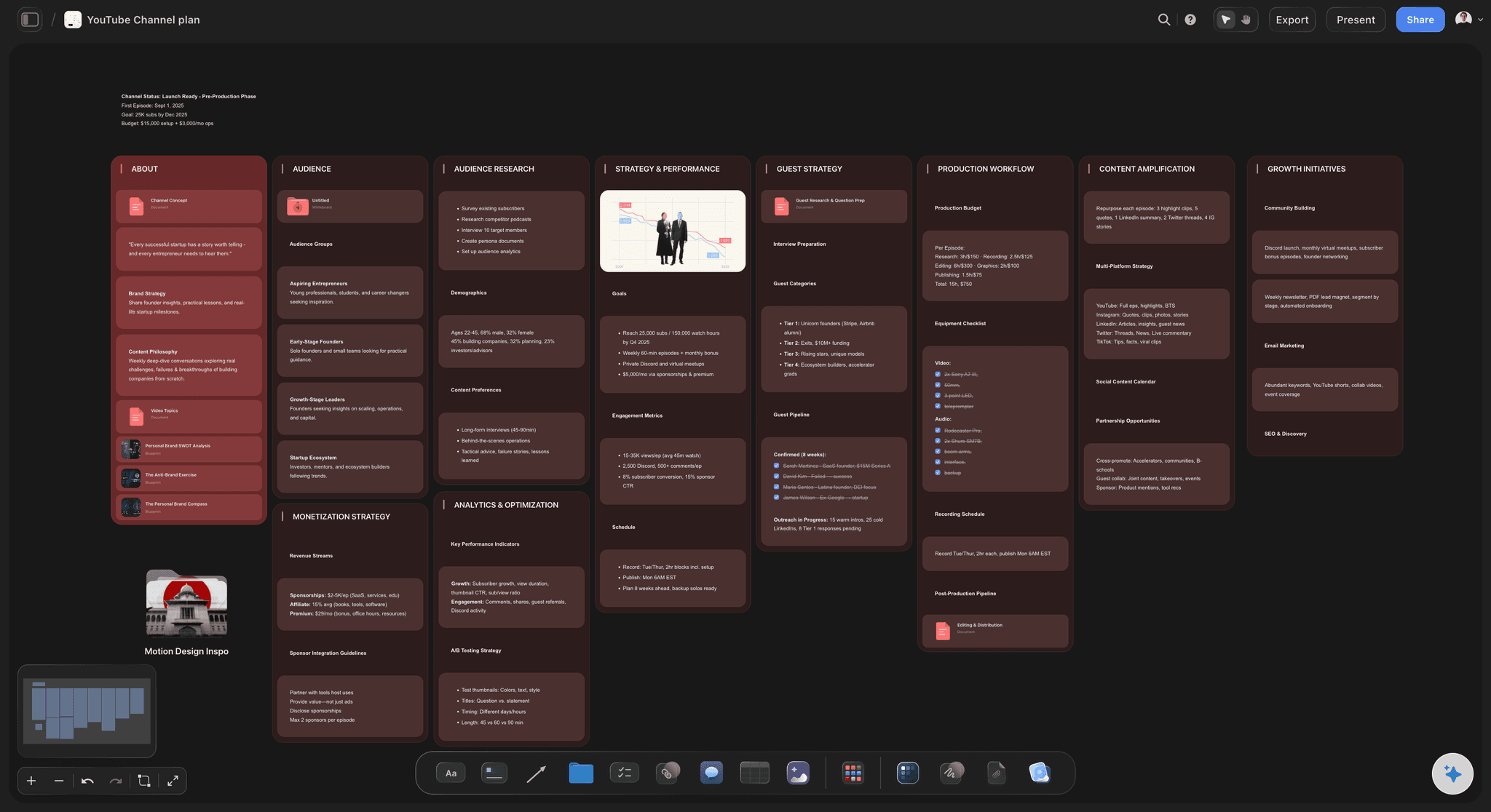
The sponsor
Reads placed where they will be heard
Each read is its own row with the talking points, the link and the code in it. Storyflow's AI reads the sponsor's brief you attach and lists what the contract asks for, so nothing is owed after the stream.
See the creator partnership tracker →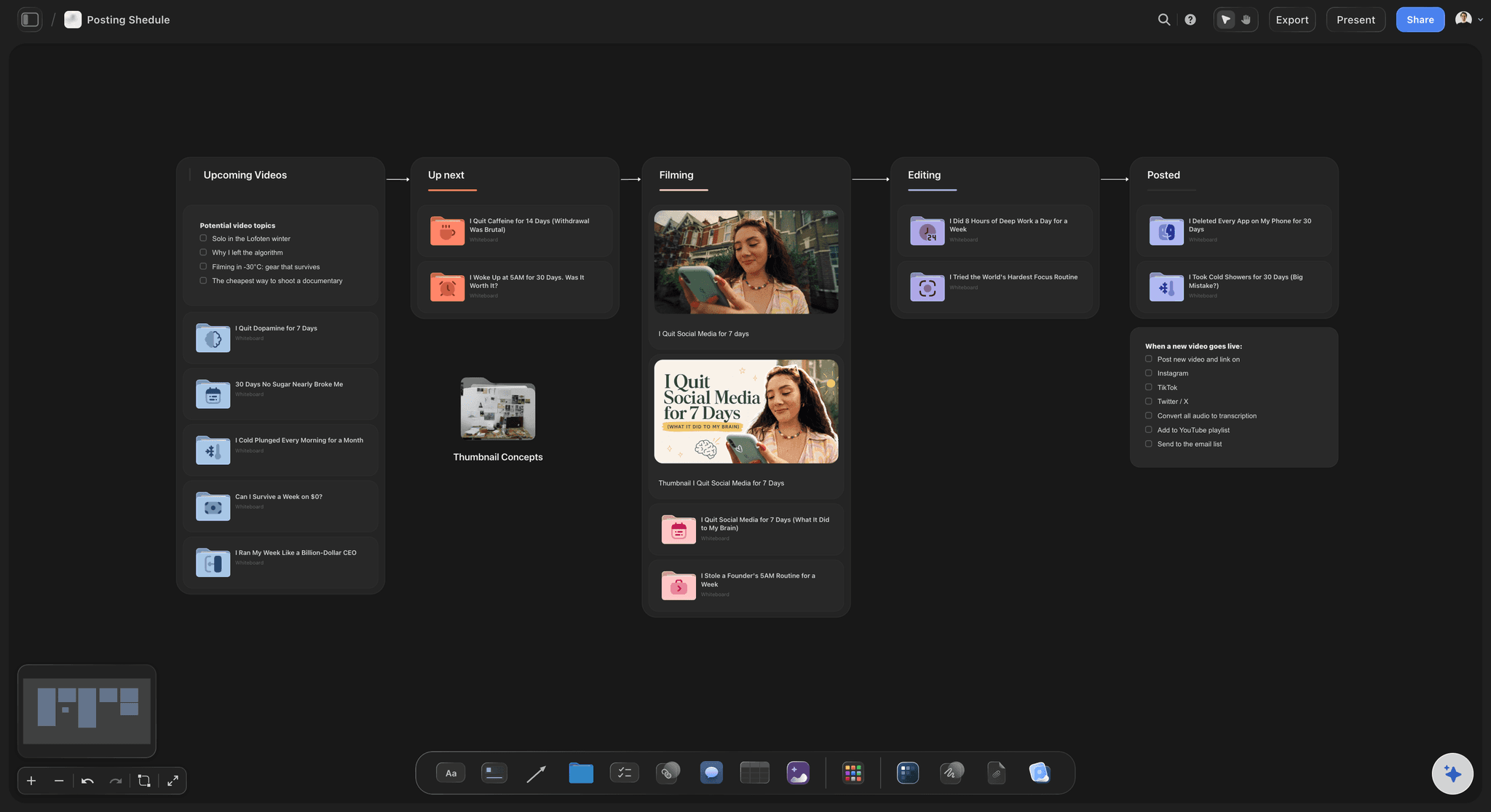
The clips
A posting list made from the stream
Every marked moment becomes a card with a title, a platform and a due date. Label each one to cut, in edit or posted as it moves. Four hours of stream stop being a file nobody opens again.
See the content repurposing planner →Last week's stream is next week's template.
Keep every run of show. Copy the one that went well, change the middle, and note what ran long while you still remember. Storyflow is paid-only during early access, with plans from $7.99 a month billed annually ($9.99 monthly). A free plan launches before the end of 2026, and anyone a paid member invites to a board joins free.
Unlimited boards, image uploads and files on every paid plan
Invite mods and an editor without buying them a seat
Tables with number and date columns and footer totals
View-only links your mods open with no account
200+ Tactics for hooks, intros and story structure
Built for people with taste
What goes wrong on a stream with no running order.
Three things that cost streamers viewers and money, and none of them is about how good the stream was.
Before you go live
A stream with no shape
A promise in the first three minutes: Say what will have happened by the end. The cold open is one row in the table, three minutes long, with the exact line written in it.
Blocks, not a script: A run of show names what each block is and how long it gets. What you say inside it stays loose. Planning the order does not make a stream stiff.
A total you can trust: The Sum footer under the minutes column shows the planned length. Decide which block shrinks if you run over, and write that in the notes column.
A first draft in a minute: Describe the stream and Storyflow's AI builds the table. Editing a draft is quicker than starting one, most of all on a day you did not feel like planning.

While you are live
The read you forgot until minute 100
Sponsor reads as rows: Each read has a start time like any other block. You see it coming two rows ahead and are not reminded by a message from the brand the next morning.
Talking points in the row: The line you must say, the link and the code sit in the same row as the time. You read it once and get back to the stream.
Mods on the same page: Mods open the run of show from a view-only link. They know when the giveaway opens and when to pin the sponsor link, without asking in a side chat.
Readable from across the desk: Zoom in on the table on a second monitor or a tablet. Short rows and one line of notes each are what make it usable at a glance.

After you go offline
Good moments nobody clips
Three clips named in advance: The hook, the peak of the main block and the finale. Naming them before the stream means you set them up on purpose when the time comes.
Timestamps typed as they happen: One column in the table is for clip marks. Typing 19:42 takes two seconds, and finding that moment in a four hour recording the next day does not.
A card per clip: Ask Storyflow's AI to turn the marked rows into cards with a title, a platform and a due date. It works from your marks and does not watch the recording.
Notes for next time: Write what ran long and what chat loved on the board straight after. Next week's run of show starts as a copy of this one with those notes on it.
Explore templates for your project
Every template opens as a real, editable board on the infinite canvas. Pick the closest fit and make it your own.
YouTube Plan
Plan a video from hook to outline to shot list, with references and thumbnail ideas sitting right beside it.
One app instead of five
Where Storyflow fits in running a livestream.
It plans the stream and the clips that come out of it. It does not send the stream, and it does not work out start times for you.
Storyflow
Recommended
Timed blocks with total minutes in a footer
Sponsor brief, images and links beside the plan
AI drafts the run of show from a description
Clip list as cards with due dates
Mods and editor read it from a link
Works out each start time from the lengths
Streams, switches scenes and shows overlays
Chat tools, alerts and stream markers
Streaming software
Timed blocks with total minutes in a footer
Sponsor brief, images and links beside the plan
AI drafts the run of show from a description
Clip list as cards with due dates
Mods and editor read it from a link
Works out each start time from the lengths
Streams, switches scenes and shows overlays
Chat tools, alerts and stream markers
A spreadsheet
Timed blocks with total minutes in a footer
Sponsor brief, images and links beside the plan
AI drafts the run of show from a description
Clip list as cards with due dates
Mods and editor read it from a link
Works out each start time from the lengths
Streams, switches scenes and shows overlays
Chat tools, alerts and stream markers
What creators are saying
Join early creators getting structured workspaces and AI that remembers their projects
“Storyflow has sped up my workflow by at least 3x, which means more flow state and more projects I can actually ship. It truly changed the way me and my team create.”

Reilin Joey
Director & YouTuber
“One prompt gets me a structured board. But the tactics are my favorite. I run my YouTube scripts through them and my intros and retention got better. It's amazing.”

Justkay
YouTuber & Freelance Filmmaker
“I used to juggle five apps to plan a project. Now I describe what I am making and get boards, lists, and a schedule. All in one place.”

George
@fernwehchronicles
Livestream run of show questions
What streamers ask when the streams are getting longer, a sponsor is involved, and the plan is still in their head.
In Storyflow, build it as one table: a row per segment with the start time, the length in minutes, the block name, what is on screen, what you say or do, the links to have open and a clip marker. Add a Sum footer to the minutes so the total matches the planned length. Put sponsor reads in as their own rows.
Storyflow is the one built for exactly this job: a timed table of blocks with a running total, the sponsor's brief and your assets beside it, an AI that drafts the first version from a description, and a clip list that becomes dated cards afterwards. Mods read it from a link. Sending the stream, switching scenes and running overlays and chat still takes streaming software such as OBS or Streamlabs.
Seven columns: start time, minutes, block name, what is on screen, what you say or do, links and assets, and a clip marker. Keep each row to one line of notes so it reads at a glance. In Storyflow the minutes column is a number column with a Sum footer, and the assets sit on the board beside the table.
For a two hour stream, a pattern that works is 5 minutes of starting soon, a 3 minute cold open, 7 minutes of catch-up, a 35 minute main block, a 2 minute sponsor read, 18 minutes with the community, a 5 minute break, a 30 minute second block, a second read, an 8 minute finale and a 5 minute outro. A Storyflow table totals it at 120.
Where the most people are watching and the energy is good, which is usually just after the first main block and again before the finale. Avoid the first ten minutes and the last five. Check what the contract asks for first. In Storyflow each read is a row with its talking points, link and code, so it is on screen when its time comes.
Name three moments in advance: the hook, the peak of the main block and the finale. While live, type the time in the clip column whenever something lands. Afterwards, ask Storyflow's AI to turn each marked row into a card with a title, a platform and a due date, and work down the list across the week.
A short one helps. Five or six blocks with rough lengths are enough for a relaxed stream: an opening, two main blocks, a break, a community segment and an outro. It keeps the sponsor read and the ending from being forgotten without scripting anything. A Storyflow run of show for a casual stream fits on one screen.
Decide before you go live which block shrinks if you run over, and write it in the notes. Keep one flexible block, usually the community segment, that can lose ten minutes. In Storyflow the Sum footer shows the planned total. The start times are typed by hand, so change them if you move a block.
Yes, a first draft. Tell Storyflow's AI what the stream is, how long it runs and when it starts, and it builds the table of blocks with times and notes. Attach a sponsor's brief and it adds the reads with the talking points. It does not watch your stream or find clip moments in a recording; it works from what is on the board.
No. Storyflow does not send a stream, switch scenes, show overlays or alerts, run chat bots or drop stream markers. It does not cut clips or post them, and its tables do not work out start times or sort. It holds the run of show, the sponsor notes and the clip list. Use OBS, Streamlabs or your platform's own tools to go live.
Yes. Send a view-only link and they open the Storyflow board in a browser with no account. To work on it with you, invite them: anyone a paid member invites to a board joins free. Your editor can then relabel each clip card from to cut to posted, and mods can add notes during the stream.
A webinar is an hour with slides, a guest speaker and a producer reading cues, built for a business audience. A livestream is longer, looser and run by one person with chat, sponsor reads and clips to think about. Storyflow has a separate webinar run of show page for the first job, with the roles and the backup plan.
No. Storyflow runs in the browser and there are no native mobile or desktop apps. Open the run of show in a browser window on a second monitor or a tablet while your streaming software runs on the main screen. Mods and editors open the link you send them with nothing to download.
More from Storyflow
Storyflow for Twitch streamers
Webinar run of show
AI run of show generator
Creator partnership tracker
Content repurposing planner
Content calendar for creators
Planning tool for YouTubers
YouTube content pipeline
Shorts planner
Storyflow for podcasters
AI podcast planner
YouTube video script template
Webinar planning template
Know what happens at minute 50 before you go live.
Timed blocks, sponsor reads in their place, and a clip list that turns one stream into a week of posts.