
Ultra-fast campaigns, pitched beautifully
A video marketing plan
that knows what each video is for.
For in-house marketers and founders: a goal for every stage of the funnel, the videos that stage needs, the channels, who makes what, the budget and a quarter of publish dates, with a production board behind every video.


Creatives working for these brands already got early access
- Red Bull
- Canon
- Artlist
- Porsche
See how easy it is to get started
Watch a real project come together, from a blank board to a finished plan, clicked through step by step.
Start from a ready-made template
Pick a board to see what you can build, then let AI fill it in. Every template is a real, editable starting point on the same infinite canvas.

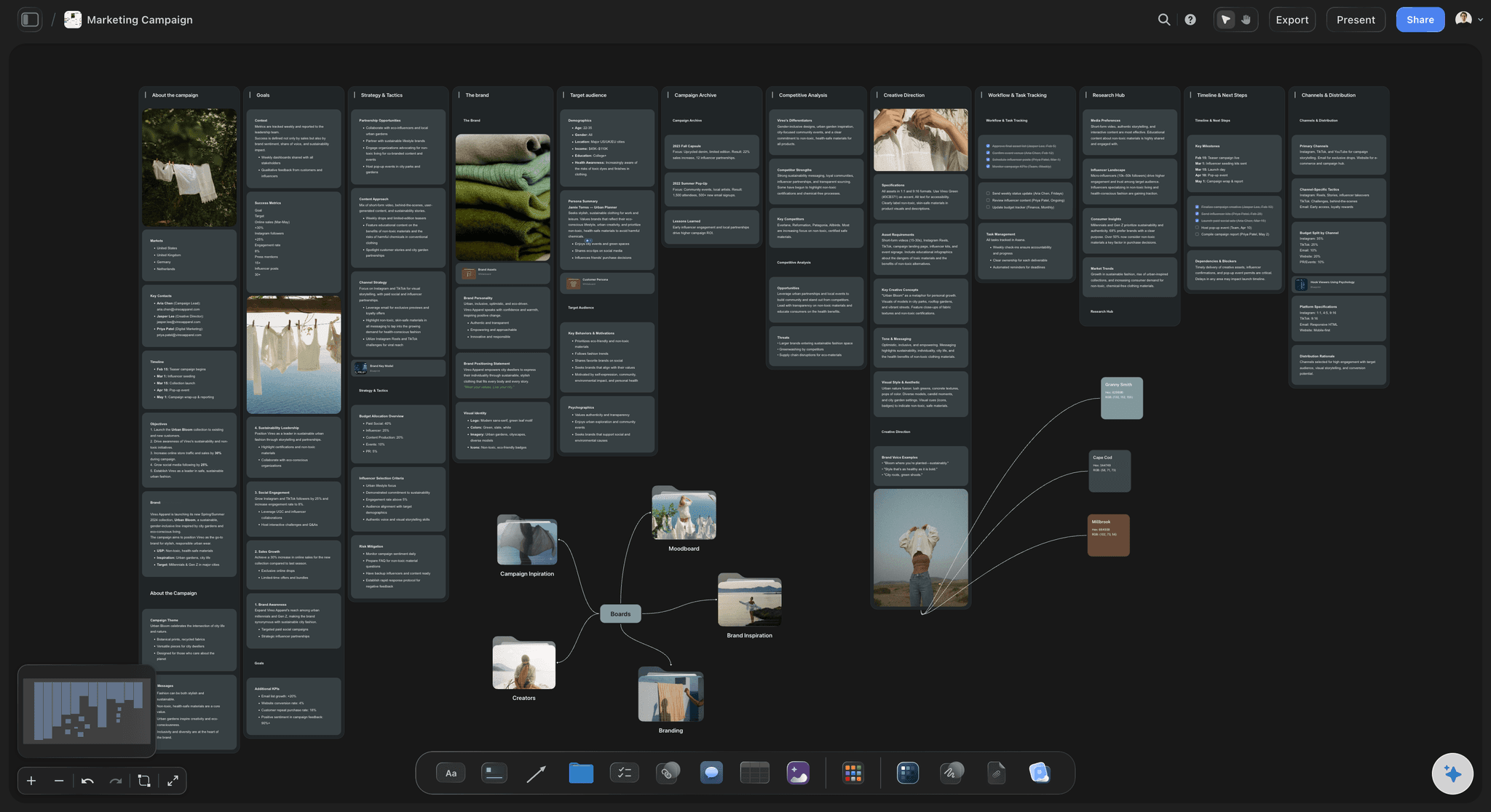
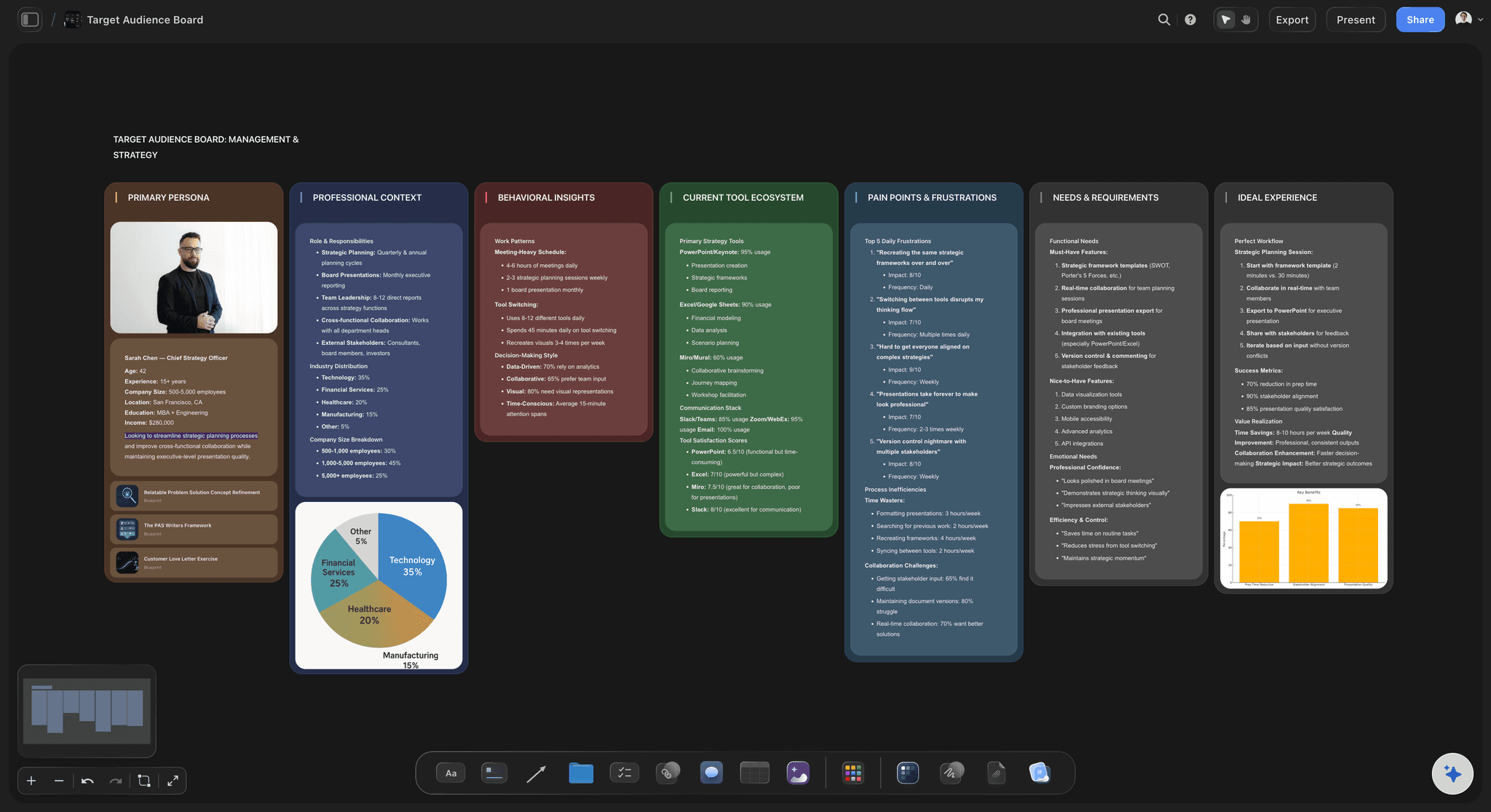
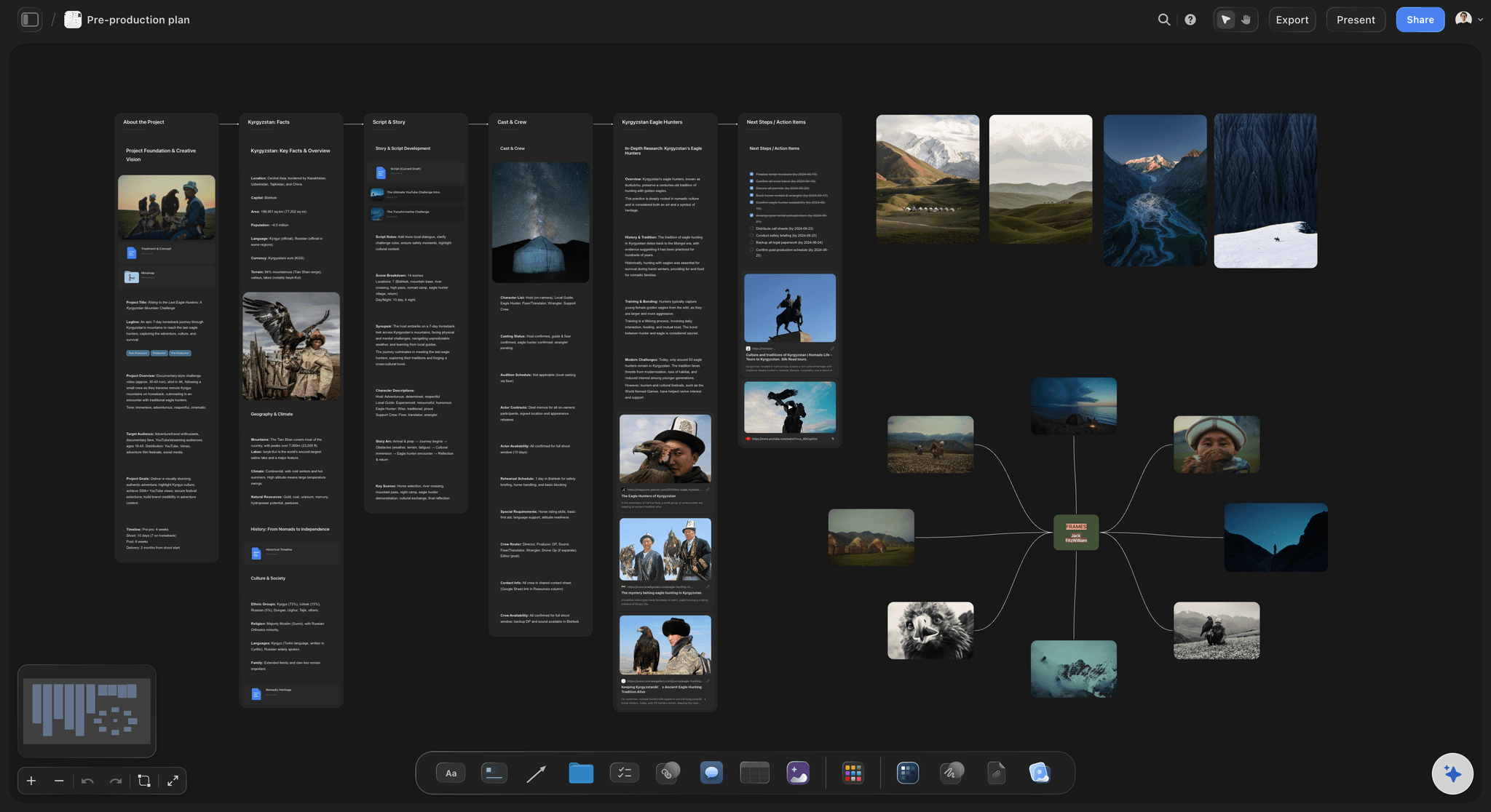
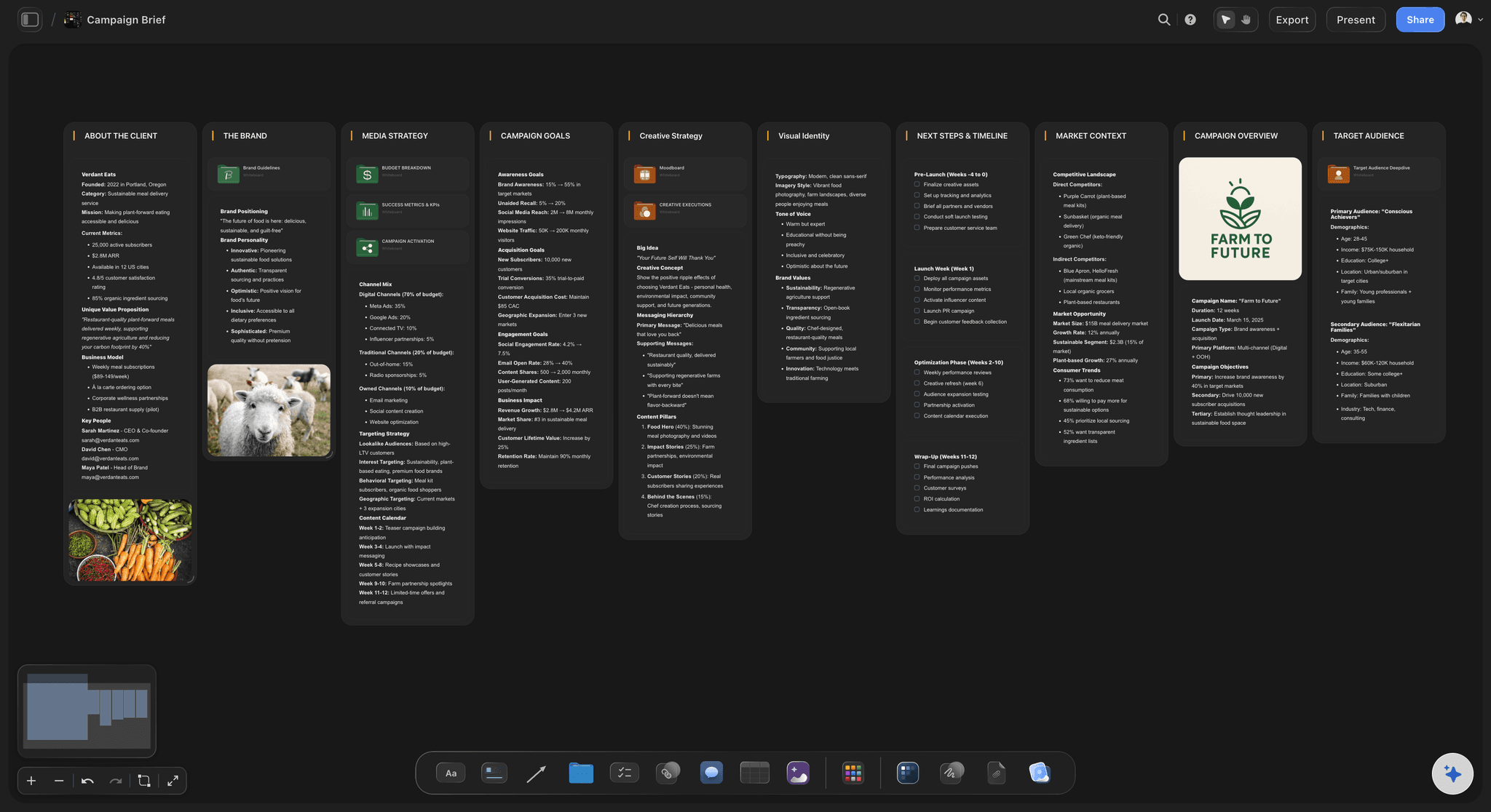
Marketing Campaign
Plan a campaign across channels, messages, and deliverables on one board the whole team can see.
How do you build a video marketing plan?
A video marketing plan decides which videos a business makes in a quarter: for which funnel stage, on which channel, made by whom, for how much, and judged on what number. Storyflow is an AI visual workspace that keeps your video marketing plan and every video it calls for on one infinite canvas: stages, pillars and publish dates the AI drafts, a table from each video to its channel, owner and cost, and a production board per video.
Map the stages before the formats. Awareness needs something strangers will watch: a short explainer, a founder's point of view, a social cutdown. Consideration needs proof: a demo, a comparison, a customer story. Decision needs reassurance: a testimonial, an onboarding walk-through, an FAQ video. A plan with ten awareness clips and no demo loses the buyer at the second step.
Decide how each video gets made. In-house suits frequent, low-polish formats such as founder clips and screen demos; a freelancer suits the monthly demo or case study; UGC creators suit ads that need many variants; an agency suits the one hero film of the quarter. Mixing all four is normal, and choosing per video before the quarter starts keeps cost and quality predictable.
Batch the shoots and plan the cutdowns up front. One well-planned shoot day can produce the hero video, two demos and a month of vertical clips, but only if the shot list asks for them. Group videos that share a presenter, a location or a product, and write each shoot's cutdowns into the plan before anyone presses record.
Ultra fast from brief to board
From a blank quarter to a list of videos with dates.
The plan takes an afternoon. The quarter is for making the videos.
01
Set a goal for each funnel stage
Tell the AI what the business needs this quarter and who buys. Its marketing plan workflow drafts a goal for awareness, consideration and decision on the board, with the audience and the content pillars each stage draws on, for you to rewrite.
02
Give every video a row
Build the plan table: one row per video with its type, funnel stage, channel, format, owner, production route, cost and publish date. Keep the rows in date order so the table also reads as the quarter's schedule.
03
Group the shoots
Put videos that share a presenter, a location or a product into the same shoot day. The content planner workflow suggests the batches and the cutdowns each shoot should yield, and the planner works script, shoot and edit dates back from each publish date.
04
Link each video to its production board
Give every video its own board for the brief, script, storyboard and shot list, and paste that board's link into the plan table. At the start of each month, review the plan with the team fullscreen in presentation mode.
The quarter's plan, and the making of every video in it.
The planning layer of a video programme. Hosting, analytics and posting stay in the tools built for them.
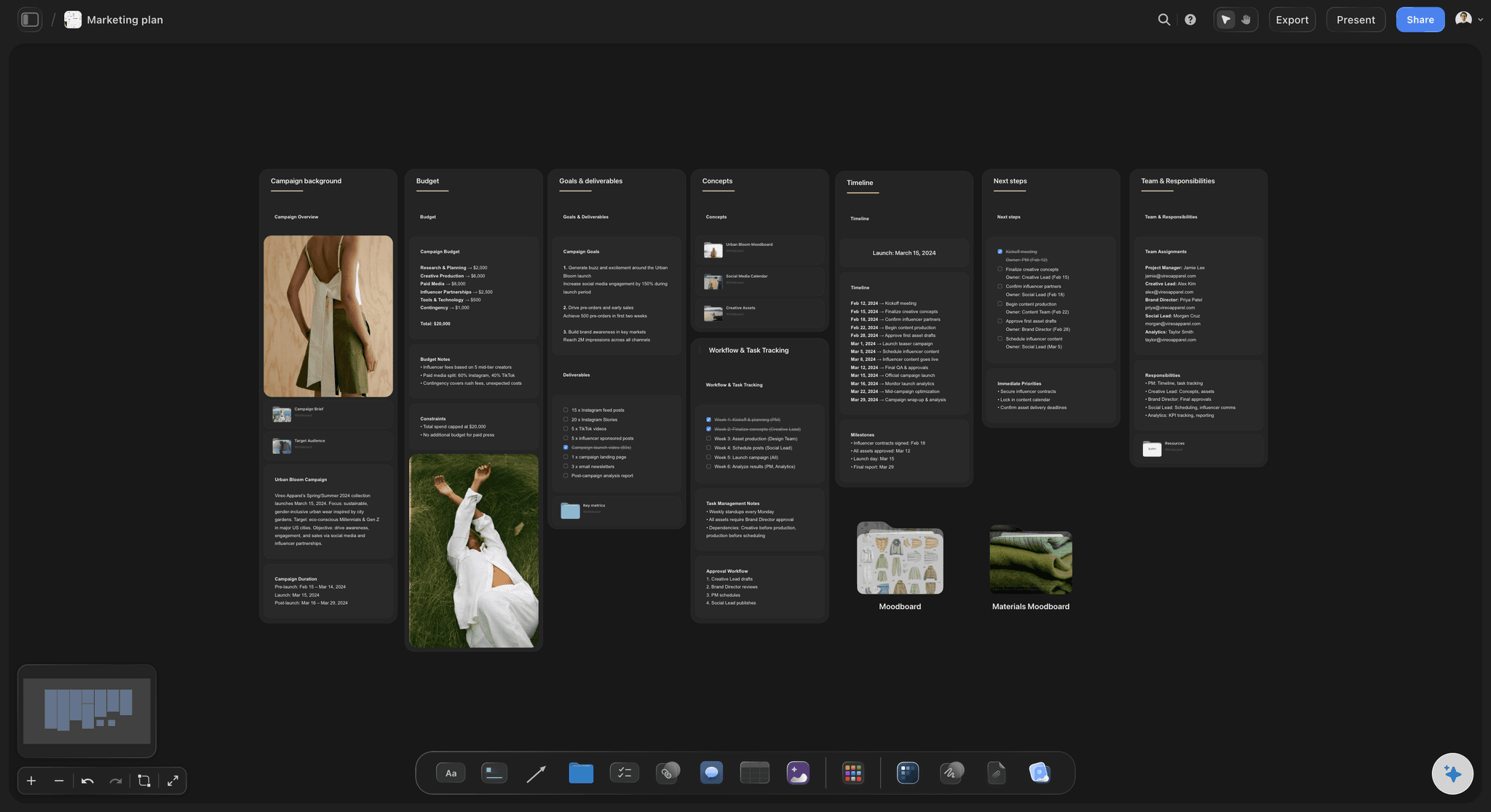
Goals, pillars and stages
A plan the AI drafts and you rewrite
The AI's marketing plan and content planner workflows draft what each stage of the funnel has to achieve, the audience, three to five content pillars and a first run of publish dates. You cut what does not fit the business and keep the rest on the board.
Draft the wider marketing plan →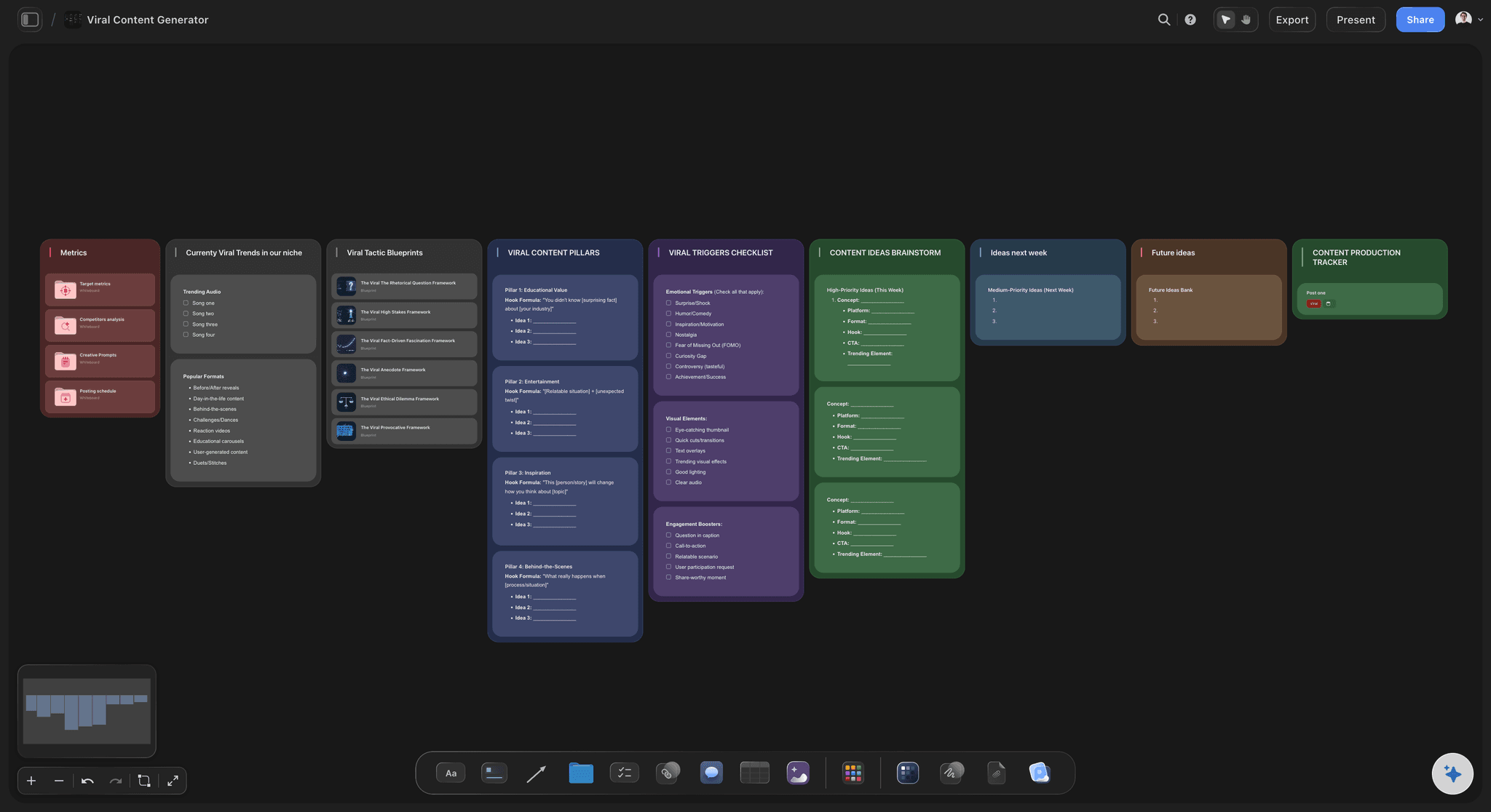
Every video, mapped
One table from video type to publish date
Type, stage, channel, format, owner, how it gets made, what it costs and when it goes live, one row per video. Label cells mark each video scripted, shot or live, a currency column totals the spend, and you keep the rows in date order.
Plan your content pillars →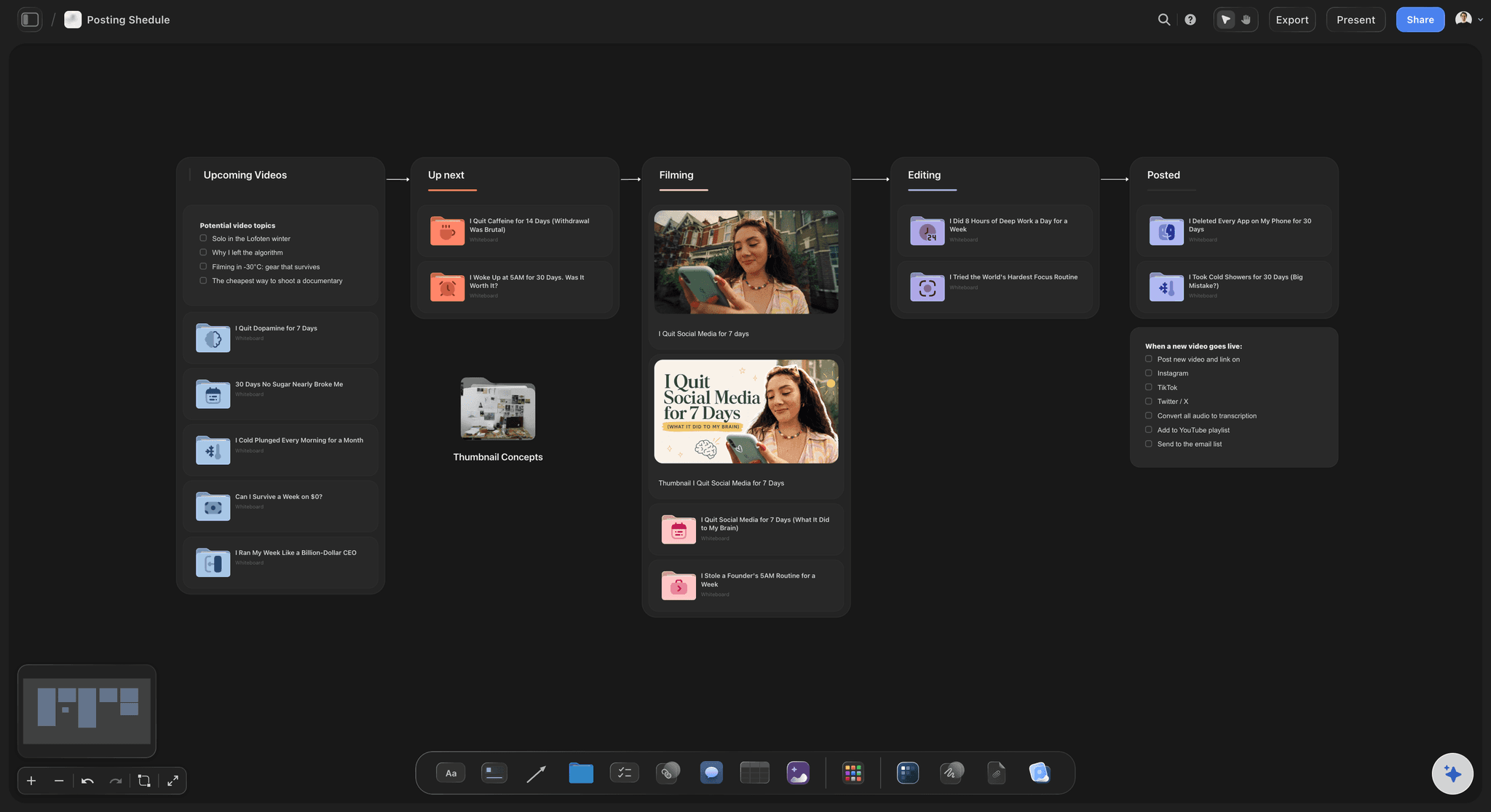
From plan to production
Every video gets a board of its own
The brief, script, storyboard and shot list for each video sit on a board of its own, linked from the plan. The AI's video script workflow drafts the script, and its storyboard workflow lays the video out frame by frame.
Follow a video through the pipeline →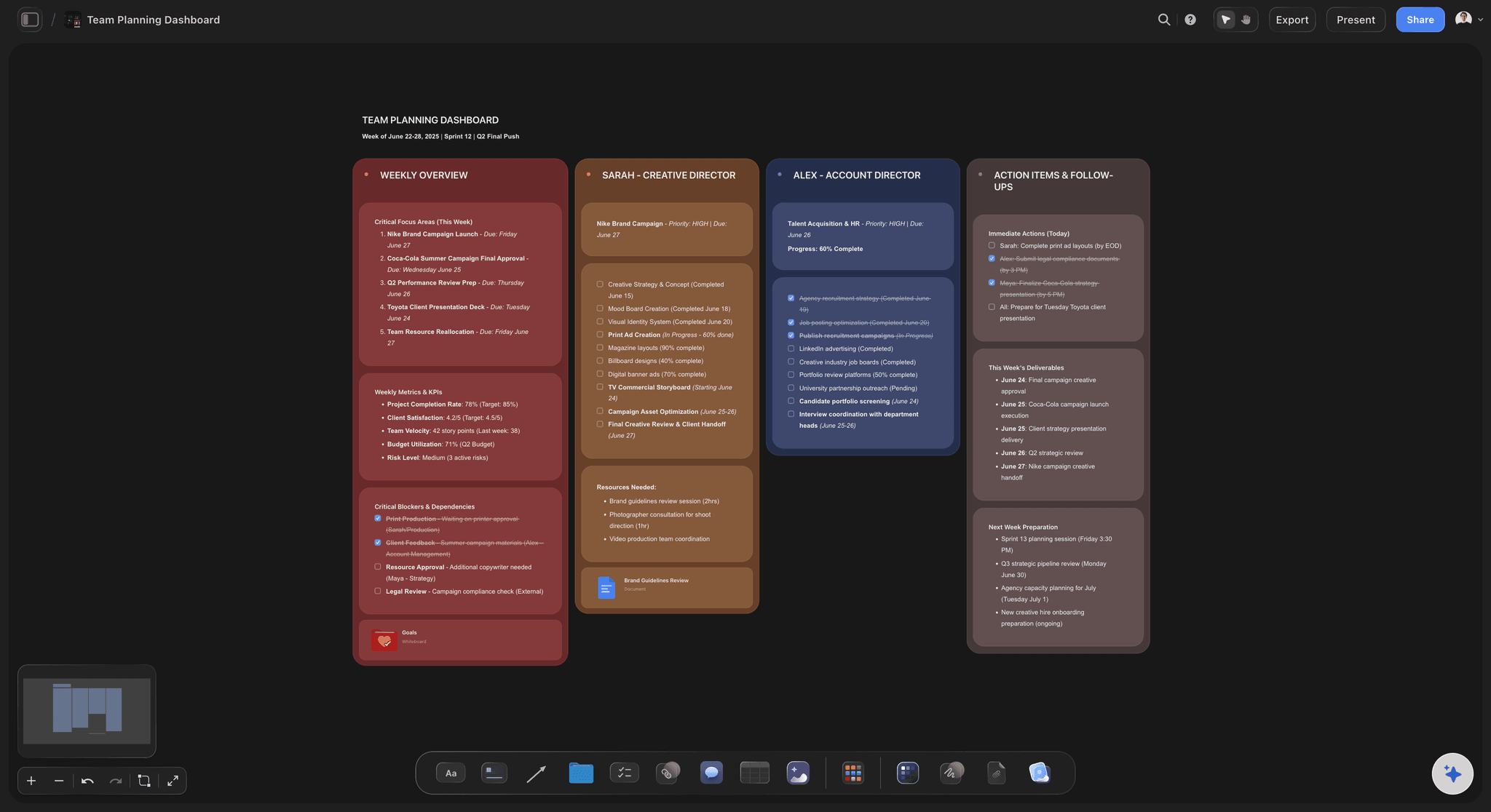
Read by the team, sent by link
One plan the team and the founder both read
Anyone you share it with opens the plan from a view-only link in any browser, and signs in to comment beside a row or a script. Export the whole board as a PDF for the leadership update, or step through it fullscreen in the monthly review.
Run content production in-house →Next quarter starts from this one.
Duplicate the board when the quarter ends, keep the pillars and formats that earned their place, and clear the dates. Storyflow is paid-only during early access, with plans from $7.99 a month billed annually ($9.99 monthly). A free plan launches before the end of 2026, and anyone a paid member invites to a board joins free.
Unlimited plan and production boards, video uploads and files on every paid plan
AI that drafts funnel goals, content pillars, scripts and storyboards (frame images on Pro and Max)
Plan tables with status, date, person, link and currency cells
Uploaded videos you can play, scrub and grab frames from
Built for people with taste
The funnel map, the making and the numbers.
Copy it into any tool. The matrix, the example quarter and the metrics below are starting points, not rules, and after one quarter your own numbers replace them.
The funnel-stage matrix
Which videos each stage needs
Awareness: Short explainers, founder point-of-view clips, social cutdowns and prospecting ads. The job is to be watched by people who have never heard of you, so the first three seconds matter more than the logo.
Consideration: Product demos, comparison videos, webinar chapters and customer stories. The job is proof, so show the product doing the thing on screen, with real numbers where the customer allows it.
Decision: Testimonials, onboarding walk-throughs, pricing and FAQ videos, and short personal videos from sales. The job is removing the last doubt, which is usually about effort, risk or price.
After the sale: Onboarding series, feature announcements and customer spotlights. Retention video is the stage most plans skip, and customers are the cheapest audience you will ever reach.
An example quarter
Four kinds of video, made in batches
One hero video: A 60 to 90-second film for the homepage and the launch, made with a freelancer or an agency over one or two shoot days. It costs the most, so plan the demos and cutdowns that come out of the same shoot.
Four product demos: One a month plus a spare, recorded in-house as a screen capture with a short talking-head intro. Record all four in two sessions rather than four.
Three customer stories: Ninety seconds to three minutes each, filmed remotely or on site, with a signed release before anyone is on camera. Book them in the first weeks, because the customer's diary sets the pace.
A set of cutdowns: Vertical clips cut from all of the above for social and ads, planned in the shot list instead of hunted for in the edit. This is an example shape, and a two-person team might halve it.
Distribution and repurposing
Where each video goes once it exists
Every placement in the plan: The hero video goes on the homepage, YouTube, LinkedIn and into sales emails, and its cutdowns go to Shorts, Reels, TikTok and ads. List each placement as a row so no video ships once and disappears.
Cutdowns asked for at the shoot: Vertical framing, clean audio and a few lines that stand alone out of context have to be captured on the day. The content planner workflow maps each long video to the clips it should yield.
Paid distribution in the budget: A budget line to put the best videos in front of people who have not met you yet, planned from the start. A good video with no distribution budget is a cost with no audience.
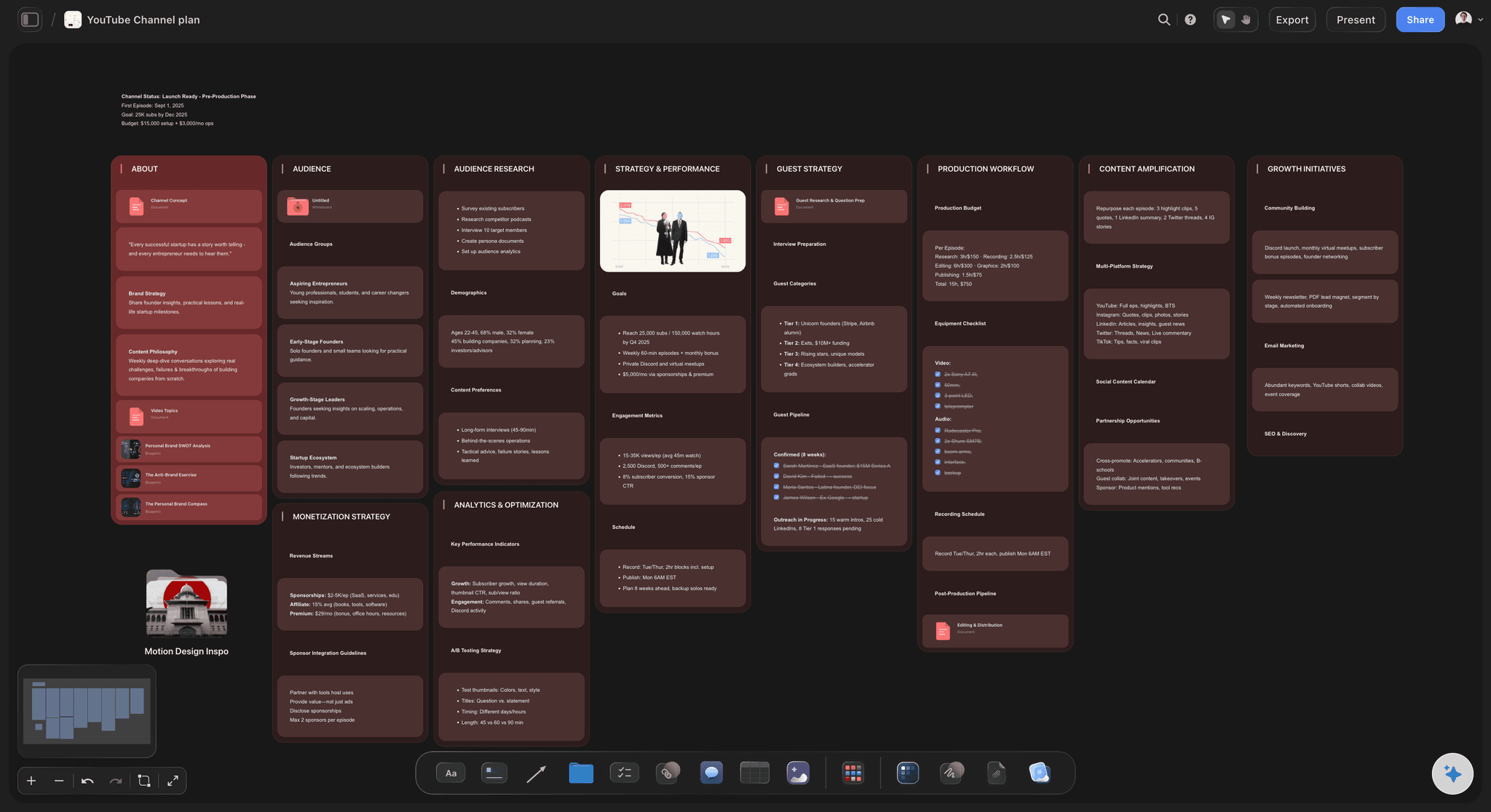
The metric per stage, and the terms
The measures for each stage, agreed before launch
Awareness: reach and view rate: How many people saw the video, and views divided by impressions, where each platform sets its own bar for a view. Pair the two, because a big reach with a low view rate paid for impressions, not attention.
Consideration: percentage viewed and clicks: The average share of the video watched, and the clicks to the product page or the demo form. A demo that holds attention but earns no clicks needs a clearer call to action, not a new video.
Decision: conversions: Demo requests, trials, sign-ups or sales from people who watched, traced with UTM links or video events in your analytics. Agree the attribution rule with sales before the quarter, not after it.
Rights to settle before the shoot: Usage rights for anything made by a freelancer or a creator, release forms for customers and staff on camera, music licence terms, and who keeps the raw footage. Legal asks about all four the week of launch if nobody asked earlier.
Explore templates for your project
Every template opens as a real, editable board on the infinite canvas. Pick the closest fit and make it your own.
Marketing Campaign
Plan a campaign across channels, messages, and deliverables on one board the whole team can see.
One app instead of five
Storyflow, Notion, Asana and HubSpot for planning a video programme.
Storyflow plans the videos and holds the making of each one. Notion and Asana track the work in databases and project views, and HubSpot hosts, measures and publishes inside its marketing suite.
Storyflow
Recommended
Whole quarter's plan on one canvas
Storyboard for each video
Stills grabbed from footage onto the storyboard
Video budget with a live total
Publish dates laid out on a calendar
Video hosting with viewer analytics
Notion
Whole quarter's plan on one canvas
Storyboard for each video
Stills grabbed from footage onto the storyboard
Video budget with a live total
Publish dates laid out on a calendar
Video hosting with viewer analytics
Asana
Whole quarter's plan on one canvas
Storyboard for each video
Stills grabbed from footage onto the storyboard
Video budget with a live total
Publish dates laid out on a calendar
Video hosting with viewer analytics
HubSpot
Whole quarter's plan on one canvas
Storyboard for each video
Stills grabbed from footage onto the storyboard
Video budget with a live total
Publish dates laid out on a calendar
Video hosting with viewer analytics
What creators are saying
Join early creators getting structured workspaces and AI that remembers their projects
“Storyflow has sped up my workflow by at least 3x, which means more flow state and more projects I can actually ship. It truly changed the way me and my team create.”

Reilin Joey
Director & YouTuber
“One prompt gets me a structured board. But the tactics are my favorite. I run my YouTube scripts through them and my intros and retention got better. It's amazing.”

Justkay
YouTuber & Freelance Filmmaker
“I used to juggle five apps to plan a project. Now I describe what I am making and get boards, lists, and a schedule. All in one place.”

George
@fernwehchronicles
Video marketing plans, answered.
Stages, formats, volume, production, measurement and budget for a quarter of video.
Storyflow is the video marketing plan template for in-house marketers and founders who want the plan and the videos in one place: goals per funnel stage, a table mapping each video to its stage, channel and owner, a budget with a live total, and each video's own production board, opened by link with no account or sent as a PDF. Host and measure the videos in Wistia, Vidyard or YouTube Studio, and schedule the posts in Buffer.
The business goal and a goal for each stage of the buyer's journey, the audience and what they already believe, three to five content pillars, the video types each stage needs, channels and formats, how each video is produced, a batching plan, the budget including paid distribution, publish dates, how every video is repurposed, and one metric per stage. Most strategy templates stop at the first three and never reach the videos.
The strategy is why and for whom: the goals, the audience, the pillars and which stages video has to carry. The content plan is which videos, when, made by whom and for how much. A strategy with no plan never ships, and a plan with no strategy ships videos nobody can explain. In Storyflow both sit on the same board, so each video row points back to a goal.
A common mapping: explainers, founder clips and social cutdowns for awareness; demos, comparisons and customer stories for consideration; testimonials, onboarding and FAQ videos for the decision; onboarding series and feature updates after the sale. Start with the stage where buyers drop out most today, because a missing demo usually costs more than a missing explainer.
As many as the team can make well, which is fewer than the first draft says. An example shape for two or three people: one hero video, four product demos, three customer stories and a steady run of cutdowns from those shoots. Plan it, make it, then set next quarter's number from what actually shipped rather than from ambition.
Decide per video. In-house works for frequent, low-polish formats like screen demos and founder clips; freelancers for monthly demos and customer stories; UGC creators for ads that need many variants to test; an agency for the hero film that has to carry the brand. Put the route in its own column of the plan table so the budget and the schedule show the mix.
Give each stage its own measure. At the top, reach and view rate, meaning views divided by impressions, with each platform setting its own bar for a view; in the middle, average percentage viewed and clicks to the next page; at the bottom, demo requests, trials or sales from viewers, traced with UTM links. Review them monthly and move budget toward the stage that is underperforming, not the video with the most views.
Build it bottom-up, per video: crew or freelancer days, editing, talent and creator fees, music licences, locations, and paid distribution to put the video in front of people. A figure picked first and divided later leaves the hero video underfunded. In Storyflow each video's cost sits in the plan table with a Sum footer, so the quarter's total updates as you add rows, and the AI can export that table as an Excel file whose totals stay live.
Plan the cutdowns before the shoot. Ask for vertical framing, clean audio and a few lines that make sense on their own, then list every placement: the full video on YouTube and the website, chapters for sales, and vertical clips for Shorts, Reels, TikTok and LinkedIn. Storyflow's content planner workflow maps each long video to the clips it should produce.
No. Storyflow plans the programme and holds each video's production. Host and measure videos in Wistia or Vidyard, which show who watched and how far, and use YouTube Studio for your own channel's watch time and retention. Schedule social posts in Buffer, which publishes to YouTube Shorts, TikTok, Instagram and LinkedIn. If your CRM and email already live in HubSpot, its marketing tools can host and publish too.
As a draft, yes. Describe the business, the buyer and the quarter, and Storyflow's AI drafts the goal per stage, the pillars and a first run of publish dates, then scripts and storyboards for the videos you keep. It reads the board you have open and up to five documents you attach, such as last quarter's numbers. Which videos matter is still your call.
Not during early access. Storyflow is paid-only during early access, with plans from $7.99 a month billed annually ($9.99 monthly). A free plan launches before the end of 2026, and anyone a paid member invites to a board joins free. Stakeholders who only read the plan pay nothing.
More from Storyflow
Go-to-market plan
In-house content production
Social media content calendar
YouTube content pipeline
AI marketing plan generator
Social media marketing plan
Content pillar planner
Content repurposing planner
Editorial calendar
Ad creative testing
Video production planning
Founder-led content plan
Explainer video storyboard
Pricing
Testimonial video planner
Product launch video
Give every video a reason to exist.
Open a canvas, describe the quarter, and leave with a plan the team can make and the business can measure.