
Sharper briefs, sent ultra fast
Creative request intake
that turns 'can you just' into a brief.
For in-house marketing and brand teams: every request arrives in the same nine fields, gets a size and a date or a polite no, and becomes a brief on the board where the work is made.


Creatives working for these brands already got early access
- Red Bull
- Canon
- Artlist
- Porsche
See how easy it is to get started
Watch a real project come together, from a blank board to a finished plan, clicked through step by step.
Start from a ready-made template
Pick a board to see what you can build, then let AI fill it in. Every template is a real, editable starting point on the same infinite canvas.

Creative Brief
Capture the objective, audience, and message for a creative so everyone works from the same brief.
How do you set up creative request intake for an in-house team?
Creative request intake is the step where a request for design, video or copy is written down in the same fields every time, checked against what the team can make that week, and either accepted with a date or sent back with a question. Storyflow is an AI visual workspace that runs that intake on one infinite canvas: the request fields, the triage table, the weekly queue and the brief each accepted request turns into. Its AI reads a request pasted from Slack or an email, fills in the fields it can, and lists the questions the requester still has to answer.
Start with the fields, because most bad work starts as a bad request. Nine are enough: what is needed and in which formats, who it is for, the one thing it has to make that person do, where it will run, the hard deadline and why it is hard, the budget or the hours available, who signs it off, the links and files to start from, and what happens if it ships a week late. That last field is the one that sorts urgent from loud. A request that cannot answer it is not urgent yet.
Then give every request a size in hours rather than a priority word. Three sizes cover most in-house work: small is up to 2 hours (a resized banner, a caption, a fix), medium is about 8 hours (a social set, a one-page flyer, a short edit), and large is about 24 hours or more (a landing page, a campaign kit, a two-minute film). A size is something two people can agree on in thirty seconds. A priority word is something two people argue about for a week.
Now check the week against the team. A worked example: three makers at 30 hours each is 90 hours. Take off a fifth for review rounds, meetings and the things nobody asked for in writing, and 72 hours are left. One large request at 24 hours, four medium at 32 and eight small at 16 come to exactly 72. A ninth small request goes to next week, or something already in the queue moves out. Put that sum in the footer of the queue table, so the trade is visible to whoever asks for the ninth one.
Set lead times once and write them on the board: three working days for small, two weeks for medium, four weeks for large, counted from the day the request is complete rather than the day it was first mentioned. Anything faster than that is still possible, but it is called an exception, it has a named person who approved it, and it pushes something else back. Teams that skip this step end up with every request marked urgent by the second month.
Accepted requests become briefs on the same board, with the references laid out beside them, so the person making the work sees what was asked, why and for whom without opening a ticket and three attachments. Requests that were sent back stay too, with the question that sent them back. After a quarter, that list tells you which teams ask well and which need a twenty minute call before they ask again.
Ultra fast from brief to board
Four moves from a Slack message to a brief.
Set up once in an afternoon, then run the same way every week.
01
Paste the request and let the AI sort it
Paste a Slack thread, an email or a meeting note into the chat. Storyflow's AI fills in the nine fields it can, marks the ones it cannot, and writes the two or three questions to send back. You check it and send the questions in whatever channel the request came from.
02
Size it and give it a status
Add a row to the triage table: the request, the team that asked, a size in hours, the date it is complete, and a status that starts at Not started. A request with blank fields stays Blocked until the requester answers, which keeps it out of the queue without anyone having to say no.
03
Fill the week up to the line
Move accepted rows into the week's queue table. Its hours column carries a Sum in the footer, set against the hours the team has. When the total reaches the line, the next request goes to next week or swaps with something already in.
04
Turn the row into a brief beside the work
Ask the AI to turn an accepted request into a short brief, then lay the reference images, the brand files and the first drafts out around it. The requester opens the board from a link and sees where their work is without asking in a meeting.
The fields, the triage, the queue and the brief.
Storyflow holds the intake and the work it starts. A form tool still collects requests from people who never open the board.

Every request, the same shape
Nine fields, filled from a pasted message
What, who for, the one action, where it runs, the hard date, the hours, the approver, the files, and what happens if it is late. Paste the request and Storyflow's AI fills what it can and lists the questions for the rest.
See the creative brief template →
Triage in thirty seconds
A size in hours, not a priority word
Small, medium or large, with a status that moves from Not started through In review to Done. A request missing an answer sits at Blocked, so the queue only ever holds work the team can actually start.
See the creative operations board →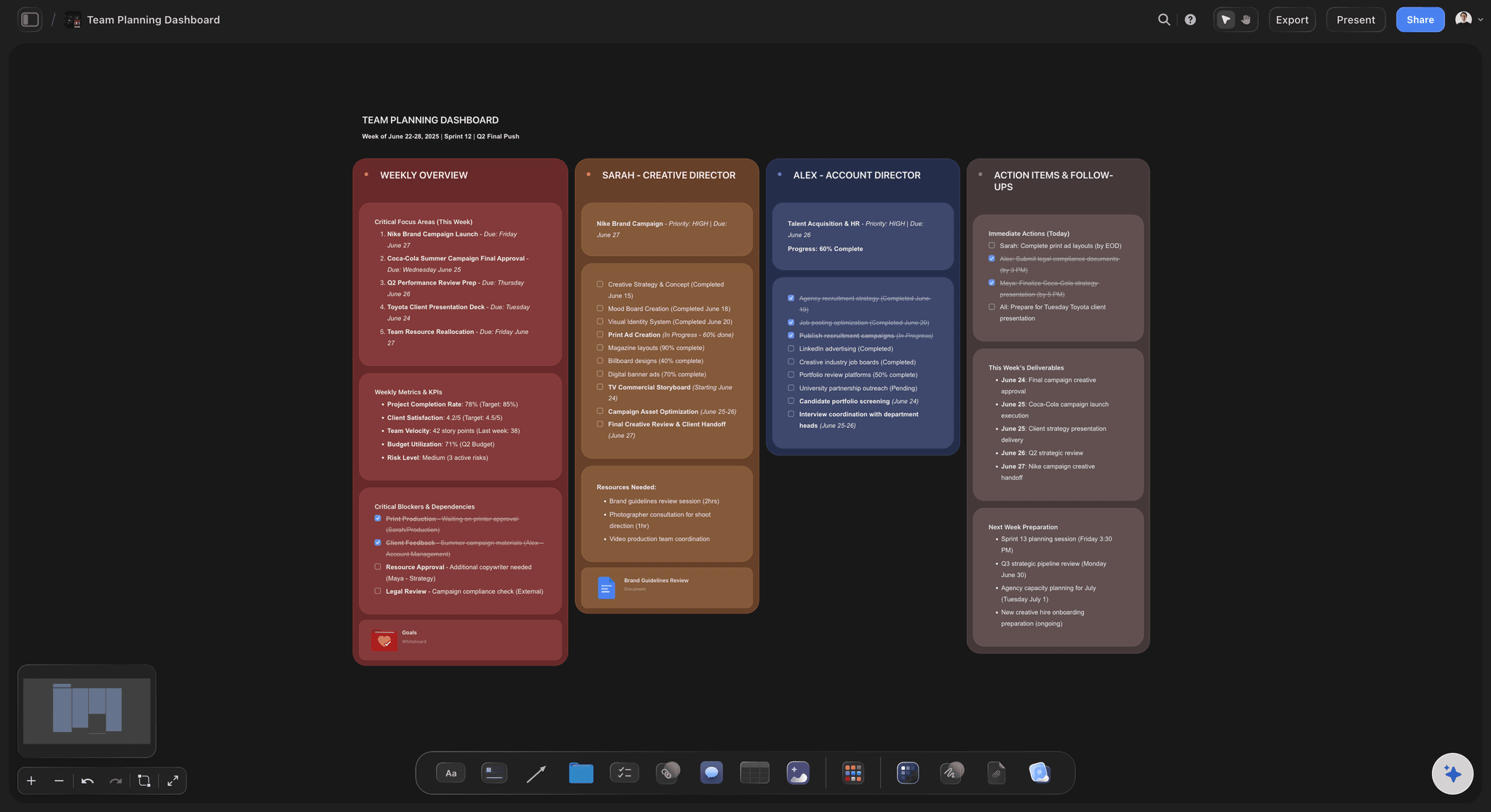
The week, totalled
A queue that adds up its own hours
The week's requests sit in one table with a Sum footer under the hours column. When it reaches what the team has, the next request waits or something swaps out, and anyone can see why.
See in-house content production →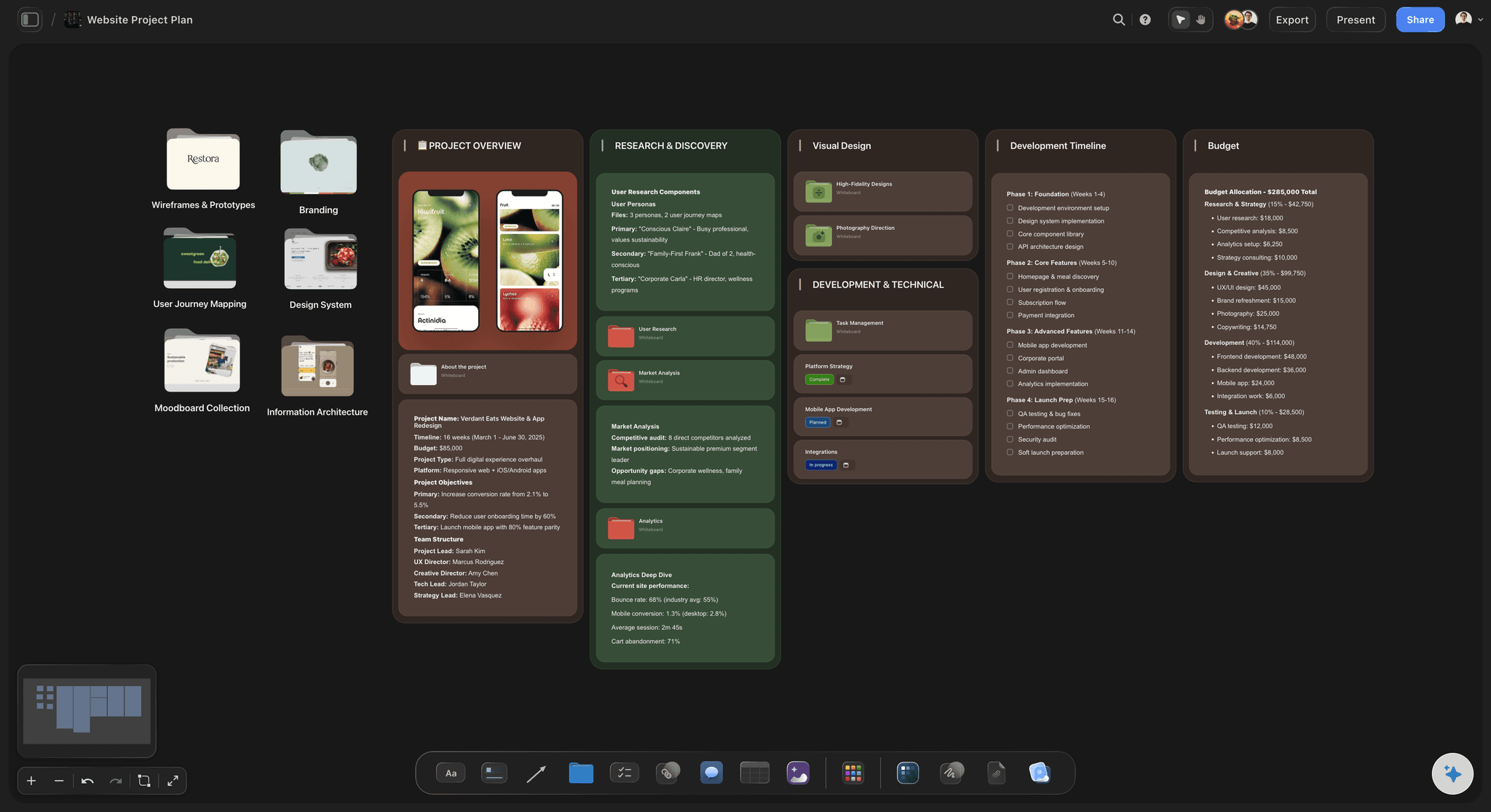
Where the work starts
The brief and the references side by side
An accepted request becomes a short brief with the reference images, brand files and first drafts laid out around it. The maker sees the ask and the look at once, and the requester follows along from one link.
See the brief to project board →Every request you ever took, and why.
The accepted ones, the ones sent back and the question that sent them back all stay on the board, so next quarter's planning starts from what was really asked. Storyflow is paid-only during early access, with plans from $7.99 a month billed annually ($9.99 monthly). A free plan launches before the end of 2026, and anyone a paid member invites to a board joins free.
Unlimited boards, image uploads and files on every paid plan
Invite the people who send requests to the board without buying them a seat
200+ Tactics for the brief once a request is accepted
Whole-board PDF export for the quarterly look back
View-only links so requesters can check progress with no account

Built for people with taste
Three ways creative requests go wrong in-house.
None of them are about talent. All of them start before the work does.
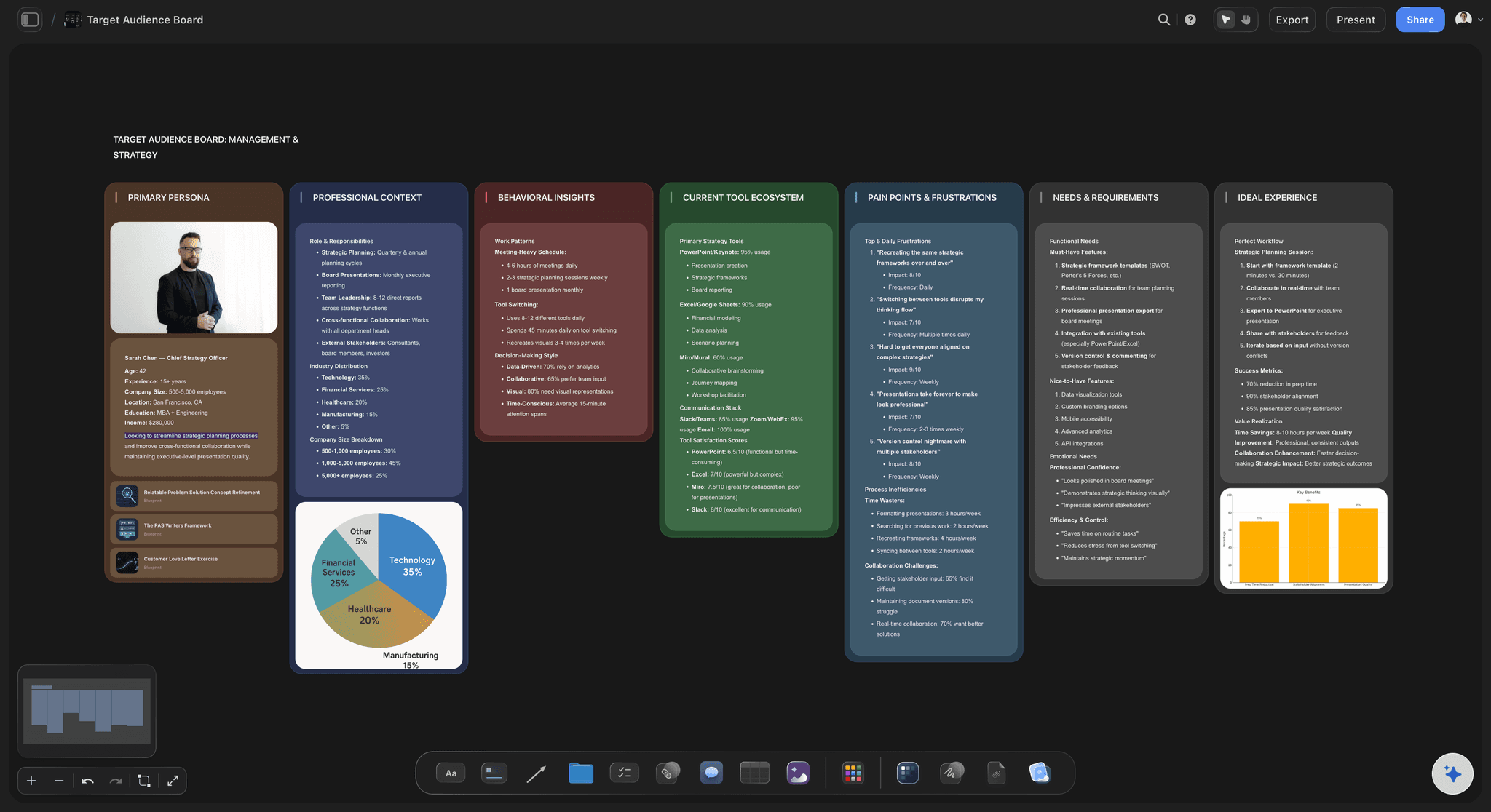
The request
A Slack message is not a brief
The same nine fields every time: A request is complete when all nine are filled. Until then it is a conversation, and conversations do not get a slot in the week.
The AI asks the follow-up questions: Paste the message and Storyflow's AI writes the two or three questions that are missing, so you send one clear reply instead of five back-and-forth messages.
What happens if it is late: The field that sorts real deadlines from loud ones. A trade show booth is late forever. A blog header can usually wait until Thursday.
Files linked, not described: The logo, last year's version and the product photos go on the board with the request. Nobody spends the first hour of a job hunting for the right file.
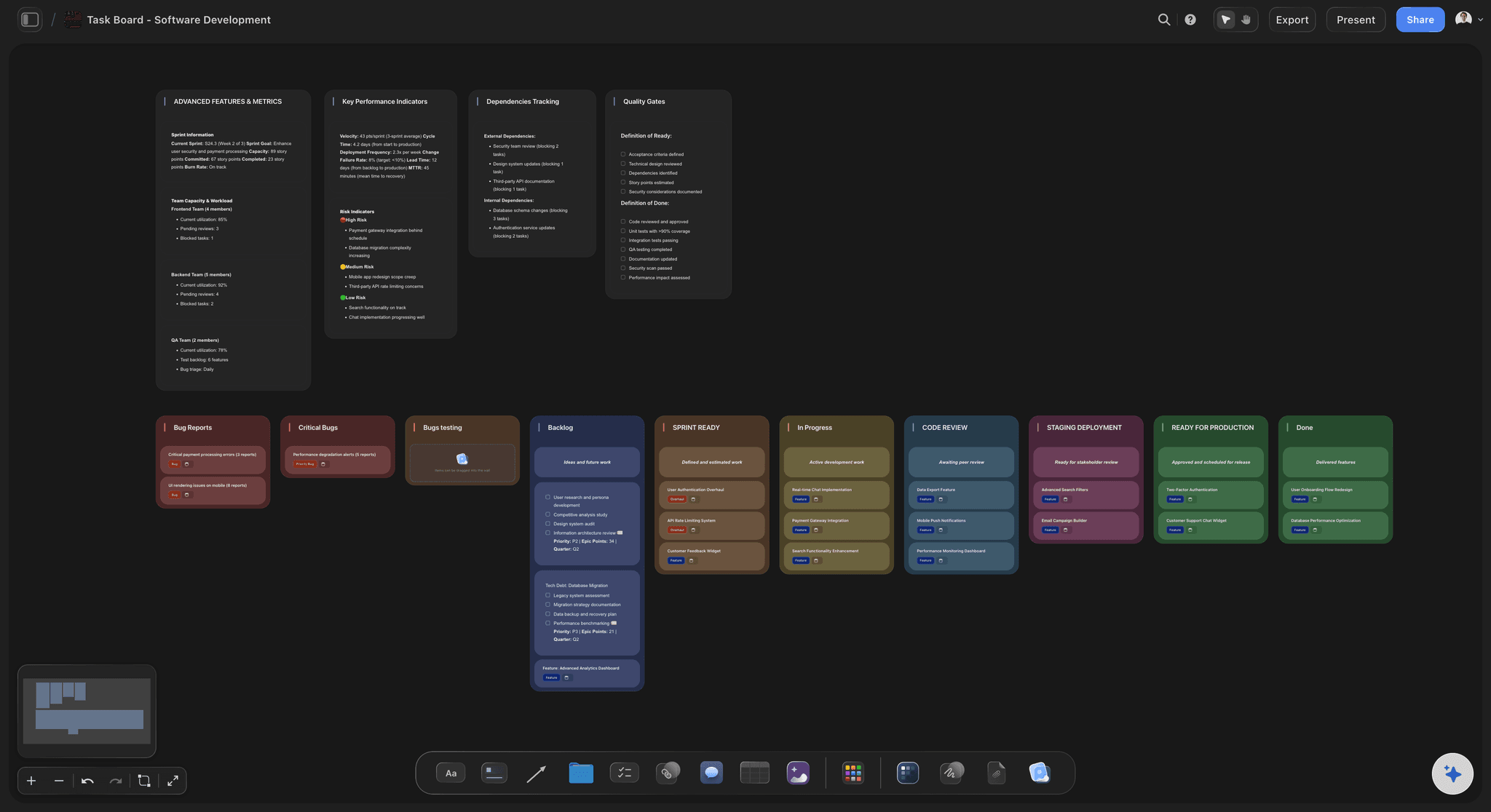
The queue
Everything is urgent, so nothing is
Sizes everyone can agree on: Two, eight or twenty-four hours. Sizing a request takes half a minute, and it turns an argument about importance into simple arithmetic.
A line the week cannot cross: The queue table totals its hours in the footer. When the total meets what the team has, the next request moves to next week, in plain view.
Exceptions with a name on them: A rush job is allowed, but the row says who approved it and what moved out to make room. Rushes stop being free, so they get rarer.
Lead times written down once: Three days, two weeks, four weeks, counted from a complete request. Written on the board, they stop being renegotiated in every meeting.
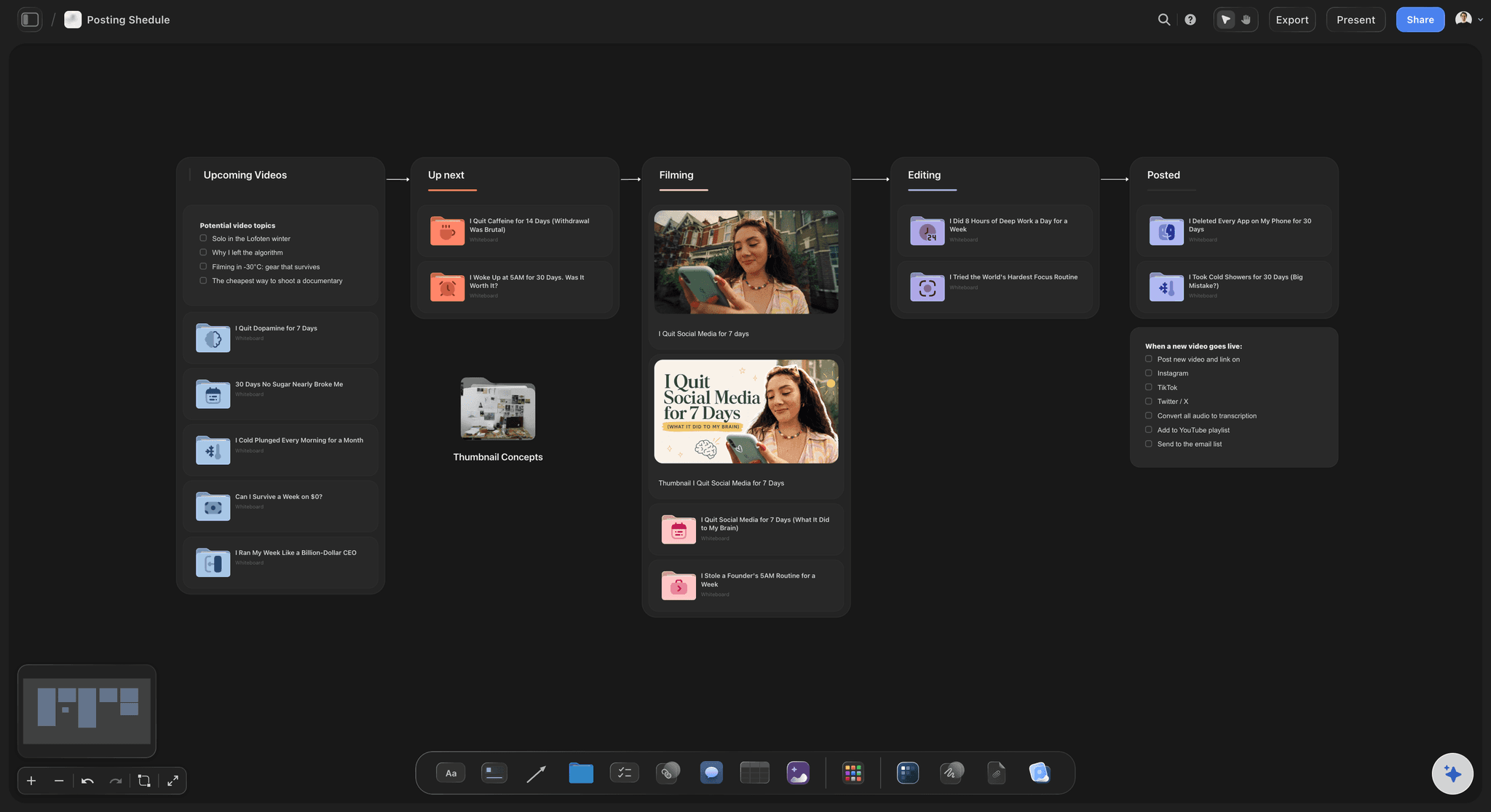
The follow-up
Requesters chase you because they cannot see
Status on the board, not in a meeting: Each request carries one status. The requester opens a view-only link in any browser with no account and sees it without asking.
Comments on the work itself: A requester who signs in leaves a comment beside the exact draft they mean, instead of describing it in an email thread.
The sent-back list teaches people: Requests returned for missing answers stay on the board with the question. Share it with the teams who ask most and the next round of requests gets better.
Ask what moved this week: Ask Storyflow's AI what changed on the board this week and it lists what was added, edited or moved and by whom, ready to paste into the Friday update.
Explore templates for your project
Every template opens as a real, editable board on the infinite canvas. Pick the closest fit and make it your own.
Creative Brief
Capture the objective, audience, and message for a creative so everyone works from the same brief.
One app instead of five
Where Storyflow fits in creative intake.
It holds the request, the triage and the brief beside the work. It does not host a public form or route tasks automatically.
Storyflow
Recommended
Request, references and brief on one board
Reference images laid out side by side
Week's hours totalled against capacity
One status per request
Requester checks progress from a link, no account
The brief and the drafts side by side
Public request form anyone can submit
Automatic assignment rules and reminders
Asana with a request form
Request, references and brief on one board
Reference images laid out side by side
Week's hours totalled against capacity
One status per request
Requester checks progress from a link, no account
The brief and the drafts side by side
Public request form anyone can submit
Automatic assignment rules and reminders
A shared inbox, a form and a sheet
Request, references and brief on one board
Reference images laid out side by side
Week's hours totalled against capacity
One status per request
Requester checks progress from a link, no account
The brief and the drafts side by side
Public request form anyone can submit
Automatic assignment rules and reminders
What creators are saying
Join early creators getting structured workspaces and AI that remembers their projects
“Storyflow has sped up my workflow by at least 3x, which means more flow state and more projects I can actually ship. It truly changed the way me and my team create.”

Reilin Joey
Director & YouTuber
“One prompt gets me a structured board. But the tactics are my favorite. I run my YouTube scripts through them and my intros and retention got better. It's amazing.”

Justkay
YouTuber & Freelance Filmmaker
“I used to juggle five apps to plan a project. Now I describe what I am making and get boards, lists, and a schedule. All in one place.”

George
@fernwehchronicles
Creative request intake questions
What in-house marketing teams ask before they change how requests come in.
In Storyflow, set it up on one board in four parts: the nine fields every request must answer, a triage table that sizes each request in hours and gives it a status, a weekly queue whose hours total themselves in the footer, and a brief for each accepted request with its references beside it. Paste a request from Slack or email and the AI fills the fields it can and lists what is missing.
Storyflow is made for the part of this job that usually breaks: turning a vague message into a complete request, sizing it against the hours the team has, and growing it into a brief with the references beside it, all on one board the requester can open from a link. A public form that anyone in the company can submit, with automatic routing, is still a job for Google Forms, Typeform or the request forms in Asana and Trello.
Nine: what is needed and in which formats, who it is for, the one thing it should make them do, where it runs, the hard deadline and why, the budget or hours, who signs it off, the files to start from, and what happens if it is a week late. Storyflow's AI can fill most of them from a pasted message and list the rest as questions.
Both handle the queue well: Asana suits teams that want forms, rules and assigned dates, and Trello suits teams that want a simple card per request. Neither lays out the references and the brief beside the request. Many in-house teams keep the form in one of them and run triage, the brief and the work in Storyflow, where the maker sees what was asked and how it should look in one place.
A common rule: three working days for a small request, two weeks for a medium one, four weeks for a large one, counted from the day the request is complete, not the day it was first mentioned in a meeting. Write the lead times on Storyflow's intake board once. Anything faster is an exception with a named approver and something else moved back to make room for it.
Size first, then ask what happens if each one is a week late. A request with a real consequence goes in; one without waits. In Storyflow the week's queue is a table whose hours column sums in the footer, so prioritising becomes choosing what fits under the line rather than ranking everything as urgent.
Yes. Paste the thread or the email into the chat and Storyflow's AI fills in the request fields, marks what it could not find, and drafts the questions to send back. Once the answers are in, ask it for a short brief. It proposes; you read it, fix it and decide whether the request is accepted.
No. Storyflow does not host a form that anyone in the company can submit without opening the board, and it does not route requests or send reminders automatically. Teams that need that keep a Google Form, Typeform or Asana form for collecting, then paste each request into Storyflow for triage and the brief. Requesters you invite to the board can add a card themselves.
Count real hours. Three makers at 30 hours a week is 90 hours, and after a fifth goes to review rounds and meetings, 72 are left for requests. Put the week's requests in a Storyflow table with a Sum footer on the hours column and the answer is on screen before anyone asks. If the total keeps passing the line, that is the case for another hire, already written down.
Yes. Share the intake board with a view-only link and anyone can open it in a browser with no account to see where their request is. To leave a comment on a draft they sign in. Anyone a paid member invites to a Storyflow board joins free.
A request says what someone wants. A brief says what the work has to do, for whom, and how you will know it worked. Requests come in by the dozen and many are sent back; briefs are written only for the ones accepted. In Storyflow the brief grows from the request row, on the same board as the references and drafts.
Keep them, with the reason. A request sent back for missing answers, or declined because the week was full, tells you which teams need help asking and which ask for things that never run. On a Storyflow board that list stays beside the queue, so the quarterly review has real evidence rather than a feeling.
No. Storyflow runs in the browser, and there are no native mobile or desktop apps. The team opens the intake board in any browser, and requesters open it from a link the same way.
More from Storyflow
In-house content production
Creative operations
Creative brief template
AI creative brief generator
Brief to project board
Content brief template
Design brief
Video production brief
Campaign brief template
Project brief template
Client review board
Content pipeline
Storyflow for marketing teams
Creative brief workflow
Creative brief with ChatGPT
Make every request arrive as a brief.
Nine fields, a size in hours, a week that adds up, and the work beside it. One board.