
Hours back on every video you plan
Nine videos in flight.
One place to see them.
The hard part of running video is rarely a single production. It is holding nine of them at different stages, remembering which is waiting on a client, which needs a reshoot and which was quietly abandoned in February. A tracker that shows every video at its stage, with its brief attached, turns that from memory into looking.


Creatives working for these brands already got early access
- Red Bull
- Canon
- Artlist
- Porsche
See how easy it is to get started
Watch a real project come together, from a blank board to a finished plan, clicked through step by step.
Start from a ready-made template
Pick a board to see what you can build, then let AI fill it in. Every template is a real, editable starting point on the same infinite canvas.

Storyboard
Lay out your shots frame by frame with images and notes, then reorder them until the sequence reads like the finished cut.
How do you organize a video production from start to finish?
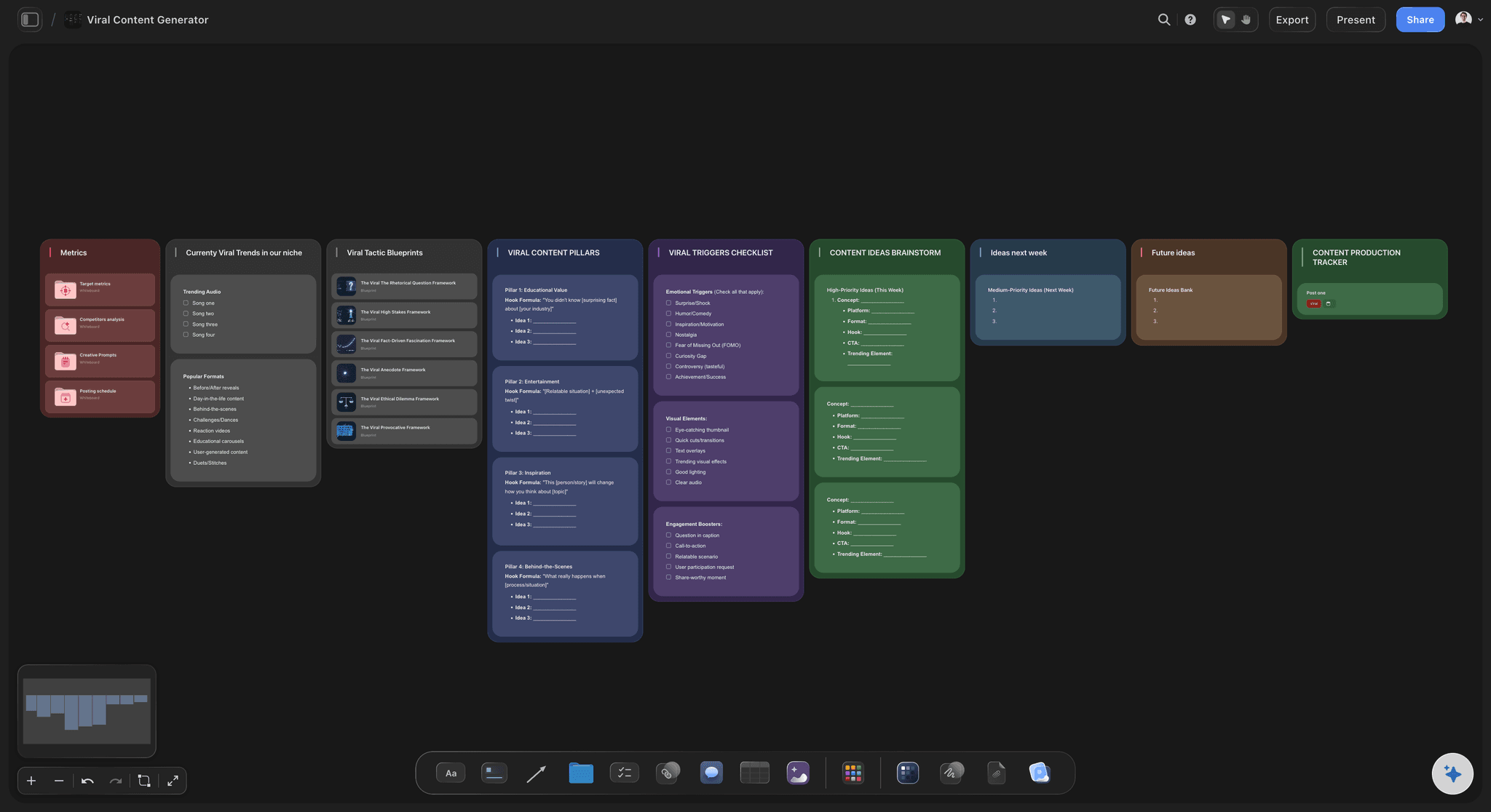
Track the stage, and attach the context to the thing being tracked. Storyflow is an AI visual workspace that tracks a slate of videos on one infinite canvas: every video at its stage, its brief, references and shot list attached, and a drag between columns as the status update. Every video moves through the same stages: idea, brief, script, pre-production, shoot, edit, review, delivery. Knowing which stage each video is at is the easy half and any list can do it. The half that decides whether the tracker is useful is whether opening a video shows you its brief, its references and its shot list, or just its name and a status label.
This is where a spreadsheet fails. A row can say "Editing" but it cannot hold the brief the edit is supposed to satisfy, and the moment those live apart the status becomes the only thing anyone reads. A video sits in Editing for three weeks and nobody can tell whether it is nearly done or stuck, because the row does not carry the work.
On a canvas each video is a board rather than a row. It carries its own brief, references, script and shot list, and it sits in a column that says where it has got to. Moving it across the board is a status change; opening it is a full briefing. The same surface serves the weekly review and the person doing the work, which is what stops the tracker becoming an administrative task performed for a manager.
Storyflow is not a task tracker and does not try to be: no approval workflows, no time tracking. It holds the video and its thinking together, and the AI reads the whole active board plus up to five documents and three boards, so a question like which videos are still waiting on client sign-off is answered from the boards themselves.
Ultra fast from brief to board
A board per video, a column per stage.
Status is where it sits. Substance is what is on it.
01
Give each video its own board
Brief, references, script and shot list live on the video's own canvas, so nothing about it is stored anywhere else.
02
Lay the slate out by stage
Idea, scripted, in pre-production, shot, editing, in review, delivered. One glance says where everything is.
03
Move it as it progresses
Dragging a video to the next stage is the whole status update, so keeping the tracker current costs nothing.
04
Ask across the slate
The AI reads the boards, so questions about what is blocked or what is due are answered from the actual work.
A status that carries the work with it.
The difference between a tracker people maintain and one they abandon in week three.
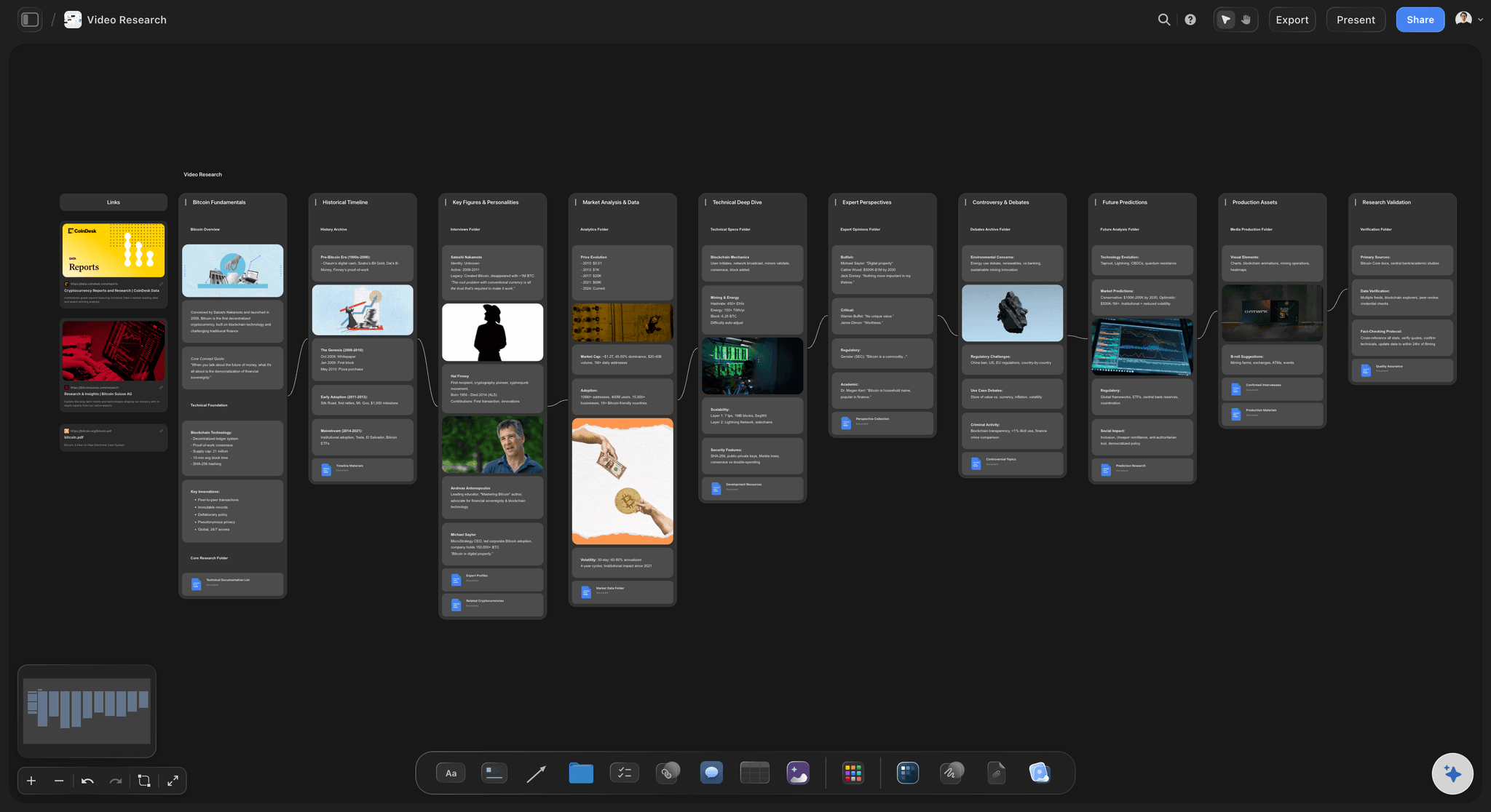
Each video carries its own brief
Open a video, see the whole thing
The brief, references, script and shot list are on the video's board, so checking on it is a briefing rather than a status label and a folder hunt.
See brief to project board →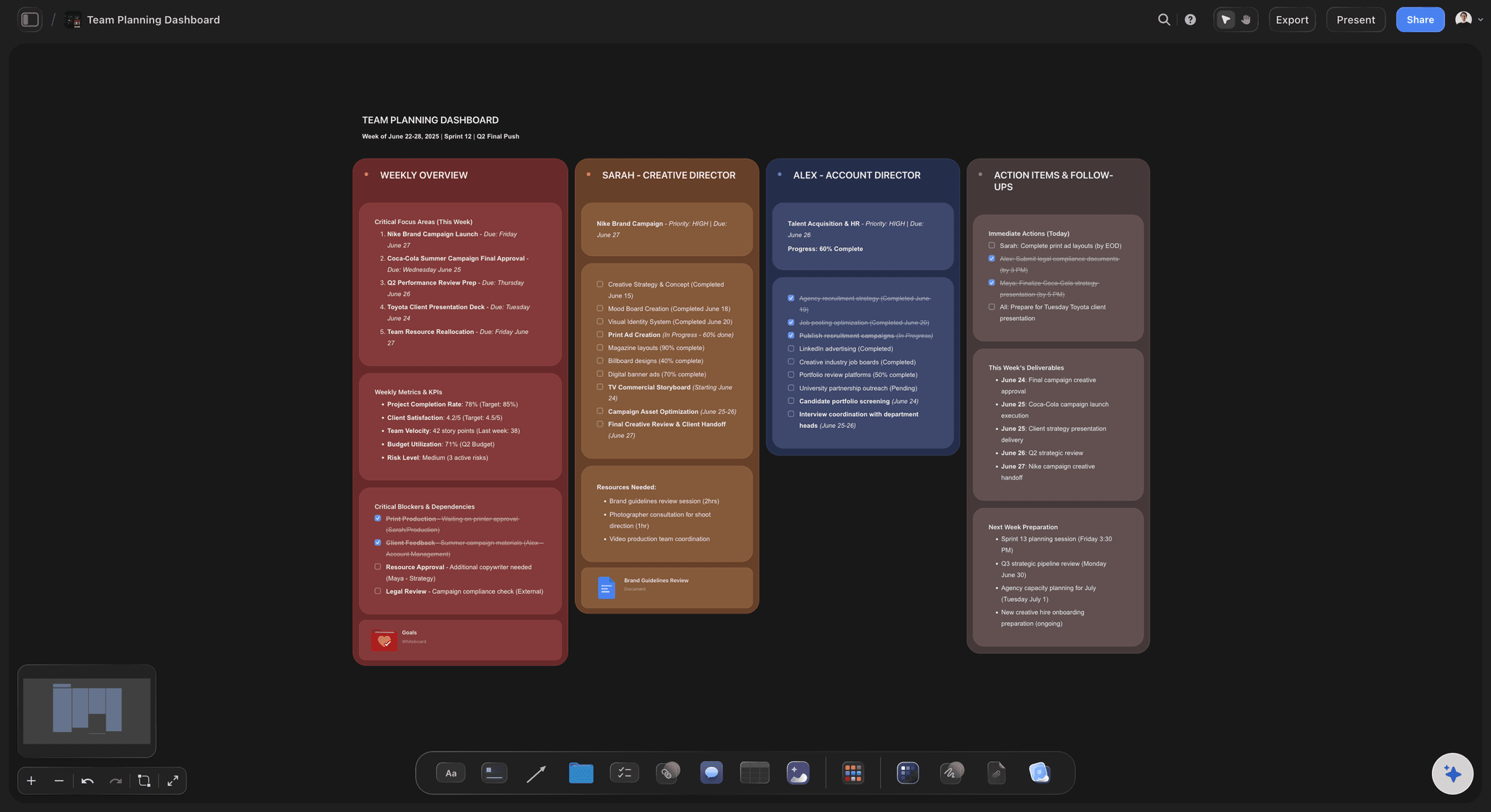
The whole slate at a glance
See what is stuck
Videos laid out by stage make a bottleneck visible: five things in review and nothing shooting is a different problem from the reverse.
See the content planning tool →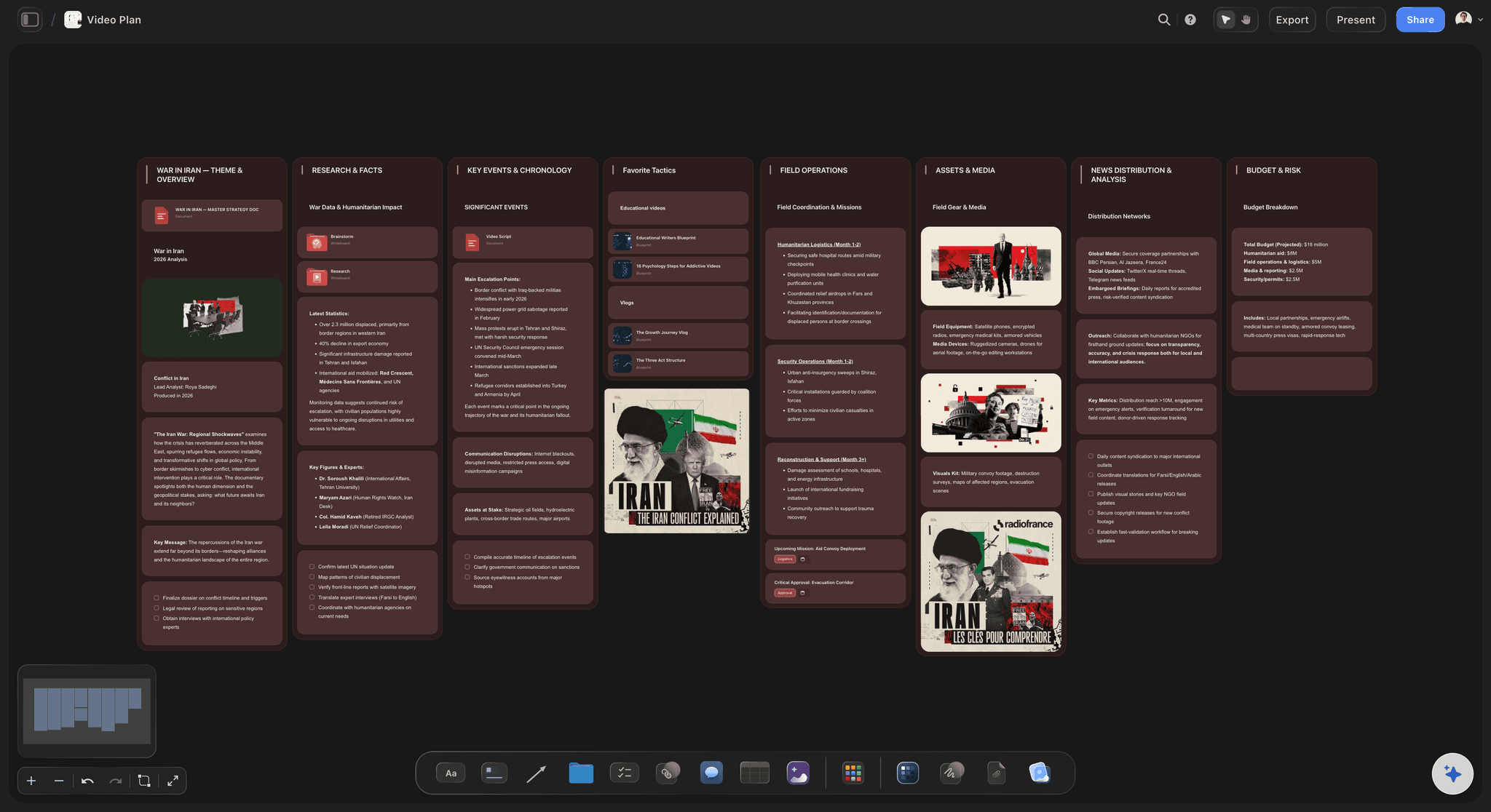
Updating costs nothing
Drag it, done
A tracker that takes ten minutes to update is a tracker that stops being true. Moving a board between stages is the entire update.
See the video team collaboration board →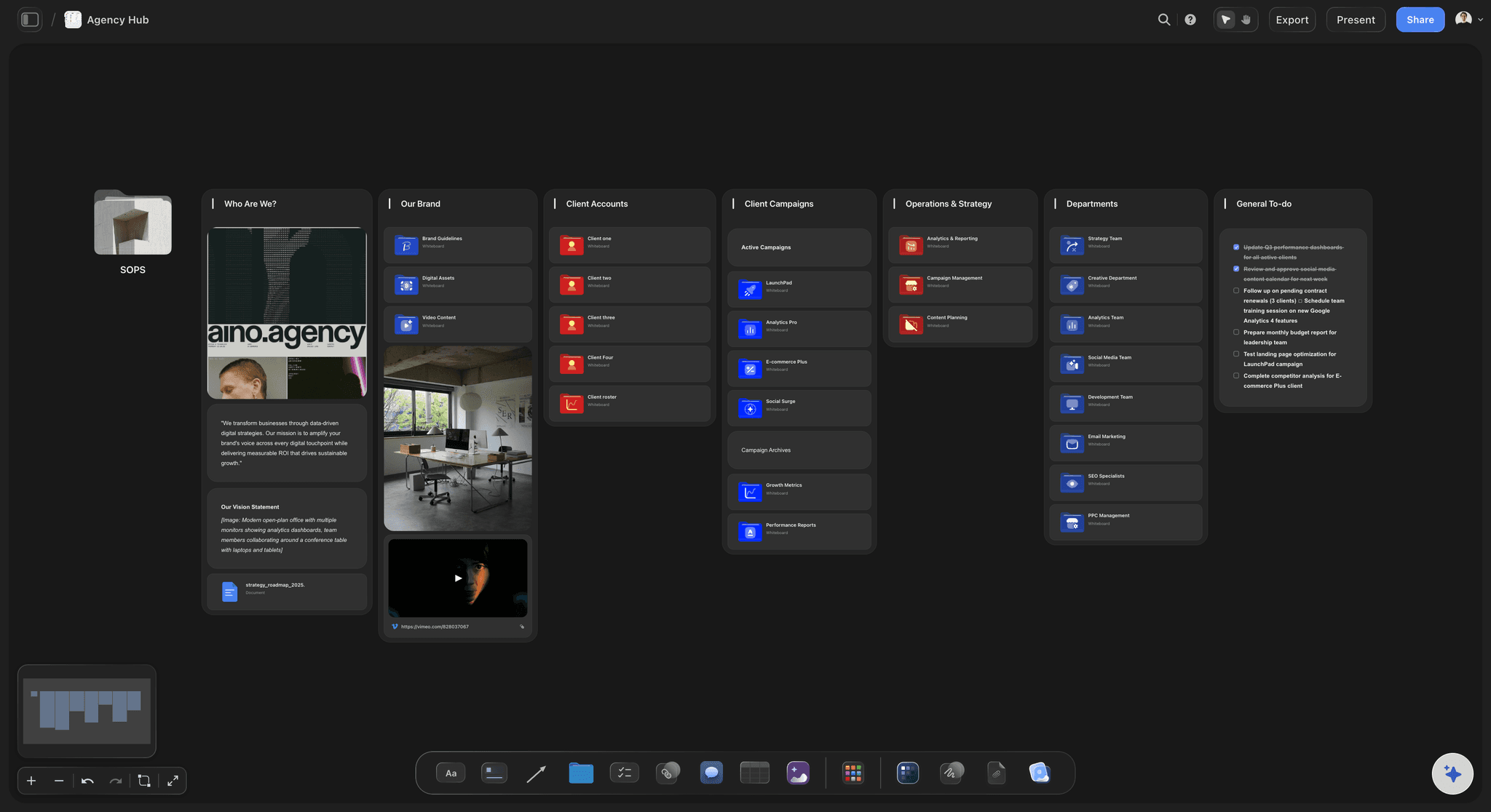
Alongside your tracker, not instead of it
No approvals, no timesheets
Storyflow runs no approval workflows or timesheets. It holds what a video is and where it has got to, and your delivery tooling keeps doing the rest.
See video project management →Plans from $7.99/month annual. Free plan coming late 2026.
A board per video with no project limit, and anyone a paid member invites to a board joins free. Free plan before the end of 2026.
One board per video, with no project limit
Invited collaborators join free
AI reads the boards before it answers
View-only links open without an account
Built for people with taste
Four reasons a video tracker stops being true.
Every one of them is about the cost of keeping it accurate exceeding the value of reading it.
Reason one
The status is separated from the work
A row cannot hold a brief: When status lives in a spreadsheet and the work lives in a drive, the status becomes the only thing anyone reads and it decays.
Open it and see everything: Each video's board carries its brief, references and shot list, so the tracker is also the working surface.
One update, not two: Nobody has to remember to reflect a change from the work into a separate tracking system.
Reason two
"Editing" hides three weeks of nothing
Stages are too coarse alone: A label cannot distinguish nearly finished from blocked, which is the distinction the weekly review actually needs.
The board shows progress: Looking at the video's canvas shows what has been done, not just what stage it was declared to be in.
Ask what is blocked: The AI reads the boards, so the question can be asked directly rather than inferred from stale labels.
Reason three
Abandoned videos never get closed
Ideas accumulate silently: Every slate has videos that quietly died. Left in the tracker they make the pipeline look healthier than it is.
A visible parking area: Move dead ideas somewhere explicit on the canvas rather than deleting them, so the reasoning survives if they come back.
The why is kept: A shelved video with a note saying why is a reusable idea. One with no note is just clutter.
Reason four
It exists for the manager, not the maker
Two audiences, one surface: If the tracker only serves the weekly review, the people doing the work will not maintain it, and it will be wrong by Thursday.
Useful to open daily: Because the board holds the brief and the references, the editor opens it to work rather than to report.
Clients read the same thing: A view-only link shows a client where their video is without anyone assembling an update.
Explore templates for your project
Every template opens as a real, editable board on the infinite canvas. Pick the closest fit and make it your own.
Storyboard
Lay out your shots frame by frame with images and notes, then reorder them until the sequence reads like the finished cut.
What creators are saying
Join early creators getting structured workspaces and AI that remembers their projects
“Storyflow has sped up my workflow by at least 3x, which means more flow state and more projects I can actually ship. It truly changed the way me and my team create.”

Reilin Joey
Director & YouTuber
“One prompt gets me a structured board. But the tactics are my favorite. I run my YouTube scripts through them and my intros and retention got better. It's amazing.”

Justkay
YouTuber & Freelance Filmmaker
“I used to juggle five apps to plan a project. Now I describe what I am making and get boards, lists, and a schedule. All in one place.”

George
@fernwehchronicles
Tracking video production, answered.
The questions that come up when more than three videos are in flight.
One where the status and the work live together. Every video moves through idea, brief, script, pre-production, shoot, edit, review and delivery, and any list can record which stage it is at. What decides whether a tracker survives is whether opening a video shows its brief, references and shot list or just a status label. In Storyflow each video is its own board carrying all of that, laid out in a column for its stage, so moving it is the status update and opening it is a full briefing.
A spreadsheet row can say "Editing" but cannot hold the brief the edit is meant to satisfy. Once status and work live apart, the status is the only thing anyone reads and it goes stale. A board per video keeps them together, so keeping the tracker true costs nothing extra.
No. Storyflow has no approval workflows, dependencies or time tracking. It holds what each video is and where it has got to, and tickets with assignees and due dates can sit on the same board. If you run sprints and timesheets, keep doing that in the tool built for it.
There is no project limit on paid plans and the canvas is infinite, so the practical limit is how many stages you can read at a glance. Teams running large slates usually split by client or by quarter rather than by making one enormous board.
Yes. Share a view-only link and they see the current state with no account. That removes the weekly status email, which is usually assembled by hand from information that already exists.
Not during early access. Plans start at $7.99 per month billed annually or $9.99 monthly, with a free plan launching before the end of 2026. Anyone a paid member invites to a board joins free, so the whole team can be on the tracker.
Park them somewhere explicit rather than deleting them, with a note saying why they stopped. A shelved idea with its reasoning is reusable; one with no note is clutter, and left in the active pipeline it makes the slate look healthier than it is.
It can answer from what is on the boards. The AI reads the whole active board plus up to five documents and three boards, so questions about the state of the work are grounded in the work rather than in a status field someone forgot to change.
That is the pattern that works, because it keeps a video's brief and references attached to it. Small pieces in a high-volume social pipeline are sometimes grouped, but anything with its own brief deserves its own board.
They cover different stages. Review tools handle timestamped feedback on a cut. This handles everything around it: what the video is for, what was agreed, what was shot and where it is in the pipeline.
Stop remembering where nine videos got to.
A board per video, laid out by stage, each one carrying its own brief.