
Rock-steady plans for every shoot
Run the production company
from one board, not nine tabs.
Every job in flight, the pitches in development, the crew you call, the kit you own and the way you work, laid out for a two to ten person studio.


Creatives working for these brands already got early access
- Red Bull
- Canon
- Artlist
- Porsche
See how easy it is to get started
Watch a real project come together, from a blank board to a finished plan, clicked through step by step.
Start from a ready-made template
Pick a board to see what you can build, then let AI fill it in. Every template is a real, editable starting point on the same infinite canvas.

Pre-Production
Pull the brief, script, shot list, and moodboard into one pre-production hub so the whole shoot is planned in one place.
How do you run a small production company from one place?
A production company hub is the one place the business lives: the jobs in flight, the pitches in development, the crew by department, the kit and the way you work. Storyflow is an AI visual workspace that holds your whole production company on one infinite canvas: one board with every job at its stage, crew by department, the gear list, and how-we-work guides. Tell its AI which jobs are real and it lays the company out in nine sections for you to correct.
Track a job by what it waits on. Every active job needs one line: client, stage, next deadline, who owns it and what it is waiting on, such as a signed contract, a location answer or the client's notes on cut two. A job waiting on the client is a different problem from a job waiting on you, and the hub should show which.
Walk the slate every Monday. Thirty minutes, top to bottom: what moved last week, what is stuck, who owes what by Friday. Then the pitches in development: which are still open and the date you follow each one up. A small company that skips the walk finds out a job slipped when the client emails to ask where it is.
Diary the dates nobody diaries. A crew pencil (a soft hold on a freelancer's day) needs a confirm-or-release date. Every delivered film needs its music and stock licence end dates. Every client needs to know how long you keep their footage after delivery. Each one, missed, costs money or a working relationship.
Ultra fast from brief to board
From scattered folders to one company board.
An afternoon to set up, thirty minutes a week to run.
01
Name what is really in flight
List the live jobs, the open pitches, the freelancers you call and the kit you own, and paste it in. The AI asks for your real slate if you leave it out, because a hub of invented productions is useless.
02
Give every job a folder and a stage
One folder per production, seeded with its first notes: the brief, the proposal, the schedule. Move it from development to active to post and delivery as it progresses, then to your finished work.
03
Walk the slate on Monday
Open the hub, read each active job's stage and what it waits on, put an owner on every next action, and write the follow-up dates for open pitches.
04
Share a job, keep the company private
Give each client job its own board and send that link, never the hub. Invite a producer or editor to edit with you in real time; the people a paid member invites join free.
The jobs, the people and the kit, where everyone can find them.
Jobs, crew and kit live here. The books, the contracts and the cut review do not.
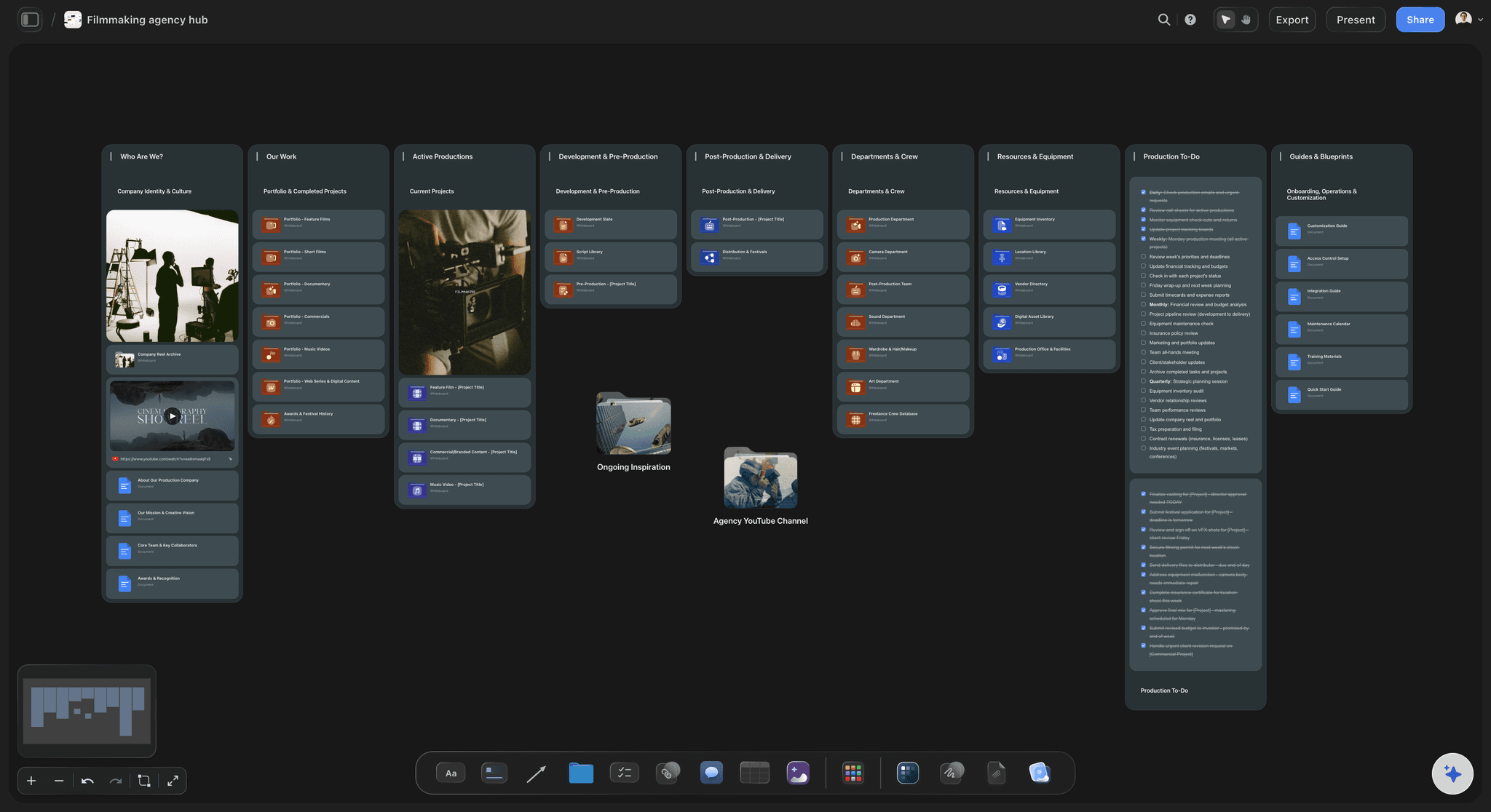
Active productions and development
Every job at its stage
A section each for development and pre-production, active productions, and post and delivery, with one folder per job. Each folder opens to that job's notes, proposal and schedule, so nobody asks where the latest version is.
See the video production tracker →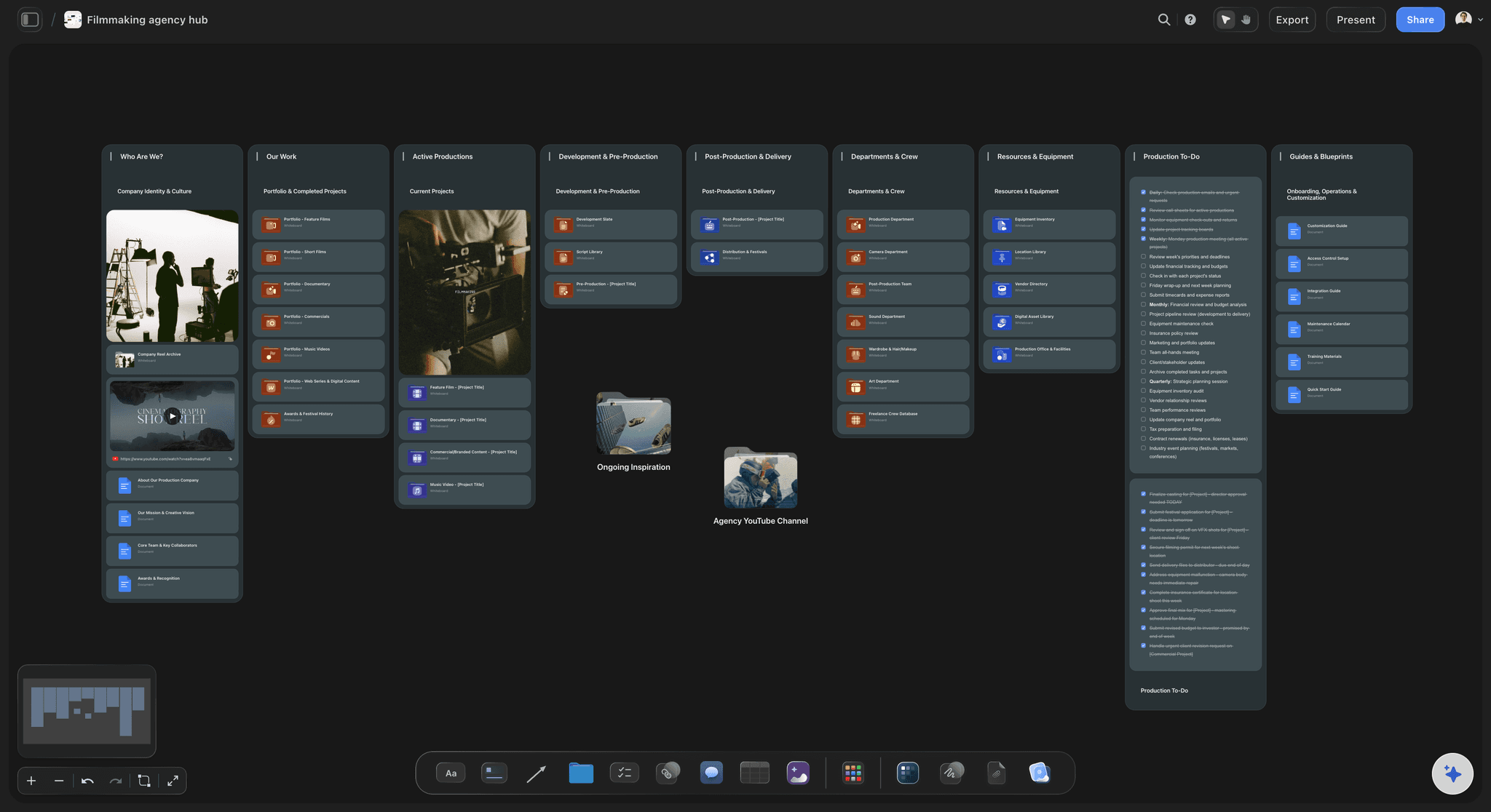
Departments and crew
The freelancers you call, by department
Camera, sound, lighting, art, edit and colour, each a folder with the people you trust, their kit, where they are based and what they did well on the last job. The next shoot starts from a list, not a group chat.
See crew scheduling →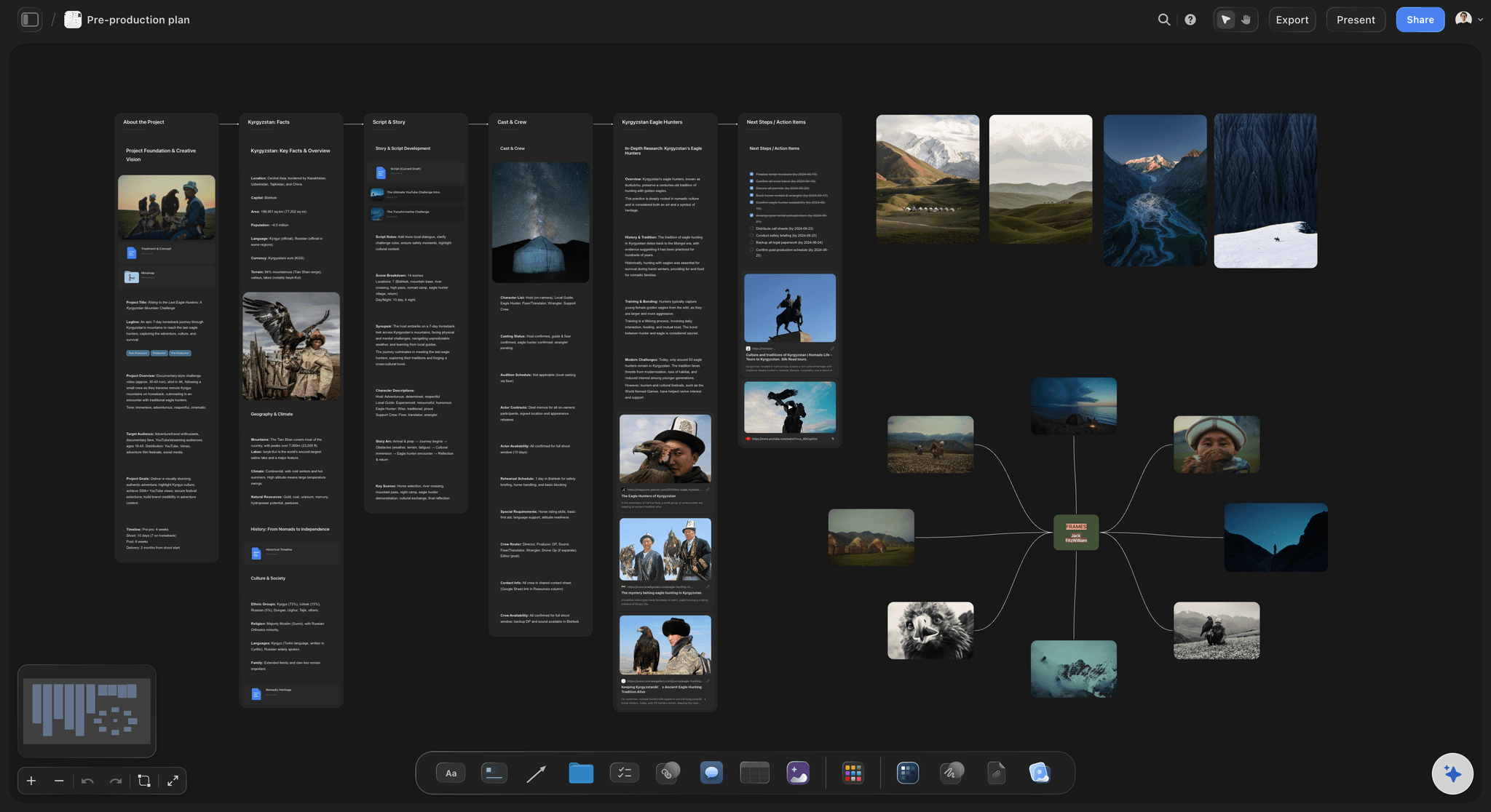
Gear and resources
The kit list you can trust on a shoot morning
Every camera, lens, light and drive with its serial number, insurance note, service date and who has it out. A label column (On shelf, On a job, In repair) shows at a glance where each item is.
See the equipment list maker →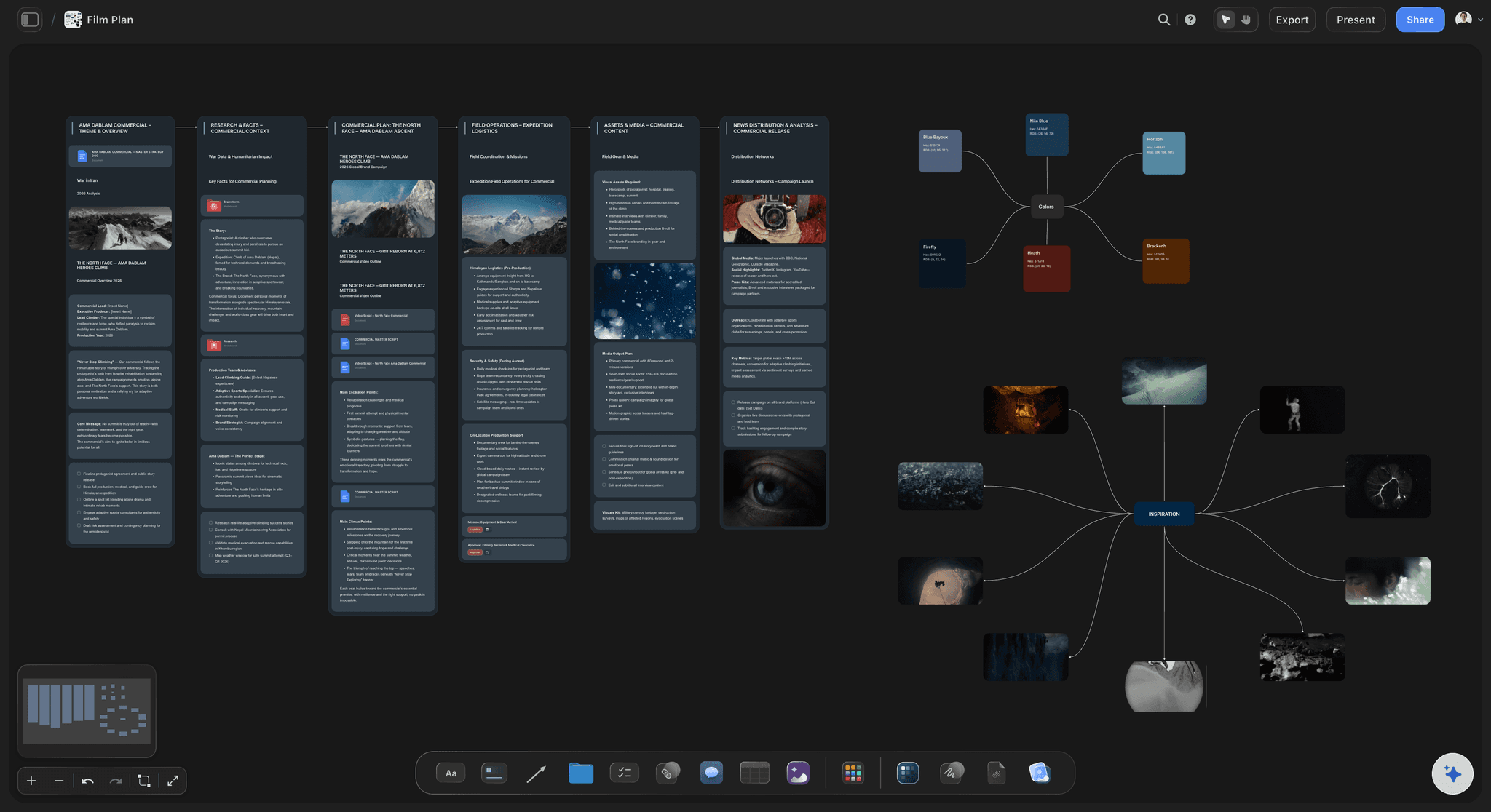
One job by link, or as a PDF
Clients see their job, not your company
Send the client their job board's link: it opens with no account, and a client who signs in can comment beside a frame or a date. Export the whole board as a PDF for the client's procurement team.
See the client review board →Finished jobs become the showreel shelf.
Delivered productions move into your finished work, where the next proposal can borrow a reference, a crew list or a schedule. Storyflow is paid-only during early access, with plans from $7.99 a month billed annually ($9.99 monthly). A free plan launches before the end of 2026, and anyone a paid member invites to a board joins free.
Unlimited boards and file uploads on every paid plan, one per job if you like
AI that lays out the company hub from your real slate, crew and kit
Tables with status, person, date and currency columns
Team workspace with roles and permissions on Max
Built for people with taste
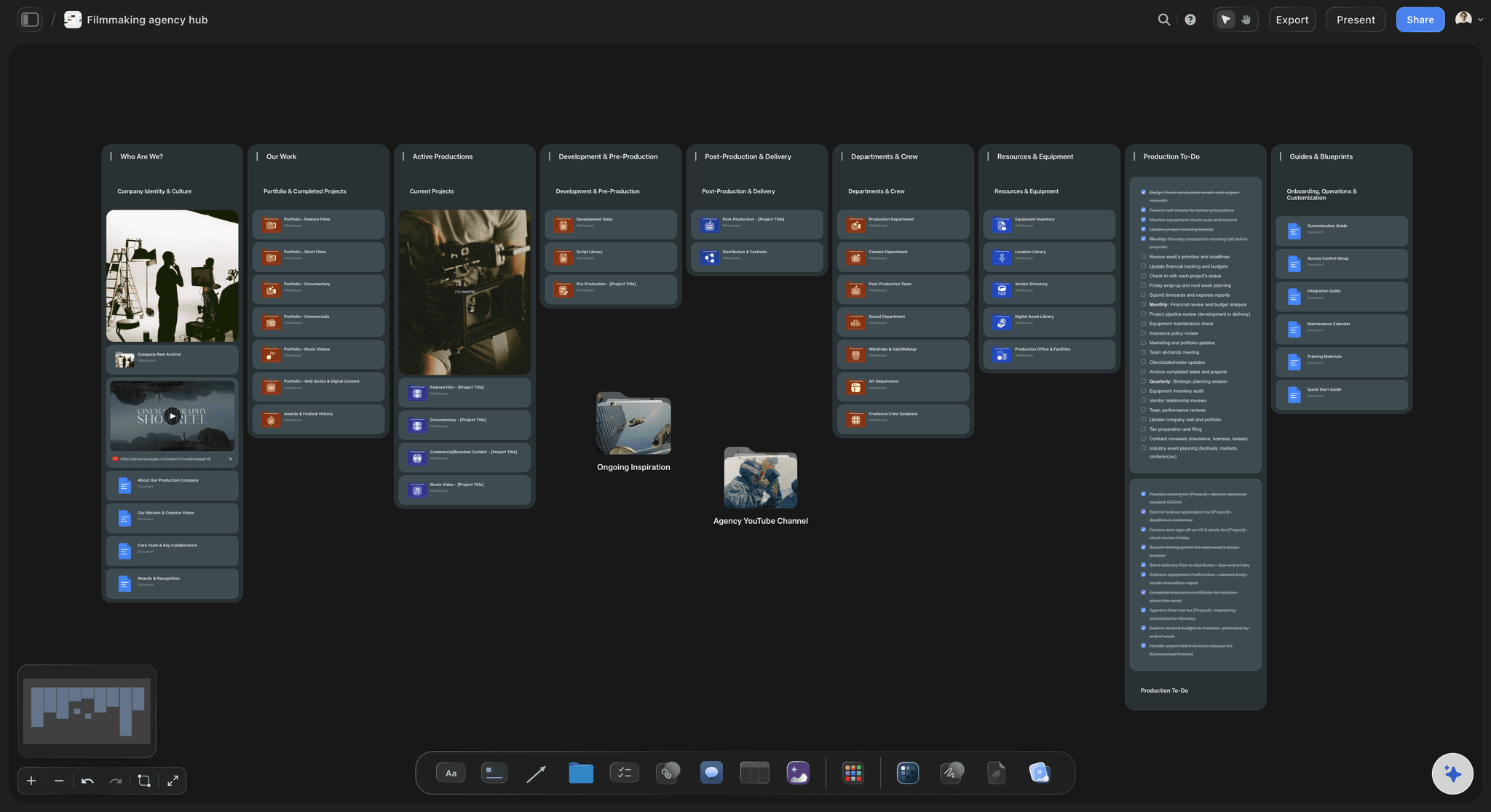
Nine sections a small production company runs on.
Copy this structure into whatever you use. A two-person studio needs about fifteen folders across the nine sections; a ten-person one, a few dozen.
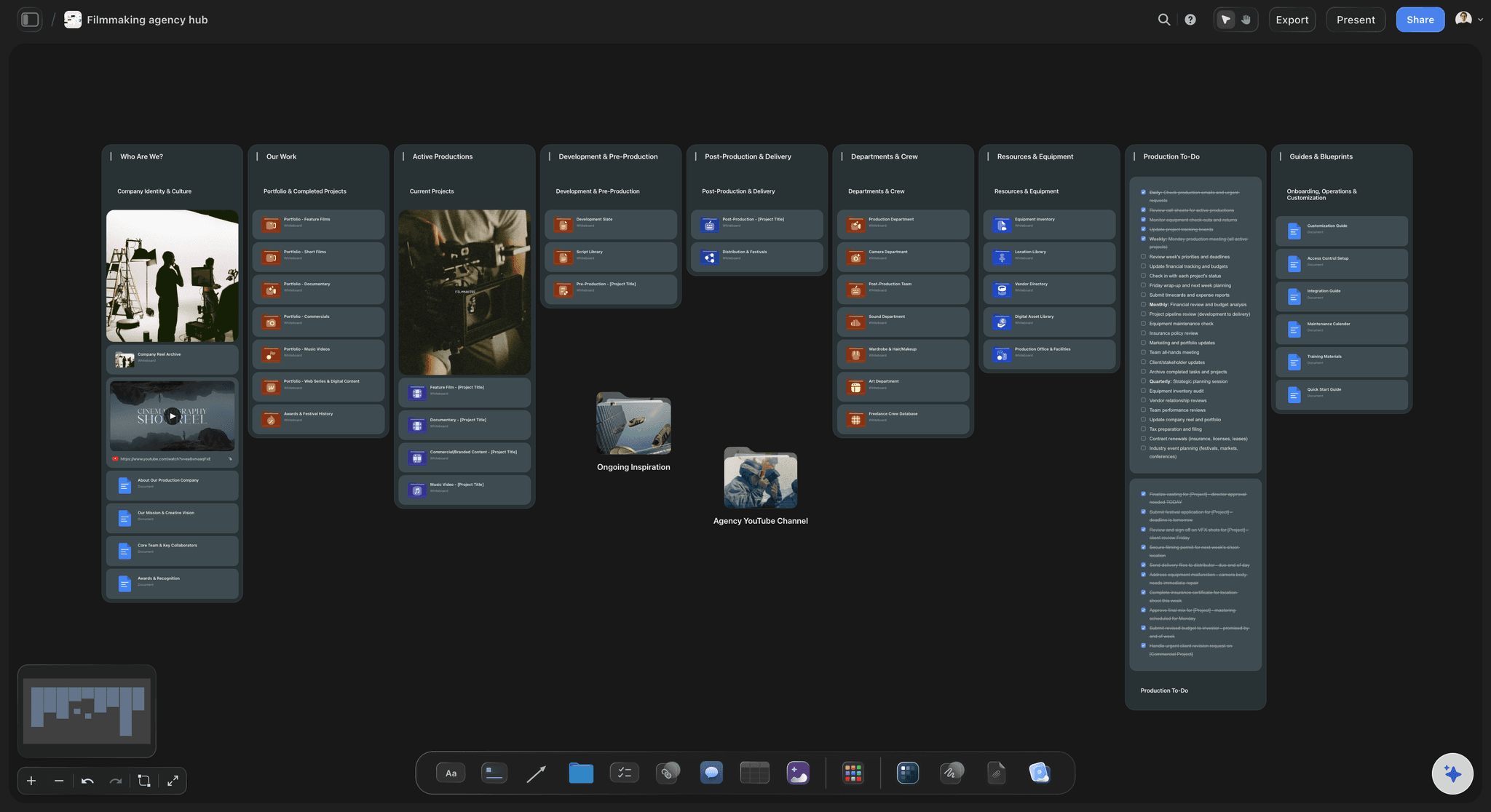
The company, sections 1 to 3
Who the company is
1. Who we are: The company in a paragraph, what it makes and for whom, the core team and a showreel link. Written once, it is the page every proposal and freelancer brief borrows from.
2. Our work: One folder per finished production with the brief, the final film link, the crew and one line on what you would do differently. The first place to look when a similar client calls.
3. Guides: how we work: File naming, the backup rule, delivery specs, who approves spend, and what a new freelancer needs on day one. Six short documents answer the questions every new freelancer asks.
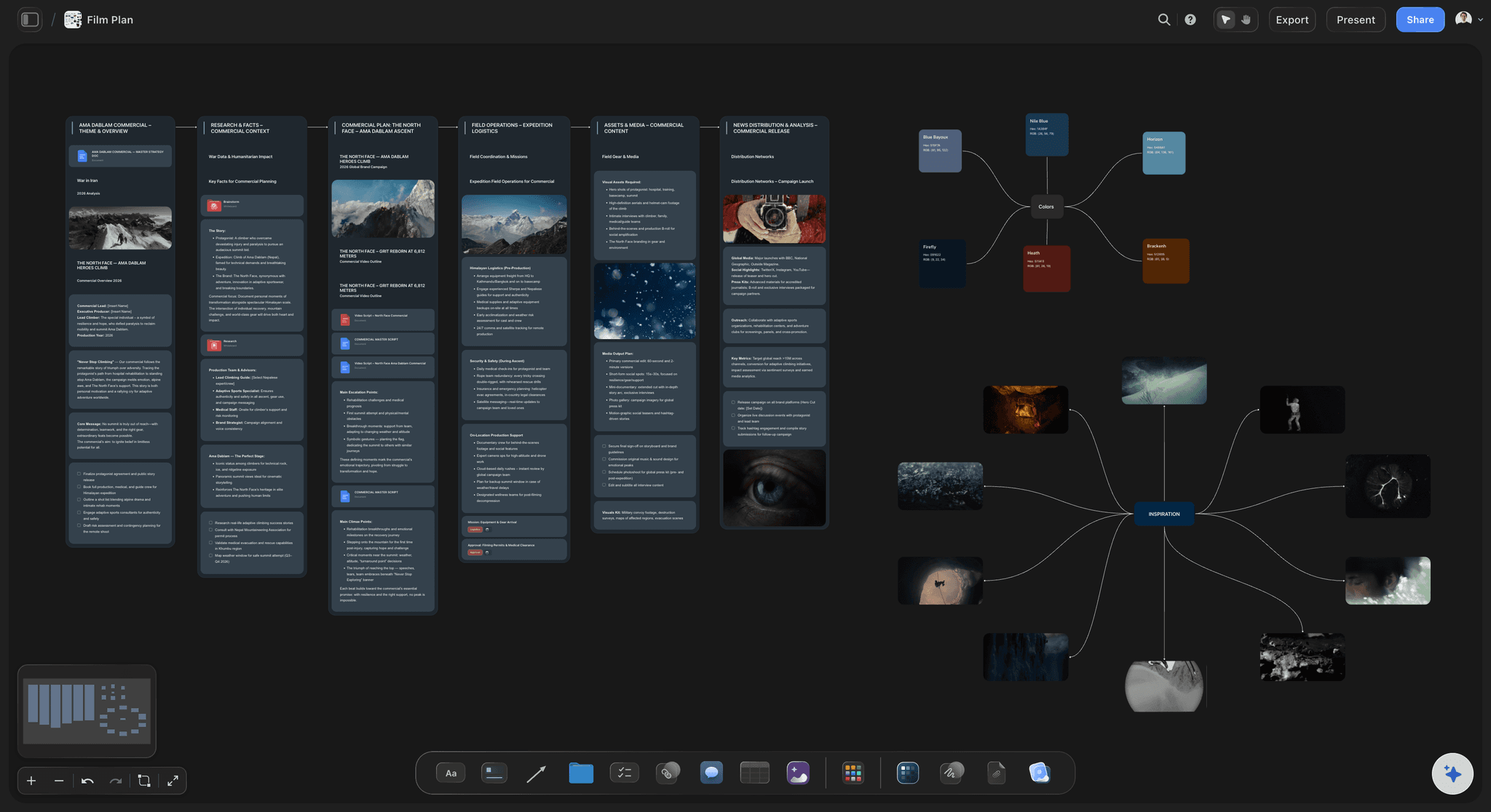
The slate, sections 4 to 6
The slate, by stage
4. Development and pre-production: Pitches out, treatments in progress and confirmed jobs being prepped, each with the date you next follow up or the date prep must finish.
5. Active productions: Jobs with shoot dates set. Each folder holds the proposal the client agreed, the shot list, the schedule and the call sheet PDF for each day.
6. Post-production and delivery: Cuts out for review, the round each is on, delivery specs and the date files are due. A job leaves this section when the client has the masters and the final payment stage is marked.
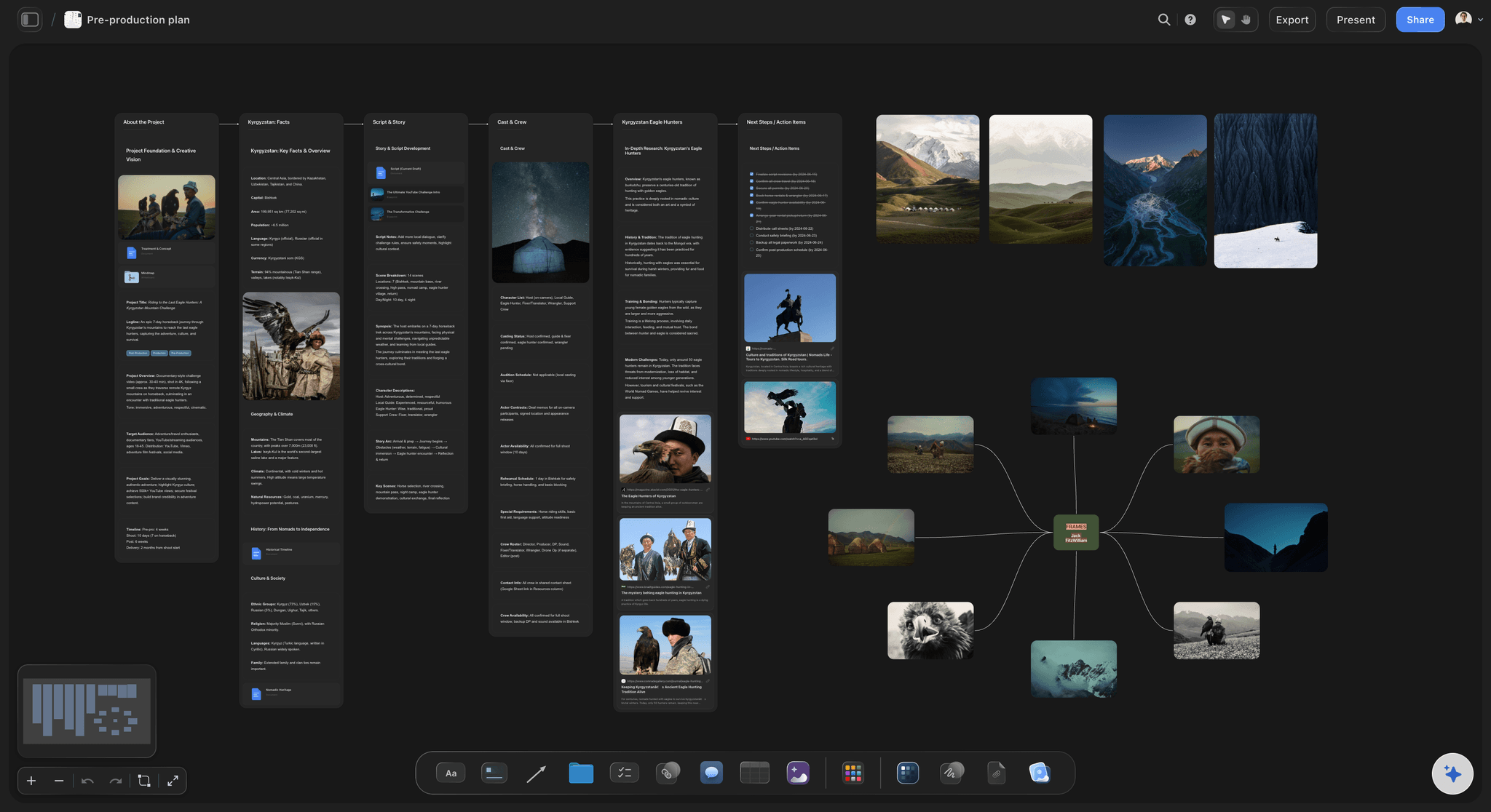
Crew and kit, sections 7 to 9
The people, the kit and the week
7. Departments and crew: One folder per department with each freelancer's role, kit, location and notes from past jobs. Add a backup name for every key role; the first choice is often booked.
8. Resources and equipment: Owned kit with serials and insurance, the rental houses you use, stock music and font licences, and the drive where each job's footage lives.
9. The company to-do list: This week's real next actions, each with one owner and a date. An item nobody owns is a wish, and it will still be there next Monday.

The dates that cost money
What small studios forget to write down
Crew pencils and release dates: A pencilled freelancer is holding a day for you. Note the date you will confirm or release them, and keep it; a studio that forgets earns a reputation with crew fast.
Licence end dates: Music, stock footage and talent usage often run for a fixed term. List each delivered film's end dates so you can warn the client before a paid campaign outlives its rights.
Footage retention: Say how long you keep raw footage and project files after delivery, and what a re-edit costs after that. Clients assume forever unless told.
Payment stage per job: Deposit received, mid-point due, final due, paid: one label on each job. The invoice lives in your accounting tool; the hub just stops a finished job from quietly staying unpaid.
Explore templates for your project
Every template opens as a real, editable board on the infinite canvas. Pick the closest fit and make it your own.
Pre-Production
Pull the brief, script, shot list, and moodboard into one pre-production hub so the whole shoot is planned in one place.
One app instead of five
The studio stack: what Storyflow holds and what it hands off.
Storyflow holds the company and its plans. StudioBinder sends call sheets, HoneyBook runs the client paperwork and payments, and Frame.io reviews the cut.
Storyflow
Recommended
Every job, department and resource on one canvas
AI lays out the company board from your slate
Call sheets sent to crew with confirmations
Invoices and online payments
Timecoded comments on a cut
StudioBinder
Every job, department and resource on one canvas
AI lays out the company board from your slate
Call sheets sent to crew with confirmations
Invoices and online payments
Timecoded comments on a cut
HoneyBook
Every job, department and resource on one canvas
AI lays out the company board from your slate
Call sheets sent to crew with confirmations
Invoices and online payments
Timecoded comments on a cut
Frame.io
Every job, department and resource on one canvas
AI lays out the company board from your slate
Call sheets sent to crew with confirmations
Invoices and online payments
Timecoded comments on a cut
What creators are saying
Join early creators getting structured workspaces and AI that remembers their projects
“Storyflow has sped up my workflow by at least 3x, which means more flow state and more projects I can actually ship. It truly changed the way me and my team create.”

Reilin Joey
Director & YouTuber
“One prompt gets me a structured board. But the tactics are my favorite. I run my YouTube scripts through them and my intros and retention got better. It's amazing.”

Justkay
YouTuber & Freelance Filmmaker
“I used to juggle five apps to plan a project. Now I describe what I am making and get boards, lists, and a schedule. All in one place.”

George
@fernwehchronicles
What studio founders ask about running the company.
Structure, the weekly walk, crew, kit, clients, and where Storyflow stops.
Storyflow is where a small production company sees itself whole: every job at its stage and what it waits on, the pitches out, crew by department and the kit, on one board its AI lays out from your real slate. It keeps no books and books no crew: QuickBooks or Xero for invoices, HoneyBook or Dubsado for contracts, StudioBinder for call sheets with confirmations, Frame.io for cut review.
Nine sections: who you are, your finished work, how-we-work guides, development and pre-production, active productions, post and delivery, departments and crew, resources and equipment, and the company to-do list. Each holds one folder per job, department or resource. A two-person studio needs about fifteen folders; add more as the company grows, not in advance.
Give every job one line: client, stage, next deadline, owner and what it is waiting on. Then walk the list every Monday for thirty minutes. The stage says where a job is; the waiting-on field says what to do about it. In Storyflow each job is a folder in its stage's section, with a table on the hub summarising the lot.
A common shape: enquiry, proposal sent, confirmed, pre-production, shoot, post-production with its review rounds, delivered, then paid. Most delays sit between stages, waiting on a signature, a location answer or client notes, so record what each job waits on, not just its stage.
By department: camera, sound, lighting, art, hair and make-up, edit, colour. For each person note role, kit, base, how they like to be booked and a line from the last job. Keep a backup for every key role. When you pencil someone, write the date you will confirm or release them.
One table: item, serial number, insurance note, last service, a label for where it is (on shelf, on a job, in repair) and who has it. Check it the day before every shoot, not the morning of. List the rental houses you use in the same section, so a missing lens is a phone call, not a search.
No. Storyflow runs the company's plans and jobs. Invoices, payroll and bookkeeping belong in QuickBooks or Xero; contracts, proposals with deposits and client pipelines in HoneyBook, Dubsado or Studio Ninja; call sheet sending, crew confirmations and availability in StudioBinder; and timecoded review of cuts in Frame.io. The hub records where each job stands and links to those tools.
Yes. Ask Storyflow's AI for a production company hub and it builds the nine sections with one folder per real project, department or resource, seeded with first notes, plus a to-do list of owned next actions. It asks what is actually in flight if you have not said, rather than inventing productions. You correct what it got wrong, as you would a new producer's first draft.
Give each client job its own board and share only that board's view-only link. The hub stays private: sharing is off on every board until you turn it on. The client opens the job board in a browser, reloads to see your latest changes, and signs in if they want to comment.
Six short documents: file and folder naming, the backup rule (for example two copies on site, one off), delivery specs by platform, who can approve spend and up to what amount, set etiquette for new crew, and how a job is closed out. Write them as a freelancer's day-one reading, not as a policy manual.
Yes. Invite them to the board and you edit together in real time, with live cursors. Anyone a paid member invites joins free. Invite a freelancer to one job's board and they see that board only. On Max, the team workspace adds roles and permissions for the whole company.
Not during early access. Storyflow is paid-only during early access, with plans from $7.99 a month billed annually ($9.99 monthly). A free plan launches before the end of 2026, and anyone a paid member invites to a board joins free. Clients who open a job by view-only link pay nothing.
More from Storyflow
Video production proposal template
Storyflow for producers
Commercial production planning
Call sheet template
Film budget planner
Client review board
Film production management software
Video production tracker
Crew scheduling software
Equipment list maker
Creative client onboarding
Best project management software for video production
How to onboard a freelancer onto a creative project
Pricing
Video production software
Script coverage template
Put the whole company on one board.
List what is in flight, let the AI lay it out, and walk it every Monday.