
The calmest place to shape your story
AI script coverage
that ends in a clear pass, consider or recommend.
For producers and development readers: attach the script, get every scene listed and a first draft of the notes, then score the grid and make the call on one board you can share.


Creatives working for these brands already got early access
- Red Bull
- Canon
- Artlist
- Porsche
See how easy it is to get started
Watch a real project come together, from a blank board to a finished plan, clicked through step by step.
Start from a ready-made template
Pick a board to see what you can build, then let AI fill it in. Every template is a real, editable starting point on the same infinite canvas.

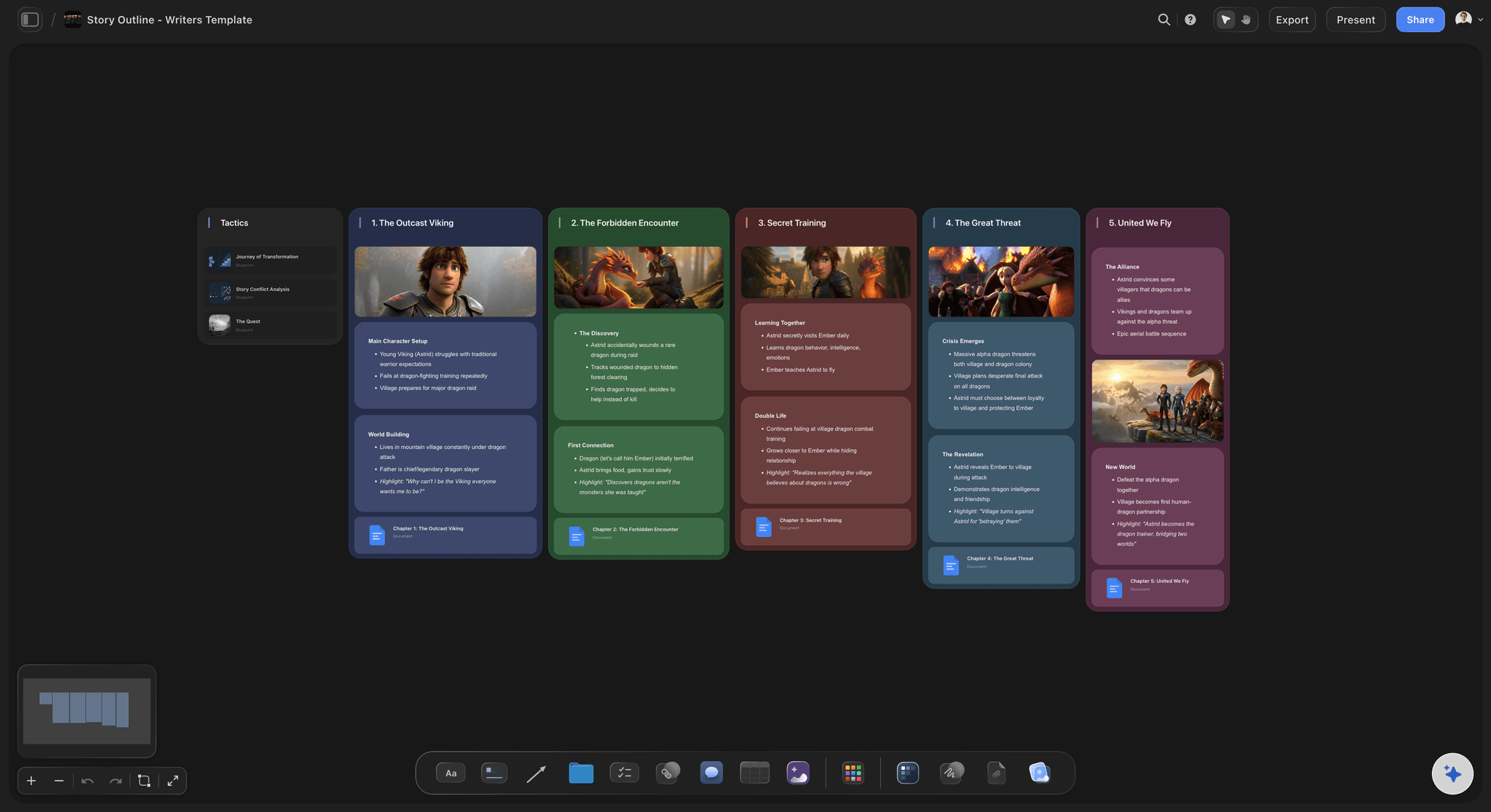
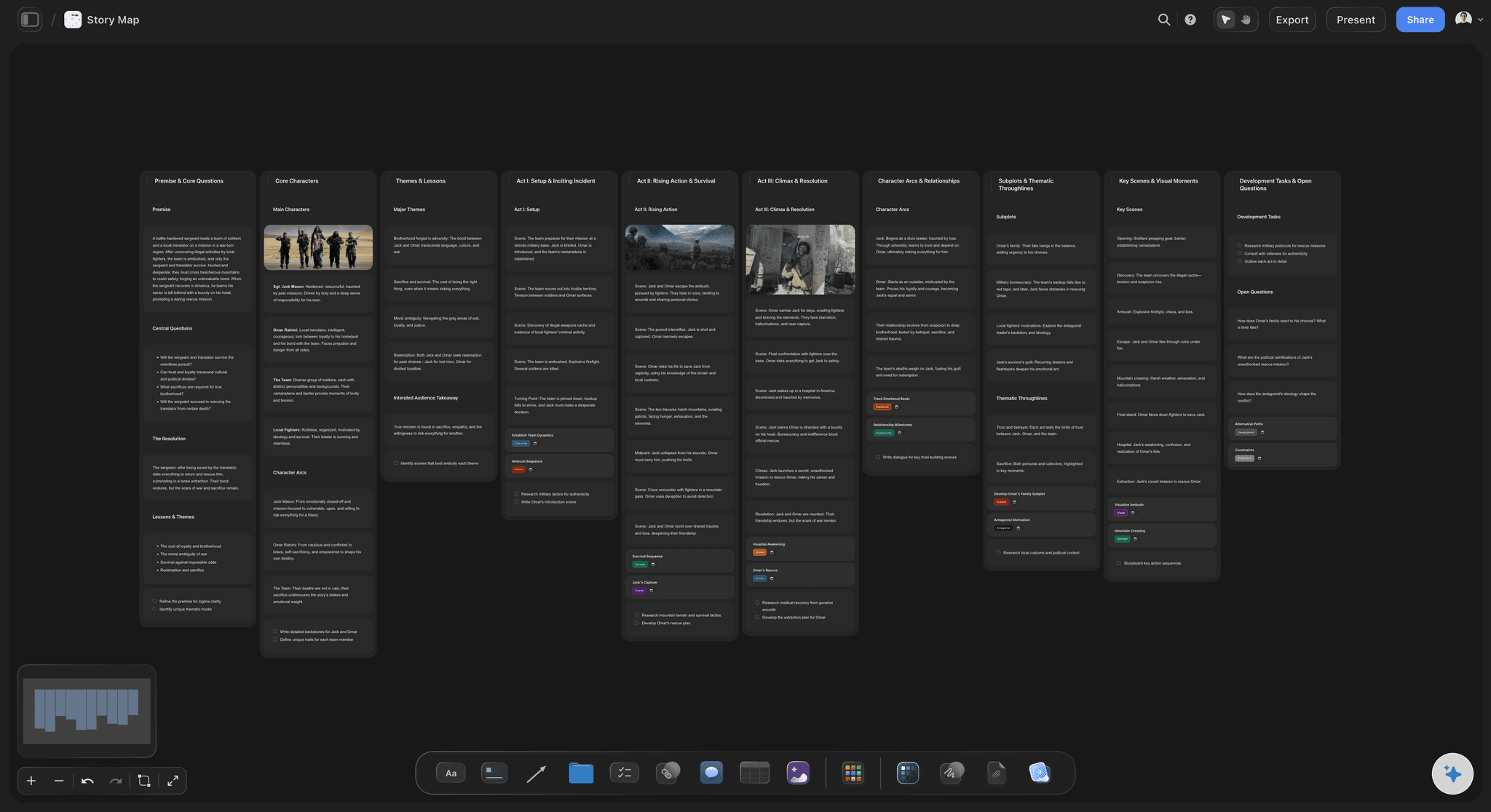
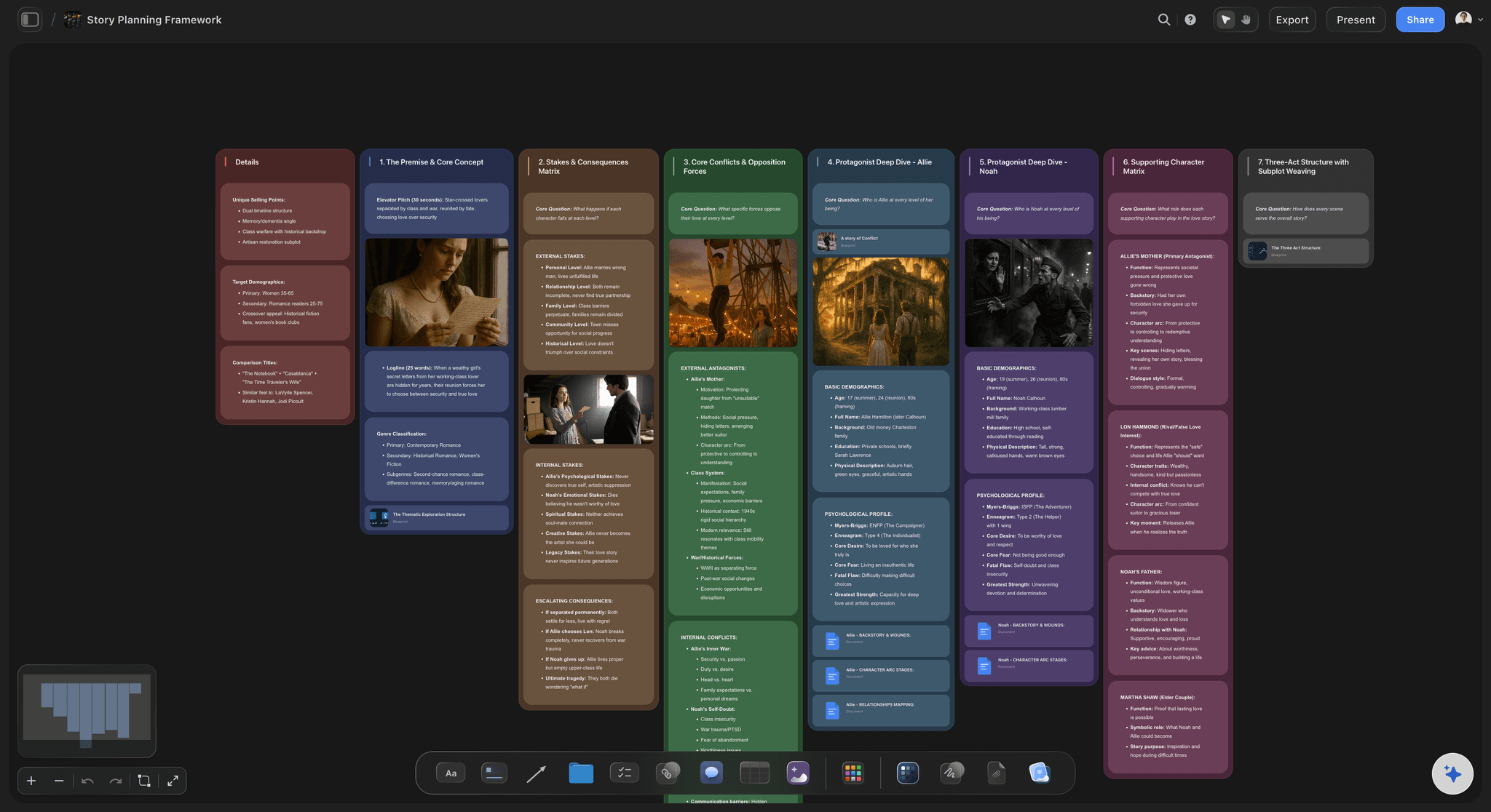
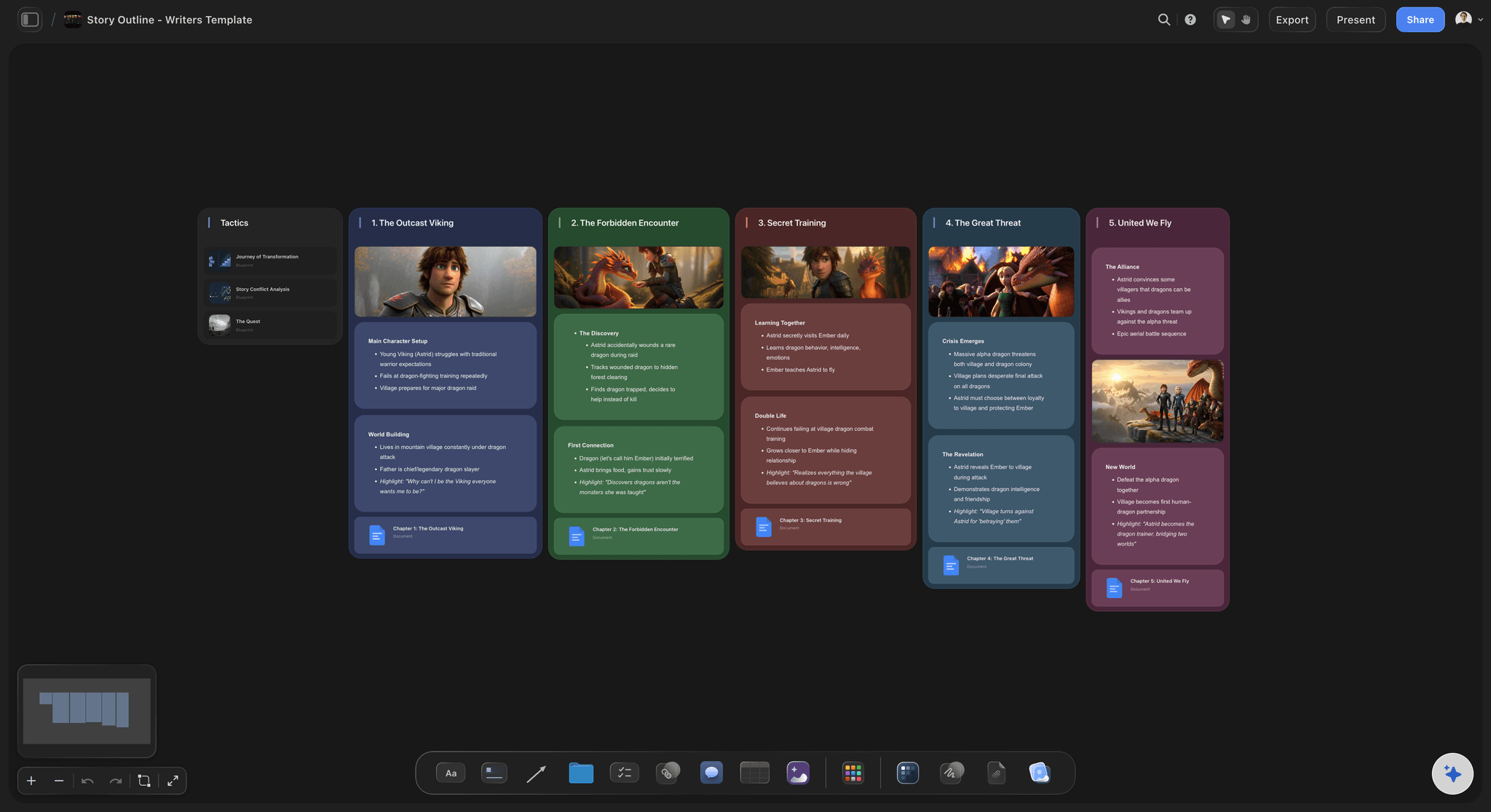
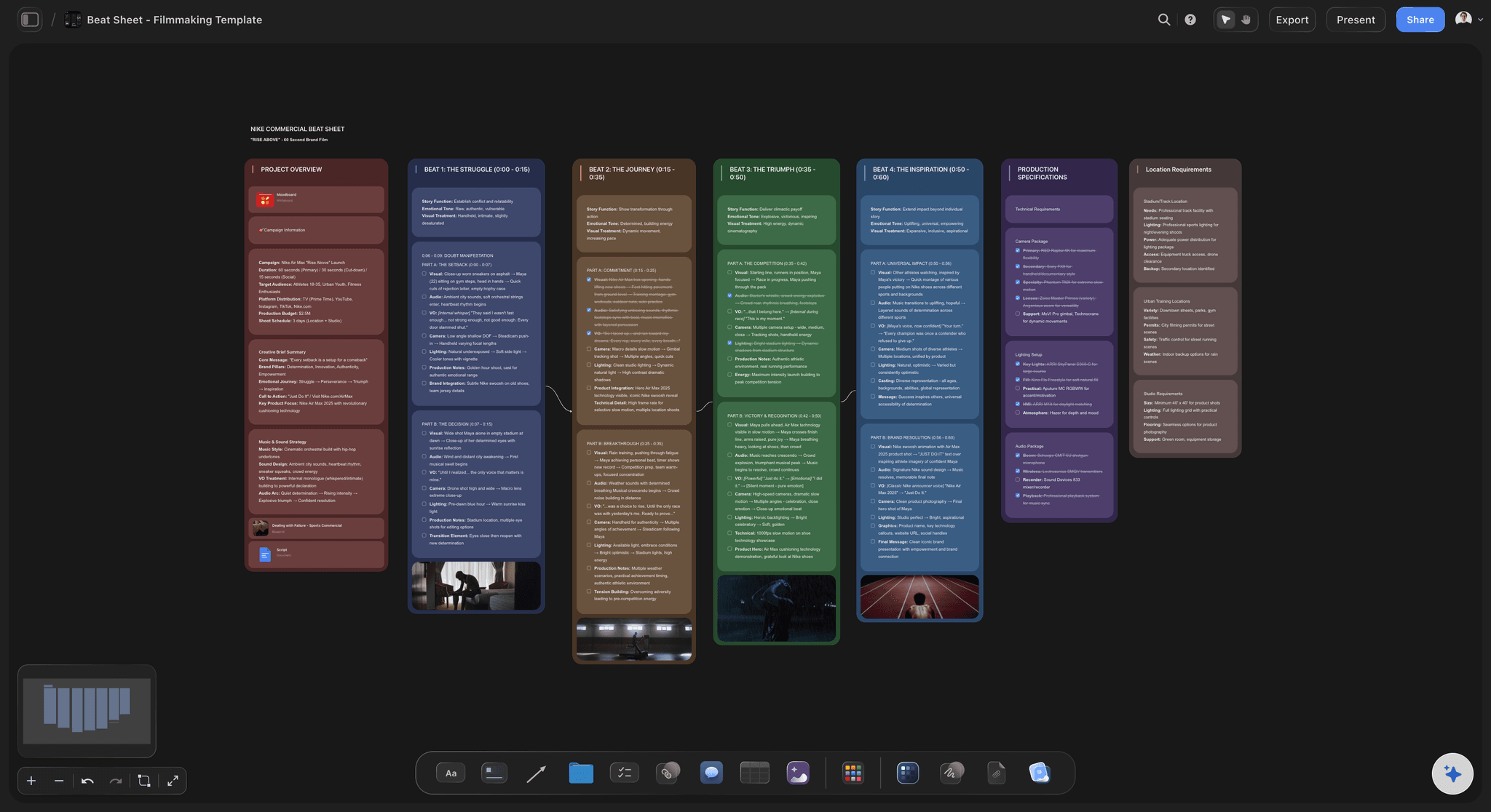
Story Plan
Outline your plot, characters, and world in one connected view, then expand each thread as the story grows.
How do you write script coverage?
Script coverage is a short report on a screenplay that tells a producer whether to read it: a title block, a one-line logline, a one to two page synopsis, a page of comments, a scored grid and a verdict of pass, consider or recommend. Storyflow is an AI visual workspace that writes script coverage on one infinite canvas: the scene list, the coverage document, the scored grid and the slate of every script you have read. Its AI reads the script you attach, lists every scene with its page length and speaking parts, and drafts the synopsis and the notes for you to correct.
Start with the title block, because it is what you will search for in six months. Write the title, the writer, the draft date, the page count, the genre, the setting and period, a rough budget level, who sent it and who read it. Then write the logline in one sentence of no more than 35 words: who the story is about, what they want, what stands in the way, and what happens if they fail. If you cannot write it, that is your first note.
A worked example. A 104 page thriller arrives on a Tuesday. It has 58 scenes, 21 speaking parts and 9 locations. Reading it carefully takes about two hours. The synopsis runs to about 600 words, one paragraph per act. The comments run to about 500 words: what works, what does not, and the two or three changes that would move the verdict. The whole report is three pages, and it takes about three and a half hours from opening the file to making the call.
Score the grid as eight rows, one to five stars each: premise, structure, characters, dialogue, pacing, tone, originality and market fit. Average the stars. A useful house rule is that an average of 4 or higher with no row below 3 is a recommend, an average between 3 and 4 is a consider, and anything under 3 is a pass. Write the rule on the board, so two readers scoring the same script argue about the stars and not about what the stars mean. Pencil in the scores at the end of each act while the read is fresh, then settle them when you finish, instead of trying to remember page 20 at the end.
Give two verdicts, not one. One verdict is for the script and one is for the writer. A script can be a pass while the writer is a consider: the idea is not for you, but the dialogue is good enough that you want their next one. Producers who keep only the script verdict lose track of the writers they meant to call back.
Keep every report in one slate. One row per script, with the title, the writer, the date you read it, the reader, the verdict and a link to the coverage. When an agent sends the rewrite in March, the first read is one click away, and you can see straight away whether the notes you gave were the notes they took.
Ultra fast from brief to board
Four steps from a new script to a clear call.
Most of it happens while you still remember the third act.
01
Attach the script and get the scene list
Drop in the .fdx, Fountain or PDF file and ask for the scene list. Storyflow's AI reads the file and lays out one row per scene with its number, heading, inside or outside, time of day, length in eighths of a page and the speaking parts. You know the shape of the script before you write a word about it.
02
Let the AI draft the synopsis and the notes
Ask for a synopsis in one paragraph per act and a first set of notes: what works, what loses the reader, and what is good but buried. The AI writes them into a document on the board. You read it against your own read, cut what is wrong and add what it missed.
03
Score the grid in stars
Put the eight grid rows in a table with a star rating column and an Average in the footer. Score each row from one to five as you finish reading. The average updates as you change a score, and the house rule beside the table turns it into pass, consider or recommend.
04
Make the call and add it to the slate
Write the two verdicts, one for the script and one for the writer, and add a row to the slate table with a link to the coverage document. Share the board by link with the producer or the development exec, who reads it in a browser with no account.
The scene list, the report, the grid and the slate.
Storyflow writes and keeps the coverage. The script itself still lives in Final Draft, WriterDuet or whatever the writer used.
Before you write a word
Every scene, counted for you
Attach the script and the AI lists every scene with its heading, its length in eighths of a page and who speaks in it. A script that spends 22 of its 104 pages in one location shows it straight away, before you have formed an opinion.
See AI script breakdown →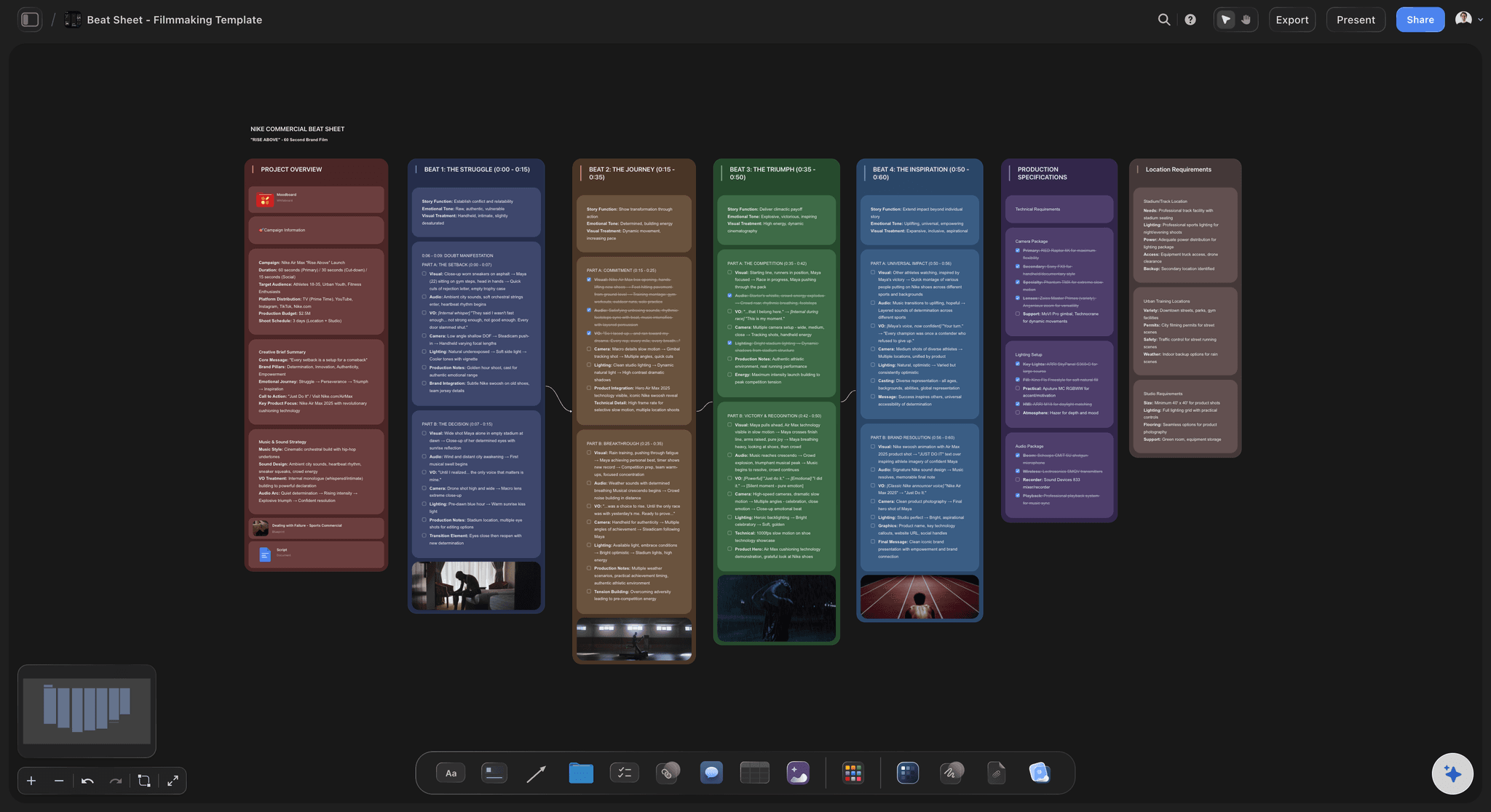
The report itself
A first draft of the synopsis and the notes
The AI writes the synopsis act by act and a first set of notes into a document on the board. It proposes, you decide: you keep what matches your read and rewrite what does not, so the report still sounds like you.
See the AI logline generator →
The scores
A grid in stars with an average that updates
Eight rows, one star rating each, and an Average in the table footer. Change a score and the average changes with it. Two readers can score the same script side by side and see exactly which row they disagree on.
See the production company hub →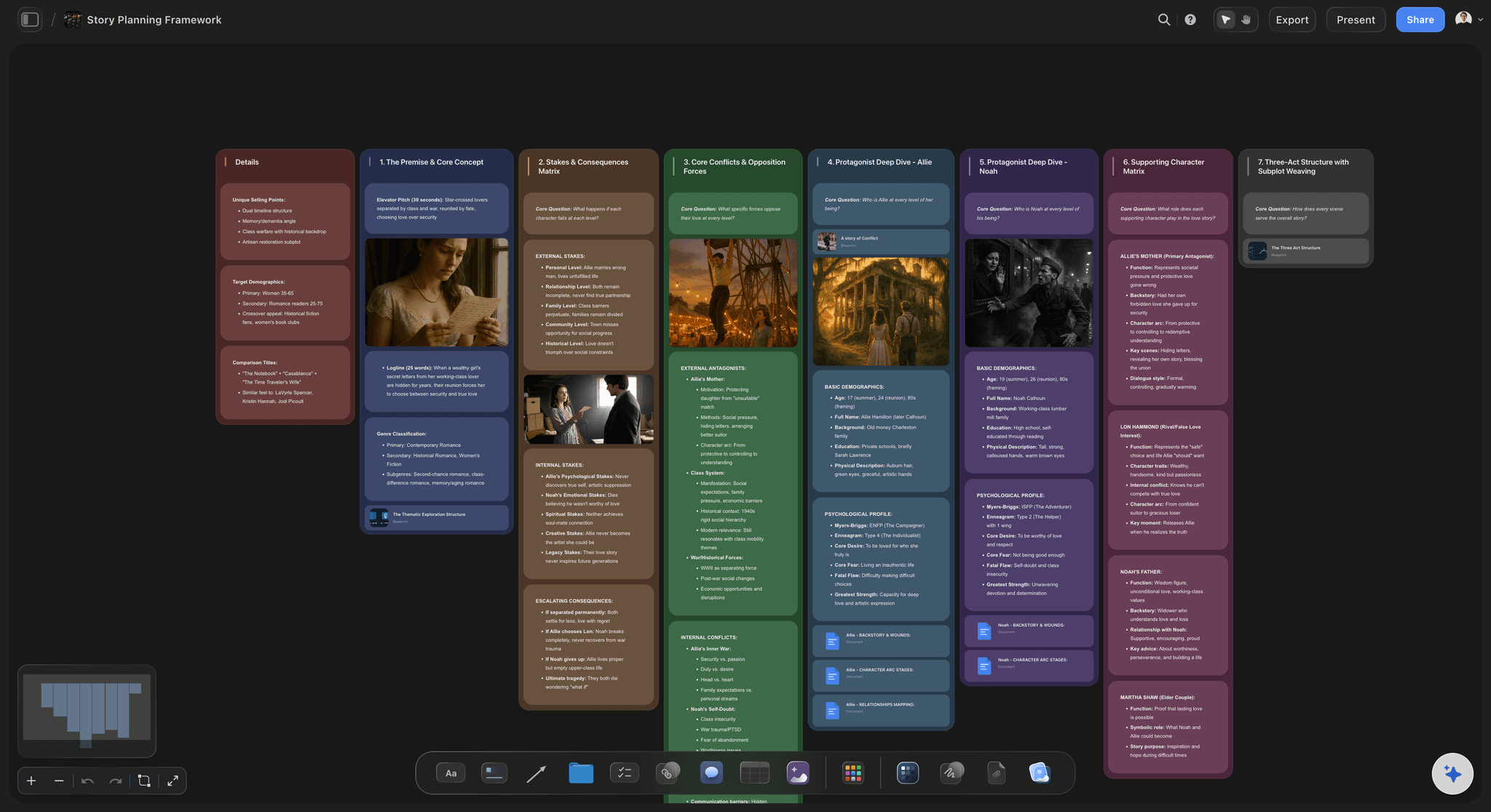
When the meeting comes
Coverage that turns into a pitch
A recommend usually means a meeting. The logline, the synopsis and the comparable films are already on the board, so the one-page pitch or the deck for the financier starts from what you wrote, not from a blank page.
See the film pitch deck →Every script you have read, still there.
Each script gets its own coverage document and its own row in the slate, so the notes from last spring are one search away when the rewrite lands. Storyflow is paid-only during early access, with plans from $7.99 a month billed annually ($9.99 monthly). A free plan launches before the end of 2026, and anyone a paid member invites to a board joins free.
Unlimited boards, documents and files on every paid plan
Invite a freelance reader to the slate board without buying them a seat
Attach .fdx, Fountain, PDF or Word scripts and the AI reads them
Whole-board PDF export when the producer wants a file
Presentation mode to walk the development meeting through the slate
Built for people with taste
The three ways coverage goes wrong.
None of them are about how well the reader can write.
The read
A synopsis that remembers the wrong film
The scene list comes from the file: The scenes, their order and their page lengths are read from the script itself, not from memory. When your synopsis says the twist comes at page 60, the scene list shows whether it really does.
Page counts show the shape: A first act that runs 38 pages, or a second act with no scene longer than an eighth of a page, is visible as numbers before anyone argues about pacing in words.
Speaking parts are counted: The list shows who speaks in each scene. A lead who disappears for 20 pages, or 31 speaking parts in a script pitched as low budget, becomes a note backed by a number.
The notes are a draft, not a verdict: The AI writes the first pass of the notes. You decide what is true. Coverage with your name on it should say what you think, and the board keeps your edits, not the first draft.
The score
Readers who mean different things by good
One grid, the same eight rows: Premise, structure, characters, dialogue, pacing, tone, originality and market fit. Every reader scores the same rows, so two reports on two scripts can be read side by side.
Stars, not adjectives: A rating column holds one to five stars per row and the footer shows the average. Good, very good and strong stop meaning three different things in three different reports.
The house rule sits beside the grid: Write down what an average of 4 means before anyone reads anything. Then the verdict follows from the scores, and a recommend from one reader means the same as a recommend from another.
Two verdicts, side by side: Script and writer each get their own pass, consider or recommend. A pass on the script with a consider on the writer is how good writers stay on your list.
The slate
Reports nobody can find six months later
One row per script: Title, writer, date read, reader, verdict and a document cell that opens the coverage. The slate is a table on one board, not a folder of files called coverage_final.
Rewrites meet their first read: When the new draft comes in, attach both drafts and ask what changed. The AI lists the scenes that were added, cut and changed, so you check whether your notes were taken.
The freelance reader does not need a seat: Invite the reader you pay per script to the slate board. Anyone a paid member invites joins free, and they work in the same table as everyone else.
The development meeting reads one board: Step through the slate fullscreen in presentation mode. The producer sees every recommend and consider from the month, with the logline beside each one.
Explore templates for your project
Every template opens as a real, editable board on the infinite canvas. Pick the closest fit and make it your own.
Story Plan
Outline your plot, characters, and world in one connected view, then expand each thread as the story grows.
One app instead of five
Where Storyflow fits in script coverage.
It reads the script, drafts the report and keeps the slate. It is not an outside reader.
Storyflow
Recommended
Coverage, scene list and slate on one surface
AI lists every scene with its page length
Grid in stars with an average that updates
Your own grid and verdict rules
Comparable films as pictures beside the notes
No fee per script read
A read from a professional outside your company
A read that can get the writer noticed
Paid coverage services
Coverage, scene list and slate on one surface
AI lists every scene with its page length
Grid in stars with an average that updates
Your own grid and verdict rules
Comparable films as pictures beside the notes
No fee per script read
A read from a professional outside your company
A read that can get the writer noticed
A Word template and a spreadsheet
Coverage, scene list and slate on one surface
AI lists every scene with its page length
Grid in stars with an average that updates
Your own grid and verdict rules
Comparable films as pictures beside the notes
No fee per script read
A read from a professional outside your company
A read that can get the writer noticed
What creators are saying
Join early creators getting structured workspaces and AI that remembers their projects
“Storyflow has sped up my workflow by at least 3x, which means more flow state and more projects I can actually ship. It truly changed the way me and my team create.”

Reilin Joey
Director & YouTuber
“One prompt gets me a structured board. But the tactics are my favorite. I run my YouTube scripts through them and my intros and retention got better. It's amazing.”

Justkay
YouTuber & Freelance Filmmaker
“I used to juggle five apps to plan a project. Now I describe what I am making and get boards, lists, and a schedule. All in one place.”

George
@fernwehchronicles
Script coverage questions
What producers and readers ask before they change how they cover scripts.
In Storyflow, attach the script and ask for the scene list, then write the report in six parts: a title block, a logline of no more than 35 words, a synopsis of one paragraph per act, a page of comments, a grid of eight rows scored in stars, and a verdict of pass, consider or recommend for the script and for the writer. The AI drafts the synopsis and notes; you correct them and make the call.
Storyflow is made for this exact job: its AI reads the .fdx, Fountain or PDF script, lists every scene with its page length and speaking parts, and drafts the synopsis and notes, while you score the grid and make the call beside your slate. The script itself still lives in Final Draft or WriterDuet, and a paid read that can get a writer noticed still comes from a service such as WeScreenplay, Coverfly or The Black List.
A title block with the title, writer, draft date, page count, genre, setting and who read it. A logline in one sentence. A synopsis of one to two pages. A page of comments on what works and what does not. A grid scoring premise, structure, characters, dialogue, pacing, tone, originality and market fit. And a verdict for the script and for the writer.
It can write a useful first draft, not the final word. Storyflow's AI reads the whole script, lists its scenes from the file and drafts a synopsis and notes. It does not know your slate, your budget or what your financier wants, so the scores and the verdict stay with the reader. Treat the AI draft as a fast second reader you are allowed to disagree with.
The template on this page is free to copy: the title block fields, the eight grid rows and the house rule for the verdict. Storyflow is paid-only during early access, with plans from $7.99 a month billed annually ($9.99 monthly). A free plan launches before the end of 2026, and anyone a paid member invites to a board joins free. There is no fee per script.
Two to four pages for a feature. The logline is one sentence, the synopsis is about one page for every 100 pages of script, and the comments are about one page. A producer reads coverage to decide whether to read the script, so a ten page report defeats the point. If a section runs long, cut the synopsis before you cut the comments.
Pass means the company should not pursue the script. Consider means it has real strengths and real problems, and someone senior should read it. Recommend means read it now, because it fits what the company makes and it is close to ready. Most scripts are a pass. A reader who recommends more than one script in twenty is usually being too kind.
Score each of eight rows from one to five stars: premise, structure, characters, dialogue, pacing, tone, originality and market fit. In Storyflow the stars sit in a table with an Average in the footer. A common house rule: an average of 4 or more with no row below 3 is a recommend, 3 to 4 is a consider, and under 3 is a pass.
Yes. Attach the earlier draft and the new one and ask what changed. Storyflow's AI matches the scenes by their headings and lists the scenes that were added, cut and changed. That is the fastest way to check whether the notes from the first coverage were taken before you read the rewrite end to end.
Storyflow's AI reads Final Draft .fdx files, Fountain files, PDF scripts, Word documents and plain text. For a screenplay with scene headings, it lists every scene with its number, heading, inside or outside, time of day, length in eighths of a page and the speaking parts. A file with no scene headings still gets read, but there is no scene list to build.
No. Storyflow helps a producer or reader write and keep coverage. It does not host scripts for industry members to find, run contests or send scripts to buyers. If a writer wants a read that can lead to representation or a meeting, that is the job of a service such as The Black List or Coverfly.
Keep one slate table in Storyflow with a row per script: title, writer, date read, reader, verdict for the script, verdict for the writer, and a document cell that opens the full coverage. Colour the verdicts with labels. When an agent sends a rewrite or the writer's next script, the first read is one click away.
No. Storyflow runs in the browser and there are no native mobile or desktop apps. Read the script and write the coverage on a laptop, and open the slate on any device with a browser. The producer opens a view-only link with no account.
More from Storyflow
AI script breakdown
Script breakdown software
AI logline generator
Production company hub
Storyflow for producers
Storyflow for screenwriters
Screenwriting software
AI screenwriting tool
Writers room tool
Film pitch deck
AI treatment generator
Screenplay outline template
Final Draft alternative
Beat sheet template
Film development slate
Cover the next script before the next one arrives.
Attach it, read it, score it, make the call. One board, every script you have read.