
Rock-steady plans for every shoot
The script decides
the budget. Not the other way round.
Most low budget films are not made cheaply. They are written expensively and then cut in a panic three weeks before the shoot, which is the most costly way to save money. Planning around a constraint means finding the expensive scenes while the script is still soft, and seeing what a cut actually buys you.


Creatives working for these brands already got early access
- Red Bull
- Canon
- Artlist
- Porsche
See how easy it is to get started
Watch a real project come together, from a blank board to a finished plan, clicked through step by step.
Start from a ready-made template
Pick a board to see what you can build, then let AI fill it in. Every template is a real, editable starting point on the same infinite canvas.

Pre-Production
Pull the brief, script, shot list, and moodboard into one pre-production hub so the whole shoot is planned in one place.
How do you plan a low budget film?
Price the script in shooting days before you price it in money. Storyflow is an AI visual workspace that plans a low budget film around its constraint on one infinite canvas: the expensive scenes in view, the script priced in shooting days, and each cut shown with what it strands. On a low budget production nearly every cost scales with days: crew, equipment, catering, insurance, locations. A line-item budget built before the schedule is a guess wearing a spreadsheet. The number that decides whether a film is makeable is how many days it needs, and that number comes out of the breakdown and the setup count, not out of a template.
Then find the scenes that cost disproportionately. Every script has a handful: the one with the car, the crowd, the rain, the night exterior, the animal, the child, the second unit. On most low budget films three or four scenes carry half the cost. Identifying them during development, when the script is still soft, is worth more than any negotiation you will do later, because a rewrite is free and a cancelled shoot day is not.
The third move is to cut with the consequences visible. A scene is not just its own cost. It brings a location, a cast member, possibly a whole day, and removing it may strand a different scene that only existed to set it up. Cutting from a list gives you a number; cutting on a board where the scene sits beside its location, cast and day shows you what actually changes, including what breaks.
Storyflow puts the script, the breakdown, the schedule and the look on one infinite canvas so those relationships are visible rather than inferred. The AI reads the whole active board plus up to five documents and three boards, so you can ask what removing a scene does to the schedule and get an answer from your plan. Storyflow has no budgeting or accounting features and is not trying to replace your spreadsheet; it covers the decisions upstream of it.
Ultra fast from brief to board
Four moves, in this order.
The order matters: doing these after the script locks is where low budget films get expensive.
01
Break down before you budget
Every scene's cast, location, props and special requirements. Drop the script on the canvas and the AI drafts this, then you correct it.
02
Count setups, get days
Setups per scene grouped into days by location and light. This is the real price of the script, and it exists before any money is discussed.
03
Find the disproportionate scenes
Lay scenes out by requirement and the three that carry half the cost become obvious while the script can still absorb a rewrite.
04
Cut with the knock-ons visible
Remove a scene on the board and see what it strands: the location it shared, the cast day it justified, the scene that only existed to set it up.
Constraint is a design input, not a disappointment.
Films planned around their limit tend to look deliberate. Films cut down to their limit tend to look cut down.
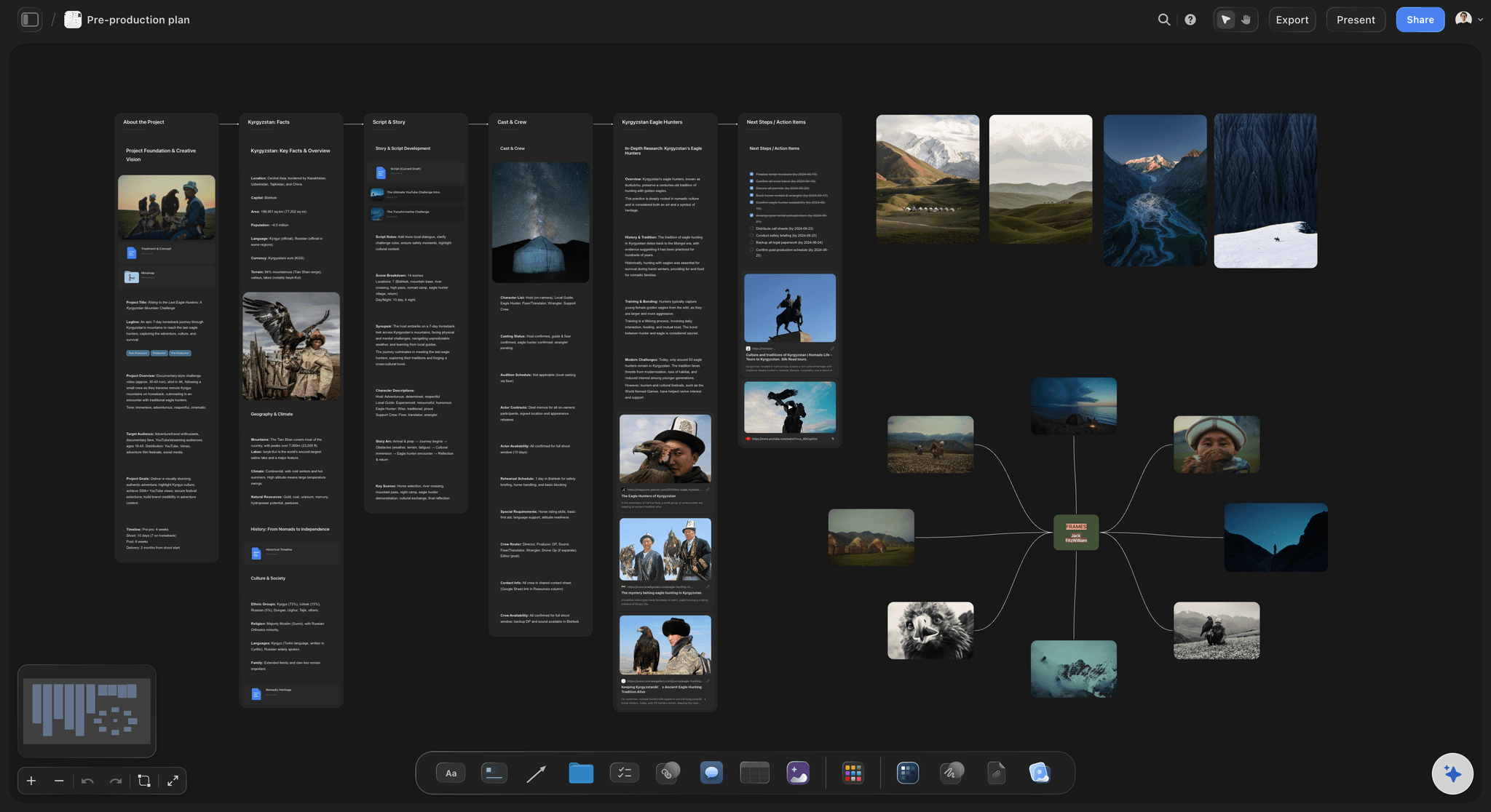
Scenes laid out by what they need
See which scenes are expensive
Arrange scenes by cast, location and special requirements and the handful carrying most of the cost stop hiding inside a page count.
See the AI script breakdown →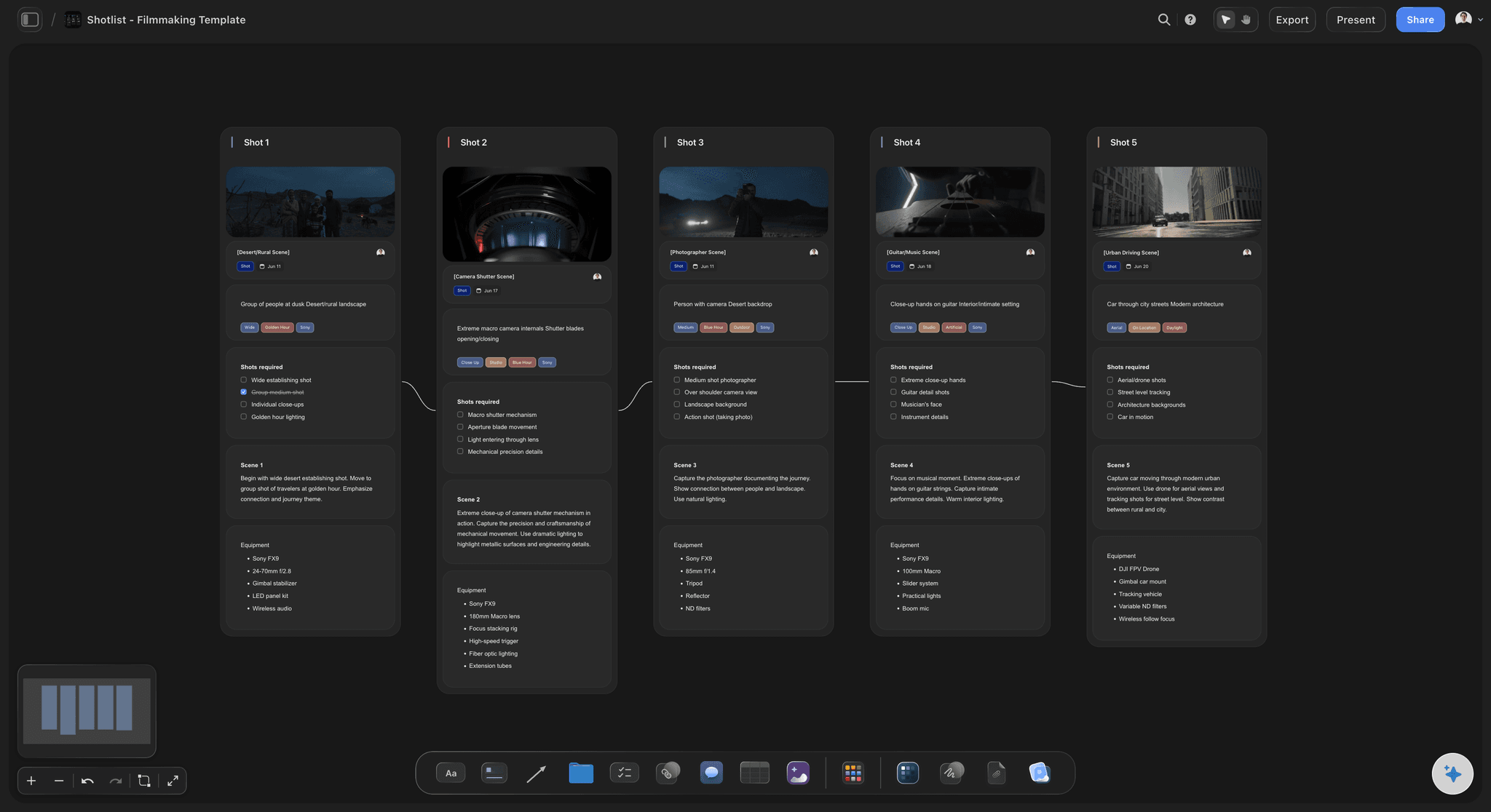
Days are the currency
Price the script before you price the film
Setups grouped into shooting days gives you the number every other cost scales from, which a line-item budget built first can only guess at.
See shooting schedules →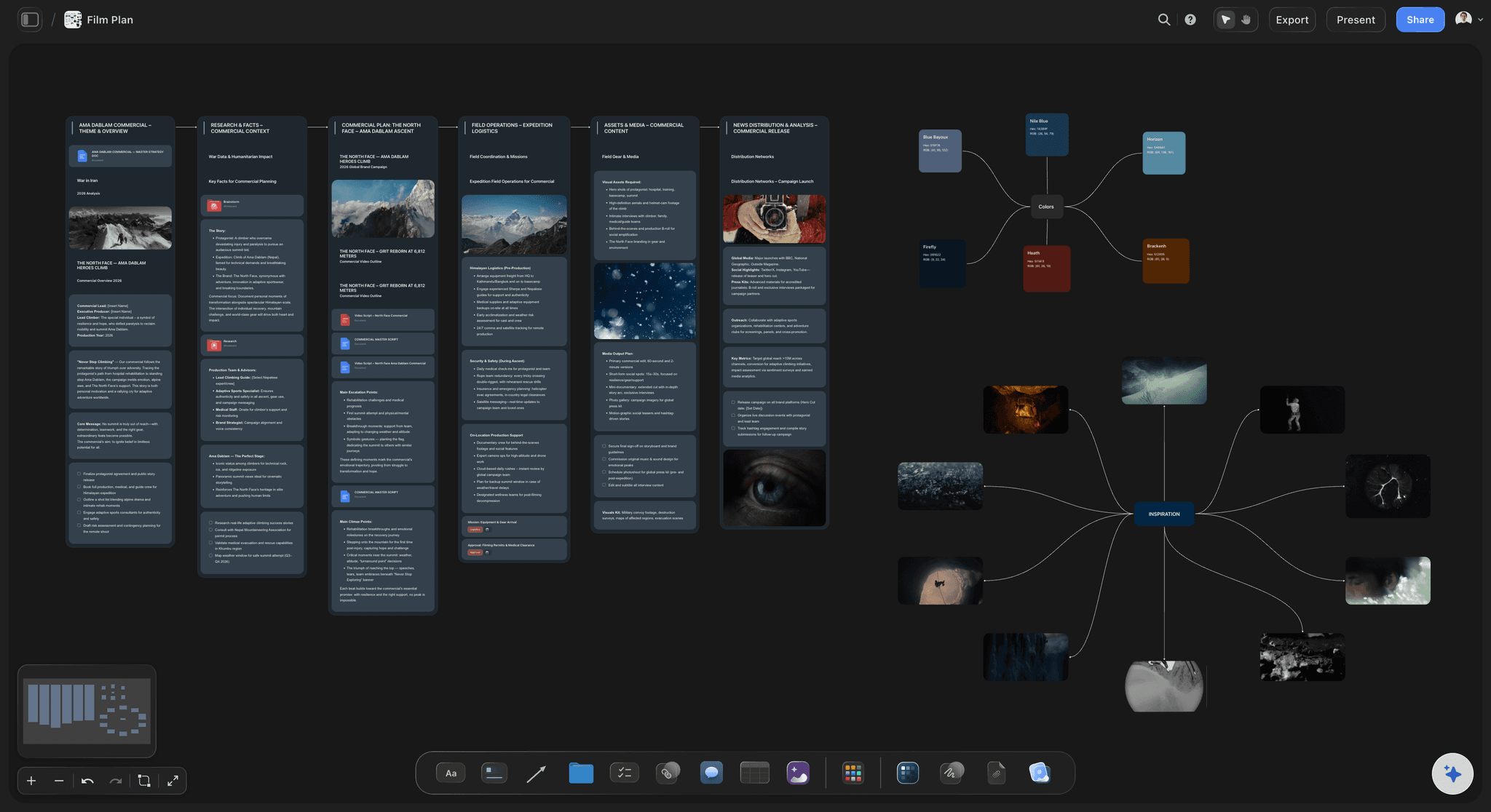
Cuts with their consequences
Know what a cut strands
A scene brings a location, a cast day and sometimes another scene that only sets it up. On a board those links are visible instead of discovered later.
See film production planning →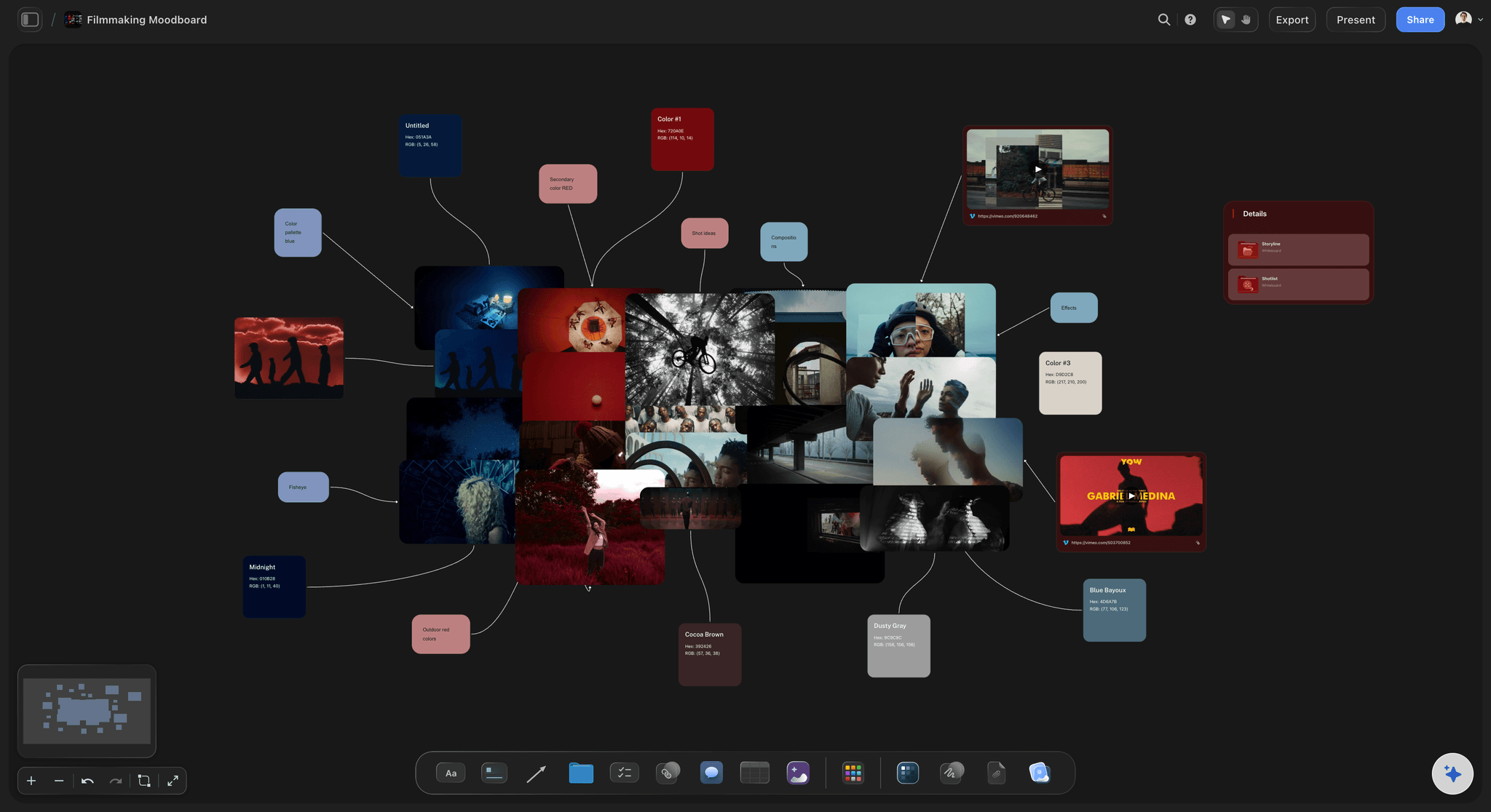
Production value is a plan, not a budget
Spend the days where they show
Concentrating resources on the few scenes that carry the film is a scheduling decision, and it is visible when the look and the schedule share a canvas.
See film lookbooks →Plans from $7.99/month annual. Free plan coming late 2026.
Anyone a paid member invites to a board joins free, however many crew you bring on, so the tool is not one of the costs you have to plan around. Free plan before the end of 2026.
Unlimited file uploads on every paid plan
Invited collaborators join free today
One board per production, no project limit
View-only links open without an account
Built for people with taste
Four costs that are decisions, not prices.
Each of these is settled in pre-production and paid for during the shoot.
Cost one
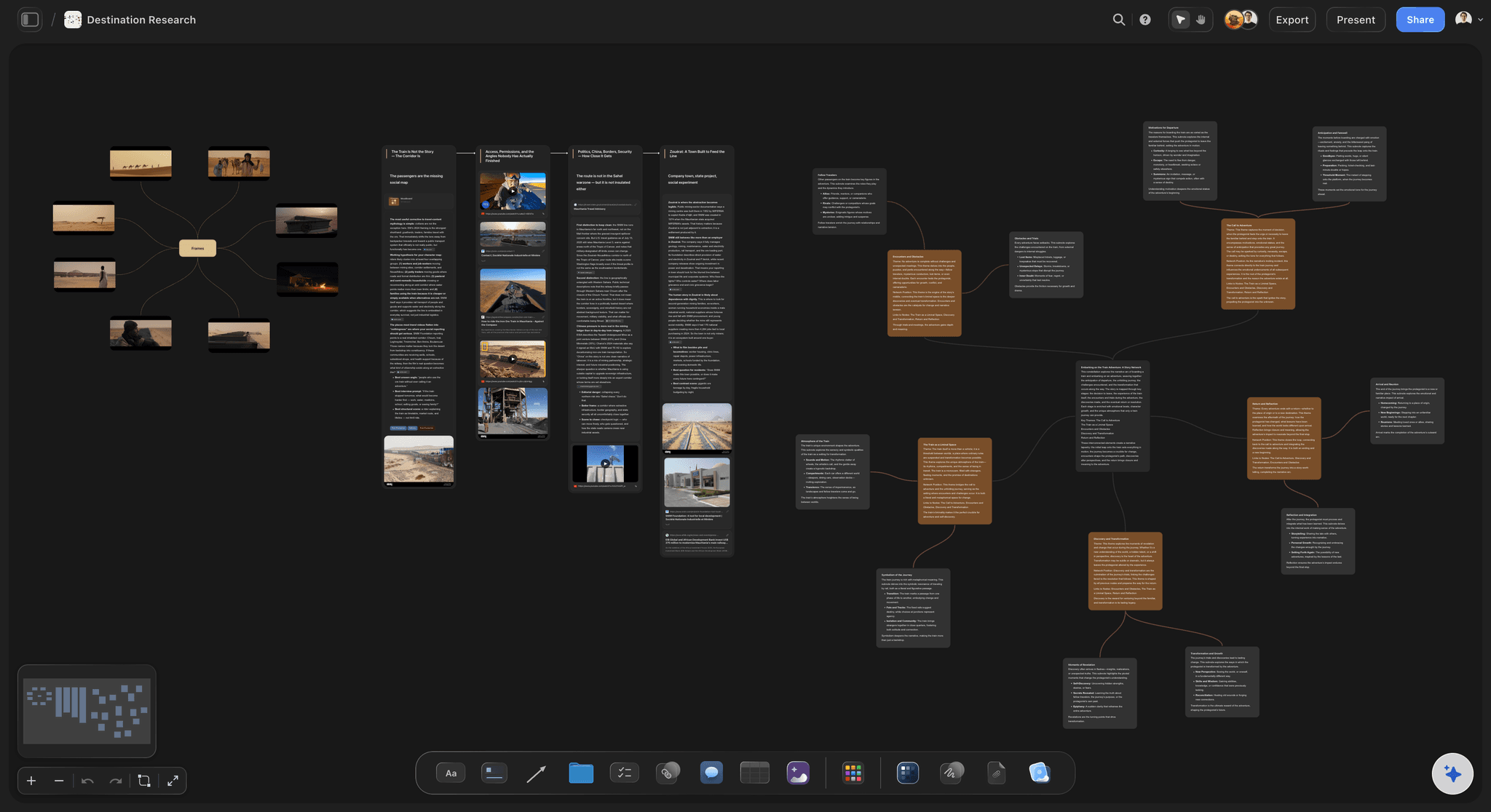
Shooting days
Everything scales from days: Crew, kit, catering and insurance are mostly day rates, so one day saved is a proportional saving across the whole budget.
Setups decide days: Not page count. A one-page scene with six camera positions costs more of a day than four pages in a single setup.
Company moves cost hours: Grouping scenes by location rather than by script order is often the single biggest day saving available.
Cost two
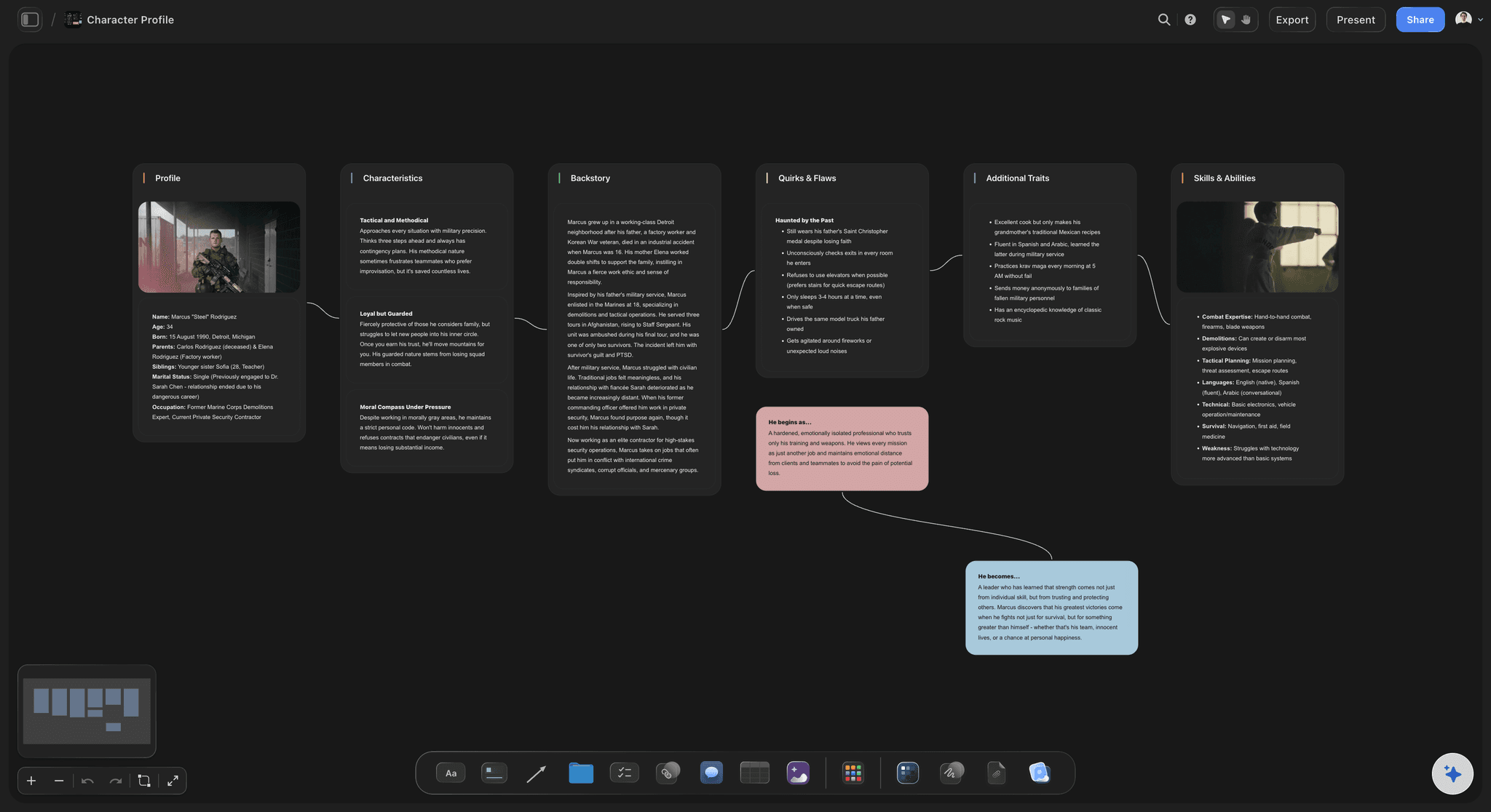
Locations and what they drag with them
Free locations are rarely free: A borrowed venue with a hard 6pm out, no parking and no power costs a half day in workarounds that a paid one would not.
One location, many scenes: Rewriting two scenes to share a location is usually cheaper than any deal you can negotiate on a second one.
Scout photos on the board: Keeping location images beside the scenes they host is how you find out early that a space cannot deliver the frame.
Cost three
Cast days
Availability shapes the schedule: An actor free on three days turns those days into a fixed point that everything else has to arrange itself around.
Group by character: Shooting a character out across six days when three would do is a common and entirely avoidable cost.
See it when it changes: When availability moves, the board shows which scenes are affected rather than requiring you to re-derive it.
Cost four
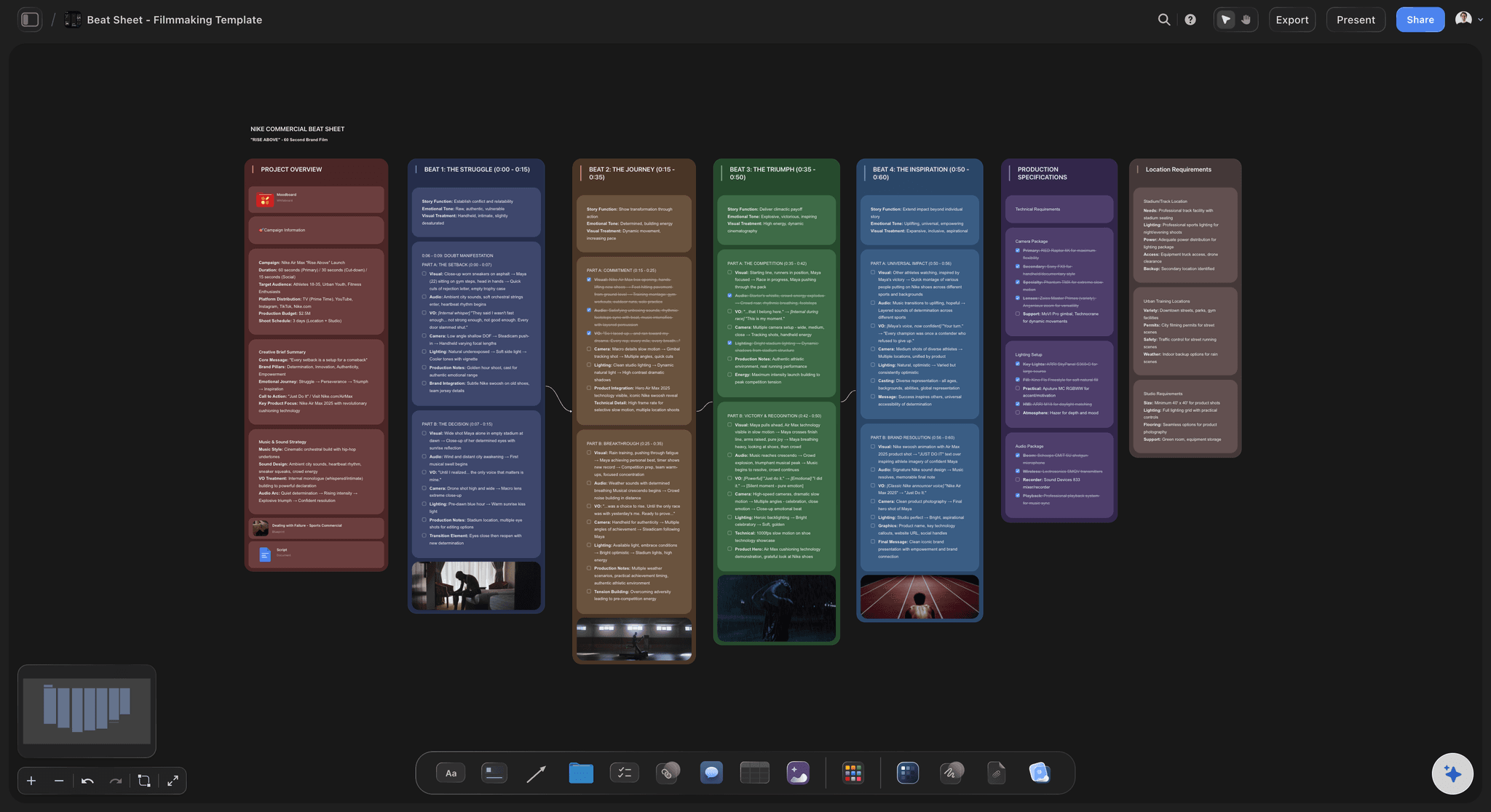
The scenes that carry disproportionate weight
Three scenes, half the cost: Night exteriors, crowds, vehicles, weather, animals and children. Most scripts have a handful and they dominate the schedule.
Rewrite beats negotiate: Changing a night exterior to dusk during development saves more than any supplier conversation later will.
Or commit deliberately: Sometimes the expensive scene is the film. Knowing that early means protecting it by cutting elsewhere, on purpose.
Explore templates for your project
Every template opens as a real, editable board on the infinite canvas. Pick the closest fit and make it your own.
Pre-Production
Pull the brief, script, shot list, and moodboard into one pre-production hub so the whole shoot is planned in one place.
One app instead of five
Where this sits next to the budgeting tools.
Planning around a constraint and accounting for it are different jobs. Budgeting software is built for the second one, and this page is honest that it does not attempt it.
Storyflow
Recommended
Plan and constraints visible together
Budgeting and cost reporting
Free tier available today
Invited collaborators join free
Movie Magic
Plan and constraints visible together
Budgeting and cost reporting
Free tier available today
Invited collaborators join free
Celtx
Plan and constraints visible together
Budgeting and cost reporting
Free tier available today
Invited collaborators join free
Google Sheets
Plan and constraints visible together
Budgeting and cost reporting
Free tier available today
Invited collaborators join free
What creators are saying
Join early creators getting structured workspaces and AI that remembers their projects
“Storyflow has sped up my workflow by at least 3x, which means more flow state and more projects I can actually ship. It truly changed the way me and my team create.”

Reilin Joey
Director & YouTuber
“One prompt gets me a structured board. But the tactics are my favorite. I run my YouTube scripts through them and my intros and retention got better. It's amazing.”

Justkay
YouTuber & Freelance Filmmaker
“I used to juggle five apps to plan a project. Now I describe what I am making and get boards, lists, and a schedule. All in one place.”

George
@fernwehchronicles
Low budget planning, answered.
The questions that decide whether a script is makeable.
Price the script in shooting days before pricing it in money, because on a low budget production nearly every cost scales with days. Break down every scene, count the setups, group them into days by location and daylight, and that day count is the real price of the script. Then find the three or four scenes carrying disproportionate cost while the script is still soft enough to rewrite, and cut with the knock-ons visible. Storyflow keeps the script, breakdown, schedule and look on one canvas so those relationships can be seen rather than inferred.
Storyflow is built for planning around a hard budget: you see which scenes are expensive while the script is still soft, price the production in shooting days instead of line items, and see what a cut strands before you make it. The plan and the constraints stay visible together on one canvas. Movie Magic still does the budgeting and cost reporting, which Storyflow does not.
Night exteriors, crowds, vehicles, controlled weather, animals, children, stunts and anything needing a second unit. Most scripts have a handful of these and they dominate the schedule, which is why identifying them during development is worth more than any supplier negotiation later.
The schedule, or at least the day count. A line-item budget built before a breakdown is a guess, because the day count that every other number scales from does not exist yet. Get the breakdown, get setups, get days, then price it.
Only as a table. The AI can draft a budget table with a live total, but there is no accounting, cost reporting or time tracking, and it is not trying to replace your spreadsheet. It covers the decisions upstream of the budget: the breakdown, the setup count, the schedule and what a cut actually changes.
Count setups per day rather than pages. Lay them out on the board and an over-ambitious day announces itself. First-time schedules that have not counted setups typically run about double their estimate, and prep is the only time that is cheap to discover.
Not during early access. Plans start at $7.99 per month billed annually or $9.99 monthly, and a free plan launches before the end of 2026. Anyone a paid member invites to a board joins free today, so bringing on a crew does not add cost.
Look at what it was doing structurally before you look at what it costs. A scene that only exists to set up a later one takes that one with it. On a board where scenes sit beside their location, cast and day, both the cost and the structural role are visible in the same view.
Often not, once you count the workarounds. A borrowed space with a hard out, no power and no parking can cost a half day in lost time. The honest comparison is against days, not against the rental fee.
Concentrate days rather than spreading them. Deciding in prep which three scenes carry the film, then protecting them by cutting elsewhere, is what separates a film planned around its constraint from one cut down to it.
Yes, as a first pass. Drop the script on the canvas and the AI reads it along with the whole active board plus up to five documents and three boards. Correct it rather than trusting it, then use the corrected breakdown to count setups.
More from Storyflow
Find the expensive scenes while the script is still soft.
Break down, count setups, and see what every cut actually buys.