
Rock-steady plans for every shoot
Every film you are developing,
and the one step each needs next.
For film producers: every project that is not yet greenlit in one table, with its stage, rights, draft, attachments and money raised, and a folder for each one's deck and lookbook.


Creatives working for these brands already got early access
- Red Bull
- Canon
- Artlist
- Porsche
See how easy it is to get started
Watch a real project come together, from a blank board to a finished plan, clicked through step by step.
Start from a ready-made template
Pick a board to see what you can build, then let AI fill it in. Every template is a real, editable starting point on the same infinite canvas.

Pre-Production
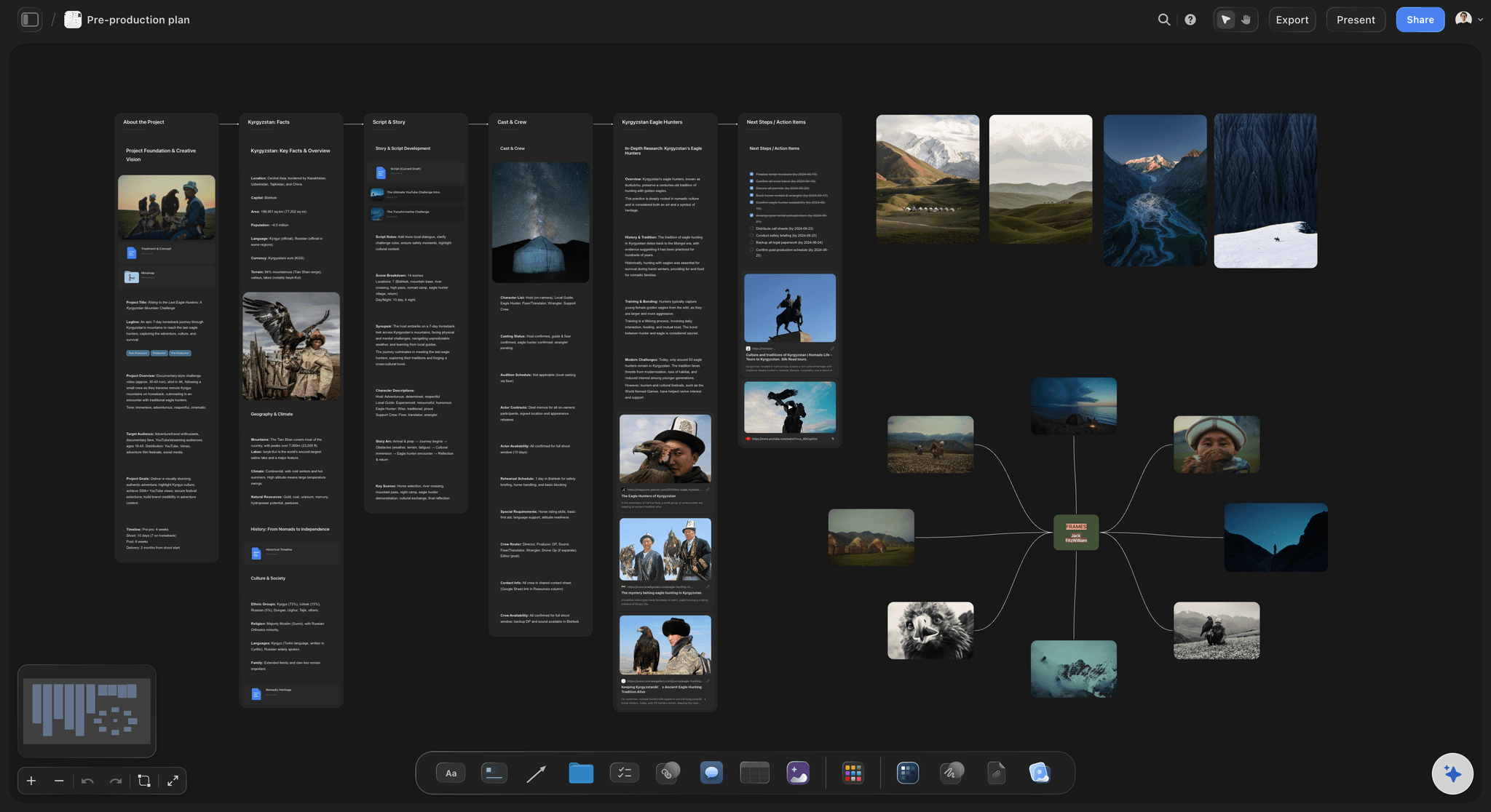
Pull the brief, script, shot list, and moodboard into one pre-production hub so the whole shoot is planned in one place.
How do film producers keep track of projects in development?
Film producers keep track of projects in development with a slate: one list of every film that is not yet greenlit, showing for each its stage, who holds the rights and until when, the current script draft, who is attached, how much money is raised and the next step. Storyflow is an AI visual workspace that keeps that slate on one infinite canvas: the slate table, a folder for each project, the pitch decks and the lookbooks. Its AI reads a script you attach and drafts the logline and a one page synopsis, and builds a pitch deck on the board from the project's own notes.
Use eight columns: the title and logline, the format and budget level, the stage, the rights and the date any option ends, the current draft and its date, the attachments, the money raised against the budget, and the next step with an owner and a date. Name the stages once and keep them: idea, rights secured, treatment, first draft, rewrites, packaging, financing, then greenlit or shelved. A project sits in exactly one stage, and it moves only when something real has happened.
The rights column is the one that hurts when it is wrong. An option gives you the exclusive right to buy a book or a script for a fixed time. Say you optioned a novel for $5,000 for 18 months against a purchase price of $50,000, ending 14 March 2027, with one 12 month extension for another $5,000. All of those numbers belong in the row. A producer who misses that date has spent two years developing a film someone else can now buy.
A worked slate for a two person company: seven projects. Two are ideas, two are in script, two are being packaged and one is in financing. The one in financing is a $1.2 million feature with $600,000 in place: $300,000 of equity, a $180,000 tax incentive and a $120,000 grant. That is 50 percent raised. Give the raised column a Sum footer and the whole slate's committed money shows as one number, which is the first thing a new investor asks.
The slate exists so you can compare, and the comparison should lead to a choice. Seven projects cannot all move this quarter. Pick one lead project that gets half the company's time, two that get a day a week, and let the rest wait with a clear next step. Any project whose next step has not changed in six months gets a decision: push it, park it or let the option run out on purpose.
Walk the slate once a month, for 45 minutes. Read each row aloud: what moved, what the next step is, who owns it, by when. Then look at the dates: which options end in the next six months, which funding deadlines are close, which attachment has gone quiet. A slate that is only opened when a financier asks for it is a list of titles, and the meeting is what keeps it true.
Ultra fast from brief to board
Four moves from a pile of projects to a slate you can run.
A slate of seven projects is set up in an afternoon. After that it takes one monthly meeting to keep it honest.
01
List every project, including the quiet ones
Tell Storyflow's AI what you are developing: titles, formats, where each one stands. It builds the slate table with the eight columns and one row per project. Add the ones you have not touched in a year, so they get a decision too.
02
Give each project a folder
Add a folder beside the table for each project. Inside is a board of its own for the script, the lookbook, the pitch deck and the notes from every meeting. The slate stays short, and the detail is one click away.
03
Write the rights and the money as numbers
Fill in the option end date, the purchase price, the budget and the money raised for each row. Choose Sum in the footer of the raised column. Add a card with a due date three months before any option ends.
04
Walk it monthly and choose
Once a month, read every row and update the next step. Mark one lead project. Share a single project's board by link with the financier or co-producer who needs to see it, and keep the full slate private.
The slate, the pitch, the script and the look.
Storyflow holds the slate and each project's material. Screenwriting, budgeting and contracts stay in the tools built for them.
The slate
Every project in one table, by stage
Title, format, stage, rights, draft, attachments, money and next step, with the stage as a label you name. You see at a glance that four projects are stuck in rewrites and nothing is being packaged.
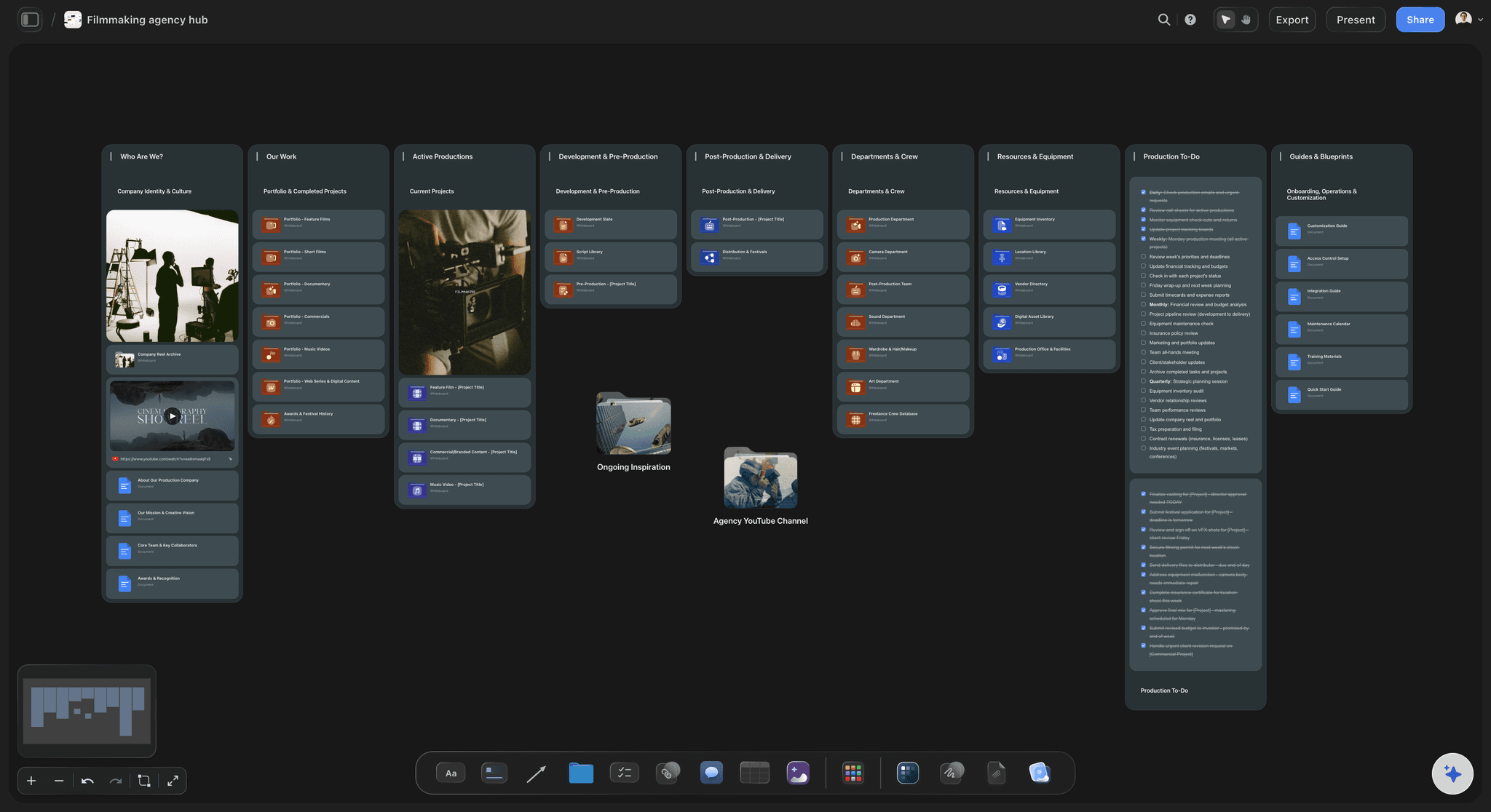
See the production company hub →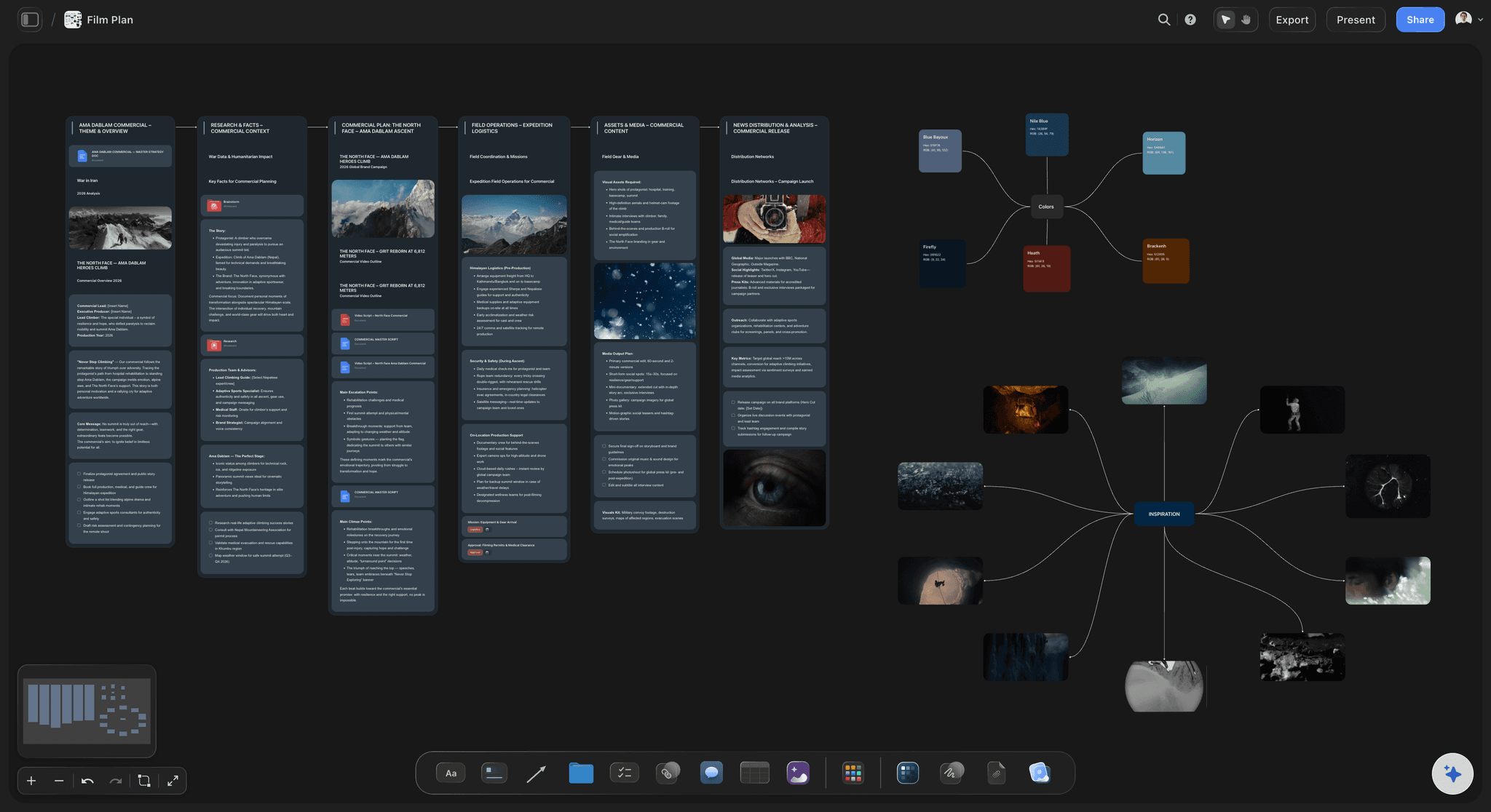
The pitch
A pitch deck built from the project's own notes
Ask Storyflow's AI for a pitch deck and it builds one on the project's board from the logline, the synopsis and the pictures already there. You edit the slides and present from the board.
See the film pitch deck →
The script
The current draft, and what changed since the last
Attach two drafts of a script as PDF or Final Draft files and the AI lists the scenes added, cut and changed between them. The draft column on the slate says which version is current and its date.
See the script coverage template →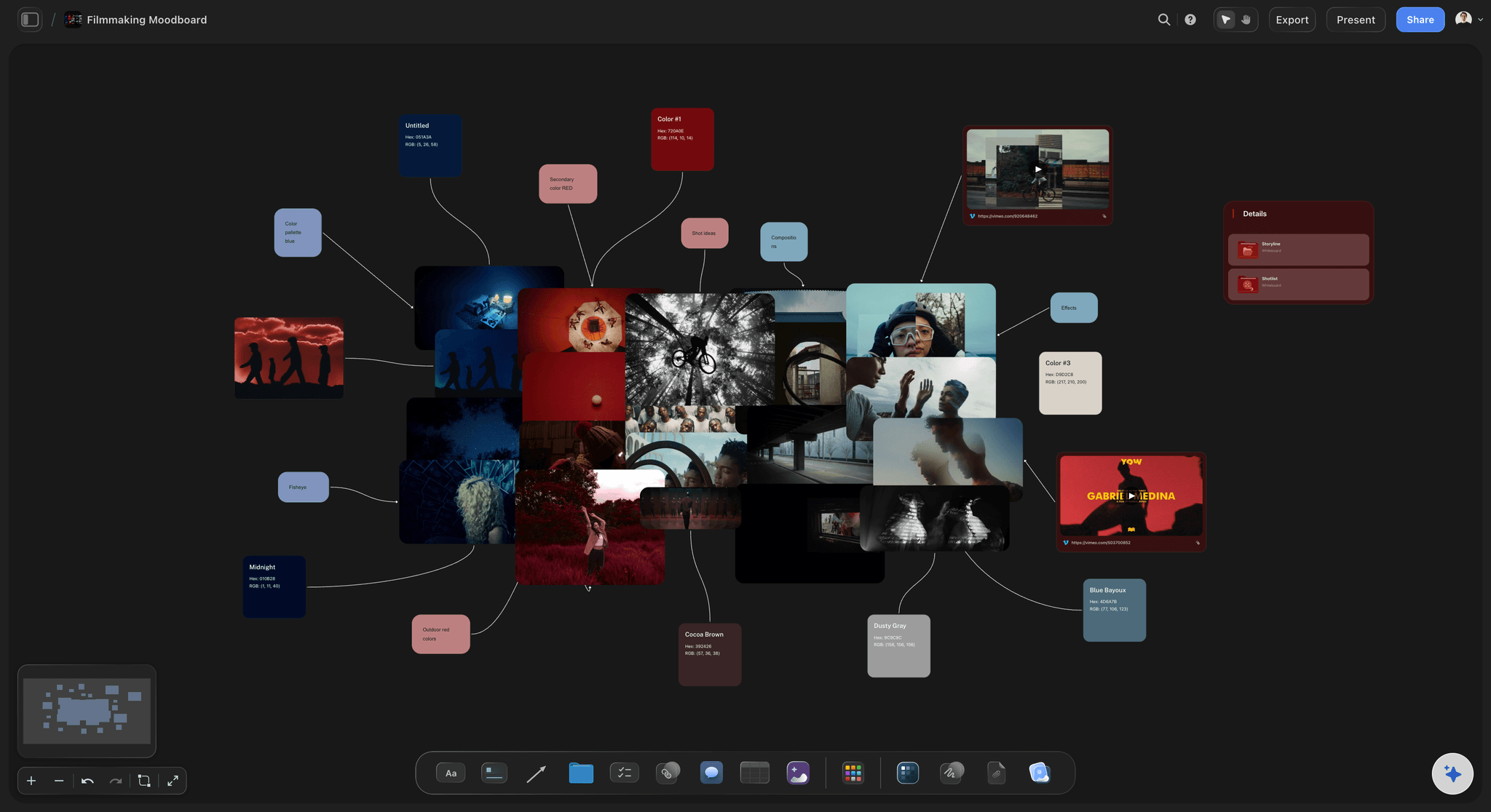
The look
A lookbook in the folder, not in an email
Lay reference frames out on the project's board and the lookbook lives beside the script it belongs to. A director you are courting opens one link and sees the film you mean.
See the film lookbook →Seven projects, one place to compare them.
A slate is only useful when every project is on it, and every paid plan has unlimited boards. Storyflow is paid-only during early access, with plans from $7.99 a month billed annually ($9.99 monthly). A free plan launches before the end of 2026, and anyone a paid member invites to a board joins free.
Unlimited boards, image uploads and files on every paid plan
A folder and a board for every project on the slate
Invite a co-producer or writer to one project without buying them a seat
Whole-board PDF export for a funding application
View-only links so a financier can read a project with no account
Built for people with taste
Why projects die in development.
Three quiet ways a slate goes wrong, and what a written one does about each.

The drift
Everything is in development and nothing is moving
One stage per project: Idea, rights secured, treatment, first draft, rewrites, packaging, financing. A project moves when something real happened, not when someone feels hopeful.
A next step with a date: Every row ends with one action, one owner and one date. A row whose next step is blank is not in development, and the table makes that visible.
A lead project: Mark the one film that gets half the company's time this quarter. Spreading the hours evenly across seven projects is how none of them reaches financing.
A month without change: Ask Storyflow's AI what changed on a project's board in the last month and it lists the cards that were added, edited or moved, and who did it. A project whose board shows nothing is the one to push, park or drop.

The rights
The option ran out and nobody saw it coming
The end date in the row: The day the option ends is in a date column, next to the purchase price and whether an extension exists. It is the first thing you read in the monthly walk.
A card three months before: Add a card with a due date ninety days ahead of the end: extend, buy or release. Storyflow does not send reminder emails, so the monthly meeting is what catches it.
The agreement in the folder: Drop the option agreement into the project's folder as a PDF. Storyflow's AI reads it and tells you the term, the extension and the price, so the row is filled from the contract.
Who owns what you wrote: Note for each project who owns the drafts if the option lapses. It is a short line in the rights column, and it decides what you can do with two years of work.
The ask
A financier asks and the material is not ready
A folder per project: The script, the deck, the lookbook and the budget top sheet sit on one board per film. When someone asks, you send that board's link the same day.
The logline and synopsis, drafted: Attach the script and Storyflow's AI drafts a logline and a one page synopsis from it. You rewrite them in your own voice, and they are done before anyone asks.
Money raised as a number: Budget and money in place are two columns. The gap is plain on every row, and the first question in any finance meeting is answered before it is asked.
One project shared, the slate kept private: Share only the project's own board by view-only link. The financier reads it in a browser with no account and never sees the other six films.
Explore templates for your project
Every template opens as a real, editable board on the infinite canvas. Pick the closest fit and make it your own.
Pre-Production
Pull the brief, script, shot list, and moodboard into one pre-production hub so the whole shoot is planned in one place.
One app instead of five
Where Storyflow fits in development.
It holds the slate and each project's pitch material. It does not write scripts, build budgets or send reminders.
Storyflow
Recommended
Every project in one table with stage, rights and next step
A folder per project for its deck, lookbook and script
An open canvas for lookbooks and reference pictures
AI builds a pitch deck on the same board as the project
Money raised added up in the table footer
A financier reads one project from a link with no account
Sorted and filtered views of the slate
Automatic reminders before an option runs out
A database tool
Every project in one table with stage, rights and next step
A folder per project for its deck, lookbook and script
An open canvas for lookbooks and reference pictures
AI builds a pitch deck on the same board as the project
Money raised added up in the table footer
A financier reads one project from a link with no account
Sorted and filtered views of the slate
Automatic reminders before an option runs out
A spreadsheet
Every project in one table with stage, rights and next step
A folder per project for its deck, lookbook and script
An open canvas for lookbooks and reference pictures
AI builds a pitch deck on the same board as the project
Money raised added up in the table footer
A financier reads one project from a link with no account
Sorted and filtered views of the slate
Automatic reminders before an option runs out
What creators are saying
Join early creators getting structured workspaces and AI that remembers their projects
“Storyflow has sped up my workflow by at least 3x, which means more flow state and more projects I can actually ship. It truly changed the way me and my team create.”

Reilin Joey
Director & YouTuber
“One prompt gets me a structured board. But the tactics are my favorite. I run my YouTube scripts through them and my intros and retention got better. It's amazing.”

Justkay
YouTuber & Freelance Filmmaker
“I used to juggle five apps to plan a project. Now I describe what I am making and get boards, lists, and a schedule. All in one place.”

George
@fernwehchronicles
Development slate questions
What independent producers ask when they have more projects than hours and need to decide which film to push.
In Storyflow, keep a slate table on one board with a row per project: title and logline, format and budget level, stage, rights and option end date, current draft, attachments, money raised and the next step with an owner and a date. Give each project a folder for its script, deck and lookbook, and walk the whole table once a month.
Storyflow is the one built for a development slate: every project that is not yet greenlit in one table, a folder per project for its deck, lookbook and script, and an AI that reads the script and builds the pitch deck on the same board. The script itself is still written in Final Draft, and the budget is still built in Movie Magic Budgeting.
A development slate is the list of films or series a producer or company is working on that have not been greenlit. It shows each project's stage, rights, script status, attachments and financing, so the projects can be compared and time can be given to the ones most likely to be made. On a Storyflow board it is one table with a folder behind every row.
A common sequence is idea, rights secured, treatment, first draft, rewrites, packaging, financing, then greenlit or shelved. Packaging means attaching a director and lead cast. Financing means closing the money. In Storyflow the stage is a label column you name yourself, so the stages match the way your company talks.
Fewer than feels comfortable. A two person company can usually move one lead project, keep two more alive with a day a week each, and hold three or four that are waiting on someone else. The Storyflow slate makes the count visible, which is often the moment a producer admits that nine projects means none are moving.
An option is a paid, exclusive right to buy a script or book within a fixed time, often 12 to 18 months, sometimes with an extension. When it ends without being exercised or extended, the rights go back to the owner. Put the end date, the price and the extension terms in the slate row on Storyflow, with a dated card three months ahead.
Compare the rows on four things: how soon the rights run out, how close the script is to being sent out, who is attached, and how much of the budget has a realistic source. The project that is strongest on three of the four becomes the lead. With every project in one Storyflow table, that comparison takes minutes, and you can repeat it every quarter as the rows change.
Yes, with the paperwork around the creative work. Storyflow's AI reads a script you attach and drafts a logline and a one page synopsis, lists what changed between two drafts, reads an option agreement and pulls out its term and price, and builds a pitch deck on the board. It does not judge whether the film is good, and it does not replace a reader.
No. Storyflow does not build a film budget, draft or sign contracts, model a finance plan or send reminders when an option is about to end. Keep the budget in Movie Magic Budgeting or a spreadsheet, contracts with your lawyer, and put the totals and the PDFs on the Storyflow board so the slate stays the summary.
A slate compares many projects that may never be made. A production tracker follows one film that is being made, across its departments. When a project on the Storyflow slate is greenlit, its folder becomes the start of the production board, and the row leaves the slate.
Yes. In Storyflow each project lives on its own board inside its folder. Share that board's view-only link and the financier reads the deck, the lookbook and the summary in a browser with no account. The slate table is on a different board, and sharing is off on every board until you turn it on.
Yes. Invite a co-producer to the slate and a writer to their own project's board. They edit alongside you in the browser. Anyone a paid member invites to a board joins free, so a writer hired for one draft does not need a Storyflow plan to read notes and leave comments.
No. Storyflow runs in the browser and there are no native mobile or desktop apps. Open the slate in any browser, at your desk or in a meeting at a film market, and send a project's link from the same tab. Scripts, option agreements and reference pictures are dragged onto the board from that tab too, so there is nothing to set up before the first slate meeting.
More from Storyflow
Production company hub
Film production tracker
Film pitch deck
Film lookbook
Script coverage template
Film business plan
Film grant proposal
Film budget planner
Film treatment template
Indie film production workflow
Film festival planner
Low budget film planning
Storyflow for indie filmmakers
Storyflow for producers
See the whole slate, then choose the film.
Every project with its stage, rights, draft, money and next step, and a folder behind each row with the deck you send when someone asks.