
Extremely reliable pre-production
Build the day out of days
and see the holds you pay for.
A day out of days is the grid that turns a shooting schedule into a cast commitment. In Storyflow the grid of every cast member against every day sits on the same canvas as the stripboard, so a hold day you are paying for is something you can see rather than something you find in the invoice.


Creatives working for these brands already got early access
- Red Bull
- Canon
- Artlist
- Porsche
See how easy it is to get started
Watch a real project come together, from a blank board to a finished plan, clicked through step by step.
Start from a ready-made template
Pick a board to see what you can build, then let AI fill it in. Every template is a real, editable starting point on the same infinite canvas.

Pre-Production
Pull the brief, script, shot list, and moodboard into one pre-production hub so the whole shoot is planned in one place.
What is a day out of days?
A day out of days, usually shortened to DOOD, is a grid with cast down one side and shooting days across the top. Storyflow is an AI visual workspace that builds your day out of days on one infinite canvas: every cast member against every shooting day, marks for work, hold, travel, start and finish, and the stripboard beside it. Each cell says what that actor is doing on that day: working, on hold, travelling, starting, finishing, or not needed. It is derived from the stripboard, and it exists because the schedule alone does not tell you what the schedule costs.
The standard marks are compact and worth knowing. SW is start work, the actor's first day. W is a work day. H is hold, meaning they are contracted and paid but not shooting. T is travel. WF is work finish, the last day. Read across a row and you see one actor's whole engagement; read down a column and you see how many people the production is paying on a given day.
The reason it matters is holds. An actor with scenes on day two and day nine is usually being paid for the six days in between, because you cannot release and rehire them. That cost is invisible in a stripboard and obvious in a DOOD, which is why the two documents are always built together and why a scheduling change is not finished until the DOOD has been re-read.
Storyflow gives you the grid on a canvas beside the stripboard. Being direct about the limits: Storyflow does not calculate day rates, does not generate the DOOD automatically from the strips, and has no contract or payroll model behind it. Scheduling suites generate the report, and budgeting and payroll software handle the money. What the canvas gives you is the grid sitting next to the schedule that produced it, so moving a scene and updating the cast grid happen in one view instead of two applications.
Ultra fast from brief to board
Build the grid from the schedule you already have.
Cast down the side, days across the top, and the expensive gaps visible in between.
01
Start from the stripboard
Put the shooting order on the board first. The day out of days is a reading of that order, so it has to come second or it describes a schedule that no longer exists.
02
List the cast
One row per speaking role, numbered the way the breakdown numbers them, so a strip that says cast 1, 4 and 7 maps straight onto the grid.
03
Mark the days
Fill each cell with start work, work, hold, travel or work finish. The holds are the point of the exercise, so mark them honestly rather than leaving them blank.
04
Read the rows, then fix the schedule
Any row with a long hold stretch is a candidate for regrouping. Go back to the stripboard, move the scenes, and read the grid again.
The grid exists to make one thing visible: paid days nobody is shooting.
Everything else on it is bookkeeping around that single question.

Holds are the cost
See the gaps between an actor's days
An actor working day two and day nine is usually paid for every day in between. Laid out as a row, that gap is unmissable, and it is almost always fixable by regrouping scenes.
See the stripboard →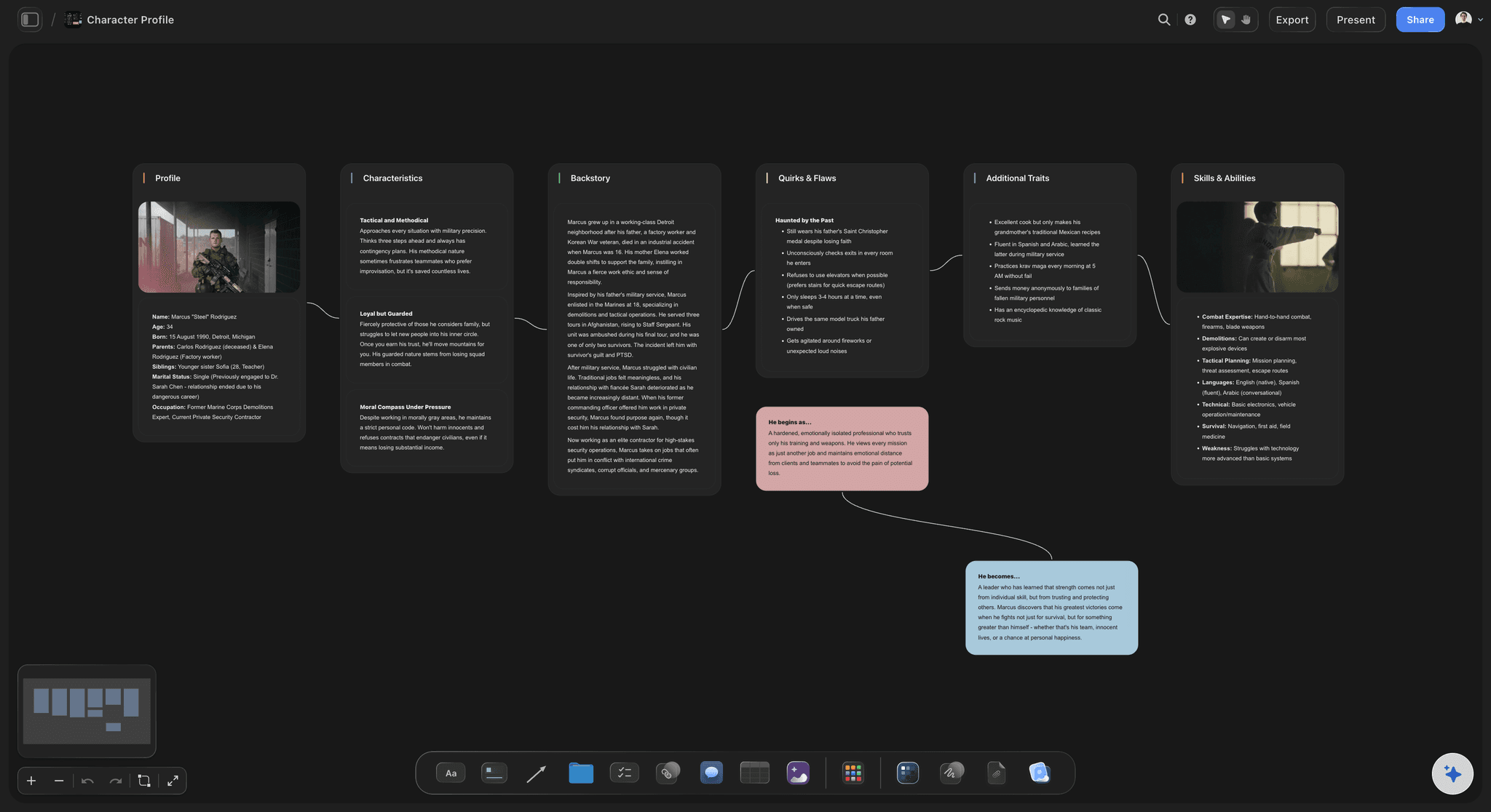
Start and finish
Know when each contract opens and closes
Start work and work finish define the engagement each actor is booked for. Getting them wrong is how a production discovers it has booked someone for three weeks to shoot four days.
See the casting board →
Read down, not just across
How many people is today paying for?
A column tells you the headcount on a day. A day with eleven contracted actors and three in the scene is a day that wants rethinking before it is locked.
See the shooting schedule →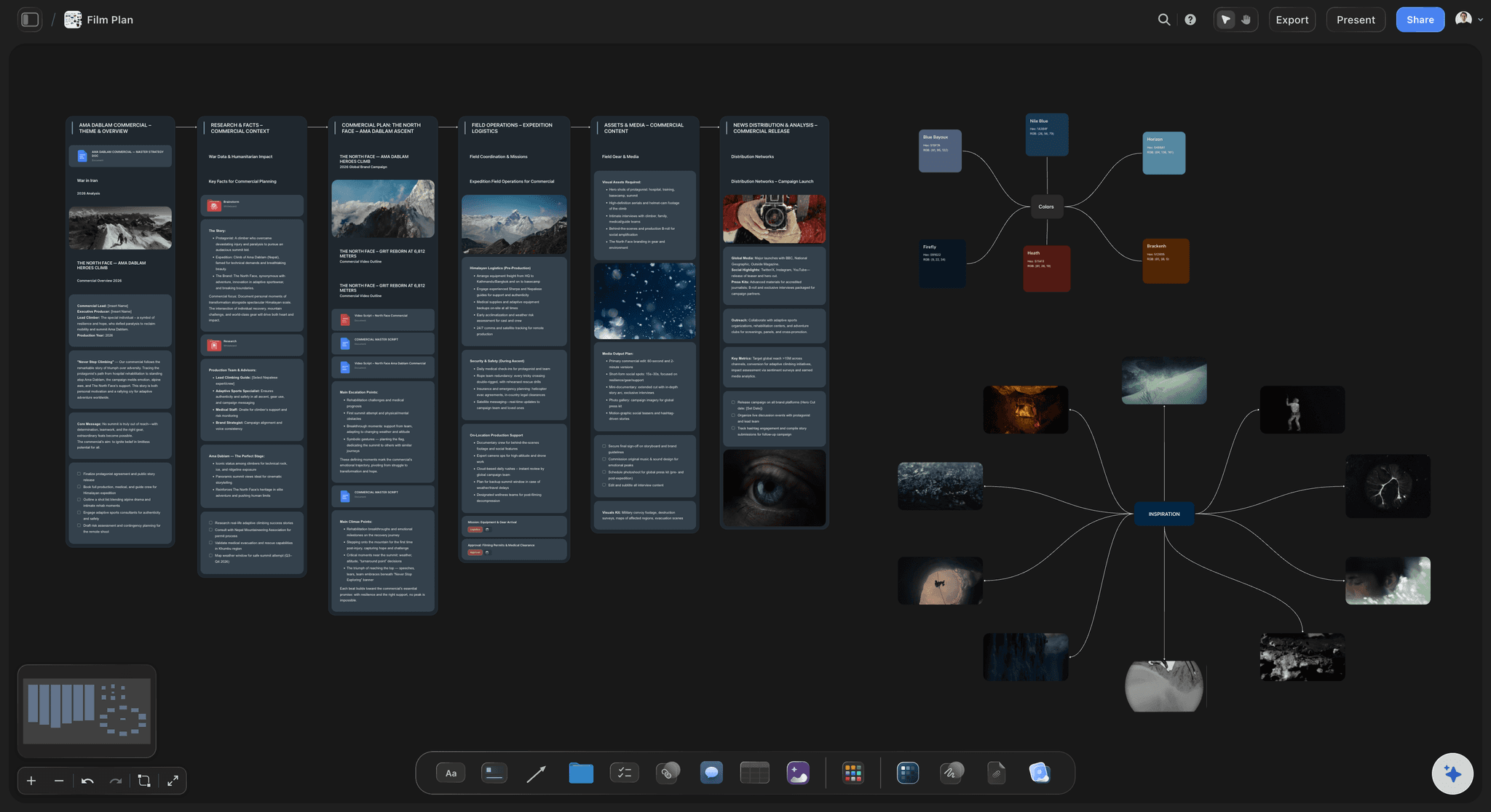
Travel counts
Days spent moving are days you pay for
On a location shoot, travel days sit on the contract like work days. Marking them keeps the total engagement honest rather than counting only the days on camera.
See the production binder →Plans from $7.99/month annual. Free plan coming late 2026.
Anyone a paid member invites to a board joins free, and a view-only link needs no account, so the producer, the line producer and the first AD all read the same grid. Storyflow is paid-only during early access, with plans from $7.99 a month billed annually ($9.99 monthly), and a free plan launches before the end of 2026.
Producers read the grid without an account
Every production gets its own board, with no project limit
Export the board as a high-quality image or PDF
Crew members a paid member invites join free
Built for people with taste
A DOOD in a separate file is a DOOD that goes stale.
The grid is only true for one version of the schedule, and schedules change every day during prep.
One board, two documents
Move a scene and re-read the cost
The grid beside the strips: Stripboard and day out of days on one canvas, so a reorder and its cast consequence are one glance apart rather than two applications apart.
Check it against the strips: The commonest DOOD error is describing last week's schedule. With both on one board, you or the AI can check the grid against the current strips before anyone reads it.
Fix at the source: When a row shows a bad hold stretch, the fix is on the stripboard next to it, not in a different tool with a different copy of the schedule.

The AI reads the grid
Ask which actor is costing the most to wait
Canvas-aware AI: Storyflow's AI reads the whole active board, so the strips and the grid are both in front of it when you ask where the holds are.
A first pass from the strips: Ask the AI for a starting grid from the cast on the strips and correct it, which beats building the rows by hand from scratch.
Test a change before you make it: Ask what happens to the cast schedule if the day-six exterior moves to day nine, and get the consequence from the board rather than from memory.
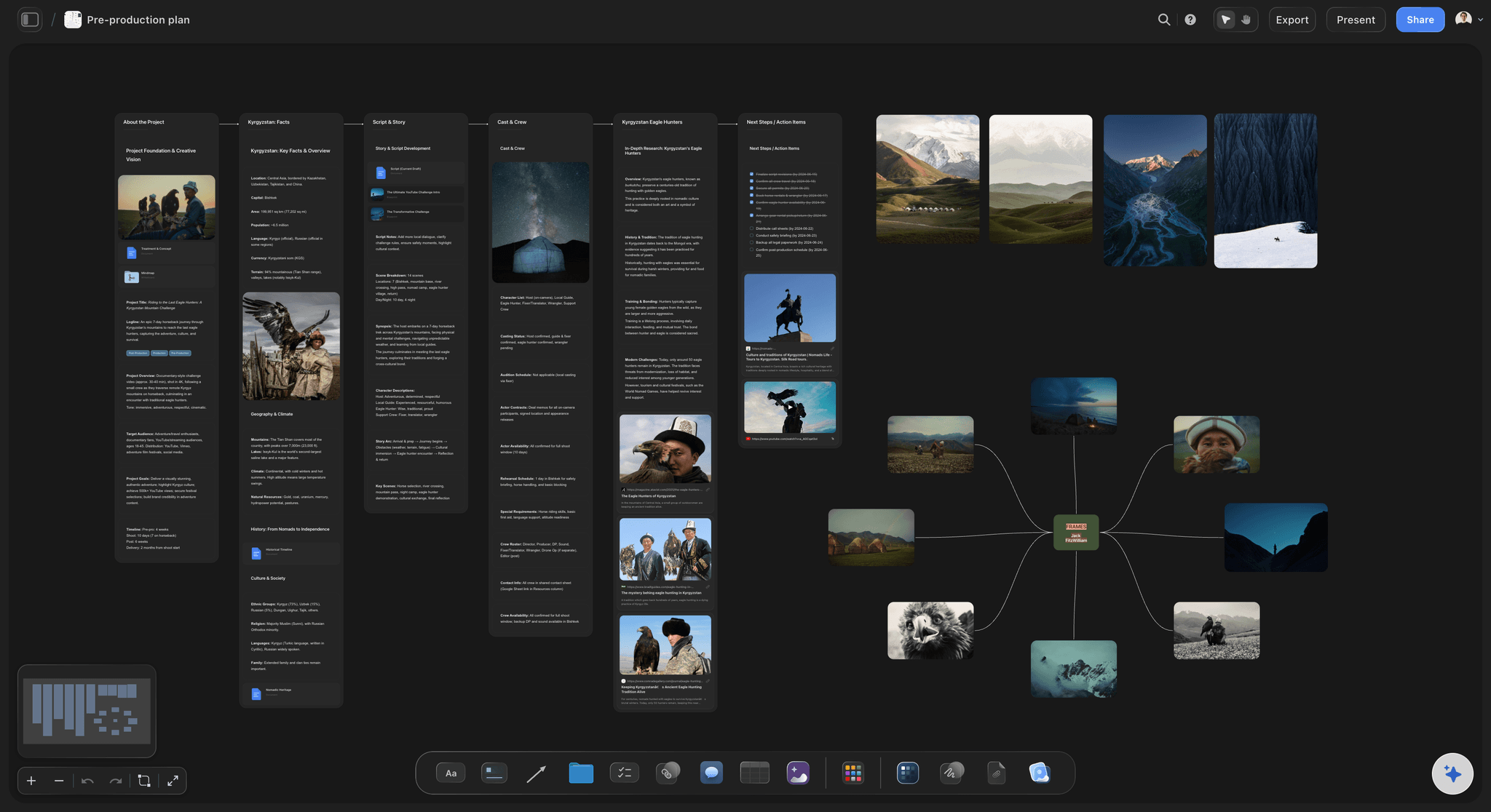
What it is not
Honest about the ceiling
No rate calculation: Storyflow does not hold day rates or compute what the holds cost in money. It shows you the days; the money belongs in a budgeting tool.
No automatic generation: The grid is not derived automatically from the strips the way Movie Magic Scheduling derives it. The AI can draft it; you own it.
Where it wins: Keeping the grid in the same view as the schedule that produced it, which is where the stale-DOOD problem actually comes from.
Explore templates for your project
Every template opens as a real, editable board on the infinite canvas. Pick the closest fit and make it your own.
Pre-Production
Pull the brief, script, shot list, and moodboard into one pre-production hub so the whole shoot is planned in one place.
One app instead of five
Where this sits next to the scheduling suites.
A day out of days report is a scheduling output. The suites below generate the formal document; this page is about seeing the pattern while the schedule is still being argued about.
Storyflow
Recommended
Cast day patterns visible at a glance
Industry-standard DOOD export
Grid, strips and references on one canvas
Free tier available today
Movie Magic
Cast day patterns visible at a glance
Industry-standard DOOD export
Grid, strips and references on one canvas
Free tier available today
StudioBinder
Cast day patterns visible at a glance
Industry-standard DOOD export
Grid, strips and references on one canvas
Free tier available today
Yamdu
Cast day patterns visible at a glance
Industry-standard DOOD export
Grid, strips and references on one canvas
Free tier available today
What creators are saying
Join early creators getting structured workspaces and AI that remembers their projects
“Storyflow has sped up my workflow by at least 3x, which means more flow state and more projects I can actually ship. It truly changed the way me and my team create.”

Reilin Joey
Director & YouTuber
“One prompt gets me a structured board. But the tactics are my favorite. I run my YouTube scripts through them and my intros and retention got better. It's amazing.”

Justkay
YouTuber & Freelance Filmmaker
“I used to juggle five apps to plan a project. Now I describe what I am making and get boards, lists, and a schedule. All in one place.”

George
@fernwehchronicles
Day out of days, answered.
What producers and ADs ask before building the grid on a canvas.
A day out of days, or DOOD, is a grid with cast down one side and shooting days across the top, where each cell records what that actor does that day: start work, work, hold, travel, or work finish. It is read from the stripboard and shows what the schedule costs in contracted cast days. In Storyflow the grid sits on the same canvas as the stripboard, so a schedule change and its cast consequence stay in one view.
Storyflow builds the grid beside the schedule it comes from: every cast member runs against every shooting day on an infinite canvas, marked for work, hold, travel, start and finish, next to the stripboard. Move a scene and you can read the hold days again at a glance. Movie Magic, StudioBinder and Yamdu still give you an industry-standard DOOD export, which Storyflow does not.
SW is start work, the actor's first day on the production. W is a work day. H is hold, meaning contracted and paid but not shooting. T is travel. WF is work finish, the last day. Some productions also use SWF where an actor starts and finishes on the same day, and R for rehearsal.
Because they are paid days with no footage. An actor scheduled on day two and day nine is generally paid for the days between, since you cannot release and rehire them. Holds are the single largest avoidable cast cost on most productions, and they are invisible on a stripboard and unmissable on a DOOD, which is why the two are always read together.
After, always. The grid is a reading of the shooting order, so it has to be built from a stripboard that already exists. Then it feeds back: a row with a long hold stretch sends you to the strips to regroup that actor's scenes, and you re-read the grid. Two or three passes is normal.
Not automatically the way a dedicated scheduling suite does. Storyflow's AI can draft a first-pass grid from the cast on the strips, which you then correct, but Storyflow does not derive or optimise it for you. If you need automatic generation, Movie Magic Scheduling or StudioBinder are built for that.
No. There are no day rates in Storyflow and no cost model behind the grid. It shows you the days, which is the part that drives the decision; turning days into money belongs in a budgeting tool, and most productions do that in a spreadsheet against this grid.
A call sheet is one day, sent to the people working it. The day out of days is the whole production seen from the cast side, and it never goes to the crew. One is a daily instruction; the other is a planning and contracting document.
If you have more than three or four actors across more than two days, yes, even informally. The hold problem scales down perfectly: an actor asked to keep a week free for two days of work is the same mistake at a smaller price, and it is the kind of thing that damages relationships on unpaid shoots.
Share a view-only link and they read it in a browser with no account and no install. The board exports as a high-quality image or PDF for the production meeting, which is usually where the grid gets argued over.
Storyflow is paid-only during early access, with plans from $7.99 a month billed annually ($9.99 monthly). A free plan launches before the end of 2026, and anyone a paid member invites to a board joins free.
See the days you are paying for.
Every cast member against every shooting day, on the same canvas as the stripboard that produced them.