
Extremely reliable pre-production
Make the call sheet with ChatGPT,
on the board the shoot was planned on.
For producers and production managers on commercial and corporate shoots: ChatGPT builds the day's calls, crew and locations as tables on a Storyflow board the whole crew opens from one link.


Creatives working for these brands already got early access
- Red Bull
- Canon
- Artlist
- Porsche
See how easy it is to get started
Watch a real project come together, from a blank board to a finished plan, clicked through step by step.
Start from a ready-made template
Pick a board to see what you can build, then let AI fill it in. Every template is a real, editable starting point on the same infinite canvas.

Pre-Production
Pull the brief, script, shot list, and moodboard into one pre-production hub so the whole shoot is planned in one place.
Can ChatGPT make a call sheet?
Yes, ChatGPT can make a call sheet: give it the date, the calls, the schedule of the day, the crew and the locations, and it lays them out in the order a crew reads them, but it only knows the facts you hand it, and what it writes is a page in a chat that goes out of date the moment a call time moves. Storyflow is an AI visual workspace that builds a call sheet from the shoot's plan on one infinite canvas: the schedule of the day, the cast and crew with their call times, the locations with parking, and the safety notes. Connected to Storyflow, ChatGPT reads the schedule and the crew list on your board and builds the call sheet there as tables and notes, on its own model, so no Storyflow AI credits are spent.
On its own, ChatGPT handles the layout well. Paste the schedule and the crew list and it puts the header first, turns the day into rows with times, groups the crew by department, and notices that the interview is called before the person giving it. It hands you a table, or a file to download. Two things go wrong after that. A chat assistant likes to finish a page, so a missing hospital can come back as a real-looking address that nobody gave it. And when the call moves at 9pm you get a second file, while half the crew still has the first.
Connect ChatGPT to Storyflow and ask for the call sheet for one shoot day on the shoot's board. ChatGPT first reads what is there: the shooting schedule, the crew list if it is an Excel or CSV file on the board, the location notes. Then it builds one column for the day. At the top is a note with the production, the day number, the date, crew call, first shot and wrap. Under it come the tables: the schedule of the day with a date and time cell on every row, the cast, the crew with role, phone and email columns, and the locations with an address and a map link. Notes for safety, parking, lunch and the nearest hospital close the column. Or ask for the whole sheet as one document, written section by section.
Here is one shoot day, worked through, that you can copy. Day 1 of 2 on a film for a furniture maker, crew call 07:00, wrap 17:00, a ten-hour day. Unloading and lighting takes 60 minutes. Scene 1 in the workshop takes 150. Scene 2, the founder's interview, takes 120. Lunch is 45. The move to the showroom is 30. Scene 3 in the showroom takes 135, scene 4 outside takes 45, and packing up is 15. That is 600 minutes, which is ten hours: 450 minutes of shooting and 150 of everything else. First shot is 08:00, lunch is 12:30, and the showroom starts at 13:45. The founder is called at 10:00 for a 10:30 interview. On the board that is four tables: eight rows for the day, eight crew, two cast and two locations, 20 rows in all.
Every call sheet answers the same questions for the newest person on the crew. Where do I go, and where do I park? When do I need to be there, and when do we start shooting? What are we shooting, in what order, and when is lunch? Who do I call if I am lost or late? Where is the nearest hospital? So the top of the sheet carries the production, the day number, the date, crew call, first shot and wrap. Then the day in rows, with travel and lunch as rows of their own. Then each person with a call time and a phone number, and each location with an address, parking and the way in. Send it the evening before. If anything moves, send it again and say what changed.
Know the limits before a crew depends on it. ChatGPT cannot make a PDF or send an email or a text through the connector, so getting the sheet to the crew is your job: share the board or export it from Storyflow. Storyflow does not send call sheets or collect confirmations. A person column in a table only takes people who are already on the board, so most of the crew go in as plain names. A table holds 8 columns and 50 rows per request. ChatGPT has no tool that deletes a card, so a sheet you ask for twice lands beside the first. A file attached in the chat does not reach Storyflow. Storyflow's own built-in AI, inside the app, is the other route: it has a call sheet workflow that lays the sheet out as pages.
Ultra fast from brief to board
From the day's facts to a sheet the crew can open.
Do it the afternoon before, while there is still time to ring someone about a blank.
01
Connect ChatGPT to Storyflow once
Open ChatGPT on the web and go to Settings, then Security and login. Turn on Developer mode. At chatgpt.com/plugins, click the plus button, name the connector Storyflow, choose Public endpoint and paste https://mcp.storyflow.so/mcp. Create it, sign in to Storyflow and pick the shoot's project.
02
Put the day's facts on the board
Drop the crew list (an Excel or CSV file) and the schedule on the shoot's board, or paste them into the chat. Add each location with its address and where to park. ChatGPT can only write down what you give it.
03
Ask for one day's call sheet
For example: "Build the call sheet for Day 1 on the Oak and Iron board. Write to confirm wherever I have not given you a fact." A column appears with the header note, the schedule table, the cast and crew tables, the locations and the notes.
04
Fill the gaps and share the board
Read every line. Fill what is marked to confirm, and fix a call time by hand or by asking ChatGPT. Then share the board from Storyflow with a view-only link, the evening before the shoot.
The calls, the people, the places and the notes.
ChatGPT lays the day out. Storyflow keeps it on the board where the rest of the shoot already lives.
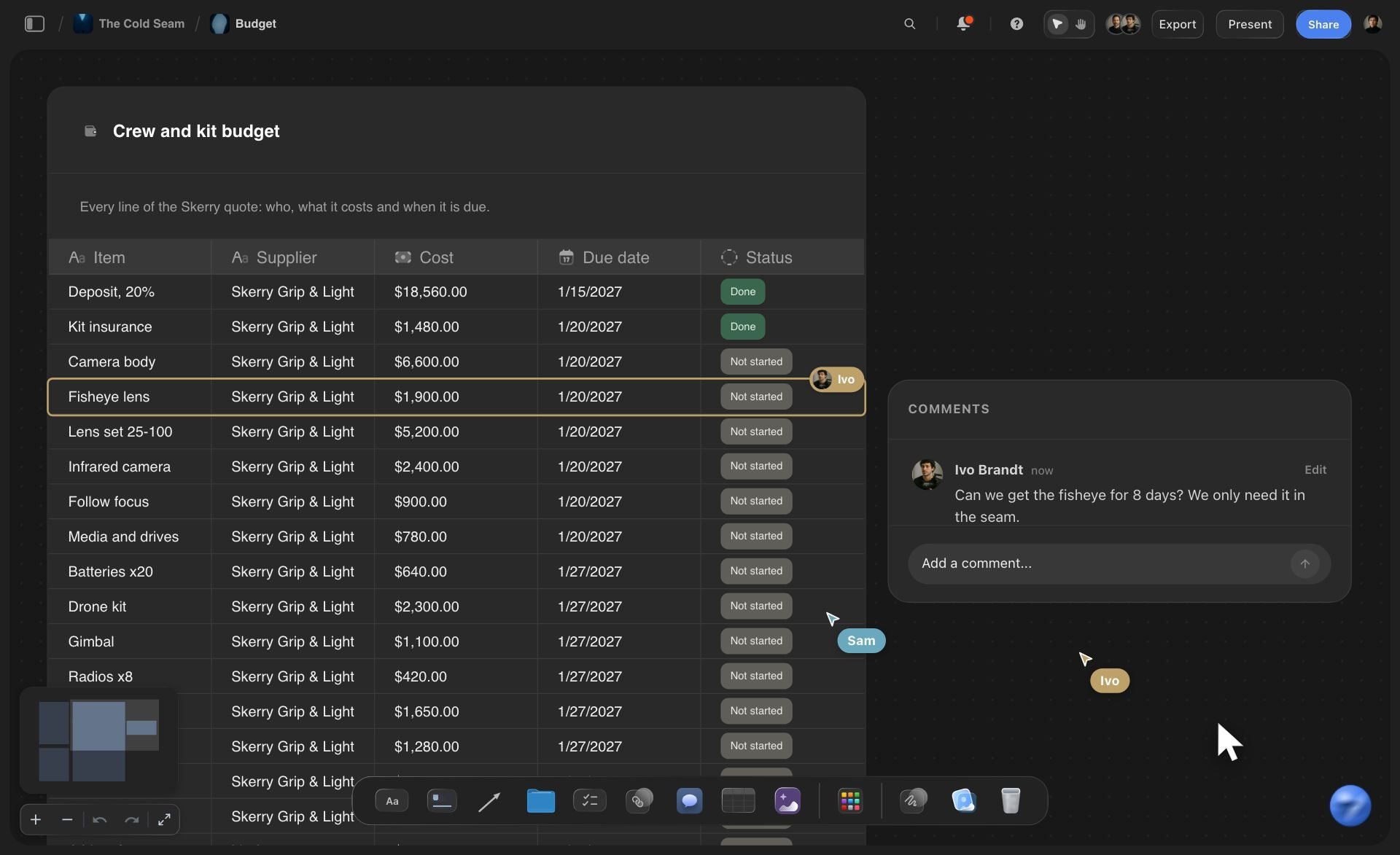
The day in tables
Calls, crew and locations as real tables
ChatGPT builds the schedule of the day, the crew and the locations as tables on the shoot's board. Call times are date and time cells, phone numbers and emails get their own columns, and each location row carries a map link.
See the call sheet template →
The plan behind it
Built from the shoot's own board
ChatGPT reads the shooting schedule, the crew list file and the location notes that are already on the board. The call sheet is put together from them, so the day on the sheet starts from the same facts as the plan.
See the production plan with ChatGPT →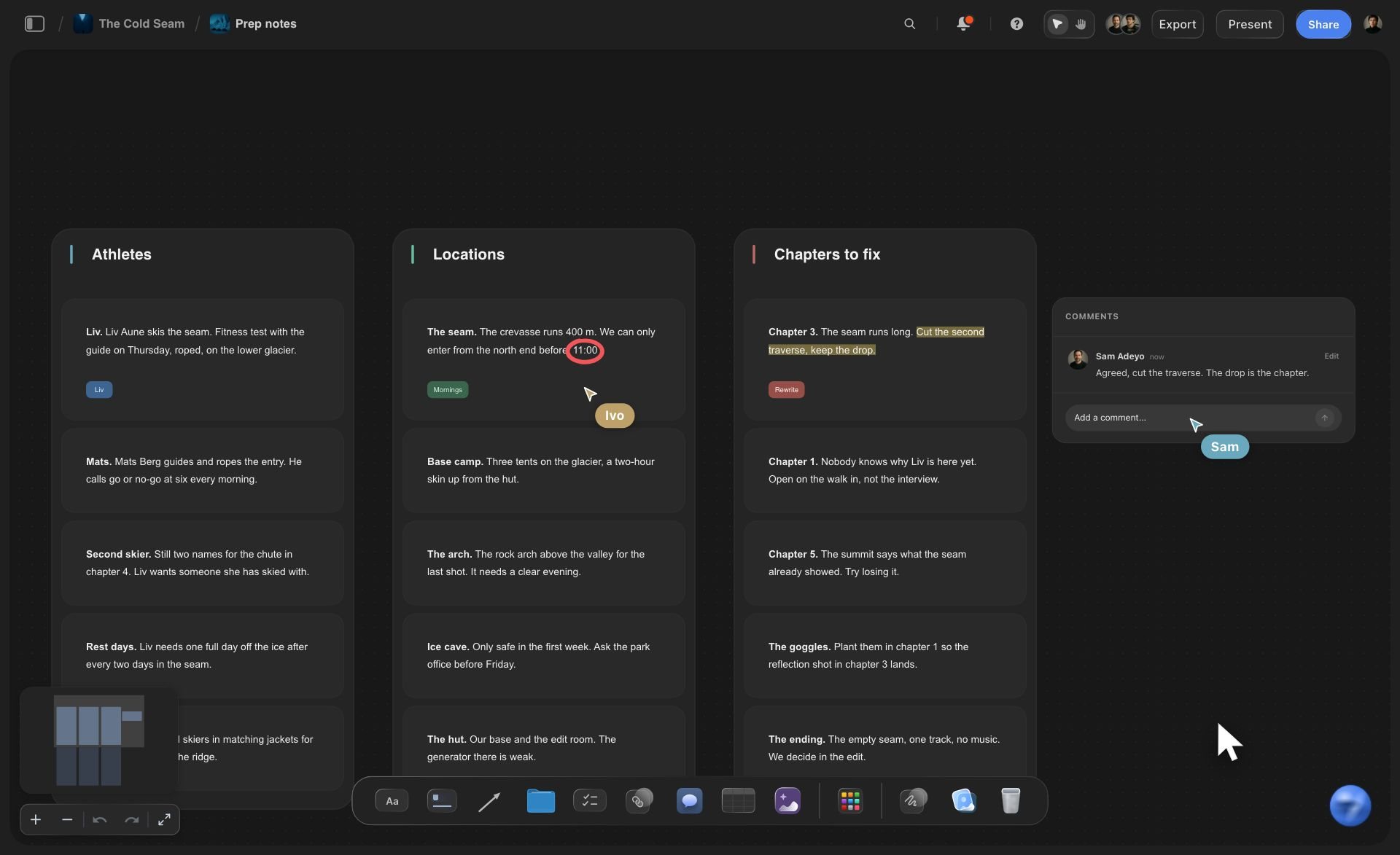
The notes
Safety, hospital and lunch where nobody misses them
The nearest hospital, the safety notes, parking and lunch each get their own note in the day's column. Tell ChatGPT to write "to confirm" where you gave it nothing, and you see every gap before the sheet goes out.
See the AI call sheet generator →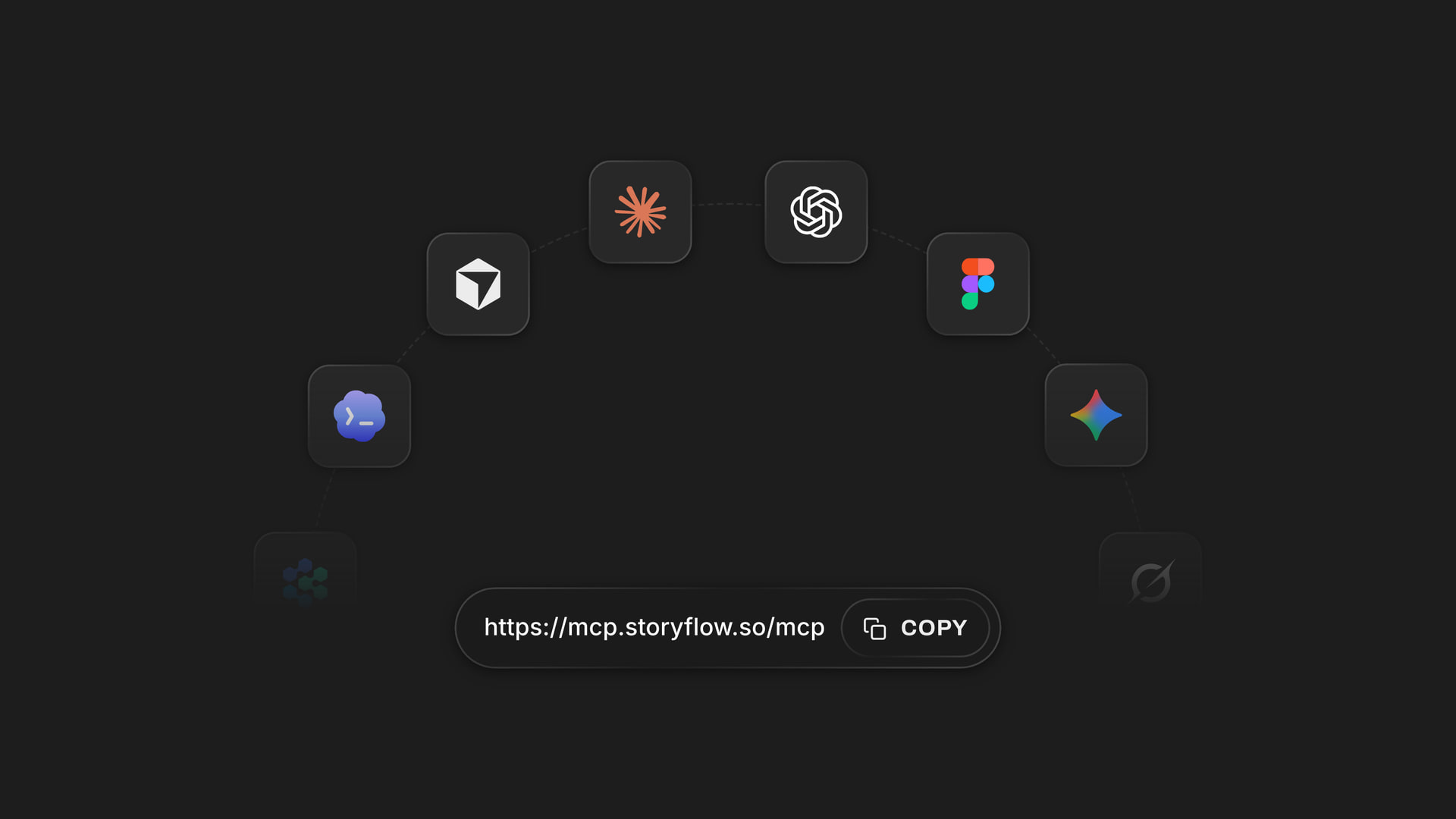
Any assistant
Producer in ChatGPT, first AD in Claude, one board
Storyflow's connector is one web address. The producer adds it to ChatGPT and the first assistant director adds it to Claude, and both read and build on the same shoot. Each person picks the projects their assistant may open.
See how to connect your assistant →ChatGPT lays out the day. Storyflow does not charge credits for it.
ChatGPT runs on its own model, so a call sheet built over the connector uses no Storyflow AI credits. A free account (today, one invited by a paid member) gets a weekly allowance of actions from its assistant, and the pricing page shows the current number. Plus, Pro and Max have no limit. Storyflow is paid-only during early access, with plans from $7.99 a month billed annually ($9.99 monthly). A free plan launches before the end of 2026, and anyone a paid member invites to a board joins free.
No Storyflow AI credits spent on a call sheet ChatGPT builds
No limit on connector actions on Plus, Pro and Max
Crew you invite to the board join free
Schedule, shot list and call sheet on the same board
You pick which shoots ChatGPT may see, and whether it may change them

Built for people with taste
Where a call sheet from a chat lets you down.
The layout is the easy part. The facts, the changes and the sending are where shoot days go wrong.

The facts
A sheet that looks finished and is wrong
The crew list is read, not retyped: Put the crew spreadsheet on the board and ChatGPT reads the names, roles and numbers from it. A number read from your own file is not a number typed from memory.
Gaps you can see: Tell ChatGPT to write "to confirm" wherever you gave it nothing. A hospital line with no address is then a plain gap on the board, not a made-up street.
The day comes from the schedule: If the shooting schedule is on the board, ChatGPT reads that day's scenes, pages and cast from its strips. The sheet and the schedule start from the same place.
One day, not the whole production: Ask for Day 2 and ChatGPT builds one column for Day 2. The reference pictures and the budget stay where they are, further along the board.

The changes
The call time moved at 9pm
Change one time by asking: Crew call is now 06:30. Tell ChatGPT and it updates the schedule table on the board. It sends the whole table back with the change, so glance over the other rows.
The link stays the same: The crew already has the view-only link to the board. They open it again and see the new time. There is no second file to chase.
Tomorrow's sheet beside today's: Ask for Day 2 and a new column lands next to Day 1. ChatGPT has no tool that deletes the old one, so yesterday's calls are still there when someone asks about overtime.
Ask what changed overnight: Ask ChatGPT what changed on the board in the last day. It reads the board's history and lists the edits and which person on the board made them.

The handover
Getting it to the crew is still your job
Share it from Storyflow: ChatGPT cannot create a share link. You share the board from Storyflow, and a view-only link opens in a browser with no account.
Export when someone wants a file: ChatGPT cannot make a PDF over the connector. Export from Storyflow yourself when the location owner or the client asks for a page to print.
Crew as names, team as people: A person column only takes people who are already on the board. Freelance crew go in as plain names with a phone and an email beside them.
Replies stay in your messages: Storyflow does not text or email the crew and does not collect replies. Send the link where your crew already talks, and gather the confirmations there.
Explore templates for your project
Every template opens as a real, editable board on the infinite canvas. Pick the closest fit and make it your own.
Pre-Production
Pull the brief, script, shot list, and moodboard into one pre-production hub so the whole shoot is planned in one place.
One app instead of five
ChatGPT with the shoot's board, ChatGPT alone, or StudioBinder.
Storyflow keeps the call sheet beside the plan it came from. It does not send it out or chase replies, and StudioBinder does.
Storyflow with ChatGPT
Recommended
Written by ChatGPT from the notes you give it
Filled from the schedule and crew list already in the tool
Shooting schedule and call sheet kept in one place
Call sheet beside the shot list and the storyboard
Reference pictures, plan and call sheet on one open canvas
Sends the call sheet to each person by email or text
Tracks who has viewed and confirmed
Crew contact book reused on every production
ChatGPT on its own
Written by ChatGPT from the notes you give it
Filled from the schedule and crew list already in the tool
Shooting schedule and call sheet kept in one place
Call sheet beside the shot list and the storyboard
Reference pictures, plan and call sheet on one open canvas
Sends the call sheet to each person by email or text
Tracks who has viewed and confirmed
Crew contact book reused on every production
StudioBinder
Written by ChatGPT from the notes you give it
Filled from the schedule and crew list already in the tool
Shooting schedule and call sheet kept in one place
Call sheet beside the shot list and the storyboard
Reference pictures, plan and call sheet on one open canvas
Sends the call sheet to each person by email or text
Tracks who has viewed and confirmed
Crew contact book reused on every production
What creators are saying
Join early creators getting structured workspaces and AI that remembers their projects
“Storyflow has sped up my workflow by at least 3x, which means more flow state and more projects I can actually ship. It truly changed the way me and my team create.”

Reilin Joey
Director & YouTuber
“One prompt gets me a structured board. But the tactics are my favorite. I run my YouTube scripts through them and my intros and retention got better. It's amazing.”

Justkay
YouTuber & Freelance Filmmaker
“I used to juggle five apps to plan a project. Now I describe what I am making and get boards, lists, and a schedule. All in one place.”

George
@fernwehchronicles
Call sheets with ChatGPT: questions
What producers ask before a sheet written by an assistant goes to a crew.
Yes. ChatGPT lays out a call sheet from the facts you give it: the calls, the schedule of the day, the cast, the crew and the locations. Connected to Storyflow, it builds the sheet on the shoot's board as tables and notes, reading the schedule and crew list already there. It cannot send the sheet or make a PDF over the connector, and it should never invent a phone number, so check every line.
Storyflow gives ChatGPT the shoot's board to build the call sheet on: the schedule of the day, the cast, the crew and the locations as tables, with notes for safety and the nearest hospital, beside the shooting schedule and the shot list. The crew reads it from one view-only link. StudioBinder still sends the call sheet to each person by email and text and tracks who confirmed.
The production and the day number, the date, crew call, first shot and wrap. The nearest hospital with its address. The day in order, with a time, a scene, a place and the cast for each block, and lunch and travel as their own rows. Each person's call time and phone number. Each location's address, parking and way in. In Storyflow, ChatGPT builds each of these as a table or a note.
It can, if you let it fill gaps, because a chat assistant tends to finish a page so it looks complete. Tell ChatGPT to write "to confirm" wherever you gave it no fact, and keep the crew list as a file on your Storyflow board so numbers are read, not typed from memory. Then read every line before it goes out. A wrong number looks the same as a right one.
No. Over the Storyflow connector ChatGPT cannot send an email or a text, and it cannot create a share link. You share the board from Storyflow yourself, and a view-only link opens in a browser with no account. Storyflow itself has no way to email a call sheet or gather confirmations. For a big crew that needs read receipts, send through a tool such as StudioBinder.
Not from ChatGPT over the connector: it cannot make PDF, Word or Excel files in Storyflow. The call sheet is tables and notes on your board, and you export or share it from Storyflow yourself. Inside the app, Storyflow's own built-in AI is the other route, with a call sheet workflow that lays the sheet out as pages.
On the web, open ChatGPT's Settings, go to Security and login and turn on Developer mode. Then visit chatgpt.com/plugins and click the plus button. Give the connector the name Storyflow, select Public endpoint, paste https://mcp.storyflow.so/mcp and create it. Sign in to Storyflow to finish. Storyflow lists ChatGPT Plus, Pro, Business, Enterprise and Edu for this, and on Business and Enterprise an admin turns Developer mode on.
Yes, when they are on your Storyflow board. ChatGPT reads Excel, CSV, PDF and Word files from the board, up to 25 MB each, and gets the first 40,000 characters of a file. It also reads the shooting schedule and the notes on the board itself. A file you attach in the ChatGPT chat is read in the chat, but it does not reach Storyflow.
Only the ones who are on the board. A person column in a Storyflow table takes people who already have access to that board, so freelance crew go in as plain text with a phone and an email column beside the name. A table holds up to 8 columns and 50 rows per request. A bigger unit gets one table per department.
Tell ChatGPT the new time and it updates the table on your Storyflow board. The crew reads the board from a link, so they see the new time when they open it again. Tell them it moved. ChatGPT has no tool that deletes a card, so an old day's sheet stays until you remove it by hand. What you delete stays in the board's trash for 7 days.
No. The work is done by ChatGPT's own model, so nothing it builds over the connector touches your Storyflow AI credits. A free Storyflow account (today, one invited by a paid member) gets a weekly allowance of actions from its assistant, and the pricing page shows the current number. Plus, Pro and Max have no limit.
Yes. Storyflow's connector is one address, https://mcp.storyflow.so/mcp. In Claude, add it under Customize, then Connectors; on the Free plan Claude allows one custom connector. Gemini's custom apps need a personal Google account with Keep Activity on, in the US, for people 18 or over, in English. On Grok Business and Enterprise a team admin adds it in the xAI console first. Each one reads the same board and builds the same tables.
Only the ones you pick. When you sign in, Storyflow asks which projects ChatGPT may use and whether it may make changes, so one client's crew list is not open to a chat about another client's shoot. Without changes ChatGPT can only read. Every connection ends after 30 days, and then ChatGPT asks you to sign in again.
More from Storyflow
Storyflow MCP server
Connect ChatGPT to Storyflow
AI call sheet generator
Call sheet template
Photoshoot call sheet
Production plan with ChatGPT
Shot list with Claude
Script breakdown with Claude
Storyboard with ChatGPT
Shooting schedule
Crew scheduling software
Pre-production to shoot day
Production paperwork
Commercial production
Corporate video production
Storyflow for producers
Film production report
Production coordinator workflow
Tomorrow's call sheet, on the board tonight.
The calls, the crew, the locations and the notes as tables, built in one conversation and read from one link.