
Hours back on every video you plan
A YouTube video script template
that gives viewers a reason to stay.
For YouTubers writing long-form videos: seven parts to fill in, from the hook to the end screen, with a time and a word count for each and your research on the same board.


Creatives working for these brands already got early access
- Red Bull
- Canon
- Artlist
- Porsche
See how easy it is to get started
Watch a real project come together, from a blank board to a finished plan, clicked through step by step.
Start from a ready-made template
Pick a board to see what you can build, then let AI fill it in. Every template is a real, editable starting point on the same infinite canvas.

Storyboard
Lay out your shots frame by frame with images and notes, then reorder them until the sequence reads like the finished cut.
What should a YouTube video script template include?
A YouTube video script template has seven parts: the title promise, the hook, the stakes, the open loop, the segments with a payoff each, the final payoff and the end screen. Storyflow is an AI visual workspace that lays the script out on one infinite canvas: the seven parts in columns, the research, the thumbnail ideas and the full script in a document. Its AI drafts each part from the notes already on the board and writes the hook as the words you will say.
Write the title promise first, before any script. It is one sentence that says what the viewer gets and why they should want it, and it has to match the title and thumbnail exactly. Then the hook, which is the first 15 seconds: show or say the most interesting thing in the video and prove the title was true. For a video called Which $50 microphone actually sounds good, the hook is one line: this $49 microphone beat one that costs $400 in a blind test, and you are about to hear it. The stakes come next, in about 30 seconds: why this matters, what it cost you, and what the viewer loses by clicking away.
The open loop is a question you raise early and answer late. Plant it in one or two sentences straight after the stakes: one of these five failed so badly I sent it back, and it is the one most people buy. The viewer now has a reason to reach the end that has nothing to do with patience. One loop is enough for a video under ten minutes. Two loops that never close teach viewers not to trust the next one.
Each segment in the middle is a small video of its own: a setup, the content, a payoff, and one line that points at what comes next. Three segments suit an eight minute video. The line between segments matters more than it looks, because the end of a segment is where a viewer decides whether they have had enough. Then the final payoff closes the open loop and delivers the title promise in full, and the end screen hands the viewer one next video in under 30 seconds.
Here is the template timed for eight minutes at 150 spoken words a minute, which is 1,200 words. Hook, 0:00 to 0:15, about 38 words. Stakes, 0:15 to 0:45, 75 words. Open loop, 0:45 to 1:00, 37 words. Three segments of 1 minute 45 seconds each, from 1:00 to 6:15, about 262 words apiece. Final payoff, 6:15 to 7:30, 187 words. End screen, 7:30 to 8:00, 75 words. If a part runs long, cut it there and not from the hook.
Fill the template in order, then read it out loud against a clock. Spoken scripts run longer than they look on the page, and the hook is usually the part that needs cutting. Write the target time on each part before you record, so comparing the plan with the take is a one minute job. Keep the template for the next video. After five or six scripts you will see which part you always overwrite, and that is the one to fix across the whole channel.
Ultra fast from brief to board
Four moves from a title to a script you can record.
The structure stays the same for every video, so the time goes on what you say and not on working out the order again.
01
Start from the Video Script template
Open the Video Script template, or ask Storyflow's AI to write the script for your video. It lays the video out in three acts with production and the post strategy at the end. The hook, stakes and open loop go in act one, the segments in act two and the final payoff in act three.
02
Put the research and the title beside it
Drop your notes, links, screenshots and title and thumbnail ideas on the same board. Ask the AI to research the topic on the web and it adds what it finds, so every claim in the script has a source one glance away.
03
Fill the seven parts
Write the title promise, hook, stakes and open loop, then each segment with its payoff. Ask the AI to draft any part from the board and it writes the hook and the call to action as lines to say, and the full script in a document.
04
Check the length, then hand it on
The script document shows its word count and the minutes it takes to say at 150 words a minute. Trim to your target, ask for a shot list built from the script, and send your editor a view-only link.
The structure, the research, the draft and the shots.
Storyflow holds the script and everything around it. A teleprompter still feeds you the lines and an editor still cuts the video.
The structure
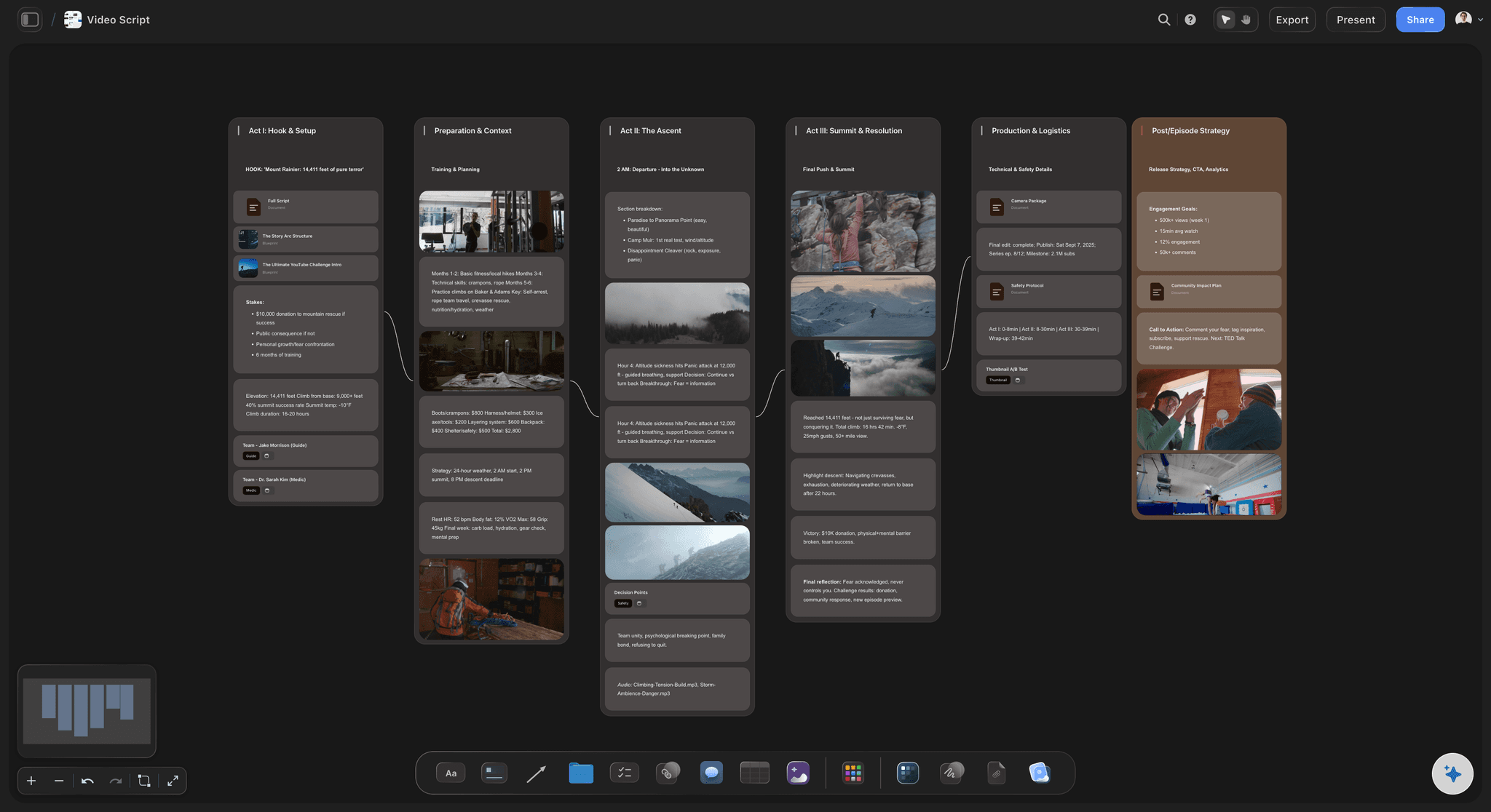
Every part of the video in view at once
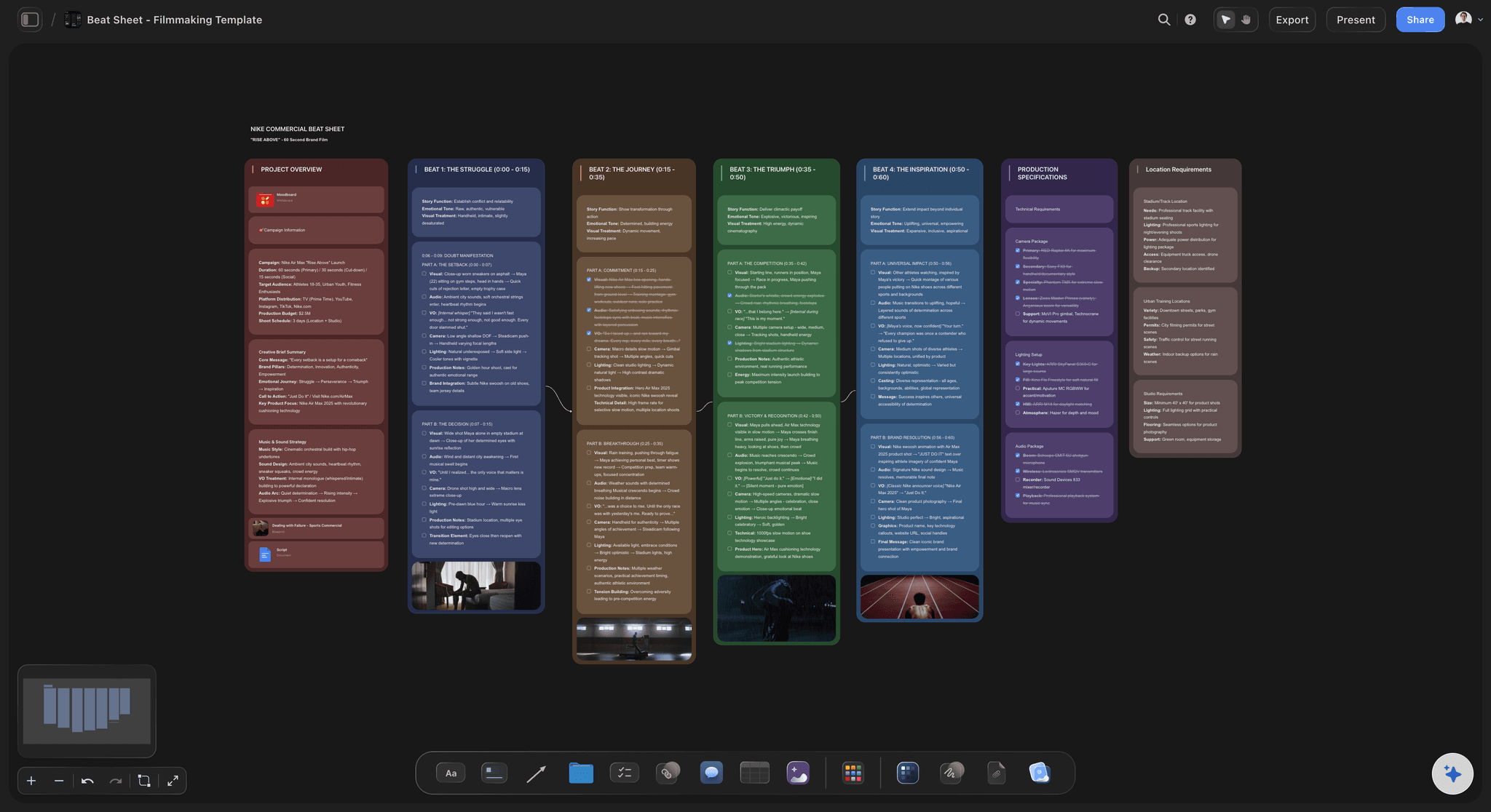
The hook, the middle and the payoff sit in columns side by side, so you see where the video is thin before you write a word of it. Move a segment by dragging its cards, and the order of the video changes with it.
See the video script planner →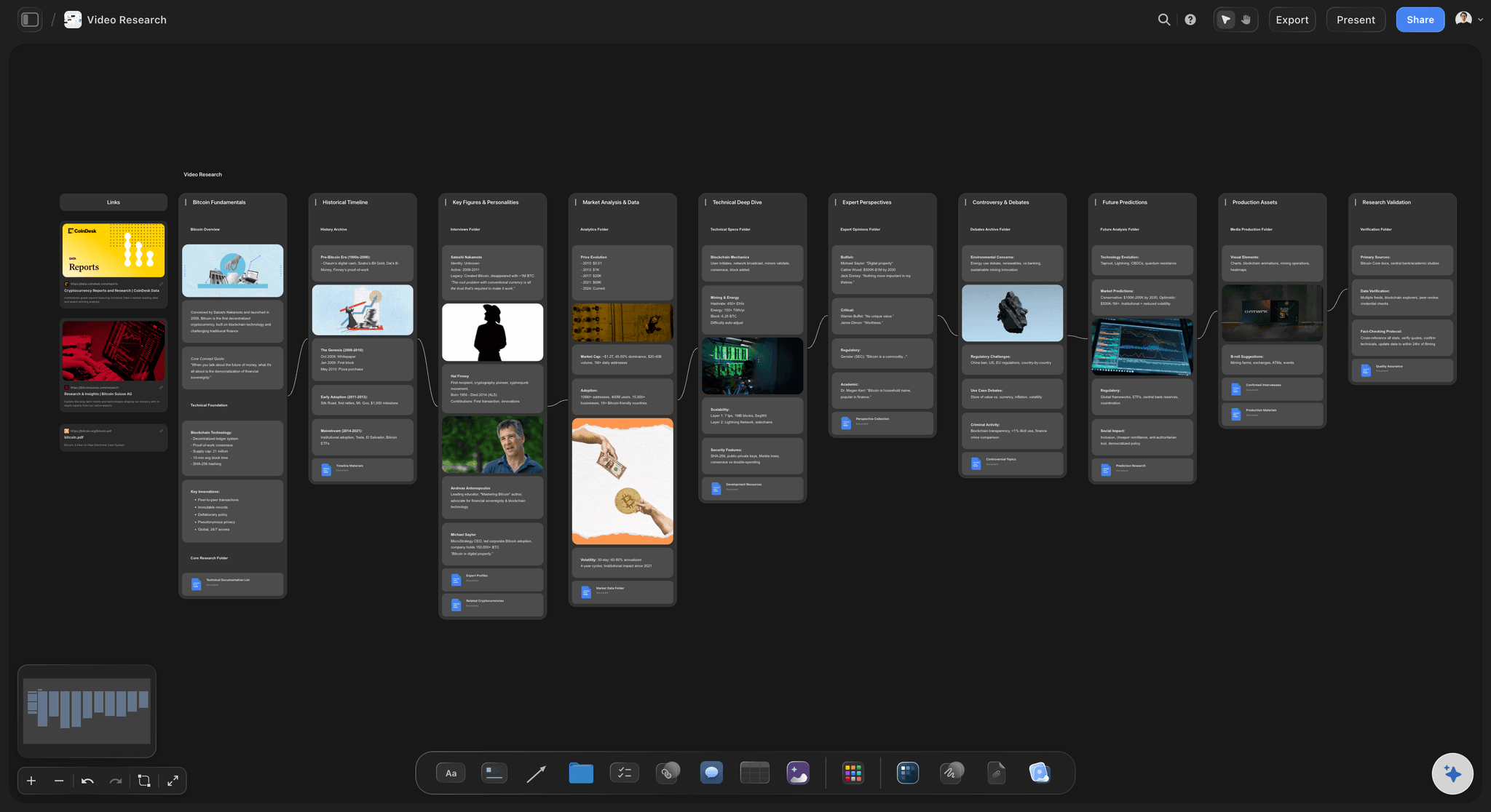
The research
Sources beside the line that uses them
Links, screenshots, figures and source documents sit in columns next to the script. When a viewer asks where a number came from, the answer is on the board and not in a browser tab you closed last week.
See the YouTube video planner →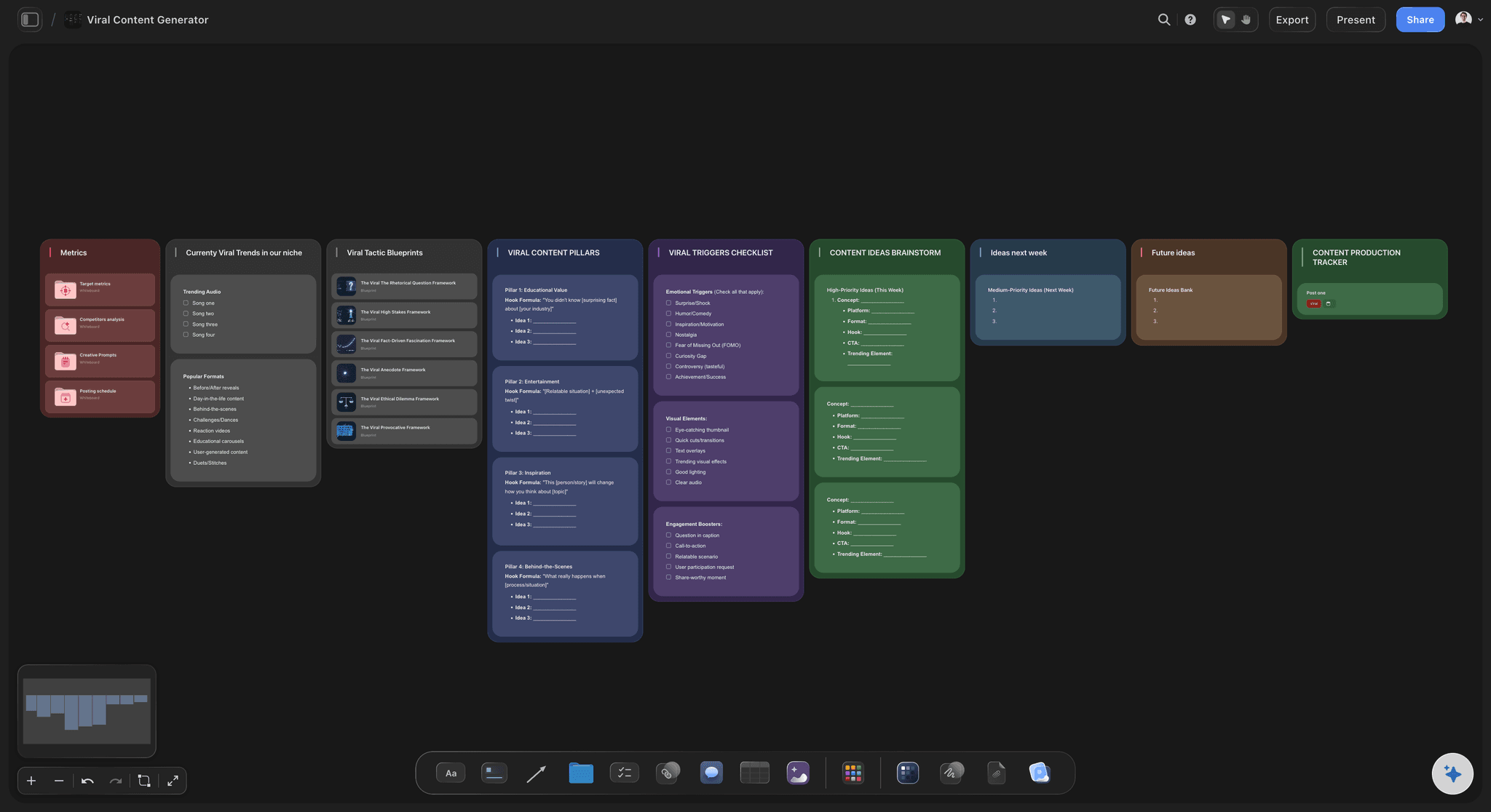
The draft
An AI that writes from your notes
Storyflow's AI reads the board you are on and drafts the hook, the stakes or a whole segment from the research on it. Where it lacks a name or a number it leaves a marked gap for you to fill and does not invent one.
See the AI video script generator →
The shots
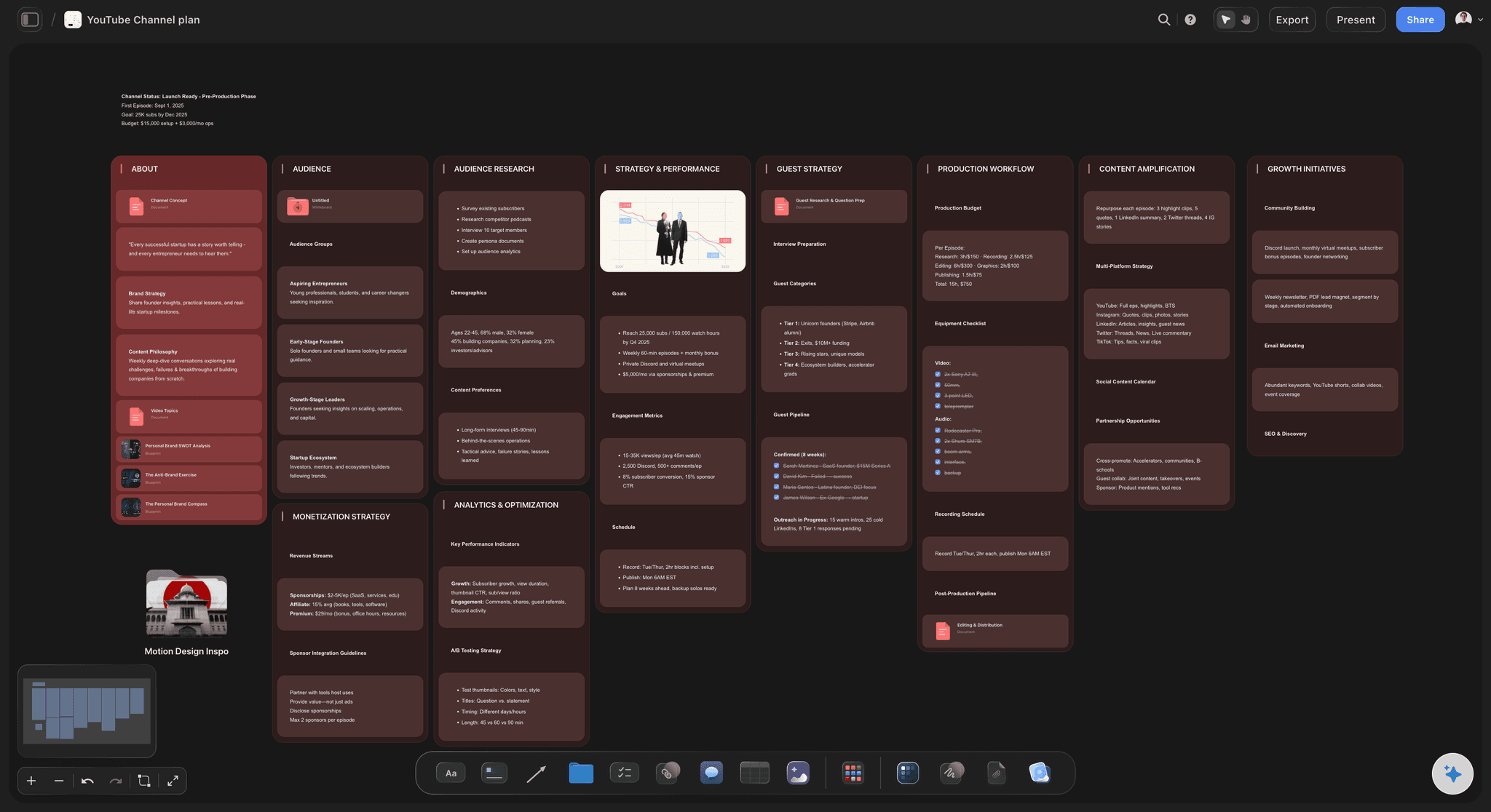
A shot list that grows out of the script
Ask for the shot list and each shot becomes a card with a frame, a checklist of coverage, a direction note and the gear. The B-roll for segment two is planned while segment two is still open in front of you.
See the B-roll planner →One template, every video on the channel.
Duplicate the project for each new video and the structure is already there. Storyflow is paid-only during early access, with plans from $7.99 a month billed annually ($9.99 monthly). A free plan launches before the end of 2026, and anyone a paid member invites to a board joins free.
Unlimited boards, image uploads and files on every paid plan
70 board templates, with Video Script among them
200+ Tactics for hooks, intros and story structure
Word count and spoken minutes on every script document
View-only links your editor opens with no account
Built for people with taste
Where viewers leave, and what the template does about it.
A retention graph drops in three places on most videos: the first 30 seconds, the joins between segments and the last minute.
The first 30 seconds
The intro that explains instead of showing
The hook proves the title: Open on the result, the surprise or the strongest image. A viewer who clicked a title wants to know in the first 15 seconds that the video will keep its word.
Stakes in three sentences: Why it matters, what it cost, and what the viewer misses by leaving. Skip your channel name and the request to subscribe. Both can wait until you have earned them.
One open loop, written down: The question you will answer near the end goes in the script as its own line, with a note beside it saying where it gets closed.
Hook lines from a Tactic: Storyflow ships Tactics for intros and hooks. Attach one in the chat and the AI builds your opening around its structure.

The middle
Segments that end without a reason to continue
A payoff per segment: Each segment answers one small question in full. A middle that only builds towards the end feels like waiting, and viewers do not wait.
A line that points forward: The last sentence of each segment names what comes next and why it is better. Write it as part of the template, not as an afterthought in the edit.
Segments you can reorder: Each segment is a group of cards on the Storyflow board. Drag the strongest one earlier and read the joins again before you record anything.
B-roll planned beside the words: Note what the viewer sees under each paragraph. A talking head for 100 seconds is where a retention graph sags, and the fix is cheaper on the page than in the edit.
The ending
The goodbye that tells viewers to go
Close the loop, then stop: Answer the question you opened at 0:45 and deliver the title promise in full. Do not summarise the video. A recap is a signal that nothing new is coming.
One next video, not three: The end screen names a single video and gives one reason to watch it. Write that line in the script so it is said on camera and not added as text.
Length checked before recording: The Storyflow document shows the word count and the spoken minutes at 150 words a minute. A script that reads as 9 minutes for an 8 minute slot gets cut on the page.
The next script starts from this one: Duplicate the project, clear the words and keep the parts. Ask the AI what last month's scripts had in common and it reads the boards you attach.
Explore templates for your project
Every template opens as a real, editable board on the infinite canvas. Pick the closest fit and make it your own.
Storyboard
Lay out your shots frame by frame with images and notes, then reorder them until the sequence reads like the finished cut.
One app instead of five
Where Storyflow fits in writing a YouTube script.
It holds the structure, the research and the script together. It has no suggestion mode and no version history on the script.
Storyflow
Recommended
The whole structure visible on one screen
Research and references beside the script
AI drafts each part from your notes
Word count and spoken minutes on the script
Shot list built from the script as cards
Editor reads it from a link
Suggestion mode for a co-writer's edits
Version history on the script
A document
The whole structure visible on one screen
Research and references beside the script
AI drafts each part from your notes
Word count and spoken minutes on the script
Shot list built from the script as cards
Editor reads it from a link
Suggestion mode for a co-writer's edits
Version history on the script
An AI chat
The whole structure visible on one screen
Research and references beside the script
AI drafts each part from your notes
Word count and spoken minutes on the script
Shot list built from the script as cards
Editor reads it from a link
Suggestion mode for a co-writer's edits
Version history on the script
What creators are saying
Join early creators getting structured workspaces and AI that remembers their projects
“Storyflow has sped up my workflow by at least 3x, which means more flow state and more projects I can actually ship. It truly changed the way me and my team create.”

Reilin Joey
Director & YouTuber
“One prompt gets me a structured board. But the tactics are my favorite. I run my YouTube scripts through them and my intros and retention got better. It's amazing.”

Justkay
YouTuber & Freelance Filmmaker
“I used to juggle five apps to plan a project. Now I describe what I am making and get boards, lists, and a schedule. All in one place.”

George
@fernwehchronicles
YouTube script template questions
What YouTubers ask when a video they worked hard on loses half its viewers in the first minute.
In Storyflow, fill in seven parts on one board: the title promise, the hook, the stakes, the open loop, the segments with a payoff each, the final payoff and the end screen. Give each part a time and a word target. Keep the research and the thumbnail ideas beside the script, so the words, the sources and the packaging are decided together.
Storyflow is the tool built for exactly this job: the parts of the video in columns, your research beside them, an AI that drafts each part from the board, and a script document that shows its word count and spoken minutes. An editor opens it from a link. Reading the lines to camera still takes a teleprompter app, and the cut still happens in Premiere Pro, DaVinci Resolve or CapCut.
About 15 seconds, or close to 38 words at a normal speaking pace. In that time show or say the most interesting thing in the video and prove the title was true. Follow it with 30 seconds of stakes. In Storyflow the hook is written out as the exact words you will say, so you can time it before recording.
An open loop is a question you raise near the start and answer near the end, so the viewer has a reason to keep watching. Plant it in one or two sentences after the stakes and close it in the final payoff. On a Storyflow board, write the loop as its own card with a note saying where it closes, so it is never left open.
About 1,200 words at 150 spoken words a minute. Split as 38 for the hook, 75 for the stakes, 37 for the open loop, about 262 for each of three segments, 187 for the final payoff and 75 for the end screen. A Storyflow script document shows the word count and the spoken minutes as you write.
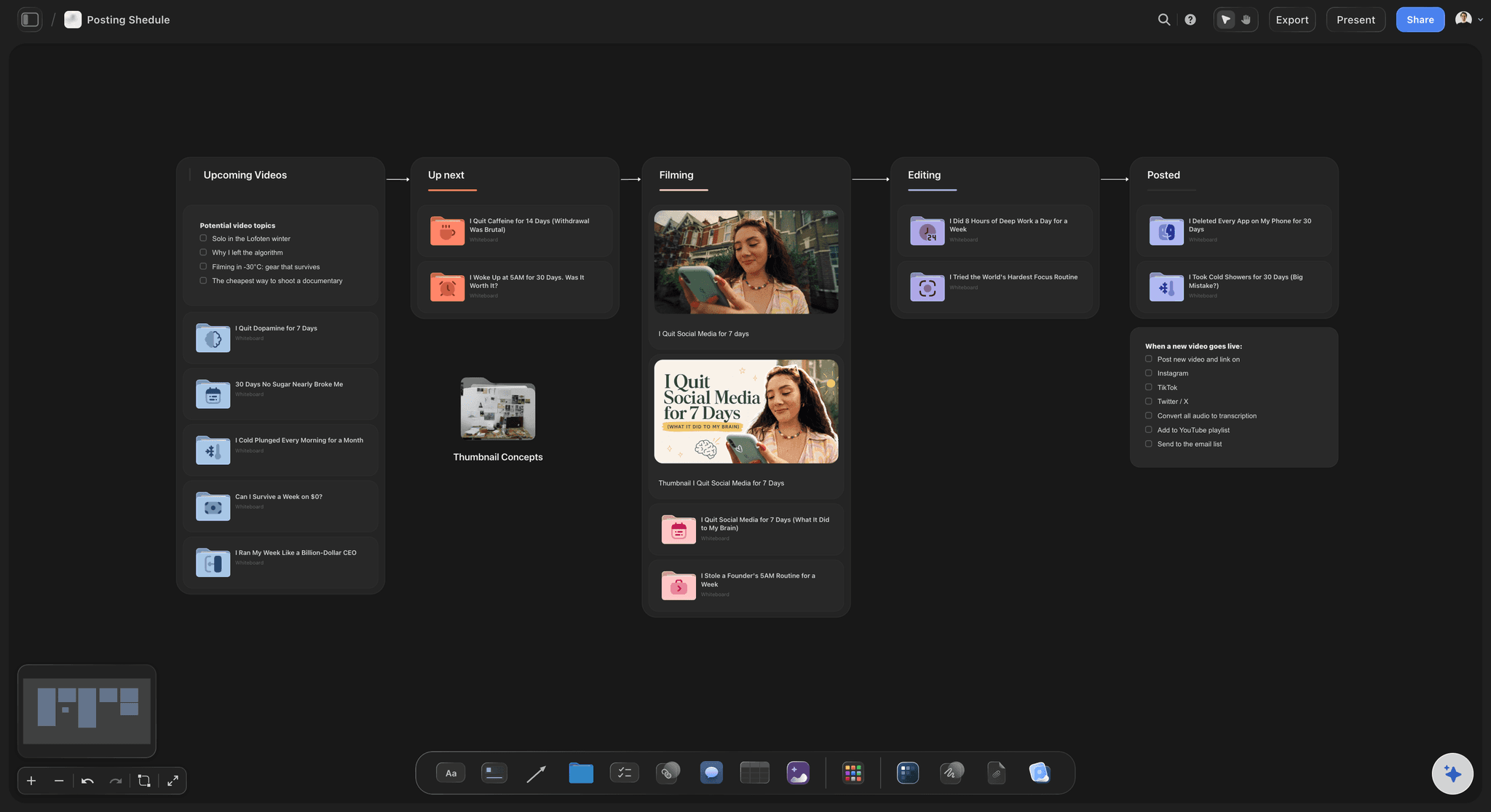
Give every segment its own payoff and end each one with a line that points at the next. Viewers leave at the joins, so the join is what you script. On a Storyflow board each segment is a group of cards you can drag into a stronger order, and the B-roll for each paragraph is noted beside it.
Script the hook, the stakes, the open loop, the lines between segments and the end screen word for word, because those are where viewers decide to stay. The body of each segment can be bullet points if you speak well from notes. In Storyflow, keep the word for word parts in the script document and the bullets on cards.
It can draft it. Storyflow's AI reads the board you are on, including your research notes and title ideas, and writes any part or the full script in a document. Give it a YouTube link and it reads the page's title and description, not what is said in the video, so paste a transcript if you want it to work from one.
One next video and one reason to watch it, said on camera in under 30 seconds. Do not recap the video, and do not offer three choices. On your Storyflow board the end screen is the seventh part, with the line written out and the next video's title beside it, so it is planned and not improvised.
Not as it is. A video under a minute has room for a hook, one payoff and a last line that loops back to the start. The seven parts are for long-form videos of roughly five to twenty minutes. Storyflow has a separate Shorts planner page for the short format, and both can sit in the same project.
No. Storyflow has no teleprompter, does not record or edit video, and does not upload, schedule or read your YouTube analytics. It does not offer suggestion mode or version history on a script either. It holds the structure, the research, the script and the shot list. Use a teleprompter app to record and YouTube Studio to publish.
Yes. Send a view-only link and your editor reads the Storyflow board in a browser with no account: the script, the B-roll notes and the shot list. To leave comments they sign in. Anyone a paid member invites to a board joins free, so an editor you invite to work on the board does not need a plan.
No. Storyflow runs in the browser and there are no native mobile or desktop apps. Open the script board in any browser, write in the document, and share it by link. A script can also be exported from the document as a PDF if you want it on paper for the shoot.
More from Storyflow
Video script planner
AI video script generator
YouTube video planner
YouTube content pipeline
Planning tool for YouTubers
YouTube series planner
Shorts planner
B-roll planner
AI video idea generator
AI thumbnail concept generator
Two column script template
Video ad script template
Video editing brief
Livestream run of show
YouTube video plan with Claude
Fill in seven parts, then press record.
The hook, the stakes, the loop, the segments and the end screen, with your research beside them and the length checked before the camera is on.