
Pitch-ready plans, extremely reliable
A two column script template
that turns into the storyboard beside it.
Video on the left, audio on the right, a row for every shot with its time, supers and notes. The video column becomes storyboard frames and a shot list on the same board.


Creatives working for these brands already got early access
- Red Bull
- Canon
- Artlist
- Porsche
See how easy it is to get started
Watch a real project come together, from a blank board to a finished plan, clicked through step by step.
Start from a ready-made template
Pick a board to see what you can build, then let AI fill it in. Every template is a real, editable starting point on the same infinite canvas.

Storyboard
Lay out your shots frame by frame with images and notes, then reorder them until the sequence reads like the finished cut.
What is a two column script template?
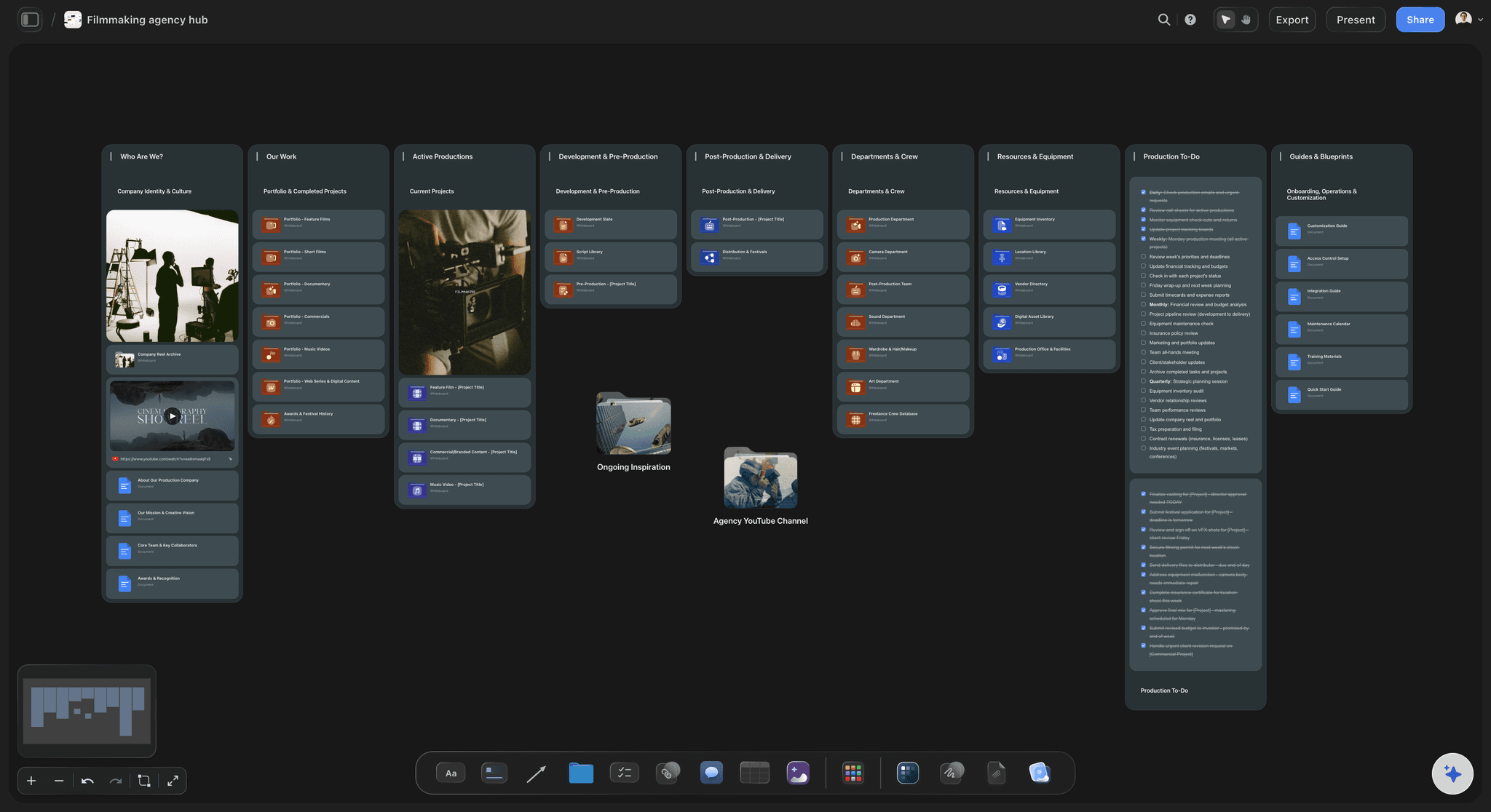
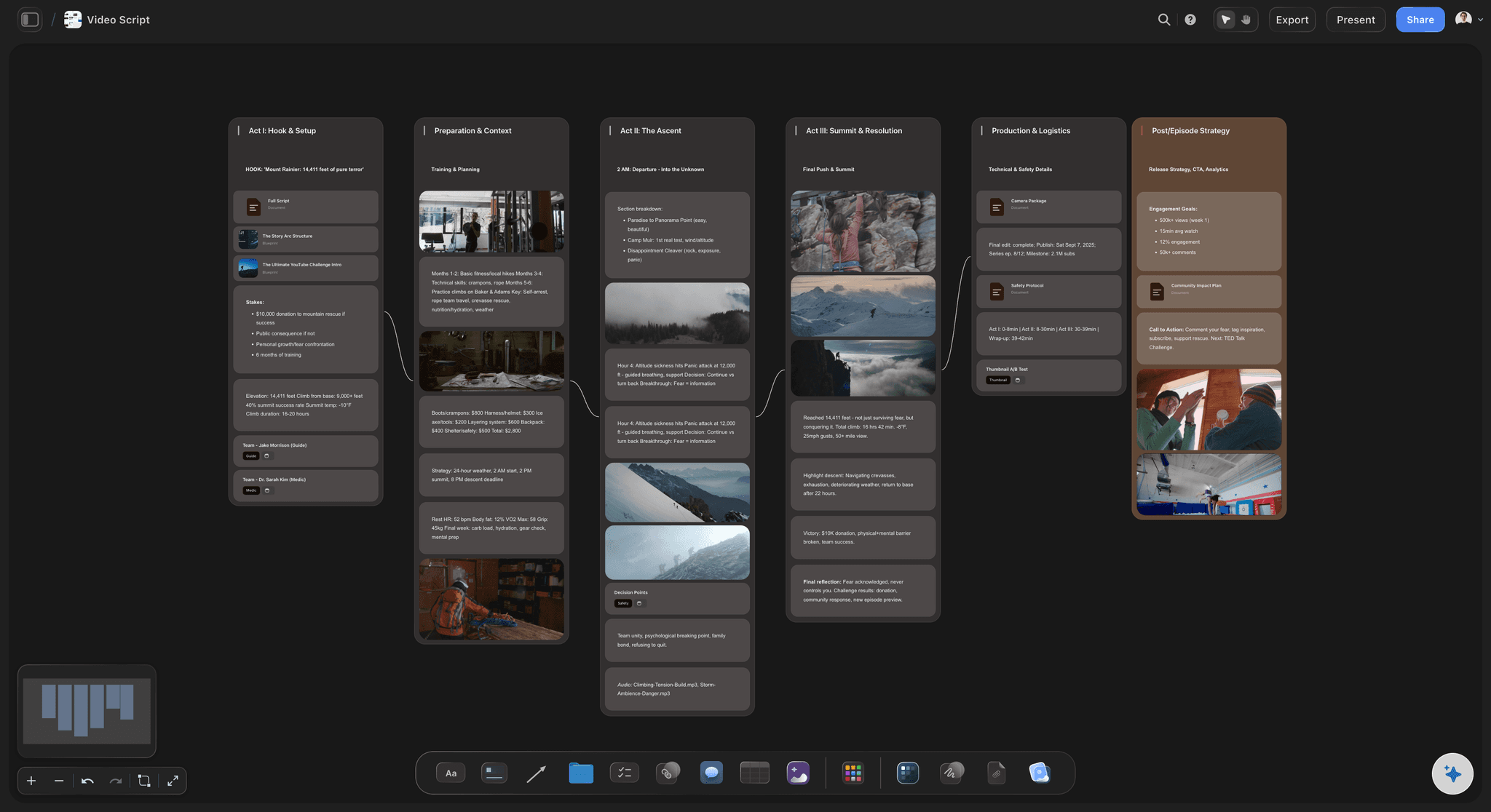
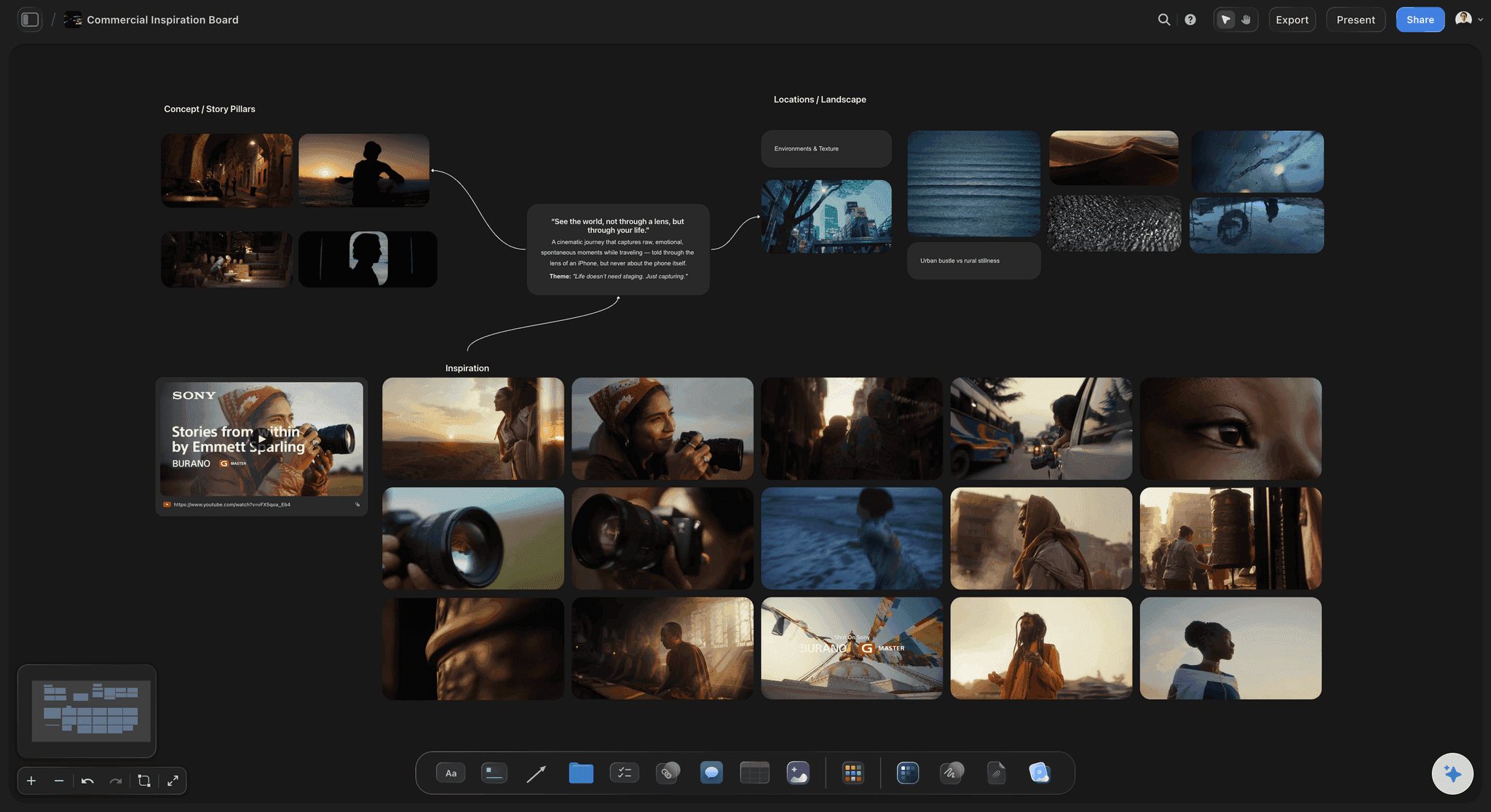
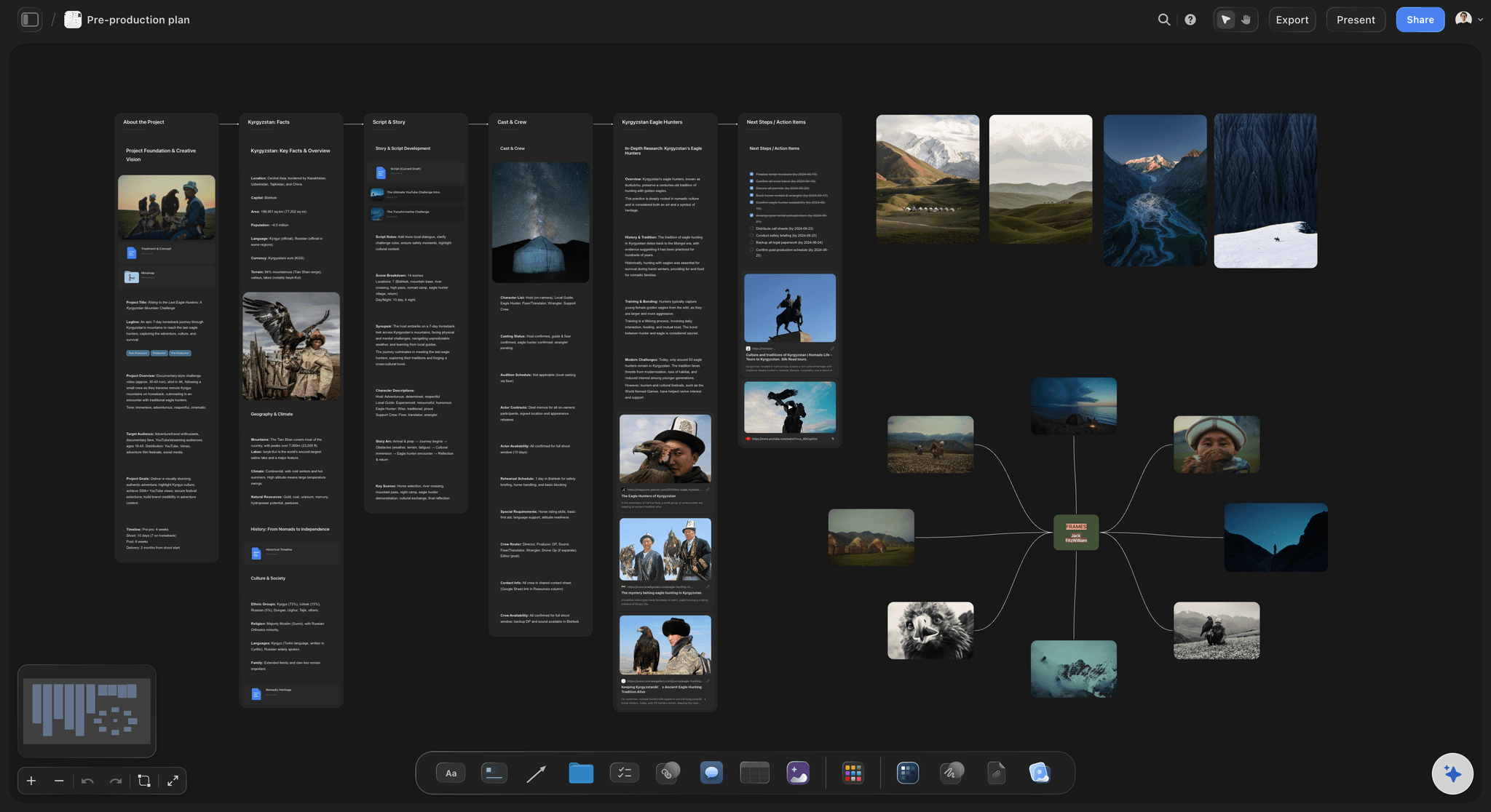
A two column script, or AV script, puts what the viewer sees on the left and what they hear on the right, one row per shot, so picture and sound are written together. Storyflow is an AI visual workspace that keeps the two column script beside its storyboard on one infinite canvas: the script in a table with a row for every shot, the video column laid out frame by frame by its AI, and a shot list on the same board.
Pick the column that leads. In an explainer, a testimonial or a training video the words carry the film, so write the audio column first and find pictures for it. In a visual spot, write the video column first and let the voiceover answer the pictures. A script written in both columns at once usually says everything twice.
Time every row. The rule of thumb for voiceover is two to three words a second, so a 30-second spot holds 60 to 90 spoken words, and about 75 reads without rushing. Fewer fit once the product shot and the pauses take their silent seconds. Put a duration on every row and time a read-through with a stopwatch until the rows add up to the spot.
Give on-screen text its own column. Supers, lower thirds and legal lines are read, not heard, and inside the audio column they get recorded by mistake or dropped. Keep each super short enough to read twice while it is up, do not repeat the voiceover word for word, and put claims and disclaimers where legal can check them in one pass.
Ultra fast from brief to board
From the brief to a script the crew can shoot.
Four steps, with the storyboard built from the script instead of redrawn beside it.
01
Start from the brief and the length
Paste the brief and state the length, the aspect ratio and the one thing the viewer should do. The AI's video script workflow drafts the script on the board without inventing a name, a date or a number the brief did not give it.
02
Lay it out in rows
Ask the AI to turn the draft into a table: a row per shot and the six columns from the template below. Each Time cell holds a duration, and each row reads left to right as one moment.
03
Read it aloud against the clock
Read every row out loud with a stopwatch and write the seconds in. Storyflow does not count words or run a clock, so cut words until the rows fit the spot with room left for the silent beats.
04
Frame the video column
The AI's storyboard workflow turns the video column into one frame per row with the voiceover line under each, and on Pro and Max it can generate the frames. The shot list workflow then turns the frames into camera setups.
Rows become frames, and frames become setups.
One table drives the storyboard and the shot list. Timed animatics and read-time counters are jobs for specialist AV software.
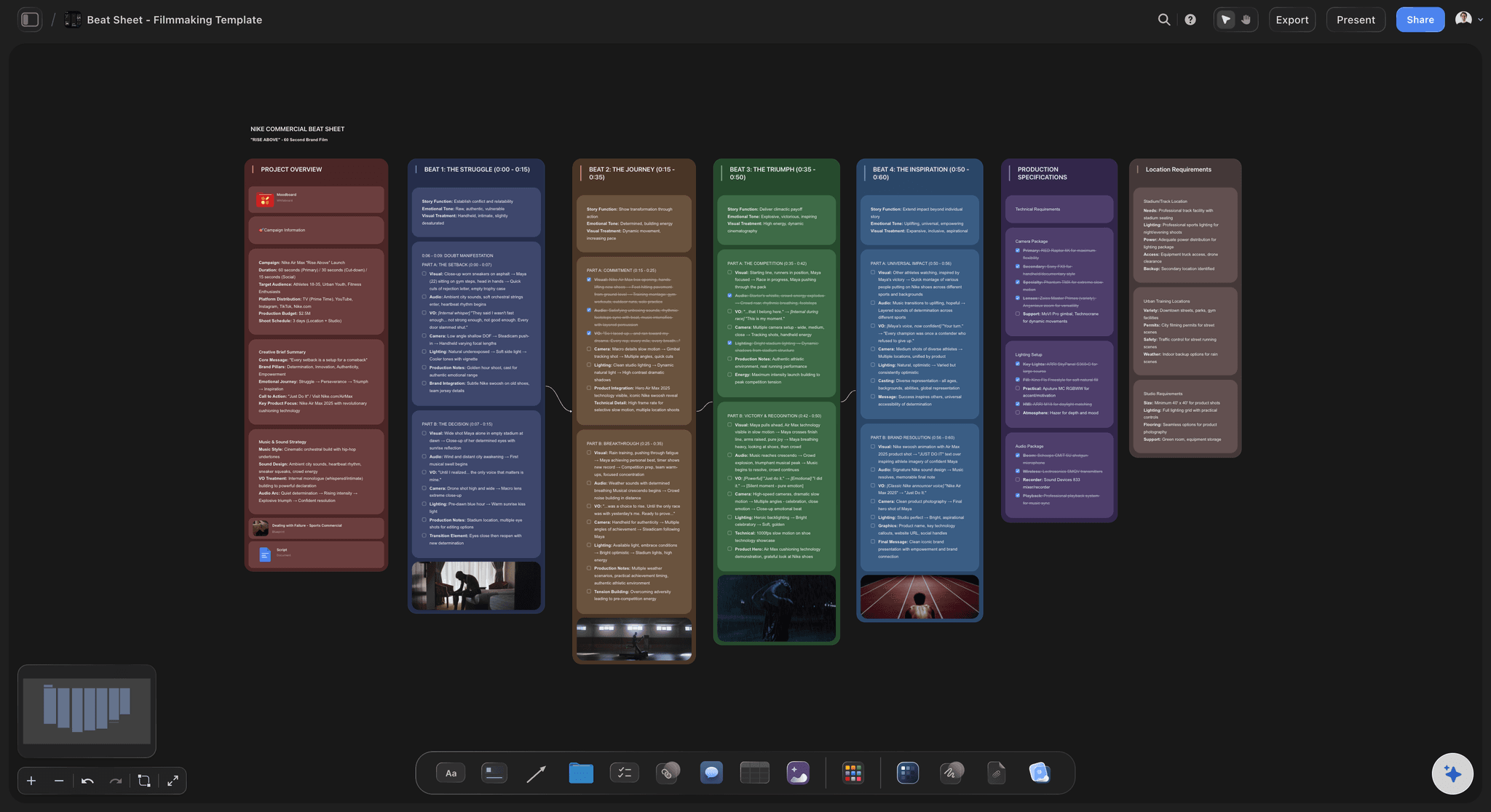
Picture and sound, row by row
A table with a column for every job
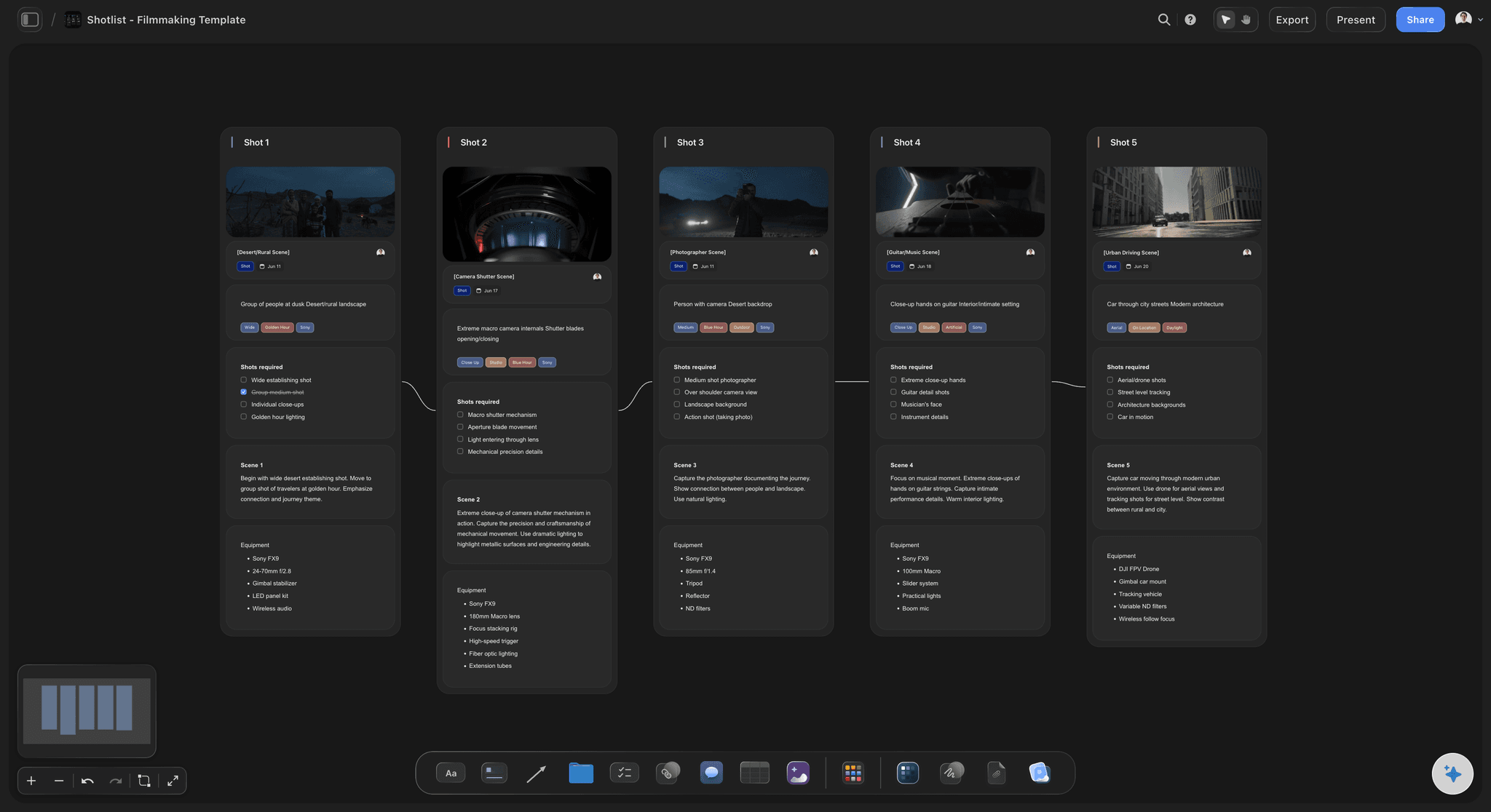
Picture on the left, sound on the right, and around them the scene number, the time, the on-screen text and the notes, with a duration cell for the time and a label cell to mark each row draft, cleared or locked. Rows stay in the order the viewer meets them, and a new row goes in where the cut needs one.
See the video script planner →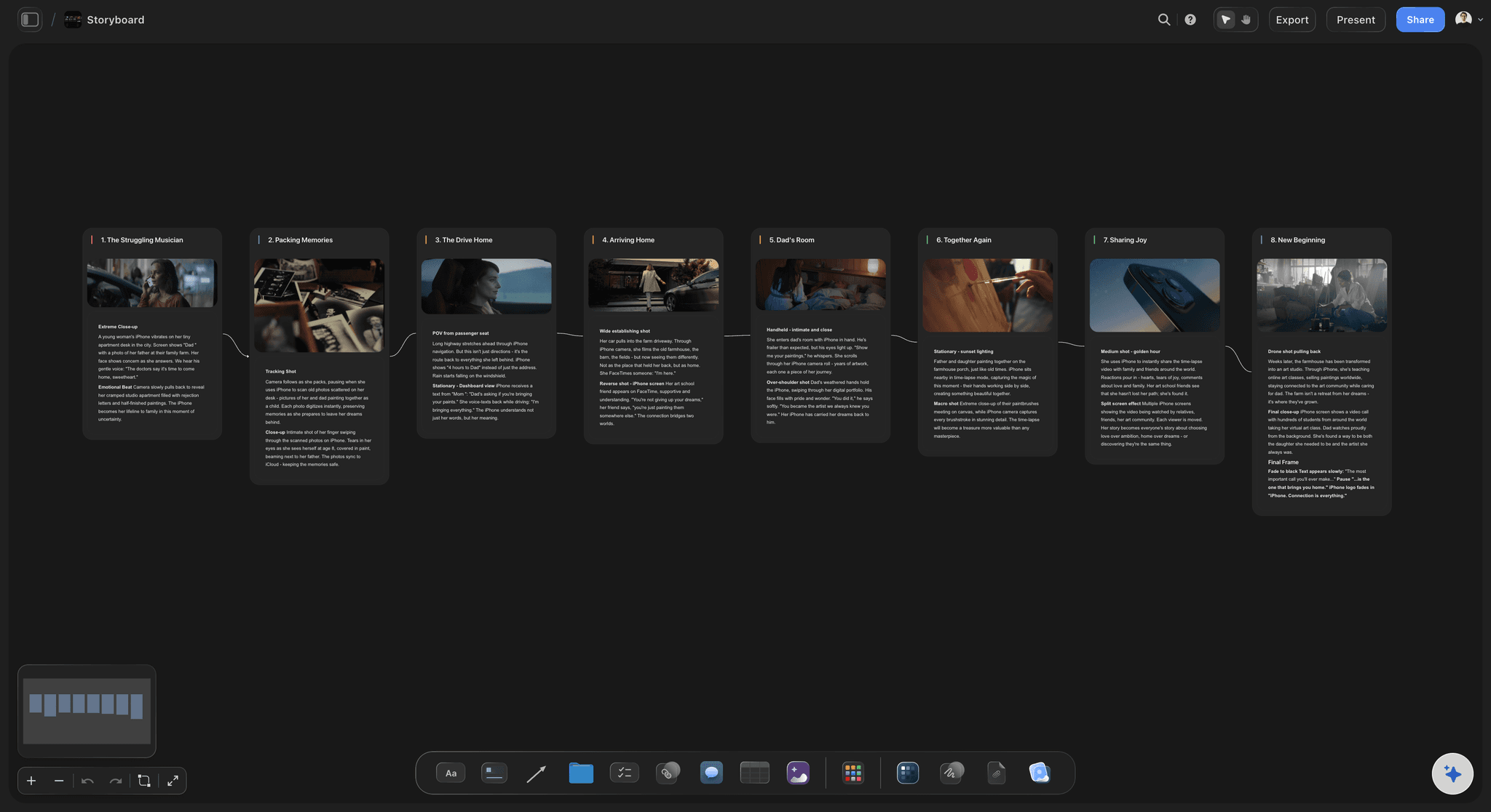
The video column, drawn
A frame for every row
The storyboard workflow draws the video column as frames with the audio line under each, so the client reads picture and sound together. On Pro and Max the AI generates the frames; on any plan you can drop in your own sketches or stills.
See the commercial storyboard template →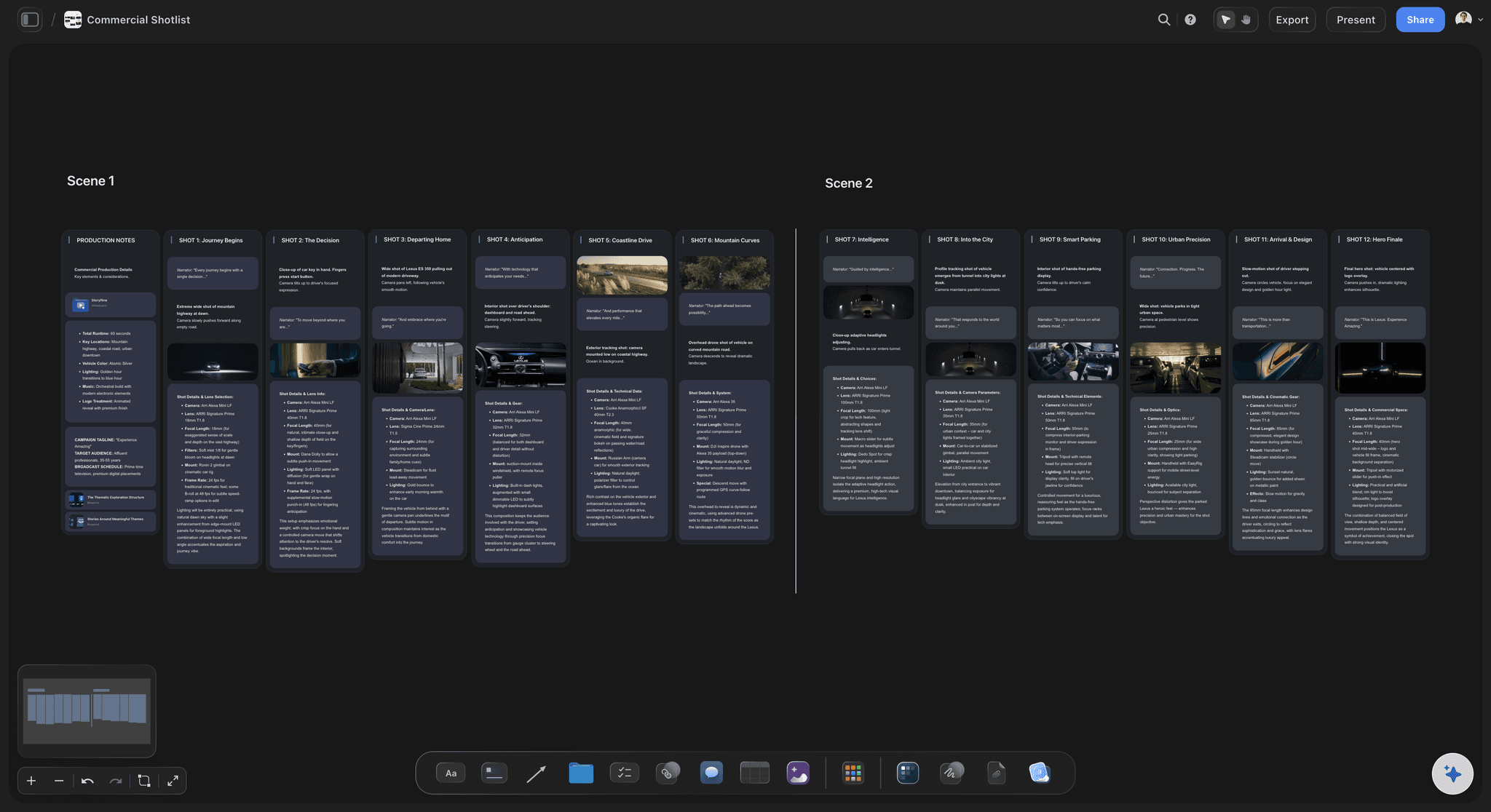
From frames to setups
A shot list built from the locked script
Once the script is locked, the shot list workflow breaks each frame into setups with size, angle, movement and lens, and you mark the must-gets. The call sheet PDF for the shoot day is drafted from the same board.
See the shot list template →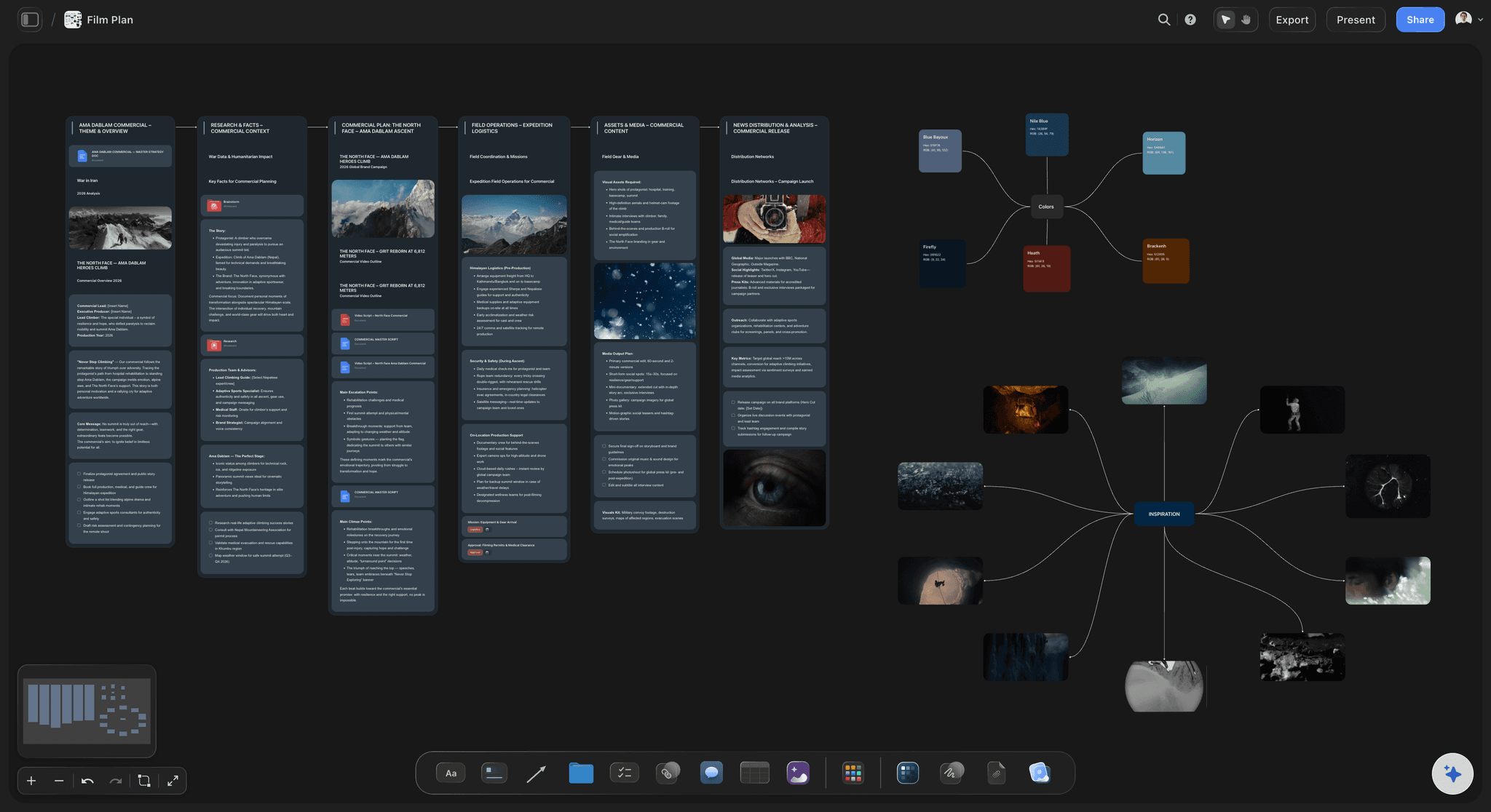
For the client and the agency
Sent as a board, a Word file or a PDF
The client opens the script and its frames from a view-only link with no account, and signs in to comment on the row they mean. For a legal redline, the AI writes the script as a Word file with the table intact, or exports the table as an Excel file.
See script to storyboard →The last spot's columns, ready for the next script.
Duplicate the board of a spot that worked, keep the columns and the timing notes, and write the next script into the same structure. Storyflow is paid-only during early access, with plans from $7.99 a month billed annually ($9.99 monthly). A free plan launches before the end of 2026, and anyone a paid member invites to a board joins free.
Unlimited script boards, frames and files on every paid plan
AI that drafts the script, lays it out in rows and frames the video column
Tables with duration and label cells for every row
Docs that export to Word and PDF, and presentation mode for the script read
Built for people with taste
The columns, a 30-second example and the timing rule.
Copy the column set into any table, then use the worked example as the shape for your own spot. It is written for a meal kit, but the rows work for any product.
The column set
Six columns and what goes in each
Scene and Time: A number for each row (1, 2, 3, or 1A for an insert) and its duration in seconds. The durations are how you learn the script runs 38 seconds before the client does.
Video: What the viewer sees, in the present tense: shot size, subject and action, as in "close-up, hands tear open the box". One shot per row; a row holding two shots hides a cut.
Audio and voiceover: Every sound in the moment: the voiceover line in quotes, dialogue with the speaker's name, MUSIC and SFX cues. Write "no VO" where the silence is deliberate, so nobody fills it.
On-screen text and notes: Supers, lower thirds, captions and legal lines in one column, and a notes column for props, locations and the reference frame for that shot. What a viewer reads goes in the first; what the crew needs goes in the second.
Worked example, rows 1 to 3
A 30-second meal-kit spot: the setup
Row 1, 0:00 to 0:03: Video: close-up, the fridge door opens on two eggs and half a lemon. Audio: fridge hum; VO: "Six forty, and this is dinner?" On screen: nothing yet.
Row 2, 0:03 to 0:08: Video: wide, the front door opens on a box on the step. Audio: doorbell; VO: "Unless dinner already arrived." On screen: the brand name, small, bottom left.
Row 3, 0:08 to 0:15: Video: overhead, hands unpack three recipe bags, every ingredient portioned. Audio: music in; VO: "Every ingredient, measured, with a card that says what to do." On screen: "Pre-portioned. Nothing wasted."
Worked example, rows 4 to 6
The payoff, the pause and the offer
Row 4, 0:15 to 0:22: Video: medium, a pan sizzles and a child steals a slice of pepper. Audio: sizzle; VO: "Twenty minutes, one pan, no plan needed." On screen: "20-minute recipes".
Row 5, 0:22 to 0:26: Video: wide, the family at the table, laughing. Audio: music lifts, no VO. On screen: nothing. Four seconds without words is where the spot lands, and the row most often filled at the last minute.
Row 6, 0:26 to 0:30: Video: end card with the box and the logo. Audio: VO "Your first box is half price." On screen: the offer, the web address and "New customers only. Terms apply." That is 34 spoken words in 30 seconds, with room for the sizzle.
Timing and handoff
Make it fit, then pass it on
A common pace: two to three words a second: A slow, premium read runs nearer two words a second and a brisk retail read nearer three. Time the script at the pace of the voice you are casting, not the speed you read in your head.
Lock the script before the frames: Every change after the storyboard means a redrawn frame and often a new shot. Date the locked script, and duplicate the board for the next version instead of editing over the one the client agreed.
Silent seconds are written too: Product holds and reactions get their own rows marked "no VO", as row 5 does, so the edit keeps the air the script promised.
Word or Excel for whoever asks: Many clients and legal teams mark up scripts in Word. The AI can write the two column script as a Word document with the table intact, or export the table as an Excel file.
Explore templates for your project
Every template opens as a real, editable board on the infinite canvas. Pick the closest fit and make it your own.
Storyboard
Lay out your shots frame by frame with images and notes, then reorder them until the sequence reads like the finished cut.
One app instead of five
Boords times the rows; Storyflow carries them to the shoot.
Boords is the specialist here: its AV editor times each row, turns the script into frames and plays a timed animatic with sound. StudioBinder takes a duration per row, typed or timed with its stopwatch, totals the runtime and carries the project through to call sheets. Google Docs is the plain table many scripts start in. Storyflow keeps the script, frames, shot list and call sheet on one board.
Storyflow
Recommended
AI drafts the script from your brief
Storyboard built from the script in one step
Shot list generated from the storyboard
Call sheet PDF drafted from the board
Each row timed from its word count
Timed animatic with a soundtrack
Boords
AI drafts the script from your brief
Storyboard built from the script in one step
Shot list generated from the storyboard
Call sheet PDF drafted from the board
Each row timed from its word count
Timed animatic with a soundtrack
StudioBinder
AI drafts the script from your brief
Storyboard built from the script in one step
Shot list generated from the storyboard
Call sheet PDF drafted from the board
Each row timed from its word count
Timed animatic with a soundtrack
Google Docs
AI drafts the script from your brief
Storyboard built from the script in one step
Shot list generated from the storyboard
Call sheet PDF drafted from the board
Each row timed from its word count
Timed animatic with a soundtrack
What creators are saying
Join early creators getting structured workspaces and AI that remembers their projects
“Storyflow has sped up my workflow by at least 3x, which means more flow state and more projects I can actually ship. It truly changed the way me and my team create.”

Reilin Joey
Director & YouTuber
“One prompt gets me a structured board. But the tactics are my favorite. I run my YouTube scripts through them and my intros and retention got better. It's amazing.”

Justkay
YouTuber & Freelance Filmmaker
“I used to juggle five apps to plan a project. Now I describe what I am making and get boards, lists, and a schedule. All in one place.”

George
@fernwehchronicles
Questions about the AV script format.
Columns, formatting, voiceover length, silent spots, screenplays and turning the rows into frames.
Storyflow turns the video column into the storyboard. Write video and audio side by side in a table, with a time, supers and notes on every row; the AI lays each row out as a frame and builds the shot list beside it, and the client opens it all by link with no account or reads it as a PDF. Boords is the specialist for word-count timing and animatics; Final Draft or Celtx handle a feature or TV screenplay.
Two are essential: video on the left and audio on the right, though some tools flip the two. Most producers add a scene number, a time for each row, a column for on-screen text and one for notes, which makes six. Keep one shot per row, write the video column in the present tense, and put every spoken line in quotes so the voice artist can find it.
A row for each shot or moment, read left to right. Scene number and time first, then the picture, then what the viewer hears: voiceover and dialogue with the speaker named, with music and effects marked MUSIC and SFX. On-screen text gets its own column. Head the page with the client, the spot, the length, the version and the date.
At 120 to 180 spoken words a minute, the usual rule of thumb, a 30-second spot holds 60 to 90 words and about 75 reads without rushing, and a 15-second spot 30 to 45. Leave seconds for the product shot and the logo at the end, and read the script aloud with a stopwatch before anyone books a recording.
A screenplay runs down the page in one column, with scene headings, action and dialogue, at roughly a page a minute. An AV script splits picture and sound into two columns, row by row, which suits ads, explainers, corporate and training video where voiceover drives the cut. Drama built on dialogue stays in screenplay format.
When the words and the pictures are written separately: a voiceover over footage, an interview covered with B-roll, an animated explainer, a training video with on-screen text, or a commercial the client signs off line by line. For drama carried by dialogue, write a screenplay; for a vlog, a list of beats is usually enough.
Give each row of the video column its own frame, in order, with the audio line underneath. In Storyflow the AI's storyboard workflow does this from the table on the board, one frame per row, and on Pro and Max it can generate the frame images. Otherwise drop in your own sketches or reference stills.
Yes, and most corporate scripts suit it. Put the interview lines and voiceover in the audio column in the order you want them, and the B-roll, graphics and titles that cover them in the video column. Mark which lines are scripted and which come from interviews not yet filmed, so the shoot knows what it must capture.
Yes, as a draft to rewrite. Paste the brief into Storyflow and the AI's video script workflow drafts the script without inventing a name, date or number the brief does not give; then ask it to lay the draft out in two columns. Anything it changes comes back with one Undo. Read it aloud before trusting the timing.
Time the pictures instead. Give each row the seconds its action needs, a beat for each reaction and about three seconds for an end card, then check the total against the music at the length you need. Note where the music changes, row by row, because a silent spot is cut to the track.
No. Storyflow keeps the two column script in a table, but it does not paginate screenplays, count words or time the read. For a feature film or a TV episode, write in Final Draft or Celtx. For rows timed from their word count as you type, and a timed animatic with sound, use Boords; StudioBinder totals the durations you set per row. The frames, shot list and call sheet can still live on the Storyflow board.
Not during early access. Storyflow is paid-only during early access, with plans from $7.99 a month billed annually ($9.99 monthly). A free plan launches before the end of 2026, and anyone a paid member invites to a board joins free. Your client reads the script and its frames at no cost.
More from Storyflow
AI video script generator
Video script planner
Commercial storyboard template
Script to storyboard
Explainer video storyboard
Corporate video production
Shot list template
Call sheet template
Video ad script template
Video production brief template
Video editing brief template
How to write a video script
How to storyboard a commercial
Pricing
YouTube video script template
Write it in two columns, then watch it become frames.
Open a board, drop in the brief, and get the script, the storyboard and the shot list in one place. No download.