
Ultra-fast campaigns, pitched beautifully
Social media content approval
for a month of posts, before you schedule.
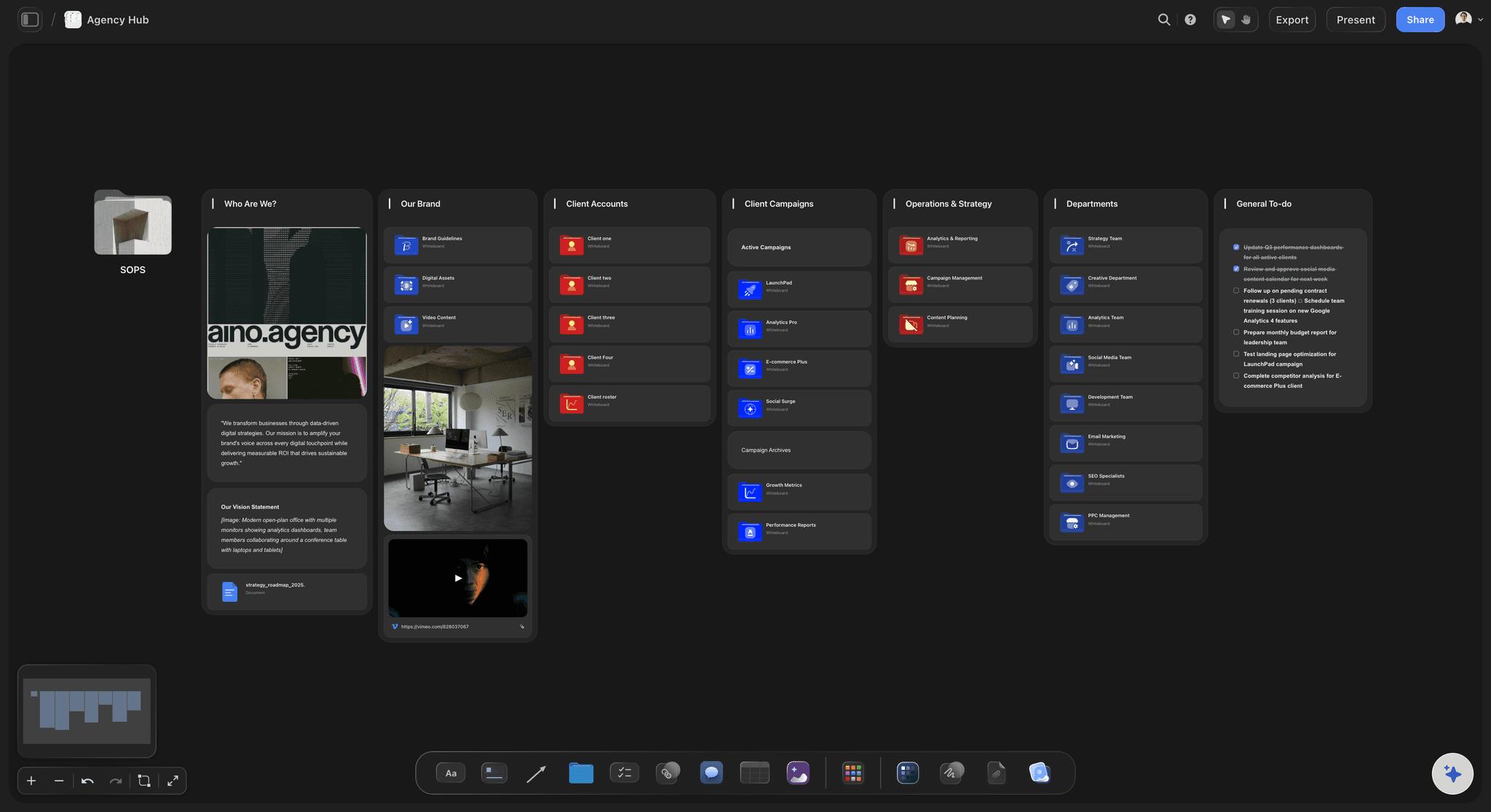
Storyflow puts the month's posts on one board, each with its caption, brief and visual, and gives the client a view-only link that opens with no account. The client signs in to comment, and your team records every decision in the table.


Creatives working for these brands already got early access
- Red Bull
- Canon
- Artlist
- Porsche
See how easy it is to get started
Watch a real project come together, from a blank board to a finished plan, clicked through step by step.
Start from a ready-made template
Pick a board to see what you can build, then let AI fill it in. Every template is a real, editable starting point on the same infinite canvas.

Marketing Campaign
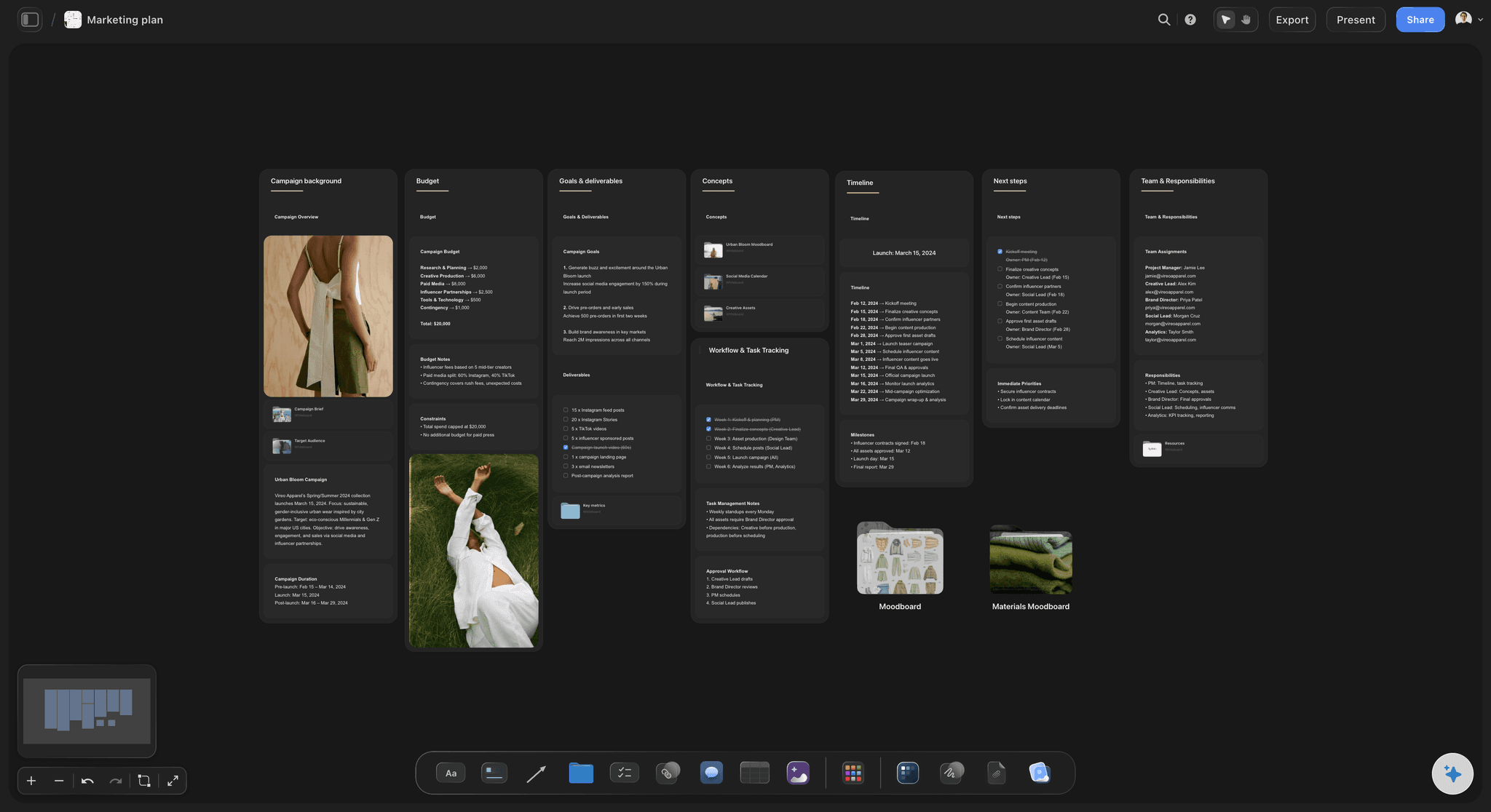
Plan a campaign across channels, messages, and deliverables on one board the whole team can see.
How do you get a month of social media content approved?
Storyflow gets a month of social posts approved by putting the whole month on one board the client opens by link: a table with one row per post per channel, each row's brief and caption behind it, the visuals beside it, and a Stage column your team moves to Approved. Storyflow is an AI visual workspace that runs social media content approval on one infinite canvas: the calendar table, the drafts, the client's comment threads and the recorded decisions.
Run approval in two gates, not thirty single sign-offs. Gate one is the plan: dates, channels, pillars, hooks and formats, approved on the Storyflow board ten working days before the month starts, before anyone shoots, so the first drafts can be made and approved before day one. Gate two is the finished drafts, sent in two batches of about half the month each, so the client reviews a dozen posts in one sitting instead of one post a day. A post whose idea passed gate one is then judged on its execution alone.
Set the rules before the first link goes out. One named approver on the client side, who collects colleagues' notes into one round. A response window, two working days is a common default, written on the board. Two rounds per batch included, with a third priced or moved to next month. And a written answer to the question every agency eventually faces: if the deadline passes in silence, does the post publish, or does it slip a slot?
Record the decision where the post lives. In Storyflow the client drops comments next to the posts and your team replies in the thread. Resolving a thread deletes it, so before resolving, copy the outcome into the row: move the Stage label to Approved and write who approved it and when in a Decision column, for example 'Approved by Dana, 24 Nov'. The table, not the comment history, is the approval record.
An example. Fieldhouse, a fictional four-person agency, runs social for a skincare client: 24 posts in December across Instagram and TikTok. The client's marketing lead approves the plan on the Storyflow board on 17 November. Drafts go out in two batches of 12, on 25 November and 9 December, each with a two-working-day window. Round one brings nine comments; seven are settled in round two, and two posts swap slots with January. Only rows marked Approved are copied into the scheduler.
The tools around social media content approval, by job
Storyflow is our product and listed first for the approval job it does. Every other row is a job Storyflow does not do, written against the month approved on the Storyflow board.
| The job | The tool | Why it goes here |
|---|---|---|
| Get the month's posts approved before scheduling | Storyflow | One board with the calendar table, each post's brief and visual, a view-only link for the client and a Stage column the team moves to Approved. |
| Schedule the posts approved on the Storyflow board | Buffer or Later | Queues each approved post to its channel. Storyflow does not post. |
| Design the graphics the client approved as briefs in Storyflow | Canva or Adobe Express | Builds the finished statics and carousels from the approved brief. |
| Edit the reels whose scripts the client approved in Storyflow | CapCut or Premiere Pro | Cuts and captions the vertical video for the second gate. |
| Proof a finished video cut frame by frame after the Storyflow sign-off | Frame.io | Time-stamped comments on the cut itself, which Storyflow does not do. |
| Deliver the approved files listed on the Storyflow board | Google Drive or Dropbox | Hands the client masters and source files; each Storyflow row links to its file. |
| Sign the retainer that sets the rounds written on the Storyflow board | DocuSign or PandaDoc | E-signature for the scope, rounds and response window. Storyflow has no contracts. |
Ultra fast from brief to board
From a planned month to approved posts in Storyflow.
Four steps for a social lead or an agency account manager.
01
Storyflow lays out the month for review
Put the month in a Storyflow table, one row per post per channel, with Date, Channel, Format, a Stage label column and a Decision column. Each row's brief and caption sit in its document, and the visuals sit beside the table on the same board.
02
Storyflow shares one link with the client
Share the board from Storyflow by view-only link with commenting turned on, and send it with a deadline. The client opens it with no account and signs in only to comment. Ask for one consolidated round from one named approver within two working days.
03
Storyflow keeps the feedback beside each post
The client drops comments next to the posts on the Storyflow board and your team replies in the thread. Before resolving any thread, copy its outcome into the row, because Storyflow deletes a resolved thread.
04
Storyflow records the sign-off in the table
Your team moves each agreed row's Stage label in Storyflow to Approved and writes the approver and date in its Decision cell. Only Approved rows go into the scheduler, and anything edited after approval goes back to In review.
What approval looks like on one board.
The month, the drafts, the comments and the decisions in the same place the client looks.
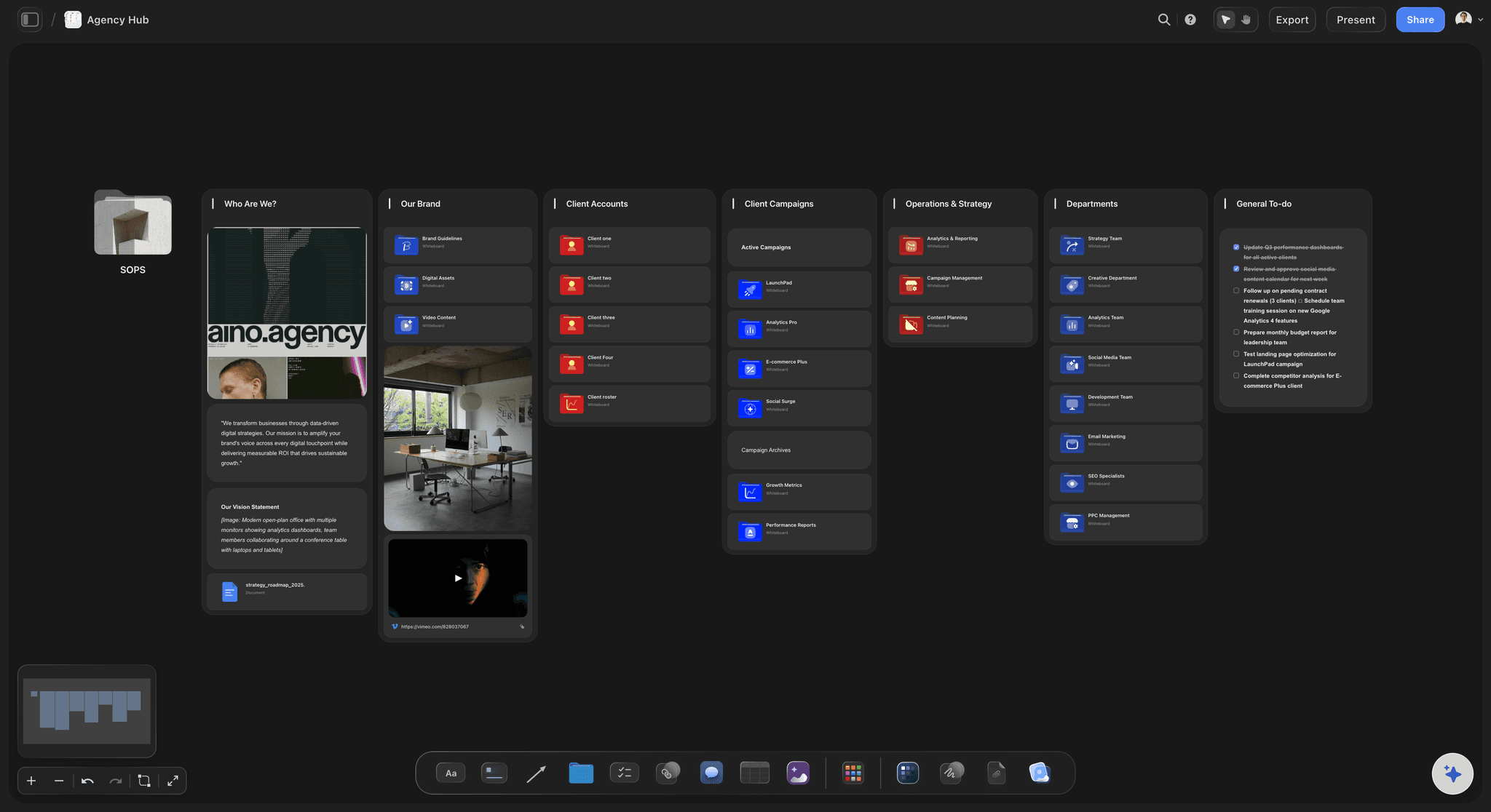
One link, no account to view
The client opens the month in a browser
A view-only link opens the board with no account. With commenting turned on, a signed-out client sees a Comment button that asks them to sign in.
Try the client review board →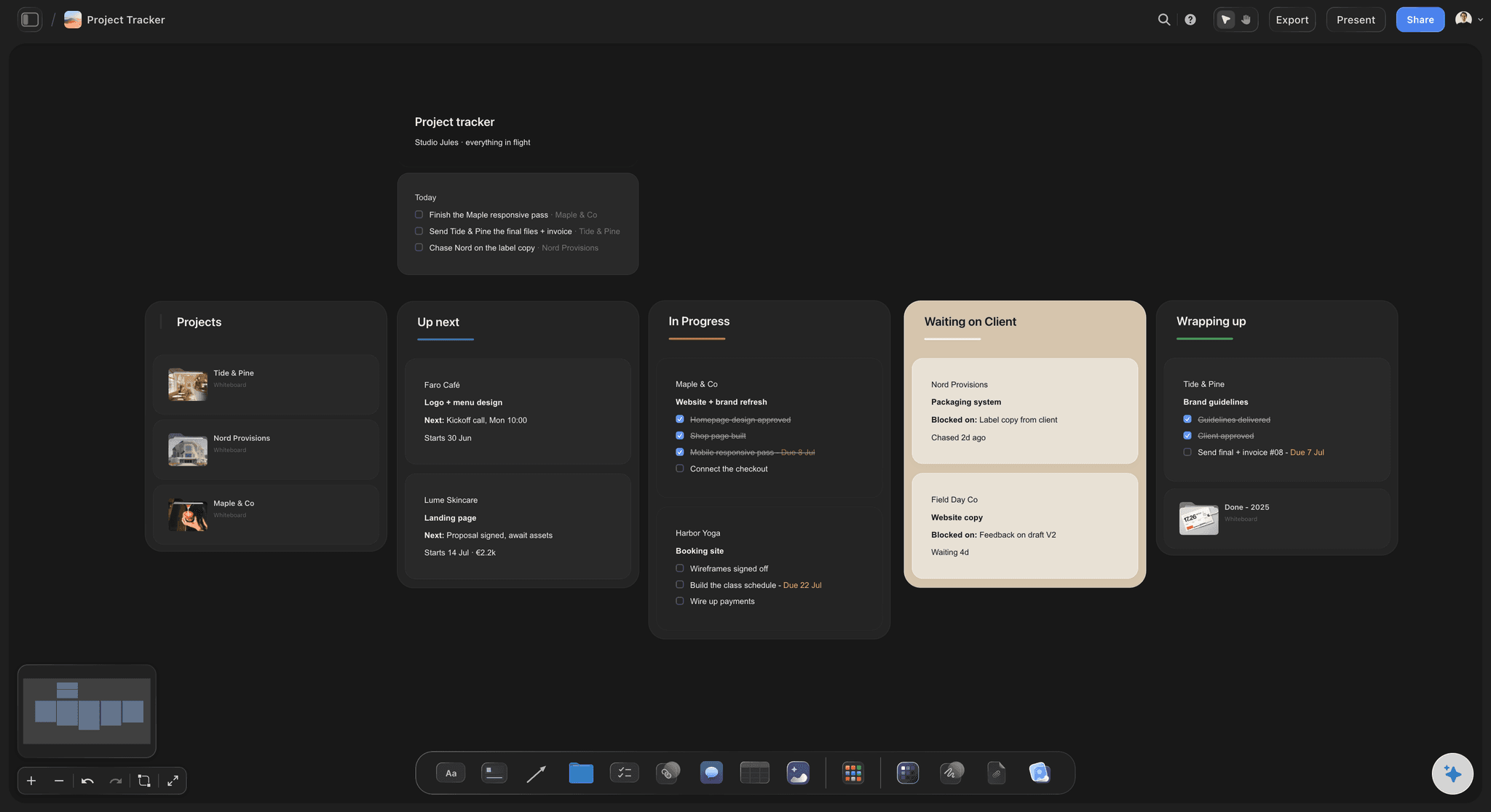
A record that survives
Decisions in a column, not a thread
Comment threads have replies, but resolving one deletes it. The Stage and Decision columns keep who approved which post and when, after the conversation is gone.
See the creative approval workflow →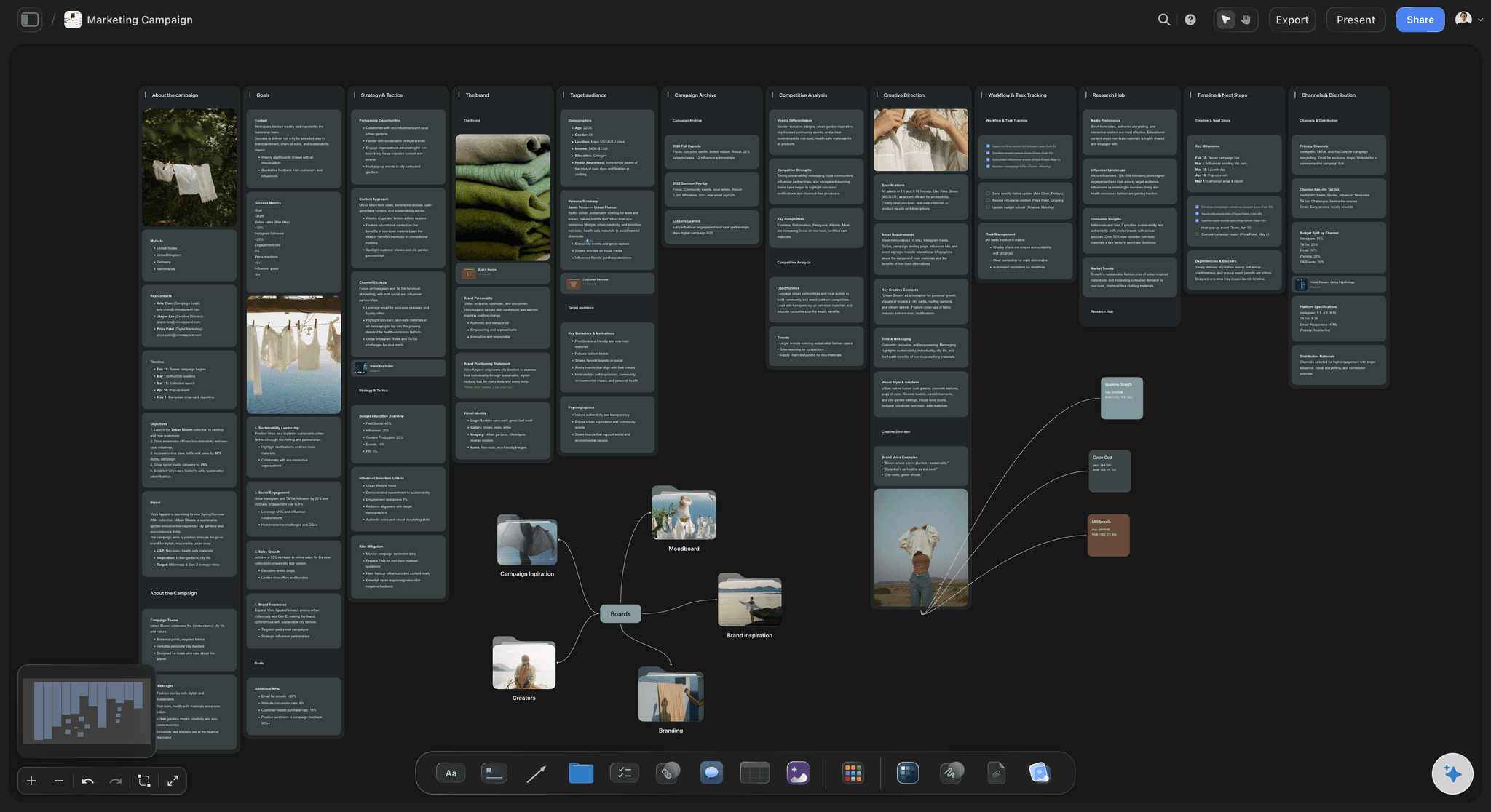
The plan and the pictures together
Approve the idea before it is made
The first gate reviews dates, hooks and formats beside the moodboard, so a wrong direction costs a comment, not a reshoot.
Use the content calendar template →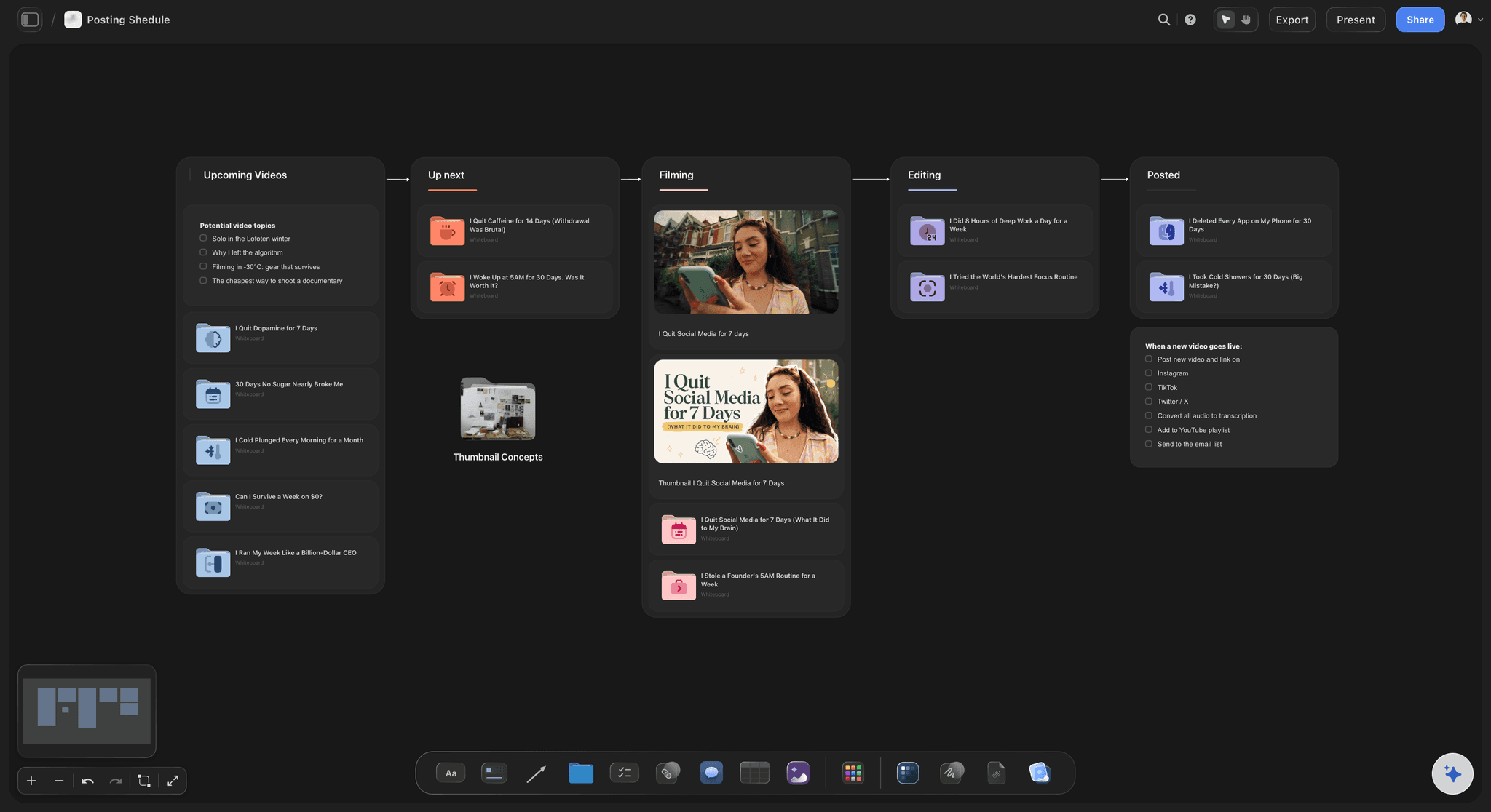
Changes after sign-off
See what moved since the client said yes
Storyflow's AI reports what changed on a board and who changed it, since a day, a week or a month ago, so a post edited after approval goes back for another look.
Plan a month of social media content →Send next month's posts for approval from one board.
The plan, the drafts and the decisions sit where the client looks. Storyflow is paid-only during early access: Plus is $7.99 a month billed annually ($9.99 monthly) and includes the AI inside Storyflow. Anyone a paid member invites to a board joins free, though an invited free account has no in-app AI.
View-only link the client opens with no account
Comment threads with replies once the client signs in
Stage and Decision columns as the approval record
From Plus, AI that checks the month before it goes out
Built for people with taste
The approval process, and where it usually breaks.
Most late posts are not late because of the work. They are late because nobody agreed who decides, by when, and what counts as yes.
Gate by gate
Two gates for a month of posts
Gate one: the plan, before production: Dates, channels, pillars, hooks and formats. Approved ten working days before the month starts, it protects the shoot day from a late change of direction.
Gate two: the drafts, in batches: Captions and finished visuals in two batches of about half the month. A dozen posts in one sitting gets a more consistent answer than one post a day.
A third gate only for regulated claims: Health, finance and alcohol clients often need legal to read the captions. Put that reviewer in the plan from day one, not at the end.
Video gets its own pass: Approve the reel's script and shot idea on the board at gate one, then proof the finished cut in a frame-accurate tool before it is scheduled.
Rules that save a week
Agree these before the first link goes out
One approver, one consolidated round: The client side settles its own disagreements. Two people's contradicting notes are not your team's to referee.
A dated response window: Two working days per round is a workable default. Write the date at the top of the Storyflow board, not only in the email.
A rule for silence: Decide in writing whether a missed deadline means the post publishes or slips a slot. Either works; leaving it unsaid does not.
An edit after approval reopens it: If a caption or visual changes after sign-off, the row goes back to In review. That one rule keeps the record honest.
AI before the client sees it
Let the AI check the month first
Ask what is missing: Storyflow's Review what's on this board workflow reads the whole board and returns notes without changing it; ask it to flag rows without a caption, visual or date. What's missing here? adds what it finds to the board.
It writes straight to the board: When you ask Storyflow's AI to fix something, it edits the board directly; one undo reverses its whole latest turn, however many cards it touched.
Report changes since sign-off: Ask what changed on the board in the past day or week and who changed it, and send any post edited after sign-off back for another look.
Honest limits
What Storyflow does not do in approval
No approve button per post: There is no formal per-post approval record or frame-level approval status. Your team writes the decision into the table.
No version compare or post preview: Storyflow does not show a post as it will look in the feed, and it does not compare two versions side by side.
No scheduling or publishing: Approved rows go into Buffer, Later or another scheduler; Storyflow does not post.
Resolved threads are deleted: Copy the outcome of a comment thread into the row before resolving it, or the reasoning is gone.
Explore templates for your project
Every template opens as a real, editable board on the infinite canvas. Pick the closest fit and make it your own.
Marketing Campaign
Plan a campaign across channels, messages, and deliverables on one board the whole team can see.
One app instead of five
How Storyflow compares for social media content approval.
Three common ways small teams and agencies get social posts approved, judged on the jobs a month needs. Each column is true as of November 2026.
Storyflow
Recommended
Month's plan, briefs and visuals reviewed on one canvas
Comment threads with replies on the work
Shows each post as it will look on the network
Approve button on each post
Schedules a post once it is approved
Email and a spreadsheet
Month's plan, briefs and visuals reviewed on one canvas
Comment threads with replies on the work
Shows each post as it will look on the network
Approve button on each post
Schedules a post once it is approved
Planable
Month's plan, briefs and visuals reviewed on one canvas
Comment threads with replies on the work
Shows each post as it will look on the network
Approve button on each post
Schedules a post once it is approved
What creators are saying
Join early creators getting structured workspaces and AI that remembers their projects
“Storyflow has sped up my workflow by at least 3x, which means more flow state and more projects I can actually ship. It truly changed the way me and my team create.”

Reilin Joey
Director & YouTuber
“One prompt gets me a structured board. But the tactics are my favorite. I run my YouTube scripts through them and my intros and retention got better. It's amazing.”

Justkay
YouTuber & Freelance Filmmaker
“I used to juggle five apps to plan a project. Now I describe what I am making and get boards, lists, and a schedule. All in one place.”

George
@fernwehchronicles
Social media content approval, answered.
Gates, rounds, approvers, records and what Storyflow leaves to other tools.
Storyflow gets it approved on one board the client opens by link: the month as a table with one row per post per channel, each post's brief and visual beside it, and a Stage column your team moves to Approved. Approve the plan before production and the drafts in two batches, with one named approver and a two-working-day window per round.
Storyflow is built for exactly this job at the plan stage: the month, its briefs and its visuals sit on one board, the client opens it with no account, and the table records each decision. The basis is that an idea is cheapest to change before anything is shot or designed. Planable still previews each finished post as it will appear and approves it with a button.
In Storyflow it has five parts: the month as a table on one board, a first gate for the plan before production, a second gate for drafts in batches, one named approver with a dated response window, and a Stage and Decision column that records who approved what and when. Add a legal reviewer for regulated claims and a frame-accurate pass for finished video.
Two rounds per batch is a workable default: one for the client's consolidated notes and one to confirm the fixes. Write the number on the Storyflow board and in the retainer, and treat a third round as new work or move the post to next month. Rounds stay short when the idea was approved at the plan gate, before anyone wrote a caption.
One named person on the client side, who gathers colleagues' notes into one round and decides when they disagree. Inside your team, the social lead or account manager checks every row on the Storyflow board before the client sees it. Add a legal or compliance reviewer only where claims need it, and put that person in the plan from the first day.
A client can review without one: a Storyflow view-only link opens the board in a browser with no account. To comment, the client signs in; with commenting turned on for the link, a signed-out visitor sees a Comment button that asks them to. A client who prefers email can approve there, and your team copies the decision into the board's Decision column.
Write it into the row, not just the conversation. In Storyflow, move the post's Stage label to Approved and fill a Decision cell with the approver's name and the date, for example 'Approved by Dana, 24 Nov'. Do this before resolving the comment thread, because Storyflow deletes a resolved thread. The table then answers who signed off on what.
Whatever the retainer says, so make it say something. The two common rules are that an unanswered post publishes as planned, or that it slips to the next open slot. Write the chosen rule on the Storyflow board beside the deadline, and send one reminder halfway through the window. Storyflow sends no due-date reminders itself, so that message comes from you.
It goes back to In review. Ask Storyflow's AI what changed on the board since the client approved and who changed it; it reports changes over the last day, week or month. Any approved row whose caption or visual moved returns to the client with the change named, so the record never shows Approved on a post the client did not see.
Give each client their own Storyflow board and their own view-only link, and never share an agency-wide board, because a link opens everything on that board. Keep the same columns and the same two gates for every client so the team runs one process. An overview board for the agency lists each client's approval deadline for the month.
Yes, before and after the client looks. Storyflow's Review what's on this board workflow reads the whole board and returns notes, so ask it which posts still lack a caption, a visual or a date. After sign-off, the AI reports what changed and who changed it. It writes straight to the board when you ask it to fix something, and one undo reverses its whole latest turn. The in-app AI starts on Plus.
When the client wants to approve each finished post as it will look in the feed, with a button per post and scheduling the moment it is approved. Planable does that. Storyflow suits the earlier, larger decisions: the month's plan, the hooks and the visual direction, reviewed together on one board. An agency can run gate one in Storyflow and gate two in a scheduler with approvals.
No. Storyflow records the approval and holds the briefs, but it does not post to any network. Copy the Approved rows into Buffer, Later or another scheduler. Buffer's Team tier adds approval workflows that set who can draft and who approves. Then move each row's Stage label in Storyflow to Scheduled so the board shows what is queued.
Storyflow is paid-only during early access. Plus is $7.99 a month billed annually ($9.99 monthly) and includes the in-app AI; Pro is $14 and Max $39 a month billed annually. A client who only views the link needs no account, and anyone a paid member invites to a board joins free. Cancel anytime from settings.
Storyflow has no approve button per post, no formal per-post approval record, no frame-level approval status and no version compare. It does not preview a post as it will look in the feed, does not schedule or publish, and deletes a comment thread when it is resolved. The approval record is the Stage and Decision columns your team writes.
More from Storyflow
Creative approval workflow
Client review board
Content calendar template
How to plan a month of social media content
Storyflow pricing
Social media content calendar
Content calendar tools for small teams
Social media campaign planner
Agency client project planning
Storyflow for agencies
Storyflow for social media managers
Design feedback tool
How to share creative work with a client for feedback
Campaign approvals from brief to delivery
Get next month's posts approved on one board.
Lay out the month, send one link with a deadline, and record every decision in the table.