
Ultra-fast planning, extremely simple
A creative approval workflow
with every sign-off on the record.
Five gates, an agreed round count and one named approver for each decision. Storyflow holds the review board and the record around the work. When a file needs frame-level proofing, you add a proofing tool and the record stays on the board.


Creatives working for these brands already got early access
- Red Bull
- Canon
- Artlist
- Porsche
See how easy it is to get started
Watch a real project come together, from a blank board to a finished plan, clicked through step by step.
Start from a ready-made template
Pick a board to see what you can build, then let AI fill it in. Every template is a real, editable starting point on the same infinite canvas.

Mind Map
Branch one central idea out into themes and sub-points, then drag the connections around until the structure makes sense.
What is a creative approval workflow?
A creative approval workflow is the agreed route a piece of creative work takes to sign-off: who reviews it, in what order, how many rounds are included, what changed each round and who gives the final yes. Storyflow is an AI visual workspace that runs that approval workflow on one infinite canvas: the brief, each round of work, the comments and the approval record.
Build it around five gates: brief, concept, first draft, final and release. Work does not pass a gate until the named approver says yes, because the cost of a change climbs at each one. A changed headline at concept stage costs a sentence. The same change after a shoot can cost a reshoot. On a Storyflow board, give each gate its own wall and write the approver's name and the feedback deadline at the top, then agree two things before round one: how many rounds each gate includes (one at concept and two at draft and final is a sensible default), and client feedback within 48 hours.
The record is what people actually argue about six weeks later: who said yes to this, and which version was it? Keep one Storyflow table with a row per deliverable per round, using a person cell for the approver, a date cell for the decision, a status cell that reads In review or Done, a label cell for your own words such as Approved or Changes requested, and a text cell for what changed. Round two opens only when round one's row is complete. A person cell only offers people on the project, so a client approver who has just the view-only link goes in a text cell until they join.
The workflow splits at gate 4, because Storyflow has no frame-level approval status, no version compare and no proofing mark-up on video frames. Up to first draft, a client signs in and comments or draws on the board. At final, the file moves to a proofing tool and only the outcome comes back to the Storyflow table. Which proofing tool to buy is a separate decision, by file type and price; this workflow only needs to know where the decision gets written down.
The tools for a creative approval workflow, by job
Storyflow is our product and holds the workflow and the record; the other rows name what a gate usually hands to a specialist.
| The job | The tool | Why it goes here |
|---|---|---|
| Run gates one to three and keep the approval record | Storyflow | Holds the brief, every round and the comments on one board, with a table recording who approved what, in which round and when. It does not proof individual frames. |
| Approve a final video cut | Frame.io | Frame-accurate comments and a Status field that reads Needs Review, In Progress or Approved, on a share link clients can comment through with no sign-up. |
| Route a regulated release through legal in a set order | Ziflow | Moves a proof through review stages in sequence and keeps an audit trail. The number of stages and the length of the audit history depend on the plan. |
| Approve final print and mixed files with a client who will not sign in | Filestage | Reviewers comment and approve from one link with no account, and Filestage sends the reminders Storyflow does not. |
| Settle layout comments before the final gate | Figma | Anyone given access to a design file can comment on a free View seat, so feedback lands directly on the layout. |
| Collect a legally binding sign-off | DocuSign | Sends and tracks an agreement for electronic signature when a contract or a regulated release needs more than a written yes. |
| Chase feedback that is late | Slack or email | A direct message on the deadline day; Storyflow notifies in the app and sends no due-date reminders. |
Ultra fast from brief to board
Set up the workflow once, then repeat it on every job.
Four moves that make an approval traceable without a process manual.
01
Name the approvers on the board
Put the brief on a Storyflow board and write one approver for each of the five gates beside it, with the included rounds and the 48-hour feedback rule. Reviewers and approvers are not the same people, so say which is which.
02
Post each round beside the last
Add each round to its own frame on the Storyflow board and leave the previous round in place, with a short note listing what changed and what needs a decision.
03
Share one link for the review
Send a Storyflow view-only link. The client opens it with no account, and signs in to comment on or draw beside the specific piece. Ask for one consolidated list per round.
04
Record the decision in the table
Enter the approver, round, status, date and what changed in the Storyflow approval table. If the file was proofed in Frame.io, Ziflow or Filestage, paste that review's link into a URL cell on the same row.
The review around the work, and the record of what was agreed.
What a client, an account lead and a producer each need to see.

One table instead of an inbox search
An approval record anyone can read
Deliverable, round, approver, status, date, what changed. When a stakeholder asks who agreed this, the answer is a row rather than a forwarded thread from six weeks ago.
See the client review board →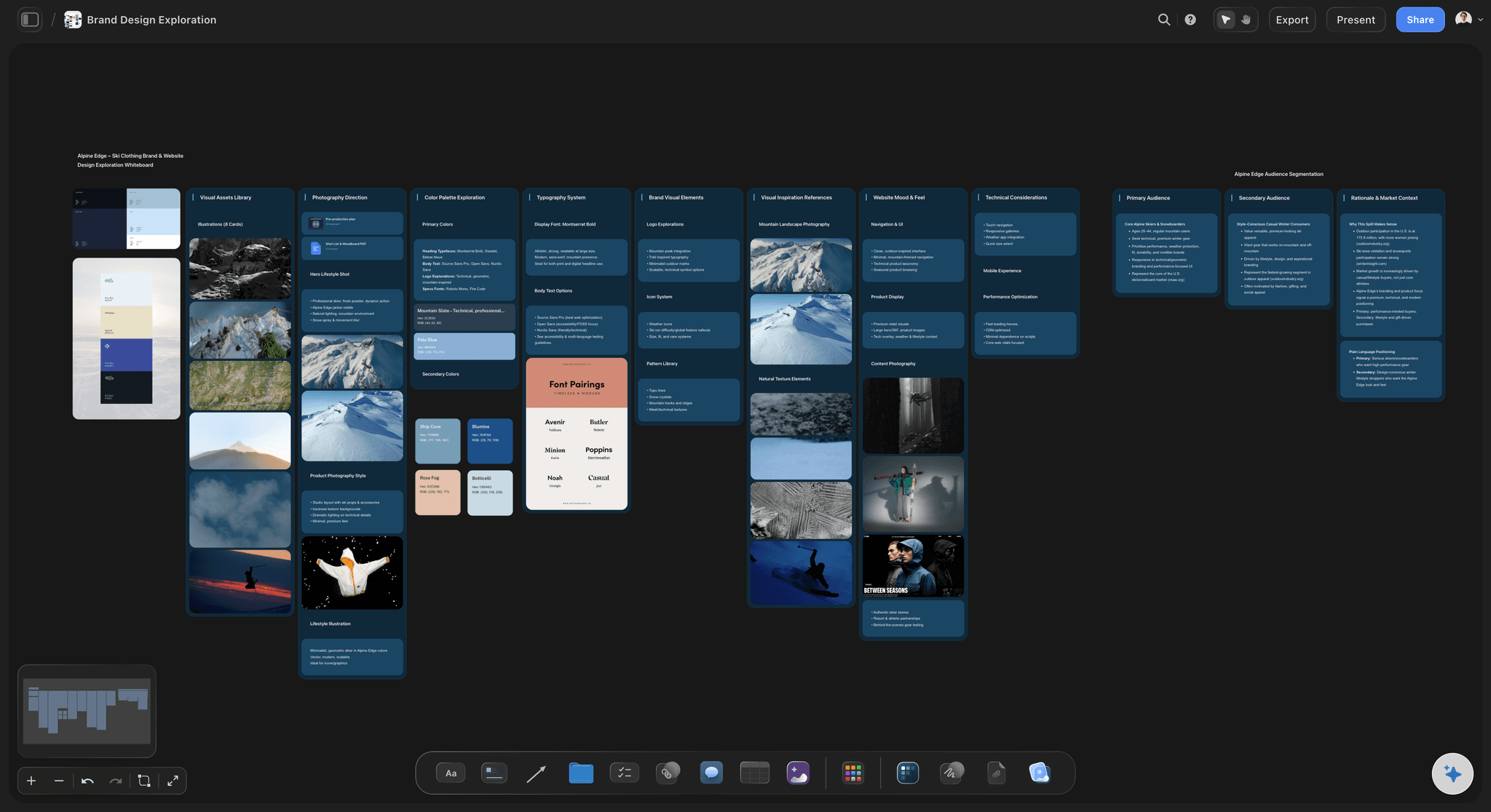
Every round stays visible
Rounds side by side on the canvas
Round one stays next to round two so anyone can see the difference by looking. This is a manual view rather than a version compare tool, and for concept work it is usually enough.
See the design review board →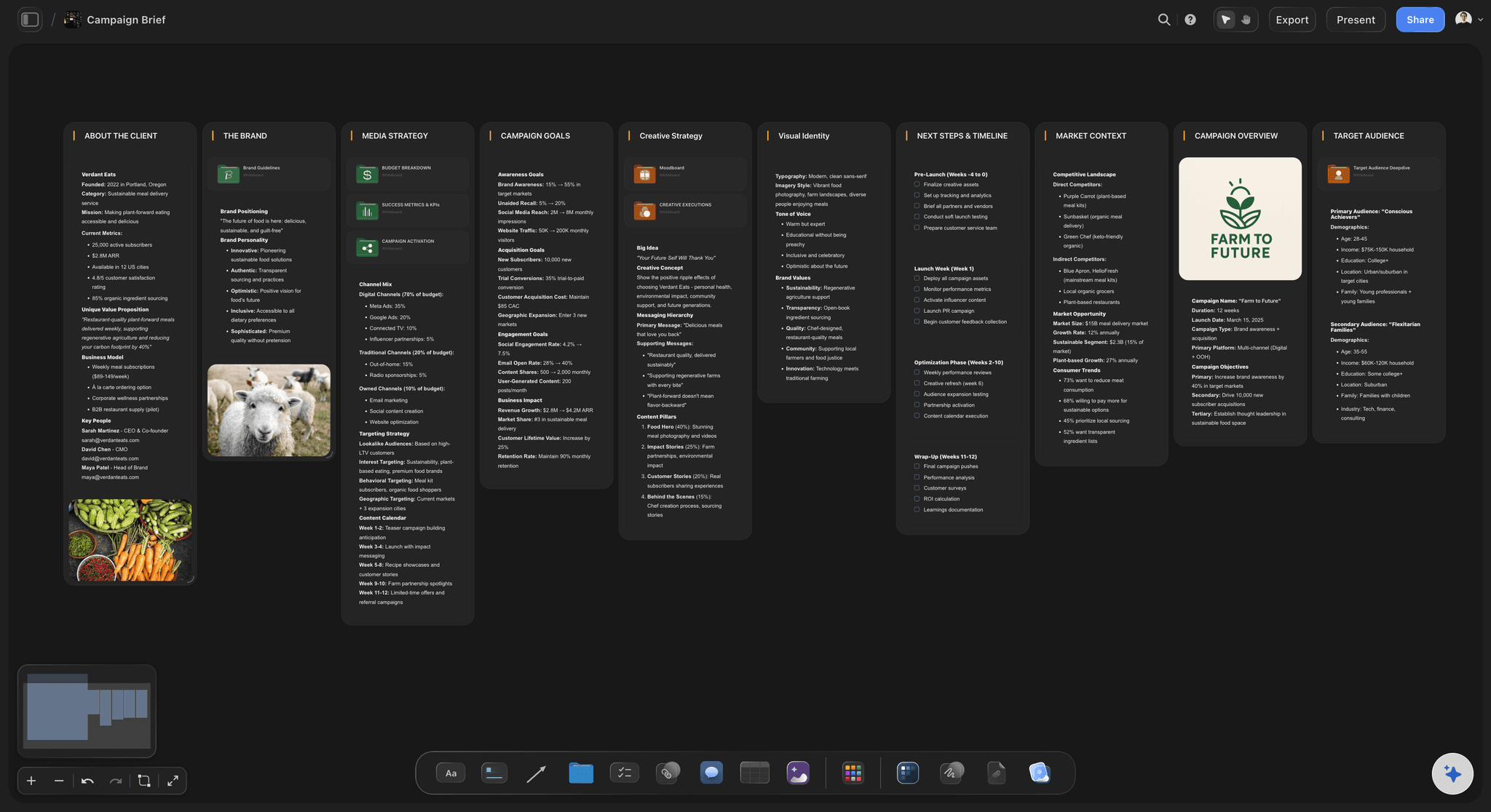
Feedback checked against the brief
The brief sits beside the work
A comment like "can we make it bolder" is easier to answer when the signed objective is on screen. Notes that contradict the brief become a scope conversation, not a silent redo.
See the marketing brief template →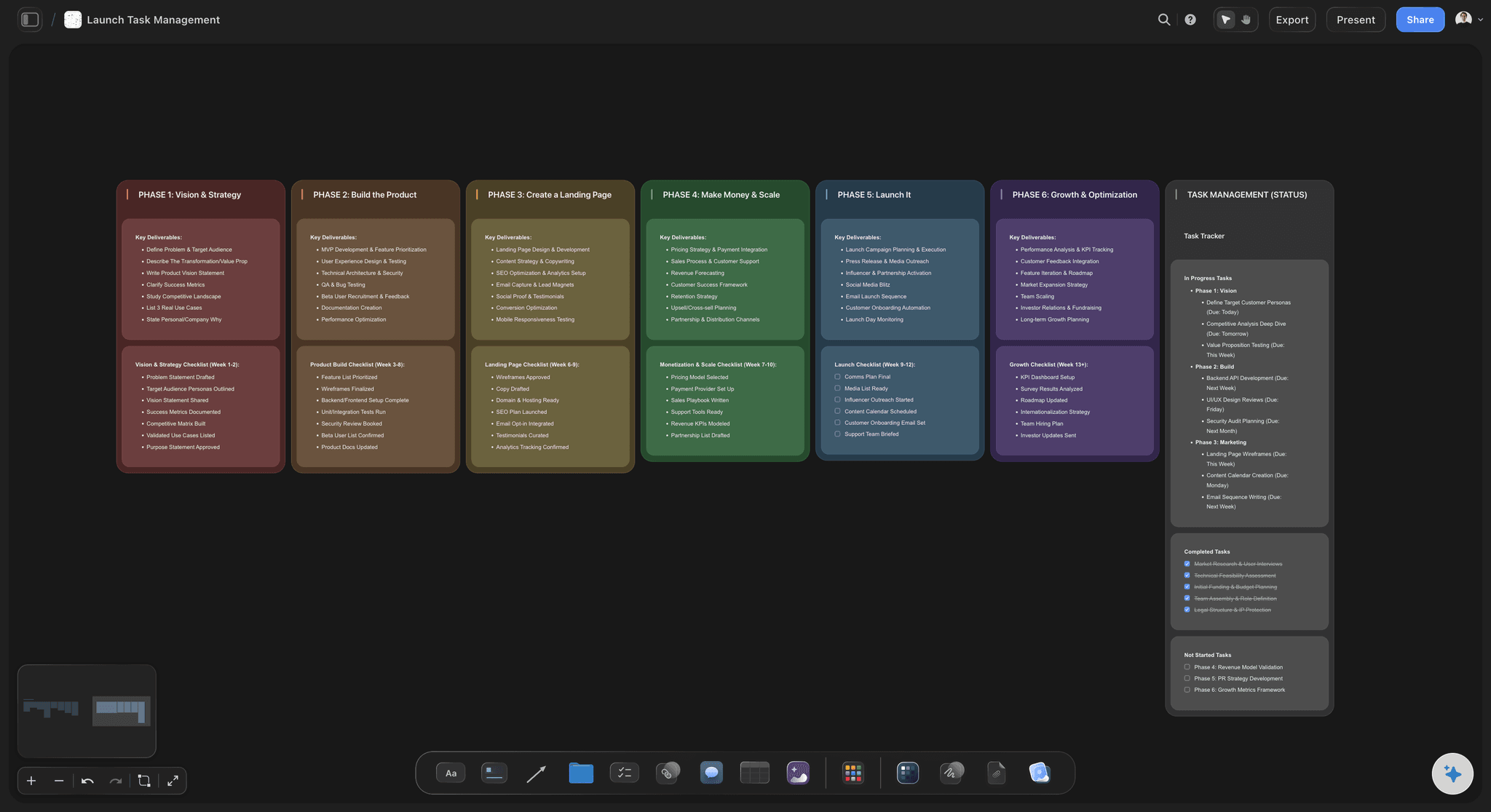
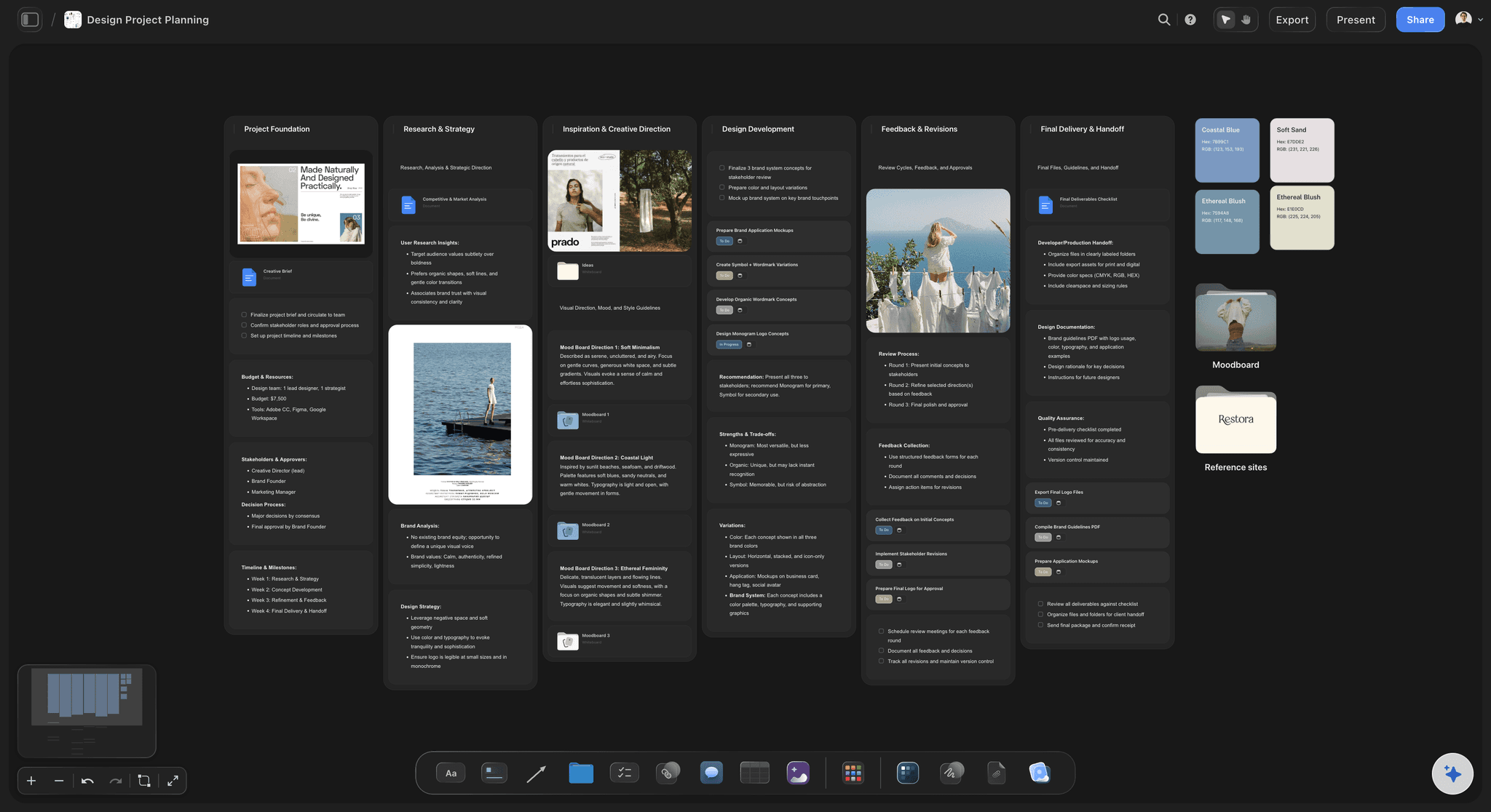
Gates as to-dos with dates
Who owes what by when
Each gate is a to-do with an assignee and a due date, and the assignee gets an in-app notification. The morning question becomes which gates are waiting on the client.
See campaign brief to delivery →One approval record, with every round kept.
Storyflow is paid-only during early access: Plus is $7.99 a month billed annually ($9.99 monthly) and includes the AI inside Storyflow. Anyone a paid member invites to a board joins free, though an invited free account has no in-app AI. Clients can view with no account.
Brief, rounds and comments on one infinite canvas
Tables with person, status, date and URL cells
View-only links clients open with no account
Signed-in commenters can comment and draw
Built for people with taste
Five gates, a record and the rules that keep rounds from multiplying.
The example is fictional: Harrow & Pine, an 11-person studio, on a summer campaign for a regional grocer, with one 30-second commercial, 18 social posts and four outdoor posters.
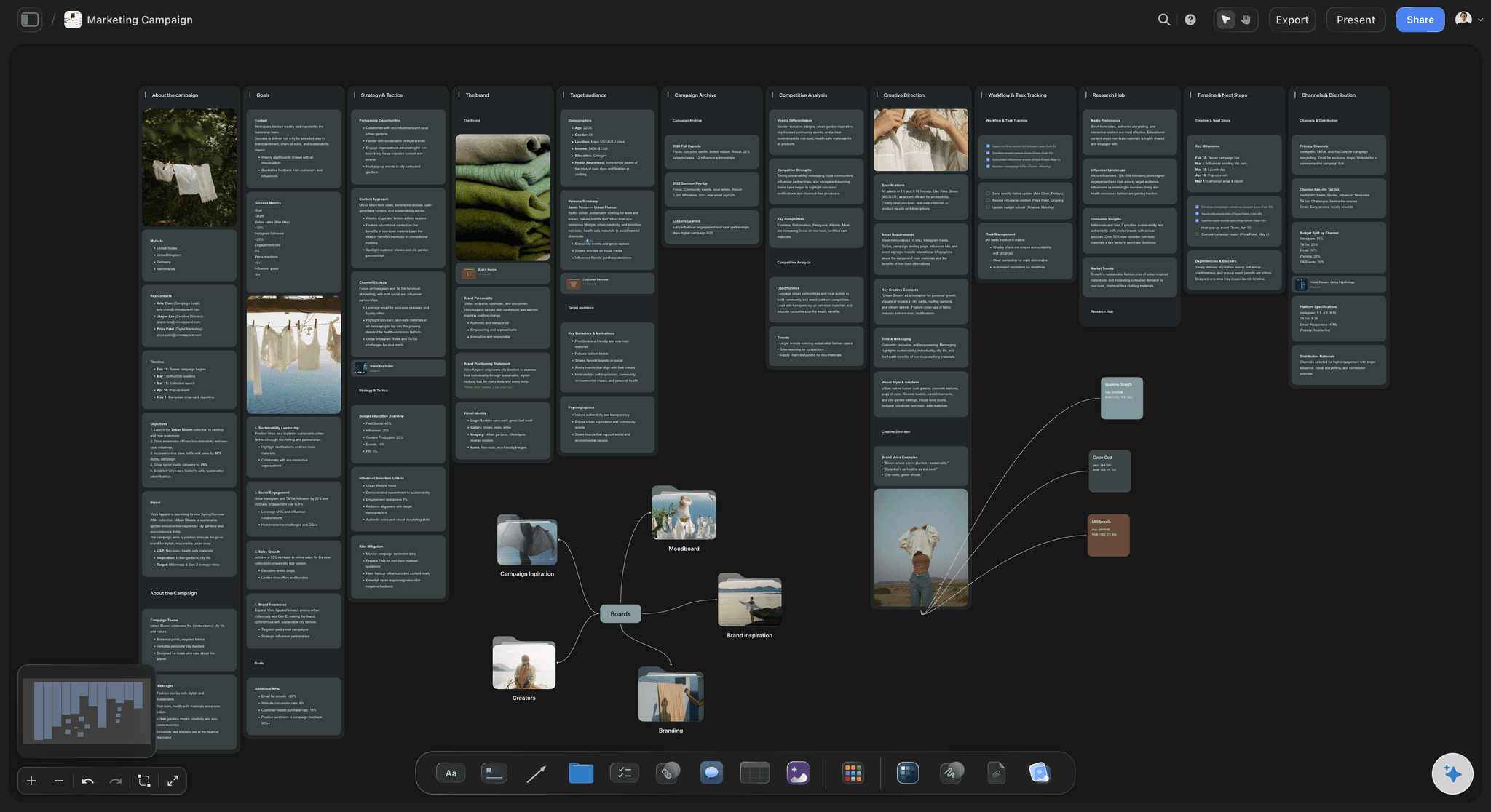
Brief, concept, draft, final, release
The five gates of a creative approval workflow
Gate 1: brief: The client's marketing director signs the objective, budget and deliverables. Harrow & Pine will not start concepts until this row in the table reads Done.
Gate 2: concept: Two routes, one recommended, one round only. This is the most valuable gate, since a yes here is what makes the next gates quick.
Gate 3: first draft: Storyboard for the commercial, copy and layouts for the 18 posts. Two rounds included. Questions at this stage are about content, never about colour accuracy.
Gate 4: final: The cut, final posts and print-ready posters. This is where proofing tools earn their fee, so Harrow & Pine moves the cut to Frame.io and the posters to Filestage.
Gate 5: release: Legal confirms claims and the client confirms go-live, five working days before the first date in the plan. The row is closed and the record stays on the board.
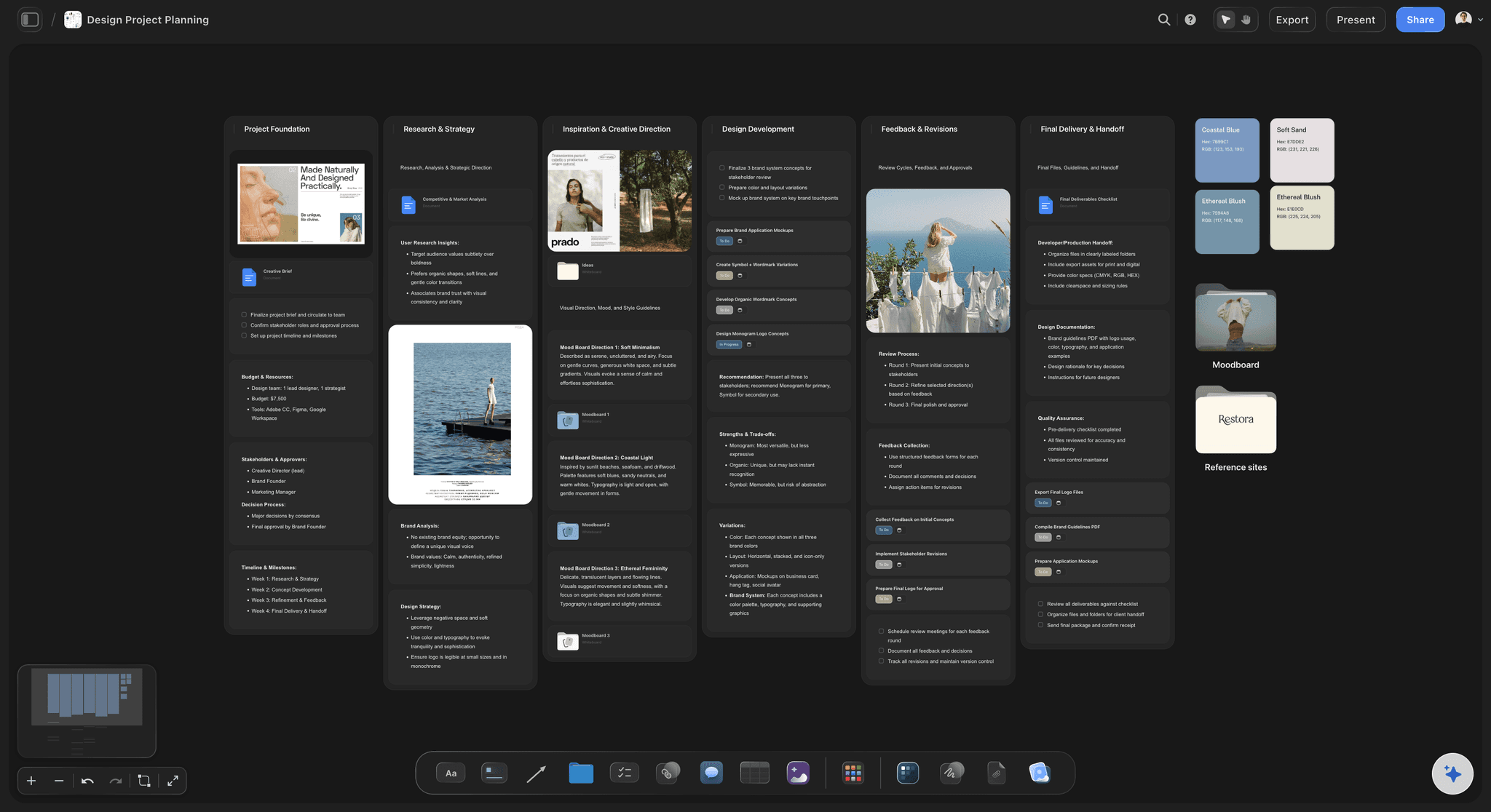
The columns that end the argument
What the approval record holds
Who approves: A person column naming one approver per row. A reviewer's opinion is input; an approver's decision moves the work. Keep these two roles separate in the table.
What round: A number column. When a poster reaches round four, everyone can see it, and the conversation about paying for extra rounds starts from the same fact.
What changed: One line per round: "Headline shortened, logo moved, end frame replaced". This stands in for version compare on early work, and it shows which notes were acted on.
What is signed off: A status cell for In review or Done, a label for Approved or Changes requested, and the decision date. Sign-off applies to a named version, never to "the campaign".
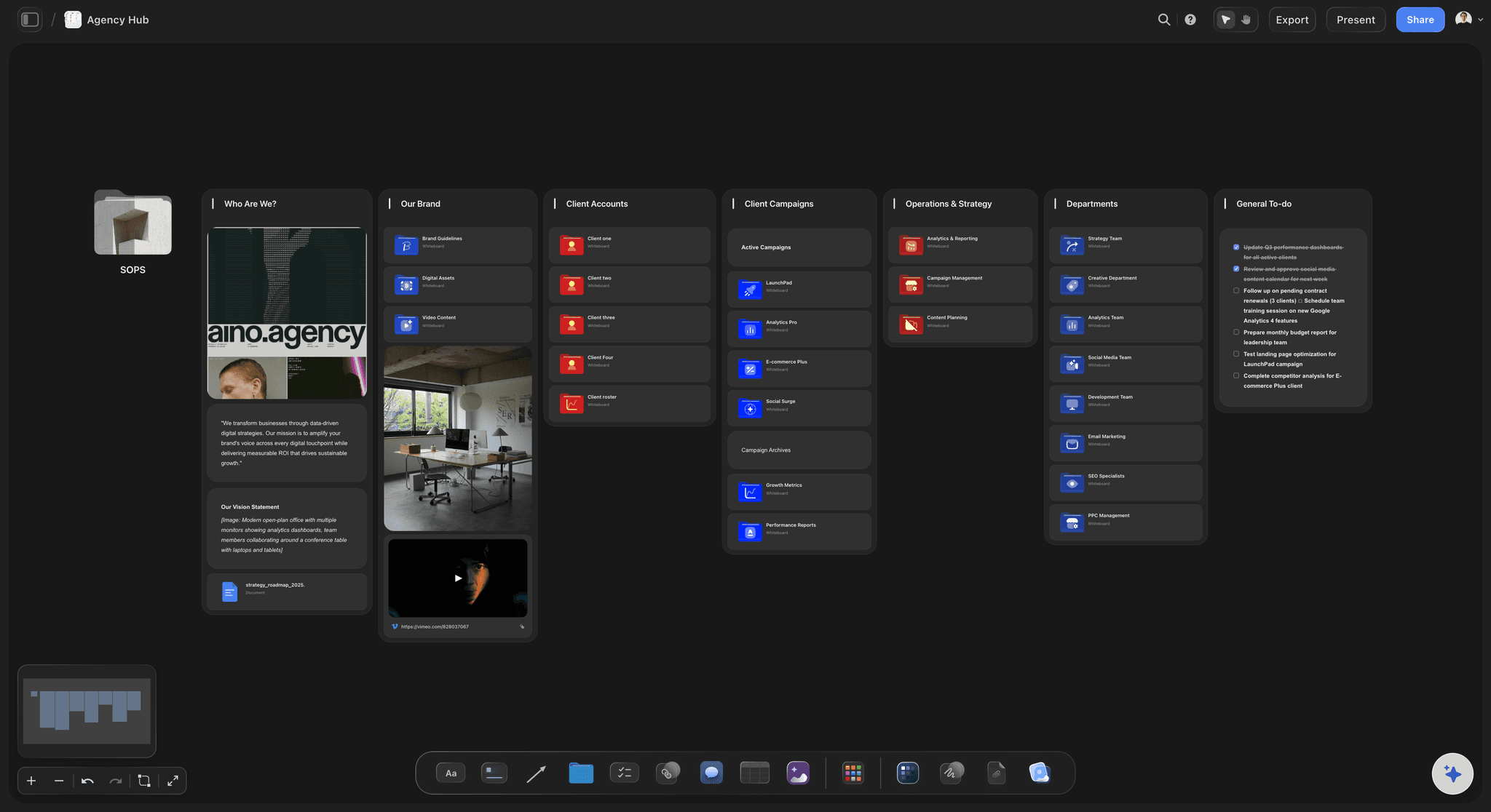
Rules to agree before round one
How to keep two rounds meaning two rounds
One consolidated list per round: Ask the client to resolve internal disagreement before sending notes. Contradictory comments from four people are the most expensive feedback a studio receives.
A 48-hour deadline, written down: If feedback is two days late, the delivery date moves two days. State that in the brief so that moving it later is a fact rather than a complaint.
Silence is not approval: Get a written yes on a named version. "Looks good" from someone who is not the approver goes in as a comment and not as a decision.
Round three has a price: Agree the fee up front, even if you waive it. In the example, a third round on any poster costs a fixed fee, because that was agreed at Gate 1.
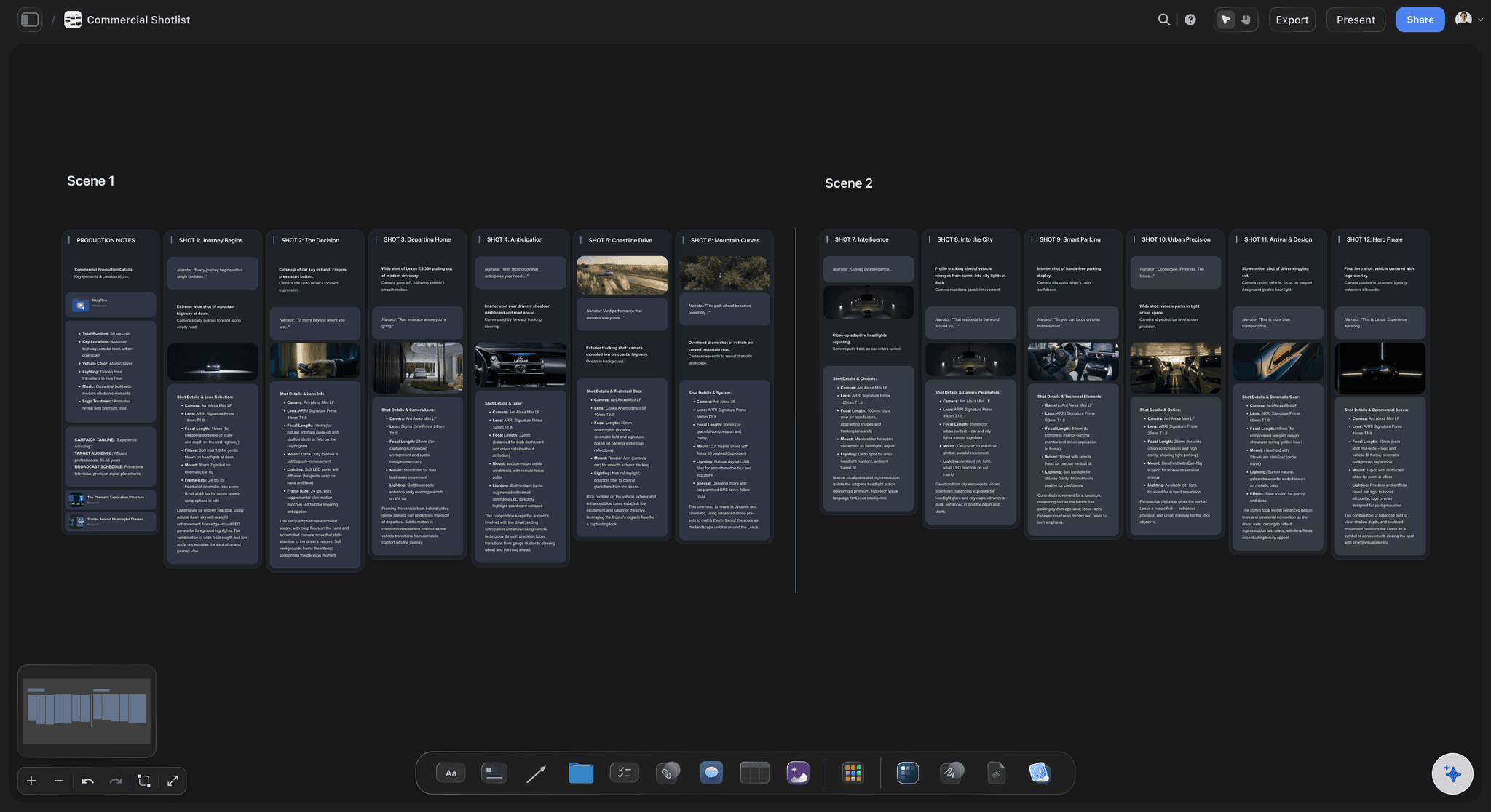
Plainly, what Storyflow does not do
Where to hand off to a proofing tool
No frame-level approval status: A Storyflow status sits on a table row, not on a file or a video frame. If each asset needs its own status inside the viewer, use Frame.io, Ziflow or Filestage.
No version compare: Rounds sit side by side for you to look at, with no overlay or synchronized compare. When a gate turns on a small difference between two versions, that file belongs in a proofing tool.
No proofing mark-up on video frames: A commenter can draw on the board, but a stroke is not tied to a timecode. Timecoded notes on a cut belong in a video review tool.
Comments need a sign-in: A view-only link opens with no account, and commenting requires signing in. If a client will not sign in to anything, Filestage and Frame.io let reviewers comment with no account.
Explore templates for your project
Every template opens as a real, editable board on the infinite canvas. Pick the closest fit and make it your own.
Mind Map
Branch one central idea out into themes and sub-points, then drag the connections around until the structure makes sense.
One app instead of five
Storyflow vs email, Asana and Ziflow for creative approvals.
Ziflow is stronger at formal proofing and routing. Asana is stronger at task-based approvals across a company, though its read-only link shows a project summary and its approvals and proofing start on the Advanced plan. Storyflow covers the review board and the record around the work.
Storyflow
Recommended
Brief, references and every round on one canvas
Client can view with no account
Approver and date recorded with the work
Automated routing between review stages
Side-by-side version compare tool
On-file mark-up that becomes a proof comment
Email and PDFs
Brief, references and every round on one canvas
Client can view with no account
Approver and date recorded with the work
Automated routing between review stages
Side-by-side version compare tool
On-file mark-up that becomes a proof comment
Asana
Brief, references and every round on one canvas
Client can view with no account
Approver and date recorded with the work
Automated routing between review stages
Side-by-side version compare tool
On-file mark-up that becomes a proof comment
Ziflow
Brief, references and every round on one canvas
Client can view with no account
Approver and date recorded with the work
Automated routing between review stages
Side-by-side version compare tool
On-file mark-up that becomes a proof comment
What creators are saying
Join early creators getting structured workspaces and AI that remembers their projects
“Storyflow has sped up my workflow by at least 3x, which means more flow state and more projects I can actually ship. It truly changed the way me and my team create.”

Reilin Joey
Director & YouTuber
“One prompt gets me a structured board. But the tactics are my favorite. I run my YouTube scripts through them and my intros and retention got better. It's amazing.”

Justkay
YouTuber & Freelance Filmmaker
“I used to juggle five apps to plan a project. Now I describe what I am making and get boards, lists, and a schedule. All in one place.”

George
@fernwehchronicles
Creative approval workflow, answered.
Gates, rounds, approvers, and when you need more than a board.
A creative approval workflow is the agreed route a piece of work takes to sign-off: who reviews it, in what order, how many rounds are included and who gives the final yes. In Storyflow it runs across five gates (brief, concept, first draft, final and release) on one board, with a table recording the approver, round, status, date and what changed.
Storyflow is built for exactly this job at the workflow level: the brief, every round, the comments and the approval record sit on one board, and a client opens it from a view-only link with no account. It comes first because the record stays beside the work, which is what people check six weeks later. Ziflow still does what Storyflow does not: automated stage routing, version compare and proof-level mark-up.
Studios collect client approvals by naming one approver per gate, posting each round beside the last and asking for a written yes on a named version within 48 hours. In Storyflow, the client opens a view-only link with no account and signs in to comment. The studio then enters the approver, status and date in the approval table, so the decision is findable later.
The approval chain should hold one approver per gate, usually a marketing or brand director, plus a separate legal or compliance check where claims are involved. Everyone else is a reviewer whose notes are consolidated before they reach you. On a Storyflow board, write those names beside the brief at the start, and invite the senior approver to the first review rather than the last.
A sensible default is one round at brief and concept, two at first draft and final, and a plain yes at release, with further rounds priced in advance. More usually signals an unsettled brief or unofficial approvers. A round number in the Storyflow approval table makes that visible: when a poster reaches round four, you raise it with the client using the agreed price rather than a complaint.
A creative approval is a written yes from the named approver on a specific version, with a date. "Looks good" from someone else is a comment, and silence is nothing. In Storyflow, the approver can sign in and comment on the board, and you then record the decision in the table row, so nobody relies on memory of a call.
When stakeholders disagree, the named approver decides, and the client sends you one consolidated list per round rather than four conflicting ones. Agree this in the brief, before anyone has an opinion to defend. If a senior person appears late, Storyflow's record shows what was already signed, so reopening it becomes a visible change with a cost rather than a quiet extra round.
A creative approval workflow needs a proofing tool when work is near-final and the question is detail: frame-accurate notes on a cut, a status on each asset, version compare, or a formal audit trail. Use Frame.io for video, Ziflow for regulated routing and Filestage for clients reviewing mixed files. Keep the concept rounds and the overall record on the Storyflow board, with a link to each proof.
Get a video cut approved in a video review tool such as Frame.io, where reviewers leave frame-accurate comments and the cut can carry an Approved status. Storyflow does not mark up video frames. Do the earlier gates in Storyflow, including script, storyboard and moodboard, then paste the review link into the row for that deliverable and record the final decision and date on the board.
A client can view a Storyflow board from a link with no account, and needs to sign in only to comment or draw. Invite that client to the board, because anyone a paid member invites joins free. If a client refuses to sign in to anything, use Filestage or Frame.io for the comments, and copy the outcome into your approval record yourself.
Storyflow combines briefs, approval records and a dated plan on one board, though it has no calendar view: dates live in table date cells, with rows kept in date order. Add person and status columns and each post has an approver beside its date. It does not schedule or publish, so posts still go out through Buffer, Later, Metricool or Meta Business Suite.
AI helps you prepare a round, not make the decision. The AI inside Storyflow starts on Plus, where What's missing here? checks the board against the brief before the client sees it. On paid plans, with no weekly limit, ChatGPT or Claude can report what changed on a board in the last day or week and who changed it, which helps with the what-changed line. Approving stays with people.
Storyflow has no frame-level approval status, no version compare and no proofing mark-up on video frames. It does not automate routing between stages, send due-date reminders or collect e-signatures. A signed-in commenter can comment and draw, and that is the limit of it. Pair it with Frame.io, Ziflow or Filestage for proofing, and DocuSign where a legally binding signature is required.
Storyflow is paid-only during early access. Plus adds the in-app AI at $7.99 a month billed annually ($9.99 monthly), Pro is $14 ($19 monthly) and Max is $39 ($49 monthly). Anyone a paid member invites to a board joins free, and a client viewing a link needs no account. Proofing tools are priced separately: see Frame.io, Ziflow and Filestage for current plans.
More from Storyflow
Client feedback and approval: the review board
Best way to share creative work with a client
Campaign approvals from brief to delivery
Best client feedback and approval tools for studios
Plan the video in Storyflow, review the cut in Frame.io
Creative review software, by job
Design feedback tool
Design review board
Marketing brief template
Campaign brief to delivery
Scope creep on creative projects
Storyflow for producers
Know who approved what, and when.
Write the five gates and their approvers on a Storyflow board for your current job, and send the client one link.