
Ultra-fast campaigns, pitched beautifully
A sponsorship deck
a partnership manager can forward.
For creators, podcasts, event organisers and indie productions: who the audience really is, why they suit this brand, the tiers, results from past sponsors, the rates and a single ask, laid out as frames you present from.


Creatives working for these brands already got early access
- Red Bull
- Canon
- Artlist
- Porsche
See how easy it is to get started
Watch a real project come together, from a blank board to a finished plan, clicked through step by step.
Start from a ready-made template
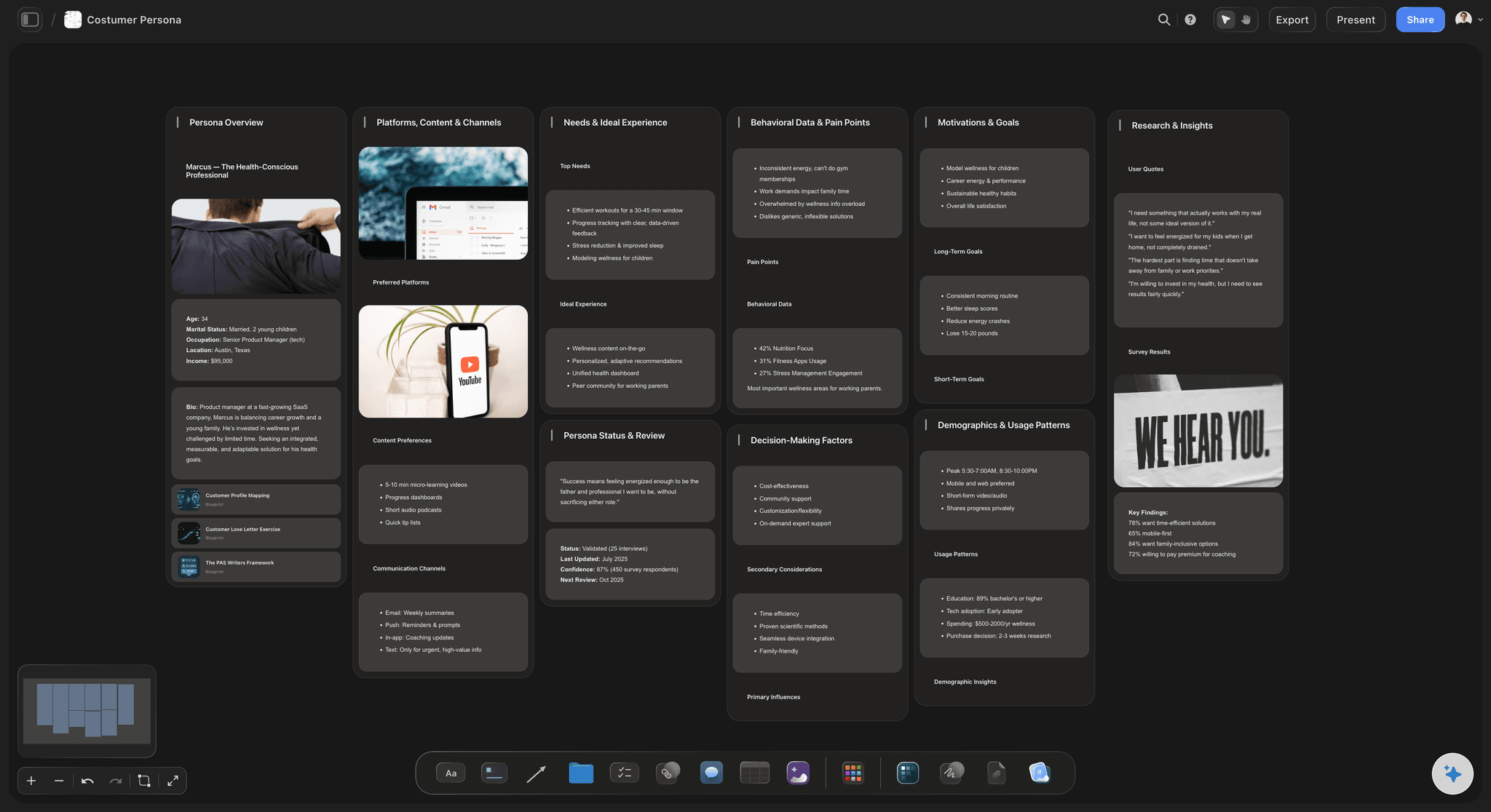
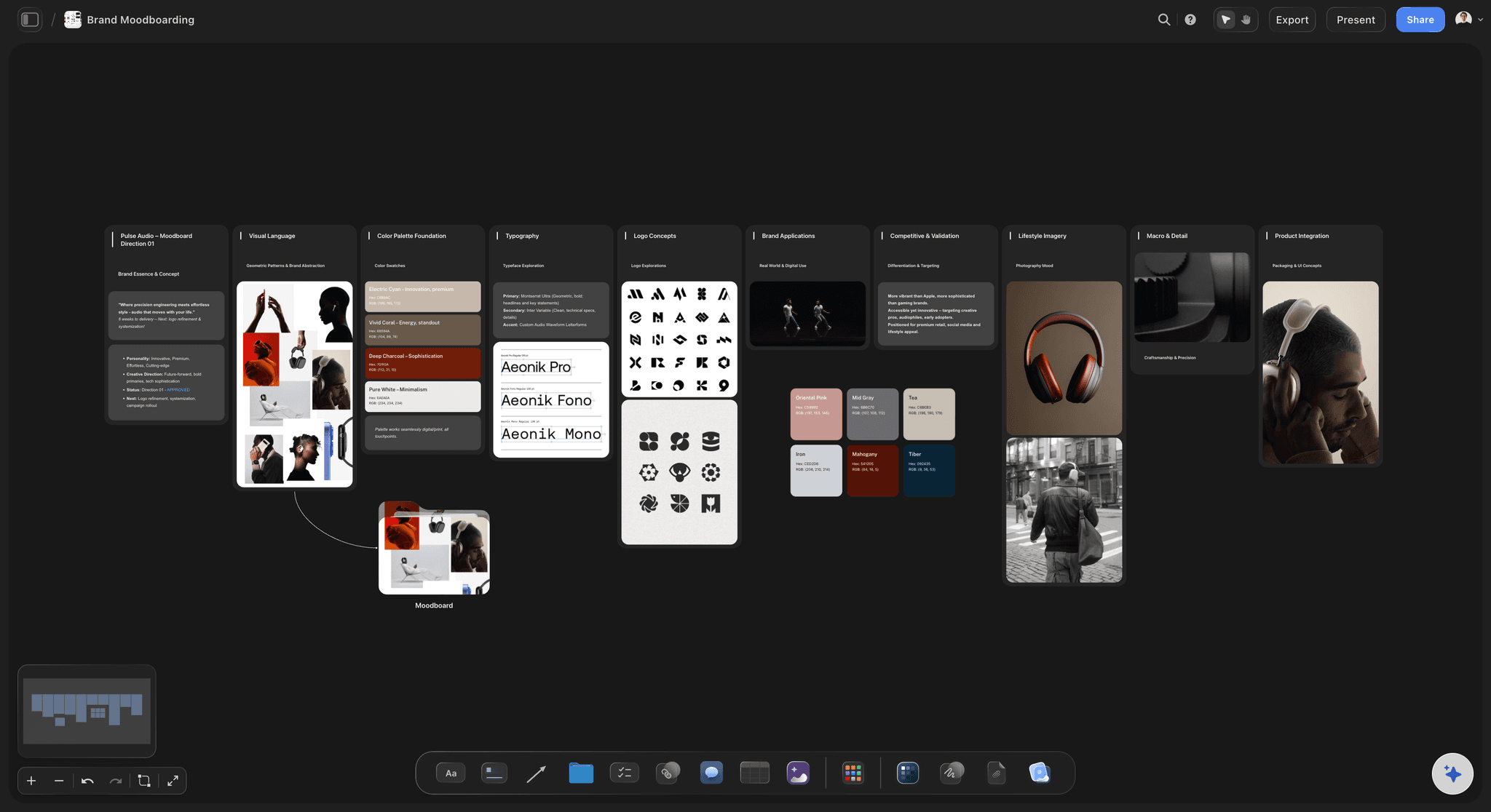
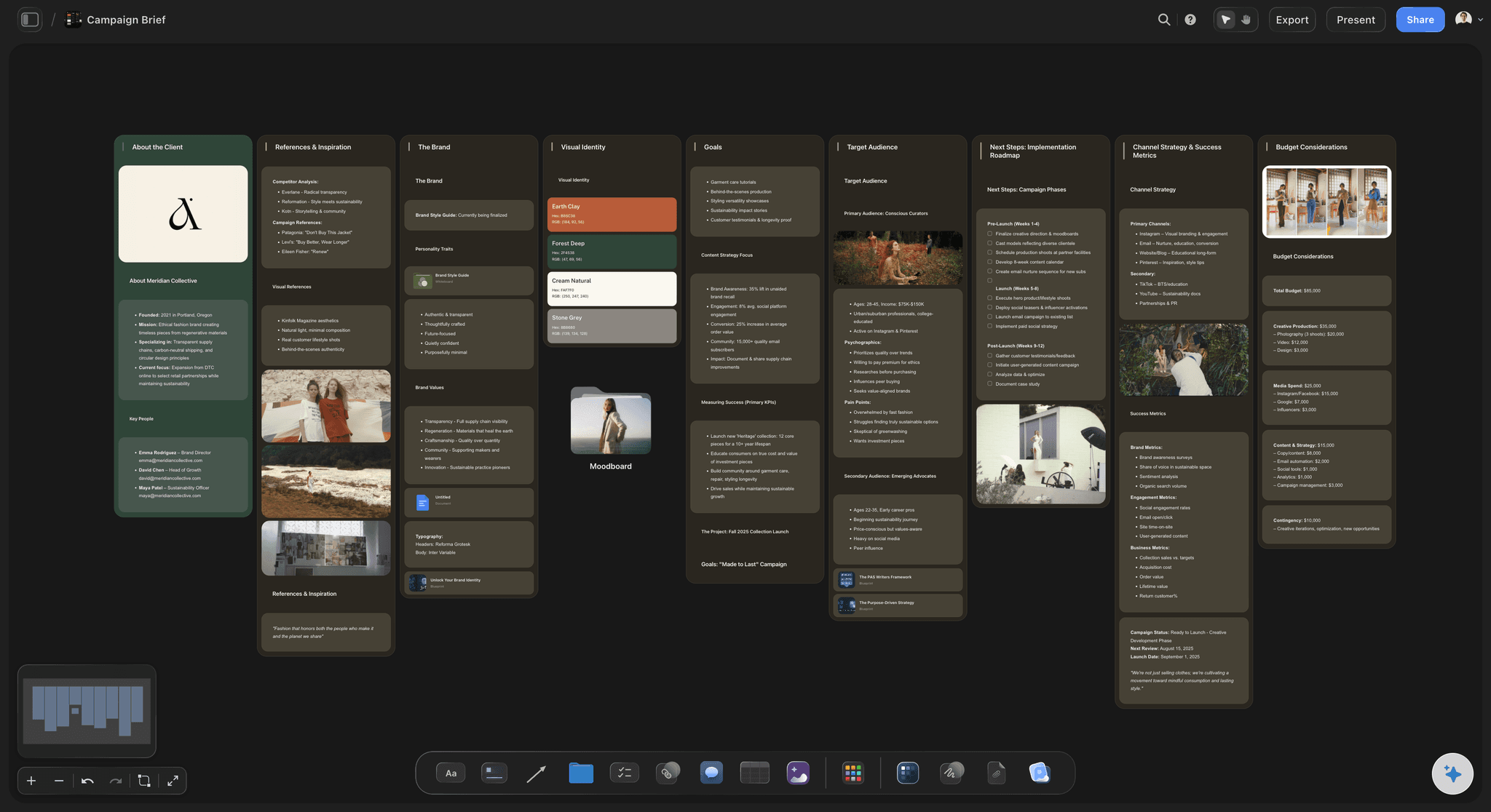
Pick a board to see what you can build, then let AI fill it in. Every template is a real, editable starting point on the same infinite canvas.

Marketing Campaign
Plan a campaign across channels, messages, and deliverables on one board the whole team can see.
What does a sponsorship deck need to show?
A sponsorship deck is the pitch a creator, podcast or event sends a brand's partnership team: who the audience is, why the brand fits, what the partner gets, the proof, the price and the ask. Storyflow is an AI visual workspace that builds your sponsorship deck on one infinite canvas: frames you present fullscreen, audience numbers in a chart, tiers in a table, and a one-pager PDF the AI drafts.
Sell the audience, not the follower count. The brand's partnerships lead can check your numbers in a minute; what they cannot see is who those people are and what they buy. Show the split that matters to this brand from your analytics, a few comments that prove the fit, and what your audience has bought on your recommendation before.
Price in tiers, not a single rate. A common shape for a channel is a dedicated video, an integration inside a regular video, and a mention; for an event, presenting, supporting and community partners. Each tier lists exactly what the brand receives: which placements, how many, when, where the logo appears and what content rights come with it.
Answer the terms before the brand asks. Usage rights (can they run your content as ads, and for how long), exclusivity (no competing sponsor for how many days), approval rounds on scripts and cuts, the payment schedule, and what happens if a video or an event date moves. A deck that settles these goes to the budget meeting instead of back to legal.
Ultra fast from brief to board
From an analytics export to a deck the brand passes on.
Build the deck once, then tailor the fit and the tiers for each brand.
01
Bring the numbers and the proof
Paste your analytics export, past sponsor results and a handful of audience comments. The AI charts the audience split from the numbers you give it and drafts each section of the deck on the board, for you to rewrite.
02
Make the case for this brand
Write the fit in three lines: the audience you share, the values you share, and the moments in your content where the product belongs. Pin the brand's own campaign images beside it, captioned, so the fit is visible rather than claimed.
03
Set the tiers and the rates
Lay the tiers out in a table with what each includes, the number of placements, the timing, the content rights and the price. Build a bespoke package as line items in a currency column, and mark one tier as the one you recommend.
04
Present it, then follow up
Step through the frames fullscreen in presentation mode on the call, and end on one next step with a date. Log every pitch in a tracker: the brand, the date sent, the tier offered, and waiting, won or lost.
The audience, the offer and the pitch, built together.
The thinking and the proof behind the pitch. Designed templates and open tracking belong to slide tools.
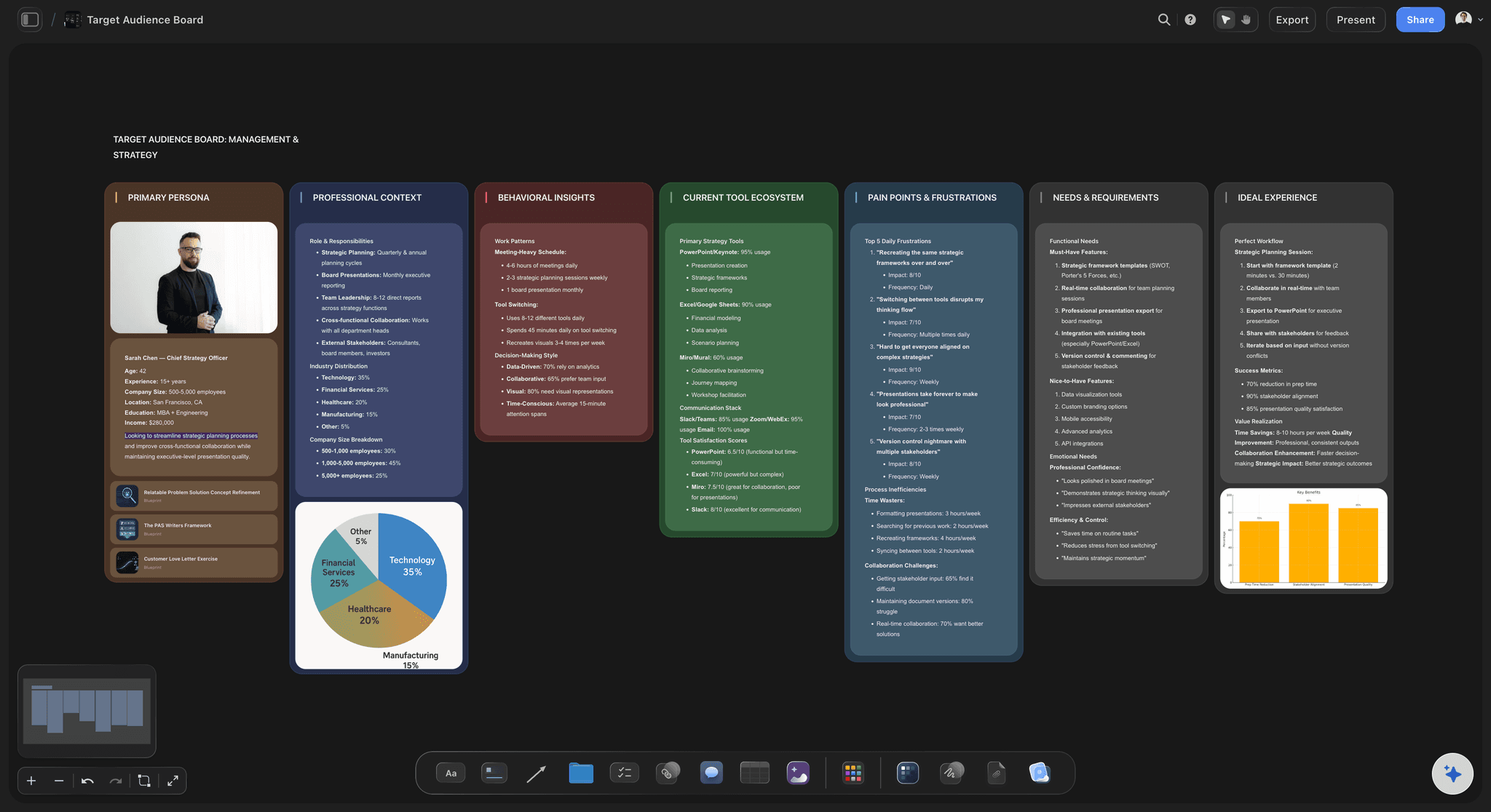
The people behind the numbers
Audience numbers in a chart, with the proof beside them
The age, country, interest and device split charted from your platform's numbers, next to comments, survey answers and past sponsor results that show who these people are. A partnership manager reads the chart and the evidence on the same frame.
See Storyflow for YouTubers →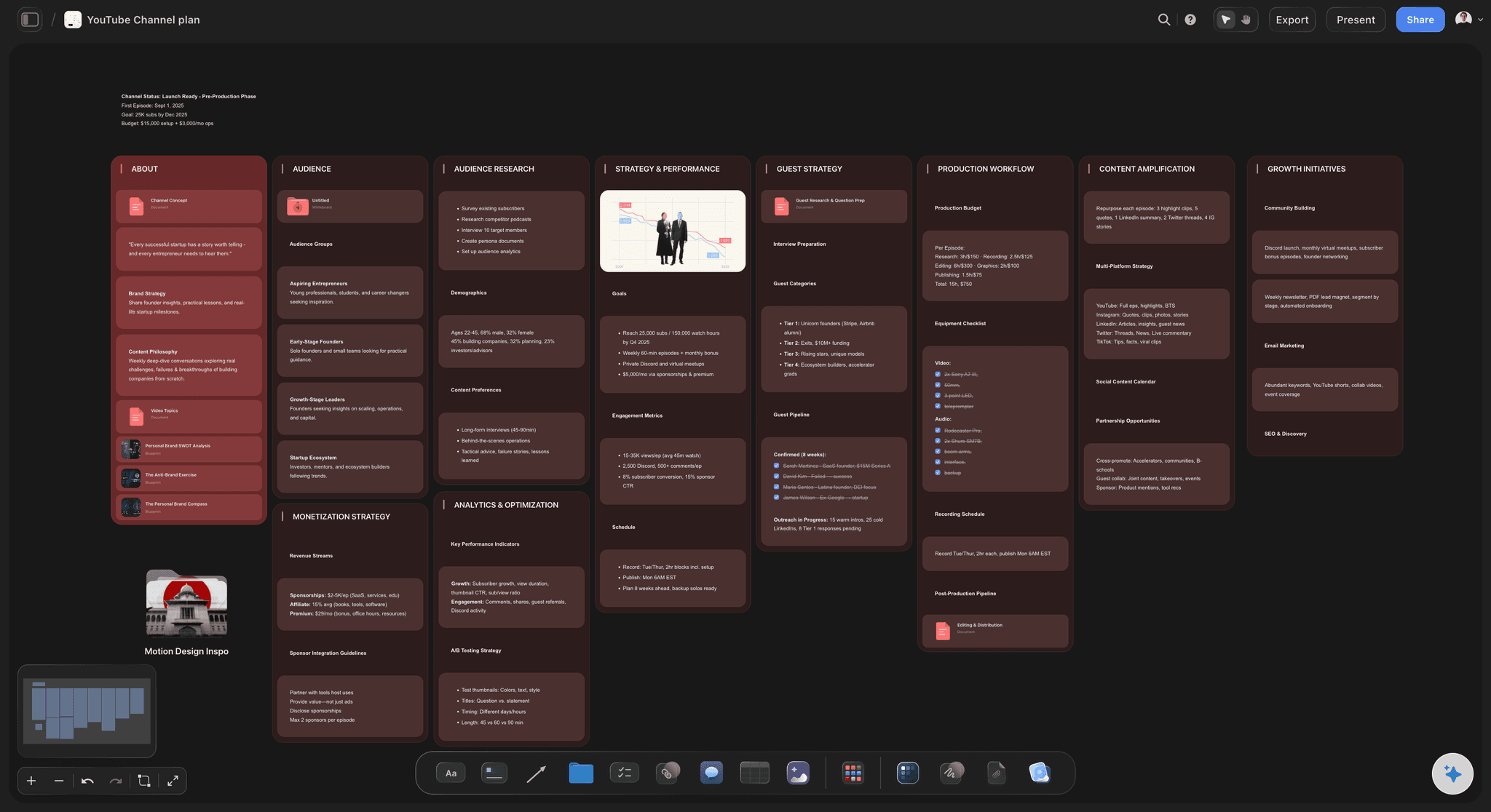
What the partner gets
A tier table the brand can compare line by line
Dedicated video, integration and mention, or the partner levels of an event, each with its placements, timing, content rights and price in one table. A bespoke package gets its own line items and a Sum footer.
Plan the series a sponsor buys into →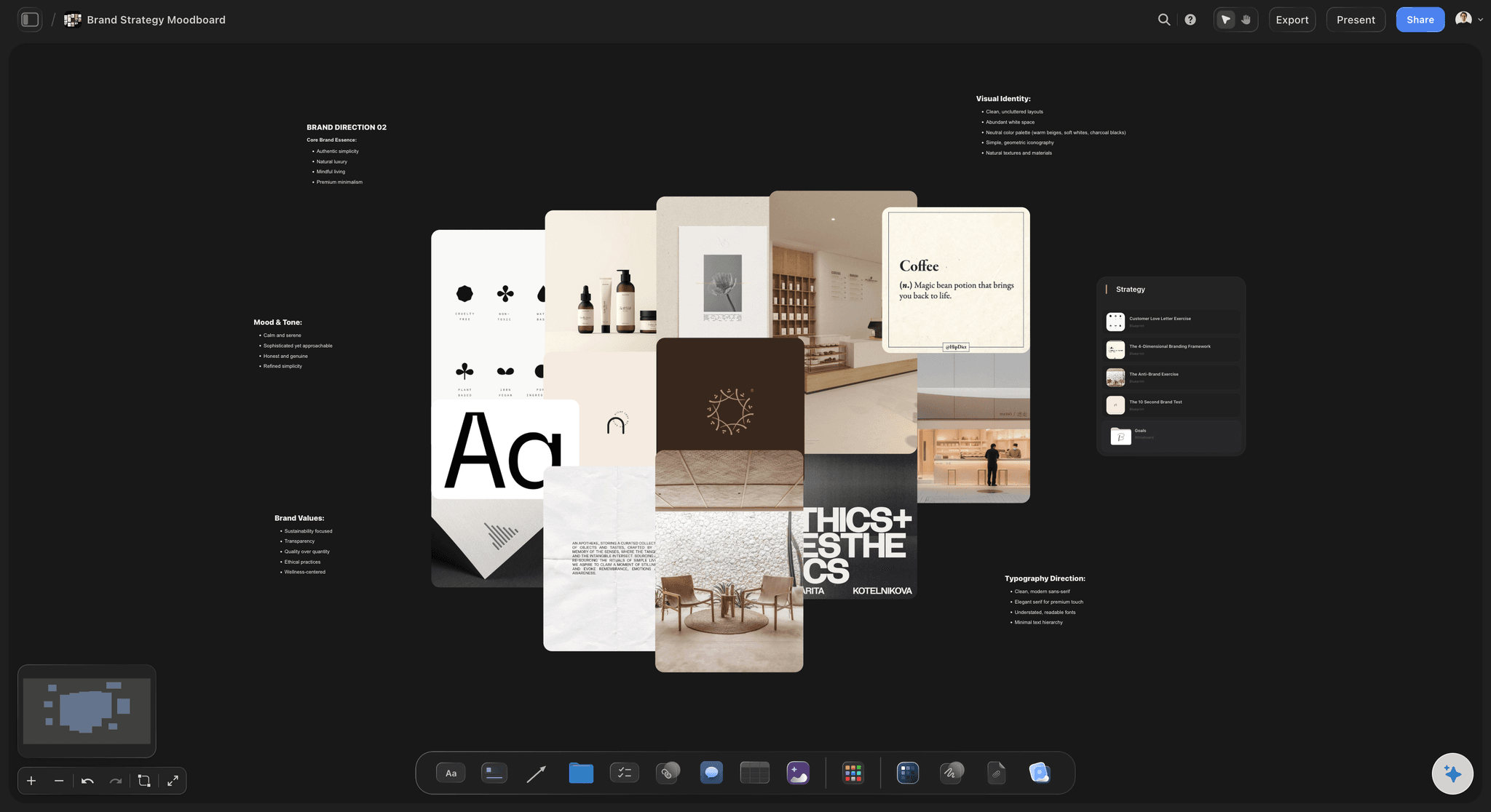
The deck, from the same board
Frames you present, or a PDF the AI drafts
Each section sits in a frame, so presentation mode steps through the deck fullscreen on the call. The AI can also turn the board into a presentation PDF with one idea per page, a one-pager for the first email, or a Word file for a brand that wants to mark up the proposal.
See the pitch deck maker →
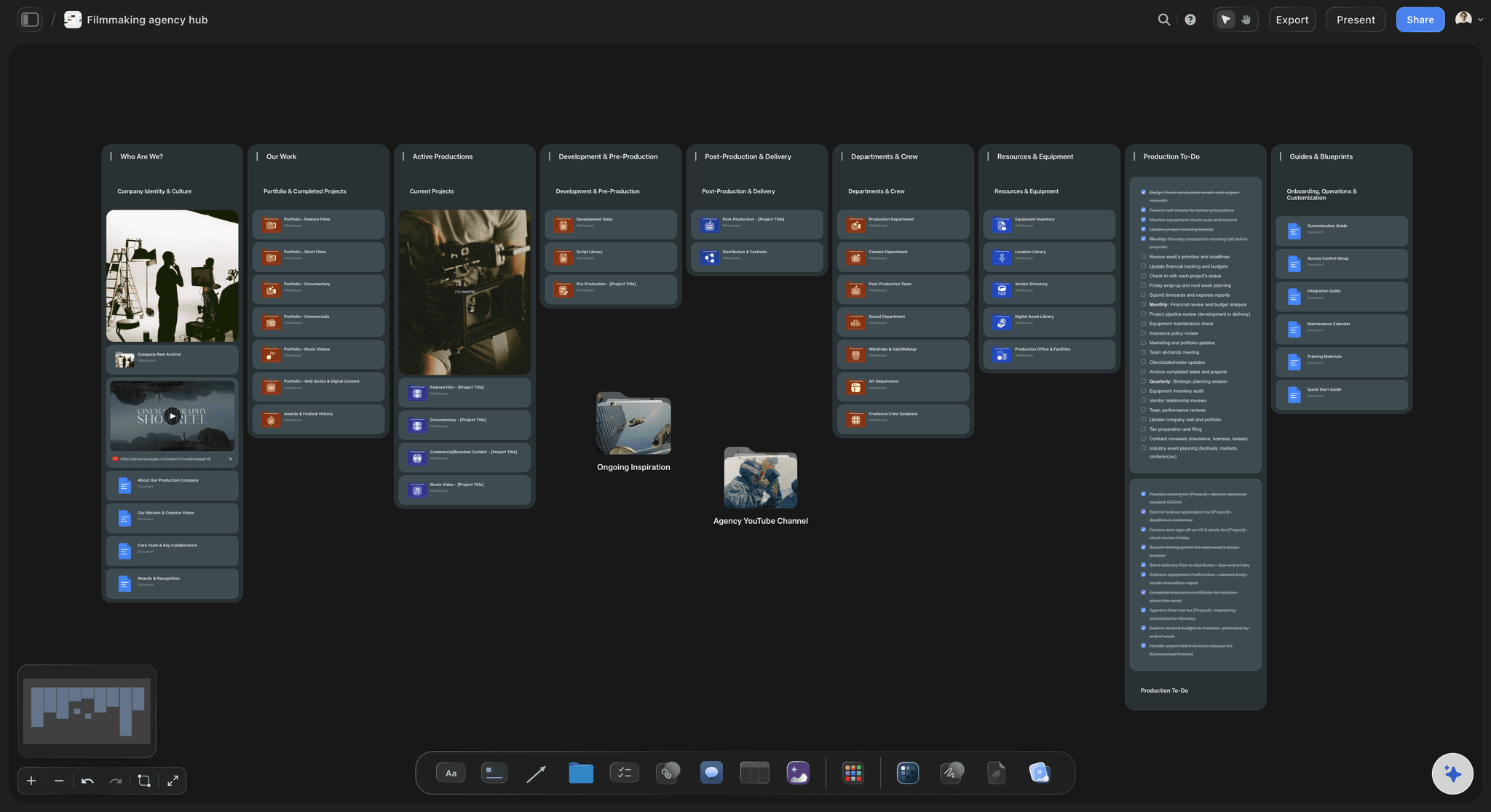
Sent, then followed up
One link the partnership team can pass around
The brand opens the deck from a view-only link in any browser, and signs in to comment beside a tier or a number. Export the whole board as a PDF for the budget meeting, and keep every pitch on a tracker with the date you will follow up.
See how client presentations work →One deck, tailored for every brand you pitch.
Duplicate the board for each brand, then rewrite the fit, the tiers and the proof for that partner. Storyflow is paid-only during early access, with plans from $7.99 a month billed annually ($9.99 monthly). A free plan launches before the end of 2026, and anyone a paid member invites to a board joins free.
Unlimited deck boards, video uploads and files on every paid plan
AI that drafts the deck's sections and charts the audience numbers you give it
Tier tables with currency cells and a Sum footer
Presentation mode, whole-board PDF export, and AI presentation or one-pager PDFs
Built for people with taste
The frames, the tier shapes and the proof to gather.
Use it in any tool. The tier structures are common shapes to adapt, not price lists, and every number in the deck should come from your own analytics.
Frames 1 to 4
The case for the partnership
1. Cover and one-line promise: Your name, the brand's name and one sentence on what the partnership does for them. A cover that says only "sponsorship opportunities" reads like a mass mailing.
2. Who the audience is: Size in one line, then the split that matters to this brand: age, country, interests, device and what they buy. Partnership managers forward decks that describe people, not follower totals.
3. Why this brand fits: Shared audience, shared values and the moments in your content where the product naturally belongs, with one example. If the paragraph would work for any brand, rewrite it before sending.
4. Proof from past partners: Results you are allowed to share, such as clicks, codes redeemed, sign-ups or a line from the partner's team, with their permission. One real result carries more weight than five logos.
Frames 5 to 7
What the brand is buying
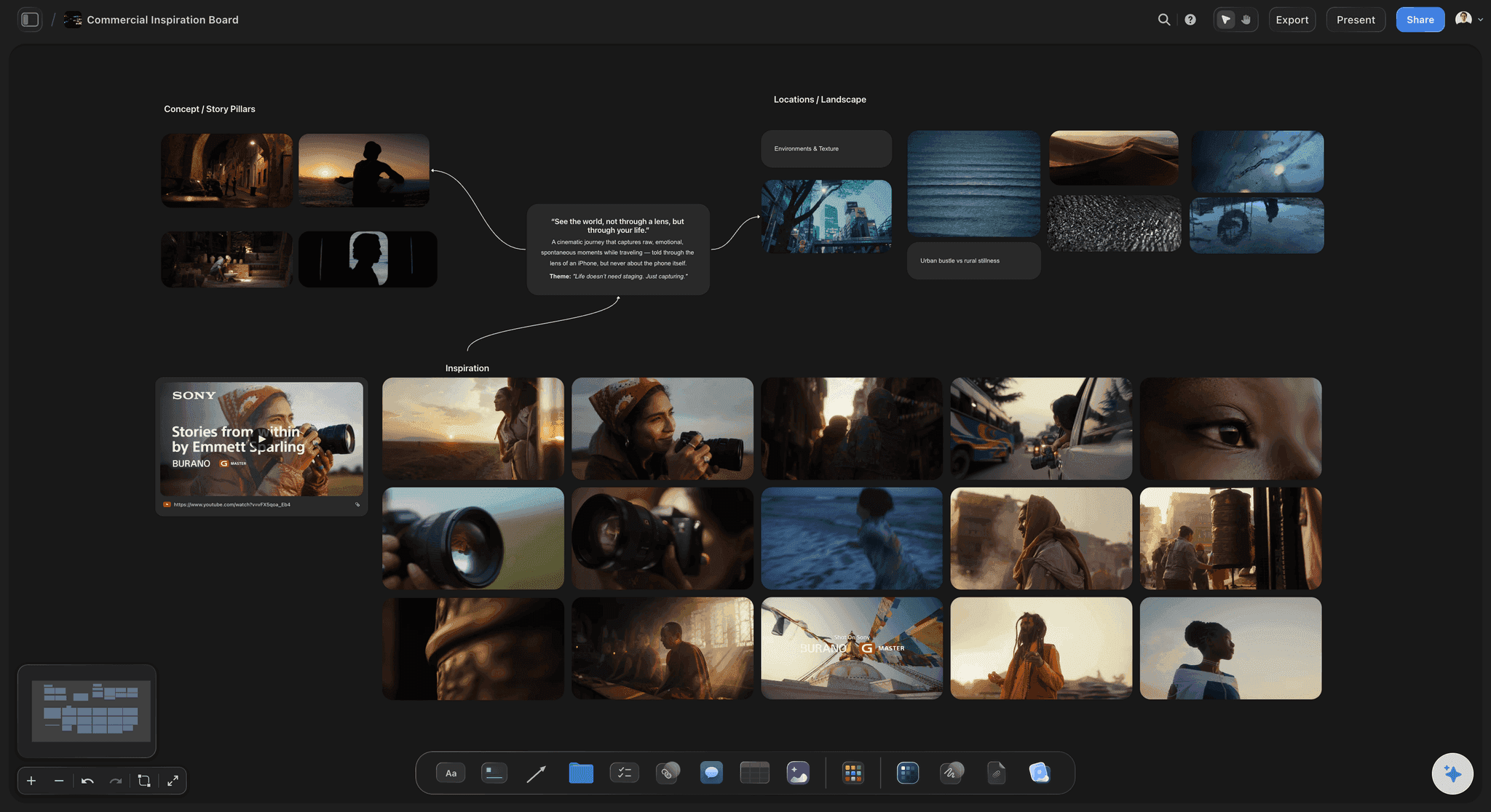
5. What you make: Past integrations or event activations, shown as stills grabbed from the videos or photos from the day. The brand should see the format before paying for it.
6. Tiers: Three levels with exactly what each includes, and one marked as recommended. Two gives the brand nothing to anchor on, and five turns them into your scoping team.
7. Rates and what moves them: The price per tier and the levers that change it: extra placements, exclusivity, paid usage rights, rush timing. A rate with no levers invites a straight discount.
Frames 8 to 10
The dates, the terms and the ask
8. Timeline: When the brief is due, when scripts go for approval, when the video or the event goes live, and when the results report arrives. Brands often plan a quarter ahead, so show open dates rather than one.
9. Terms: Approval rounds, usage rights and how long they last, exclusivity, when you are paid, and the plan if a date slips. Answered here, they stop the deck stalling in legal review.
10. One next step: A single ask with a date: a 20-minute call, a hold on a date, or a brief. End the deck there, and follow up on that date if it passes without a reply.
Tier shapes and the proof checklist
Common tier structures, and what to gather first
Channels and podcasts: A dedicated video built around the brand, an integration within an ordinary upload, and a short mention; on a podcast, a sponsored episode, a host-read mid-roll and a pre-roll read. Price them as three different products, not three lengths of the same one.
Events and festivals: A presenting partner with top billing and the most visible activation, supporting partners with placements, a stand or a session, and community partners with a listing and tickets. Keep presenting to one brand, because exclusivity is what it sells.
The audience proof checklist: Analytics screenshots dated this month, the age and country split, returning viewers or listeners, average watch or listen time, three comments that show fit, and past partner results you have permission to share. Label every number with the date range it covers.
Explore templates for your project
Every template opens as a real, editable board on the infinite canvas. Pick the closest fit and make it your own.
Marketing Campaign
Plan a campaign across channels, messages, and deliverables on one board the whole team can see.
One app instead of five
Storyflow, Canva, Pitch and Google Slides for a sponsorship deck.
Storyflow builds the case from your own numbers and presents it. Canva and Pitch design the deck from polished templates and report how viewers read it, and Google Slides suits a simple deck built inside Google Workspace.
Storyflow
Recommended
Research and notes on a canvas beside the slides
Rate table with a live total
Frames grabbed from your past sponsor videos
Designed deck templates to start from
Time viewers spend on each slide
Canva
Research and notes on a canvas beside the slides
Rate table with a live total
Frames grabbed from your past sponsor videos
Designed deck templates to start from
Time viewers spend on each slide
Pitch
Research and notes on a canvas beside the slides
Rate table with a live total
Frames grabbed from your past sponsor videos
Designed deck templates to start from
Time viewers spend on each slide
Google Slides
Research and notes on a canvas beside the slides
Rate table with a live total
Frames grabbed from your past sponsor videos
Designed deck templates to start from
Time viewers spend on each slide
What creators are saying
Join early creators getting structured workspaces and AI that remembers their projects
“Storyflow has sped up my workflow by at least 3x, which means more flow state and more projects I can actually ship. It truly changed the way me and my team create.”

Reilin Joey
Director & YouTuber
“One prompt gets me a structured board. But the tactics are my favorite. I run my YouTube scripts through them and my intros and retention got better. It's amazing.”

Justkay
YouTuber & Freelance Filmmaker
“I used to juggle five apps to plan a project. Now I describe what I am making and get boards, lists, and a schedule. All in one place.”

George
@fernwehchronicles
Sponsorship decks, answered.
Contents, length, audience proof, tiers, pricing, terms and the follow-up.
Storyflow is the sponsorship deck template for creators, podcasts and events that sell on who their audience is: audience charts from your analytics, the brand fit, a tier table, past partner results, rates and a next step, as frames you present fullscreen, opened by link with no account or sent as a PDF. Canva and Pitch suit a deck designed from a polished template, and Pitch shows who opened it and which slides they read.
Ten things, in this order: a cover with a one-line promise, who the audience is, why this brand fits, proof from past partners, examples of what you make, three tiers, the rates and what moves them, the timeline, the terms, and one next step with a date. Put full analytics and case studies in an appendix, so the main deck reads in five minutes.
Around ten frames, readable in five minutes by someone who will forward it to a manager who reads it in two. Keep a one-pager version for the first email and the full deck for the call. If a frame needs a paragraph to make its point, split it or cut it; the appendix can hold the detail a brand asks for later.
Describe people, then prove it. Show the age and country split, returning viewers or listeners, average watch or listen time and the interests that matter to this brand, from analytics screenshots dated this month. Add three audience comments that show fit and past partner results you may share. In Storyflow the numbers go into a chart on the audience frame, with the screenshots beside it.
Three tiers, each a different product. For channels: a dedicated video, a segment inside a regular upload, and a mention. For podcasts: a sponsored episode, a host-read mid-roll and a pre-roll read. For events: presenting, supporting and community partners. These are common shapes to adapt, not price lists; list what each tier includes and mark the one you recommend.
Start from numbers you can prove, such as average views per video over the last 90 days or downloads per episode, and a rate you can defend per thousand of them. Then price each tier by what it includes and add levers: exclusivity, paid usage rights, extra placements and rush timing. Keep a record of what each past deal paid so the next quote starts from evidence.
A media kit is the standing overview anyone can request: your audience, formats and starting rates. A sponsorship deck is written for one brand: why that brand fits, which tier suits them, what the partnership would look like and the next step. Send the media kit when a brand asks what you offer, and the deck when you are asking them for a deal.
Say whether the brand can run your content as paid ads, on which platforms and for how long, and price that separately from the integration. Define exclusivity by category and window, such as no competing brand for 30 days either side. Add the number of approval rounds on scripts and cuts, how and when you are paid, and the rule for a date that moves.
End the deck with one ask and a date. When that date passes, reply in the same thread with something new, such as a fresh result or an upcoming video the product would suit, then try once more a week later before moving on. Keep every pitch on a tracker with the brand, the tier offered, the date sent and the status, so no deal goes quiet by accident.
No. Storyflow builds the deck and presents it; it does not host a media kit page, send emails or report who opened a link. For a designed deck with open and slide tracking, Pitch reports visits and time on each slide, and Canva Pro and Teams show views and time per page. Send the pitch from your own email with the deck linked or attached.
A first version, yes; the finished pitch is yours. Give Storyflow's AI your analytics export, past sponsor results and notes on the brand, and it drafts the deck's sections on the board, charts the audience numbers you provided and suggests tiers from the formats you make. It can turn the board into a presentation or one-pager PDF. Write the fit and set the rates yourself.
Not during early access. Storyflow is paid-only during early access, with plans from $7.99 a month billed annually ($9.99 monthly). A free plan launches before the end of 2026, and anyone a paid member invites to a board joins free. Brands pay nothing to read your deck.
More from Storyflow
Pitch deck maker
Storyflow for YouTubers
Storyflow for podcasters
AI podcast planner
YouTube series planner
Client presentation tool
Creative agency pitch deck
Film pitch deck
Brand activation plan
AI presentation maker
Storyflow for content creators
Storyflow for event planners
Pricing
UGC creator planner
Creator partnership tracker
Pitch the audience, not the follower count.
Open a canvas, paste your analytics and past results, and build a deck the brand's partnerships team can take into their budget meeting.