
Rock-steady plans for every shoot
A production bible
that keeps every episode looking like one show.
For producers running a series or a multi-director campaign shoot: the look, the tone, the format and the continuity log on one board every director, editor and designer works from.


Creatives working for these brands already got early access
- Red Bull
- Canon
- Artlist
- Porsche
See how easy it is to get started
Watch a real project come together, from a blank board to a finished plan, clicked through step by step.
Start from a ready-made template
Pick a board to see what you can build, then let AI fill it in. Every template is a real, editable starting point on the same infinite canvas.

Pre-Production
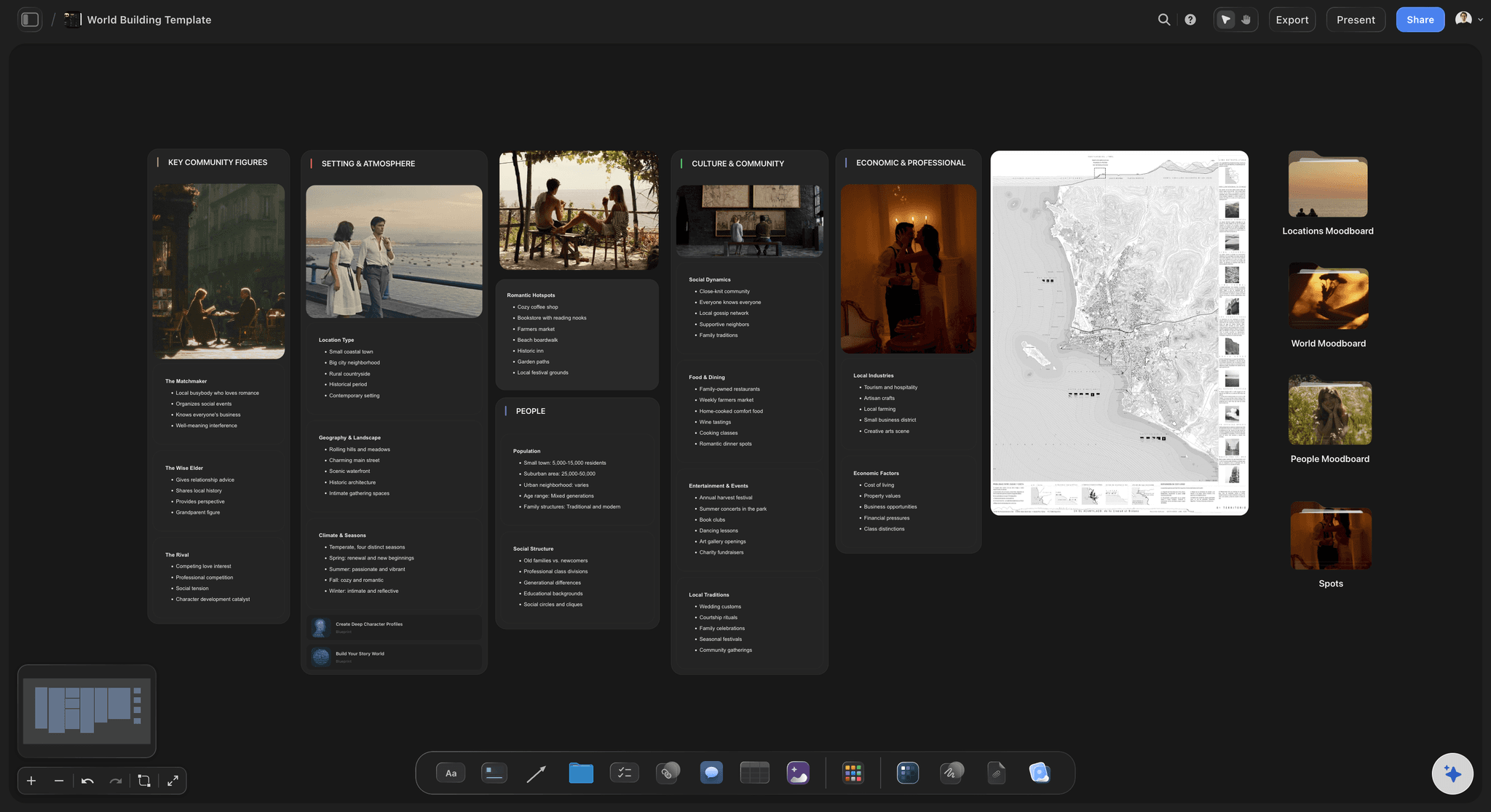
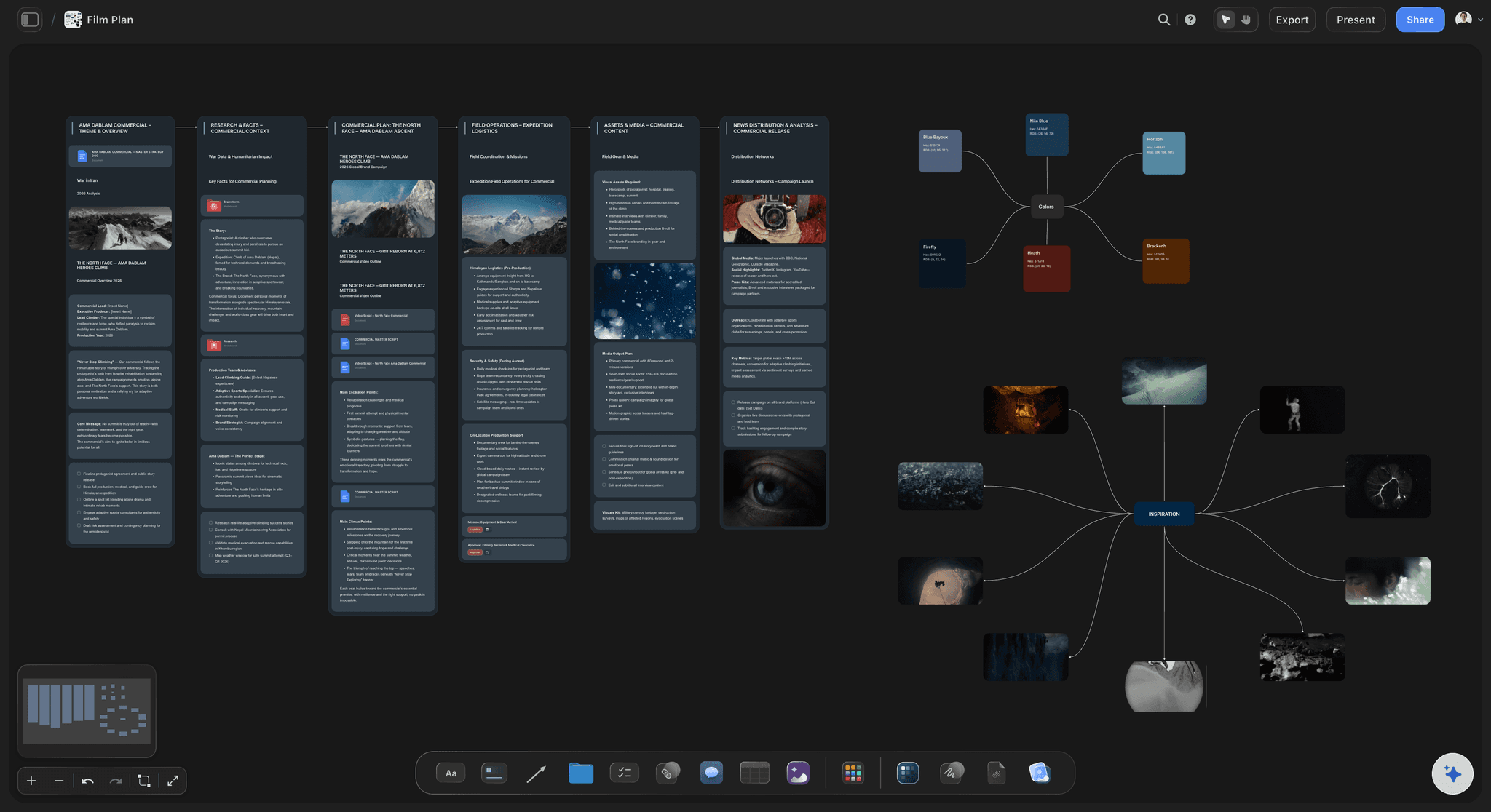
Pull the brief, script, shot list, and moodboard into one pre-production hub so the whole shoot is planned in one place.
What is a production bible?
A production bible is the reference that says how a series is made, so that every episode looks, sounds and runs like the same show no matter who directed or cut it: the look, the tone, the episode format, the rules and a log of what has already been established on screen. Storyflow is an AI visual workspace that holds a production bible on one infinite canvas: the look as reference stills and a palette, the tone as written rules, the episode format as a table, and the continuity log. Its AI reads the bible board and can check a new episode outline against it before anyone shoots.
A production bible is not a series bible and not a production binder. The series bible sells the show: the premise, the characters, the arcs and where season two could go. The binder holds one shoot's paperwork: the call sheets, the releases, the contact list. The production bible sits between them and governs the making. It is written for the third director, the second editor and the freelance designer who were not in the room when the creator decided how the show should feel.
A worked example. An eight episode docuseries, 22 minutes an episode, three directors and two editors. The format: a cold open of 60 to 90 seconds, the title card at about 1:30, three acts of roughly six minutes, and a 20 second end card. The look: interviews on a 35mm or 50mm lens only, subject on the left third with the eyeline to camera left, no handheld in interviews, handheld allowed for everything else. Five colours in the palette and one reference still for the grade. Lower thirds show name and role, bottom left, for four seconds. That whole page of rules fits on one board, and it is the first thing the third director reads before their first shoot day.
Write the tone as rules, not adjectives. Warm and honest means nothing to an editor at midnight. Never use music with lyrics under someone speaking. Never cut away from a person while they are crying. Every episode ends on a small defeat before the win. Nobody is ever filmed from below the chin. Rules like these let a person who joined in month four make the call the creator would have made, without having to ask the creator.
Keep a continuity log, because a series contradicts itself one small fact at a time. Every fact that reaches the screen gets a row: what was said or shown, the episode, the timecode, and who said it. The farm has 400 cows in episode two, so it cannot have 300 in episode six. A wardrobe piece, a character's age, a date on a letter, a recurring graphic: if it was on screen, it is in the log.
Give the bible an owner and a rhythm. One person, usually the series producer or the story producer, updates it after every episode locks: new facts into the continuity log, any rule that changed, any rule that was broken and kept because it worked. A bible that is two episodes out of date is worse than none, because people still trust it.
Ultra fast from brief to board
Four parts, and the show has its rules.
Build it before the first shoot. Update it after every episode locks.
01
Put the look up as pictures
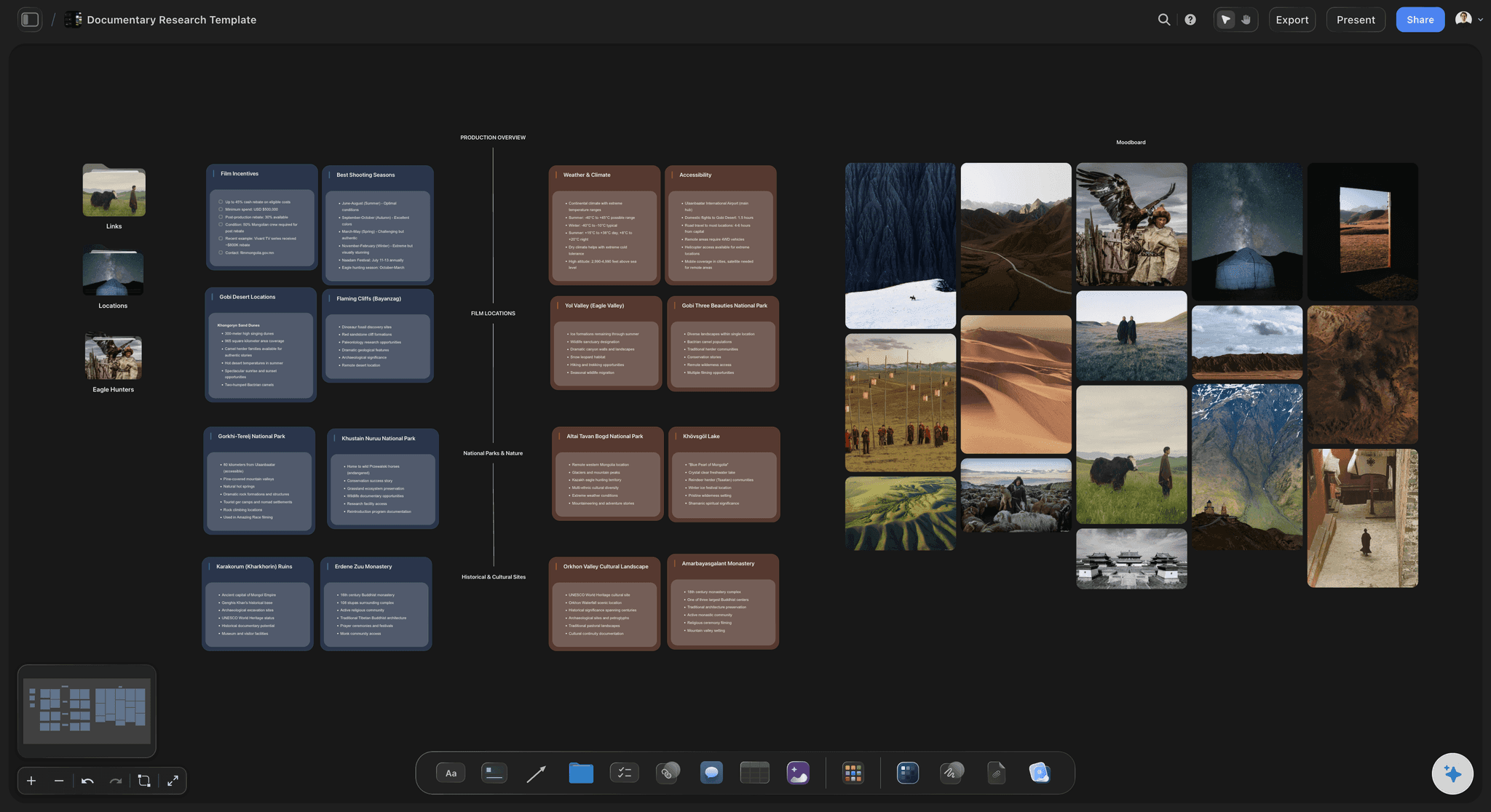
Add the reference stills for framing, light and grade, and a colour palette for the show. Use AI image search to find references, or upload your own frames from the pilot or the test shoot. Under each picture, write the rule it shows: interviews on the left third, no handheld in interviews, the grade matches this still.
02
Write the tone as rules
Attach the treatment and ask the AI to draft the tone rules from it. It reads the document and proposes a list. You keep the ones that are true, cut the ones that sound like a brochure, and add the rules only you know, such as the music you never use.
03
Lay out the format as a table
One row per segment: cold open, title, act one, act two, act three, end card. A Length column in seconds with a Sum in the footer, so the runtime adds itself up and a segment that grows shows straight away what it costs the rest of the episode.
04
Start the continuity log and share it
Add a table with a row per fact that reached the screen: the fact, the episode, the timecode and the source. Invite the directors, editors and designers, who join free, or send a view-only link to anyone who only needs to read.
The look, the tone, the format and the log.
Storyflow holds the rules of the show, in pictures where a picture is clearer and in tables where a number is. The edit still happens in Premiere Pro or DaVinci Resolve.
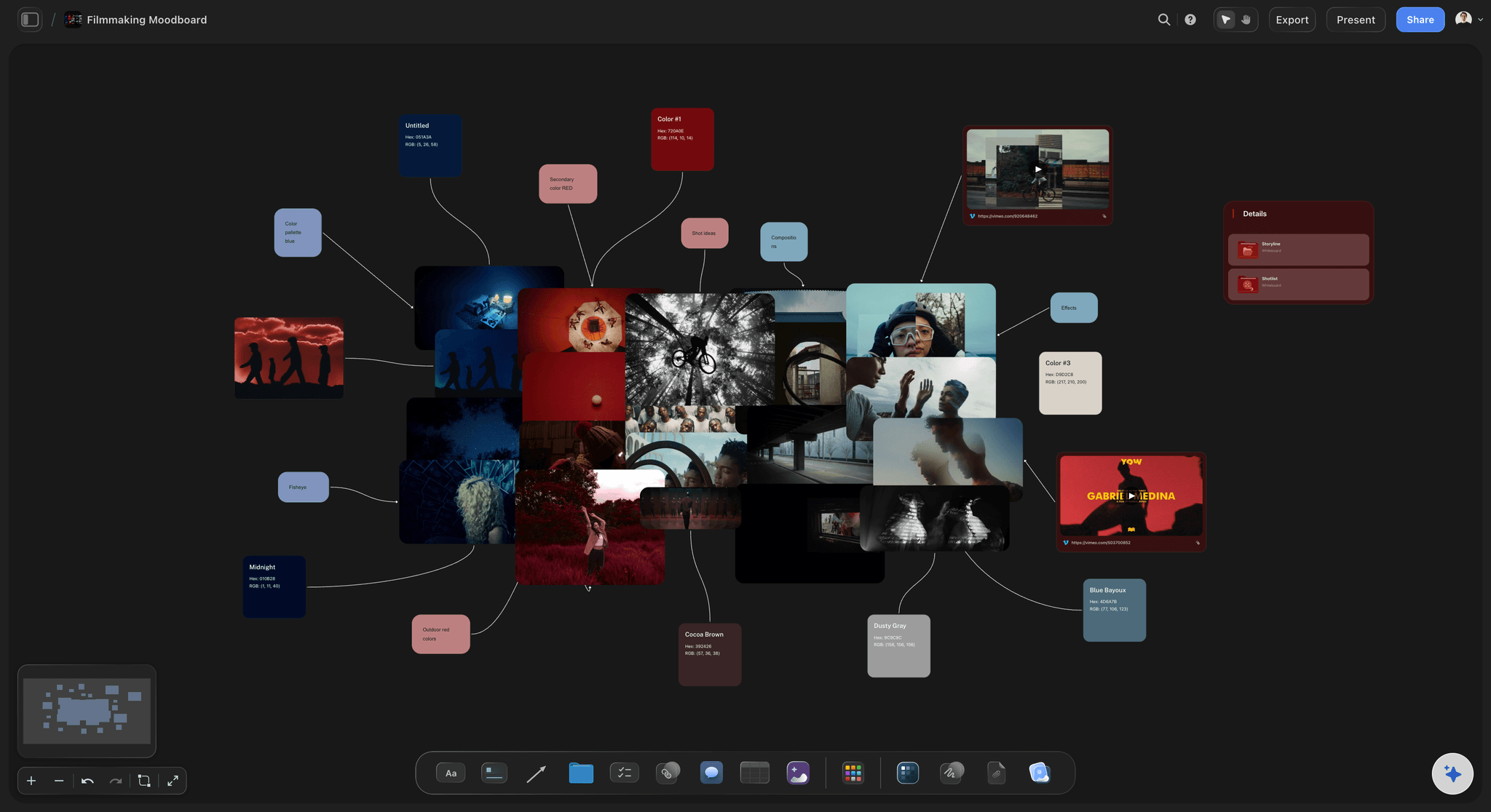
How it looks
The look as pictures, with the rule under each
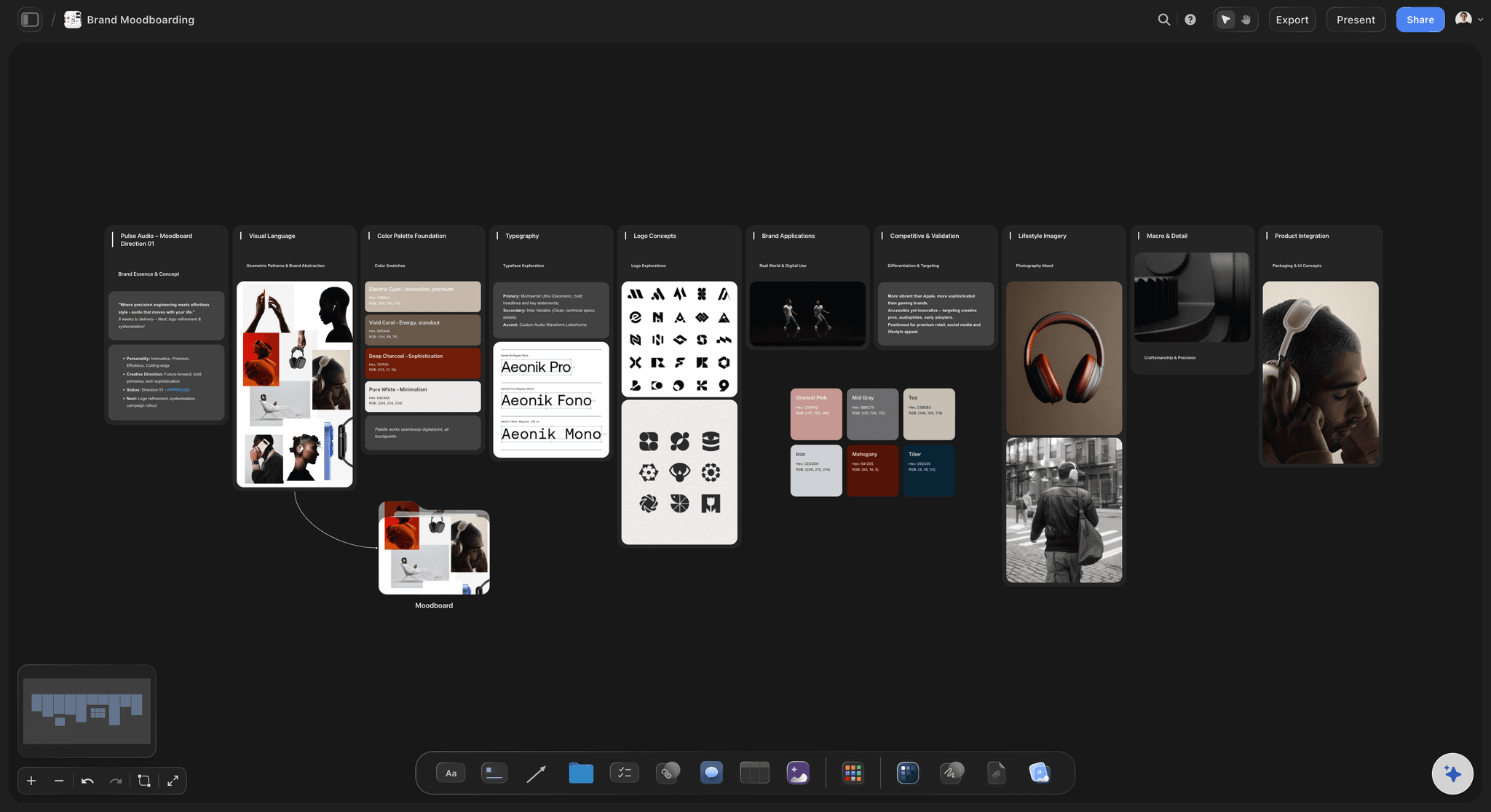
Reference stills for framing, light and grade, grouped beside the palette. A director new to the show sees in ten seconds what a two page look document takes to say, and the rule under each still says what to copy.
See the film lookbook →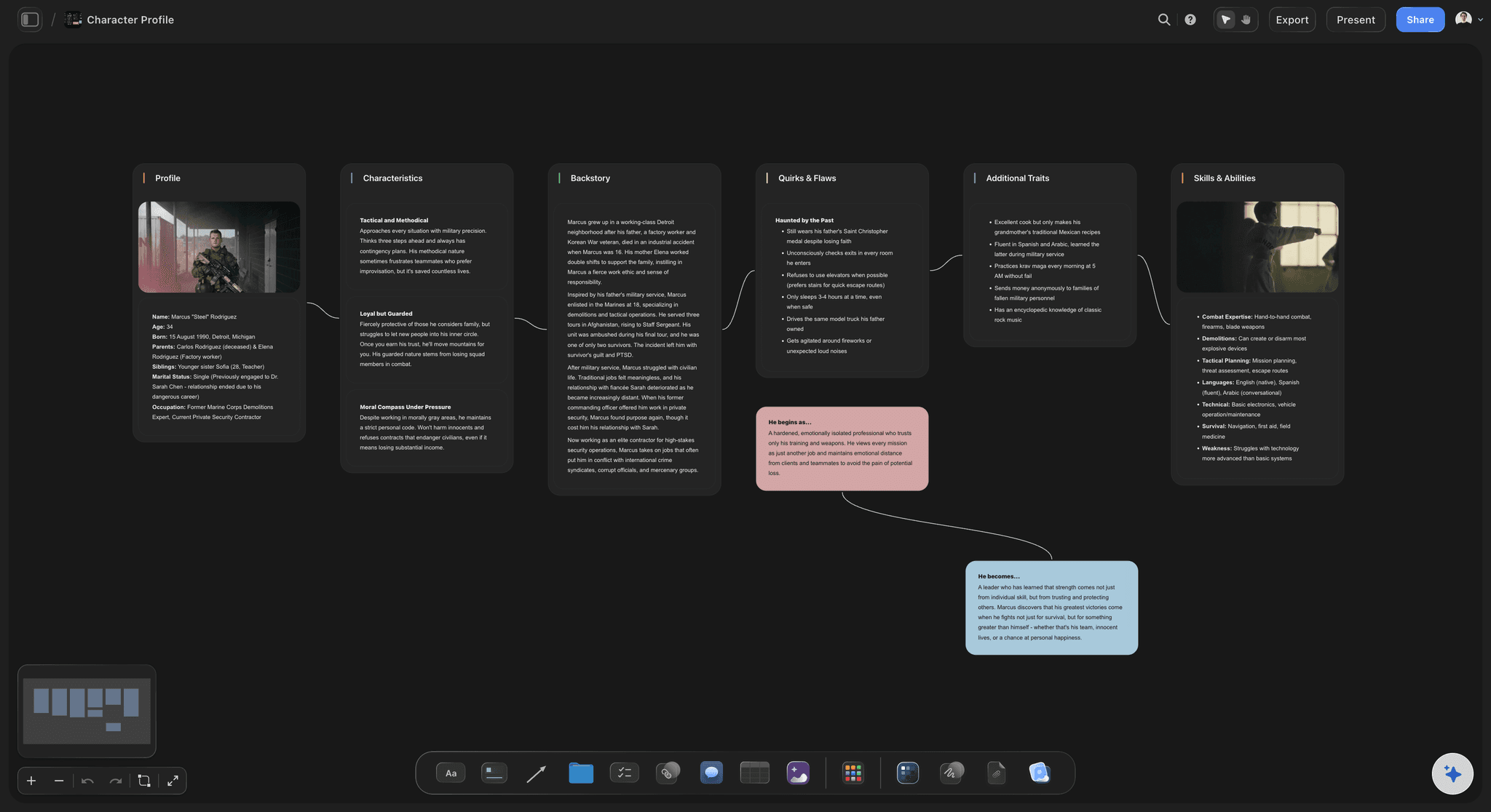
What has been said
A continuity log that catches the small facts
One row per fact that reached the screen, with the episode and the timecode. When episode six says 300 cows, the log says episode two said 400, before the client or the audience does.
See the continuity tracker →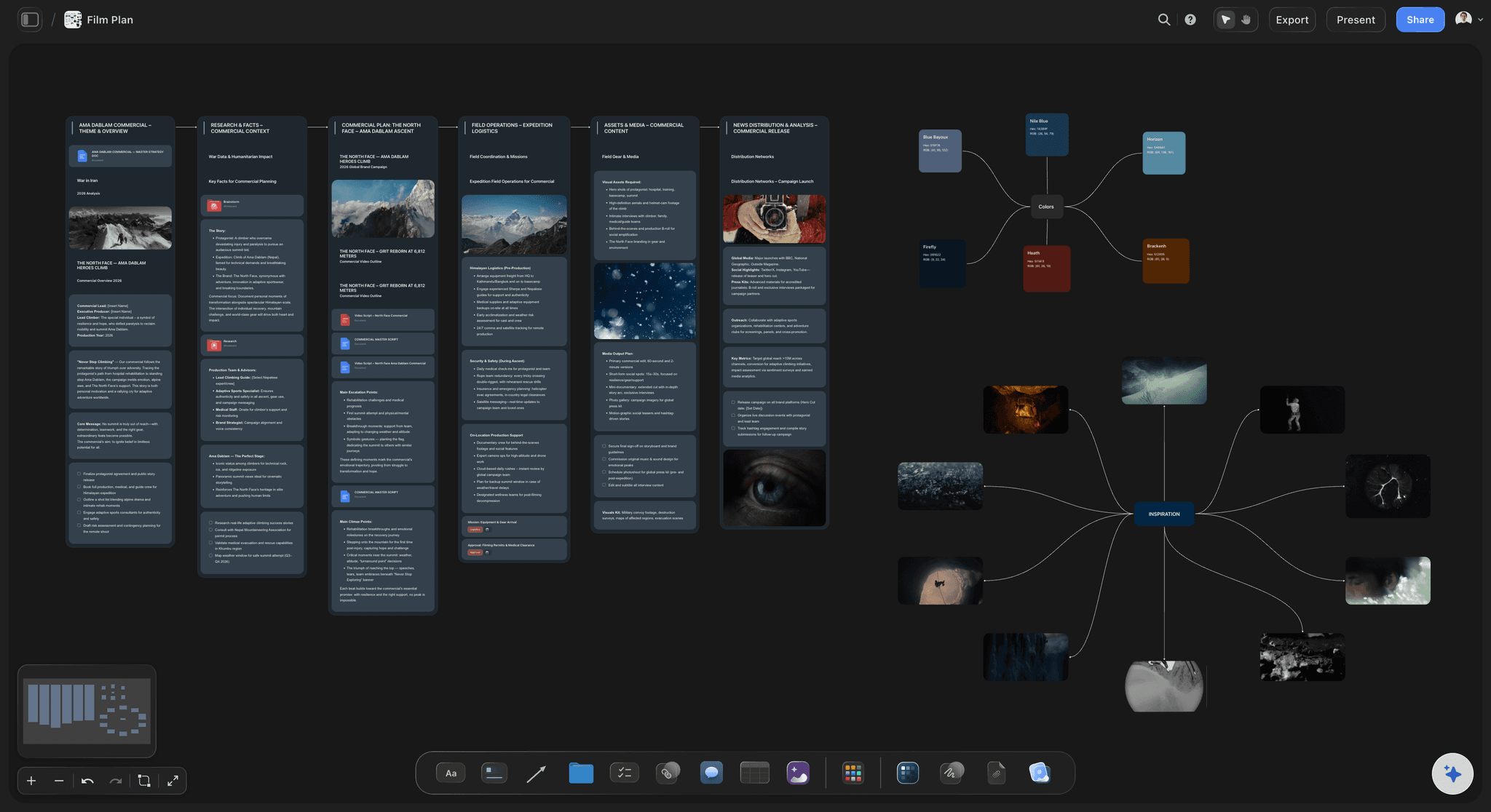
How an episode runs
The format as a table that adds up
Cold open, title, three acts and an end card, each with a target length in seconds and a total in the footer. Editors cut to the same shape, and a long act shows what it costs the rest of the episode.
See the episode outline template →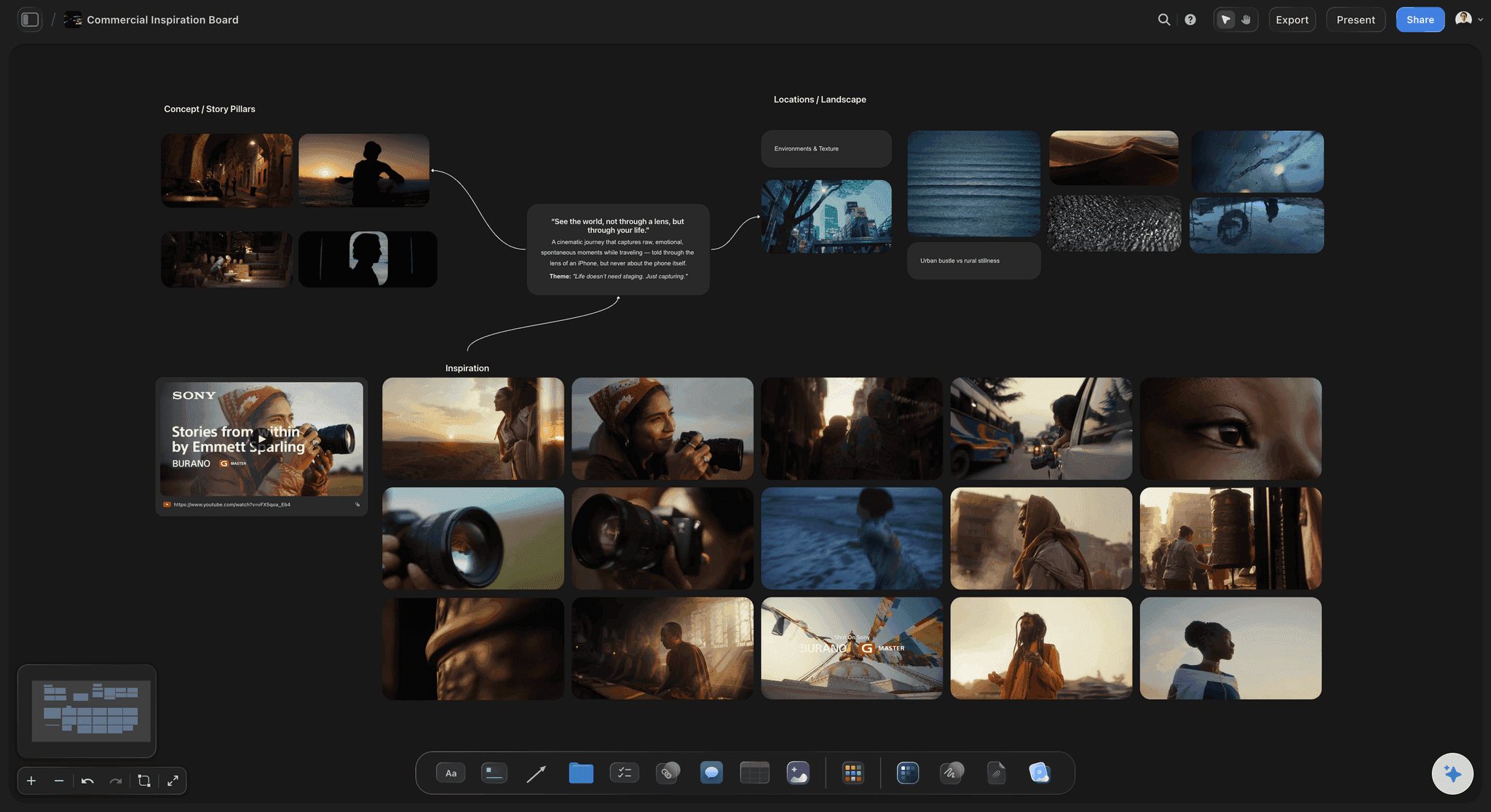
For a campaign shoot too
One look across several directors and markets
A campaign shot by three directors in four countries needs the same rules as a series: the framing, the palette, the product shots that are never allowed, and the tone. One board keeps every market on the same look.
See the creative direction deck →Season two starts from season one's rules.
The bible is still on the board when the show is renewed, with every rule and every fact already written down, including the rules you broke on purpose and why. Storyflow is paid-only during early access, with plans from $7.99 a month billed annually ($9.99 monthly). A free plan launches before the end of 2026, and anyone a paid member invites to a board joins free.
Invite every director, editor and designer without buying them a seat
Unlimited boards, image uploads and files on every paid plan
AI image search to find reference stills for the look
Whole-board PDF export for crew who want a file
Presentation mode to walk a new director through the show
Built for people with taste
The three ways a series stops looking like one show.
Each one starts with someone who was not in the first meeting, doing their honest best with what they were given.
The look drifts
Episode five was shot by someone else
Rules under pictures: Every reference still carries the rule it shows. A new director does not have to guess which part of the frame to copy: the lens, the framing or the light.
One palette for the whole show: The show's colours sit on the board as a palette beside the grade reference, so the graphics designer and the colourist work from the same five colours.
What is never allowed: The banned list matters as much as the look: no handheld in interviews, no shots from below the chin, no product shown without its label. Written once, kept by everyone.
Graphics with exact rules: Lower thirds, titles and end cards described with their position, their timing and their font, so the third editor does not reinvent them in episode seven.
The story contradicts itself
A fact that changed between episodes
Every on-screen fact in one table: What was said, the episode, the timecode and who said it. The log is the answer when someone asks whether the show ever said how old she was.
Updated when an episode locks: The story producer adds the new facts the day an episode locks, not at the end of the season when nobody remembers which cut they came from.
Checked before the next outline: Attach the new episode outline and ask the AI to check it against the bible board. It points out the facts and rules the outline seems to break. You decide which ones matter.
Rules that were broken on purpose: When a rule is broken and the result is kept, write that down too. The next director needs to know it was a choice, not a mistake to repeat or to fix.
The bible goes stale
A PDF that was right in March
One current version: The board is the bible. There is no v3 PDF on one editor's desktop while the story producer updates v5, so everyone reads the same rules today.
Questions next to the rule: A director who disagrees with a rule leaves a comment beside it. The discussion stays attached to the rule instead of disappearing into a chat thread.
A file when someone wants one: Export the whole board as a PDF for a broadcaster or a crew member who asks for a file, and keep the board as the version that stays current.
One owner, named on the board: The person who keeps the bible current is written at the top. Questions go to them, and nobody edits a rule quietly at the end of a long day.
Explore templates for your project
Every template opens as a real, editable board on the infinite canvas. Pick the closest fit and make it your own.
Pre-Production
Pull the brief, script, shot list, and moodboard into one pre-production hub so the whole shoot is planned in one place.
One app instead of five
Where Storyflow fits for a production bible.
It holds the rules and keeps them current. It does not replace your editing or review tools.
Storyflow
Recommended
Look, format, tone and continuity side by side
Reference stills and palette in one view
Runtime that adds itself up from the format table
Everyone reads the current version
Comments beside the rule they question
Opens from one link in any browser
Suggested edits tracked line by line
Readable with no internet connection
A shared doc
Look, format, tone and continuity side by side
Reference stills and palette in one view
Runtime that adds itself up from the format table
Everyone reads the current version
Comments beside the rule they question
Opens from one link in any browser
Suggested edits tracked line by line
Readable with no internet connection
A designed PDF
Look, format, tone and continuity side by side
Reference stills and palette in one view
Runtime that adds itself up from the format table
Everyone reads the current version
Comments beside the rule they question
Opens from one link in any browser
Suggested edits tracked line by line
Readable with no internet connection
What creators are saying
Join early creators getting structured workspaces and AI that remembers their projects
“Storyflow has sped up my workflow by at least 3x, which means more flow state and more projects I can actually ship. It truly changed the way me and my team create.”

Reilin Joey
Director & YouTuber
“One prompt gets me a structured board. But the tactics are my favorite. I run my YouTube scripts through them and my intros and retention got better. It's amazing.”

Justkay
YouTuber & Freelance Filmmaker
“I used to juggle five apps to plan a project. Now I describe what I am making and get boards, lists, and a schedule. All in one place.”

George
@fernwehchronicles
Production bible questions
What producers ask before they write the rules of a show.
In Storyflow, a production bible is one board every director, editor and designer works from: the look as reference stills and a palette, the tone as written rules, the episode format as a table, and a continuity log of every fact shown on screen. In general terms, it is the reference that says how a series is made, so each episode feels like the same show whoever made it.
Storyflow is made for keeping a show on its rules: the look, the tone rules, the format table that totals the runtime and the continuity log sit on one board, its AI checks a new outline against them, and the crew joins free when invited. The edit itself still happens in Premiere Pro or DaVinci Resolve, footage review in a tool such as Frame.io, and a print-designed bible in InDesign.
Six parts: the look (reference stills, framing and lens rules, the grade, the palette), the tone written as rules, the episode format with target lengths, the graphics rules for titles and lower thirds, the people and places that recur, and a continuity log of every fact already shown. Add the owner's name and the date it was last updated.
A series bible sells the show: the premise, the characters, their arcs and where future seasons go, written for a network or a buyer. A production bible governs how the show is made: the look, the format, the tone rules and the continuity log, written for the crew. Storyflow handles both, usually on two boards in the same project.
A production binder holds the paperwork for a shoot: the call sheets, the schedule, the contacts, the releases and the permits. A production bible holds the rules for the whole series and does not change from one shoot day to the next. In Storyflow the binder is the board you run the shoot from, and the bible is the board you make the show from.
Directors and camera operators use the look and the framing rules. Editors use the format and the tone rules. Graphics designers use the palette and the title rules. Story producers keep the continuity log. Anyone who joins after the first episode reads it first. It works for scripted series, docuseries, YouTube series and branded content made by more than one team.
Show a still and write the rule under it. Name the lenses, the framing, the camera movement that is allowed and the one that is not, and pin one reference still for the grade. In Storyflow, AI image search finds reference stills, and a palette element holds the show's colours, so the rule and the picture sit together.
Yes, as a first pass. Attach the new episode outline and ask Storyflow's AI to check it against the bible board. It reads the board and the outline and points out the rules and the facts the outline seems to break. It proposes; the producer decides, because some rules are meant to be broken once.
Give it one owner and one rhythm. The series or story producer updates it the day each episode locks: new facts into the continuity log, rules that changed, rules broken on purpose. Storyflow keeps one current version on the board, so nobody works from an old PDF, and comments beside a rule keep disagreements visible.
Yes, when more than one director or more than one market is shooting. A campaign shot in four countries needs the same framing, palette, product rules and tone everywhere, or the cut-downs will not match. A short bible on one Storyflow board, shared with every production company, does that job.
No. Storyflow does not edit video, apply grades or LUTs, or give frame-accurate review notes on footage. Cut in Premiere Pro or DaVinci Resolve and review footage in a tool such as Frame.io. What Storyflow holds is the bible: the look, the rules, the format and the log those tools are used to follow.
Invite them to the board in Storyflow. Anyone a paid member invites joins free, so a freelance editor brought in for two episodes does not need a plan. Anyone who only needs to read, such as a broadcaster, can use a view-only link with no account, and the whole board exports as a PDF.
No. Storyflow runs in the browser and there are no native mobile or desktop apps. The director opens the bible on a laptop at the location, and anyone who needs to check a rule on set can open the board in a phone's browser.
More from Storyflow
Write the rules before the third director arrives.
The look, the tone, the format and the log. One board the whole show works from, from the first shoot to the last episode.