
Ultra-fast planning, extremely simple
Connect Perplexity to a project board
and keep what the research found.
For founders, consultants and researchers who work in Perplexity: one custom connector, and the findings, the sources and the summary land on a Storyflow board your team can open.


Creatives working for these brands already got early access
- Red Bull
- Canon
- Artlist
- Porsche
See how easy it is to get started
Watch a real project come together, from a blank board to a finished plan, clicked through step by step.
Start from a ready-made template
Pick a board to see what you can build, then let AI fill it in. Every template is a real, editable starting point on the same infinite canvas.

Mind Map
Branch one central idea out into themes and sub-points, then drag the connections around until the structure makes sense.
How do I connect Perplexity to a project board?
You connect Perplexity to a project board by adding the board's address as a custom connector in Perplexity's account settings and signing in to the board app, where you choose what Perplexity may read and change. Storyflow is an AI visual workspace that turns research done in Perplexity into a project board on one infinite canvas: a note for each finding, a link card for each source, a table of the options and a summary document. Once connected, Perplexity does the research on its own model and writes what it found onto your board, grouped into themes your team can move around.
Perplexity is good at the part before the board. Ask it which of three cities has the most cyclists and it searches, reads and answers, with the pages it used listed beside the answer. Ask a follow-up and it keeps the thread. What you end up with is a thread per question. Twelve questions make twelve threads, and the decision needs all of them at once: the demand next to the rent next to the rules. So you copy findings into a document, some links get lost on the way, and nobody else on the team can put one finding next to another.
Connect Perplexity to Storyflow and the findings have somewhere to go. In Perplexity, open Account settings, then Connectors, and click + Custom connector. Choose Remote, name it Storyflow, paste https://mcp.storyflow.so/mcp and sign in. Storyflow then asks which projects Perplexity may use and whether it may make changes. After that you research as usual, and when an answer is worth keeping you say so: put these findings on the board, one note each, under the right theme, with a link card for every source. When the research is done, ask for a table of the options and a summary document. All of it sits on one board.
Here is one piece of research, counted, that you can copy on paper before you sign up for anything. A consultant must say which of three cities a bike repair chain should open in next: Leeds, Bristol or Glasgow. She asks Perplexity four questions about each city (demand, competitors, rent and local rules), which is 12 questions. She keeps three findings from each answer, which is 36 notes, and two sources from each, which is 24 link cards. On the board that is four theme columns of nine notes each, the same 36, and one Sources column of 24 link cards: 60 cards in five columns. Then one table with a row per city and six columns (city, demand, competitors, rent, rules, score), which is 18 cells, and one summary document with five sections: one per theme and a recommendation.
Every research board worth keeping has the same parts, whatever the subject. The question, written at the top, so a finding that does not help answer it can be left out. One finding per card, in your own plain words. The source and its date beside every finding, because a 2019 number and a 2025 number are not the same fact. Themes that group the findings. A list of what you still do not know. The options compared on the same points. And a short summary that says what you would do. Keep what you found apart from what you think, so a reader can tell the two apart at a glance.
The honest limits. Storyflow's connector does no web research: the searching is Perplexity's, and only what you ask it to put on the board is kept. Perplexity has no tool that deletes a card, cannot see the pictures on a board and cannot make a PDF or a Word file there. A file you attach in the Perplexity thread does not reach Storyflow, so upload it to the board, where Perplexity can read it. A table on the board keeps its rows in the order they were written: it cannot be sorted. Storyflow's setup notes list Perplexity Pro, Max and Enterprise for custom connectors. The same address works in Claude, ChatGPT, Gemini and Grok.
Ultra fast from brief to board
Add it once, research as usual, then ask for the board.
The setup takes a few minutes in Perplexity. After that the only new habit is saying which findings to keep.
01
Add Storyflow as a custom connector
In Perplexity, open Account settings, then Connectors, and click + Custom connector. Choose Remote, name it Storyflow and paste https://mcp.storyflow.so/mcp. Then sign in to Storyflow. Storyflow's setup notes list Perplexity Pro, Max and Enterprise for this.
02
Choose what Perplexity may touch
On the Storyflow sign-in page, pick all your projects or only some, and decide whether Perplexity may make changes. Should Storyflow not know the app that is asking, the page shows a red warning, and the Approve button only works once you tick "I trust this app".
03
Research, and say what to keep
Ask your questions in Perplexity as you always do. When an answer is worth keeping, say: "Put these findings on the City choice board under Demand, one note each, with a link card for every source." The notes appear in that column.
04
Ask for the table and the summary
When the research is done, ask for a table that compares the options and a summary document with a recommendation. Then invite your team to the board, or send your client a view-only link from Storyflow.
The findings, the sources, the options and the summary.
Perplexity finds things out. Storyflow is where what it found is kept, sorted and decided on.

The findings
One note per finding, grouped into themes
Ask for a column per theme and Perplexity writes each finding as its own note under it, up to 40 cards in one go. Twelve questions about three cities end up as four columns you read left to right, not twelve threads.
See research to outline →
The sources
A link card for every source
Each page Perplexity used can go on the board as a link card beside the finding it supports. Ask for an arrow from the finding to its source, with a few words on it, and the trail from claim to proof is drawn.
See the literature review organizer →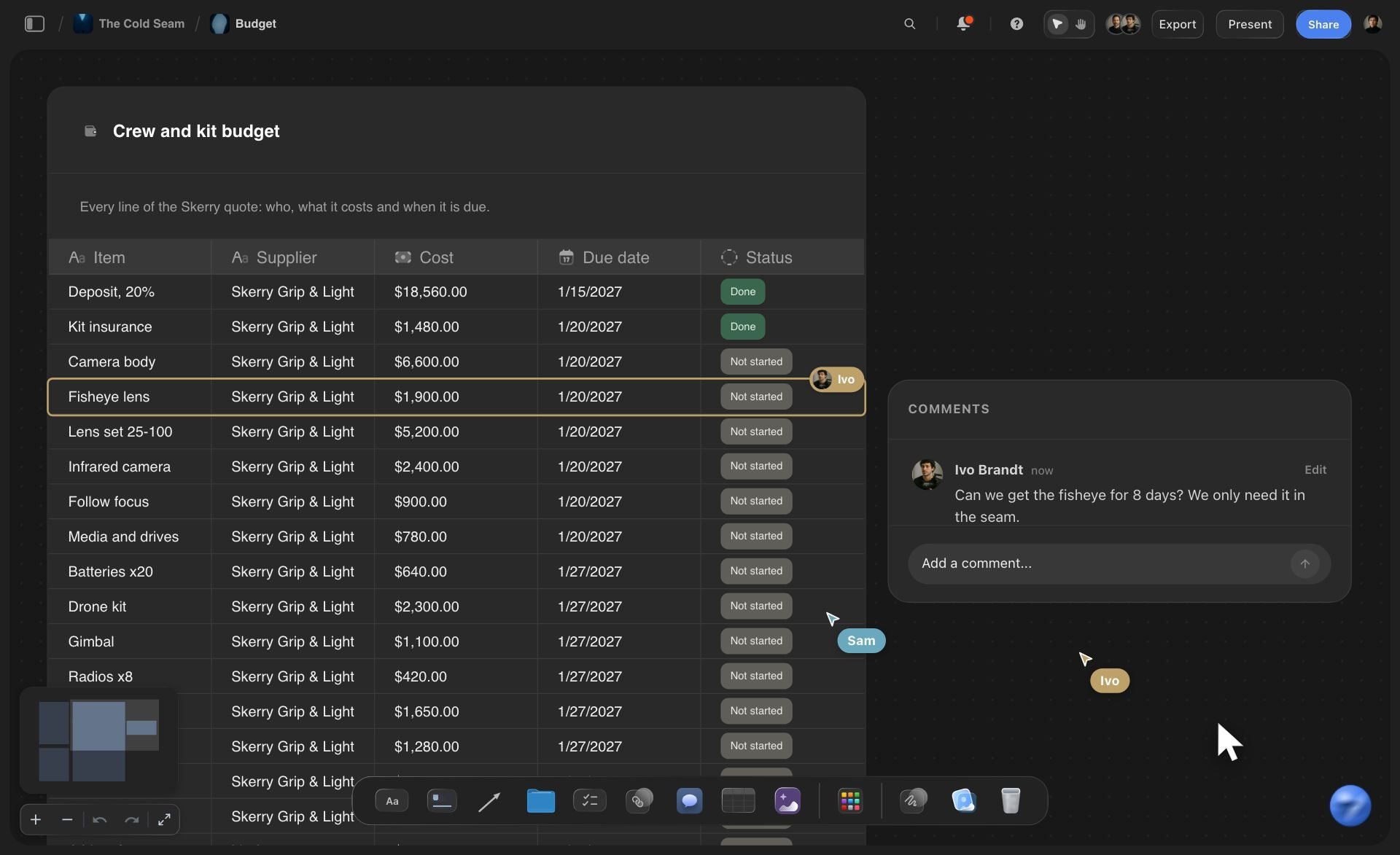
The decision
A table of options and a summary document
Perplexity builds a table with a row per option and up to 8 columns, where numbers, money and links are their own column types. Then it writes the summary as a document, a section at a time, ending with what it would recommend.
See the AI competitor analysis page →
Any assistant
One address for Perplexity, Claude, ChatGPT and Gemini
Storyflow's MCP server is one web address. A consultant researches in Perplexity and a client lead plans in ChatGPT, and each signs in to the same Storyflow project with their own choice of what the assistant may touch.
See the setup steps for each tool →Perplexity does the research. Storyflow keeps it.
Perplexity runs on its own model, so what it reads and writes over the connector uses no Storyflow AI credits. A free account (today, one invited by a paid member) gets a weekly allowance of actions from its assistant, and the pricing page shows the current number. Plus, Pro and Max have no limit. Storyflow is paid-only during early access, with plans from $7.99 a month billed annually ($9.99 monthly). A free plan launches before the end of 2026.
Perplexity's work on your board uses no Storyflow AI credits
Plus, Pro and Max: no limit on connector actions
Perplexity side: Pro, Max or Enterprise, per Storyflow's setup notes
Clients read the board through a view-only link, with no account
Every connection ends after 30 days until you sign in again

Built for people with taste
Where research done in a chat gets lost.
Perplexity answers the question in front of it. A decision needs every answer at once.
The threads
Twelve threads and no decision
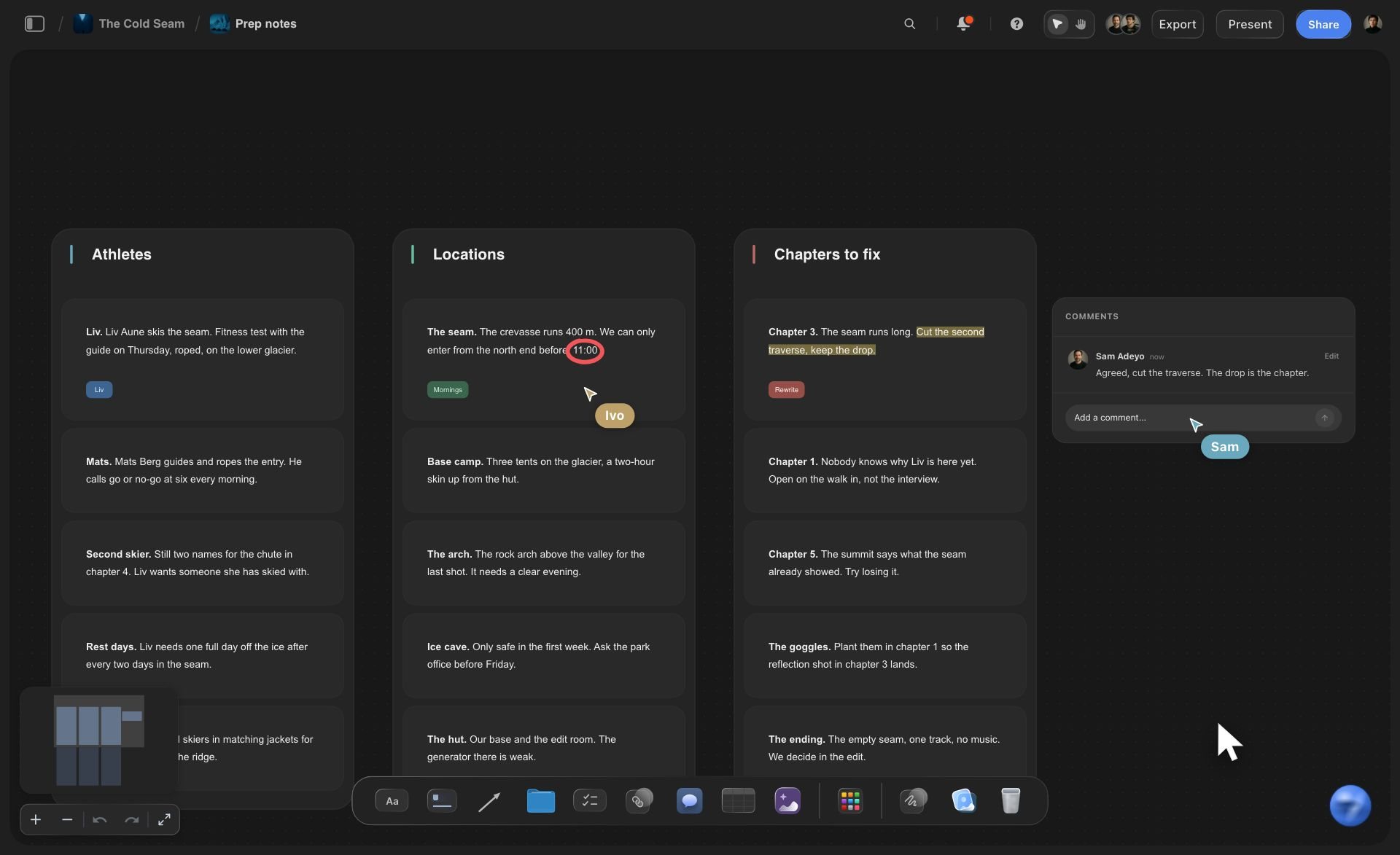
Findings leave the thread: Perplexity writes each finding onto the board as its own note. The thread can scroll away. The finding stays where your team can read it, move it and argue with it.
Themes, not a list of questions: Ask for one column per theme, and the findings from twelve different questions sit together under demand, competitors, rent and rules.
Loose notes sorted for you: Already have forty notes on the board? Ask Perplexity to sort them into groups. It files existing cards into up to 12 columns in one request.
Next week starts from the board: Open a new thread, name the board, and Perplexity reads what is already there. Then ask it to look only for what is still missing.

The sources
A number with no link behind it
Every source is a card: Each source goes on the board as a link card you can click, next to the findings it supports. Six weeks later you can still open the page a number came from.
Arrows from claim to source: Ask Perplexity to join a finding to its source with an arrow and a few words on it, such as "2025 survey" or "company filing".
Reports on the board count too: Put a PDF, Word, Excel or CSV file on the board and Perplexity reads its text from there: the first 40,000 characters of each file, so split a long report.
Evidence in one colour, opinion in another: Ask for findings on one card colour and your own conclusions on another. A reader can tell what was found from what you think without reading a word.
The decision
Research nobody can act on
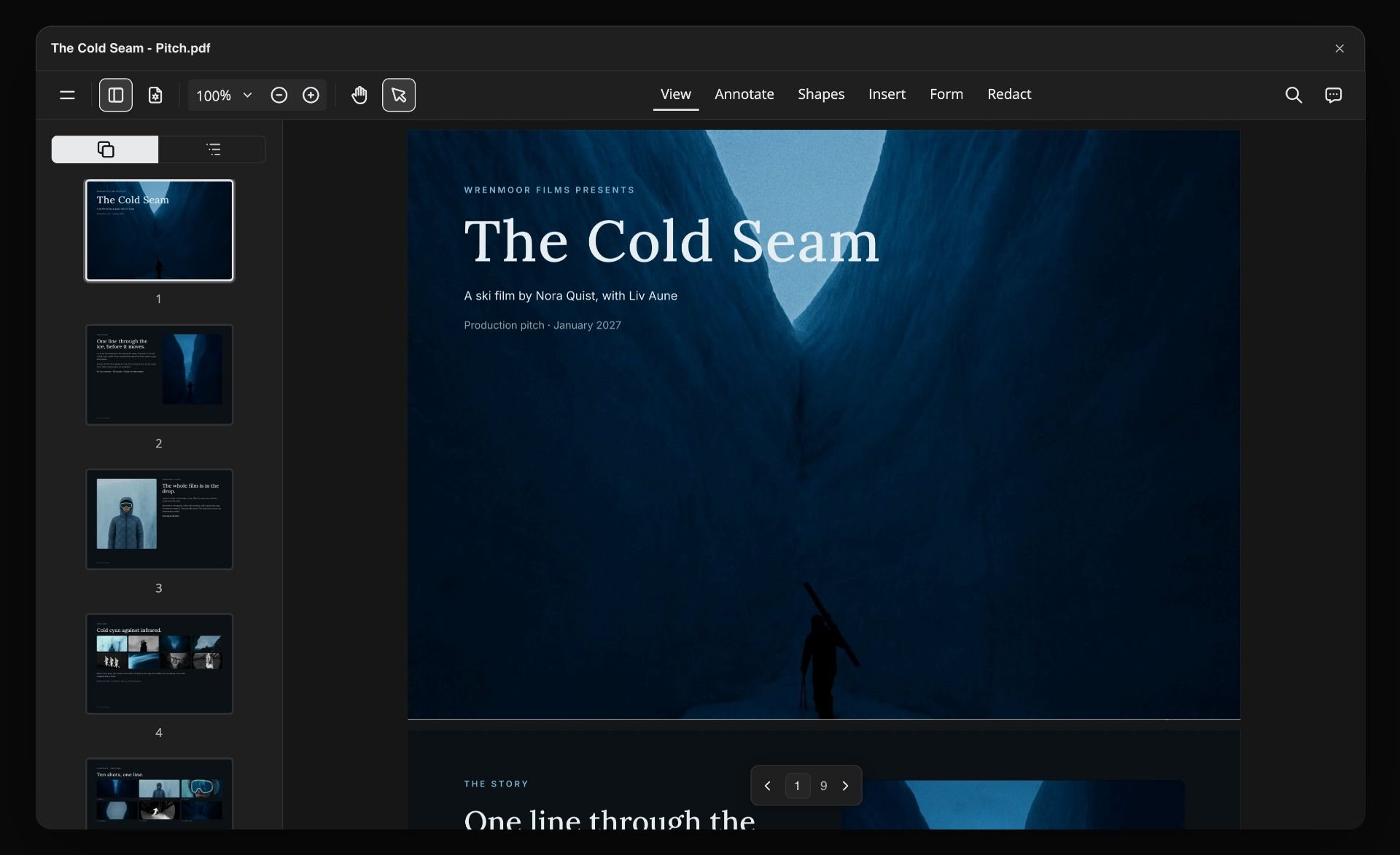
Options in one table: Three cities, six columns, one row each. Numbers go in as numbers, money as money and links as links, so the table is more than text in boxes.
A chart when the numbers matter: Ask for a bar chart of rent by city and Perplexity draws it on the board. When a figure changes, ask it to update the chart that is there.
A summary your client can read: The summary is a document on the board, one section per theme and a recommendation at the end. Ask for one more section and Perplexity adds it to the end.
One link for the people who decide: Share a view-only link from Storyflow and your client opens the board in a browser with no account: the findings, the sources, the table and the summary.
Explore templates for your project
Every template opens as a real, editable board on the infinite canvas. Pick the closest fit and make it your own.
Mind Map
Branch one central idea out into themes and sub-points, then drag the connections around until the structure makes sense.
One app instead of five
Perplexity with Storyflow, Perplexity alone, or Notion.
Storyflow gives Perplexity's findings a board to live on. It does not search the web, and Notion's databases still sort, filter and switch views.
Storyflow with Perplexity
Recommended
Perplexity writes the findings onto your Storyflow board
Sources, findings and summary side by side on one open canvas
Teammates rewrite and move each finding
Themes as columns of cards you drag between
Labelled arrows drawn from a finding to its source
Sort and filter the table of options
Calendar and timeline views of one table
No paid Perplexity plan needed, per Storyflow's setup notes
Perplexity on its own
Perplexity writes the findings onto your Storyflow board
Sources, findings and summary side by side on one open canvas
Teammates rewrite and move each finding
Themes as columns of cards you drag between
Labelled arrows drawn from a finding to its source
Sort and filter the table of options
Calendar and timeline views of one table
No paid Perplexity plan needed, per Storyflow's setup notes
Notion
Perplexity writes the findings onto your Storyflow board
Sources, findings and summary side by side on one open canvas
Teammates rewrite and move each finding
Themes as columns of cards you drag between
Labelled arrows drawn from a finding to its source
Sort and filter the table of options
Calendar and timeline views of one table
No paid Perplexity plan needed, per Storyflow's setup notes
What creators are saying
Join early creators getting structured workspaces and AI that remembers their projects
“Storyflow has sped up my workflow by at least 3x, which means more flow state and more projects I can actually ship. It truly changed the way me and my team create.”

Reilin Joey
Director & YouTuber
“One prompt gets me a structured board. But the tactics are my favorite. I run my YouTube scripts through them and my intros and retention got better. It's amazing.”

Justkay
YouTuber & Freelance Filmmaker
“I used to juggle five apps to plan a project. Now I describe what I am making and get boards, lists, and a schedule. All in one place.”

George
@fernwehchronicles
Perplexity connector questions
What founders and consultants ask before they connect Perplexity to a board.
With Storyflow it takes one address. In Perplexity, open Account settings, then Connectors, and click + Custom connector. Choose Remote, name it Storyflow, paste https://mcp.storyflow.so/mcp and sign in to Storyflow. Then pick the projects Perplexity may use and whether it may change them. Storyflow's setup notes list Perplexity Pro, Max and Enterprise for custom connectors.
Storyflow is built for this job: Perplexity does the research and writes it onto your board as one note per finding, a link card per source, a table of the options and a summary document, grouped into themes your team can rearrange. The same address works with Claude, ChatGPT, Gemini and Grok. Notion still gives you databases you can sort and filter, with calendar and timeline views.
Storyflow's setup notes list Perplexity Pro, Max and Enterprise for custom connectors. You also need a Storyflow account, because Perplexity works inside your own projects. Storyflow is paid-only during early access, with plans from $7.99 a month billed annually ($9.99 monthly), and a free account today is one invited by a paid member.
No. The research is Perplexity's: it searches the web on its own model and brings back the findings and their sources. Storyflow's connector has no web search of its own: it only finds your projects, boards and documents by title. Its job is to hold what Perplexity found, as notes, link cards, tables and documents on a board your team can open. A finding you did not ask Perplexity to put on the board stays in the thread.
With changes allowed: columns of notes, one per finding; a link card for each source; a table of options with up to 8 columns and 50 rows; a summary document; arrows between cards with a few words on them; and bar, line or pie charts. In Storyflow each of these is an ordinary card, so you move, edit or remove it by hand afterwards.
The question at the top. One finding per card, in plain words, with its source and the date it was published. Themes that group the findings. A list of what is still unknown. The options compared on the same points. And a short summary that says what you would do. In Storyflow, Perplexity builds each part as its own column, table or document.
Yes, if they are on your Storyflow board. Perplexity reads the text of PDF, Word, Excel, CSV and text files there, up to 25 MB each, and gets the first 40,000 characters of a file. A scanned PDF is not read. A file you attach in the Perplexity thread does not reach Storyflow, so upload it to the board first. For pictures, Perplexity can give you an "Add your photos" link.
If Storyflow does not recognise the app asking, the sign-in page shows a warning with the address the app will send you back to, and the Approve button stays off until you tick "I trust this app". Check that you started this from your own Perplexity account a moment ago. If you did, tick the box and approve. If you did not, click Deny.
Perplexity has no Storyflow tool that deletes a card, a document or a project. With changes allowed it can edit a single card, move it to another column, and replace a document's whole text when you ask, which overwrites it. It cannot replace a section it already built: ask twice and the second one lands beside the first. Anything you delete on the board yourself stays in the trash for 7 days.
No. Perplexity runs on its own model, so what it reads and writes over the connector uses no Storyflow AI credits. A free Storyflow account (today, one invited by a paid member) gets a weekly allowance of actions from its assistant, and the pricing page shows the current number. Plus, Pro and Max have no limit.
Only the ones you pick. The Storyflow sign-in page has three choices: which projects Perplexity may use, whether it may make changes, and whether your documents outside projects are included. For client work, keep each client in its own project and tick only that one. Every connection ends after 30 days, and you can revoke it sooner in Storyflow Settings, under Connected apps.
Yes. Storyflow has one address, https://mcp.storyflow.so/mcp. On the Free plan Claude allows one custom connector. ChatGPT needs Plus, Pro, Business, Enterprise or Edu, on the web. Gemini's custom apps need a personal Google account with Keep Activity on, in the US, for people 18 or over, in English. On Grok Business and Enterprise, a team admin adds it in the xAI console first. Each one reaches the same boards.
Yes. What Perplexity wrote is ordinary cards and documents on a Storyflow board. Share a view-only link from Storyflow and your client opens it in a browser with no account. To comment, a person signs in. Perplexity cannot create or change share links, so you share the board yourself. Exporting the board or a document as a PDF also happens in Storyflow.
More from Storyflow
Storyflow MCP server
Connect ChatGPT to Storyflow
Connect Claude to Storyflow
Connect Gemini to Storyflow
Connect Grok to Storyflow
Research board with Claude
Whiteboard MCP server
Research to outline
Literature review organizer
Book research organizer
AI competitor analysis generator
Document to project board
UX research board
NotebookLM alternative
Storyflow for consultants
Storyflow for startups
Research in Perplexity. Decide on the board.
One custom connector, one sign-in, then ask Perplexity to put what it found where your team can use it.