
The calmest place to shape your story
A micro drama script
planned by episode, shot by location.
For producers moving into vertical series, writers pitching to vertical apps and brands commissioning a series of their own: the bible, an episode grid that tracks every hook and cliffhanger, the scripts and a shoot blocked by location, on one board.


Creatives working for these brands already got early access
- Red Bull
- Canon
- Artlist
- Porsche
See how easy it is to get started
Watch a real project come together, from a blank board to a finished plan, clicked through step by step.
Start from a ready-made template
Pick a board to see what you can build, then let AI fill it in. Every template is a real, editable starting point on the same infinite canvas.

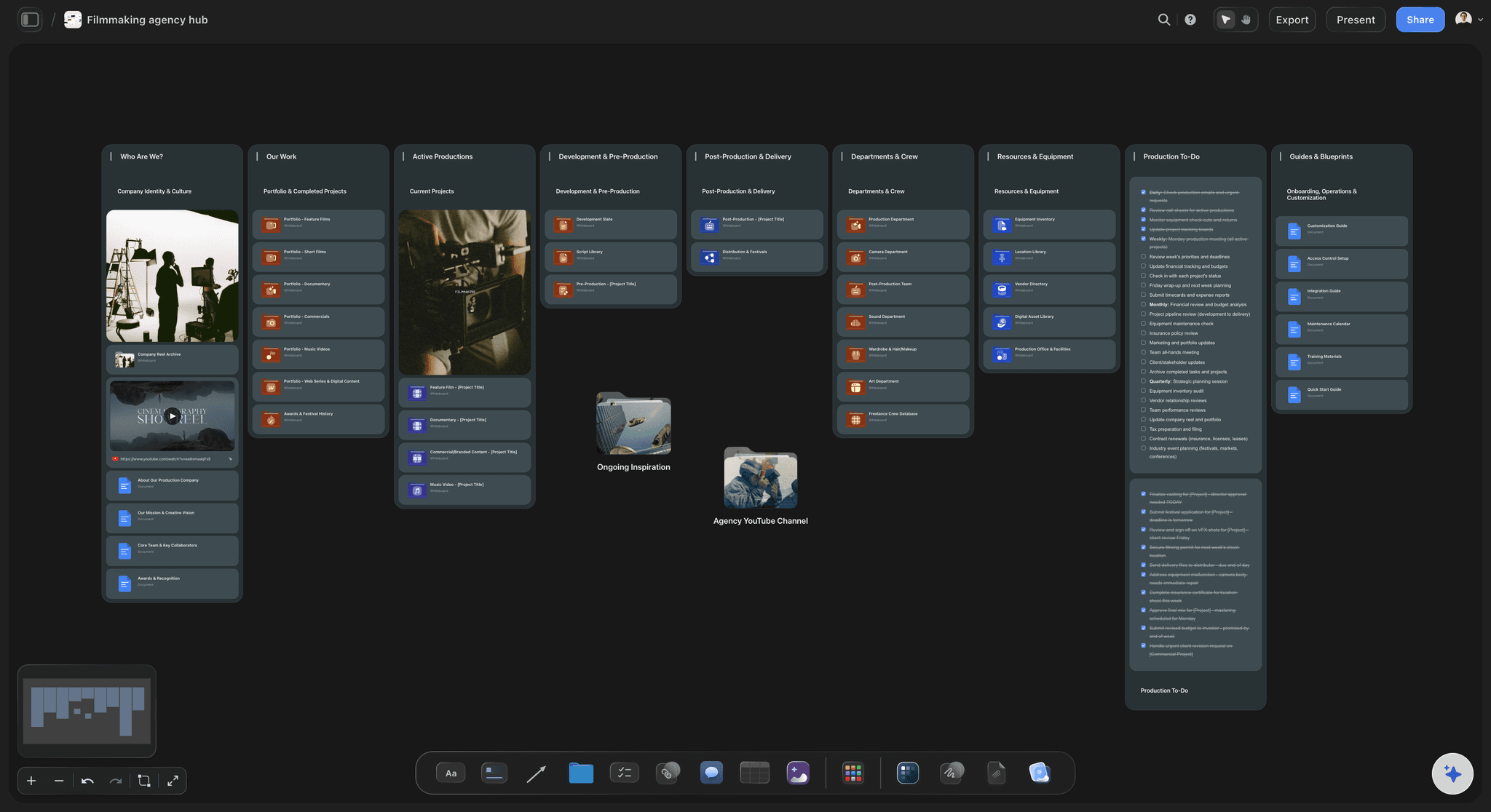
Story Plan
Outline your plot, characters, and world in one connected view, then expand each thread as the story grows.
What does a micro drama script look like?
A micro drama script is a vertical series written as dozens of episodes of one to two minutes, in standard screenplay format, each opening on a hook and ending on a cliffhanger under its own episode heading. Storyflow is an AI visual workspace that plans the whole micro drama series on one infinite canvas: the series bible, an episode grid with every hook and cliffhanger, the scripts, and a shoot grouped by location.
Fix the count before the story. The platform decides how many episodes it buys, anywhere from 20 to 100, and that number sets how many turns the story needs, because every episode ends on one. Ask for the count and the paywall episode in writing before you outline, since both move the whole arc.
The first ten episodes carry the sale. Apps commonly give away the opening episodes and charge for each one after, and a common shape puts the first paywall around episode ten, so the cliffhanger there has to be the strongest in the season. Expect those ten to be rewritten more than the rest, and budget your notes rounds for them.
Shoot by location, never in episode order. A season is commonly shot in seven to ten days at ten or more script pages a day, so every scene in the penthouse, from episode 1 to episode 64, is shot in one block, with at most one company move a day. The frame is upright and narrow, so faces carry the scenes.
Ultra fast from brief to board
Bible first, then the grid, the pages and the strips.
The board you pitch from is the one the crew works from.
01
Draft the bible and the arc
Describe the premise, the two leads and the conflict that locks them together. The AI's story outline or beat sheet workflow drafts the arc across the season, and its character sheet workflow writes a page per lead, for you to rewrite.
02
Fill the episode grid, ten at a time
Make one table per block of ten episodes, a row per episode: the hook, the beat, the cliffhanger, the location and the cast. Label the paywall row, and check that every row ends on a question rather than an answer.
03
Write the scripts, then break them down
Keep the season in one script file, every episode under its own heading. Attach the file, and the AI's script breakdown workflow lists each scene with its cast, location and length in eighths of a page.
04
Group the shoot by location
Tell the AI's strip board workflow how many shoot days you have and to group by location. It makes one strip per scene, keeps each location's scenes together and totals every day's pages; the AI can then draft a call sheet PDF for any day you name.
Everything a vertical series needs before the first shoot day.
The writers' room and the production office on one canvas. Screenplay pagination stays in your script software.
Built to last seventy episodes
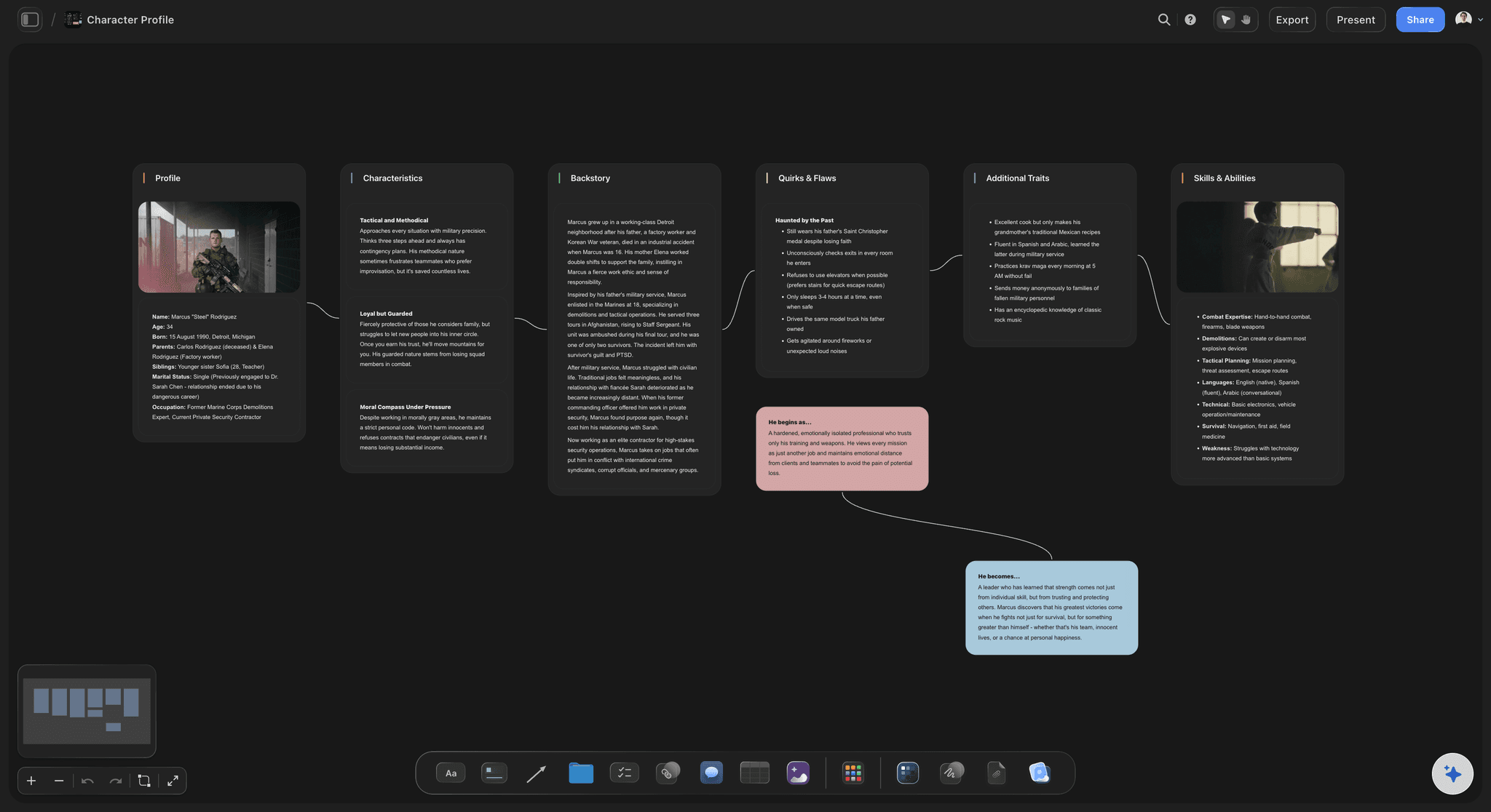
Leads, secrets and rules settled before episode one
The logline and the conflict that keeps the leads together, a page per character with the secret they keep, the rules of the world and the arc by block. The AI's character sheet and world building workflows draft each part from your notes.
See the series bible template →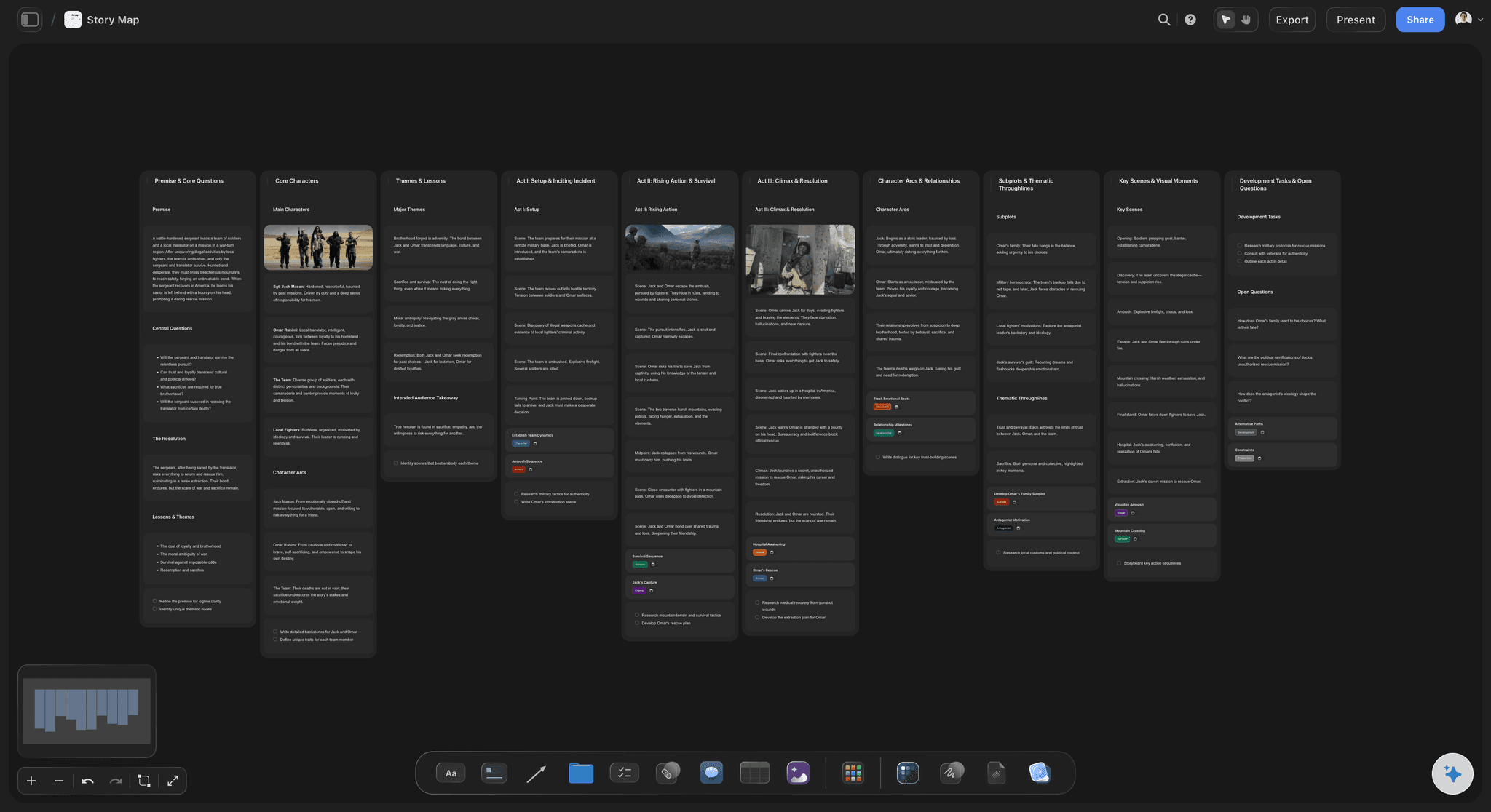
Every episode on its own row
An episode grid with the paywall marked
A table for episodes 1 to 10, another for 11 to 20, and so on: episode, hook, beat, cliffhanger, location, cast and a label for outlined, drafted or locked. The paywall episode carries its own label, so the whole team knows which cliffhanger has to sell the season.
See the episode outline template →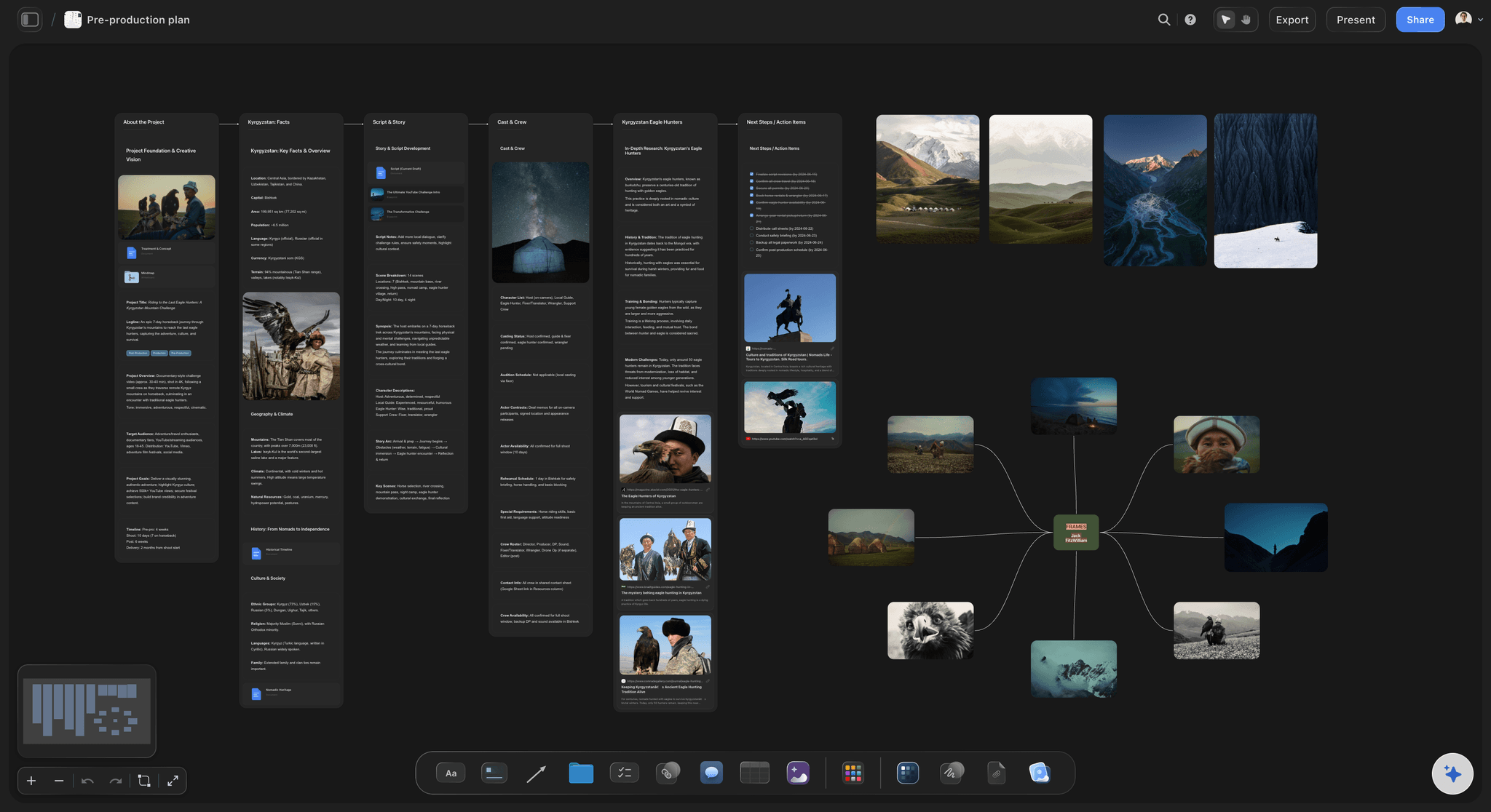
Scenes into shoot days
Strips grouped by location
The strip board workflow puts one strip per scene into the days you have, each location's scenes side by side and each day's pages totalled. Drag a strip to another day when an actor's dates change.
See how scenes become shoot days →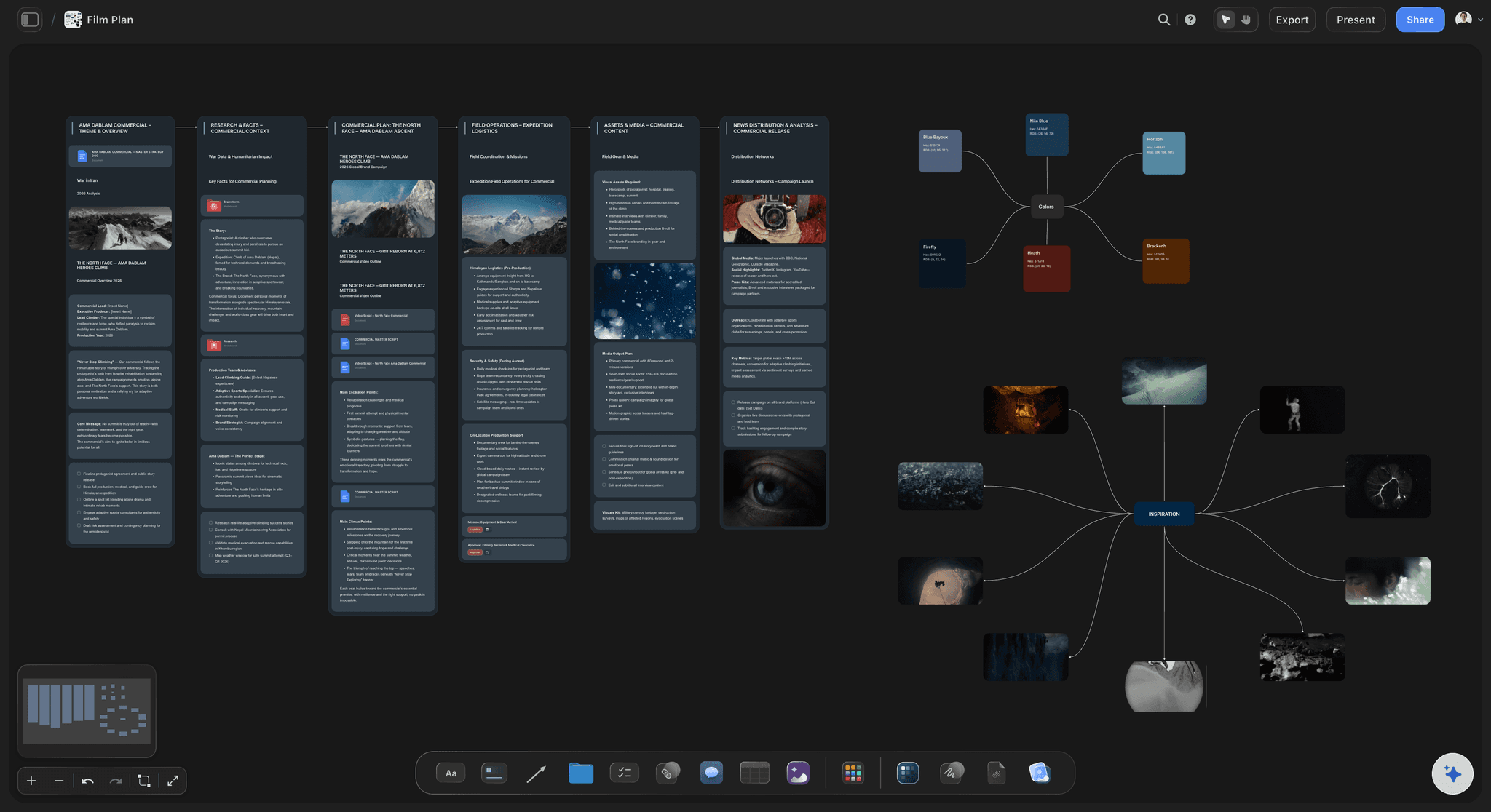
Pitched and shared from one board
Sent to the platform, then to the crew
A platform, a showrunner or a head of department opens the board from a view-only link with no account, and signs in to comment on an episode or a scene. Export the whole board as a PDF, or have the AI draft a one-pager or treatment PDF from it.
See the TV series planner →Your bible, grid and strip layout, ready for the next series.
Duplicate a finished series board and the bible sections, grid columns and shoot layout are in place for the next one. Storyflow is paid-only during early access, with plans from $7.99 a month billed annually ($9.99 monthly). A free plan launches before the end of 2026, and anyone a paid member invites to a board joins free.
Unlimited series boards, scripts and files on every paid plan
AI that drafts the arc, the bible pages, the breakdown and the strip board
Tables for the episode grid with label and link cells
Docs that export to Word and PDF, plus call sheet PDFs drafted from the shoot plan
Built for people with taste
What the grid tracks, what the bible settles, how the page reads.
Use them in any tool. Counts and timings are a common shape reported by writers and producers working in the format, not a platform rule.
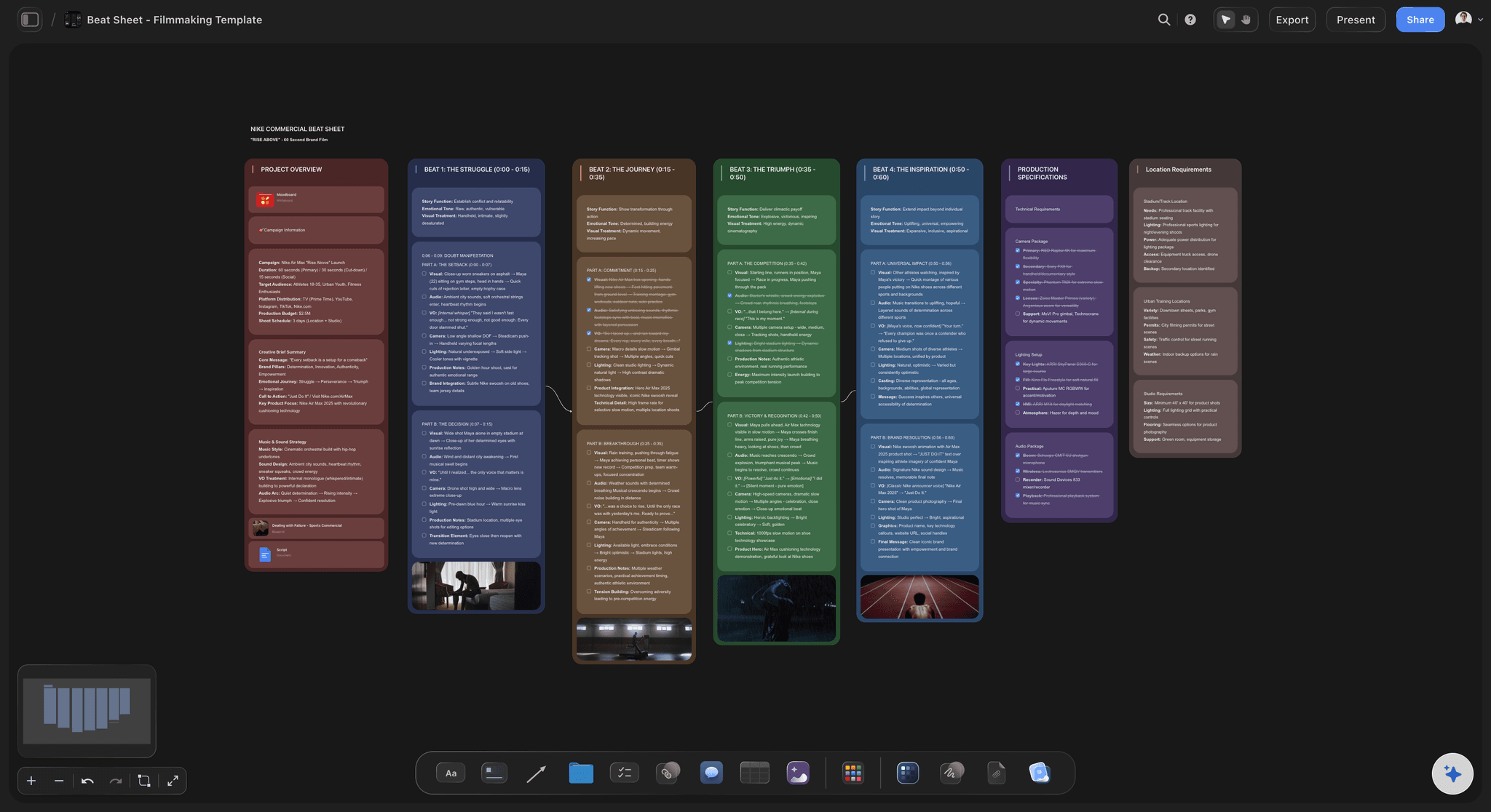
The episode grid
What every episode row records
Episode, block and paywall: The episode number, which ten it belongs to, and a label on the paywall episode. Planning ten at a time keeps the cliffhanger rhythm even across the season.
Hook and beat: The first line or image, and the one thing that happens in the episode. If a row needs two turns, it is two episodes.
Cliffhanger: The closing line or look, written as the question the next episode opens on. Vary the kind across a block: a reveal, a threat, a choice, an arrival.
Location and cast: Where it happens and who is in it, by character name, because the shoot plan is built from these two columns. Add a label for outlined, drafted or locked.
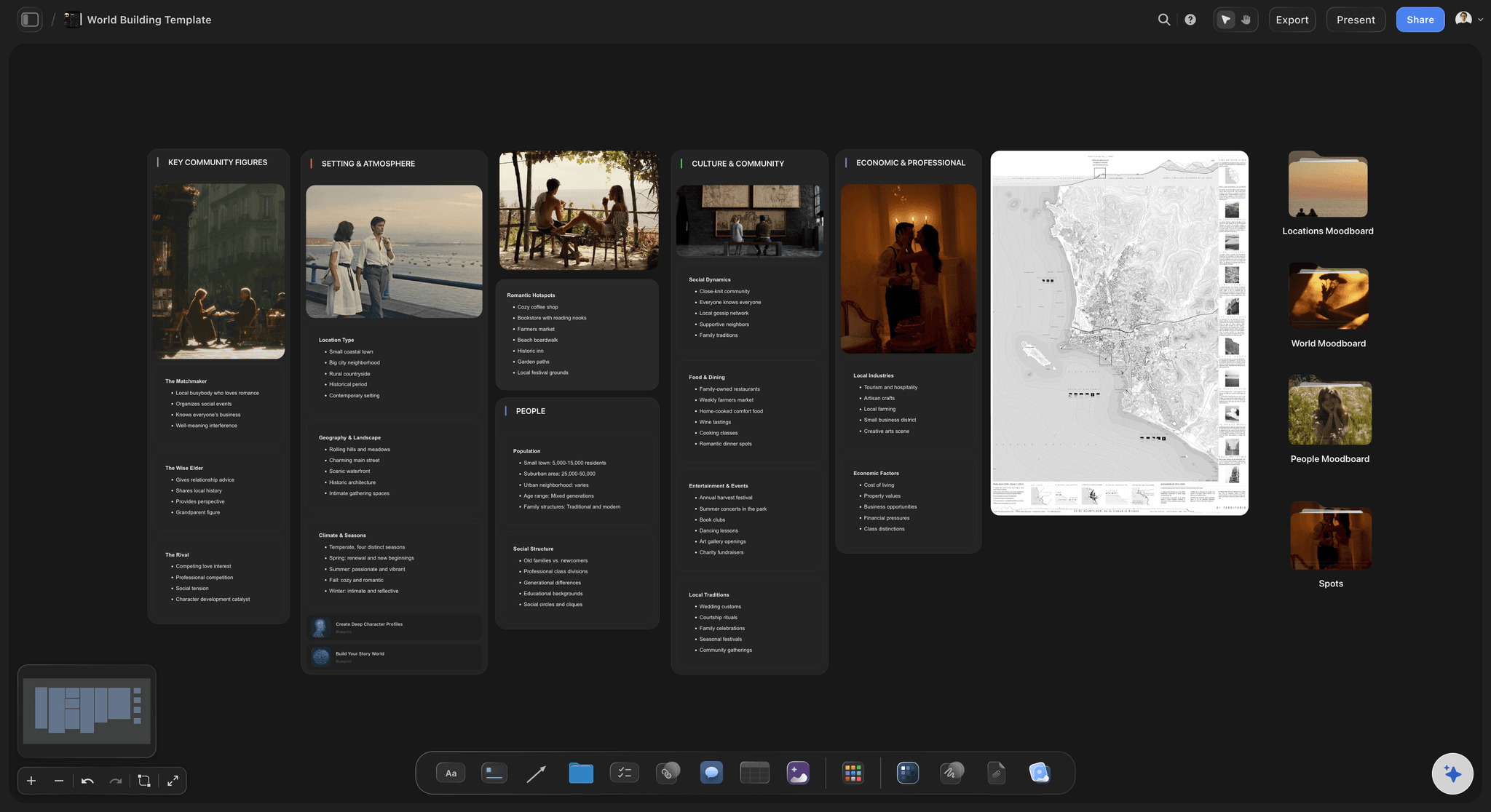
The series bible
What a vertical bible has to settle
Logline and the locked conflict: One sentence with the premise and the reason the leads cannot walk away from each other, such as an arranged marriage or a boss and an assistant. Conflict built into the premise feeds every episode without inventing new obstacles.
Two or three leads: Each lead's want, their secret and the episode the secret comes out. Keep the centre small; a big ensemble is hard to follow in episodes this short.
The arc by block: A common shape for an 80-episode season: set-up in episodes 1 to 10, escalation to about 40, the darkest stretch to about 70, then the resolution. Mark the paywall, the midpoint turn and the final reveal on it.
Tone, rules and the pitch packet: The genre promise, the world's rules and what the series will never do. Many platforms ask for the bible, an episode-by-episode outline and the first 10 to 15 scripts before they commit.
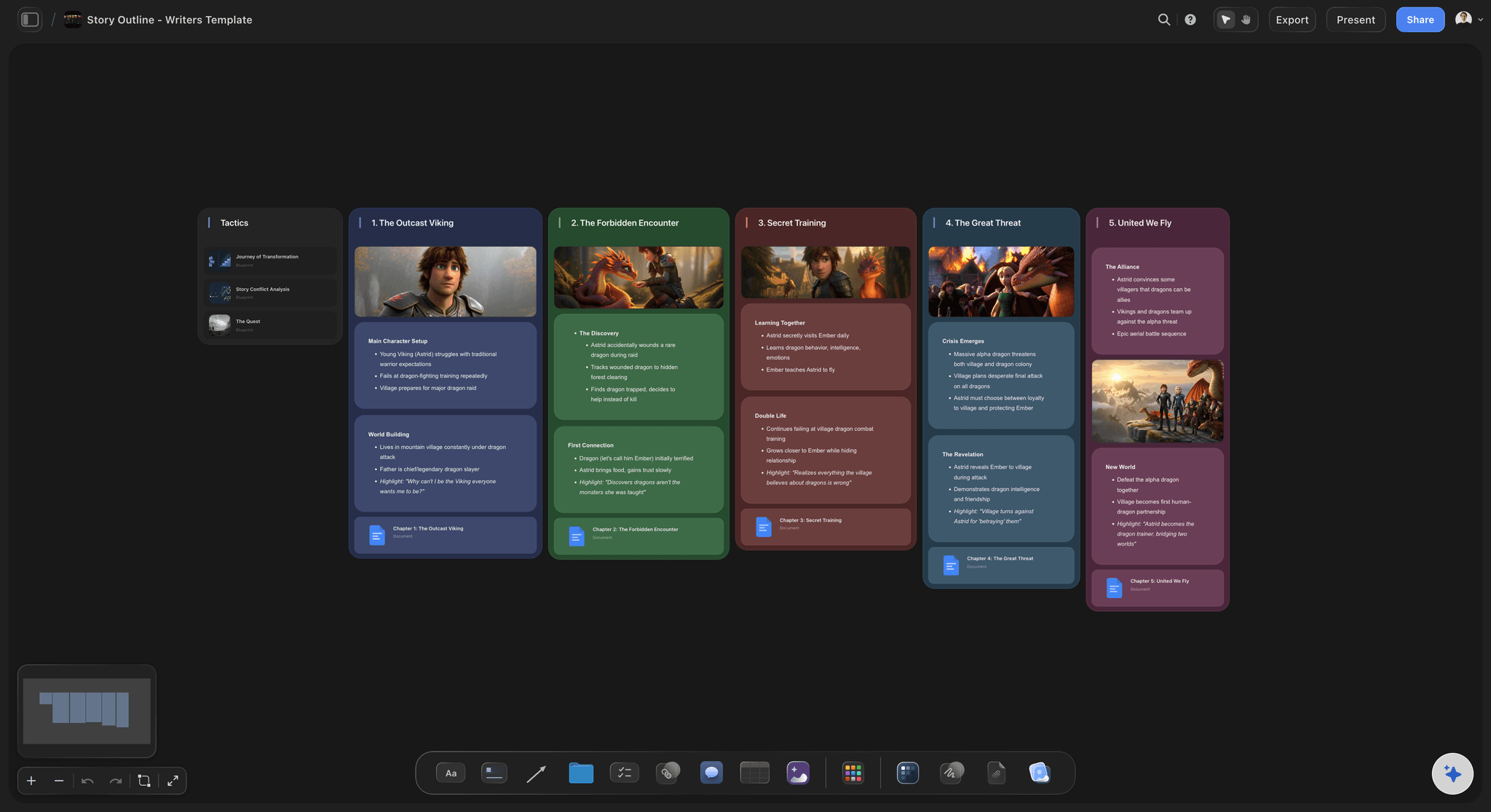
The script page
Format rules for every episode
One document, an episode heading each: Scene headings, action, character names and dialogue work as usual, with an episode heading before each episode: EPISODE 1 centred, bold and underlined in Final Draft's Micro Drama template, or Episode 1 at the left margin in title case in its ReelShort template. A scene can run on across several episodes without a new scene heading.
The cold open: Start inside the conflict: the accusation is already out, the ring is already on the floor. A stranger should follow the first three seconds without any backstory.
The final line on the page: Give the last beat its own line of action or dialogue, so the editor knows where the episode stops. End on the question, before anyone answers it.
Lean pages, written reactions: Keep each episode to a page or two, with short lines and no small talk. Write out the reaction after each reveal, what the eyes and hands do, because the camera will sit on that face.
The shoot and the deal
A 9:16 shoot plan, and the terms to agree first
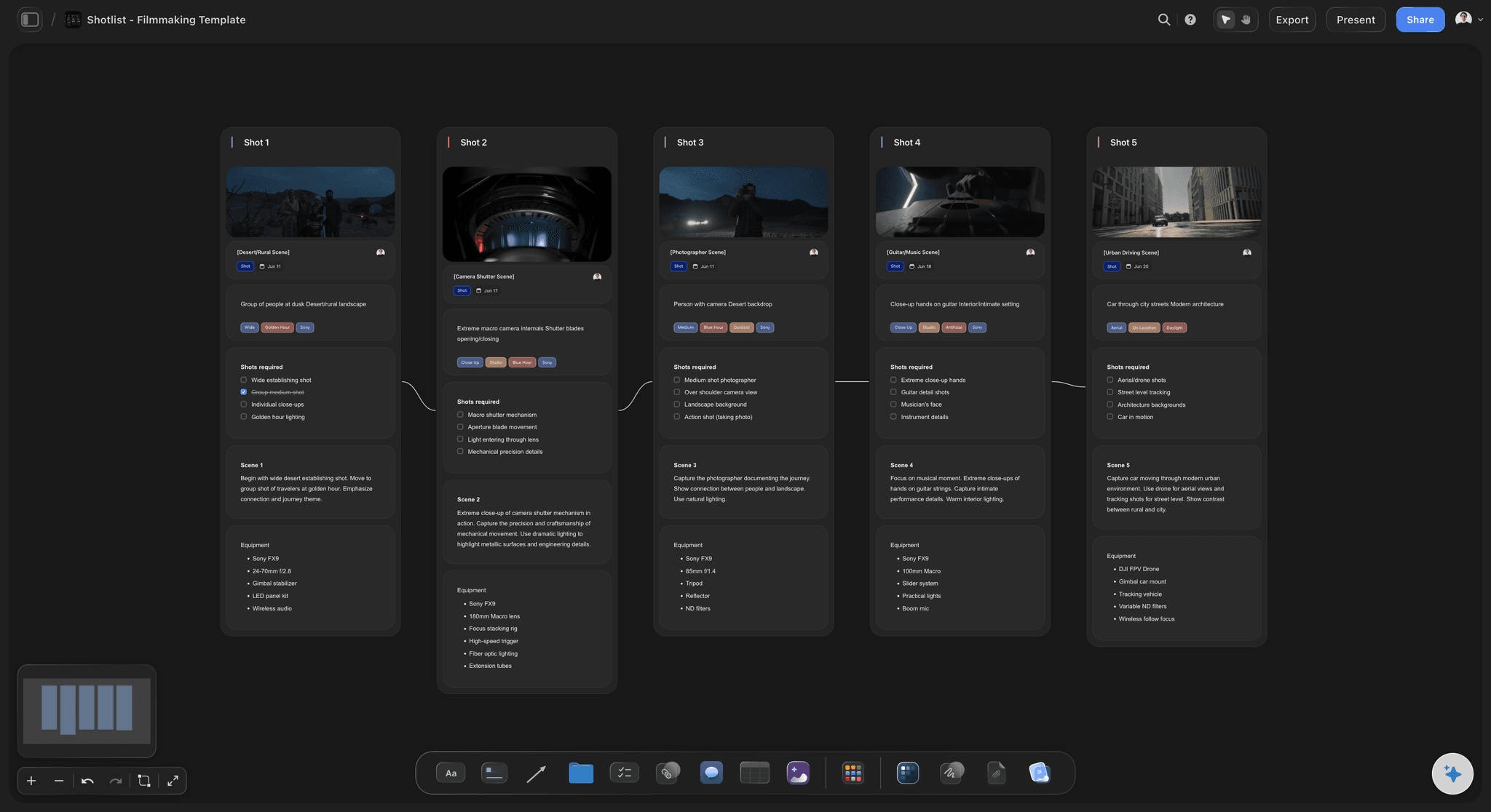
Days by location: Build each day around one location and run two cameras, a wide and a close-up, so a scene is covered in one pass. Keep the first and last days light: the first while the crew finds its pace, the last because there is no spare day after it.
The paywall scenes on days two and three: Within the location blocks, the scenes from episodes 1 to 10 commonly land on days two and three of a seven-day shoot, when the crew is at full pace. Those scenes decide whether viewers pay, so they get the most time.
Framing notes for the shot list: Close-ups and singles over wide shots, a second character staged behind the first rather than beside, and faces kept clear of the edges and the bottom, where subtitles and buttons sit. AI-generated storyboard frames, on Pro and Max, come out 2:3 portrait rather than 9:16, so the shot list carries the 9:16 framing note for the camera.
What the deal says: Agree the fee per episode or per season, the rounds of notes on the first ten, whether you are paid while notes are pending, who owns the characters and whether the deal is exclusive. The WGA says its contract covers verticals, though most are still made non-union, and SAG-AFTRA has had a Verticals Agreement for cast since October 2025.
Explore templates for your project
Every template opens as a real, editable board on the infinite canvas. Pick the closest fit and make it your own.
Story Plan
Outline your plot, characters, and world in one connected view, then expand each thread as the story grows.
One app instead of five
Which tool does which part of a vertical series?
Final Draft writes the pages and ships a Micro Drama template. Filmustage and StudioBinder break down and schedule the shoot, with reports on the days each actor works. Storyflow plans the series itself, from the arc to the strips, on one canvas.
Storyflow
Recommended
AI drafts the season arc from a premise
Micro drama script template
Scenes grouped into shoot days by location
Storyboard frames for key moments
Day out of days report
Final Draft
AI drafts the season arc from a premise
Micro drama script template
Scenes grouped into shoot days by location
Storyboard frames for key moments
Day out of days report
Filmustage
AI drafts the season arc from a premise
Micro drama script template
Scenes grouped into shoot days by location
Storyboard frames for key moments
Day out of days report
StudioBinder
AI drafts the season arc from a premise
Micro drama script template
Scenes grouped into shoot days by location
Storyboard frames for key moments
Day out of days report
What creators are saying
Join early creators getting structured workspaces and AI that remembers their projects
“Storyflow has sped up my workflow by at least 3x, which means more flow state and more projects I can actually ship. It truly changed the way me and my team create.”

Reilin Joey
Director & YouTuber
“One prompt gets me a structured board. But the tactics are my favorite. I run my YouTube scripts through them and my intros and retention got better. It's amazing.”

Justkay
YouTuber & Freelance Filmmaker
“I used to juggle five apps to plan a project. Now I describe what I am making and get boards, lists, and a schedule. All in one place.”

George
@fernwehchronicles
What producers and writers ask about micro dramas.
Episode counts, page format, the paywall, the pitch and a week-long shoot.
Storyflow is where the season gets planned: the arc, an episode grid that shows every hook, cliffhanger and the paywall episode at once, the scripts in Docs, strips grouped by location and a call sheet PDF per shoot day. Platforms and crews open it by link with no account, or read a PDF. Write and paginate the pages themselves in Final Draft's Micro Drama template or WriterDuet, and add Filmustage for day out of days reports across the season.
Most episodes run one to two minutes, sometimes up to three, and a common season is 60 to 80 episodes, though seasons run anywhere from 20 to 100. That is about a page or two of script per episode, and a season that adds up to one or two feature films. Settle the count with the platform first, because the arc is built to fill it.
Standard screenplay format, organised differently. Scene headings, action, character names and dialogue work as usual, and every episode starts with an episode heading, so the whole season sits in one document rather than dozens of files. Some templates centre the heading in capitals; others set it flush left. One scene can carry across several episodes, so a new episode heading does not always mean a new scene heading.
Take one episode: EPISODE 12, then INT. PENTHOUSE - NIGHT. Mia finds a ring in Adrian's desk, engraved with her sister's name, and pockets it. Adrian walks in: "Looking for something?" She smiles: "Only you." Her phone lights up with a text from her sister's number, a year after the funeral. Cut on her face. About a page: one scene, one turn and a question the next episode answers.
A common shape puts the first paywall around episode ten, after a run of free episodes, with each later episode paid for with coins, a pass or ads. Write the strongest cliffhanger of the season into that episode and land its answer an episode or two later, so a viewer who pays is rewarded quickly. Some apps add later thresholds, so ask where yours fall before you outline.
The logline, the conflict that holds the leads together, a page for each lead with their want and their secret, the tone and the world's rules, the season arc with the paywall and the final reveal marked, and a line or two on each episode. Keep it short enough to read in one sitting. The AI can write the finished bible as a Word file for a platform that wants a document.
Send the bible, an episode-by-episode outline and, where the platform asks, the first 10 to 15 episodes scripted, since those show the hook and cliffhanger rhythm the rest depends on. Lead with the logline and the central conflict, then the paywall episode. Storyflow's AI can draft a one-pager or treatment PDF from the series board, and the platform's team can read the board itself.
By location and by preparation. A season is often shot in a week to ten days, covering more than ten pages on a typical day: every scene at one location is shot together whatever its episode, the company moves once a day at most, and two cameras often take a wide and a close-up at once. The paywall episodes' scenes commonly go early in the week, once the crew has its pace.
Frame for faces. Cover dialogue in close-ups and singles, stage a second character behind the first rather than beside them, and keep faces, hands and key props away from the edges and the bottom of the frame, where subtitles and the app's buttons sit. Wide action and fights lose most of their detail in a narrow frame, so write the reaction instead of the stunt.
It can draft the planning around one. Storyflow's AI outlines the season from your premise, writes a character page for each lead you describe and fills rows of the episode grid, and every change it makes can be undone in one click. The episodes themselves are yours to write; attach the script and the AI breaks it down and groups the shoot days.
Final Draft 13 ships two: a Micro Drama template with a centred, bold, underlined EPISODE heading, and a ReelShort Vertical Drama template with the episode at the left margin in title case. Both keep the whole season in one file. WriterDuet formats standard screenplay pages. Storyflow does not paginate or format a screenplay; attach the finished file and its AI breaks it down and groups the shoot. For day out of days reports, use Filmustage or StudioBinder.
Not during early access. Storyflow is paid-only during early access, with plans from $7.99 a month billed annually ($9.99 monthly). A free plan launches before the end of 2026, and anyone a paid member invites to a board joins free. A platform or crew you share the board with pays nothing to read it.
More from Storyflow
Plan the whole season before the first shoot day.
Settle the count and the paywall episode, then give the crew strips by location instead of a stack of episodes.