
Ultra-fast storyboards: minutes, not days
The storyboard maker
built to keep up.
Make unlimited storyboards on an infinite canvas, with AI that lays out scenes and structure from a single prompt. No board limit on any paid plan, and a free plan launches before the end of 2026.


Creatives working for these brands already got early access
- Red Bull
- Canon
- Artlist
- Porsche
See how easy it is to get started
Watch a real project come together, from a blank board to a finished plan, clicked through step by step.
Start from a ready-made template
Pick a board to see what you can build, then let AI fill it in. Every template is a real, editable starting point on the same infinite canvas.

Storyboard
Lay out your shots frame by frame with images and notes, then reorder them until the sequence reads like the finished cut.
What do you actually get in a free storyboard maker?
Most free storyboard maker offers are trials in disguise: three boards, a watermark, or a clock that runs out in fourteen days. Storyflow is an AI visual workspace that drafts your storyboard on one infinite canvas: scenes the AI lays out from a prompt, a story framework to start from, and look references set next to the story. It is paid-only during early access, from $7.99 a month billed annually ($9.99 monthly), and a free plan launches before the end of 2026. On every paid plan the canvas puts no limit on objects or on the number of storyboards, boards, and projects you create.
Every paid plan includes AI usage. Describe your video or paste a script, and a laid-out board comes back, with the scenes sequenced, a structure applied, and notes in place across an infinite canvas. It also includes 200+ tactics to shape your story, unlimited file uploads for references, and the ability to invite collaborators and share view-only links.
Some of it is free today. Anyone a paid member invites to a board signs up and joins free, and a view-only link opens in the browser with no account, so a client, teacher, or crew member can read the storyboard without paying. Signing in is needed to comment. If you need a free tool right now, Storyboarder and Canva both have free tiers.
Ultra fast from brief to board
Create a storyboard online in four steps.
From blank page to laid-out board in minutes. No download, and it runs in your browser.
01
Create your account
Sign up for a plan, or accept an invite from a paid member to join free, and your infinite canvas is waiting in the browser.
02
Describe your story
Type what you are making, or paste your script into the AI chat. A sentence is enough to get a first board.
03
Let the AI lay out the board
The AI generates a storyboard with scenes, structure, and notes, arranged on the canvas and ready to edit.
04
Polish, then hand it off
Send a view-only link that opens with no account, or download an image or PDF once you have dragged the frames into order and sketched the last details with the pen tool.
Everything a storyboard tool should include.
It is not a demo. It is the full canvas with AI, frameworks, and sharing built in.

AI layout from a single prompt
AI drafts the storyboard, you refine
Describe the video or paste a script and the AI lays out every scene with structure and notes. You refine the board instead of building it frame by frame.
See the AI storyboard generator →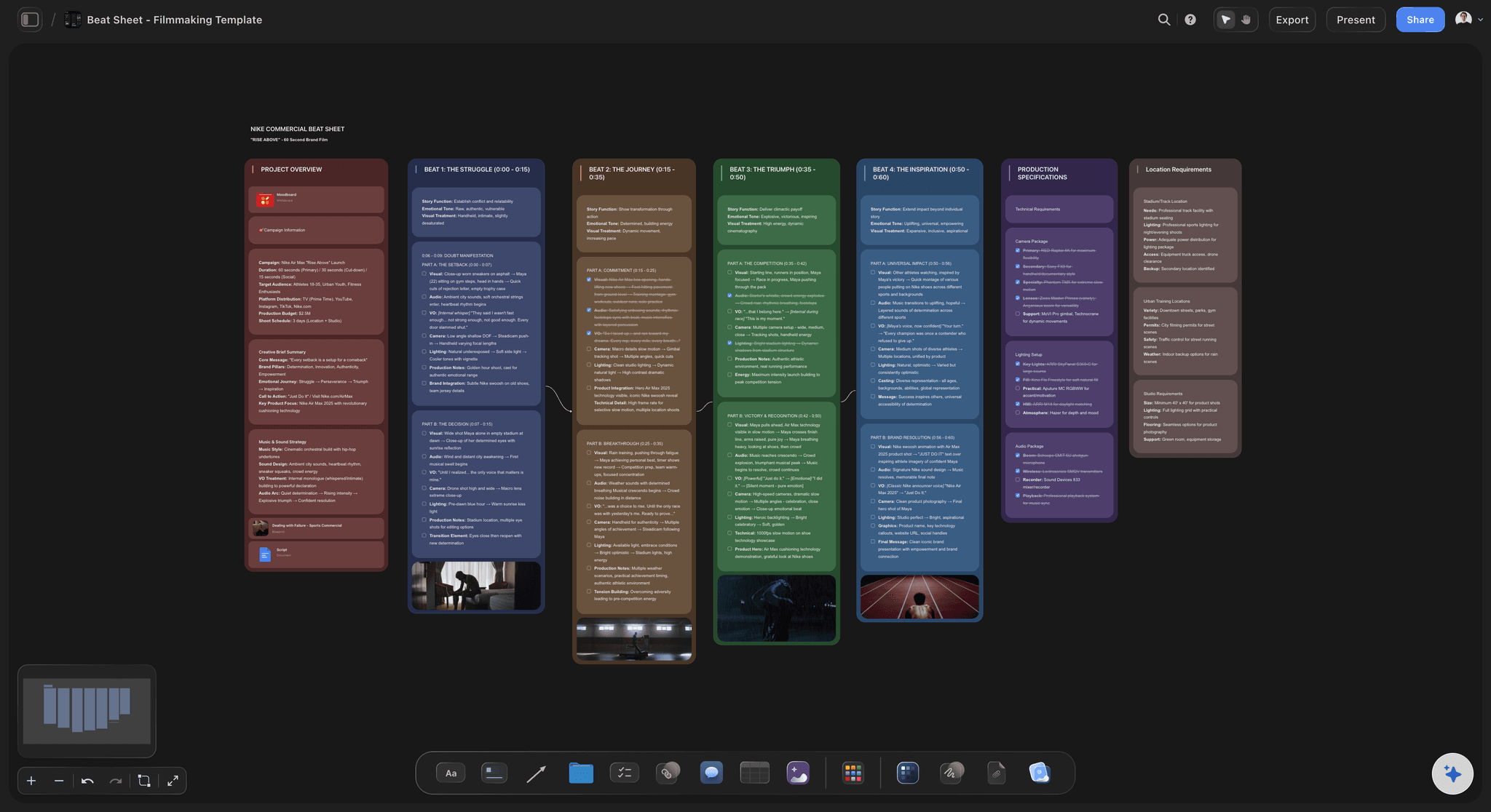
Structure before frames
Start from a story framework
Ask the AI for a beat sheet or story outline and shape your board around it instead of guessing at structure.
Browse storyboard templates →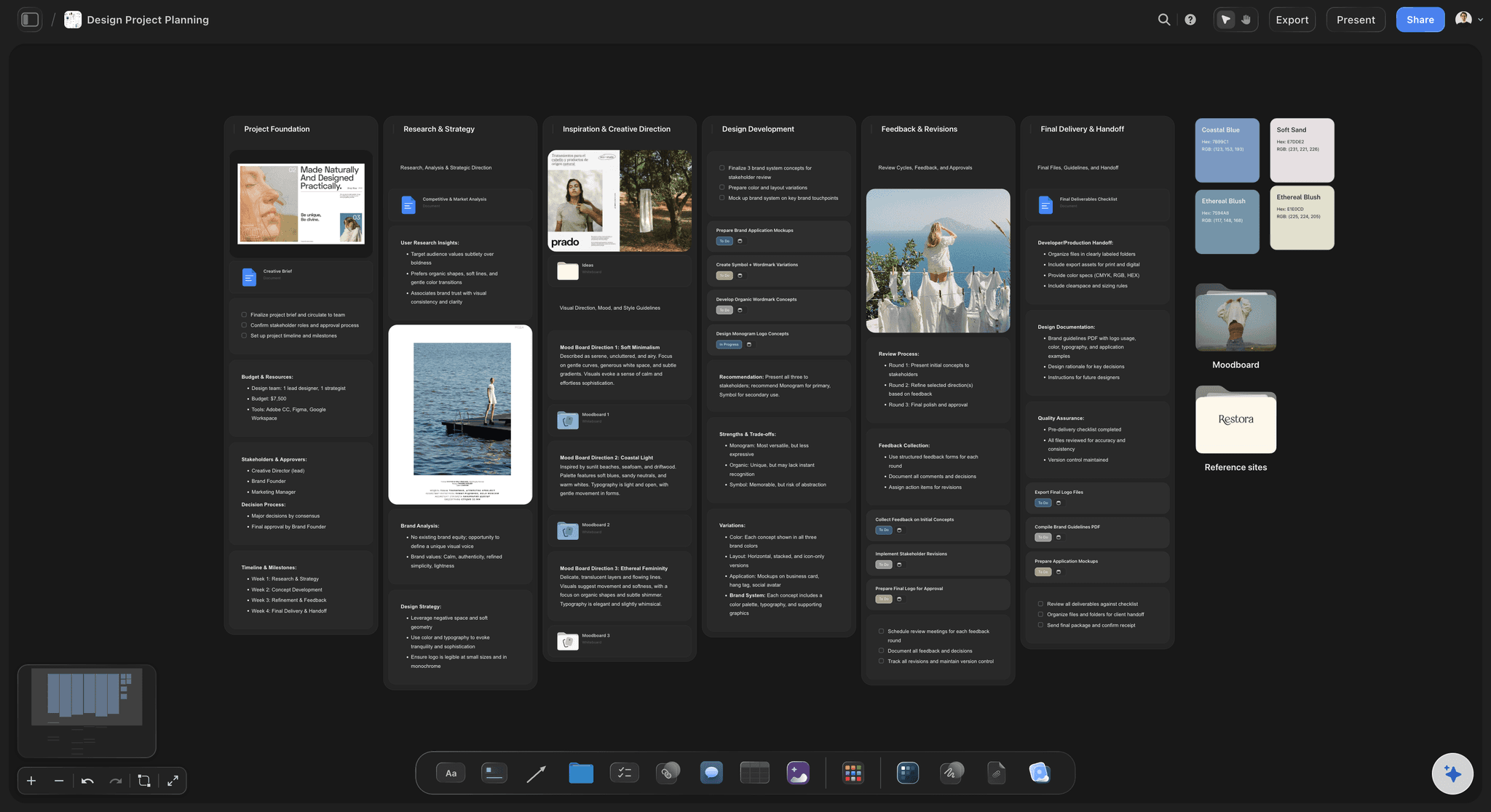
No object limit on the infinite canvas
A canvas that never runs out
Drop images, video, GIFs, PDFs, links, and notes next to your frames. There is no object limit, so the whole project fits on one board.
Explore the infinite canvas →
Team invites and view-only review links included
Share your board at no extra cost
Invite your team to the board and send view-only links to clients, teachers, or crew. Nobody needs an account to view your storyboard; signing in is needed to comment.
Learn how to make a storyboard →What is free today, and what every paid plan includes.
No fine print. Storyflow is paid-only during early access, from $7.99 a month billed annually, and a free plan launches before the end of 2026. Here is what is free today and what a paid plan gives you.
Free today: anyone a paid member invites joins the board free
Free today: view-only links open with no account
Paid plans: unlimited storyboards, boards, and projects
Paid plans: no object limit on the canvas
Paid plans: AI usage to lay out boards from a prompt
Paid plans: 200+ tactics and unlimited file uploads

Built for people with taste
A storyboard creator built for real projects.
Storyflow's plans use the same canvas professionals use, with AI usage limits instead of feature walls.

From rough idea to readable board
No drawing skills required
AI does the layout: Scenes, order, and notes are generated for you. The hard part of storyboarding is done before you touch a frame.
Sketch only if you want to: Use the pen tool for quick frames, or skip drawing entirely and describe the shot in the notes.
References instead of art: Grab stills from YouTube or Vimeo straight onto the canvas and let real frames stand in for sketches.

Scripts, characters, and notes beside the board
Keep the whole story on one canvas
Paste or drop your script: Paste text into the AI chat or drop a PDF on the canvas. The AI works from your actual script.
Character and scene notes: Keep character profiles, locations, and beats next to the frames they belong to.
Unlimited uploads on paid plans: Add reference images, briefs, and documents to the board as part of your plan.

Moodboards and look references included
Set the look next to the story
Moodboard on the same board: Tone, color, and lighting references live beside the board, with no second subscription to pay for.
Drag and drop anything: Images, video, GIFs, links, and PDFs all live on the canvas next to your frames.
One source of truth: Story, look, and notes stay connected, so one plan replaces three separate tools.

Hand the board to whoever needs it
Sharing and clean exports
Links anyone can view: Send a link and anyone can view the storyboard in the browser with no account. Signing in is needed to comment.
Image and PDF export: Export the board as a high-quality image or PDF for decks, classes, and shoot days.
Invite your team: Anyone a paid member invites joins free and keeps feedback in one place.
Explore templates for your project
Every template opens as a real, editable board on the infinite canvas. Pick the closest fit and make it your own.
Storyboard
Lay out your shots frame by frame with images and notes, then reorder them until the sequence reads like the finished cut.
One app instead of five
How free is each free storyboard maker?
Free plans differ wildly, and Storyflow is paid-only during early access. Here is how the plans compare on the things that run out first.
Storyflow
Recommended
Free plan not available yet, launching before end of 2026
Unlimited boards on every plan
AI drafts the storyboard, you refine
Freeform infinite canvas
Storytelling frameworks on paid plans
Milanote
Free plan with no time limit
Free plan caps the number of cards
No AI building boards on the canvas
Freeform canvas boards
No storytelling framework library
Boords
Free plan with no time limit
Free plan limits your storyboards
Frame-grid tool, no AI canvas layout
No infinite canvas
No storytelling framework library
Canva
Free plan with no time limit
Unlimited designs on the free plan
Static templates, no AI canvas layout
Fixed-size storyboard pages
No storytelling framework library
What creators are saying
Join early creators getting structured workspaces and AI that remembers their projects
“Storyflow has sped up my workflow by at least 3x, which means more flow state and more projects I can actually ship. It truly changed the way me and my team create.”

Reilin Joey
Director & YouTuber
“One prompt gets me a structured board. But the tactics are my favorite. I run my YouTube scripts through them and my intros and retention got better. It's amazing.”

Justkay
YouTuber & Freelance Filmmaker
“I used to juggle five apps to plan a project. Now I describe what I am making and get boards, lists, and a schedule. All in one place.”

George
@fernwehchronicles
Free storyboard maker, answered.
The questions everyone asks before trusting the word free.
Not yet. Storyflow is paid-only during early access, with plans from $7.99 a month billed annually ($9.99 monthly). A free plan launches before the end of 2026, and anyone a paid member invites to a board joins free. Every paid plan gives you unlimited storyboards on an infinite canvas, unlimited file uploads, AI usage, and 200+ tactics.
If free is the hard constraint, Storyboarder and Canva both have free tiers worth trying today. Storyflow gives you unlimited boards on every paid plan, plus AI that lays out scenes, structure, and notes from a prompt, but it is paid-only during early access, with a free plan launching before the end of 2026.
Yes. Work you create on Storyflow is yours, and you can use it for client work, commercial shoots, and anything you sell. There is no watermark forcing you to upgrade before a board is presentable.
Plus is $7.99 a month billed annually, with unlimited boards and file uploads. Pro ($14 a month billed annually) and Max ($39) add more AI usage and AI image generation on the canvas, and Max adds a team workspace with roles. A free plan launches before the end of 2026.
No. Storyflow runs in your browser, so you can build a storyboard online without installing software. A desktop app for Mac and Windows also exists if you prefer working outside the browser, but it is optional.
Yes, AI usage is included on every paid plan. Describe your video or paste a script, and the board arrives with scenes, structure, and notes already placed on the canvas. AI image generation is the one AI feature reserved for Pro and Max plans.
Yes. On every paid plan you can invite collaborators to your boards and share view-only links with clients, teachers, or crew who just need to review. Collaborators invited by a paid member join free and edit the same board at the same time.
More from Storyflow
Built to keep up.
Open a canvas, prompt the AI, and have your first storyboard laid out in minutes.