
Ultra-fast storyboards: minutes, not days
The storyboard maker
with AI that drafts the board, so you refine instead of starting cold.
Plan your video, animation, or film on an infinite canvas. Map out scenes, sketch frames, and let AI build the first storyboard from one prompt. Free plan launching before the end of 2026.


Creatives working for these brands already got early access
- Red Bull
- Canon
- Artlist
- Porsche
See how easy it is to get started
Watch a real project come together, from a blank board to a finished plan, clicked through step by step.
Start from a ready-made template
Pick a board to see what you can build, then let AI fill it in. Every template is a real, editable starting point on the same infinite canvas.

Storyboard
Lay out your shots frame by frame with images and notes, then reorder them until the sequence reads like the finished cut.
ULTRA FAST FROM BRIEF TO BOARD
From a rough idea to a finished storyboard in seconds.
No blank page, no manual frame-by-frame setup. Just describe your story and start refining.
01
Open a storyboard
Sign up and choose a plan. No download, no setup. Your infinite canvas is ready in your browser.
02
Map out your scenes
Type a prompt, sketch a frame, or ask the AI for a structure. Storyflow understands the story you are telling.
03
AI builds the storyboard
A full storyboard appears with scenes, structure, and layout, ready to refine. Keep prompting, the AI keeps the context.
Plan every scene of your story.
Map out the visuals, narration, and sequence of every scene. Re-arrange frames as your story evolves, all on one infinite canvas.
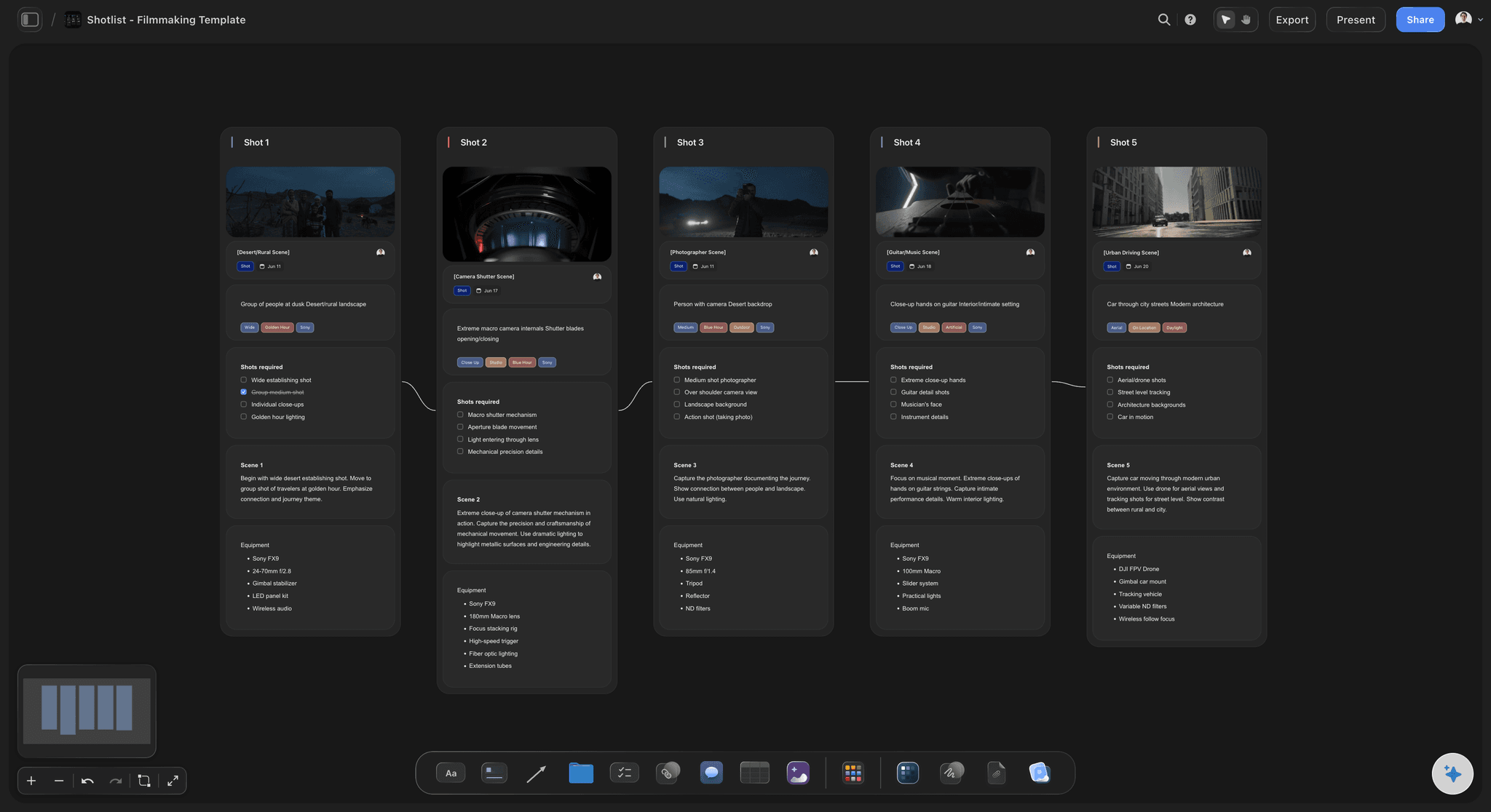
Scene-by-scene layout on an infinite canvas
Map out every scene
Plan the visuals, narration, and sequence of each scene. Lay out every frame side by side and see your whole story at a glance.

Pen tool and sketch cards for rough frames
Sketch frames by hand
Grab the pen tool and bring your storyboard to life. Draw a detailed scene or rough out a quick concept. It feels just like drawing on paper.

Drop in reference images, clips, and notes
Bring in any reference
Drag in screenshots, video, links, and notes. Everything you need to plan a scene sits side by side on one infinite canvas.

AI storyboard with scenes, structure, and layout
Generate a storyboard with AI
Describe your video or film and AI lays out a full storyboard. Scenes, structure, and notes, arranged on the canvas in seconds.
Paid-only during early access.
Open a board, type a prompt, watch your storyboard take shape. A Free plan launches before the end of 2026.
Unlimited storyboards on an infinite canvas
AI usage that renews every billing period
View-only links with no account needed
Unlimited collaboration with your team
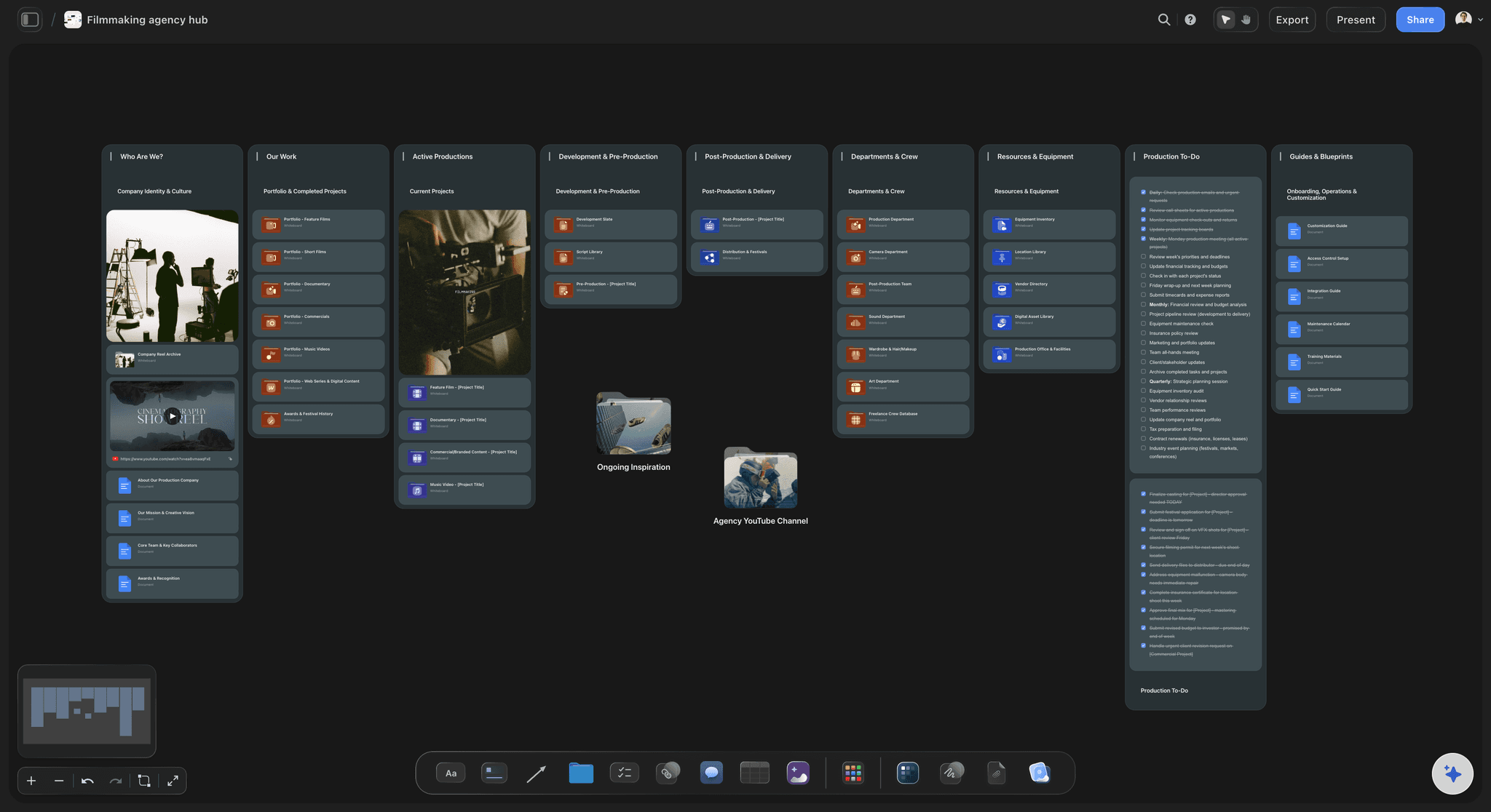
BUILT FOR STORYTELLERS
Everything you need to build and share a storyboard.
Don't let the simple, drag-and-drop canvas fool you. This fully featured AI-native storyboard maker checks all the boxes.

Drag, drop, and reorder frames in seconds
Re-arrange frames as your story evolves
Simple drag and drop: Re-arranging frames is a breeze. Update the order and content in seconds.
Freeform infinite canvas: No fixed grid. Group scenes, branch alternate takes, lay frames out any way you like.
Choose a starting point: Start from a blank board or let the AI lay out the structure for film, advertising, or motion design.
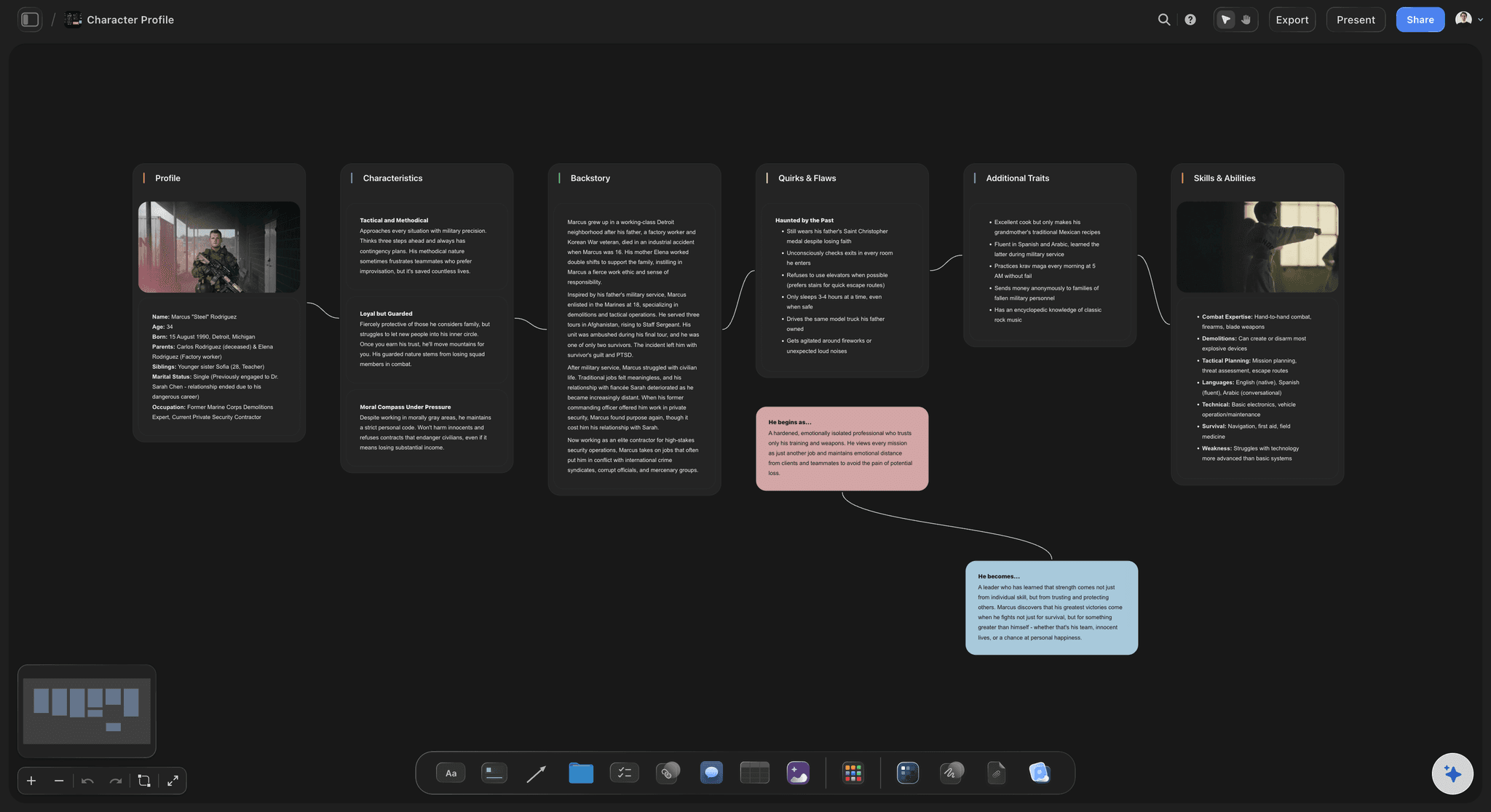
AI that reads the whole canvas as context
Build with AI that knows your story
One prompt to a storyboard: Describe the video and AI generates a full storyboard with scenes and structure.
Canvas-aware AI: AI sees everything already on your board, so you never have to re-explain the story.
Frame grabs from reference video: Grab stills from YouTube or Vimeo references and pin them beside the frame they inspire.

Video, GIFs, files, and notes on every frame
Add video, images, and notes
More than static frames: Add videos, animated GIFs, PDFs, and design files straight onto the canvas.
Notes and narration: Write narration, dialogue, and direction next to each frame so nothing gets lost.
Drag in references: Drop in screenshots, links, and clips. Everything lives on one infinite canvas.
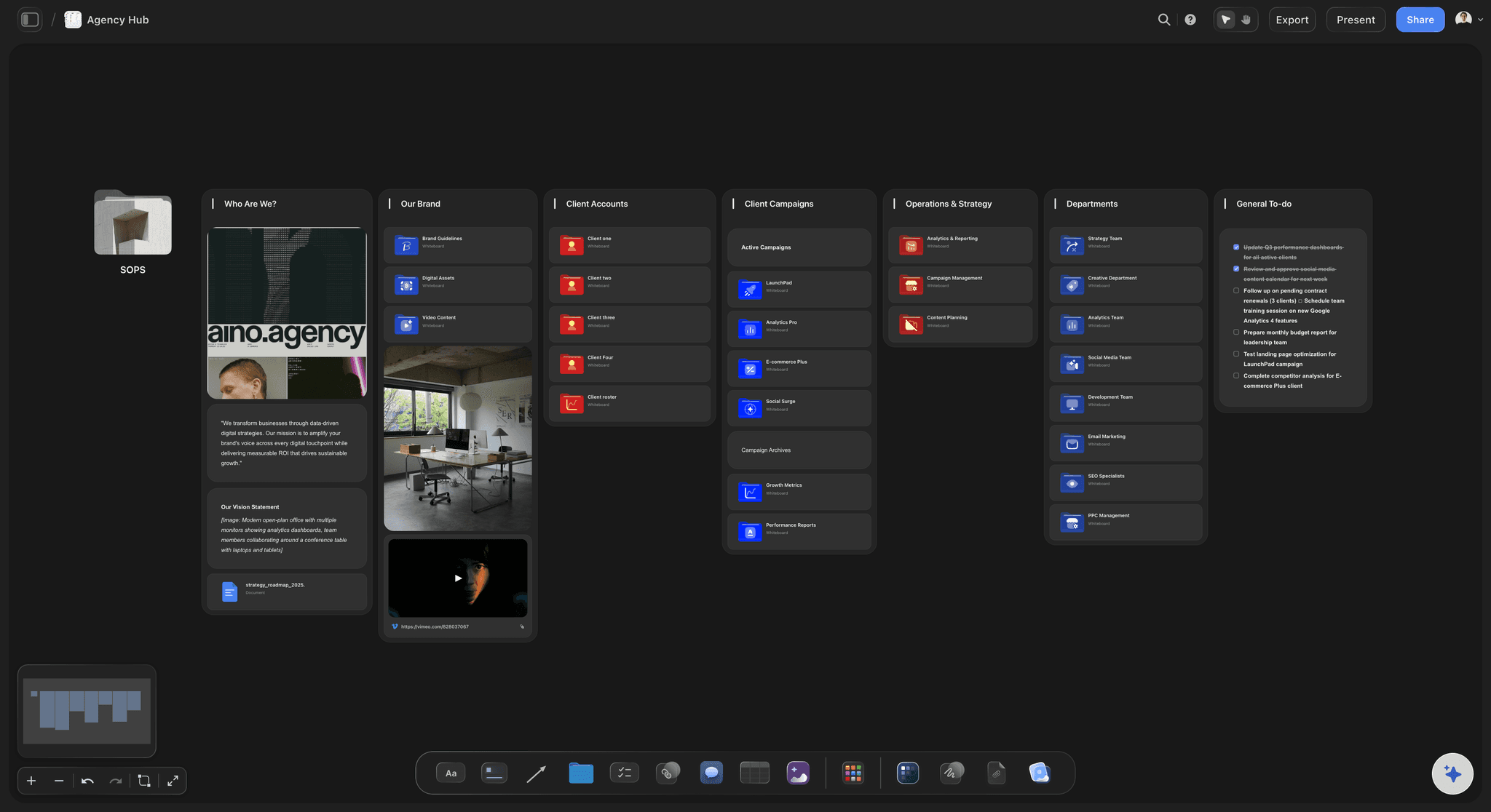
Cursors, comments, and live edits across the board
Share for feedback and approval
View-only links: Send clients or stakeholders a read-only storyboard. No signup needed to view.
Real-time editing: Build the storyboard together with your team. See cursors, edits, and comments live.
Export to PDF: Download a high-quality printable PDF of any storyboard for the production team.
ONE APP INSTEAD OF FIVE
Storyflow vs Milanote, Boords, and Canva.
Unlimited boards and file uploads on every paid plan, and an AI that builds the storyboard for you to refine.
Storyflow
Recommended
Unlimited storyboards and boards
Unlimited projects and cards
AI drafts the storyboard, you refine
AI sees your whole canvas as context
Freeform infinite canvas layout
Built-in animatic timeline
Milanote
Unlimited storyboards and boards
Unlimited projects and cards
AI drafts the storyboard, you refine
AI sees your whole canvas as context
Freeform infinite canvas layout
Built-in animatic timeline
Boords
Unlimited storyboards and boards
Unlimited projects and cards
AI drafts the storyboard, you refine
AI sees your whole canvas as context
Freeform infinite canvas layout
Built-in animatic timeline
Canva
Unlimited storyboards and boards
Unlimited projects and cards
AI drafts the storyboard, you refine
AI sees your whole canvas as context
Freeform infinite canvas layout
Built-in animatic timeline
What creators are saying
Join early creators getting structured workspaces and AI that remembers their projects
“Storyflow has sped up my workflow by at least 3x, which means more flow state and more projects I can actually ship. It truly changed the way me and my team create.”

Reilin Joey
Director & YouTuber
“One prompt gets me a structured board. But the tactics are my favorite. I run my YouTube scripts through them and my intros and retention got better. It's amazing.”

Justkay
YouTuber & Freelance Filmmaker
“I used to juggle five apps to plan a project. Now I describe what I am making and get boards, lists, and a schedule. All in one place.”

George
@fernwehchronicles
Any questions?
Everything you need to know about the Storyflow storyboard maker.
What is a storyboard?
A storyboard is a sequence of frames that maps out the visuals, narration, and pacing of a video, film, animation, or presentation before you shoot. It lets you plan each scene and share the vision with your team.
What is the best storyboarding software: Boords, StudioBinder, Storyboarder or Storyflow?
Storyflow puts the storyboard inside the whole production plan: the AI lays out frames from your script, one per scene, and the shot list and shooting schedule sit on the same board. Boords is the pick for timing, animatics and frame-by-frame client review. Storyboarder by Wonder Unit is free desktop software for drawing every frame. StudioBinder suits a production suite with call sheets and calendars, and Canva a quick visual board from a template.
Which storyboarding software is best for film, animation or ads?
Storyflow for film and video that has to be shot: frames from the script, then the shot list and shooting schedule on the same board. Toon Boom Storyboard Pro for animation, where drawing, timing and camera moves matter; animation studios use it widely. Boords for ads and agency work that needs animatics and client review. FrameForge for directors who plan lenses and camera positions in 3D.
Is Storyflow's storyboard maker really free?
Not during early access. Storyflow is paid-only today, with Plus starting at $7.99 per month billed annually. A Free plan launches before the end of 2026 with unlimited storyboards on an infinite canvas, basic AI usage, 3 starter frameworks, and 20 file uploads. Anyone a paid member invites to a board joins free right now.
What does one Storyflow subscription replace?
Beyond the storyboard, one Storyflow subscription can stand in for ChatGPT for AI, Milanote for visual boards and moodboards, and Notion for documents, all on one canvas. The Pro plan is $14 per month billed annually, and Plus starts at $7.99 per month billed annually, with no object limit and no time limit.
How is Storyflow different from Milanote, Boords, or Canva?
Storyflow's AI is built into the canvas where the rest of your project lives, so one prompt builds a full storyboard with scenes, structure, and layout for you. The AI also reads the board you have open, so you do not have to re-explain your story. Storyflow gives you a freeform infinite canvas instead of a fixed grid, and the Free plan coming before the end of 2026 includes unlimited projects and cards.
Can the AI generate a storyboard for me?
Yes. Describe your video, film, or animation and the AI lays out a full storyboard, complete with scenes, notes, and a checklist for each frame, arranged on the canvas. Keep prompting and the AI refines it, reading the board as it stands and any documents you attach.
Can I sketch frames by hand?
Yes. Grab the pen tool and sketch a scene right onto the canvas. Draw a detailed frame or rough out a quick concept. It feels just like drawing on paper.
Can I add video and images to my storyboard?
Yes. Drag and drop images, video, GIFs, PDFs, links, and notes straight onto the canvas. Storyboards do not have to be static. Everything lives on one infinite board.
Can I share my storyboard for feedback?
Yes. Share a view-only link with clients or stakeholders, invite teammates to edit in real time, or export your storyboard as an image or PDF. You control who can edit, comment, or just view.
Build your storyboard.
AI included, paid-only during early access. Unlimited storyboards, projects, and collaborators on the free plan launching before the end of 2026.