
Plan videos ultra fast, post on time
A content audit
that ends with a decision on every page.
For marketing and content leads: every piece you have published in one table, a clear rule for keep, fix, merge or cut, and a short brief for each page worth saving.


Creatives working for these brands already got early access
- Red Bull
- Canon
- Artlist
- Porsche
See how easy it is to get started
Watch a real project come together, from a blank board to a finished plan, clicked through step by step.
Start from a ready-made template
Pick a board to see what you can build, then let AI fill it in. Every template is a real, editable starting point on the same infinite canvas.

YouTube Plan
Plan a video from hook to outline to shot list, with references and thumbnail ideas sitting right beside it.
How do you do a content audit?
A content audit is a review of everything a team has published, one piece at a time, that ends with a decision for each: keep it as it is, fix it, merge it with another piece, or cut it. Storyflow is an AI visual workspace that runs the audit on one infinite canvas: the inventory table, the decision rule, the pages grouped by topic and the rewrite briefs. Its AI reads the analytics export you attach, reads any page you give it a link to, and drafts a short brief for each piece marked to fix.
Start with the inventory, and keep it to eight columns: the title and link, the type of piece, the topic it belongs to, the date it was published or last updated, visits in the last twelve months, conversions or sign-ups it drove, the decision, and who owns the fix. More columns feel thorough and slow the audit down. Export the twelve month numbers from your analytics or Search Console as a CSV before you begin, so every row is filled from the same source and the same date range.
Then write the decision rule before you look at a single page, so the rule decides and not the mood of the afternoon. A rule that works for most blogs: cut a piece with under 50 visits in twelve months, no conversions and no links pointing to it. Fix a piece whose visits fell by more than a third year on year but still brings in sign-ups. Merge two pieces that answer the same question. Keep everything else. Write it at the top of the board where everyone can see it.
A worked audit of 140 blog posts, at about two minutes a row, takes under five hours. Using the rule above it comes out as 69 to keep, 22 to fix, 18 merged down into 9, and 31 to cut and redirect to the closest live page. That is 31 fewer pages competing with your best ones, and a fix list of 22 that is short enough to finish this quarter. Give the decision column a Count footer, so you can see at a glance how many rows are decided and how many are left.
Fix in order of value, not in order of the list. Put the 22 fixes in order by hand, conversions first and visits second, then give each one a short brief: what is out of date, the question it should answer better, the one section to add, and the date it goes live. A fix without a brief usually becomes a light edit that changes nothing a reader or a search engine would notice.
Repeat the audit once a year, or every six months if you publish more than four pieces a week. Keep last year's board. The second audit is quicker, because most rows are already decided, and it shows whether last year's fixes actually moved the numbers. That comparison is the part leadership asks for, and it is the part most teams cannot answer because the old spreadsheet is gone.
Ultra fast from brief to board
Four moves from a CSV to a fix list.
A blog of around 150 pieces is done in an afternoon or two, and most of that time goes on decisions rather than copying data from one tool to another.
01
Attach the export and get the inventory
Export twelve months of page data from your analytics or Search Console as a CSV or Excel file and attach it in the chat. Storyflow's AI reads it and lays the pages out as tables of up to fifty rows, one per topic or type, with the eight columns already in place.
02
Write the rule, then decide each row
Put the keep, fix, merge and cut rule on the board above the tables. Go row by row and set the decision. Give the decision column a Count footer, so you can see how many rows are decided and how many are still open.
03
Read the pages that need a closer look
For a page you are unsure about, give the AI its link. It reads the page and tells you what looks out of date, what question it seems to answer, and which other page on your list answers the same one.
04
Brief the fixes and hand them out
Ask the AI for a short brief for each page marked to fix, then put an owner and a date on each. The fix list, the briefs and the rule sit on one board you share with the writers by link.
The inventory, the rule, the topics and the briefs.
Storyflow holds the audit and the decisions. A crawler or an SEO suite still finds every URL and pulls rankings on its own.
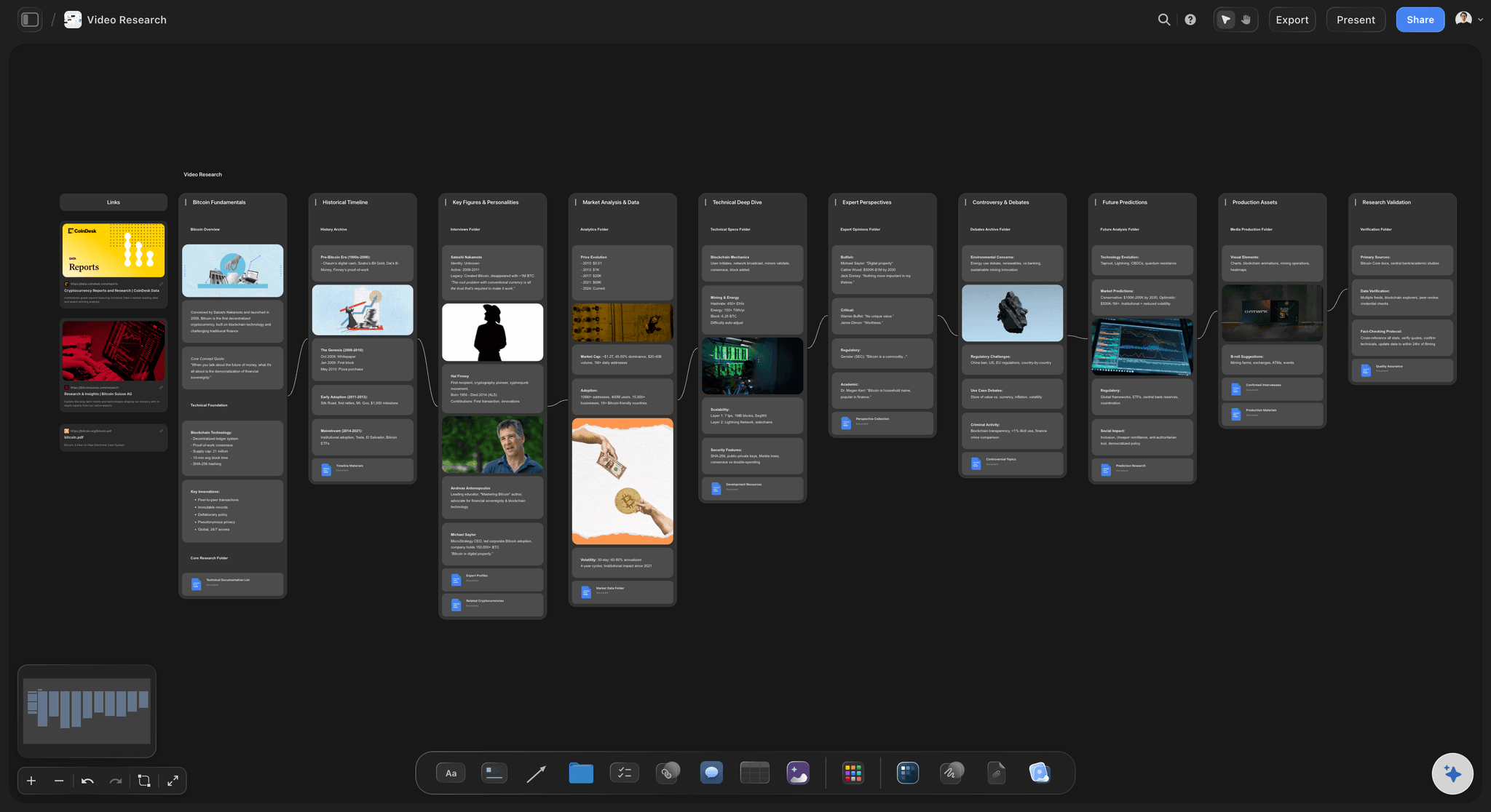
The inventory
Eight columns, filled from your export
Attach the CSV and Storyflow's AI lays the pages out as tables with the title, type, topic, date, visits, conversions, decision and owner. Each table holds up to fifty rows, so a big site splits by topic.
See the content planning tool →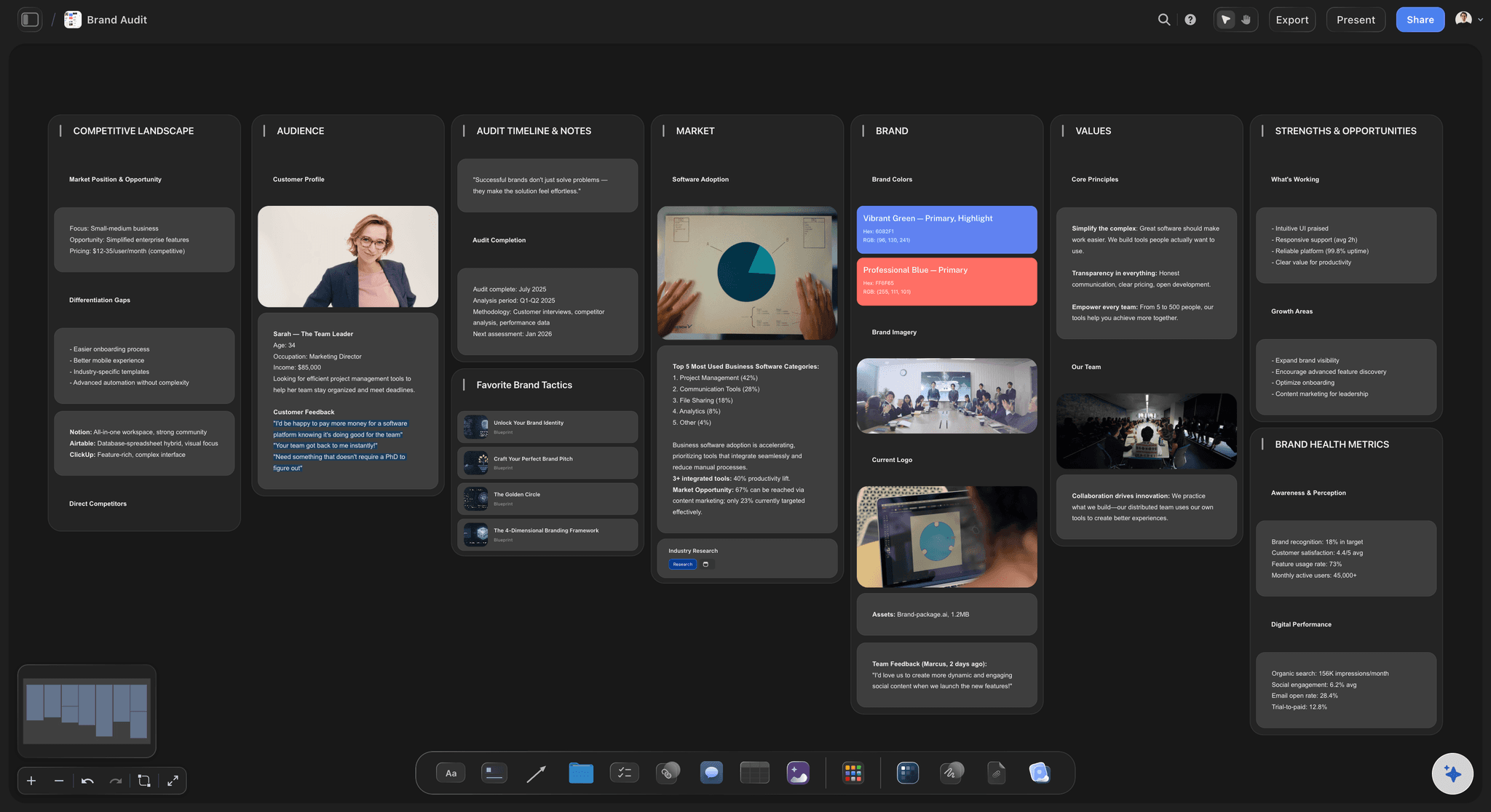
The rule
Keep, fix, merge or cut, decided once
Write the thresholds at the top of the board before anyone opens a page. The rule makes the call on the clear rows, and the team only argues about the handful that sit on the line. Most audits find that is fewer than one row in ten.
See the content strategy generator →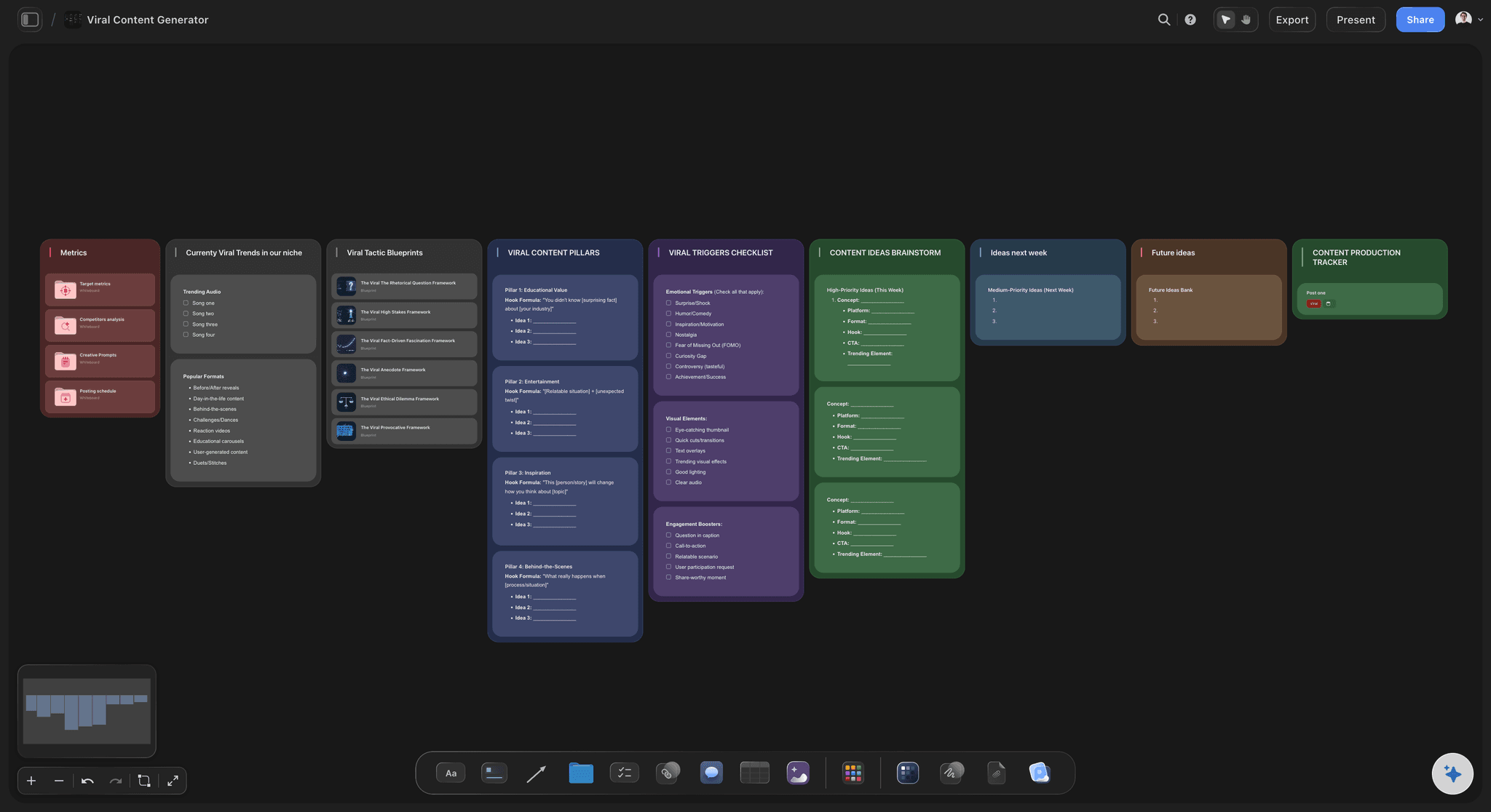
The topics
Pages grouped by what they are about
One table per topic shows at a glance where you have ten thin pieces on one question and nothing on the next. That is where the merges and the gaps are, and the gaps become next quarter's content plan.
See the content pillar planner →
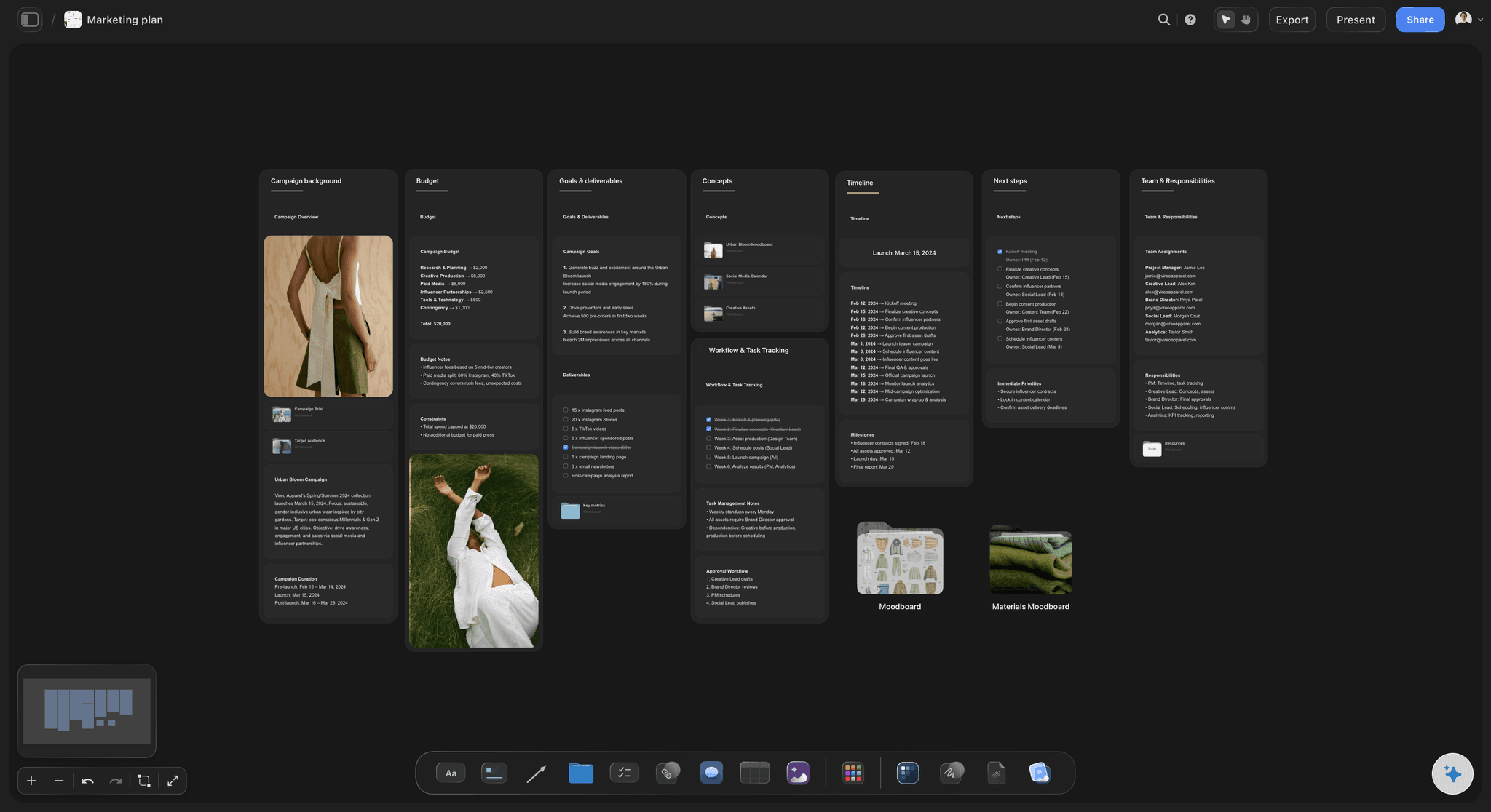
The fixes
A short brief for every page worth saving
What is out of date, the question to answer better, the section to add and the go-live date. The AI drafts it from the page and the audit row, and you decide what stays. A writer can pick it up without a call.
See the content brief template →Last year's audit is still on the board.
Keep each year's audit beside the next one, so you can show which fixes moved the numbers instead of guessing. Storyflow is paid-only during early access, with plans from $7.99 a month billed annually ($9.99 monthly). A free plan launches before the end of 2026, and anyone a paid member invites to a board joins free.
Unlimited boards, image uploads and files on every paid plan
Invite freelance writers to the fix list without buying them a seat
200+ Tactics for rewriting the pages you keep
Whole-board PDF export for the audit readout
View-only links so leadership can read it with no account
Built for people with taste
Why content audits stall halfway.
Three traps, and each one is easier to avoid when the audit is on one board instead of in a sheet.
The spreadsheet
Forty columns and no decisions
Eight columns are enough: Title, type, topic, date, visits, conversions, decision, owner. Anything else is interesting, slows every row down, and rarely changes the decision.
One date range for every row: Pull twelve months for everything in one export. Mixing ranges makes old pages look worse and new ones look better than they are, and the rule stops meaning the same thing on every row.
Progress counted as you go: A Count footer on the decision column shows how many rows are decided, and a Sum footer on visits shows how much traffic the pages you are cutting really carry.
Status on every fix: Each fix moves from Not started to In progress, In review and Done, so the audit does not end the day the table is finished.
The judgement calls
Every page becomes a debate
The rule is written first: Thresholds for visits, conversions and links sit at the top of the board. A row that meets the rule is decided without a meeting.
Cut means redirect: Every page you cut points to the closest live page, written in the notes column. Nothing is deleted without somewhere for its visitors to land.
Merges named in pairs: Two pages that answer the same question are written side by side, with the one that survives marked. The weaker one's best paragraph moves across.
A second opinion on the hard ones: Give Storyflow's AI the link to a borderline page and it reads it and says what looks dated and which other page overlaps it. It proposes; you decide.

The follow-through
The fixes never get written
Fixes in order of value: Order the fix list by conversions, then visits. The ten pages that already bring in sign-ups are fixed first, while there is still energy.
A brief, not a vague note: What is out of date, the question to answer better, the one section to add, and the date. A writer can start from it without a call.
Owners who can see the list: Freelance writers open the fix list from a view-only link with no account, and sign in to comment on their brief. Anyone a paid member invites to the board joins free, so a writer brought in for the fixes needs no plan.
Ask what moved this month: Ask the AI what changed on the audit board this month and it lists the rows that were updated and who did it, for the monthly check-in.
Explore templates for your project
Every template opens as a real, editable board on the infinite canvas. Pick the closest fit and make it your own.
YouTube Plan
Plan a video from hook to outline to shot list, with references and thumbnail ideas sitting right beside it.
One app instead of five
Where Storyflow fits in a content audit.
It holds the inventory, the decisions and the briefs. It does not crawl your site or pull rankings by itself.
Storyflow
Recommended
A keep, fix, merge or cut decision per piece
Pages grouped by topic, side by side
Decisions, owners and rewrite briefs on one surface
Status per fix, from Not started to Done
Counts and totals in the table footer
Writers comment beside the exact row
Crawls the whole site by itself
Pulls traffic and rankings on its own
SEO crawlers and suites
A keep, fix, merge or cut decision per piece
Pages grouped by topic, side by side
Decisions, owners and rewrite briefs on one surface
Status per fix, from Not started to Done
Counts and totals in the table footer
Writers comment beside the exact row
Crawls the whole site by itself
Pulls traffic and rankings on its own
A spreadsheet
A keep, fix, merge or cut decision per piece
Pages grouped by topic, side by side
Decisions, owners and rewrite briefs on one surface
Status per fix, from Not started to Done
Counts and totals in the table footer
Writers comment beside the exact row
Crawls the whole site by itself
Pulls traffic and rankings on its own
What creators are saying
Join early creators getting structured workspaces and AI that remembers their projects
“Storyflow has sped up my workflow by at least 3x, which means more flow state and more projects I can actually ship. It truly changed the way me and my team create.”

Reilin Joey
Director & YouTuber
“One prompt gets me a structured board. But the tactics are my favorite. I run my YouTube scripts through them and my intros and retention got better. It's amazing.”

Justkay
YouTuber & Freelance Filmmaker
“I used to juggle five apps to plan a project. Now I describe what I am making and get boards, lists, and a schedule. All in one place.”

George
@fernwehchronicles
Content audit questions
What marketing and content leads ask before they start one, and what usually goes wrong in the first attempt.
In Storyflow, run it on one board: attach a twelve month export from your analytics, let the AI lay every page out in tables with eight columns, write the keep, fix, merge or cut rule at the top, and decide each row against it. Then brief each page marked to fix, put an owner and a date on it, and track it to Done.
Storyflow is built for exactly this job: the inventory in tables, the decision rule above them, the pages grouped by topic, and a short rewrite brief for every page worth saving, all on one board the writers can open from a link. Its AI reads your export and the pages you point it at. Finding every URL and pulling rankings still takes a crawler such as Screaming Frog or a suite such as Semrush or Ahrefs.
Eight columns: title and link, type, topic, date published or updated, visits in the last twelve months, conversions, the decision, and the owner. Above the table, the written rule for keep, fix, merge and cut. Below it in Storyflow, a short brief for each fix. More columns rarely change a decision.
Write the rule first. A common one: cut a page with under 50 visits in twelve months, no conversions and no links to it; fix one whose visits fell by over a third but still converts; merge two that answer the same question; keep the rest. On Storyflow's board the rule sits above the table, so it decides the clear rows.
It can do the slow parts. Storyflow's AI reads the CSV or Excel export you attach and lays it out as tables, reads any page you give it a link to and says what looks dated or which page overlaps it, and drafts a brief for each fix. It does not crawl your site or decide for you; you set the rule and make the final call.
About two minutes a row once the inventory is built. A blog of 140 posts takes under five hours of deciding, plus an hour to export and set up. On a Storyflow board the AI builds the tables from the export, so most of the time goes on the decisions rather than on copying data.
Once a year for most teams, or every six months if you publish more than four pieces a week. Keep each year's Storyflow board. The second audit is faster because most rows are already decided, and it shows whether last year's fixes actually moved visits and sign-ups. A light check every quarter on the twenty pages that bring in the most sign-ups catches the worst decay in between.
Redirect each one to the closest live page that answers a similar question, and note the target in the row. Never delete a page that still has links pointing to it without a redirect. On Storyflow's board the cut rows keep their redirect target, so whoever updates the site has the full list in one place.
No. Storyflow does not crawl a site, find every URL by itself, or pull rankings and traffic automatically. Export the page list and numbers from your analytics, Search Console, Screaming Frog, Semrush or Ahrefs, and attach the file. Storyflow's AI reads it, and can read any single page you give it a link to.
As big as you need. When the AI builds the inventory, each table holds up to fifty rows and eight columns, so a large site splits into one table per topic or content type. That split is useful on its own: it shows on Storyflow's board where one topic has twenty thin pages and another has none.
An inventory is the list: every page with its basic facts. An audit adds a judgement on each one and a plan to act on it. The inventory is the first table on a Storyflow audit board; the decision column, the rule and the rewrite briefs are what turn it into an audit. Many teams build the inventory and stop, which is why the same thin pages are still live a year later.
One person who owns the decisions, one who knows the analytics, and the writers who will do the fixes. Keep the deciding group small. Share the Storyflow board with everyone else by a view-only link; they read it with no account and sign in to comment on a row they disagree with.
No. Storyflow runs in the browser and there are no native mobile or desktop apps. Open the audit board in any browser, and share it with writers and leadership by link. Exports from your analytics or SEO tool are attached in the same browser tab, so there is nothing else to set up.
More from Storyflow
Content planning tool
Content pillar planner
Content repurposing planner
Content brief template
AI content strategy generator
AI content planner
In-house content production
Content pipeline
Website planner
Founder-led content plan
Creative request intake
Marketing planning software
Storyflow for marketing teams
Decide every page, then fix the ones that matter.
The inventory, the rule, the topics and the briefs. One board, one afternoon of decisions, and a fix list short enough to finish this quarter.