
Sharper briefs, sent ultra fast
From client brief
to production plan, step by step.
The method producers use to read a brief, list every deliverable, work the schedule back from the delivery date, split the budget and send the gaps back to the client before anyone shoots a frame.


Creatives working for these brands already got early access
- Red Bull
- Canon
- Artlist
- Porsche
See how easy it is to get started
Watch a real project come together, from a blank board to a finished plan, clicked through step by step.
Start from a ready-made template
Pick a board to see what you can build, then let AI fill it in. Every template is a real, editable starting point on the same infinite canvas.

Creative Brief
Capture the objective, audience, and message for a creative so everyone works from the same brief.
How do you turn a client brief into a production plan?
A production plan is the document that turns what a client asked for into what the team will make, when, with whom and for how much. Storyflow is an AI visual workspace that turns a client brief into that plan on one infinite canvas: the brief on the left, then the deliverables list, the phases, a schedule worked back from delivery, the budget split and the open questions. Attach the brief and its AI drafts the plan beside it for you to correct.
Work in six moves. First, read the brief for the four facts it must contain: the objective, the audience, the deliverables and the deadline. Second, write every deliverable as its own line with a format, a length and a channel, because a brief that says 'a campaign' means nothing until it says 'one 30 second film, three 6 second cutdowns, twelve stills'. Third, group the work into phases: pre-production, production, post-production and delivery. Fourth, work the schedule backwards from the delivery date, never forwards from today. Fifth, split the budget across the phases and hold back a contingency. Sixth, list everything the brief does not answer and send it back to the client as one set of questions.
The order matters. Most plans go wrong at step two: the deliverables were never counted, so the schedule and budget were built for a job that does not exist. A plan built from a counted list can be checked line by line. A plan built from the tone of a brief can only be argued about.
A worked example. A coffee brand sends a brief on 9 March for a spring campaign with a budget of $48,000 and a launch on 2 May. Counted, the deliverables are one 30 second hero film, three 6 second cutdowns, twelve product stills and nine vertical social edits: 25 pieces. Worked back from 2 May: final files on 2 May, two review rounds from 25 to 29 April, the edit and grade from 6 to 24 April, a two day shoot on 2 and 3 April, and pre-production from 16 March to 1 April. The plan goes to the client on 13 March, four days after the brief arrived.
The budget in the same example splits like this: pre-production 10 percent ($4,800), crew, kit and the shoot days 45 percent ($21,600), post-production 25 percent ($12,000), contingency 10 percent ($4,800) and the agency or producer fee 10 percent ($4,800). That adds up to $48,000. The split is a starting point you change once quotes come in, but writing it down on day one shows at once whether a two day shoot is affordable.
Then the questions. The coffee brief never said who signs off the edit, whether music needs to be licensed for paid use, how many people appear on camera, or whether the stills need retouching for print. Each of those changes the budget. Send them back in one message on the day you send the plan, and mark them on the board as open until the client answers. A production plan with its open questions written next to it is more honest, and easier to approve, than one that hides them.
Ultra fast from brief to board
How do you build the plan on one board?
Six steps, in the order a producer works. The first plan for a client takes an afternoon. The second starts from a copy of the first.
01
Drop the brief on the board
Attach the client's PDF or Word brief to the Storyflow AI chat, or paste the text. The brief sits on the left of the board, so every line of the plan can be checked against what the client actually wrote.
02
Count the deliverables
Ask the AI to list every deliverable as a table row with format, length, channel and due date. Where the brief gave no number, it leaves the cell blank and marks it, so you see the gaps instead of guesses.
03
Lay out the phases
Four columns: pre-production, production, post-production and delivery. Each task is a card with an owner and a date, and arrows link the tasks that cannot start until another finishes.
04
Work back from delivery
Start with the delivery date and count backwards: review rounds, the edit, the shoot, prep. Keep the rows in date order, so the first date that falls before today shows where the plan does not fit.
05
Split the budget
A table with a row per phase and a Sum in the footer. Put the contingency on its own row, so nobody spends it by accident and the client can see it is there.
06
Send the questions back
Gather every gap in one note headed 'Open questions'. Share the board by view-only link: the client opens it with no account, and signs in to comment on the line they want to answer.
What goes in a production plan?
Five parts, each with its own place on the board. If one is missing, the plan is not finished, however polished the rest looks.

The deliverables
Every piece counted, one row each
Format, length, aspect ratio, channel and due date per row. Twenty-five rows is a job you can schedule. 'A spring campaign' is not.
See the video production tracker →
The phases
Pre-production to delivery in four columns
Each column holds the tasks for one phase, each task card has an owner and a date, and arrows show what waits on what. The shape of the whole job fits on one screen.
See the video production workflow →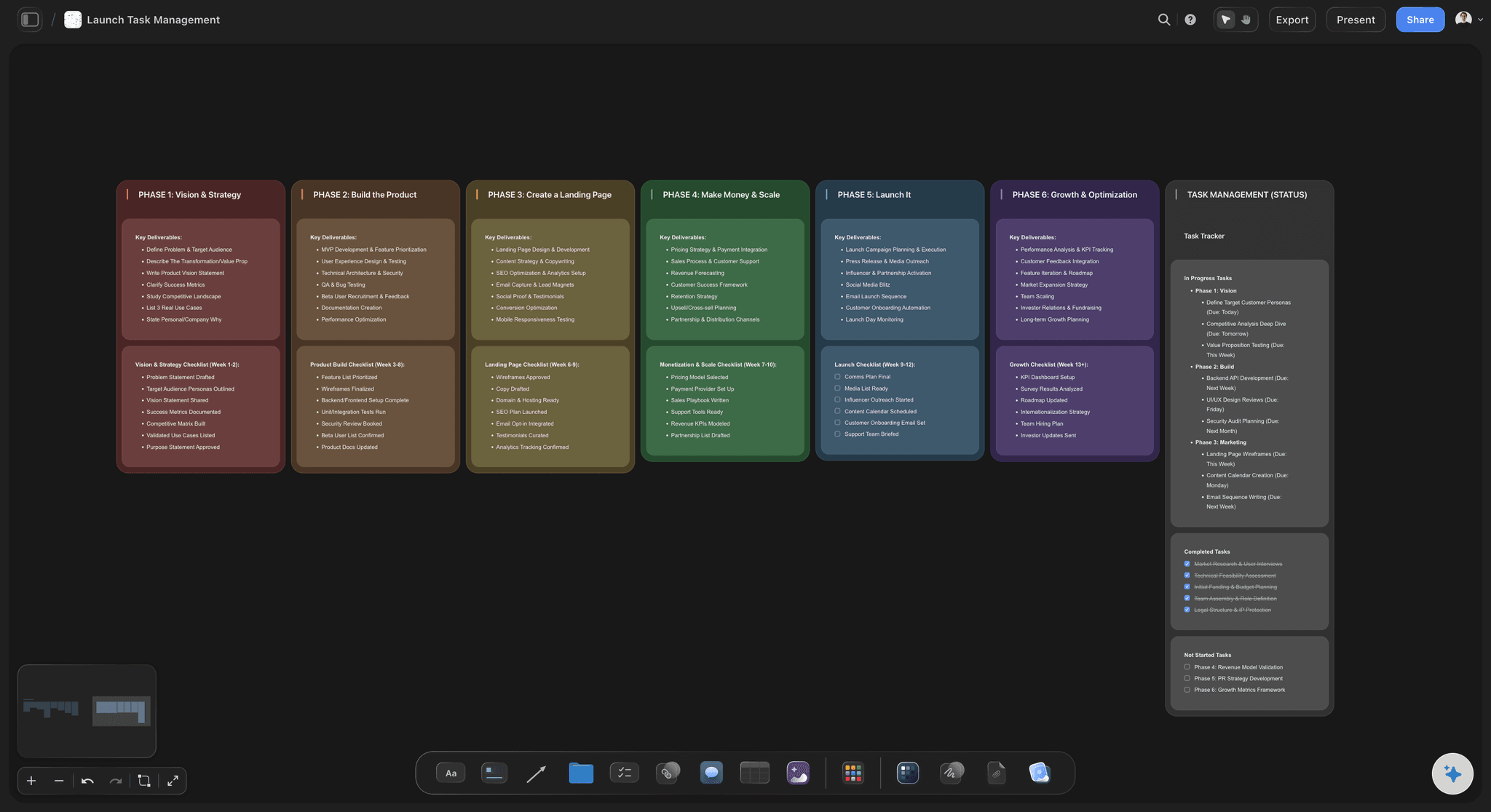
The schedule
Dates worked back from the deadline
Delivery first, then review rounds, edit, shoot and prep. Rows kept in date order make the squeeze visible the moment a date lands in the past.
See the production calendar →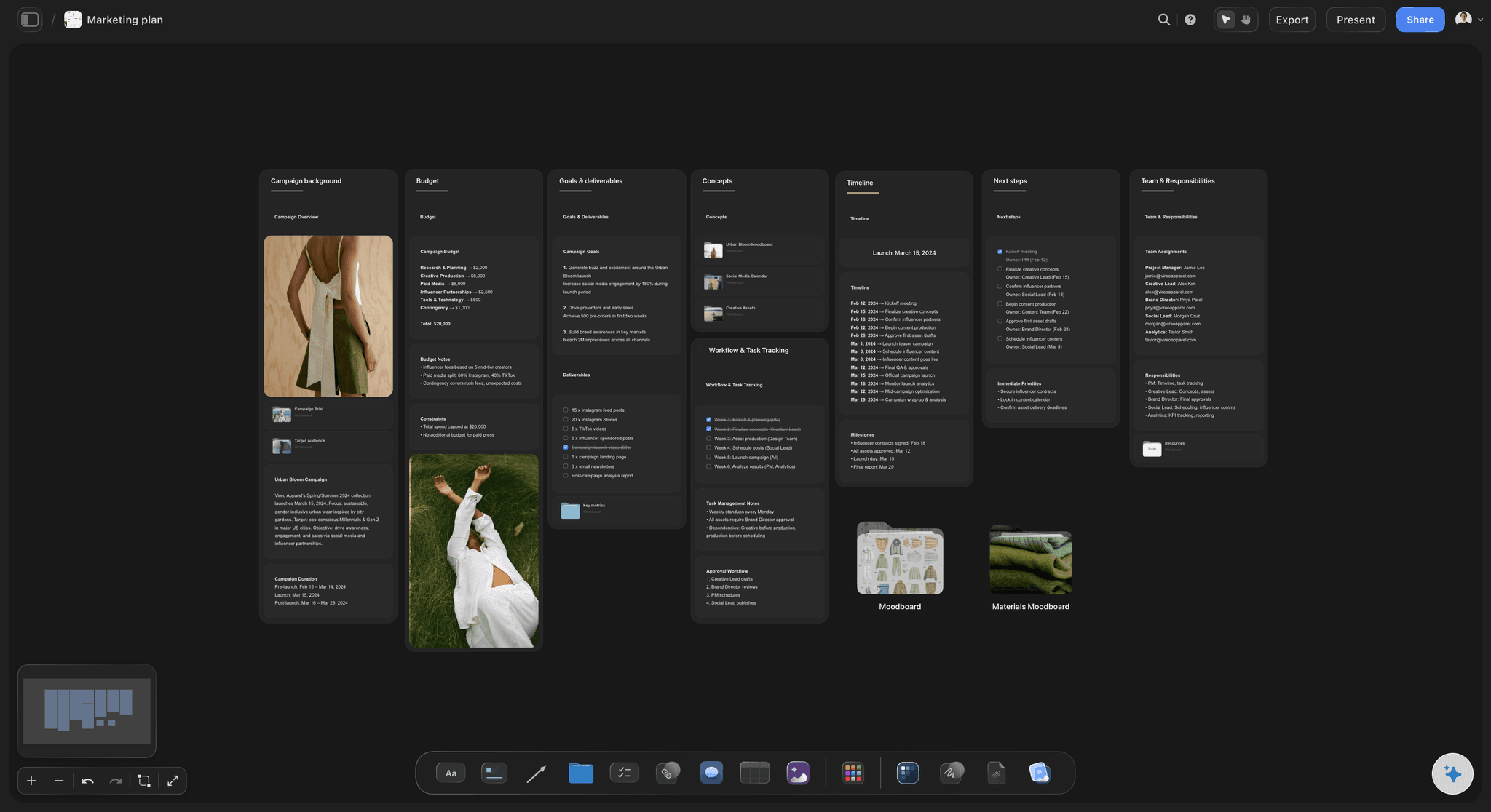
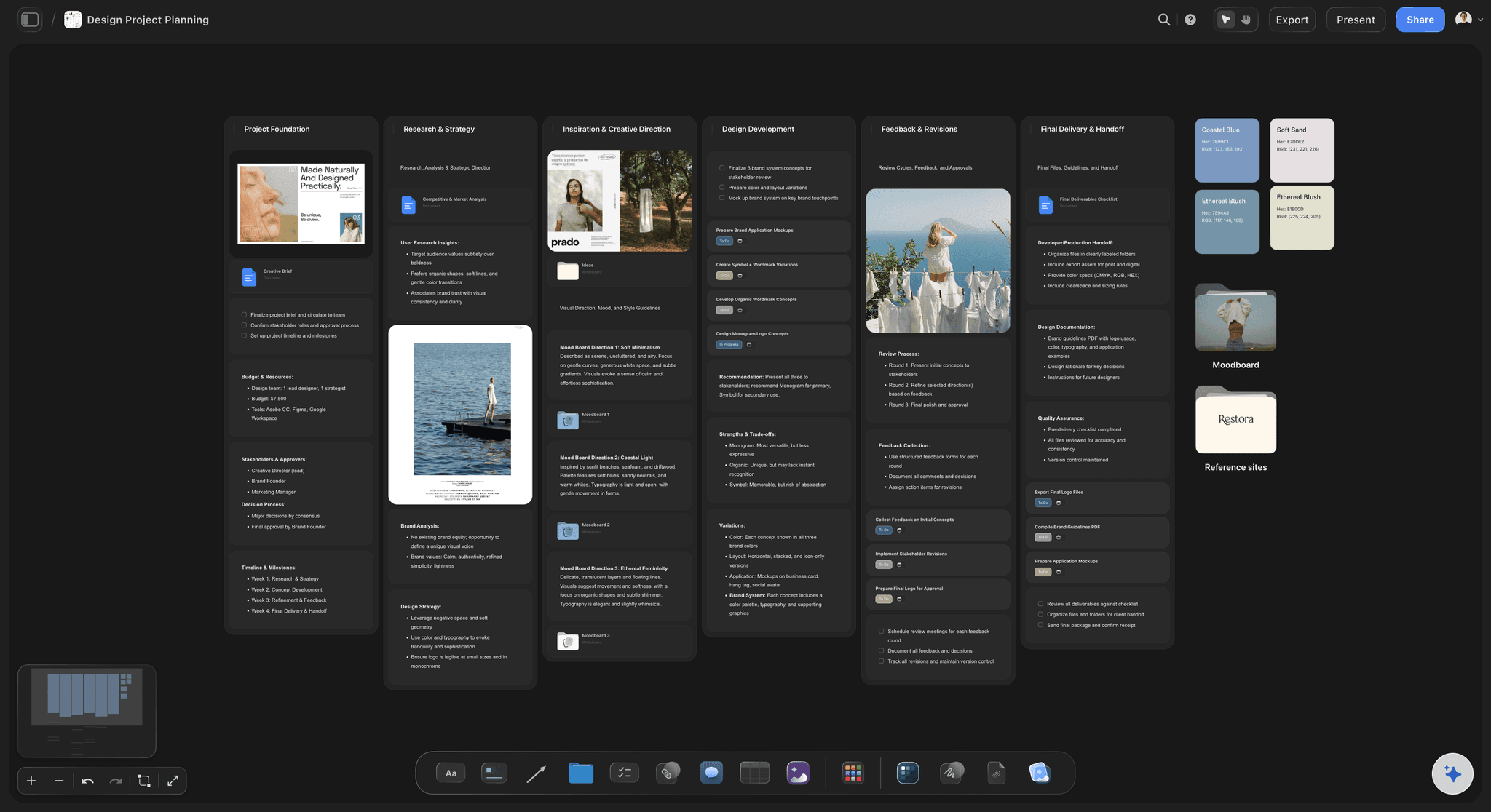
The budget
A split by phase with the contingency on show
One table, a row per phase and a Sum in the footer. The client sees where the money goes, and you see at once whether the shoot days fit inside it.
See the video production proposal →The brief and the plan, side by side, for the whole job.
Keep the brief, the plan, the references and every revision on the same board from the first read to final delivery. Storyflow is paid-only during early access, with plans from $7.99 a month billed annually ($9.99 monthly). A free plan launches before the end of 2026, and anyone a paid member invites to a board joins free.
AI that reads PDF and Word briefs and drafts the plan beside them
Tables with a Sum footer for the deliverables count and the budget
View-only links the client opens with no account
Whole-board PDF export for the plan you send on day four
Freelancers and crew you invite to the board join free
Built for people with taste
Why do production plans fall apart?
Three usual causes, and each one shows up on day one if the brief and the plan sit on the same board.

The count
The deliverables were never counted
Turn adjectives into numbers: 'A suite of social assets' becomes nine vertical edits at 15 seconds, 1080 by 1920. Until it has a number, it cannot be scheduled or priced.
One row per version: A 30 second film in three aspect ratios is three deliverables, not one. Exports, captions and language versions each take time.
Blank, not guessed: Where the brief is silent, leave the cell empty and mark it. Storyflow's AI does the same when it drafts the list, so a gap is never disguised as a fact.
Check it against the brief: With the brief on the left of the board, the client can trace every row back to a sentence they wrote, or point to the row they never asked for.

The calendar
The schedule ran forwards from today
Start at delivery: A forward schedule always looks possible. A backward one tells you on day one that the edit has eleven working days, not fifteen.
Name the review rounds: Write how many rounds the fee covers and how many days each one takes. Unplanned rounds are the most common reason a delivery date slips.
Mark the client's dates too: Sign-off on the script, the casting and the first cut are tasks for the client. Put them on the board with the client's name on them.
Link what waits: An arrow from 'script approved' to 'shoot' shows what one late answer will move. Storyflow does not shift dates on its own, so the arrow is a warning to read, not a calculation.
The gaps
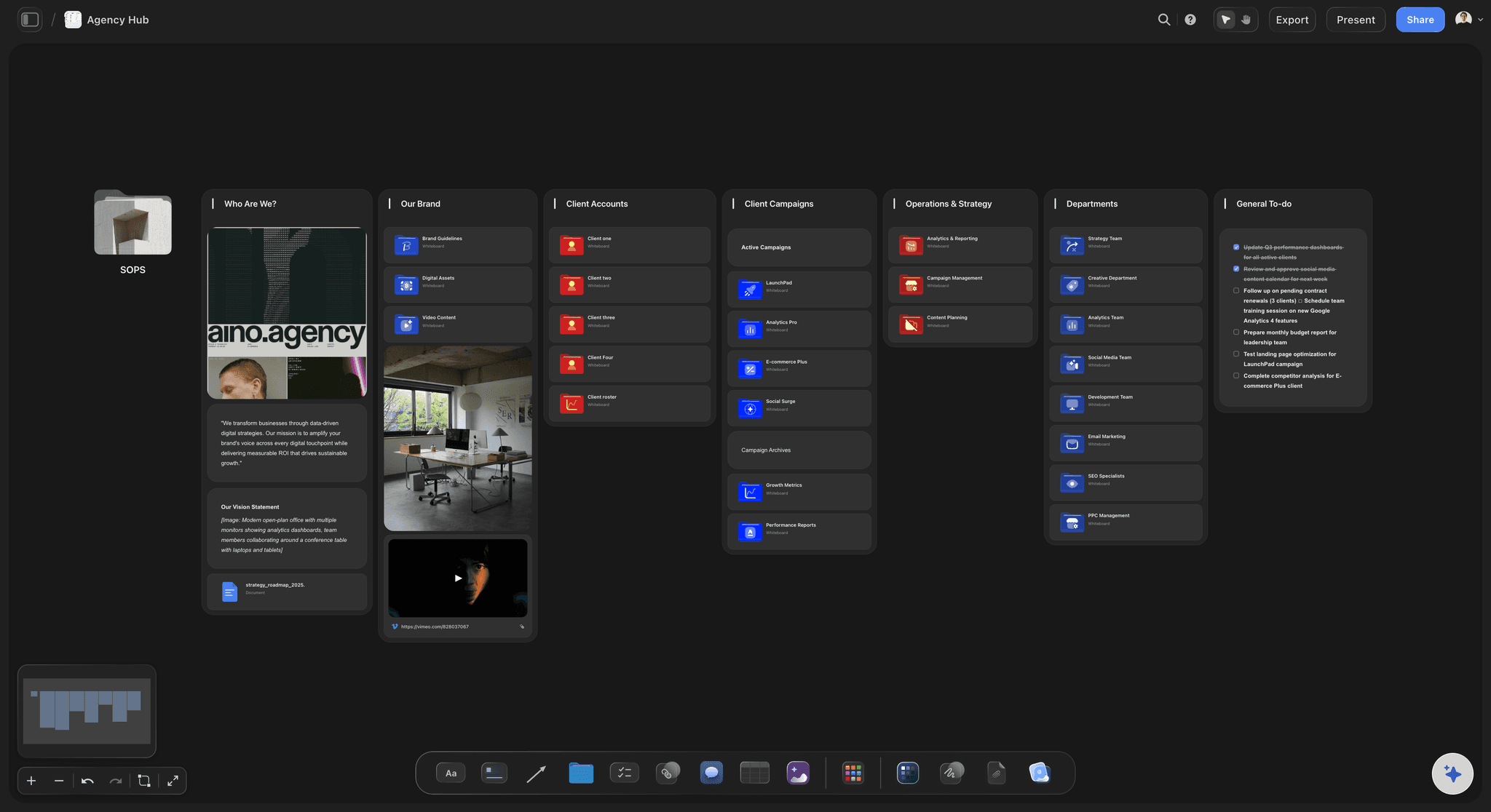
The questions were asked one at a time
One list, one message: Ten questions sent together get answered in a day. Ten questions sent over three weeks each cost a day of waiting.
Price the answer: Next to each question, note what the answer changes: 'licensed music for paid use adds roughly a day of clearance and a fee'.
Keep them on the board: Open questions sit in their own note beside the plan until the client answers. Ask Storyflow's AI what the brief still does not say and it lists the gaps it finds.
Close them in writing: When an answer arrives, write it into the plan and move the card. The board becomes the record of what was agreed, which matters when the scope is questioned later.
Explore templates for your project
Every template opens as a real, editable board on the infinite canvas. Pick the closest fit and make it your own.
Creative Brief
Capture the objective, audience, and message for a creative so everyone works from the same brief.
One app instead of five
Which tool should you use to plan production from a brief?
Storyflow holds the brief, the plan and the visual references together. It does not send invoices, track hours or move dates for you.
Storyflow
Recommended
Brief and plan side by side on one canvas
AI drafts the plan from an attached PDF or Word brief
References, frames and stills beside the tasks
Budget table with a Sum footer
Client opens the plan by link with no account
Gantt chart that reschedules dependent tasks
Built-in time tracking
Project management tools
Brief and plan side by side on one canvas
AI drafts the plan from an attached PDF or Word brief
References, frames and stills beside the tasks
Budget table with a Sum footer
Client opens the plan by link with no account
Gantt chart that reschedules dependent tasks
Built-in time tracking
A document and a spreadsheet
Brief and plan side by side on one canvas
AI drafts the plan from an attached PDF or Word brief
References, frames and stills beside the tasks
Budget table with a Sum footer
Client opens the plan by link with no account
Gantt chart that reschedules dependent tasks
Built-in time tracking
What creators are saying
Join early creators getting structured workspaces and AI that remembers their projects
“Storyflow has sped up my workflow by at least 3x, which means more flow state and more projects I can actually ship. It truly changed the way me and my team create.”

Reilin Joey
Director & YouTuber
“One prompt gets me a structured board. But the tactics are my favorite. I run my YouTube scripts through them and my intros and retention got better. It's amazing.”

Justkay
YouTuber & Freelance Filmmaker
“I used to juggle five apps to plan a project. Now I describe what I am making and get boards, lists, and a schedule. All in one place.”

George
@fernwehchronicles
Client brief to production plan questions
What producers, agencies and studios ask when a brief lands and the client wants a plan and a price by Friday.
In six steps: read the brief for the objective, audience, deliverables and deadline; count every deliverable as its own line; group the work into pre-production, production, post-production and delivery; work the schedule back from the delivery date; split the budget across the phases with a contingency; and send the unanswered questions back to the client in one message. In Storyflow all six sit on one board beside the brief.
Storyflow is built for exactly this job: attach the client's brief and its AI drafts the deliverables, phases, schedule and open questions on a board beside it, with the references and budget table in the same place. A project management tool such as Asana or Monday still suits teams that need a Gantt chart that reschedules tasks or time tracking, and accounting software still sends the invoices.
Five parts: the deliverables list (format, length, channel and due date per piece), the phases with their tasks and owners, the schedule worked back from delivery, the budget split by phase with a contingency, and the open questions the brief did not answer. Crew, locations and kit lists are added once the plan is approved. On a Storyflow board each part has its own area, so a missing one is easy to spot.
At least the objective, the audience, the deliverables, the deadline and the budget or budget range. Who approves the work and how many review rounds are included matter almost as much. If any of these are missing, plan with the rest and list the missing ones as open questions on the Storyflow board rather than guessing them.
Turn every noun in the brief into a counted line with a format. 'A hero film and social assets' becomes one 30 second film, three 6 second cutdowns and nine vertical edits. Count each aspect ratio and language version separately, because each takes its own time. Storyflow's AI drafts this table from the brief and leaves a cell blank where the brief gives no number.
Start at the delivery date and work backwards: final files, review rounds, the edit and grade, the shoot, then pre-production. In the worked example on this page, a 2 May delivery puts the shoot on 2 and 3 April and pre-production from 16 March. If the first task lands before today, the plan does not fit, and you know on day one rather than in week five. Keep the rows in date order on the Storyflow board.
A common starting split for a small shoot is about 10 percent pre-production, 45 percent crew, kit and shoot days, 25 percent post-production, 10 percent contingency and 10 percent fee. On a $48,000 job that is $4,800, $21,600, $12,000, $4,800 and $4,800. Change it once real quotes arrive. Keep it as a table on the Storyflow board with a Sum in the footer so the total never drifts.
For a single campaign, a first draft usually takes a day and a finished plan two to four days, most of it waiting on answers from the client. Storyflow's AI turns an attached brief into a first draft of the deliverables and phases in minutes; checking it, pricing it and getting the questions answered is still the producer's work.
Who signs off each stage, how many review rounds are included, whether music, talent or footage needs licensing for paid use, where the work will run, which deliverables are fixed and which are nice to have, and what happens if the deadline moves. Note next to each question what the answer changes, and keep the list on the Storyflow board until every one is closed.
Yes, as a draft. Storyflow's AI reads an attached PDF or Word brief, or pasted text, and lays out the deliverables, phases, tasks and open questions on the board. It does not know your crew rates or your client's habits, so the budget and the dates are yours to set. ChatGPT and Claude can also build the plan on a Storyflow board through the Storyflow connector.
The brief says what the client wants and why: the objective, the audience, the message and the deliverables. The production plan says how the team will make it: who, when, in what order and for how much. The brief comes from the client; the plan is the answer. On a Storyflow board they sit side by side so every line of the plan can be traced to the brief.
Yes. The structure on this page works as one: a deliverables table, four phase columns, a schedule in date order, a budget table and an open questions note. Storyflow has production and campaign templates you can start from, and once you have built one plan, copying that board for the next client is the fastest template there is.
Send a view-only link to the Storyflow board. The client opens it in a browser with no account, and signs in to leave comments on specific lines. If they want a file for their records, export the whole board as a PDF. Present it on a call in Storyflow's full-screen presentation mode.
For planning, often yes; for running a large team's daily tasks, not always. Storyflow has task cards, Kanban columns, owners, dates and tables, but no Gantt chart that reschedules dependent tasks, no time tracking and no invoicing. Teams that need those keep a project tool for execution and use the Storyflow board for the brief, the plan and the references.
Read the brief once. Plan the job on one board.
Deliverables counted, schedule worked back, budget split and the questions sent. Everything the client needs to say yes.