
Social plans done ultra fast, done well
Build content pillars with Claude
and a month of posts that keeps to them.
For marketers and social media managers planning a brand's month: Claude builds a column for each pillar, the post ideas under it and the month's table on one Storyflow board.


Creatives working for these brands already got early access
- Red Bull
- Canon
- Artlist
- Porsche
See how easy it is to get started
Watch a real project come together, from a blank board to a finished plan, clicked through step by step.
Start from a ready-made template
Pick a board to see what you can build, then let AI fill it in. Every template is a real, editable starting point on the same infinite canvas.

Content Calendar
Plan what you post and when across every channel on one calendar.
How do I build content pillars with Claude?
Give Claude what the brand sells, who it is for and last quarter's posts with their results, then ask for three to five pillars, each with a job, a share of the month, the formats it suits and ten post ideas. Storyflow is an AI visual workspace that builds content pillars and the month they feed on one infinite canvas: a column for each pillar, idea cards under it, a table of the month with every post tagged by pillar and a list of what to shoot. Connect Claude to Storyflow and it builds those columns and that table on the brand's board itself. It runs on its own model, so the work costs you no Storyflow AI credits.
Ask Claude for content pillars and nothing else, and you tend to get the four every brand gets: educate, inspire, entertain, promote. Claude does far better with evidence. Paste last quarter's posts and it notices that most of them were offers, that the three posts people saved were all how-to, and that nobody has posted about the people behind the brand since spring. It names pillars in your customers' words and proposes a split. Then it hands you a list. The pillars end up in a slide, the ideas in a spreadsheet and the month in a scheduler, and by week three the posts going out no longer match the split you agreed.
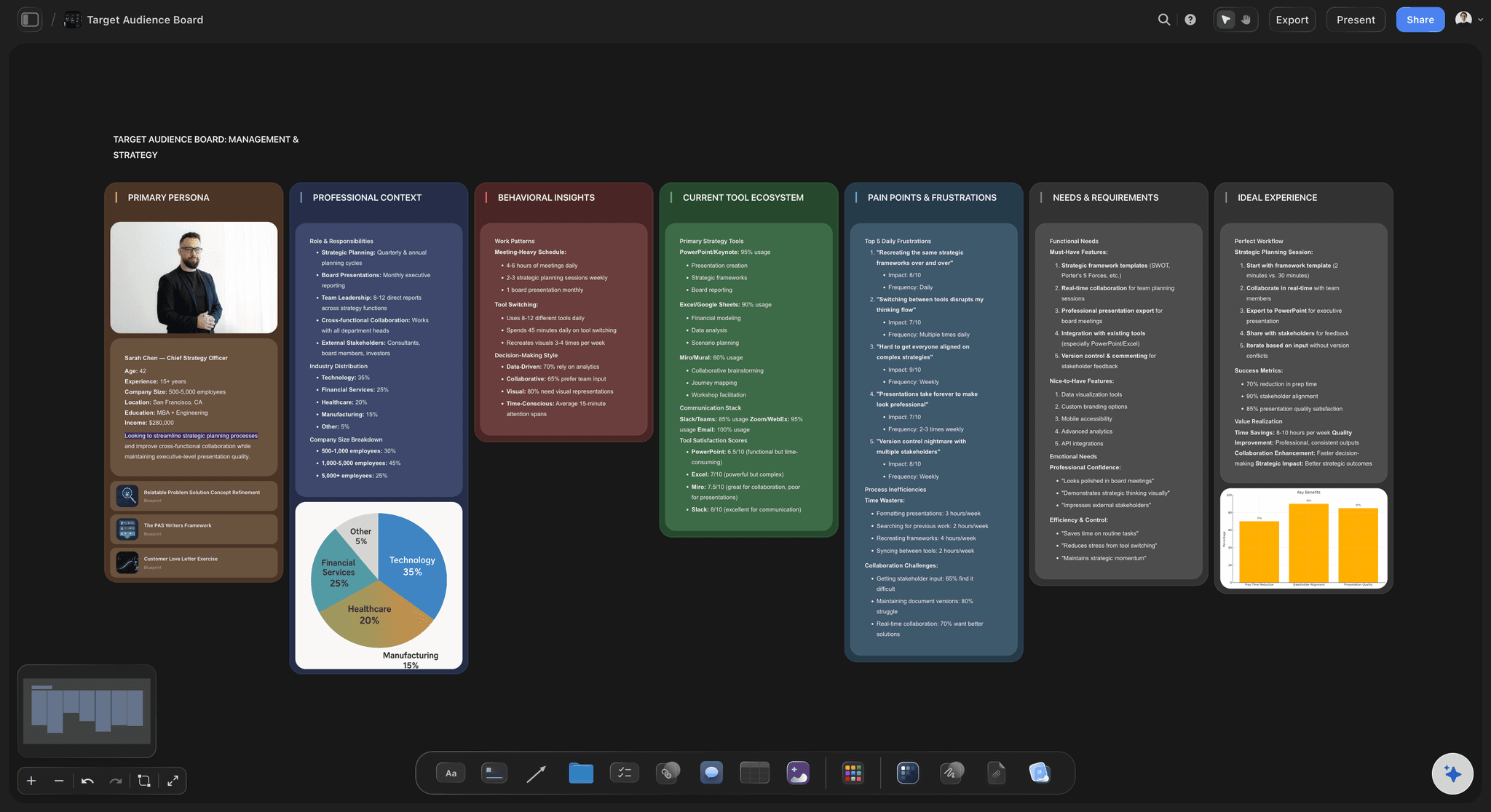
Connect Claude to Storyflow and ask for the pillars on the brand's board. If last quarter's posts are on the board as a spreadsheet or a CSV file, Claude reads them first. Then it builds one column per pillar: a note at the top with the pillar's job and its share of the month, and the post ideas as cards under it. Next comes the month, as a table with a row per post and columns for the date, the platform, the format, the pillar as a label and a status. Then a to-do card that lists what has to be filmed. Ask for one of the carousels and Claude drafts it as separate pages at the post's size.
Here is a month you can copy for your own brand, numbers included. An independent bike shop posts five times a week, so 20 posts in a four-week month. It has four pillars. Fix It Yourself (teaching) gets 8 posts, In the Workshop (how the work is done) gets 5, Riders (customers and their bikes) gets 4, and This Week in the Shop (stock and offers) gets 3. That is 8, 5, 4 and 3, which makes 20, or 40, 25, 20 and 15 percent. By format the month is 8 carousels, 8 short videos and 4 photos. Ask Claude for ten ideas a pillar, which is 40 cards. Pick 20 for this month and leave 20 for the next. The 8 videos and 4 photos make 12 things to film, which is one batch day with a list.
Every pillar that earns its place has the same six things written under its name. Its job for the business, in a few words: get found, build trust or sell. Who it is for. Its share of the month, as a number of posts. The formats it suits. Three example posts, so a new teammate can tell what belongs. And one line that says what does not belong, which is the line that keeps offers from creeping into every pillar. Then test the set. Take ten of last quarter's posts and file each one under a pillar. If a post fits two pillars, they overlap. If several fit none, a pillar is missing.
The limits, plainly. Storyflow has no calendar grid: the month is a table, the dates sit in its cells, and the rows stay in the order they were written. Storyflow does not schedule or publish, so Buffer, Later or each platform's own tools still send the posts out. It shows no reach, saves or clicks either: bring those as a file on the board, and Claude reads the first 40,000 characters. Claude has no tool that deletes a card, and it cannot change a carousel page once it is built, so you fix a slide by hand. The picture spaces on the slides start empty for your own photos. A teammate on ChatGPT, Gemini or Grok plans on the same board through the same connector.
Ultra fast from brief to board
From last quarter's posts to next month's plan in four moves.
The pillars are only as good as what you give Claude to read, so the evidence goes on the board first.
01
Connect Claude to Storyflow once
Claude keeps connectors under Customize: open it, then Connectors. Click Add and pick Add custom connector, give it the name Storyflow and the address https://mcp.storyflow.so/mcp, and click Continue. Choose Sign in now, click Add, and sign in to Storyflow with the brand's project ticked.
02
Put the evidence on the board
Drop last quarter's posts on the brand's board as a spreadsheet or a CSV file, with the results beside each post. Ask Claude what it sees before it proposes anything. For example: "Read the Q3 posts on the Bike Shop board and tell me what we posted most and what people saved."
03
Ask for the pillars as columns
Ask for four pillars, each with a job, a share of the month and ten ideas. A column appears for each pillar, with a note at the top and the ideas as cards under it. Move a card to another column by hand, or tell Claude to.
04
Ask for the month and the shoot list
Ask Claude to pick 20 ideas in the agreed split and lay them out as a table with dates, formats, pillars and a status. Then ask for the list of what to film, and for one carousel drafted as pages.
The pillars, the ideas, the month and the first post.
Claude proposes the pillars and fills them. Storyflow keeps them beside the month they are supposed to steer.
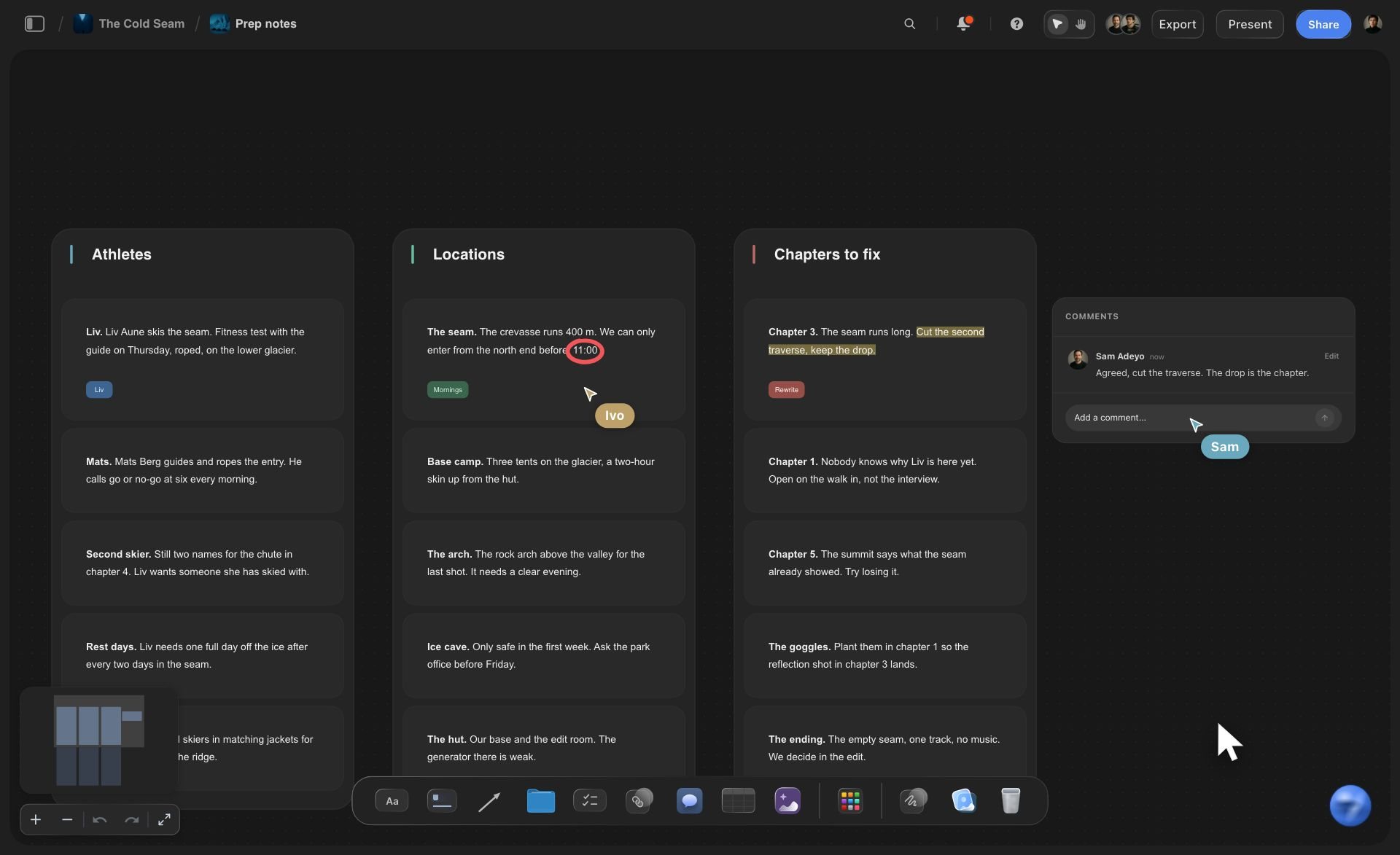
The pillars
A column for every pillar, with the ideas under it
Each pillar is a column on the brand's board. The note at the top says what the pillar is for and how many posts it gets this month. The ideas sit under it as cards, up to 40 in one request, so a thin pillar is easy to spot.
See the content pillar planner →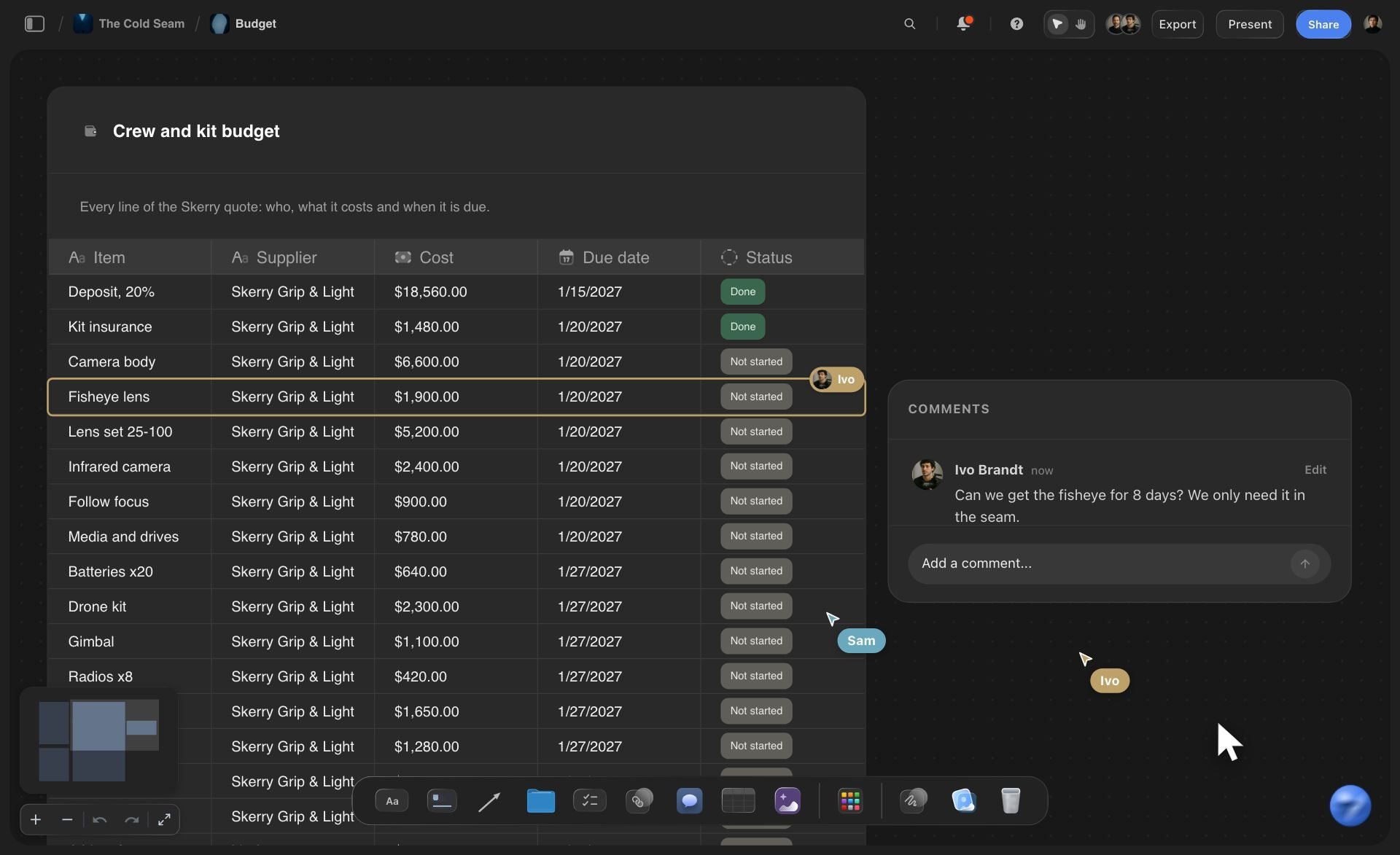
The month
Every post in one table, tagged by pillar
The month is a table with a row per post: the date, the platform, the format, the pillar as a label and a status. Count the labels and you know whether the month kept the split you agreed. One table holds up to 8 columns and 50 posts per request.
Social calendars without an assistant →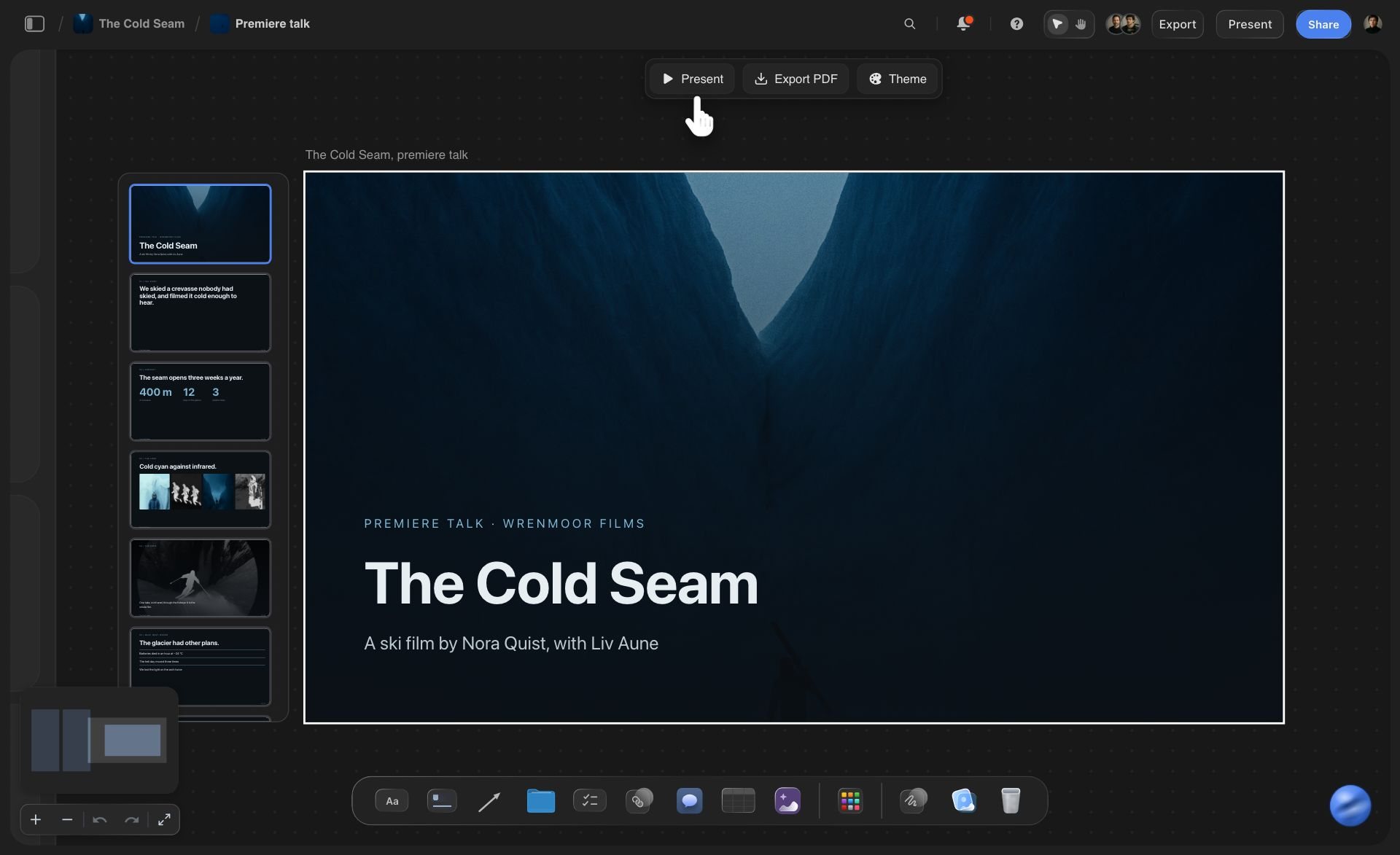
The posts
A carousel drafted as pages at the post's size
Pick an idea and ask Claude for the carousel. It builds 2 to 20 slides as separate pages at 4:5, 1:1, 9:16 or 16:9, with your words on them and empty spaces for your own photos.
See carousels with Claude →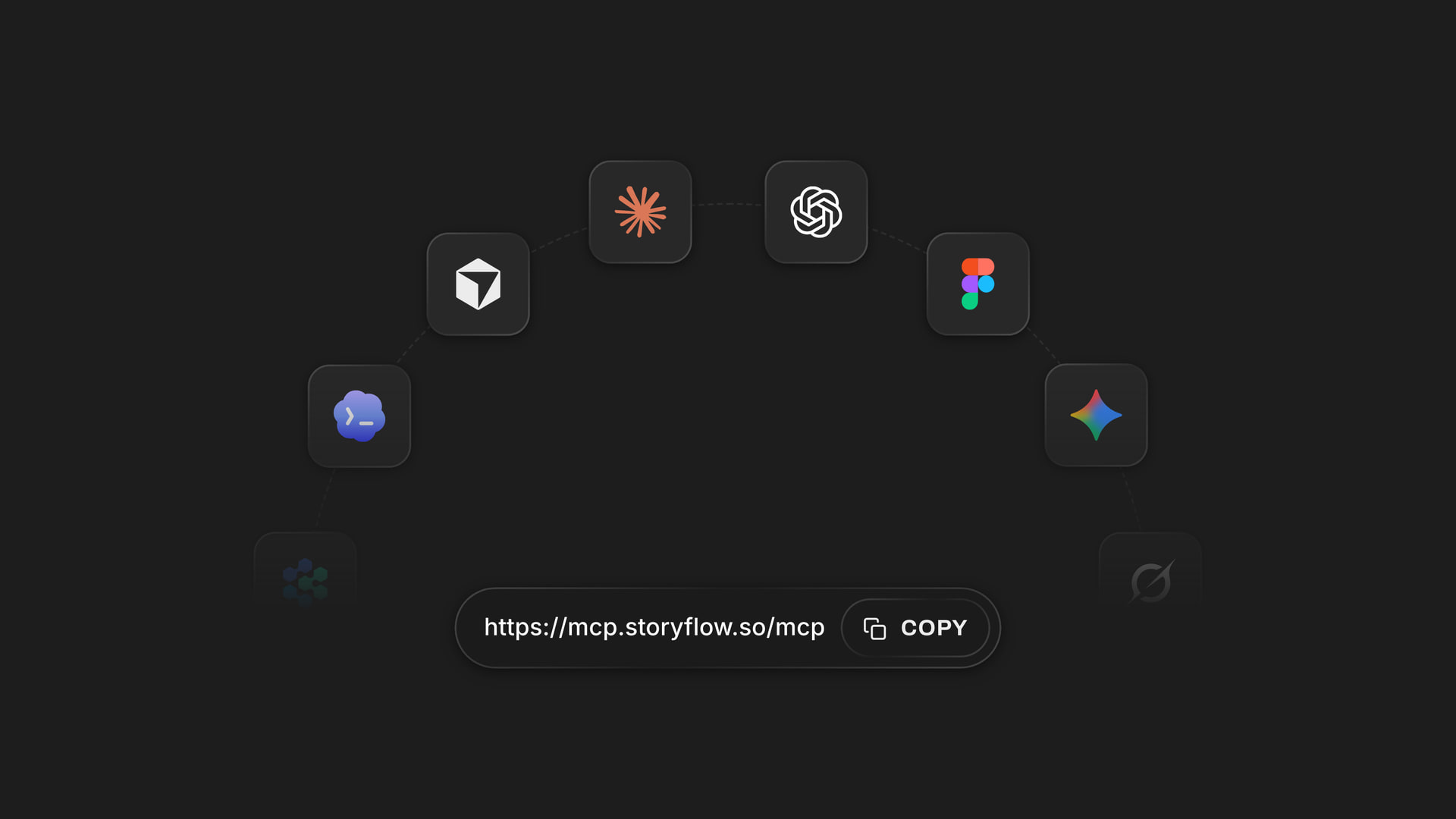
Any assistant
One board for a team on different assistants
The strategist adds Storyflow's address, https://mcp.storyflow.so/mcp, to Claude and the social media manager adds it to ChatGPT, Gemini or Grok. Each signs in, picks the brands their assistant may open, and builds on the same board.
Connect the team's assistants →Claude plans the month. It spends none of your Storyflow AI credits.
Claude runs on its own model, so pillars and a month built over the connector use no Storyflow AI credits. A free account (today, one a paid member invited) gets a weekly allowance of assistant actions, and the pricing page has the current number. A brand on Plus, Pro or Max can rebuild the month as often as it likes. Storyflow is paid-only during early access, with plans from $7.99 a month billed annually ($9.99 monthly). A free plan launches before the end of 2026, and the designer or client you invite to the brand's board joins free.
Nothing Claude builds spends Storyflow AI credits
No limit on what Claude does on Plus, Pro and Max
Invite the designer, the videographer and the client to the board free
Up to 40 idea cards per pillar and 50 posts per table in one request
You choose which brands Claude may open, and whether it may change them

Built for people with taste
Where pillars made in a chat stop being useful.
Claude names good pillars when you feed it. The trouble starts when the pillars have to steer a real month.
The inputs
Four pillars that could belong to any brand
Pillars drawn from your own posts: Put last quarter's posts and their results on the board as a spreadsheet or a CSV file. Claude reads the first 40,000 characters and builds the pillars from what you made, not from a stock list.
The brand's own words, read from the board: The positioning, the product list and the questions customers ask can sit on the board as PDF or Word files. Claude reads them there, so the pillars are named the way your customers talk.
A job written on every pillar: The note at the top of each column says what the pillar is for: get found, build trust or sell. A pillar with no job gets merged into one that has.
Ideas that are cards, not bullet points: Each idea is its own card with a hook and a format. Drag one to another pillar, change its words by hand, or ask Claude to rewrite that one card.

The split
A month that drifts back to offers
The share is a number of posts: Forty percent of 20 posts is 8. Claude writes the number on the pillar's note and fills the month's table to match, so the split is something you can count.
Every row carries its pillar: The pillar is a label on each post in the table. Read down the column in week three and you see at once that five posts in a row are offers.
Leftover ideas stay in their columns: Ask for ten ideas a pillar and use five. The other five wait under the pillar, so next month's plan starts with twenty ideas already filed.
What to film, as one list: Claude turns the month's videos and photos into a to-do card with a line for each. Twelve lines is one batch day, and you tick them off as you film.

The team
A strategy slide nobody opens again
Strategy and schedule on one board: The pillars, the ideas, the month's table and the brief sit on one board. Whoever writes Thursday's post can see which pillar it belongs to and why.
A link for the client or the founder: Make a view-only link in Storyflow and they open the pillars and the month in a browser with no account. To comment, they sign in.
Ask what changed: Ask Claude what changed on the brand's board this week. It reads the board's history and lists what teammates added, edited or moved, and when.
This month's results set next month's split: At the end of the month, put the results on the board as a file and ask Claude which pillar earned its share. Change the numbers on the notes and build the next table.
Explore templates for your project
Every template opens as a real, editable board on the infinite canvas. Pick the closest fit and make it your own.
Content Calendar
Plan what you post and when across every channel on one calendar.
One app instead of five
What Storyflow adds to pillars built with Claude, and what a scheduler still does.
It holds the pillars, the ideas and the month where the team can see them. It does not publish posts or count reach.
Storyflow with Claude
Recommended
Post ideas and captions drafted by AI
Pillars as columns of idea cards on your Storyflow board
Pillars, ideas, the month and the brief on one open canvas
Carousel slides drafted as pages beside the plan
Shoot list for the month on the same board
Calendar grid of the month
Schedules and publishes the posts
Reach and engagement numbers for each post
Claude on its own
Post ideas and captions drafted by AI
Pillars as columns of idea cards on your Storyflow board
Pillars, ideas, the month and the brief on one open canvas
Carousel slides drafted as pages beside the plan
Shoot list for the month on the same board
Calendar grid of the month
Schedules and publishes the posts
Reach and engagement numbers for each post
Buffer
Post ideas and captions drafted by AI
Pillars as columns of idea cards on your Storyflow board
Pillars, ideas, the month and the brief on one open canvas
Carousel slides drafted as pages beside the plan
Shoot list for the month on the same board
Calendar grid of the month
Schedules and publishes the posts
Reach and engagement numbers for each post
What creators are saying
Join early creators getting structured workspaces and AI that remembers their projects
“Storyflow has sped up my workflow by at least 3x, which means more flow state and more projects I can actually ship. It truly changed the way me and my team create.”

Reilin Joey
Director & YouTuber
“One prompt gets me a structured board. But the tactics are my favorite. I run my YouTube scripts through them and my intros and retention got better. It's amazing.”

Justkay
YouTuber & Freelance Filmmaker
“I used to juggle five apps to plan a project. Now I describe what I am making and get boards, lists, and a schedule. All in one place.”

George
@fernwehchronicles
Content pillars with Claude: questions
What marketers and social media managers ask before they let Claude plan the month.
Give Claude evidence first: what the brand sells, who buys it and last quarter's posts with their results. Ask for three to five pillars, each with a job, a share of the month and ten post ideas. Connected to Storyflow, Claude builds a column per pillar on the brand's board with the ideas as cards, then a table of the month with every post tagged by its pillar.
Storyflow gives Claude a board to build the pillars on: a column for each pillar with its job, its share of the month and its idea cards, a table of the month with every post tagged by pillar, a list of what to shoot, and carousels drafted as pages. The whole team works on the same board. Buffer still schedules and publishes the posts and shows how each one did.
Feed it your own material. Put last quarter's posts and their results on your Storyflow board as a spreadsheet or a CSV file, with the product list and the questions customers ask. Ask Claude what it notices before it proposes pillars. Then ask it to file ten old posts under the new pillars. A post that fits two pillars shows an overlap, and posts that fit none show a gap.
Start from the number of posts you can make, then give each pillar a count, not only a percentage. For 20 posts across four pillars, 8, 5, 4 and 3 is a workable split: most to the pillar that brings new people in, least to offers. In Storyflow, Claude writes each count on the pillar's column and tags every post in the month's table, so you check the split by counting labels.
Yes, once the export sits on the brand's Storyflow board. Claude reads spreadsheets, CSVs, PDFs, Word and text files from the board, up to 25 MB each, and gets the first 40,000 characters, so trim a long export to the columns that matter. An export dropped into the Claude chat stays in that chat; Storyflow never receives it.
Go to Customize in Claude, open Connectors, click Add and pick Add custom connector. Give it the name Storyflow and the address https://mcp.storyflow.so/mcp, click Continue, choose Sign in now and click Add. Sign in to Storyflow and tick the brands Claude may open. On the Free plan Claude allows one custom connector. Without creating and editing allowed, Claude can read last quarter's posts but cannot build the pillars.
Yes. Ask for the month and Claude builds a table on your Storyflow board with a row per post: the date, the platform, the format, the pillar as a label, the hook and a status. Each request builds up to 8 columns and 50 rows, so one table covers a busy month. There is no calendar grid, and rows stay in the order they were written, so ask for them in date order.
It can draft a carousel as pages. In Storyflow, Claude builds 2 to 20 slides at 4:5, 1:1, 9:16 or 16:9, with the words on them and empty spaces for your photos. It cannot change a slide once it is built, so you fix small things by hand. Captions and video hooks go on the board as notes. The connector does not make pictures.
No. Storyflow holds the pillars, the ideas, the month and the drafts. It does not schedule or publish to any social network, and it does not show reach, saves or clicks. Keep a scheduler such as Buffer or Later for that. To plan from results, export them, put the file on the board, and ask Claude which pillar earned its share.
No. Claude runs on its own model, so pillars and a month built over the connector spend no Storyflow AI credits. A free Storyflow account (today, one a paid member invited) gets a weekly allowance of assistant actions, with the number on the pricing page. Plus, Pro and Max carry no cap. Storyflow is paid-only during early access, with plans from $7.99 a month billed annually ($9.99 monthly).
Only the ones you allow. Signing in to Storyflow, you choose between all your projects and a list you tick, and whether Claude may change anything. An agency can open one client's board to a chat and keep the others closed. With changes unticked, Claude can read a board but not build on it. Each connection runs for 30 days, and then Claude needs a fresh sign-in.
Over the Storyflow connector Claude has no tool that deletes a card, and it cannot see a picture, generate an image, or change a carousel slide after it is built. Ask for a pillar's column again and the new one lands beside the old one; you remove the old one by hand, and it stays in the board's trash for 7 days. Claude cannot make a share link either: you share the board yourself in Storyflow.
Yes. Each person adds https://mcp.storyflow.so/mcp to their own assistant and plans on the same Storyflow brand board. ChatGPT needs Plus, Pro, Business, Enterprise or Edu, on the web, and on Business and Enterprise an admin turns on developer mode. Gemini's custom apps need a personal Google account with Keep Activity on, in the US, for people 18 or over, in English. On Grok Business and Enterprise, a team admin adds it in the xAI console first.
More from Storyflow
Storyflow MCP server
Connect Claude to Storyflow
Content pillar planner
Content calendar with ChatGPT
Social media content calendar
Carousel post with Claude
AI content strategy generator
Campaign plan with Claude
YouTube video plan with Claude
Content repurposing planner
Instagram content planner
In-house content production
Social media marketing plan
AI content idea generator
Storyflow for social media managers
Storyflow for marketing teams
30-day content plan example
Give Claude last quarter. Get next month on a board.
The pillars, the ideas, the month's table and the shoot list, built in one conversation and kept where the team works.