
Ultra-fast storyboards: minutes, not days
Write the music video treatment
the label picks from the pile.
One idea, mapped to the song section by section, with the look, references, key frames, locations and what the budget buys, readable in five minutes.


Creatives working for these brands already got early access
- Red Bull
- Canon
- Artlist
- Porsche
See how easy it is to get started
Watch a real project come together, from a blank board to a finished plan, clicked through step by step.
Start from a ready-made template
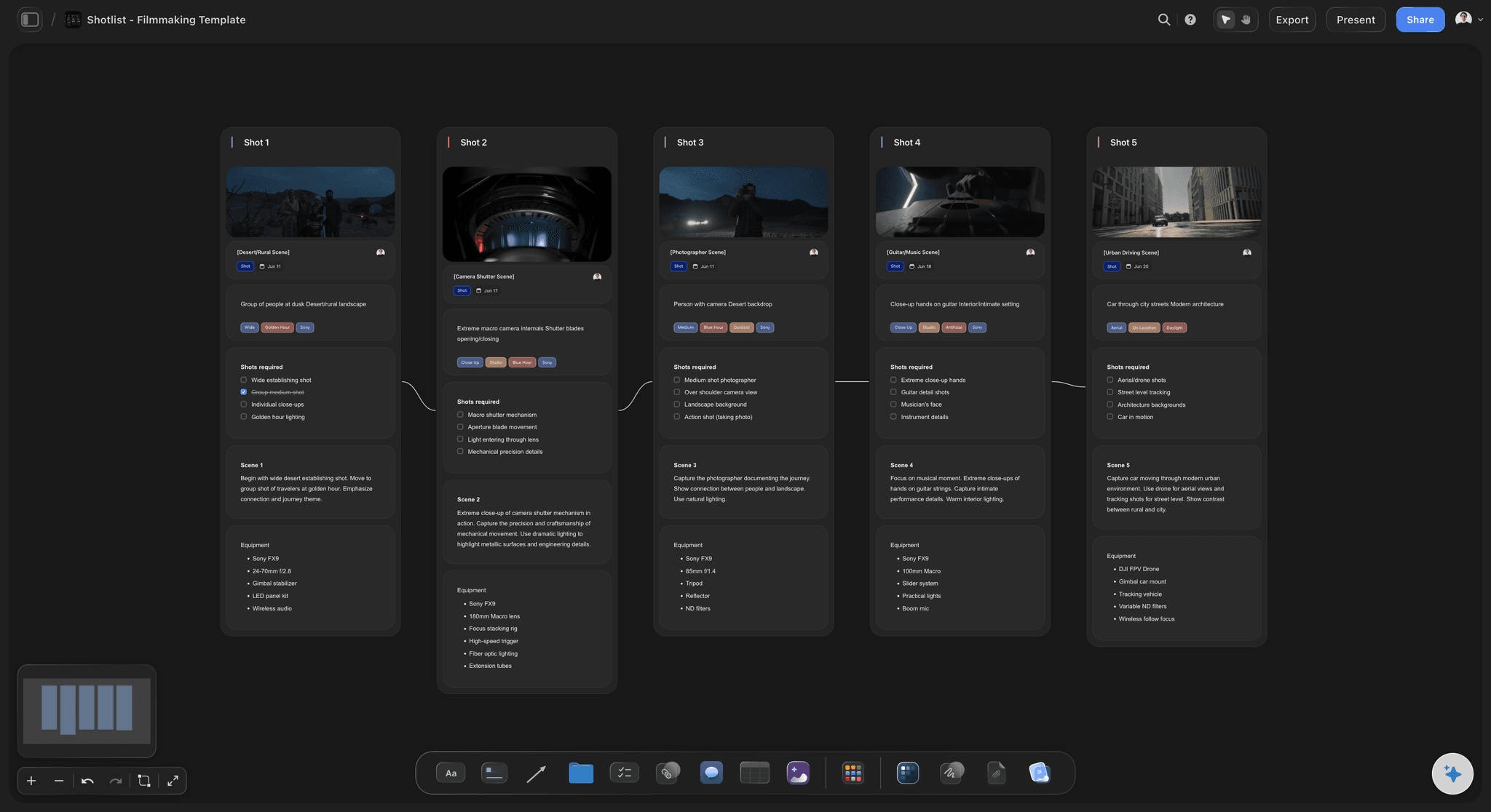
Pick a board to see what you can build, then let AI fill it in. Every template is a real, editable starting point on the same infinite canvas.

Storyboard
Lay out your shots frame by frame with images and notes, then reorder them until the sequence reads like the finished cut.
What goes in a music video treatment?
A music video treatment is the pitch a director sends an artist or label to win the video: one idea, what we see in each part of the song, how it looks and what it costs to make. Storyflow is an AI visual workspace that builds your treatment on one infinite canvas: a song map by section, the look with captioned references, key frames and locations, and a treatment PDF its AI drafts from the board for the commissioner.
Pitch one idea, not three. Commissioners often read several treatments for the same track in one sitting. The one that wins can be said in a sentence and could only belong to this song. Offering options reads as not having decided; if you have a second idea, send it as a separate treatment.
Map the idea to the song. Write the timestamps of every section (intro, verse, pre-chorus, chorus, bridge, outro) and say what we see in each. A common shape puts performance in the choruses and the story in the verses, so the artist is on screen when the hook lands. Label the split in minutes, not adjectives.
Fit the idea to the budget before you write it. Ask for the budget and the artist's available hours first; a three-location concept on a one-day budget loses on feasibility, not taste. Write to the budget the commissioner gave and show where it goes: shoot days, locations, crew size and the edits you deliver. A detailed budget follows once you are shortlisted.
Ultra fast from brief to board
From first listen to a treatment in the commissioner's inbox.
Two to four days is a common window for a pitch. Most of it is thinking, not layout.
01
Listen, then ask three questions
Play the track until you can hum the bridge. Ask for the budget, the release date and how many hours the artist can give on set. Write the one-line idea only when you have all three.
02
Build the song map and the look
Paste the section timestamps and the AI lays out a row per section for you to fill: performance or story, location, what we see. Add captioned stills, upload a reference clip and grab the exact frames you mean.
03
Frame the moments that sell it
Lay out four to six key frames: the opening image, the first chorus, the turn and the last shot. The AI's storyboard workflow drafts the sequence, and on Pro and Max it can generate the frames.
04
Send the PDF and the link
The AI drafts the treatment PDF from the board: cover, the idea, tone and look, captioned references, the song section by section, and why you. Send the board link alongside so the artist can play the clips.
The idea, the song and the look, in one treatment.
What the commissioner reads now and the crew shoots from later. Fees and contracts are the label's paperwork.
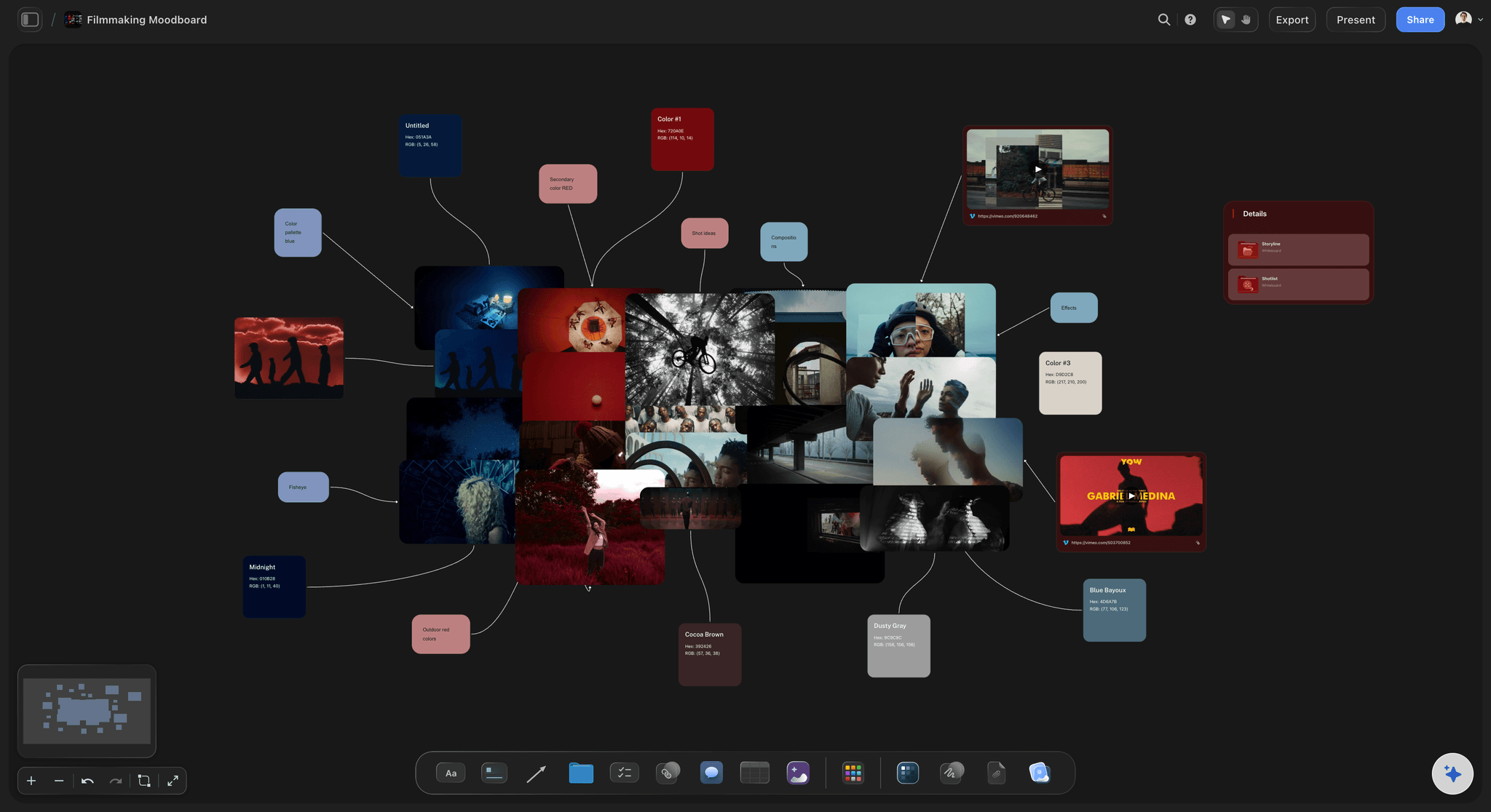
Tone and look, captioned
References that argue, not decorate
Eight to twelve stills grouped into light, palette, movement and wardrobe, each with a caption saying what it is there for. Upload a reference clip, play it on the board and grab the exact frame you mean.
See the film lookbook →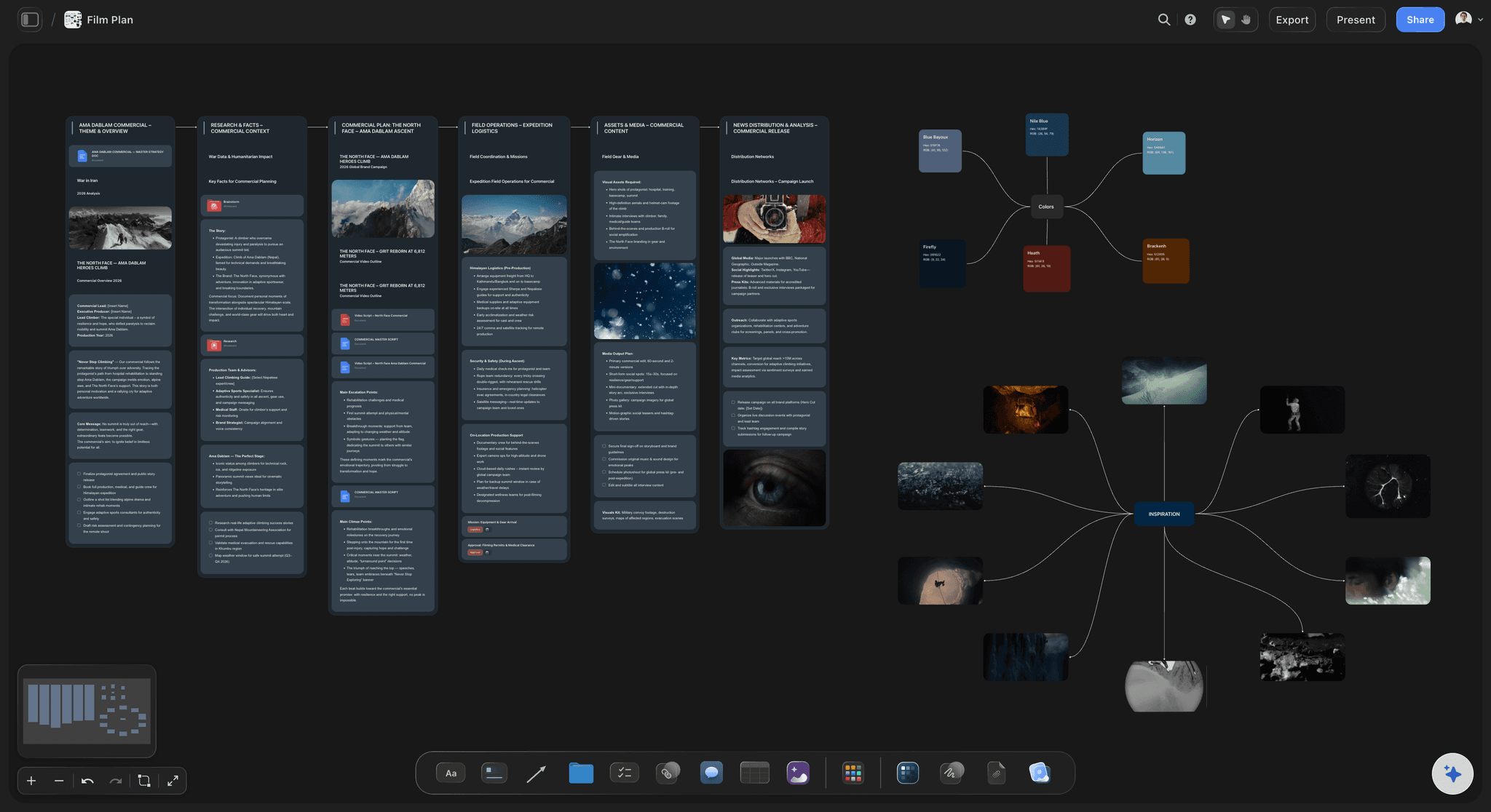
The song map
Every section of the song, with what we see
A table with one row per section: timestamps, performance or story, location, the key action. The commissioner sees in thirty seconds where the artist is on screen and where the story carries the song.
See music video planning →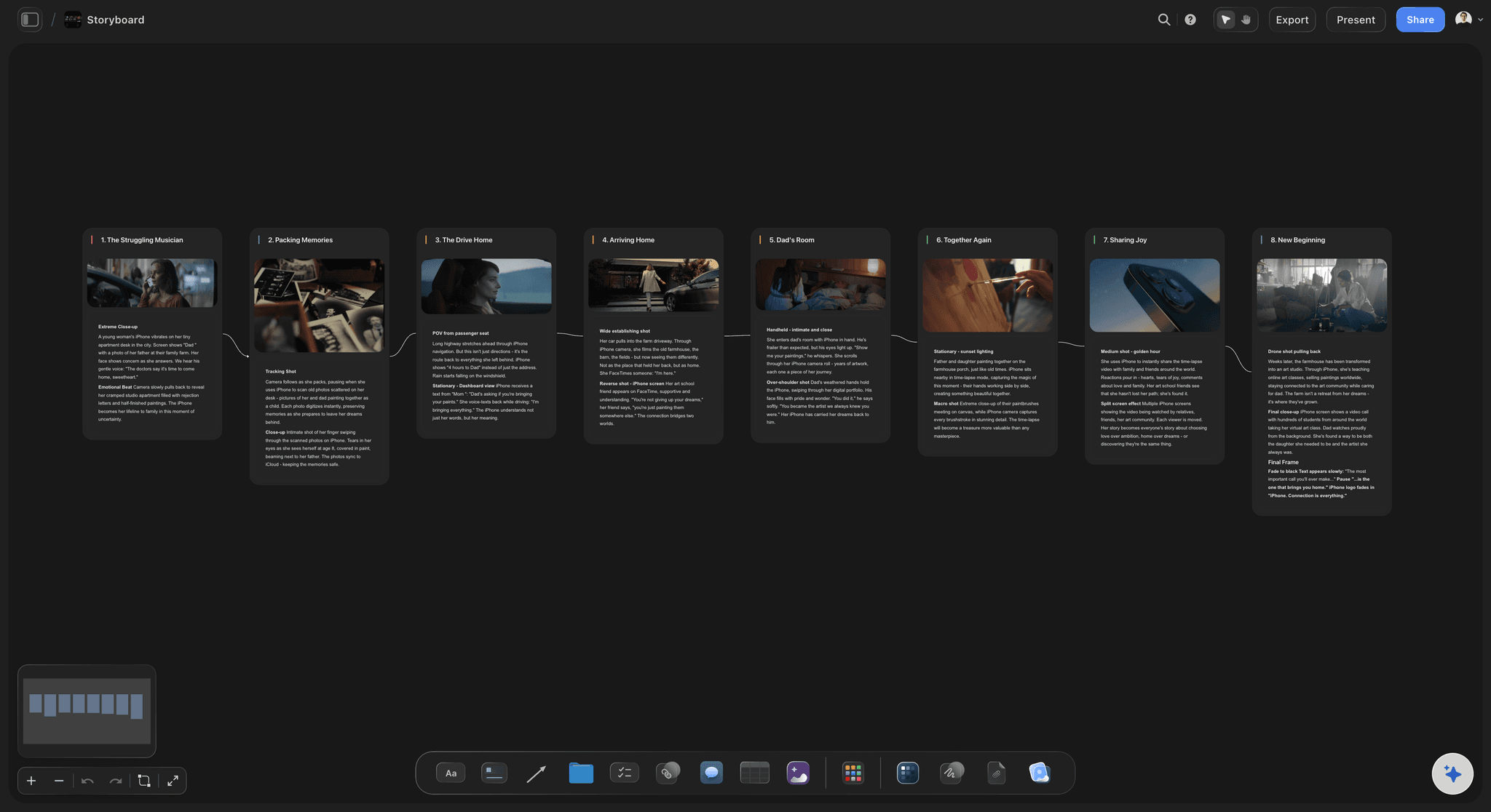
Key frames
The frames the artist will forward
The first image, the moment the hook lands, the turn and the closing shot, laid out in order with a line under each. On Pro and Max the AI can generate the frames themselves from your descriptions.
See the music video storyboard →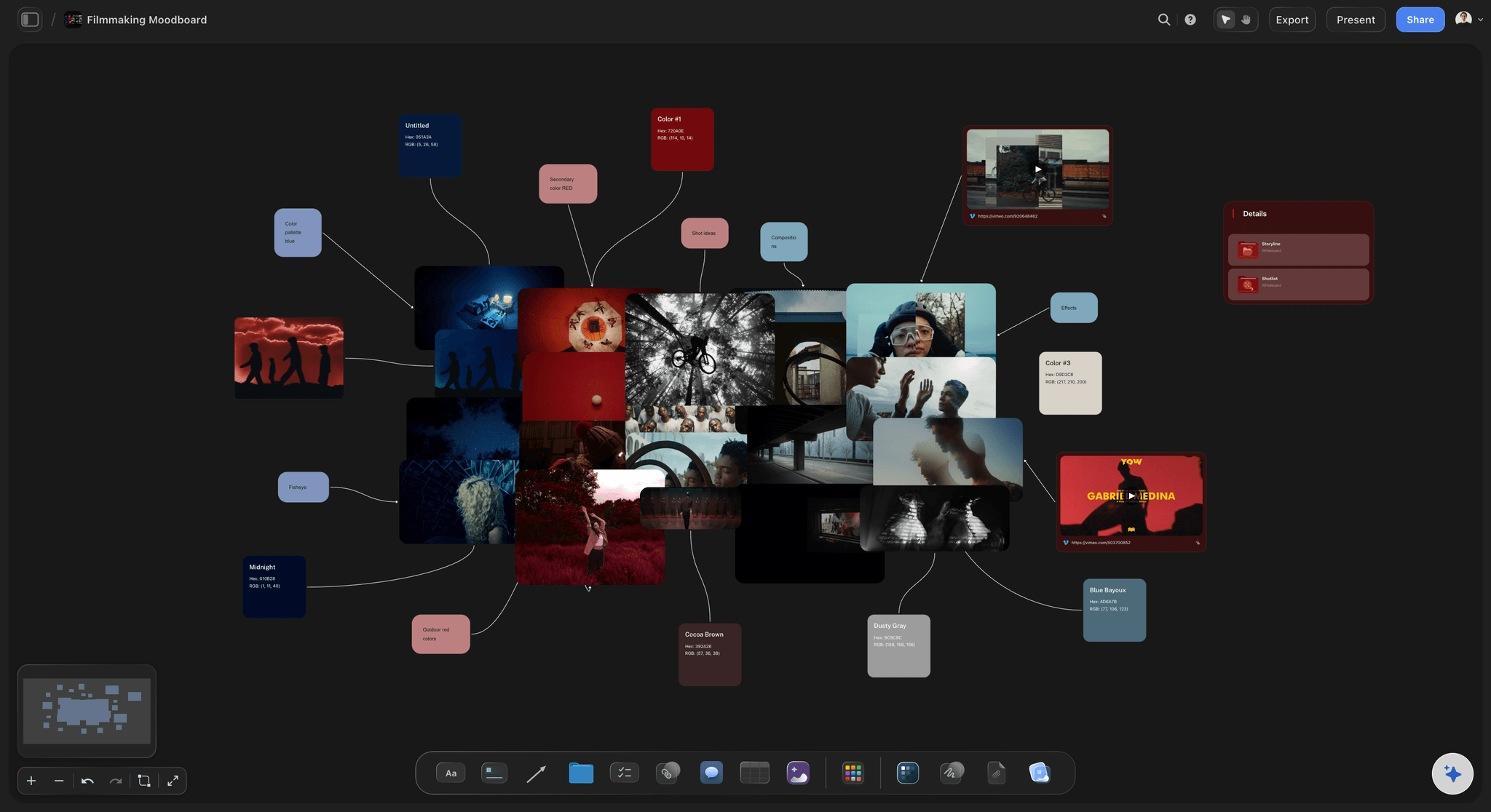
A PDF for the label, a link for the artist
Read on a phone, played on a laptop
The AI drafts the treatment as a PDF with a cover, the idea, tone and look, references, the song structure and why you. The board itself opens by link with no account, or step through it fullscreen on the pitch call.
See the AI treatment generator →Every pitch kept, winners and losers.
A treatment that lost this month is often the right idea for next month's track. Each one stays on its own board, ready to duplicate. Storyflow is paid-only during early access, with plans from $7.99 a month billed annually ($9.99 monthly). A free plan launches before the end of 2026, and anyone a paid member invites to a board joins free.
Unlimited treatment boards, video uploads and files on every paid plan
AI that drafts the song map, the treatment PDF and key frame descriptions (frame images on Pro and Max)
Video on the board: play, scrub and grab stills from reference clips
View-only links, whole-board PDF export and presentation mode
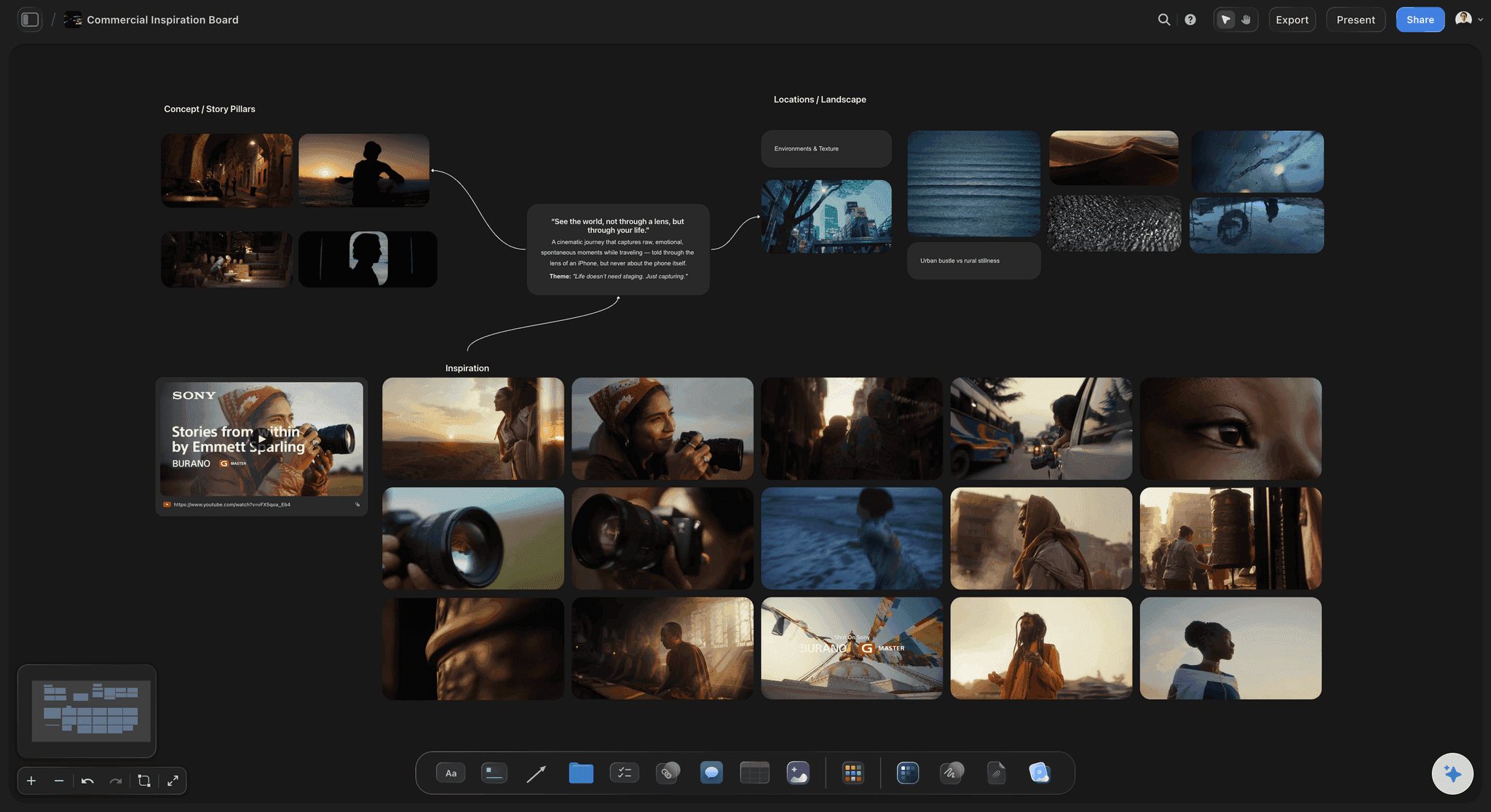
Built for people with taste
Twelve pages a commissioner reads in five minutes.
A common shape is ten to fifteen pages, one idea per page, mostly pictures, and it works in any tool.
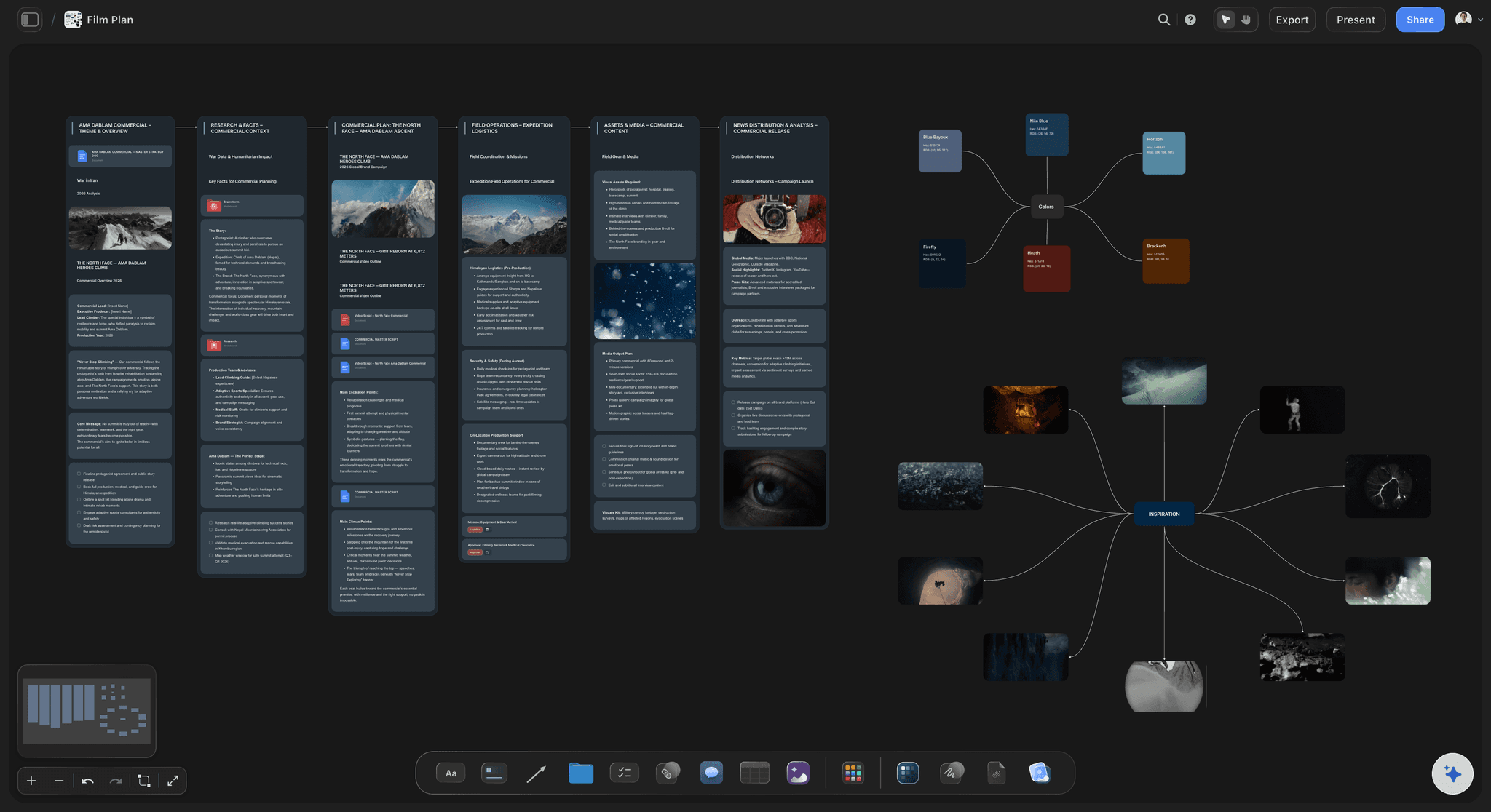
Pages 1 to 4
The idea and the song
1. Cover: Artist, track title, your name, the date and one strong image. Nothing else; the cover is a mood, not a summary.
2. The idea in one line, then a paragraph: What happens, and what it means for this song. Write it in present tense, in the song's own register: a treatment for a party track that reads like a funding application has already lost.
3. Performance and story: Where the artist performs, where the story runs, and roughly how the running time splits. Say whether the artist lip-syncs to playback, acts, or both.
4. The song map: Each section with its timestamps and what we see. The bridge and the final chorus are where most concepts go vague; give them the most specific lines.
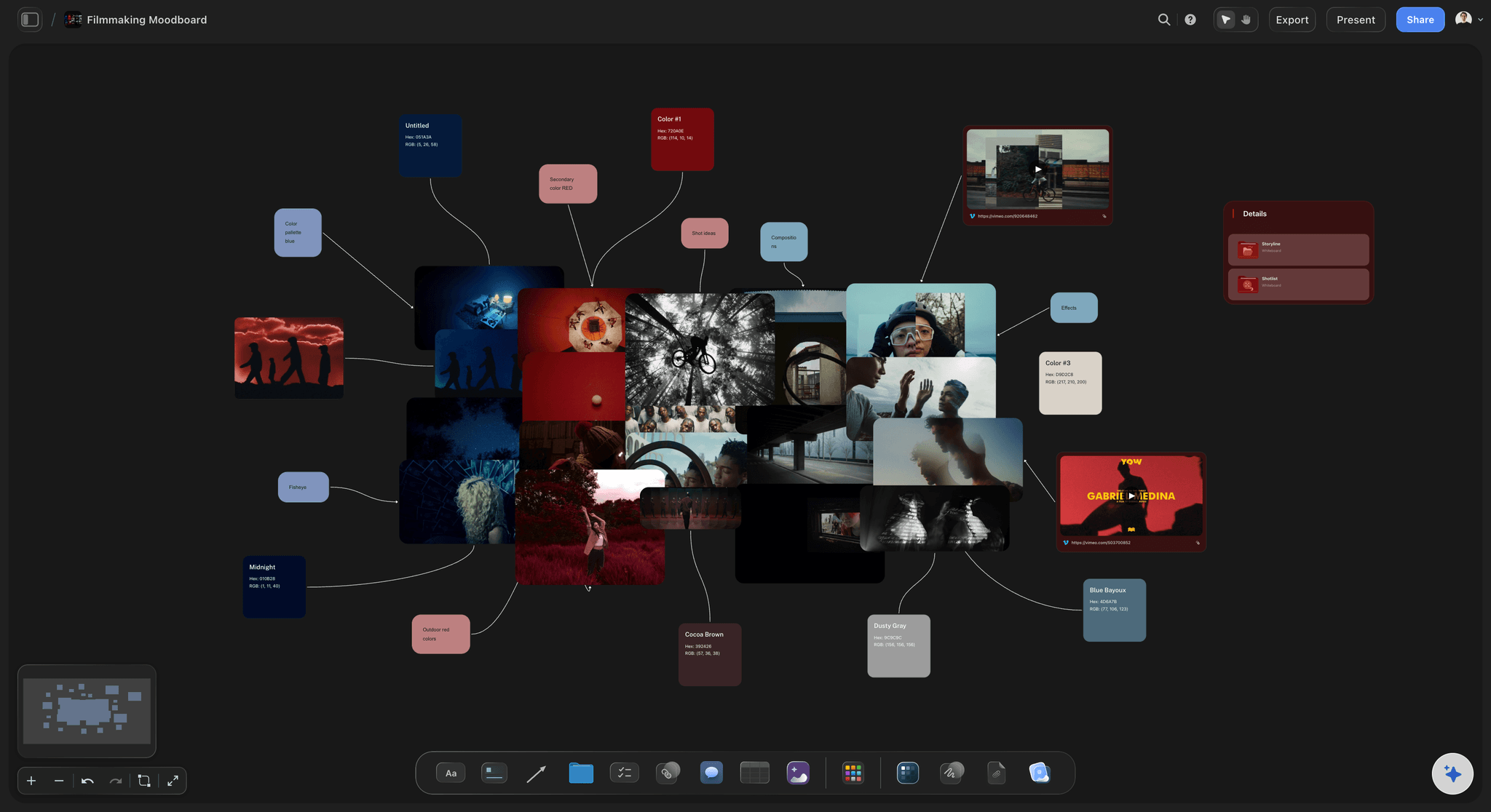
Pages 5 to 8
How it looks
5. Tone and look: Light, lens, movement, pace, palette and texture in specifics: handheld at night under sodium light, long lens, slow push-ins. "Moody and cinematic" is what every other treatment in the stack says.
6. References, captioned: Eight to twelve stills and one or two clips, each captioned with what it is there for. An uncaptioned reference is read differently by the artist, the manager and the commissioner.
7. Key frames: Four to six frames of the video you will make, not of other people's videos. They are the page the artist forwards to their manager.
8. Wardrobe and styling: What the artist wears in each look and how many changes. Check it with the artist's stylist early; a wardrobe change costs set time you may not have.
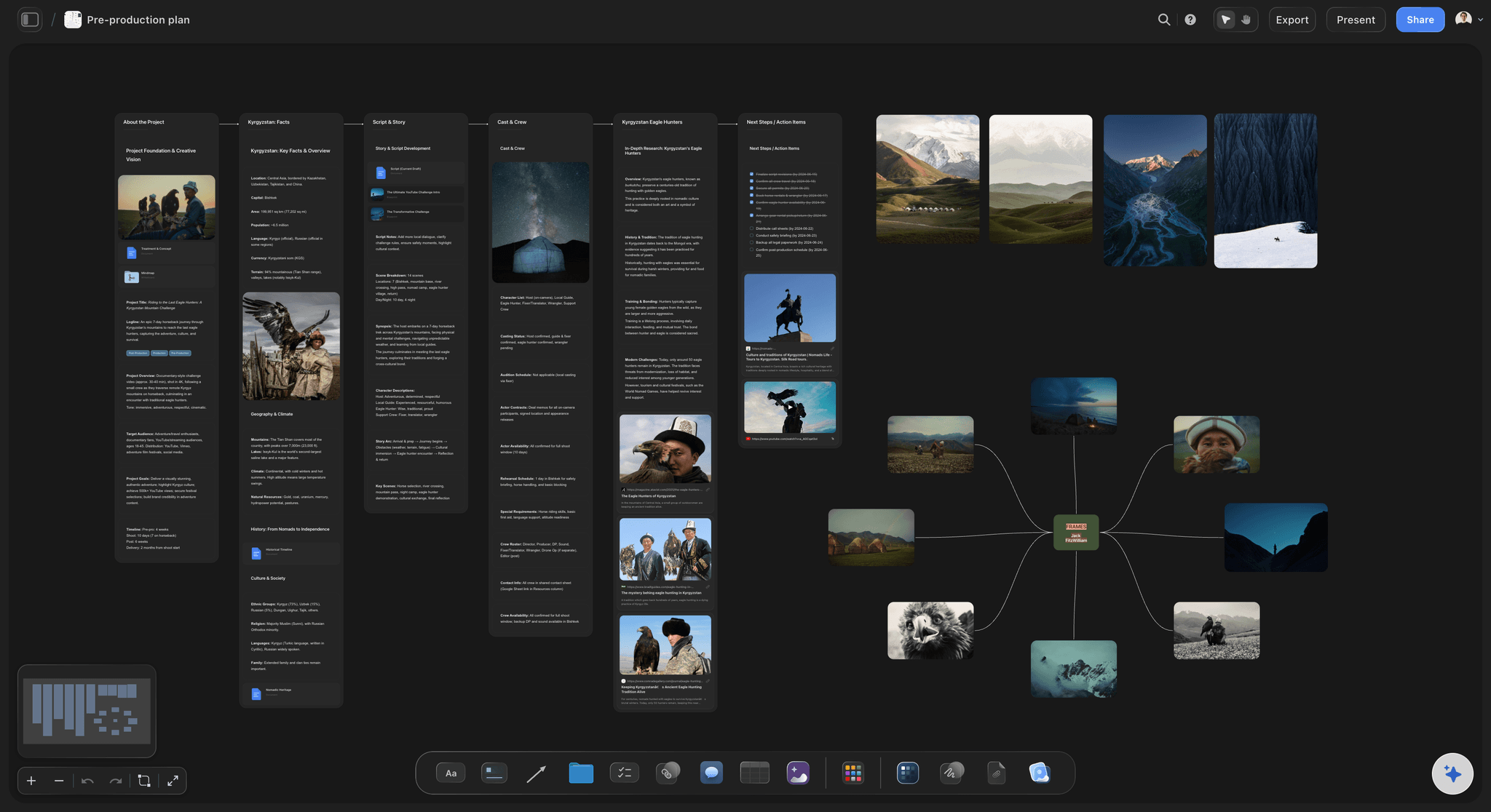
Pages 9 to 12
Why it can be made
9. Locations: Each location with a photo, what happens there and the permission it needs. One strong location usually beats three rushed ones on a one-day shoot.
10. Casting and the artist's time: Who else is on screen, and exactly how many hours you need the artist on set. The artist's availability is the hardest constraint on most music videos.
11. Schedule and deliverables: Shoot days, first cut date, review rounds and delivery before the release date. List every edit you will deliver: the master, a vertical version, short teasers, a clean version if the song needs one.
12. What the budget buys, and why you: How the budget splits across shoot days, locations, crew and post, then two or three past videos that prove you can make this one. Put the showreel link here, not on the cover.
Once the video is commissioned
The treatment becomes the shoot
Key frames grow into the storyboard: The approved frames stay on the board and become the full storyboard, section by section of the song.
The song map becomes the shot list: The AI's shot list workflow breaks each section into shots. Mark which setups need sped-up playback for slow motion and which need the full track.
A call sheet PDF for the shoot day: The AI drafts it from the board, with blanks where an address or phone number is missing. It does not send it to crew or collect confirmations.
Explore templates for your project
Every template opens as a real, editable board on the infinite canvas. Pick the closest fit and make it your own.
Storyboard
Lay out your shots frame by frame with images and notes, then reorder them until the sequence reads like the finished cut.
One app instead of five
What directors weigh when choosing where to build a treatment.
Storyflow holds the treatment and carries it into the shoot. Canva and Google Slides lay out a polished deck from a template, and Milanote collects references on a board.
Storyflow
Recommended
Built-in frame grab from an uploaded clip
Call sheet PDF drafted from the same board
Designed slide layouts to pick from
Artist and label open it by link with no account
Fullscreen presentation mode
Canva
Built-in frame grab from an uploaded clip
Call sheet PDF drafted from the same board
Designed slide layouts to pick from
Artist and label open it by link with no account
Fullscreen presentation mode
Google Slides
Built-in frame grab from an uploaded clip
Call sheet PDF drafted from the same board
Designed slide layouts to pick from
Artist and label open it by link with no account
Fullscreen presentation mode
Milanote
Built-in frame grab from an uploaded clip
Call sheet PDF drafted from the same board
Designed slide layouts to pick from
Artist and label open it by link with no account
Fullscreen presentation mode
What creators are saying
Join early creators getting structured workspaces and AI that remembers their projects
“Storyflow has sped up my workflow by at least 3x, which means more flow state and more projects I can actually ship. It truly changed the way me and my team create.”

Reilin Joey
Director & YouTuber
“One prompt gets me a structured board. But the tactics are my favorite. I run my YouTube scripts through them and my intros and retention got better. It's amazing.”

Justkay
YouTuber & Freelance Filmmaker
“I used to juggle five apps to plan a project. Now I describe what I am making and get boards, lists, and a schedule. All in one place.”

George
@fernwehchronicles
What the commissioner compares treatments on, and other questions.
Sections, length, the song map, budget, what labels look for, and where Storyflow stops.
Storyflow, because a music video treatment is judged against the song, and Storyflow builds it on the song: a row per section with its timestamps, then the look, captioned stills and reference clips, key frames and locations beside it, opened by link with no account or sent as the treatment PDF its AI drafts. Use Canva or Google Slides when you only need a designed deck and nothing gets shot from it.
Twelve, in the order a commissioner reads: cover, the idea, performance and story split, the song map, tone and look, captioned references, key frames, wardrobe, locations, casting and the artist's hours, schedule and deliverables, then what the budget buys and why you. Keep your biography to the last page; the idea comes first.
Ten to fifteen pages is a common length, mostly pictures, one idea per page, readable in about five minutes. A low-budget visualiser can be two pages. If the idea needs a long paragraph to explain, the problem is the idea, not the page count.
Get the budget, release date and the artist's available hours before you write. Listen until you know the song's structure, write one idea in a sentence, map it to each section with timestamps, then build the look, references and key frames. Write it in present tense and in the song's register, and send it within the window the label gave.
Usually both. A common shape puts the artist performing in the choruses, where the hook lands, and a story in the verses. Pure performance suits a small budget and a strong artist on camera; pure narrative needs an artist who can act or is happy to appear less. State the split in the treatment so nobody is surprised on set.
Write the timestamps of every section and give each one a line: what we see, where, and whether it is performance or story. Build energy with the song: hold something back for the final chorus. In Storyflow the song map is a table with a row per section, which later becomes the shot list.
Cut locations before crew. One location, one shoot day, a small crew and a single strong visual device can carry a whole video. Show in the treatment what the budget buys. Leave any cost you have not confirmed blank; Storyflow's budget workflow does the same rather than guessing a number.
An idea that fits this song and this artist, the artist looking right in it, a plan that can be shot on the money and the artist's time, and edits for every place the video will run, including vertical versions. Past videos that prove you can make it count more than a long biography.
A first draft, yes; the idea has to be yours. Paste your notes into Storyflow and its AI builds the song map, the look and key frame descriptions on the board, then drafts a treatment PDF from it. It uses the images you attached or already have in Storyflow, and on Pro and Max it can generate storyboard frames. The idea stays yours.
Who owns the video (usually the label or artist), your right to show it in your reel, the payment stages, what counts as a revision round, and the delivery date against the release. Those terms belong in the label's production agreement or your contract tool, with invoices in your accounting software and cut review in Frame.io. Storyflow holds the treatment, not the paperwork.
It becomes the production plan on the same board. The key frames grow into the storyboard, the song map becomes the shot list with playback notes per setup, and the AI drafts a call sheet PDF for the shoot day. Leave the approved treatment untouched as the record of what everyone agreed.
Not during early access. Storyflow is paid-only during early access, with plans from $7.99 a month billed annually ($9.99 monthly). A free plan launches before the end of 2026, and anyone a paid member invites to a board joins free. The artist and the label read your treatment for nothing.
More from Storyflow
Music video planning
Music video storyboard
Director's treatment template
Film treatment template
Video production proposal template
AI treatment generator
Film lookbook
Album release plan
Production company hub
How to plan a music video
How to storyboard a music video
How to write a director's treatment
Music licensing for video
Pricing
Simple AI storyboarding tool
Music licensing tracker
Put the song on the page.
Paste your notes and the timestamps, pick one idea, and send the label a treatment it can picture.