
A workspace with taste, for people with taste
Find out what you have
before you build the library.
Run the interface inventory, see the eleven button variants you did not know about, decide what the system actually covers, and sequence the build by what is genuinely painful.


Creatives working for these brands already got early access
- Red Bull
- Canon
- Artlist
- Porsche
See how easy it is to get started
Watch a real project come together, from a blank board to a finished plan, clicked through step by step.
Start from a ready-made template
Pick a board to see what you can build, then let AI fill it in. Every template is a real, editable starting point on the same infinite canvas.

Design Planner
Plan a design project from brief to delivery, with references, tasks, and feedback side by side.
What is design system planning?
Design system planning is the work that happens before anyone draws a component. Storyflow is an AI visual workspace that plans your design system on one infinite canvas: the interface inventory laid side by side, the scope and naming decisions, and the build sequence. Planning covers finding out what interface patterns already exist across your product, deciding which of them the system will standardise and which it will leave alone, agreeing what things are called, and sequencing the build so the first thing shipped is the thing that hurts most. None of this involves building anything, which is precisely why it gets skipped.
Design systems fail in a small number of recognisable ways, and almost all of them are planning failures rather than execution failures. The most common is starting with components instead of an inventory, so the system encodes the patterns the designer happened to remember rather than the ones the product actually uses. Close behind is scope: a system that tries to cover everything on day one ships nothing for six months and loses its sponsor. Then there is adoption, which is the failure that looks like success, where a beautiful library exists and nobody uses it because it arrived without a migration path and shipping features was always more urgent.
Storyflow is an AI-native infinite canvas that suits the planning phase specifically. Screenshot every instance of a pattern across the product and put them side by side on the board, which is the interface inventory and is genuinely hard to do in a design tool because the instances live in different files. Group the duplicates, decide what the canonical version is, write the naming decisions where people will see them, and sequence the roadmap as movable cards. The building then happens in Figma and in code, where it belongs.
Planning a design system resolves four questions in order. The inventory asks what patterns actually exist right now, answered by screenshotting real instances rather than by memory, because memory systematically underestimates duplication. Scope asks which of those the system will own, and the useful discipline is deciding explicitly what is out of scope rather than leaving it implied. Naming asks what things are called, which sounds trivial and is the decision teams argue about longest, so making it early and writing it down saves the argument recurring. Sequence asks what gets built first, and the answer should be whatever causes the most pain today, not whatever is easiest or most foundational in theory.
Ultra fast from brief to board
From a scattered interface to a plan you can build against.
Inventory first, scope second, naming third, sequence last.
01
Open a canvas
Sign up in seconds. No download. Your infinite planning canvas opens straight in the browser.
02
Run the interface inventory
Screenshot every instance of each pattern across the real product and put them side by side. Seeing eleven button variants at once is a different experience from being told there are eleven.
03
Decide scope and naming
Group duplicates, pick the canonical version, and write down what the system will not cover. Settle the naming argument once and record it where people will find it.
04
Sequence the build
Order the work by what hurts most today, not by what is theoretically foundational. Share the plan and go build the components in Figma and in code.
The inventory is the whole first step.
Real screenshots side by side, duplicates grouped, scope and sequence decided.
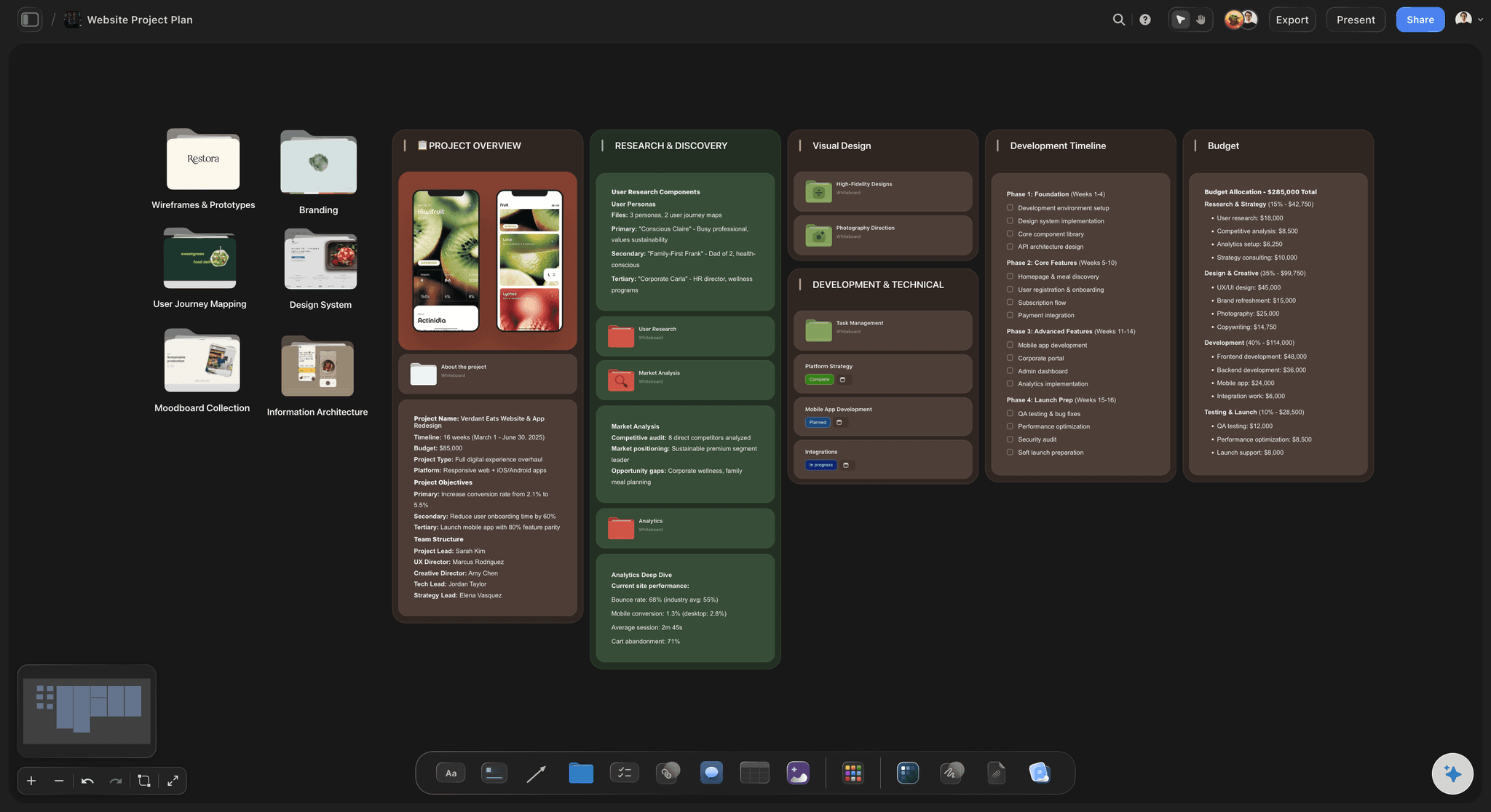
Every instance of a pattern side by side
See the duplication you cannot remember
Screenshot every real instance and lay them out together. Instances live in different files and different repos, which is exactly why the count always surprises the team that built them.
See the card sorting tool →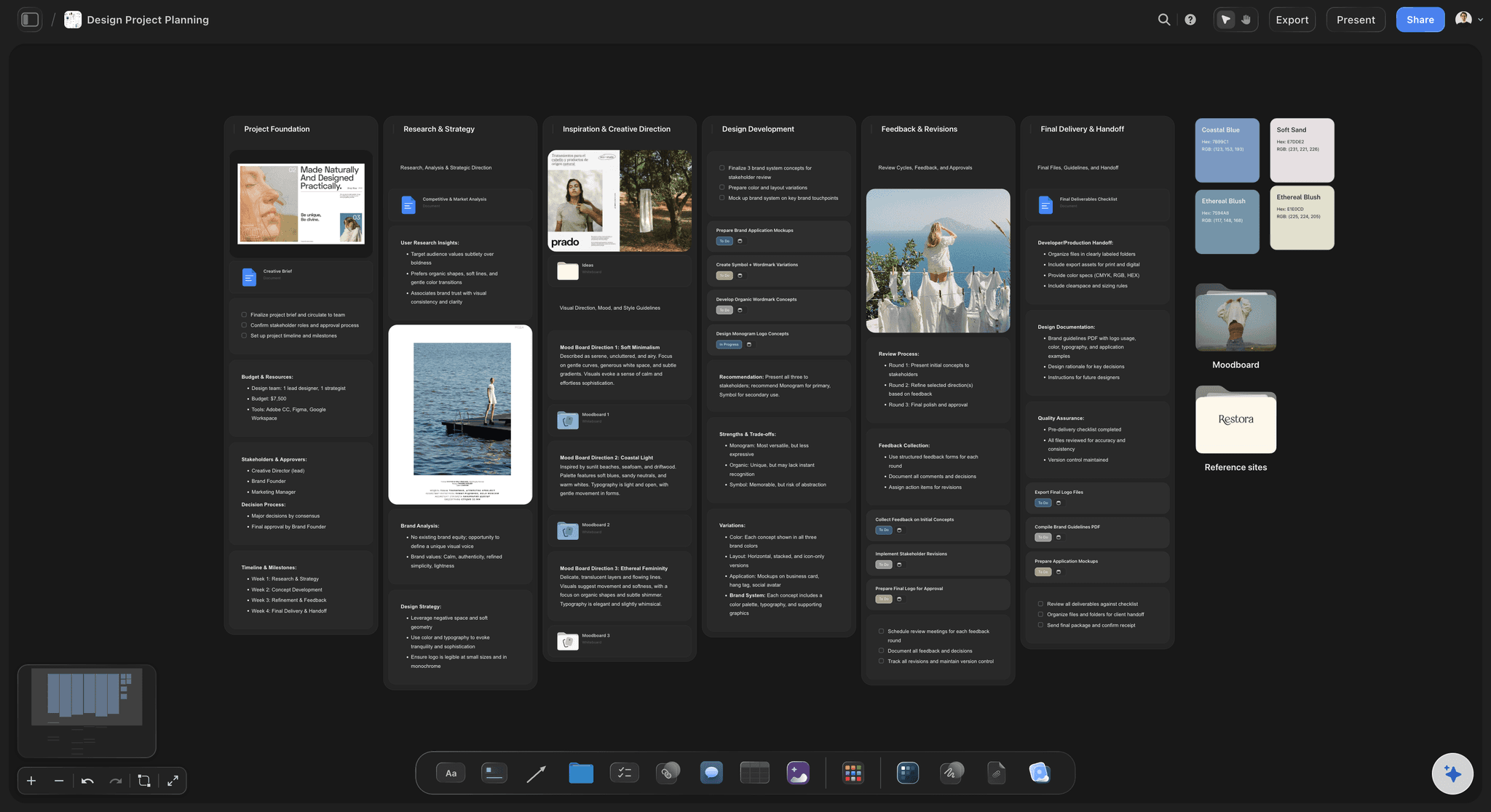
Scope written as what is explicitly out
Decide what the system will not cover
Systems that try to cover everything ship nothing and lose their sponsor. Writing the out-of-scope list down is what keeps the first release small enough to actually arrive.
See the design planning tool →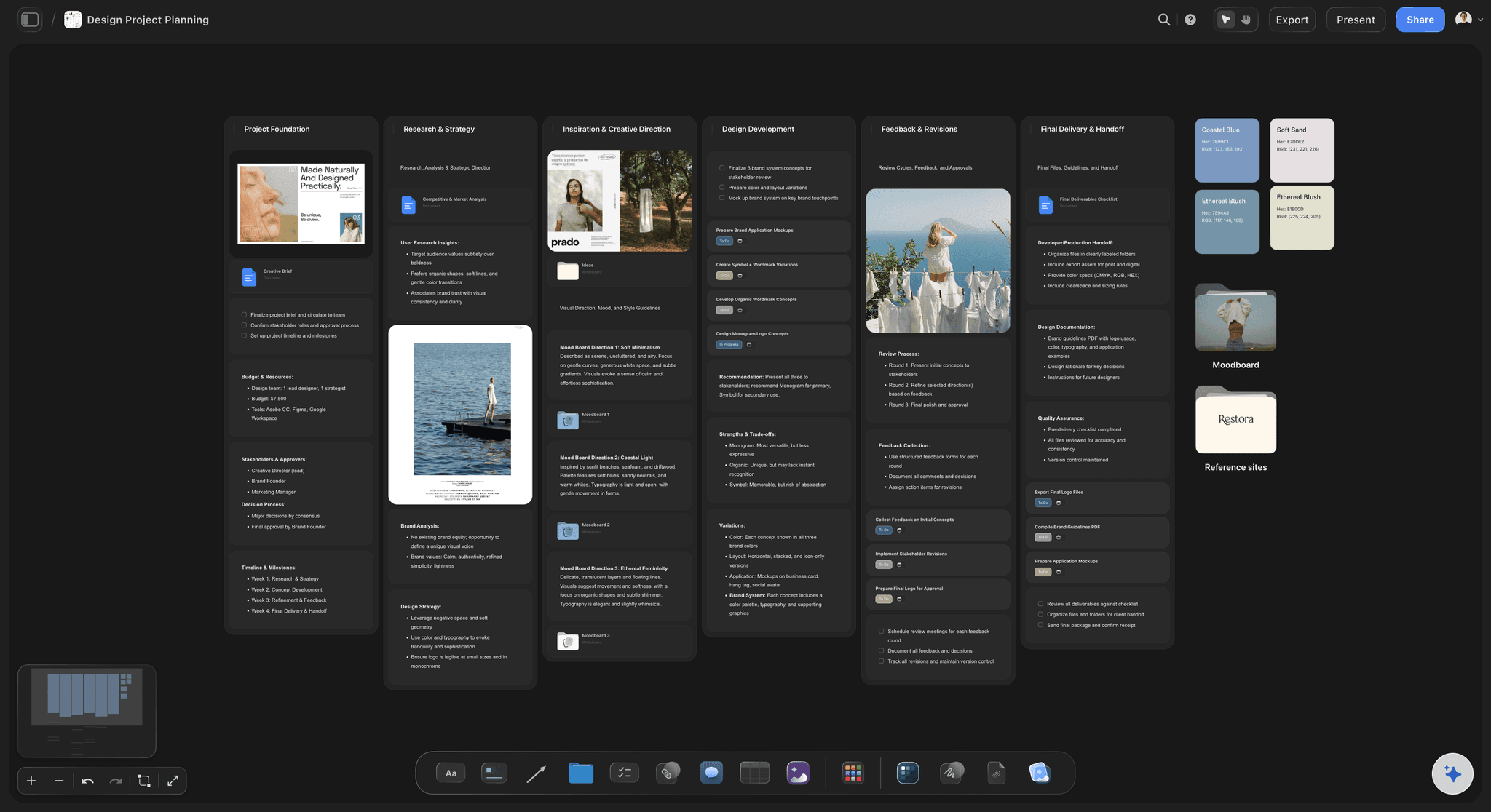
Naming settled once and recorded
End the naming argument early
Naming is the decision teams argue about longest and revisit most often. Making it explicitly, early, and in a place people can find is worth more than it sounds.
See the style guide maker →
Roadmap ordered by pain, not by theory
Build the thing that hurts first
Systems that start with the theoretically foundational piece lose momentum before anyone feels a benefit. Ordering by current pain is what earns the next round of investment.
See the product roadmap →Unlimited boards. No object cap.
Open a canvas, run the inventory, and decide the scope. Storyflow is paid-only during early access, with plans from $9.99 a month, and a Free plan launches before the end of 2026.
Unlimited planning boards on an infinite canvas
Basic AI usage to generate boards from prompts
3 starter frameworks built in
Share view-only links with design and engineering
Built for people with taste
The components belong in Figma. The decisions belong here.
Design systems fail at planning far more often than they fail at execution.
Inventory, scope, naming, and sequence
Answer the four questions in order
Inventory from the real product: Screenshot actual instances rather than working from memory, because memory systematically underestimates duplication. The count is almost always higher than the team that built it expects.
Scope by what you exclude: Write down what the system will not cover. Ambition is the most common reason a system ships nothing in six months and quietly loses its sponsor.
Naming, settled once: Decide what things are called and record it. This is the cheapest decision to make early and the most expensive to leave open, because it gets relitigated in every review.
Sequence by pain, and plan migration: Build what hurts most today, and decide how existing screens move over. A library with no migration path is the failure that looks like success: it exists, it is beautiful, and nobody uses it.
AI that can see the board you have already built
Structure the plan with AI, make the calls yourself
Lay out the planning structure: Describe the product and the AI builds sections for inventory, scope, naming, and roadmap. It reads the active canvas as context, so it works with what you have already gathered.
It cannot audit your product: Storyflow does not connect to Figma, does not read your codebase, and cannot enumerate your components. The inventory is manual work, and doing it manually is most of why it is valuable.
Draft the component checklist: Ask for the states and variants a given component type usually needs, which is a reliable pattern-matching task, then reconcile it against what your product actually uses.
Screenshots, links, docs, and tickets on one canvas
Hold the whole audit in one view
No object cap for the inventory: A thorough inventory of a mature product runs to hundreds of screenshots. That is exactly the case where a document becomes unusable and a canvas does not.
Group and regroup freely: Drag instances into clusters, split a cluster when two things turn out to be genuinely different, and merge when they do not. The grouping is the analysis.
Link out to the real artefacts: Attach links to the Figma frames, the repo, and the tickets so the plan points at the work rather than duplicating it.
Share with design, engineering, and leadership
Get agreement before the build starts
View-only links: Send a link and engineering and leadership see the same inventory and scope in a browser with no design tool seat. The inventory is also the most persuasive funding argument you have.
Decide scope together: Invite engineering into the scoping conversation early, since they know which patterns are painful in code rather than merely inconsistent in design. Live multi-editor presence with cursors is on the Max plan.
Export for the proposal: Export as an image or PDF for a proposal or a steering meeting. Eleven button variants on one page makes the case better than any amount of prose.
Explore templates for your project
Every template opens as a real, editable board on the infinite canvas. Pick the closest fit and make it your own.
Design Planner
Plan a design project from brief to delivery, with references, tasks, and feedback side by side.
One app instead of five
Storyflow vs Figma, Storybook, and a spreadsheet.
The system itself belongs in Figma and Storybook. This is the phase before that.
Storyflow
Recommended
Visual inventory of real instances side by side
Scope, naming, and sequence decisions in one place
Readable with no design tool seat
Build and publish the components
Live component documentation from code
Tokens synced to design and code
Figma
Visual inventory of real instances side by side
Scope, naming, and sequence decisions in one place
Readable with no design tool seat
Build and publish the components
Live component documentation from code
Tokens synced to design and code
Storybook
Visual inventory of real instances side by side
Scope, naming, and sequence decisions in one place
Readable with no design tool seat
Build and publish the components
Live component documentation from code
Tokens synced to design and code
Spreadsheet
Visual inventory of real instances side by side
Scope, naming, and sequence decisions in one place
Readable with no design tool seat
Build and publish the components
Live component documentation from code
Tokens synced to design and code
What creators are saying
Join early creators getting structured workspaces and AI that remembers their projects
“Storyflow has sped up my workflow by at least 3x, which means more flow state and more projects I can actually ship. It truly changed the way me and my team create.”

Reilin Joey
Director & YouTuber
“One prompt gets me a structured board. But the tactics are my favorite. I run my YouTube scripts through them and my intros and retention got better. It's amazing.”

Justkay
YouTuber & Freelance Filmmaker
“I used to juggle five apps to plan a project. Now I describe what I am making and get boards, lists, and a schedule. All in one place.”

George
@fernwehchronicles
Design system planning questions, answered.
Where to start, why systems fail, and what belongs in Figma instead.
Start with an interface inventory, not with components. Screenshot every real instance of each pattern across the actual product and lay them side by side, because instances live in different files and different repos and memory reliably underestimates how many there are. Once you can see the duplication, decide scope by writing down explicitly what the system will not cover, since ambition is what stops first releases from shipping. Then settle naming, which is the argument teams revisit most often and the cheapest one to close early. Finally sequence the work by what causes the most pain today rather than by what seems theoretically foundational, because a system that delivers relief early earns the investment to continue.
Storyflow is where the planning happens before any component work: you lay real instances of each pattern side by side as an interface inventory, then settle scope, naming and build sequence in the same place. The AI helps structure the plan and you make the calls. You still build and publish the components in Figma, which Storyflow does not do.
An interface inventory is a visual audit where you collect every existing instance of a given pattern from the real product and put them together in one place. You take screenshots of every button, every form field, every card, every modal, wherever they appear, and lay them out side by side. The purpose is to make duplication undeniable. Teams reliably believe they have three or four button variants and reliably discover eleven, because the variants were introduced at different times by different people in different files and nobody has ever seen them adjacent. It is unglamorous manual work, and it is the single most valuable thing you can do before building a system.
Not during early access. Storyflow is paid-only right now, with plans starting at $9.99 a month, and a Free plan launches before the end of 2026. Anyone a paid member invites to a board joins free today, so engineering and stakeholders can review the inventory and scope without paying. If you want something free this minute, a shared slide deck of screenshots does the inventory job adequately, though regrouping is slower than on a canvas.
No, and it should not. Storyflow does not build components, does not publish a library, does not generate or sync design tokens, does not read your codebase, and does not connect to Figma. The system itself belongs in Figma for the design side and in code with something like Storybook for the implementation side. What Storyflow covers is the phase before that: the inventory, the scope decision, the naming, and the sequence. That phase is where design systems most often go wrong, and it is also the phase with no dedicated tooling.
Almost always for planning reasons rather than execution reasons. Starting with components instead of an inventory means the system encodes remembered patterns rather than real ones. Over-scoping means six months pass with nothing shipped and the sponsor loses interest. Leaving naming unresolved means every review relitigates it. But the most common failure is the one that looks like success: a complete, beautiful component library that nobody adopts, because it arrived without a migration path and shipping features was always more urgent than refactoring working screens. Adoption has to be planned as deliberately as the components, and it rarely is.
Whatever is causing the most pain right now, which is usually not what is theoretically foundational. There is a strong instinct to start with tokens, then primitives, then simple components, working upward in a satisfying dependency order. The problem is that this delivers no visible relief for months, and momentum matters more than architecture in the early stage of a system. If every team is rebuilding a data table badly, build the data table, even though it is complicated and depends on things you have not formalised yet. Solving a real, felt problem is what earns the mandate to continue.
No. Storyflow does not connect to Figma or read your codebase, so it cannot enumerate your components or find your duplicates. The inventory has to be done by hand, which is genuinely tedious and also genuinely where the value is, because the act of collecting the instances is what produces the understanding. What the AI can do is lay out the planning structure and draft the list of states and variants a given component type typically needs, which you then reconcile against what your product actually uses.
Bring them into scoping rather than presenting scope to them, and do it before anything is drawn. Engineers know which patterns are genuinely painful to maintain, and that list is not the same as the list of patterns that look inconsistent in the interface. A component with three visual variants might be trivial in code, while one that looks consistent might have four separate implementations. Sharing a view-only link means they can review the inventory without needing a design tool seat, which removes the most common practical barrier.
Run the inventory and let it tell you. If the audit turns up three button variants and two card styles, you do not need a design system; you need an afternoon of cleanup and a short style guide. Design systems earn their considerable ongoing cost when there are enough people producing enough interface that inconsistency arises faster than anyone can manually correct it. Doing the inventory first means this question gets answered with evidence rather than with enthusiasm, and occasionally the honest answer is not yet.
Yes. The design system plan can sit beside the style guide that documents the visual language, the handoff boards where components meet engineering, and the research that motivated the patterns. That adjacency helps most when scope questions arise later, because you can see whether a proposed component is genuinely new or a variant of something the inventory already captured under a different name.
Run the inventory before you draw a single component.
Open a canvas, collect the real instances, and decide the scope. No download.