
Plan videos ultra fast, post on time
The best AI tools for content creators,
one for each job.
Writing, editing, voice, design and video generation each have a strong AI tool. Storyflow does the planning job: ideas, scripts, shot lists, references and the calendar on one canvas, with an AI that reads the whole board.


Creatives working for these brands already got early access
- Red Bull
- Canon
- Artlist
- Porsche
See how easy it is to get started
Watch a real project come together, from a blank board to a finished plan, clicked through step by step.
Start from a ready-made template
Pick a board to see what you can build, then let AI fill it in. Every template is a real, editable starting point on the same infinite canvas.

YouTube Plan
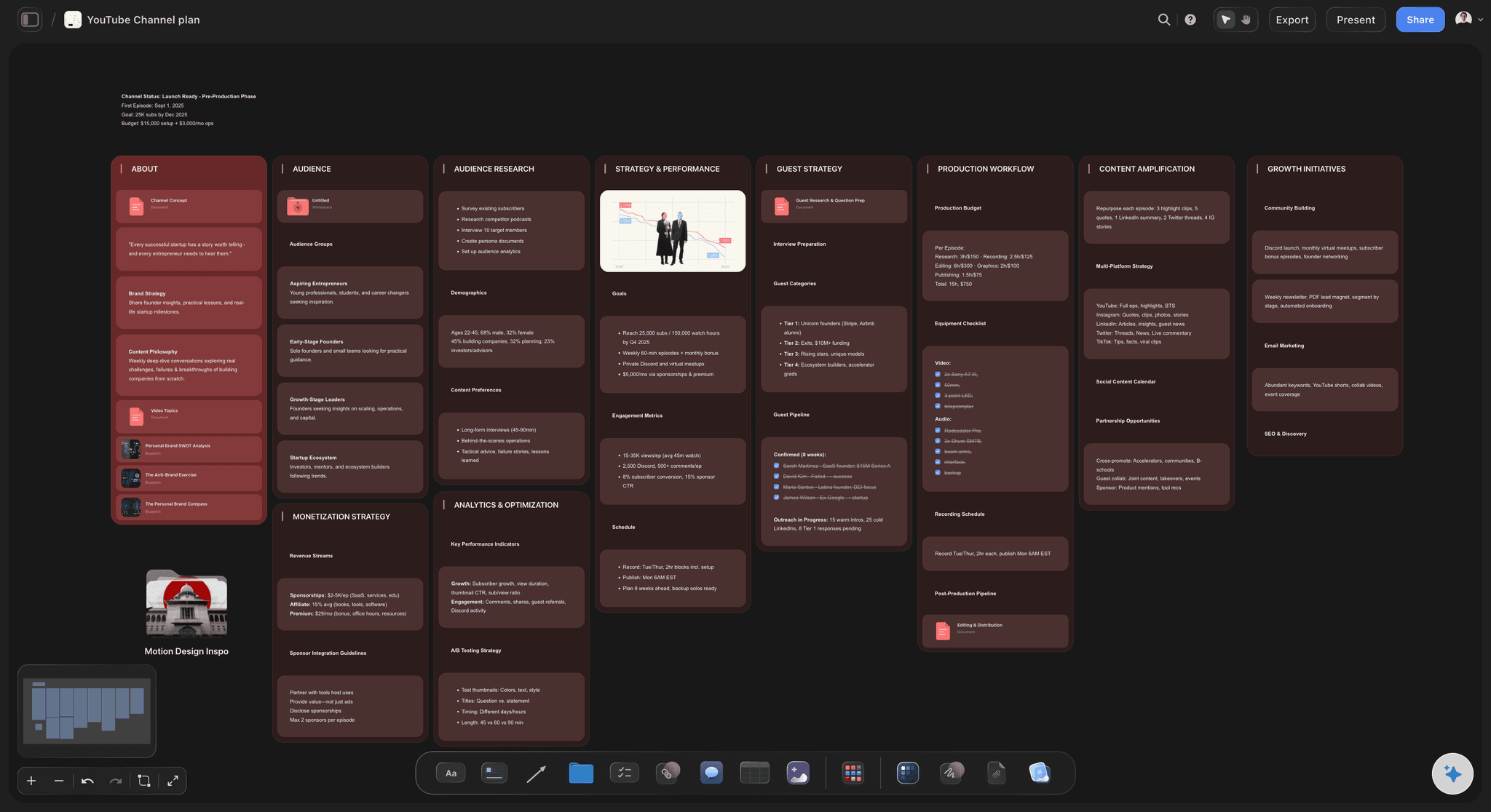
Plan a video from hook to outline to shot list, with references and thumbnail ideas sitting right beside it.
What are the best AI tools for content creators?
The best AI tools for content creators are chosen by job: planning, writing, editing, voice, design and video generation each have a strong one. Storyflow is an AI visual workspace that covers the planning job on one infinite canvas: ideas, scripts, shot lists, references and upload dates, with an AI that reads the whole board and builds plans, scripts and shot lists from it. For making the assets, ChatGPT and Claude are strong for writing, Descript and CapCut for editing, ElevenLabs for voice, Canva and Adobe Firefly for design and thumbnails, and Runway for generating video.
The shortlist, one tool per job, with our own product listed first: 1. Storyflow for planning, where the idea, script, shot list, references and upload date share one board. 2. ChatGPT or Claude for writing scripts, hooks and titles. 3. Descript for editing talking-head video by its transcript. 4. CapCut for short-form edits and auto captions. 5. OpusClip for cutting long videos into clips. 6. ElevenLabs for voiceovers and dubbing. 7. Canva for thumbnails and social graphics. 8. Adobe Firefly for generated images and Generative Fill. 9. Runway for generated video. The order after Storyflow follows the order a video is made in, from script to edit to graphics, not a score.
Writing and scripting is where most creators start. ChatGPT and Claude draft outlines, hooks, titles and first-pass scripts, and both do better with the angle, the audience and a sample of your voice than with a topic alone. What they produce lives in a chat or a document, so the script still has to be carried to wherever the shot list, the references, the thumbnail ideas and the upload date are kept, and to the editor who needs all of it.
Editing, voice, design and video each have their own well-known tools. Descript edits video and audio by editing the transcript and removes filler words, and CapCut adds auto captions, templates and quick edits for short-form. OpusClip cuts long videos into short clips. ElevenLabs generates voiceovers from text and dubs videos into other languages. Canva's Magic Studio features help design thumbnails and social graphics, and Adobe Firefly generates images and powers Generative Fill in Photoshop. Runway generates video clips from text and images.
Storyflow is the planning layer those tools leave out. Each video, series or month of posts is a board holding the idea, the script as a document, a shot list, reference images and YouTube or Vimeo clips, thumbnail concepts, and dates in a table or on tickets. Its AI reads the whole board, plus up to five documents and three boards you attach as context, and proposes: ask for a YouTube Video Plan, a Video Script or a shot list and it builds them on the board from what is already there, and on Pro and Max it generates images too. It does not edit video, generate voiceovers or publish posts, so the tools that do keep their place.
Ultra fast from brief to board
Plan in Storyflow, make in the tools built for each job.
A creator's AI stack works when the plan is in one place and each tool gets a clear brief.
01
Put the idea on a board
Paste the idea, a reference video link or your notes. The AI reads them and lays out the video: the hook, the angle, the audience and what the episode has to deliver.
02
Build the script and shot list
Ask for a Video Script or a Shot List and they appear on the board beside the references, ready to edit, instead of in a chat you copy out of.
03
Brief each making tool
Take the script into Descript or CapCut, the voiceover lines into ElevenLabs and the thumbnail concept into Canva or Firefly, with the board as the source for each.
04
Keep the calendar with the work
Upload dates sit in a table or on tickets beside each video, and an editor you invite joins the board free to find the brief, the references and the deadline.
The planning job, done on one canvas.
What Storyflow does in a creator's AI stack, and what it leaves to the specialist tools.

Ideas and research
An AI that plans from your references
Paste a link, a transcript or notes and the AI reads them, then lays out video ideas with a hook each on a board you keep.
See the AI video idea generator →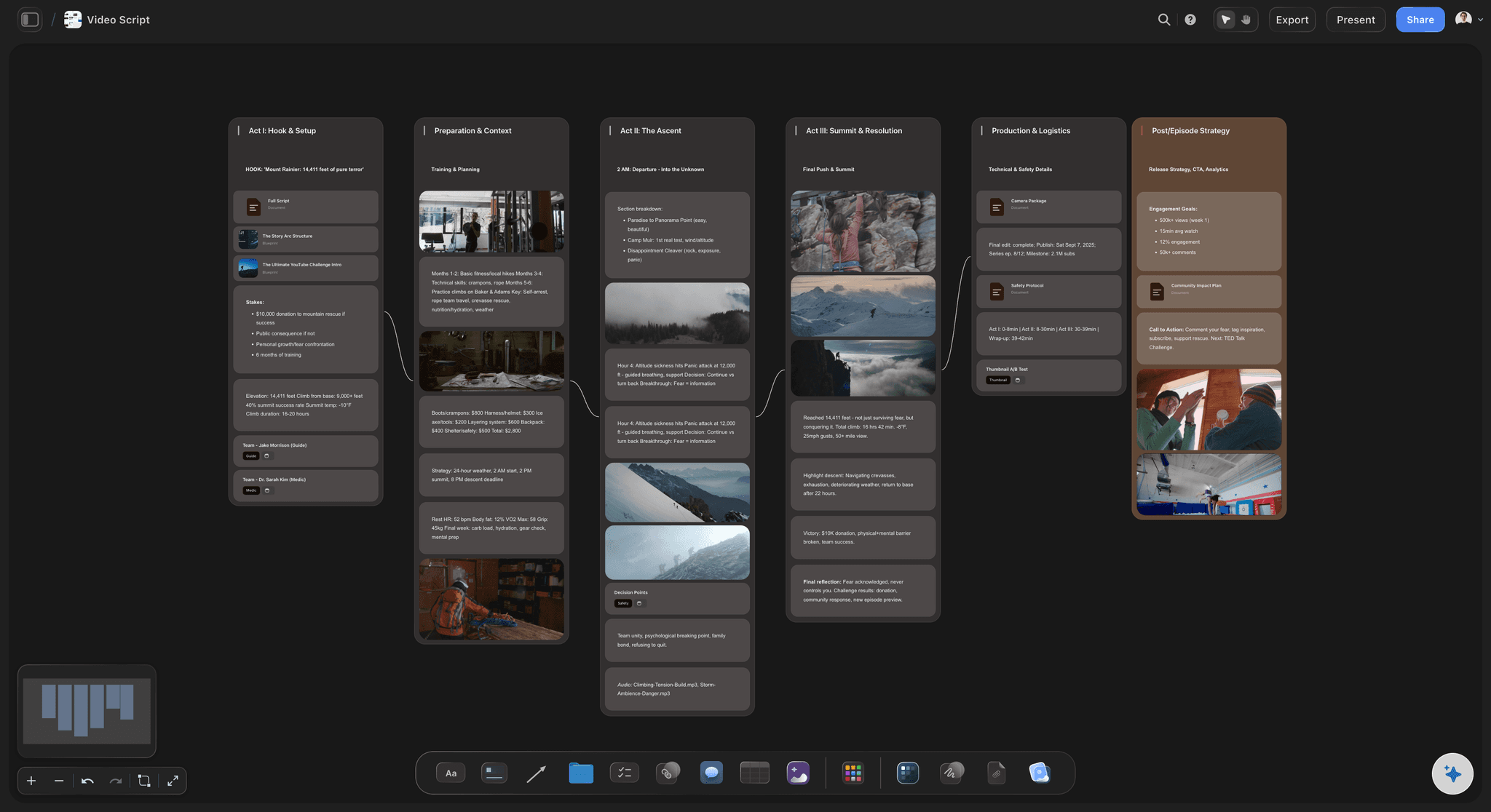
Scripts beside the shots
Script and shot list on the same board
The Video Script workflow writes the script in three acts with the production around it, and the shot list sits next to it, so the shoot plan follows the script.
See the AI video script generator →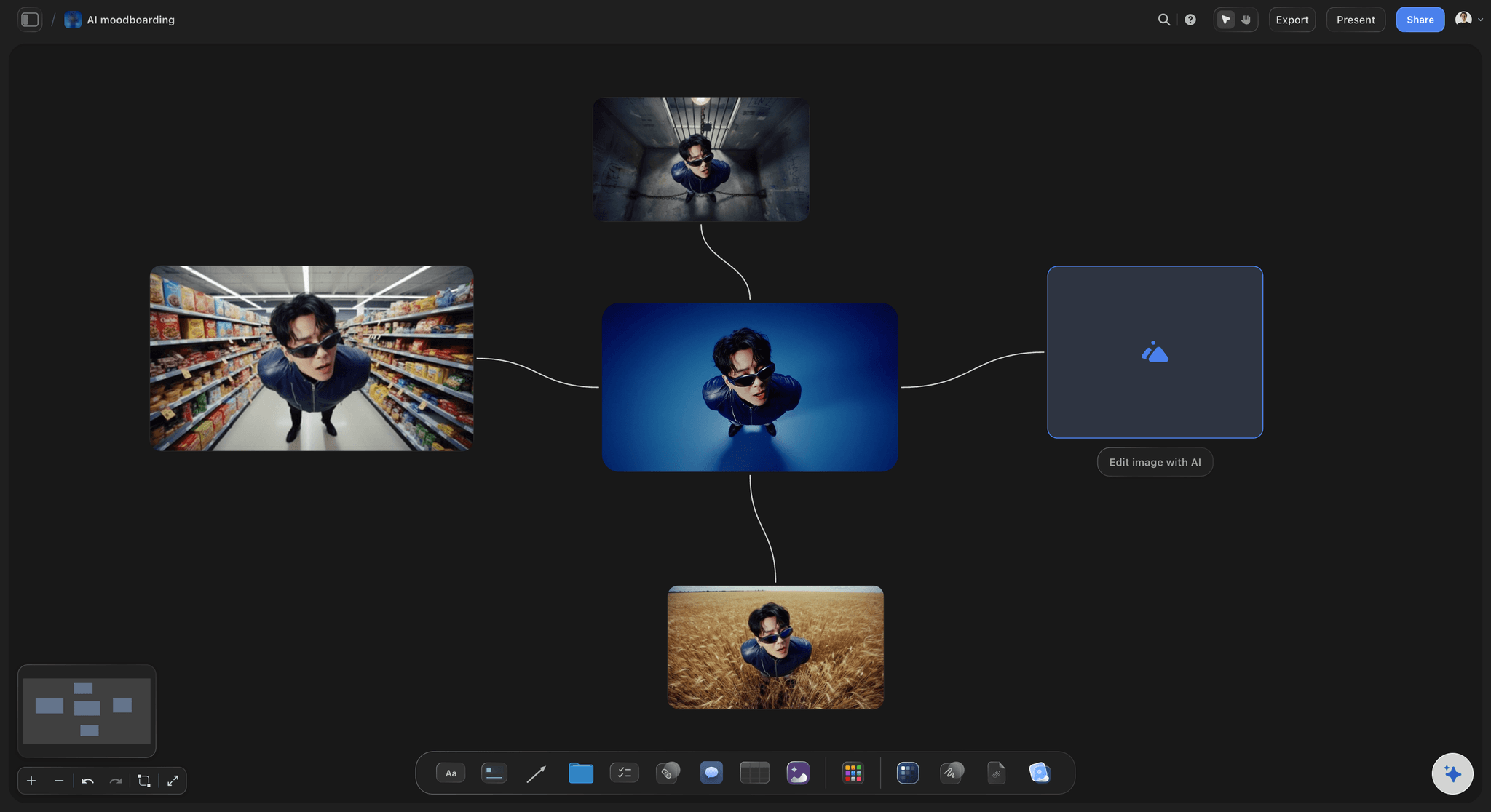
Thumbnail and visual concepts
Concepts before the design tool
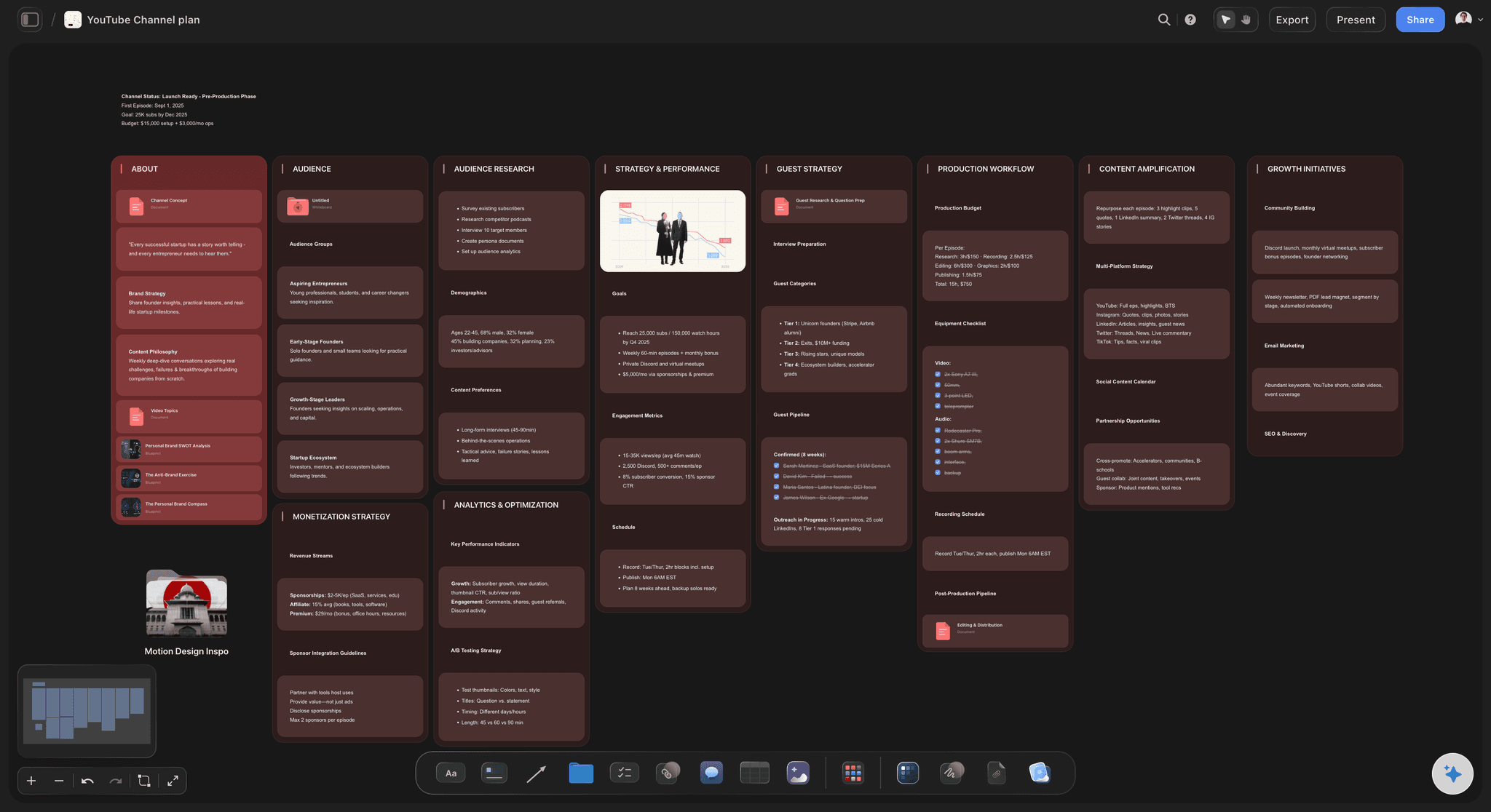
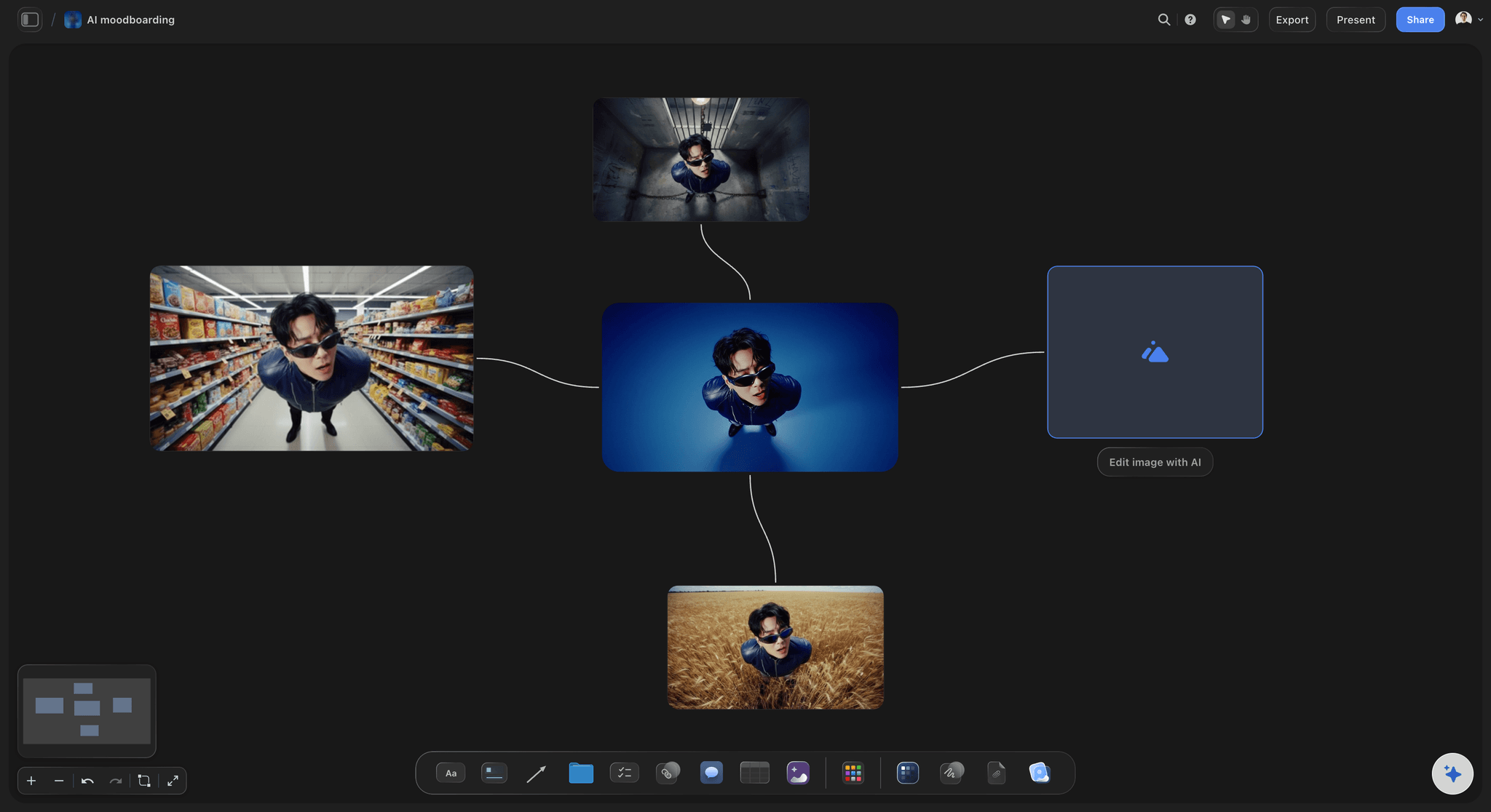
Collect reference thumbnails and frames, remove backgrounds and upscale images, and on Pro and Max generate concept images, before the final design is made in Canva or Photoshop.
See the AI thumbnail concept generator →
The calendar with the work
Every upload with its plan attached
Upload dates live in a table or on tickets beside each video's script and references, so the calendar is never a separate list of titles.
See the content calendar for creators →Unlimited boards. No object cap.
A board per video, series or month, with no cap on references. Storyflow is paid-only during early access, with plans from $7.99 a month billed annually ($9.99 monthly). A free plan launches before the end of 2026, and anyone a paid member invites to a board joins free.
Unlimited boards, images, files and links
An AI that reads the whole board and builds scripts, shot lists and plans
Unlimited background removal and upscaling on images
YouTube and Vimeo embeds, audio and PDFs beside the plan
Built for people with taste
One tool per job, and one place for the plan.
The well-known AI tools for each part of a creator's workflow, what each is good at, and where Storyflow fits.
Writing and scripting
Scripts, hooks and titles
ChatGPT: Drafts outlines, hooks, titles and first-pass scripts from a prompt, and generates images in the same chat.
Claude: Drafts and edits long scripts and articles, and handles long source material such as transcripts and research notes well.
Storyflow's Video Script workflow: Writes the script in three acts on the board, beside the shot list, the references and the upload date, reading everything already on the board.
What to give any writing tool: The angle, the audience, the promise of the title and a sample of your voice. A topic alone produces the script everyone else gets.

Editing and captions
Cutting, captions and clips
Descript: Edits video and podcasts by editing the transcript, removes filler words and cleans up recorded audio.
CapCut: Short-form editing with auto captions, templates and effects, on desktop, in the browser and on a phone.
OpusClip: Finds moments in a long video and turns them into vertical short clips with captions.
Where Storyflow fits: It holds the edit brief, the selects and the b-roll list that you or your editor work from. It does not cut video.
Voice and design
Voiceovers, thumbnails and graphics
ElevenLabs: Generates voiceovers from text, clones your own voice, and dubs a video into other languages.
Canva: Designs thumbnails, social graphics and short videos from templates, with Magic Studio AI features for writing, editing and resizing designs.
Adobe Firefly: Generates images and text effects from prompts, and powers Generative Fill and Generative Expand in Photoshop.
Where Storyflow fits: Reference thumbnails and frames sit on the board, concept images can be generated on Pro and Max, and the finished design is made in the design tool.
Video generation and the plan
Generated video, and the plan around it
Runway: Generates video clips from text prompts and images, and includes AI editing tools such as background removal for footage.
Google Veo and OpenAI Sora: Generate short video clips from text prompts, useful for b-roll, concept shots and visual experiments.
Storyflow: The planning layer: ideas, scripts, shot lists, references and the calendar on one canvas, with an AI that reads the whole board and proposes the next step while you decide.
Shot list first, generator second: A generated clip is only useful when it matches the shot it was made for, which is why the shot list and the references belong in one place before a generator is opened.
Explore templates for your project
Every template opens as a real, editable board on the infinite canvas. Pick the closest fit and make it your own.
YouTube Plan
Plan a video from hook to outline to shot list, with references and thumbnail ideas sitting right beside it.
One app instead of five
Storyflow vs ChatGPT, Canva and Descript.
These are different kinds of tool, and most creators use more than one. The rows show what each is built for: ChatGPT is a general assistant, Canva a design suite, Descript a video and audio editor, and Storyflow the board where the plan lives.
Storyflow
Recommended
Built for planning: idea, script, shot list, references and dates on one board
AI writing for scripts, titles and descriptions
An AI that builds plans, scripts and shot lists on the board
Video and audio editing
ChatGPT
Built for planning: idea, script, shot list, references and dates on one board
AI writing for scripts, titles and descriptions
An AI that builds plans, scripts and shot lists on the board
Video and audio editing
Canva
Built for planning: idea, script, shot list, references and dates on one board
AI writing for scripts, titles and descriptions
An AI that builds plans, scripts and shot lists on the board
Video and audio editing
Descript
Built for planning: idea, script, shot list, references and dates on one board
AI writing for scripts, titles and descriptions
An AI that builds plans, scripts and shot lists on the board
Video and audio editing
What creators are saying
Join early creators getting structured workspaces and AI that remembers their projects
“Storyflow has sped up my workflow by at least 3x, which means more flow state and more projects I can actually ship. It truly changed the way me and my team create.”

Reilin Joey
Director & YouTuber
“One prompt gets me a structured board. But the tactics are my favorite. I run my YouTube scripts through them and my intros and retention got better. It's amazing.”

Justkay
YouTuber & Freelance Filmmaker
“I used to juggle five apps to plan a project. Now I describe what I am making and get boards, lists, and a schedule. All in one place.”

George
@fernwehchronicles
AI tools for content creators, answered.
Which tool does which job, and what Storyflow deliberately leaves to the others.
The best AI tools for content creators are picked by job, and Storyflow is the pick for planning: ideas, scripts, shot lists, references and upload dates share one canvas with an AI that reads the whole board. For making assets, ChatGPT and Claude write scripts, Descript and CapCut edit, ElevenLabs does voiceovers, Canva and Adobe Firefly handle thumbnails and images, and Runway generates video. Most creators need one tool per job, plus one place for the plan.
Storyflow does the planning job: ideas, scripts, shot lists, references and upload dates share one canvas, and its AI reads the whole board and builds plans, scripts and shot lists from it. Each video you plan has its script and shot list on the same board, next to its upload date. Video and audio editing still happens in Descript, not in Storyflow.
For scriptwriting, Storyflow writes the script on the same board as the shot list, references and upload date: ask for a Video Script and it drafts the video in three acts from what the board holds. ChatGPT and Claude are strong general writers for hooks and titles. For editing, Descript edits by editing the transcript, CapCut handles short-form edits with auto captions, and OpusClip cuts long videos into clips. Storyflow does not edit video; it holds the edit brief.
No, and it does not try to replace the tools that do. Storyflow does not edit video or audio, generate voiceovers or lay out finished thumbnails with text; Descript, CapCut, ElevenLabs, Canva and Photoshop do those jobs. It holds reference thumbnails, frames and YouTube or Vimeo clips beside the plan, removes backgrounds and upscales images, and on Pro and Max generates concept images. The final asset is made in the specialist tool, from the plan kept in Storyflow.
It is where a creator's plan lives while specialist AI tools make the pieces. In Storyflow that is a board per video, series or month holding the idea, script, shot list, references, thumbnail concepts and upload dates, with an AI that reads the board and proposes next steps. Writing, editing, voice and design tools each do one job; the planning layer keeps their output pointed at the same video, and it is where an editor finds the brief.
ChatGPT works in a conversation; Storyflow's AI works on a visual board. It reads the notes, documents, tables and links on the board, plus up to five documents and three boards you attach, looks at images you select, and builds scripts, shot lists, tables and plans onto the board as pieces you edit or delete. A video plan has many pieces an editor also needs. Many creators use both: ChatGPT for open-ended writing, Storyflow for the plan.
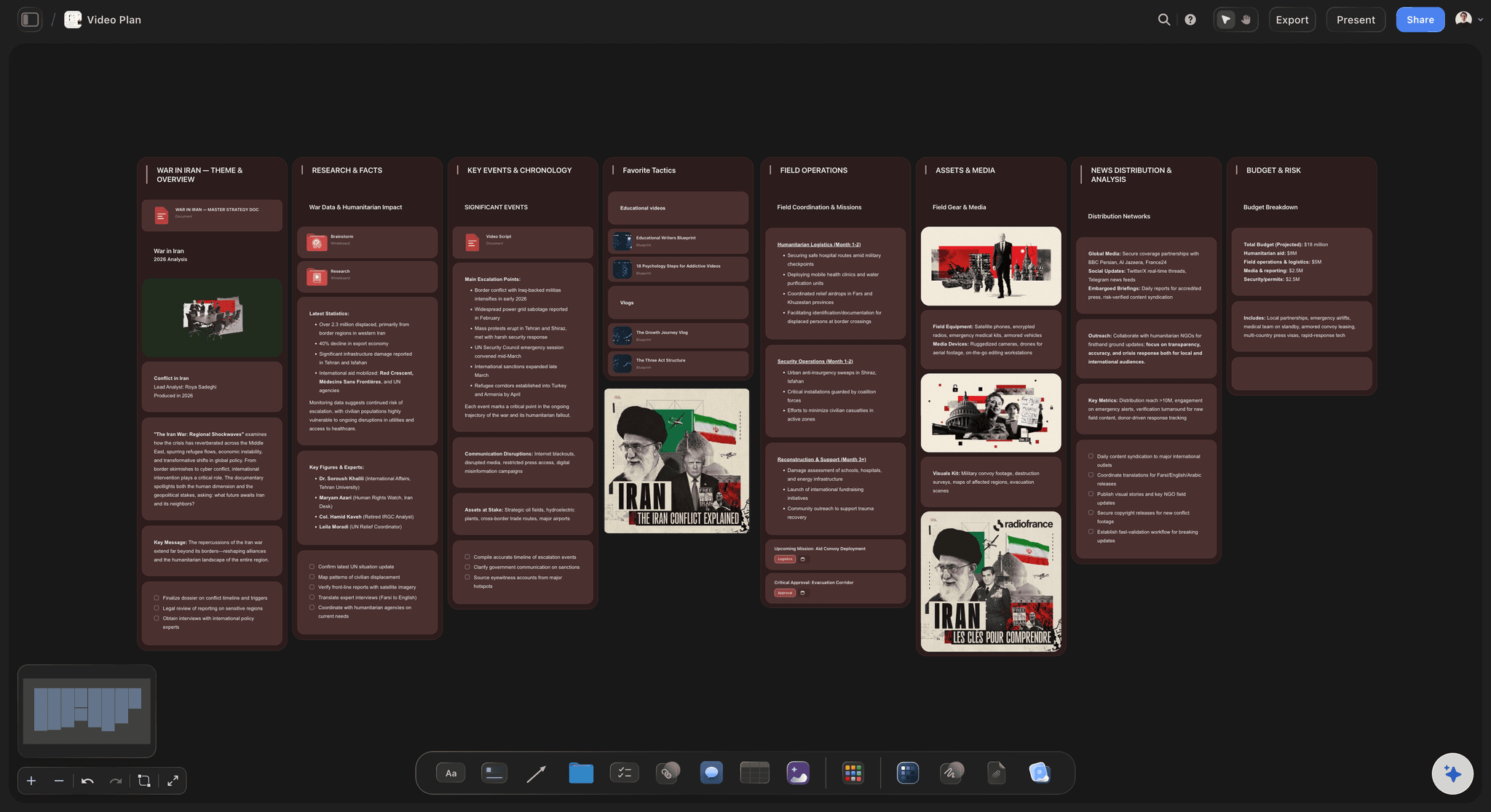
Yes. Paste the idea, a reference video link or your notes into Storyflow and ask for a YouTube Video Plan: the AI lays out the theme and key message, the research, the formats that work on your channel, production, distribution and metrics, and budget and risk, on one board. It marks a gap where it lacks a fact rather than inventing one. Then ask for a Video Script and a shot list. It proposes; you decide.
Start with the job that costs you the most hours each week, and add one tool at a time. If planning and scripting is the bottleneck, Storyflow puts the idea, script, shot list and upload date on one board with an AI that builds them with you. If editing is, try Descript or CapCut; for voiceovers, ElevenLabs; for thumbnails, Canva. Most solo creators do well with one writing assistant, one editor and one planning board.
Yes, on the Pro and Max plans. Storyflow's AI generates images on the board for thumbnail concepts, visual references, scene ideas and mockups before the final asset is made. Every paid plan, including Plus, has unlimited background removal and upscaling, which helps when a reference frame or product photo needs cleaning up. Finished thumbnails with text and brand layouts still belong in Canva or Photoshop; Storyflow keeps the concept and brief beside the video.
No. Storyflow does not publish or schedule posts to YouTube, Instagram, TikTok or any other network, and it does not upload videos. Buffer, Later and Hootsuite publish social posts, and YouTube uploads are scheduled in YouTube Studio. Storyflow holds the plan: ideas, scripts, shot lists, references, and dates in a table and on tickets rather than on a month grid. Finished pieces go out through the platform or scheduler you already use.
Use AI for the slow, mechanical parts and keep the decisions that make the work yours. Drafting outlines, cutting filler words, captioning, dubbing and resizing suit AI tools; choosing the idea, the angle, the hook and what to cut do not. Storyflow is built around that split: its AI proposes plans, scripts and shot lists on the board, and the creator decides what stays. Everything it builds is an ordinary card, document or table, and it never publishes.
Yes. Anyone a paid member invites to a board joins free, so an editor, scriptwriter or thumbnail designer works from the same idea, script, shot list, references and deadlines as the creator, in real time. Someone who only needs to look opens a view-only link with no account, and signs in to comment. The shared Storyflow board is where each tool's output is briefed, checked against the plan and scheduled.
Not yet. Storyflow is paid-only during early access, with plans from $7.99 a month billed annually ($9.99 monthly). A free plan launches before the end of 2026, and anyone a paid member invites to a board joins free. Plus includes the AI agent, unlimited boards and unlimited background removal and upscaling; AI image generation starts on Pro, at $14 a month billed annually. ChatGPT, Canva, CapCut and Descript all have free tiers, so the making tools cost nothing to try.
More from Storyflow
For social media managers
Storyflow for content creators
Content calendar for creators
AI video script generator
AI video idea generator
AI thumbnail concept generator
AI shot list generator
YouTube video planner
AI creative workspace
Storyflow for YouTubers
ChatGPT vs Claude vs Canva vs Descript vs Runway vs CapCut
Best AI tools for creators who plan visually
Descript vs CapCut for content creators
What a creator's AI tool stack really costs
Best AI tools for content creators, tested on a real channel
Sponsorship deck
Put the plan for your next video on one board.
Idea, script, shot list, references and upload date, with an AI that reads the board. Then make the pieces in the tools built for each job.