
Extremely simple, seriously capable
The work, the feedback
and the decision in one place.
Creative collaboration breaks in the gaps between tools: the work is in one app, the comments are in a thread, and the decision is in a call nobody wrote down. Storyflow puts the references, the drafts, the comments and the approved direction on one canvas that a colleague or a client opens from a link.


Creatives working for these brands already got early access
- Red Bull
- Canon
- Artlist
- Porsche
See how easy it is to get started
Watch a real project come together, from a blank board to a finished plan, clicked through step by step.
Start from a ready-made template
Pick a board to see what you can build, then let AI fill it in. Every template is a real, editable starting point on the same infinite canvas.

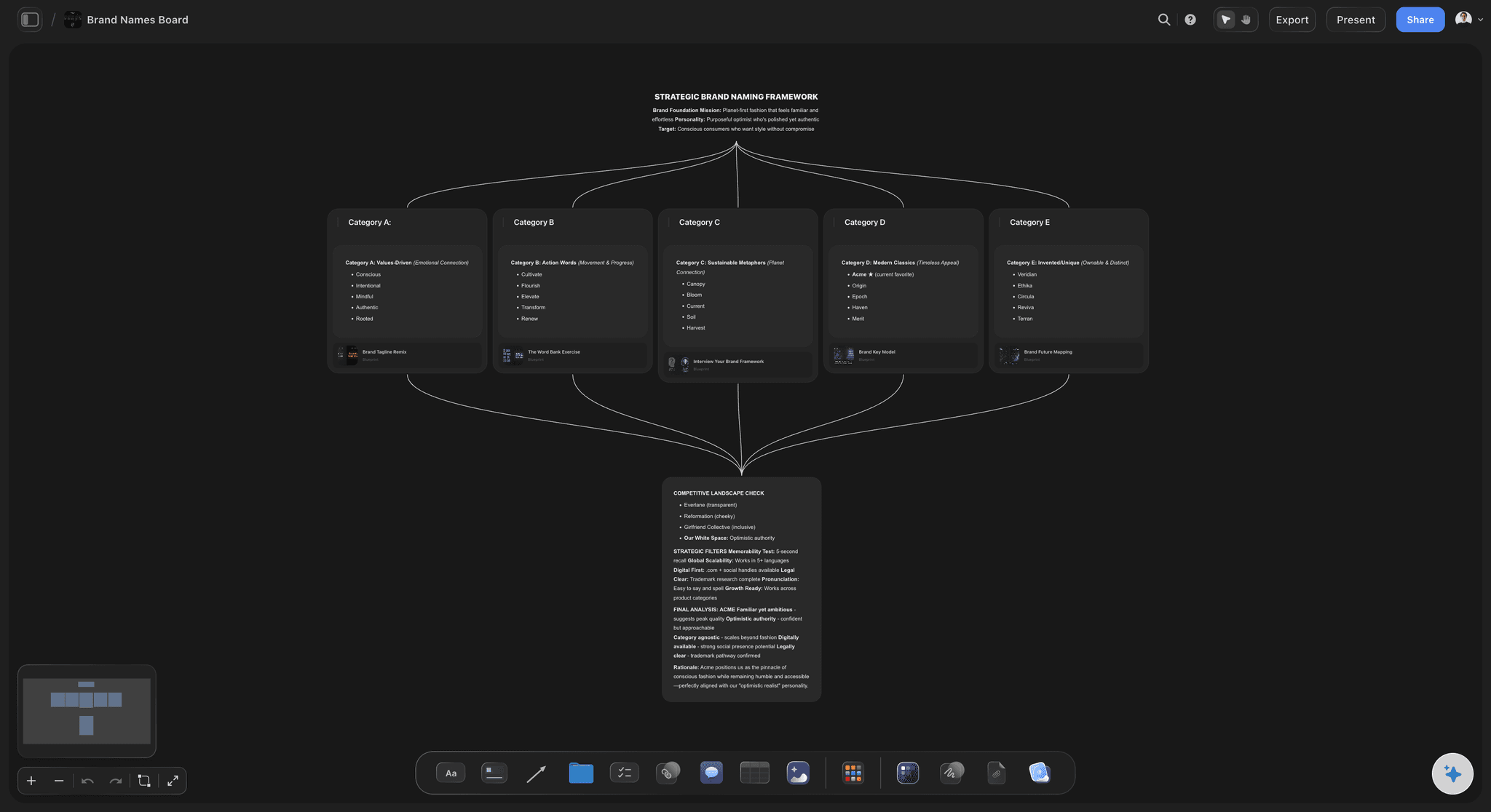
Mind Map
Branch one central idea out into themes and sub-points, then drag the connections around until the structure makes sense.
What is a creative collaboration platform?
A creative collaboration platform is where a team develops creative work together: somewhere to gather references, put options side by side, collect reactions, and record what was decided. Storyflow is an AI visual workspace that keeps the work, the feedback and the decision on one infinite canvas: references and drafts, comments attached to the actual image, the approved direction beside the work, and a link clients open with no account. Such a platform differs from general team software because the object under discussion is usually visual, and because the useful comment is attached to a specific image rather than to a document as a whole.
The hard part is not the commenting. It is continuity. A creative decision is made once and then questioned four times, by an art director, a client, a new freelancer and the person who made it. Each time, the honest answer is a reference and a sentence from three weeks ago, and if those are not stored next to the work, the team rebuilds the reasoning from memory or quietly changes direction.
Most stacks lose that on purpose. Files sit in Drive, feedback happens in Slack and email, approvals happen on a call, and the brief lives in a doc that stopped being true after the second round. Every artefact is fine on its own and none of them can tell you why the work looks the way it does.
Storyflow keeps the whole cycle on one canvas. References, drafts, options, comments and the marked-up decision sit in one view a client opens from a link with no account. Storyflow is not a proofing suite: there is no frame-accurate video annotation, no version-stacked approval trail and no formal sign-off record. Teams that need audited approvals on video deliverables usually run a review tool alongside this and use Storyflow for the thinking.
Ultra fast from brief to board
One board from brief to signed-off direction.
Each round adds to the board rather than starting a new thread somewhere else.
01
Put the brief and the references up
Start the board with what the work has to answer to: the brief, the audience, the constraints and the reference images everyone keeps describing differently.
02
Develop the options side by side
Lay routes out next to each other at full size instead of sending them one at a time. Comparison is what a review is actually for.
03
Collect feedback in place
Share a link and let reviewers comment on the specific thing they mean. A note attached to an image survives; the same note in a thread does not.
04
Mark the decision on the board
Record what was chosen and why, beside the work it refers to, so the next person to ask gets the answer without a meeting.
Collaboration is judged months later, by someone who was not there.
These are the parts that decide whether the board is still useful then.
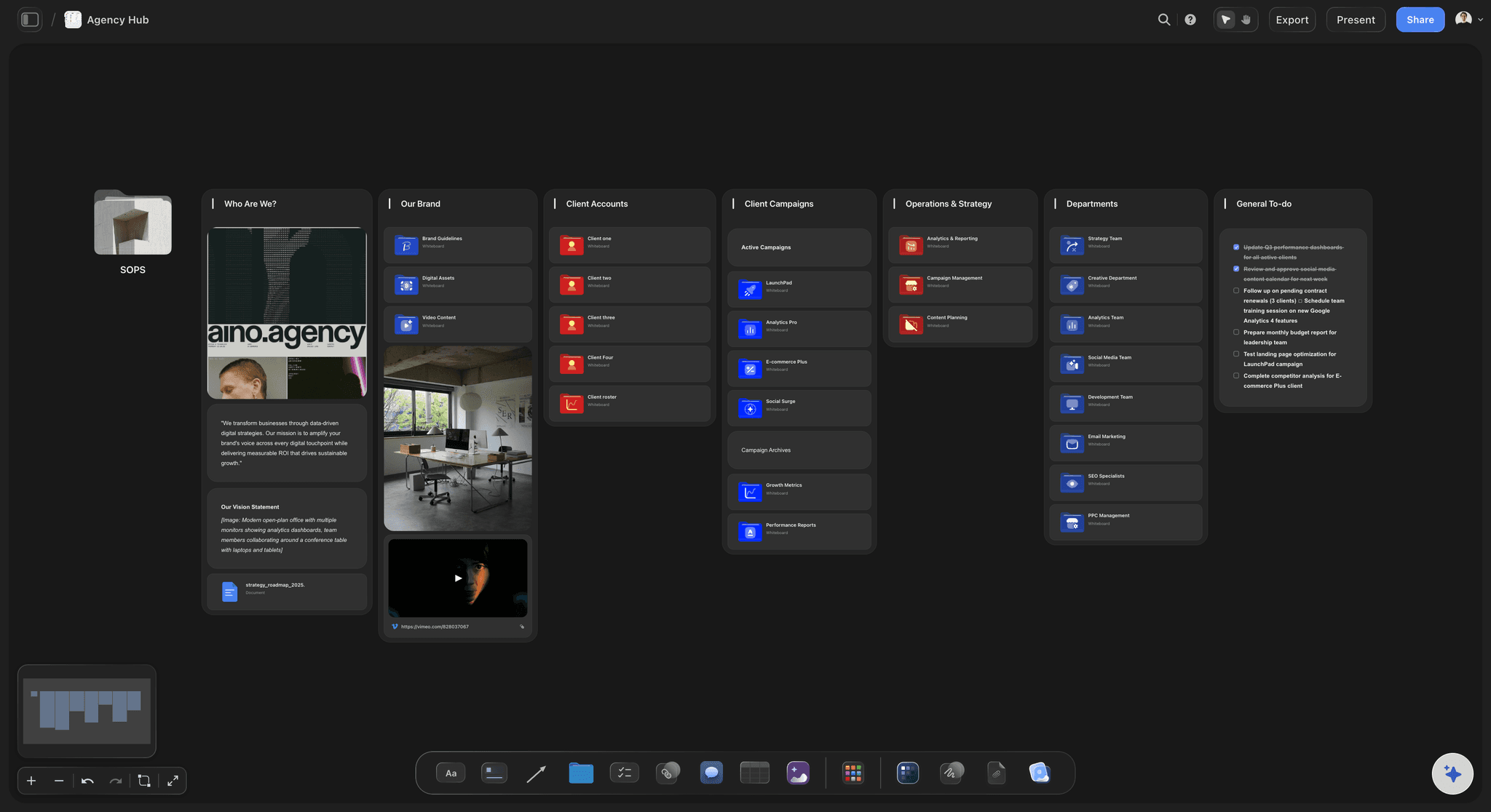
No onboarding tax
Clients and freelancers open a link
Reviewers read the board in a browser with no account and no install, which is the only invitation most clients will actually accept.
See the client review board →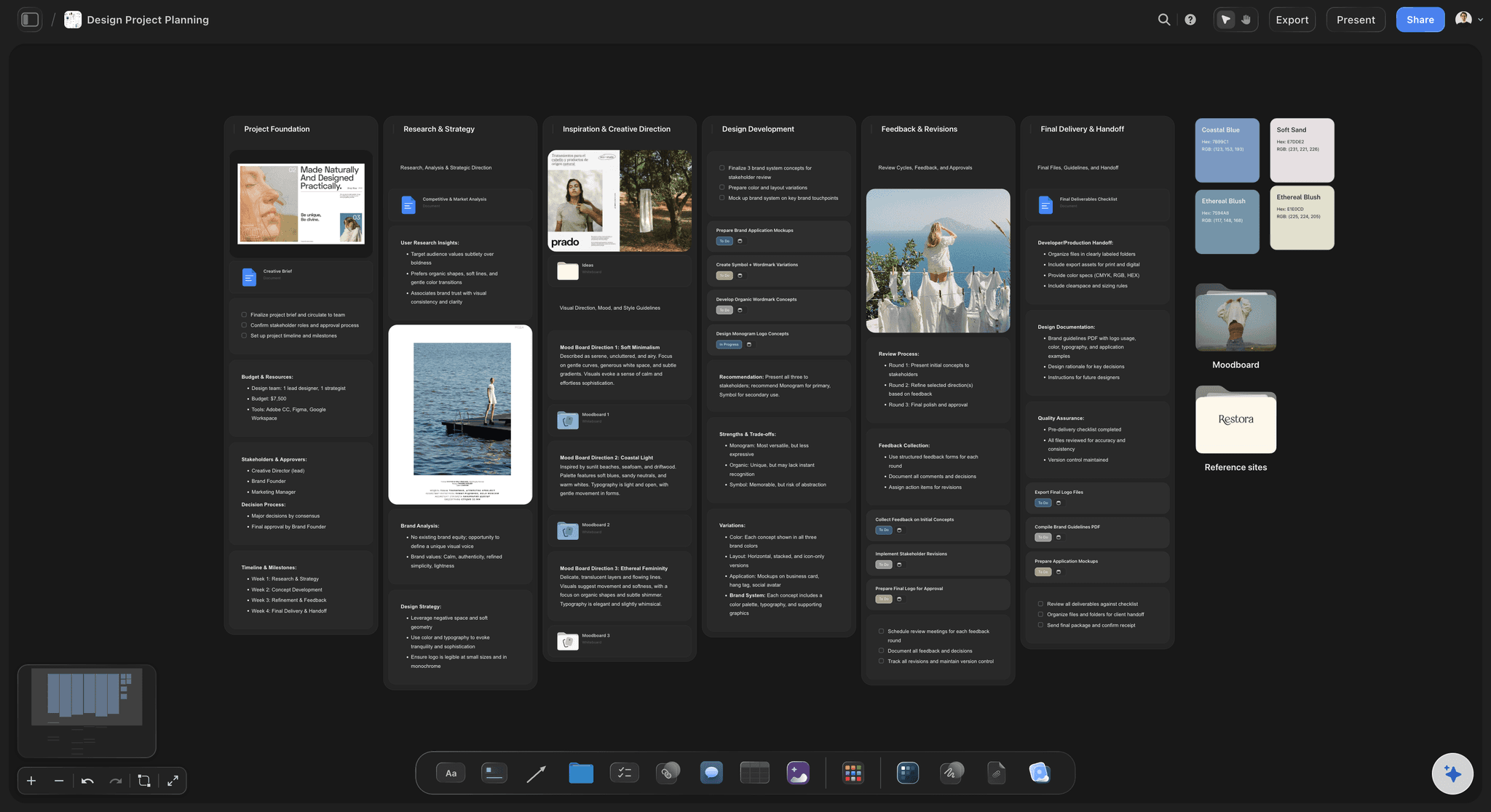
Feedback that lands
Comments attached to the actual thing
A reviewer marks the frame, the layout or the line they mean. Vague feedback is usually a symptom of having nowhere precise to put it.
See the design feedback tool →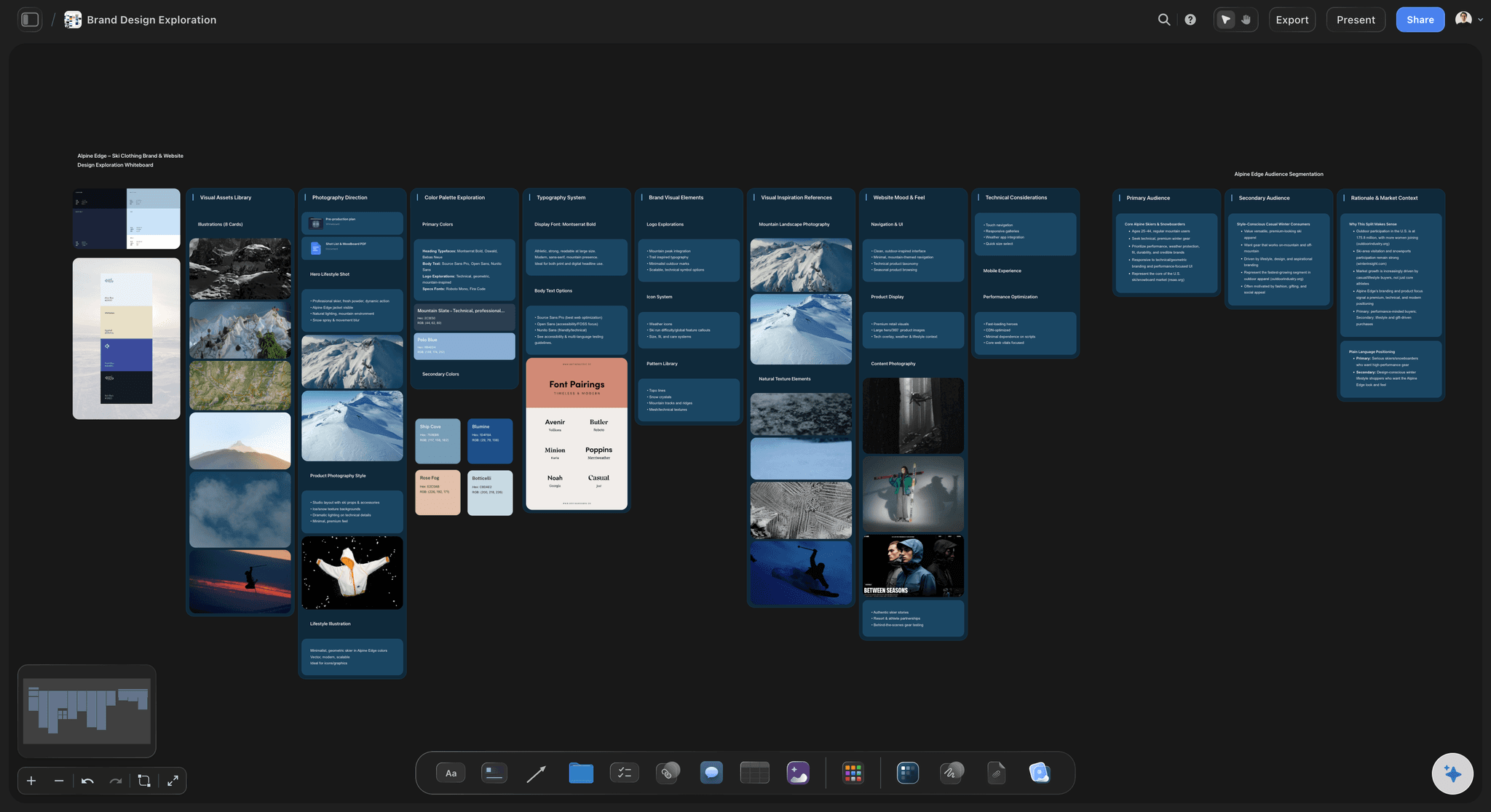
Options in one view
Routes compared, not sent one by one
Put every direction on the canvas at once so the choice is made against the alternatives rather than against whatever arrived most recently.
See the design review board →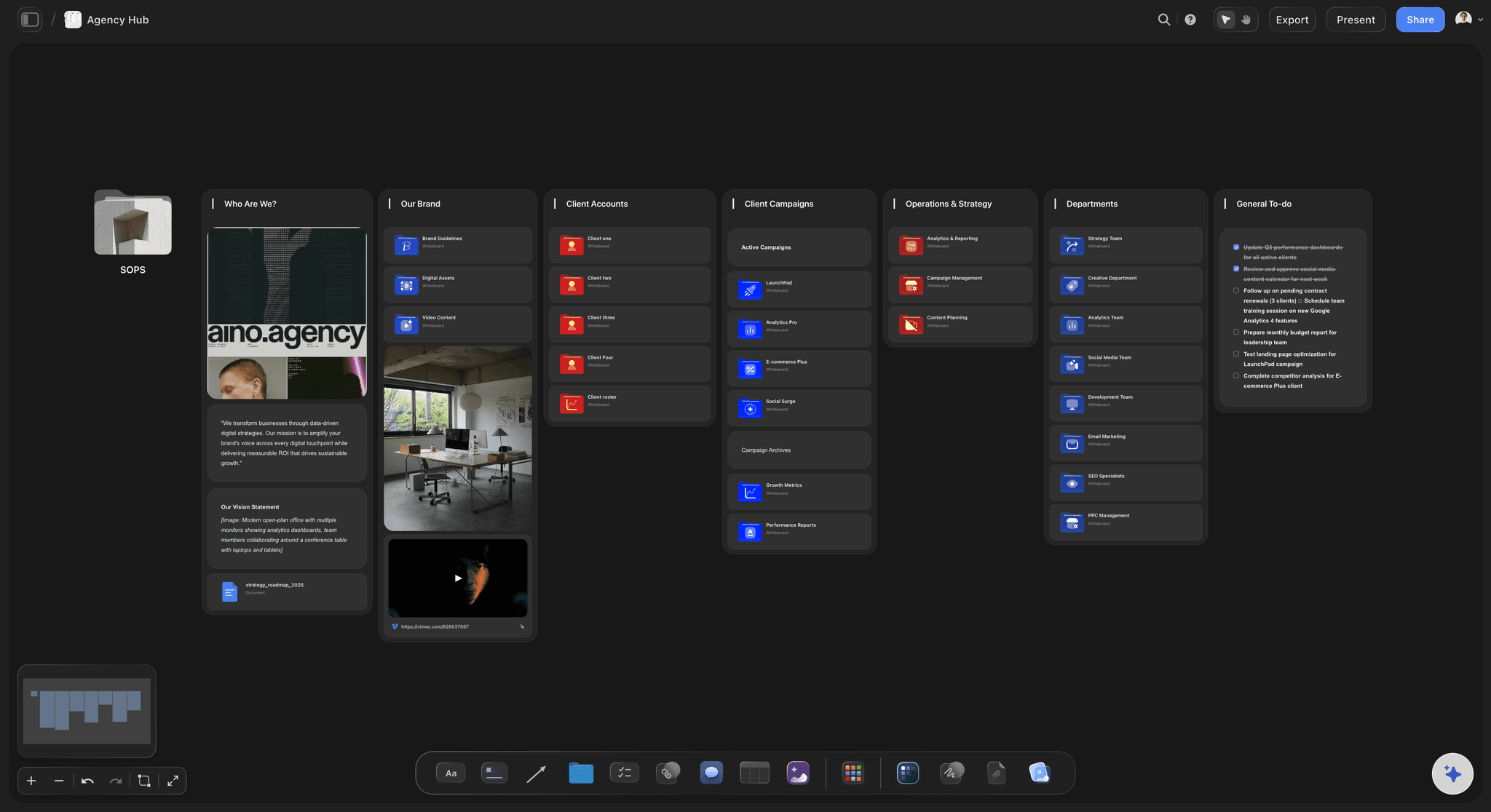
Why it looks like this
The decision stored beside the work
Keep the chosen route, the rejected ones and the reason in the same view, so a new team member reads the history instead of asking for it.
See the creative team workflow tool →Plans from $7.99/month annual. Invited collaborators join free.
Storyflow is paid-only during early access, and anyone a paid member invites to a board joins at no cost, which matters for a team whose collaborators change every project.
Clients and freelancers read a board with no account
Adding collaborators does not add to the bill
Unlimited boards, one per project
Export any board as a high-quality image or PDF
Built for people with taste
Every tool in the stack is fine. The gaps between them are the problem.
Work in one app, feedback in another and decisions in a call is three places for the same conversation.

One surface
Stop reassembling the context
References beside the draft: The image that set the direction sits next to the work, so a reviewer judges against the intent rather than against their own memory of it.
The brief stays in view: Keeping the brief on the board is what stops round three quietly answering a different question from round one.
One link, always current: No attachments and no version numbers in filenames. The link shows the live board, so nobody reviews last week by accident.
The AI reads the board
Context without the catch-up call
Canvas-aware AI: Storyflow's AI reads the whole active board, so it can summarise where a project stands for someone joining late instead of them scrolling a thread.
Bring the real documents in: Attach up to five documents and three boards so the brief, the research and the previous campaign inform the work rather than a blank prompt.
It proposes, the team decides: Drafts and options arrive as ordinary editable cards on the board. Nothing is approved or applied that a person has not chosen.

Honest limits
What a proofing tool still does better
No frame-accurate video review: There is no timecoded annotation on video. For picture lock and broadcast deliverables, a dedicated review tool is the right place.
No formal approval trail: Decisions are recorded on the board, not as an audited sign-off with a signature and a timestamp. If you need that for contractual reasons, keep your approval tool.
No resourcing or time tracking: Storyflow does not do utilisation, timesheets or capacity planning. It covers the creative work, not the running of the studio.
Explore templates for your project
Every template opens as a real, editable board on the infinite canvas. Pick the closest fit and make it your own.
Mind Map
Branch one central idea out into themes and sub-points, then drag the connections around until the structure makes sense.
One app instead of five
Against the usual creative stack.
Storyflow covers the thinking and the direction, not the studio's back office.
Storyflow
Recommended
Work, references and feedback in one view
Reviewers read without an account
AI reads the whole board
Frame-accurate video approval trail
Time tracking and resourcing
Chat and email
Work, references and feedback in one view
Reviewers read without an account
AI reads the whole board
Frame-accurate video approval trail
Time tracking and resourcing
Proofing tool
Work, references and feedback in one view
Reviewers read without an account
AI reads the whole board
Frame-accurate video approval trail
Time tracking and resourcing
Creative ops suite
Work, references and feedback in one view
Reviewers read without an account
AI reads the whole board
Frame-accurate video approval trail
Time tracking and resourcing
What creators are saying
Join early creators getting structured workspaces and AI that remembers their projects
“Storyflow has sped up my workflow by at least 3x, which means more flow state and more projects I can actually ship. It truly changed the way me and my team create.”

Reilin Joey
Director & YouTuber
“One prompt gets me a structured board. But the tactics are my favorite. I run my YouTube scripts through them and my intros and retention got better. It's amazing.”

Justkay
YouTuber & Freelance Filmmaker
“I used to juggle five apps to plan a project. Now I describe what I am making and get boards, lists, and a schedule. All in one place.”

George
@fernwehchronicles
Creative collaboration, answered.
What teams ask before moving a review process onto a canvas.
It is where a team develops creative work together: gathering references, comparing options, collecting reactions and recording what was decided. It differs from general team software because the object under discussion is visual, so useful feedback attaches to a specific image rather than to a document as a whole. Storyflow keeps all of that on one shared canvas.
Storyflow keeps the work, the references, the feedback and the decision on one canvas: comments attach to the actual image, routes sit side by side to compare, and the approved direction is stored beside the work. Clients and freelancers open a link and read it with no account, and the AI reads the whole board. A proofing tool still gives you a frame-accurate video approval trail, which Storyflow does not.
No. Share a view-only link and a client opens the board in a browser with no account and no install. That matters more than it sounds: most review processes degrade into emailed screenshots because the reviewer will not sign up for another tool, and the feedback then arrives detached from the work.
A whiteboard is good for a session and a file share is good for storage, and neither keeps the reasoning. Storyflow holds the brief, the references, the options, the comments and the recorded decision in one view, so someone can see why the work looks the way it does without asking the person who made it.
Not for formal sign-off. Storyflow has no timecoded video annotation and no audited approval trail with signatures. If your deliverables need a contractual approval record, keep that tool and use Storyflow for the development and direction work that happens before it.
Anyone a paid member invites to a board joins free, so bringing a freelancer or a client onto a board does not change the bill. Plans start at $7.99 per month billed annually, or $9.99 monthly.
Yes, and it is worth doing. Park rejected directions on the same board with a short note on why they lost. When the question resurfaces in a later round, the answer is already written down, which is usually faster and calmer than reconstructing it from memory.
Yes. The AI reads the whole active board, so it can summarise where a project stands for someone joining midway. You can also attach up to five documents and three boards, so the brief and previous work inform the answer rather than a blank prompt.
No. Storyflow covers the creative work itself, not the running of the studio, so there is no timesheet, utilisation or capacity planning. Teams that need those run them in a dedicated operations tool.
Export the board as a high-quality image or PDF for a deck or a presentation. For reviewers, the view-only link is usually better because it always shows the current board rather than a snapshot from before the last round of changes.
Put the work and the conversation in the same place.
References, options, comments and the decision on one canvas your team and your clients can open from a link.