
CLIENT MOODBOARD
The board has to make the case
when you are not in the room.
A client cannot read a grid of images the way you can. Unexplained, a moodboard invites feedback on decisions you never asked about, and one stray comment about the blue can unpick a week of direction. This page is about the presentation, not the aesthetics: annotate every image with the decision it represents, show two or three distinct routes instead of one, put the brief on the board, name what you are asking them to approve, and capture the answer on the board itself. Paid-only during early access, from $9.99 a month, with a Free plan before the end of 2026.
Plans from $9.99/mo
Clients you invite join free
Free plan coming late 2026

Used by creative professionals at:
Artlist
Pixar
Nike
Red Bull
The North Face
Porsche
Start from a ready-made template
Pick a board to see what you can build, then let AI fill it in. Every template is a real, editable starting point on the same infinite canvas.
Film Moodboard
Collect film references, color palettes, lighting, locations, and tone in one place, then invite your crew.
What is a client moodboard?
A client moodboard is a moodboard built to be read by the person paying for the work, not by the person who made it. That single difference changes everything about how it is assembled. Your own board can be shorthand, because you remember why each image is there. A client board has to carry its own explanation, because the client has never seen the reference set, does not know which images are settled and which are still open, and will be looking at it alone in a browser three days after your call. If you are building the board rather than presenting it, start at the moodboard maker. If you want the general craft, moodboarding covers it. This page is about the client-facing moment: presenting a direction, getting a decision, and handling what comes back.
The dynamics here are about persuasion and process, not taste. When a client opens an unannotated grid, they do the only thing available to them, which is to react to individual images. You get back the worst kind of feedback: a comment on the blue in the third photograph, when the blue was never the point and that image was on the board for its composition. Now you are defending a decision you never made, and the actual question, whether the overall direction is right for the brief, has quietly gone unanswered. The board did not fail because the references were weak. It failed because it asked the client to infer your reasoning and they had nothing to infer it from.
The second dynamic is the shape of the ask. Presenting one direction turns the meeting into a referendum on you: the client's only two moves are approval or rejection, and rejection is personal, so they hedge, and you get vague discomfort instead of a decision. Presenting two or three distinct directions turns it into a choice, and a choice is something a non-designer is actually equipped to make. It also does quiet work on scope, because when the alternatives are visible on the board, a client who wants to combine elements from two routes can see that they are asking for a third thing rather than a small tweak. The third dynamic is the record. A direction approved in a meeting is approved until somebody remembers it differently, which is why the approval belongs in writing on the board, next to the thing it approved.
A client moodboard that works is made of six named parts: the brief restated on the board so the direction is judged against the goal rather than against personal taste, two or three distinct directions laid out side by side rather than a single option, an annotation on every image naming the decision it represents so nobody argues with the styling when you meant the light, an explicit ask that states what you want approved now and what is deliberately still open, a written decision captured on the board itself so it carries a name and a timestamp, and a stated scope line covering what happens when new references arrive after sign-off.
HOW IT WORKS
Build a board that can be read without you.
Four steps between a folder of references and a direction the client has actually agreed to.
01
Put the brief on the board first
Before a single image, write the goal, the audience, and the constraint at the top of the canvas. Everything below it is then judged against the brief instead of against whether the client personally likes teal.
02
Lay out two or three distinct routes
Give each direction its own region and its own name. Make them genuinely different rather than three shades of the same idea, and add a one-line thesis under each name saying what it is arguing for.
03
Annotate every image with its decision
Write the note beside the photograph. This one is the lighting. This one is the crop, not the wardrobe. This is what we are not doing. An unannotated image is an invitation to comment on the wrong thing.
04
State the ask, share the link, capture the answer
Write exactly what you want approved and what is still open, share a view-only or comment link, and have the client write their decision on the board so it lives beside the direction it approved.
Built for the presentation, not just the collection.
The board is a persuasion document. These are the four things that decide whether it lands.
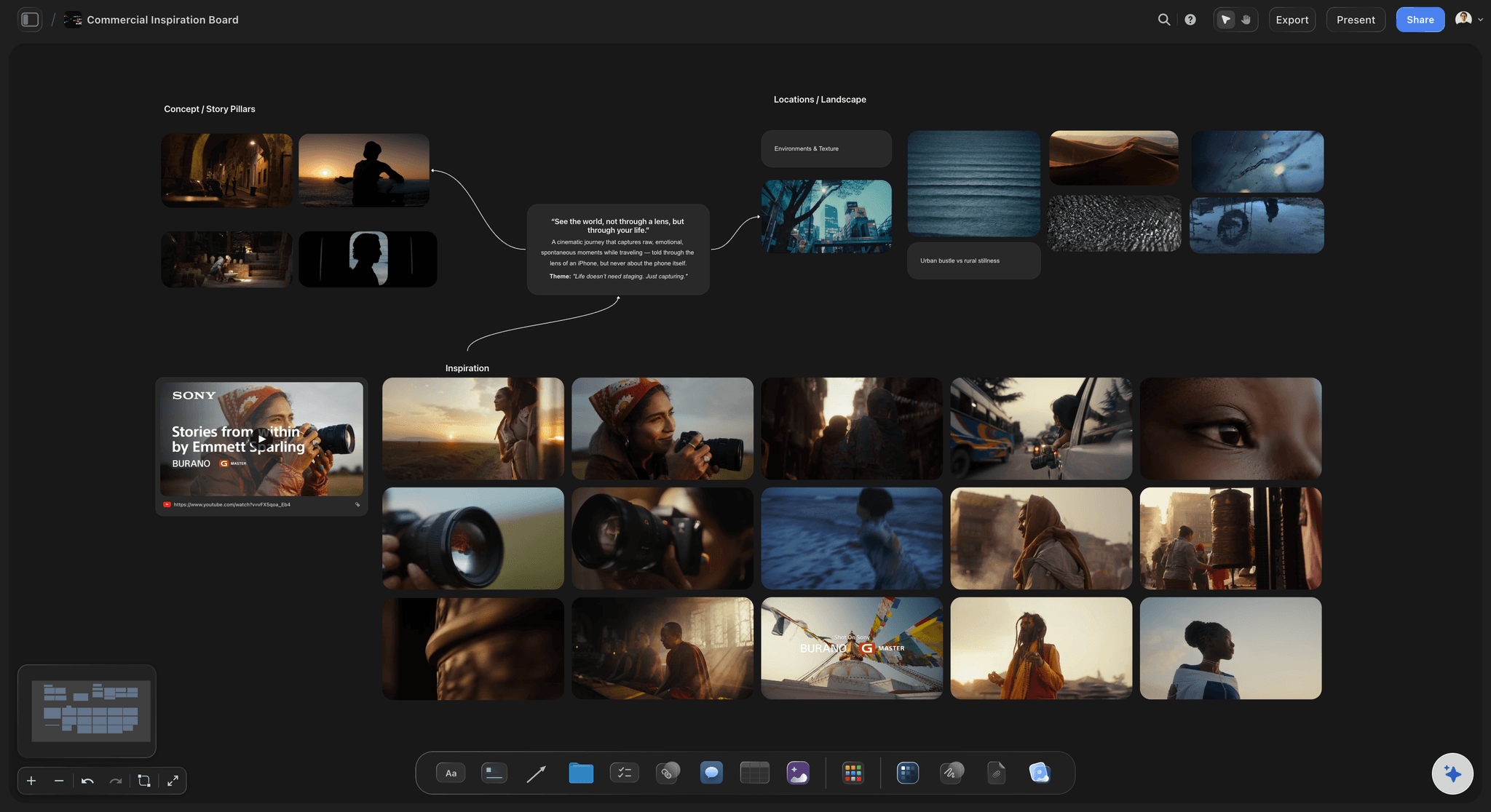
Every image carries its own argument
Annotate the decision, not the picture
Text sits on the canvas next to the exact reference it explains, so the client reads your intent instead of guessing at it. This is the single highest-leverage change you can make to a client board, and it removes most of the feedback you did not want.
See the moodboard maker →
One option is a referendum, three is a choice
Show distinct directions side by side
An infinite canvas holds route A, route B, and route C at full size with room to compare, instead of forcing you into sequential slides where the client only ever sees one thing at a time and cannot weigh them against each other.
See a brand moodboard →
The goal beats personal taste
Keep the brief on the board
Pin the objective, the audience, and the constraints above the directions so the conversation stays about fit rather than preference. When a client says they do not like something, the brief is what turns that into a useful question.
Write the design brief →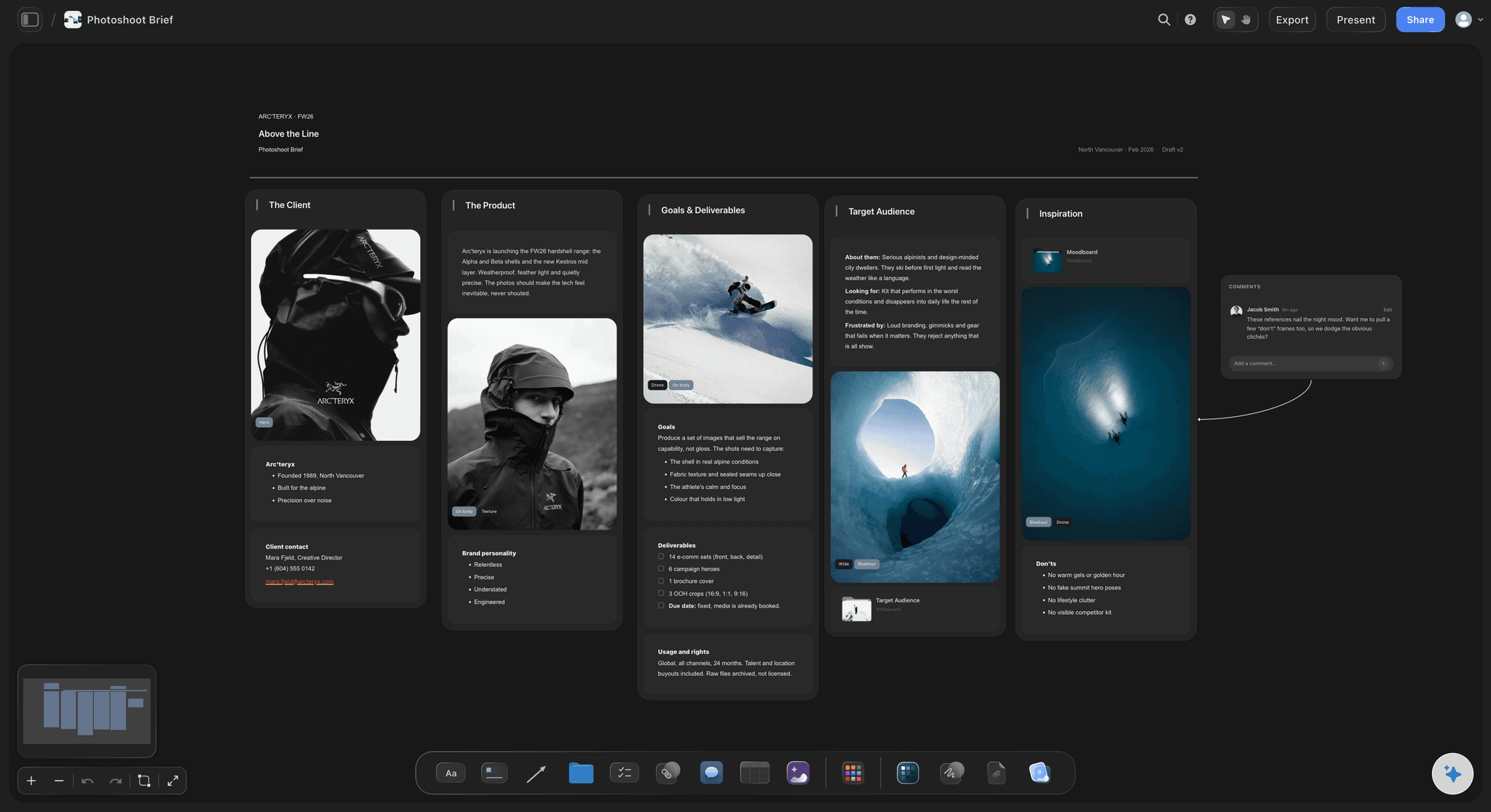
Comments land where they belong
Feedback on the board, not in an email thread
Clients comment on the canvas, attached to the image or the direction they mean, so nobody has to reconcile a paragraph of email against a PDF page number. Anyone you invite as a paid member joins free, so the client costs nothing.
For agencies →Unlimited boards. Clients you invite join free.
Storyflow is paid-only during early access, with plans from $9.99 a month, and a Free plan launches before the end of 2026. The part that matters for client work is that anyone a paid member invites to a board joins free today, so the client, the account manager, and the freelance stylist can all be on the board without buying a seat.
Unlimited client boards on an infinite canvas
Notes and annotations beside every reference image
View-only links that open with no account and no login
Comments from clients and collaborators directly on the board
THE CLIENT-FACING MOMENT
Presenting, deciding, and everything that happens after.
Most moodboard advice stops at the layout. The expensive problems all live after you hit send.
Why the presentation format decides the feedback
A PDF loses the conversation
The feedback detaches from the work: Send a PDF and the response comes back as an email saying image four on page two feels cold. Now somebody has to map words onto pages, and by the third round nobody is certain which version of page two is being discussed.
It is frozen the moment you export it: A client board changes. A PDF does not, so you re-export, re-attach, and re-send, and there are now four PDFs in the client's inbox with no way to tell which is current except the timestamp on an email.
A Pinterest link is not a deliverable: Sending a client into Pinterest means sending them into ads, a recommendation feed, and other people's pins sitting under your direction. It reads as unfinished, and you cannot annotate it. See the pinterest alternative page for the full argument.
A live board keeps everything in one place: One link, always current, with the comments attached to the images they refer to. The client does not manage versions and neither do you.
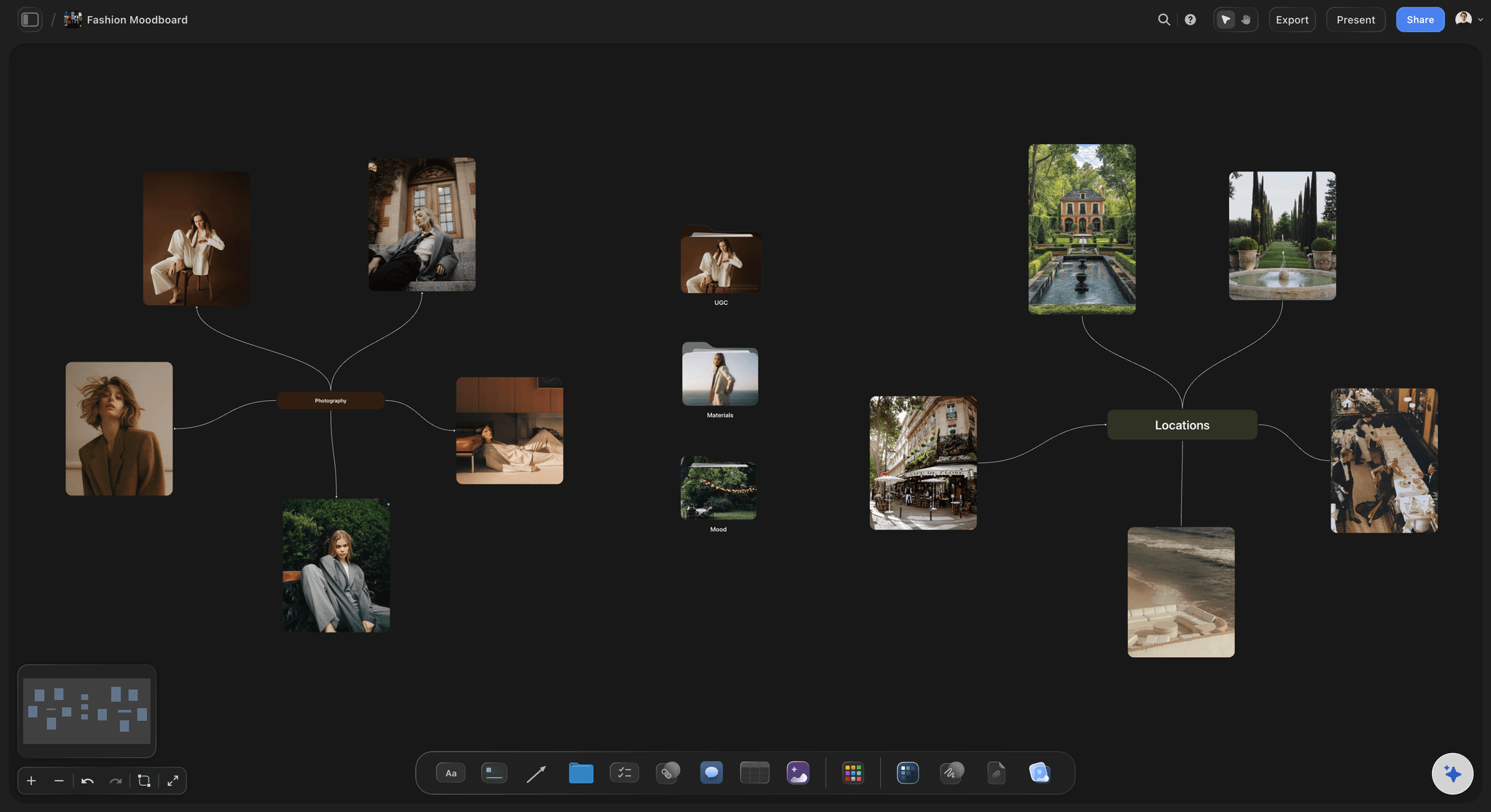
Asking a question the client can actually answer
Structure the ask so you get a decision
Name what you want approved: Write it on the board in plain words. We are asking you to approve the overall direction and the colour palette. We are not asking about specific photographs, models, or copy yet.
Name what is still open: The things you leave unmarked are the things clients feel obliged to comment on. Say explicitly that wardrobe and location are still being sourced, and the comments about wardrobe mostly stop.
Two or three routes, never one: A single option makes the client a judge of you. Three options make them a chooser, which is a role they are comfortable in and one that produces a clear answer rather than a hedge.
Keep the rejected route on the board: Leave the direction you did not recommend visible with a note saying why. It shows the work behind the recommendation, and it stops the same idea reappearing in week five as a new suggestion.
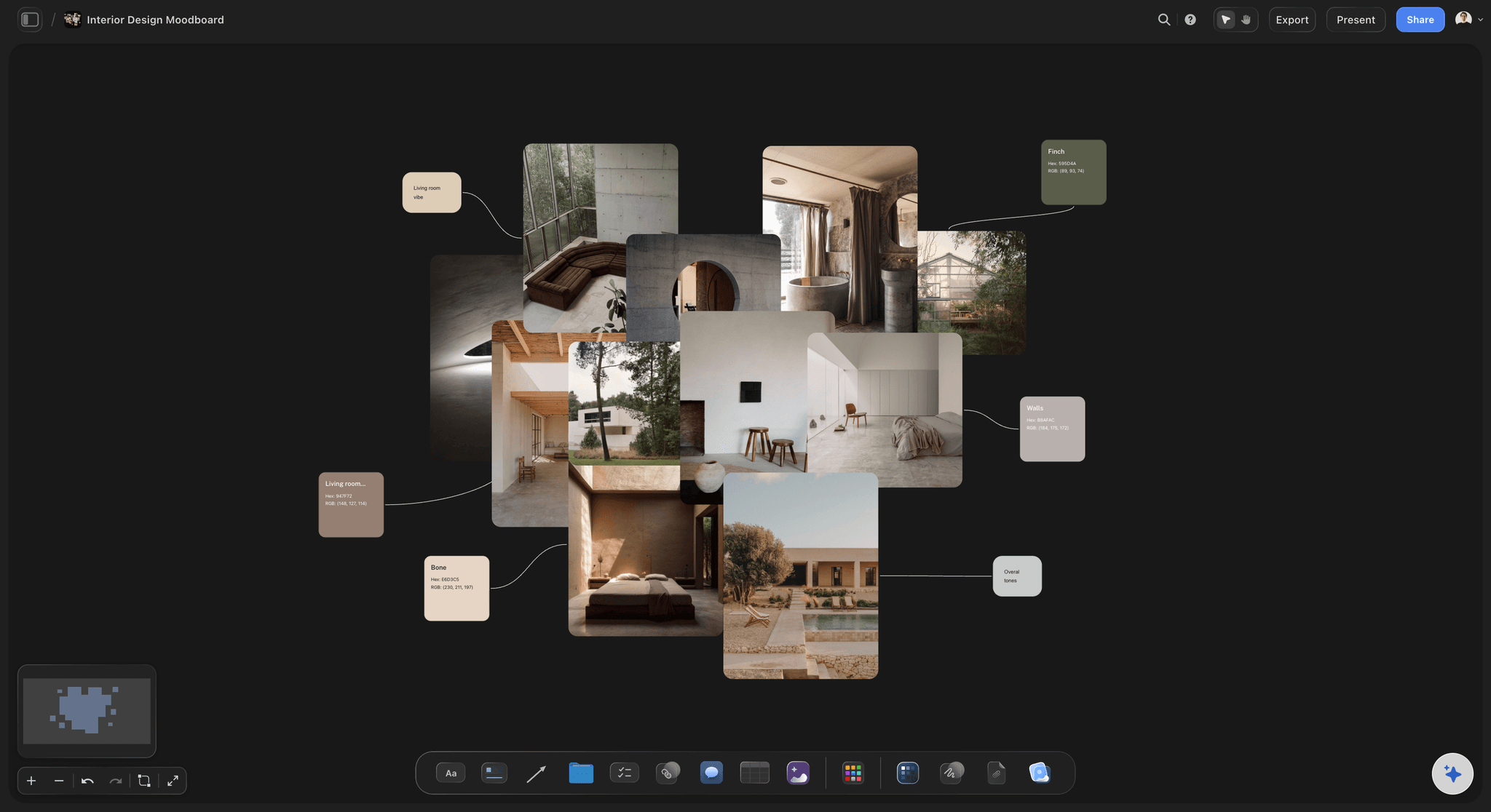
The scope-creep problem, stated plainly
When the client just adds a few references
Added references are scope changes in disguise: A client dropping four new images onto the board after sign-off is not adding inspiration, they are changing the brief. The images look small and the work behind them is not.
Give new references their own space: Keep a clearly labelled area for client additions, separate from the approved direction, so the approved board stays intact and the new material is visibly a new conversation rather than a silent edit.
Make them say what each one is for: Ask the client to annotate their additions the same way you annotated yours. Half the time the act of writing why reveals that the image was a passing thought, and it removes itself.
Write the rule before you need it: Put a line on the board saying that references added after approval are reviewed and quoted separately. It is far easier to point at a rule that was there from the start than to invent one under pressure.
What Storyflow does and does not do
Getting the decision on the record
The approval lives beside the direction: Have the client write their approval as a comment on the board, on the route they picked. It carries their name and a timestamp, and it sits next to the thing it approved rather than in a mail archive.
No formal approval workflow, and no e-signature: Be clear about this. Storyflow has no locked sign-off state, no approval routing, no version stamps, and no e-signature. Ziflow and similar proofing platforms do that properly. What Storyflow gives you is a shareable board, comments, and view-only links.
Share as view-only when it should not change: A view-only link lets a client and their stakeholders look without editing, which is the closest practical thing to freezing a presented state while the decision is being made.
Then keep working on the same canvas: Once a direction is approved, the shot list, the schedule, and the production plan go on the same infinite canvas beside it, so the approved direction stays attached to the work it is directing.
Explore templates for your project
Every template opens as a real, editable board on the infinite canvas. Pick the closest fit and make it your own.
Film Moodboard
Collect film references, color palettes, lighting, locations, and tone in one place, then invite your crew.
HOW WE COMPARE
Storyflow vs Milanote, Canva, and a PDF.
Storyflow does not win most of these rows. For a formal, locked approval with version stamps and a signature, a proofing platform like Ziflow is the right tool and we are not one.
Storyflow
Recommended
Notes and annotation sitting beside each image
Client comments land on the board, not in an email thread
AI that reads your whole board as context
Formal approval workflow with e-signature sign-off
Print-ready, designed presentation layouts
Opens with no account, no app, and no internet
Milanote
Notes and annotation sitting beside each image
Client comments land on the board, not in an email thread
AI that reads your whole board as context
Formal approval workflow with e-signature sign-off
Print-ready, designed presentation layouts
Opens with no account, no app, and no internet
Canva
Notes and annotation sitting beside each image
Client comments land on the board, not in an email thread
AI that reads your whole board as context
Formal approval workflow with e-signature sign-off
Print-ready, designed presentation layouts
Opens with no account, no app, and no internet
A PDF
Notes and annotation sitting beside each image
Client comments land on the board, not in an email thread
AI that reads your whole board as context
Formal approval workflow with e-signature sign-off
Print-ready, designed presentation layouts
Opens with no account, no app, and no internet
What creators are saying
Join early creators getting structured workspaces and AI that remembers their projects
“Storyflow has sped up my workflow by at least 3x, which means more flow state and more projects I can actually ship. It truly changed the way me and my team create.”

Reilin Joey
Director & YouTuber
“One prompt gets me a structured board. But the tactics are my favorite. I run my YouTube scripts through them and my intros and retention got better. It's amazing.”

Justkay
YouTuber & Freelance Filmmaker
“I used to juggle five apps to plan a project. Now I describe what I am making and get boards, lists, and a schedule. All in one place.”

George
@fernwehchronicles
Client moodboard questions, answered honestly.
Including the ones where the honest answer is that we do not do that.
Put the brief at the top so the board is judged against the goal rather than against taste. Lay out two or three named directions, each with a one-line thesis. Annotate every image with the decision it represents, because the client cannot infer that a photo is on the board for its lighting and not its wardrobe. Then write the ask in plain words: what you want approved now, and what is deliberately still open. Present it live if you can, but build it so it holds up when they open it alone three days later, because they will.
Present the direction. Get the decision.
Put the brief on the board, lay out two or three annotated routes, and share one link the client can read without you. Plans from $9.99/month, clients you invite join free, and a Free plan is coming before the end of 2026.