
Extremely simple, seriously capable
Free moodboard maker: collect a feeling, not just files.
Drop images, video, colors, and notes onto an infinite canvas and shape them into a board that communicates a direction. No fixed grid, no locked layout, and nothing to install.


Start your moodboard
Drag JPG, PNG, or WebP references onto a free board and start arranging.
Make a moodboardFree to use
No credit card required
Works in your browser
How it works
How to make a moodboard.
From a folder of references to a board with a point of view.
1
Gather your references
Drag images and clips onto the canvas, straight from your desktop. A moodboard template gives you a head start if you want structure.
2
Shape the story
Arrange freely, overlap, and resize. Cut subjects out with one-click background removal, and pin down the palette with color swatches next to your images.
3
Share the direction
Send a view-only link so a client or collaborator sees the board exactly as you composed it, or export it to drop into a deck.
Creatives working for these brands already got early access
- Red Bull
- Canon
- Artlist
- Porsche
See how easy it is to get started
Watch a real project come together, from a blank board to a finished plan, clicked through step by step.
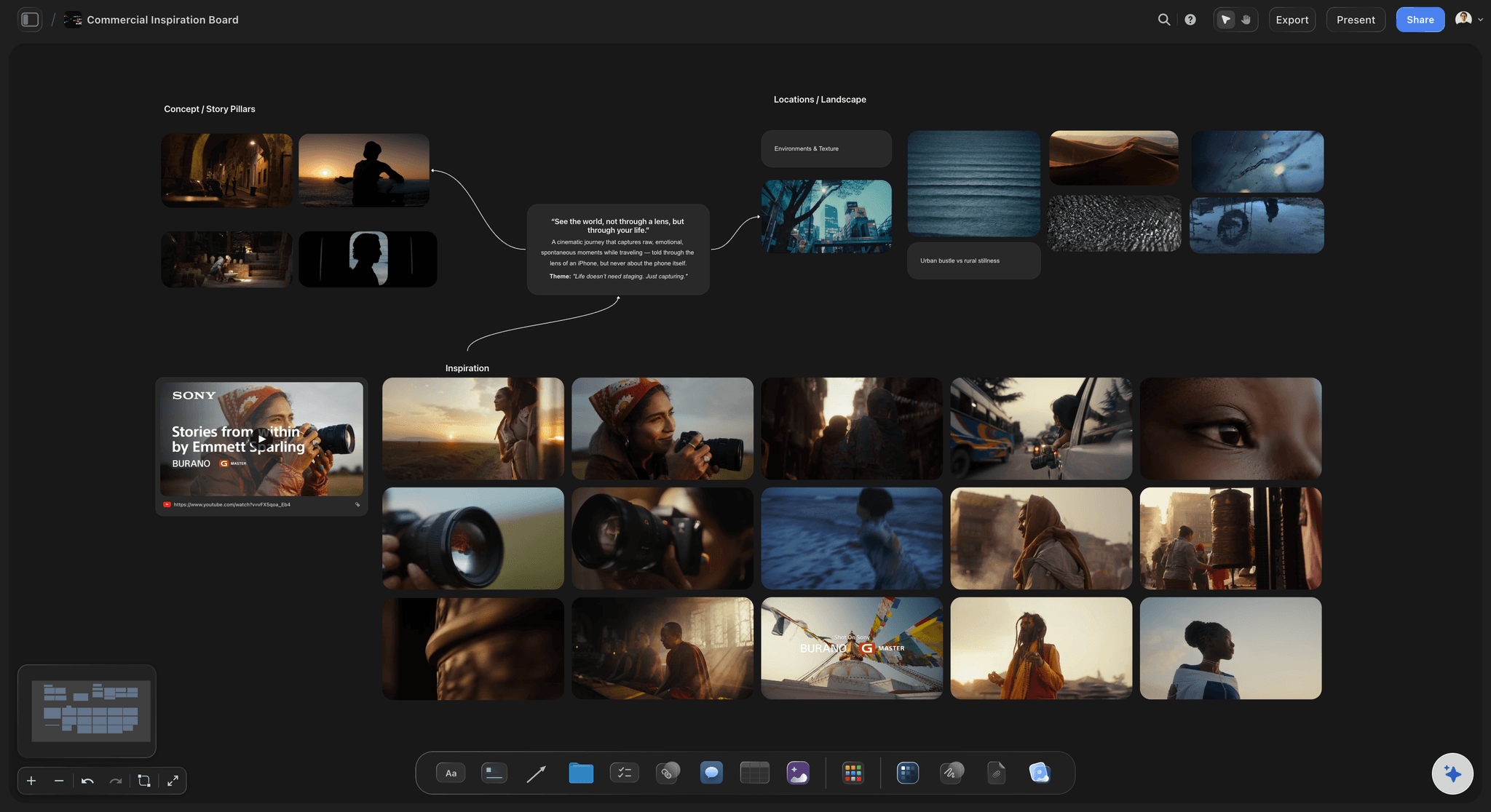
A canvas that moves at the speed of taste.
Moodboarding is editing: pull in twenty references, keep six, and let the layout say what a paragraph cannot. Because the canvas is infinite and freeform, you can cluster, overlap, and scale images until the board reads the way the project should feel.
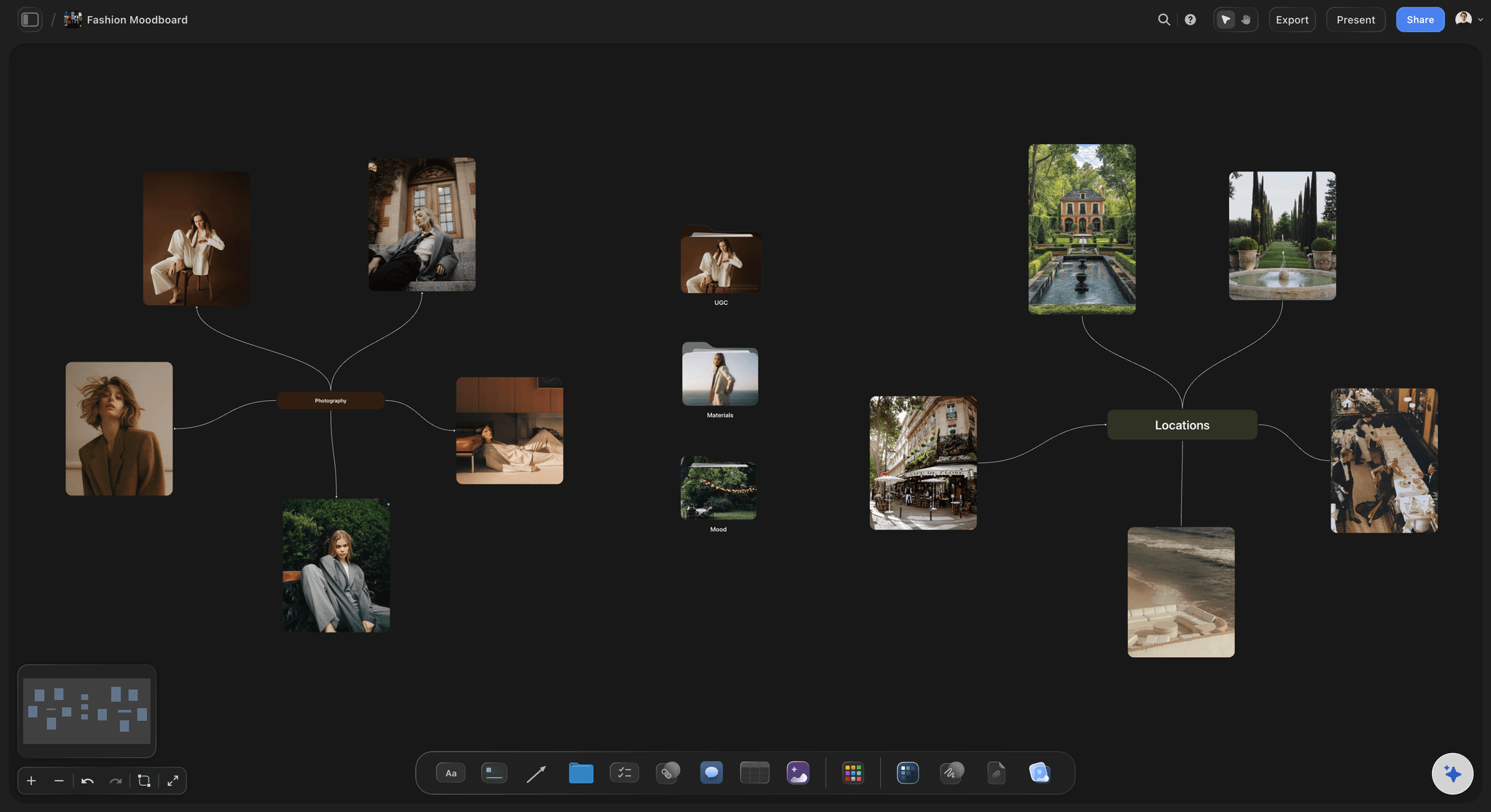
Clean cutouts without leaving the board.
Select any image and remove its background in one click, so products, garments, and props sit on the board as clean subjects instead of boxed screenshots. Crop and upscale live in the same toolbar.
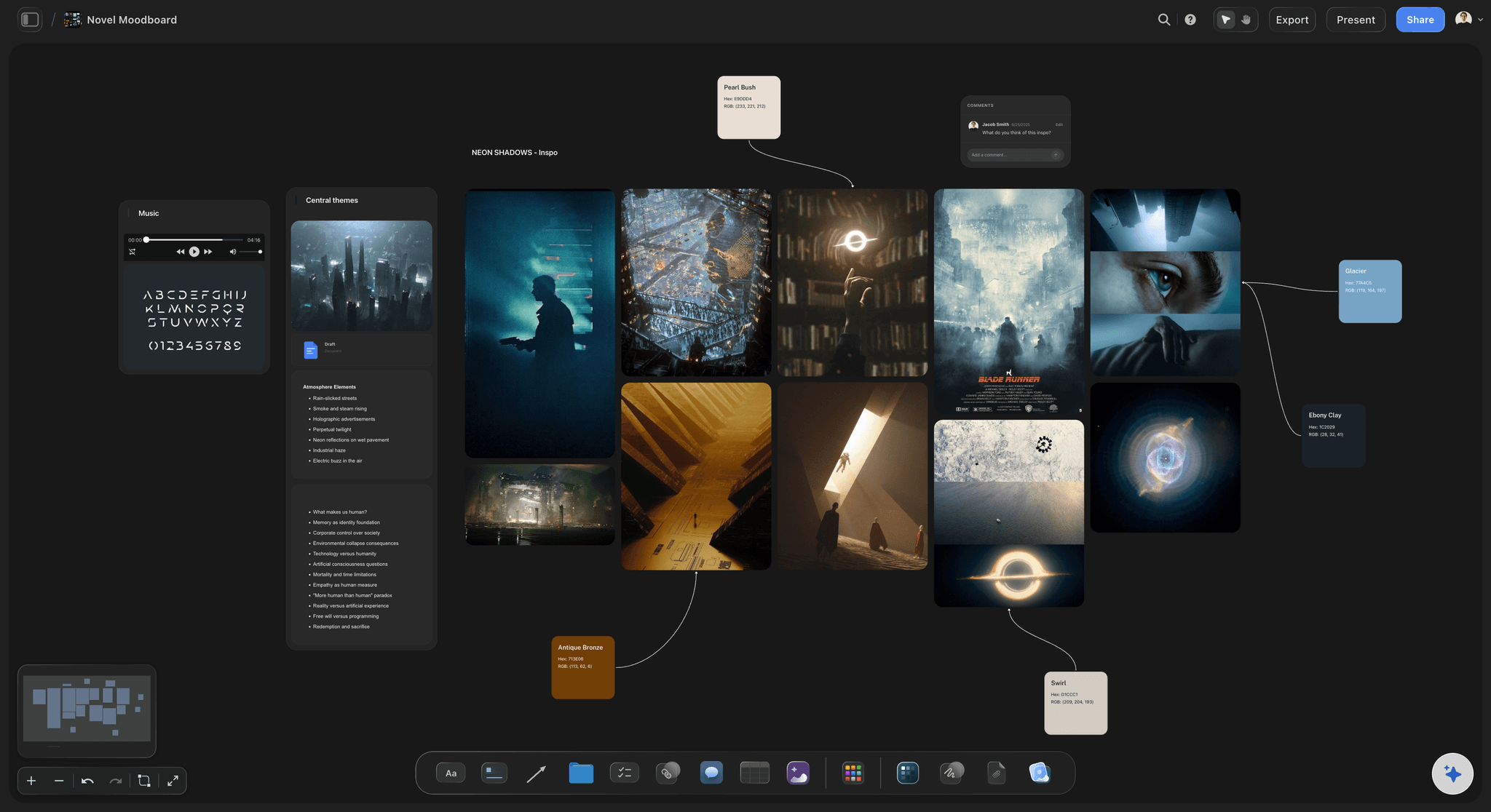
Pin the palette next to the pictures.
Add color swatches beside your references so the palette is a decision, not an afterthought. Name the colors, group them with the images they came from, and the board becomes a brief.
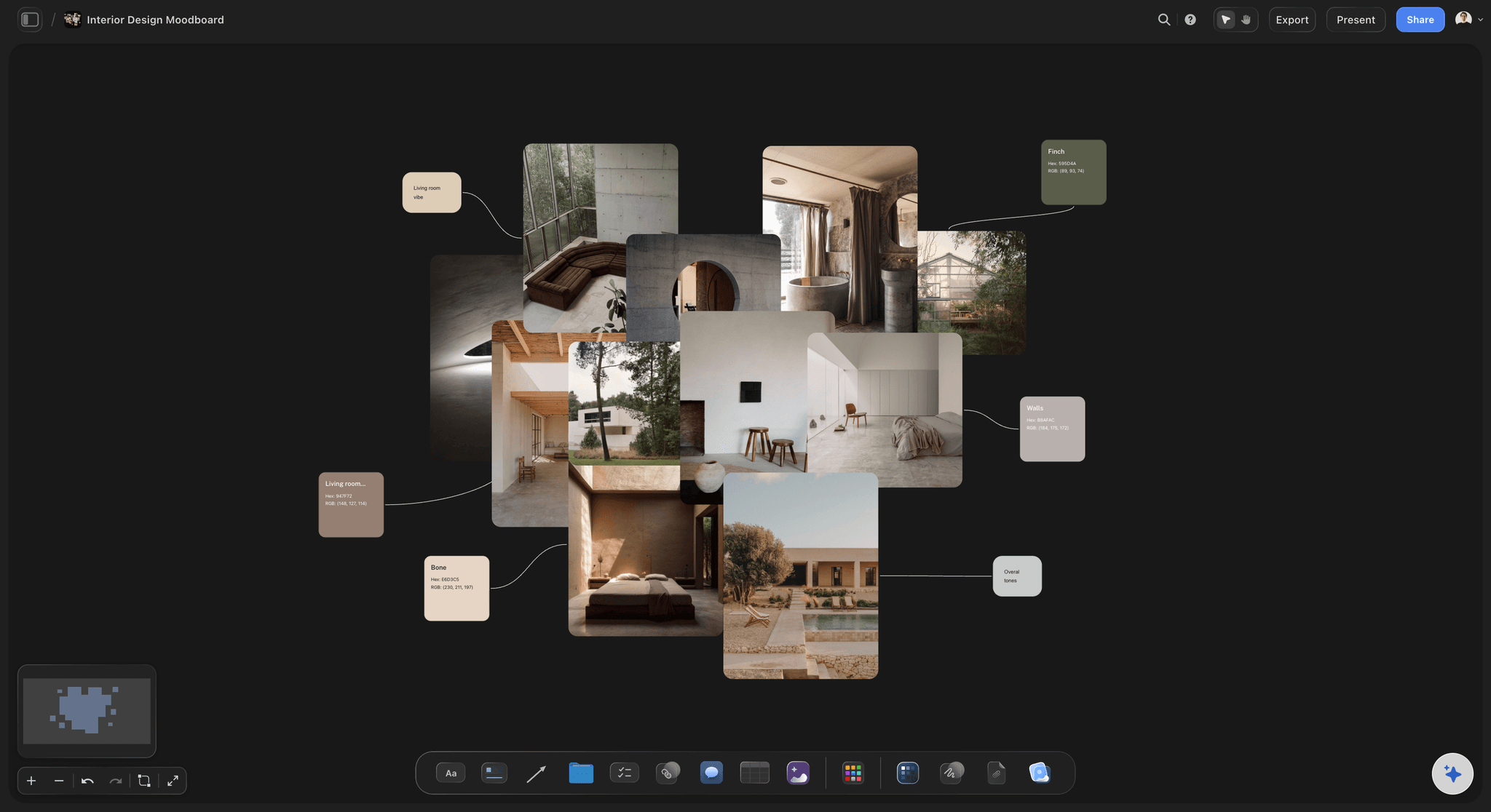
One board, the whole project around it.
Your moodboard can sit next to the brief, the shot list, and the schedule on the same canvas. When the direction is approved, the rest of the project starts from the board instead of a buried folder.
What makes a good moodboard.
A strong moodboard is specific. It pairs imagery with a palette, keeps a consistent density, and cuts anything that reads as almost right. Storyflow helps you get there faster: freeform arrangement means hierarchy is visible, background removal keeps subjects clean, and swatches make the palette explicit.
A moodboard maker for client work.
Designers, filmmakers, and brand teams use moodboards to align on direction before production starts. Share a view-only link and the client opens the exact board in their browser, no account and no attachments. Feedback lands earlier, and revisions cost hours instead of days.
Start from a template or a blank canvas.
Storyflow includes free moodboard templates for brand, fashion, film, interior, and campaign work, and AI usage on every paid plan can lay out a starting board from a short prompt. Begin with either, then make it yours.
What creators are saying
Join early creators getting structured workspaces and AI that remembers their projects
“Storyflow has sped up my workflow by at least 3x, which means more flow state and more projects I can actually ship. It truly changed the way me and my team create.”

Reilin Joey
Director & YouTuber
“One prompt gets me a structured board. But the tactics are my favorite. I run my YouTube scripts through them and my intros and retention got better. It's amazing.”

Justkay
YouTuber & Freelance Filmmaker
“I used to juggle five apps to plan a project. Now I describe what I am making and get boards, lists, and a schedule. All in one place.”

George
@fernwehchronicles
Frequently asked questions.
Moodboards in Storyflow, answered.
If free is the hard constraint, Canva and Pinterest cover most of assembling a board and cost nothing. Storyflow is paid-only during early access, at $7.99 a month billed annually with a free plan before the end of 2026. What it adds is annotation: a reference sits at full size with the quality it is pointing at written beside it, which is what stops a client approving a board for one reason and then judging the work against another.
Not yet. Storyflow is paid-only during early access, with plans from $7.99 a month billed annually ($9.99 monthly). A free plan launches before the end of 2026, and anyone a paid member invites to a board joins free. Every paid plan gives you unlimited moodboards on an infinite canvas, unlimited file uploads, AI usage and moodboard templates.
Create a free board, drag your reference images onto the canvas, and arrange them freely. Add color swatches and notes, remove backgrounds where you want clean cutouts, and share the result as a view-only link.
Yes. Select any image on the board and click Remove BG. The subject is cut out automatically so it sits cleanly against the canvas, which is especially useful for product and fashion boards.
Yes. Every board has a view-only share link. Your client opens it in the browser and sees the moodboard exactly as you laid it out, without creating an account.
It does. There are free templates for brand, fashion, commercial, film, and interior design moodboards. Pick one from the template gallery and swap in your own references.
You can drop JPG, PNG, and WebP images onto the canvas, alongside video, links, notes, and color swatches. Mixed media on one board is the point: collect everything that carries the feeling.
Make a moodboard that sells the direction.
Collect references, cut out subjects, pin the palette, and share one link. Free on an infinite canvas.