
Extremely simple, seriously capable
Stop re-explaining
the project every time.
Most AI conversations start from nothing, so you paste the brief again, describe the audience again, and re-attach the references again. Storyflow keeps them on the canvas and reads the whole board before answering, so the context is the project rather than a paragraph you retype.


Creatives working for these brands already got early access
- Red Bull
- Canon
- Artlist
- Porsche
See how easy it is to get started
Watch a real project come together, from a blank board to a finished plan, clicked through step by step.
Start from a ready-made template
Pick a board to see what you can build, then let AI fill it in. Every template is a real, editable starting point on the same infinite canvas.

Mind Map
Branch one central idea out into themes and sub-points, then drag the connections around until the structure makes sense.
What is AI project memory?
AI project memory is the ability of an assistant to keep knowing what your project is between conversations. Storyflow is an AI visual workspace that keeps a project's context in front of the AI on one infinite canvas: the brief, the references and the decisions, all read from the board before every answer. Without that memory, every session starts cold: you re-paste the brief, re-explain who the audience is, re-upload the references, and re-state the three decisions already made. On a project that runs for weeks, that re-explaining costs more time than the AI saves.
There are two different things sold under the word memory, and they solve different halves. One is a profile-style memory that remembers preferences about you across chats. The other is durable project context: the material of a specific piece of work, available every time you ask something about it. The second is the one that matters on creative projects, and it is the one most tools do not have.
Storyflow handles it structurally rather than as a feature. The project lives on an infinite canvas as actual material: the brief, the references, the concept directions, the schedule. Storyflow's AI reads the whole active board, plus up to five documents and three boards you attach, every time it answers. Nothing has to be re-pasted, because nothing was ever thrown away. On Pro and Max the AI additionally carries memory across conversations.
Storyflow is paid-only during early access, with plans from $7.99 a month billed annually ($9.99 monthly). A free plan launches before the end of 2026, and anyone a paid member invites to a board joins free. Memory across conversations is on Pro at $14 a month annually and Max at $39.
Ultra fast from brief to board
Context that persists, in four steps.
The memory is the board. There is nothing to configure and nothing to re-upload.
01
Put the project on a canvas
The brief, the references, the research and the plan live on one board rather than in five tools that only link to each other.
02
Ask the AI anything about it
It reads the whole active board before answering, so the first question needs no set-up paragraph.
03
Come back next week
The board is unchanged and still readable. The AI picks up with the same context you left it with.
04
Pull in more when you need it
Attach up to five documents and three boards to widen the context for a specific question, without permanently bloating it.
The project is the context.
Memory stops being a feature you manage and becomes a property of where the work already lives.

No set-up paragraph before every question
Ask, without re-explaining
The brief and the references are already on the board, so a question can be one sentence instead of one sentence plus four paragraphs of background.
See the AI creative workspace →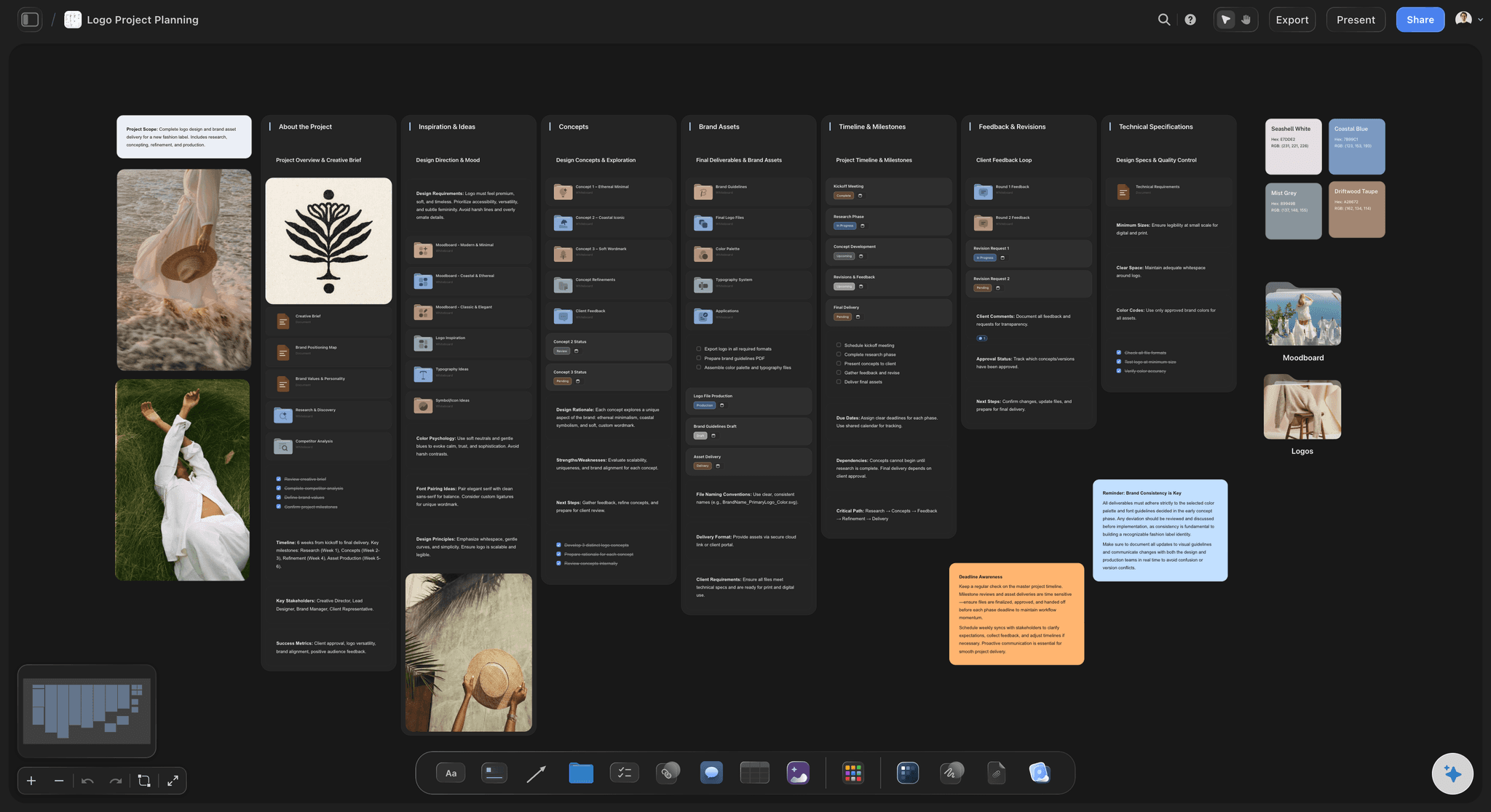
Decisions stay where they were made
Keep the reasoning, not just the outcome
The options that lost sit next to the one that won, so weeks later the AI can answer why a direction was chosen and not only what it was.
See AI creative project management →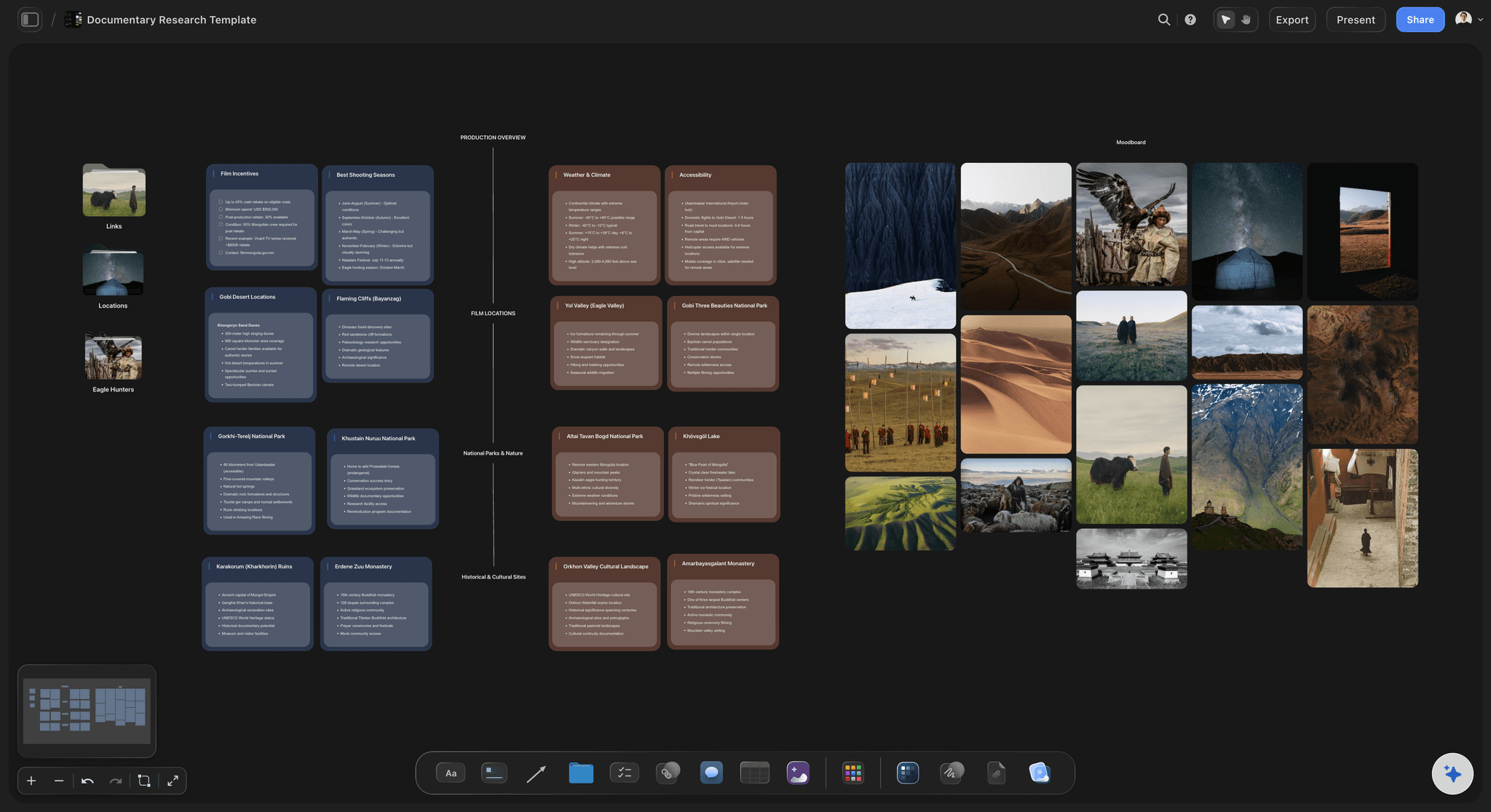
Widen the context on demand
Bring in a framework or a document
Attach up to five documents and three boards when a question needs your positioning or research, then leave them out when it does not.
Turn a document into a board →
Shared, not personal
Context the whole team inherits
Because the memory is the board, a person joining in week six sees the same context the AI has, instead of asking somebody to catch them up.
Turn a brief into a board →Plans from $7.99/month annual. Free plan coming late 2026.
Put the project on a canvas and stop re-explaining it. Storyflow is paid-only during early access, with a free plan coming before the end of 2026 and invited collaborators joining free today.
AI reads the whole active board before it answers
Attach up to five documents and three boards per question
Memory across conversations on Pro and Max
Anyone a paid member invites to a board joins free

Built for people with taste
More than remembering that you prefer bullet points.
Profile memory and project memory solve different problems, and creative work needs the second one.
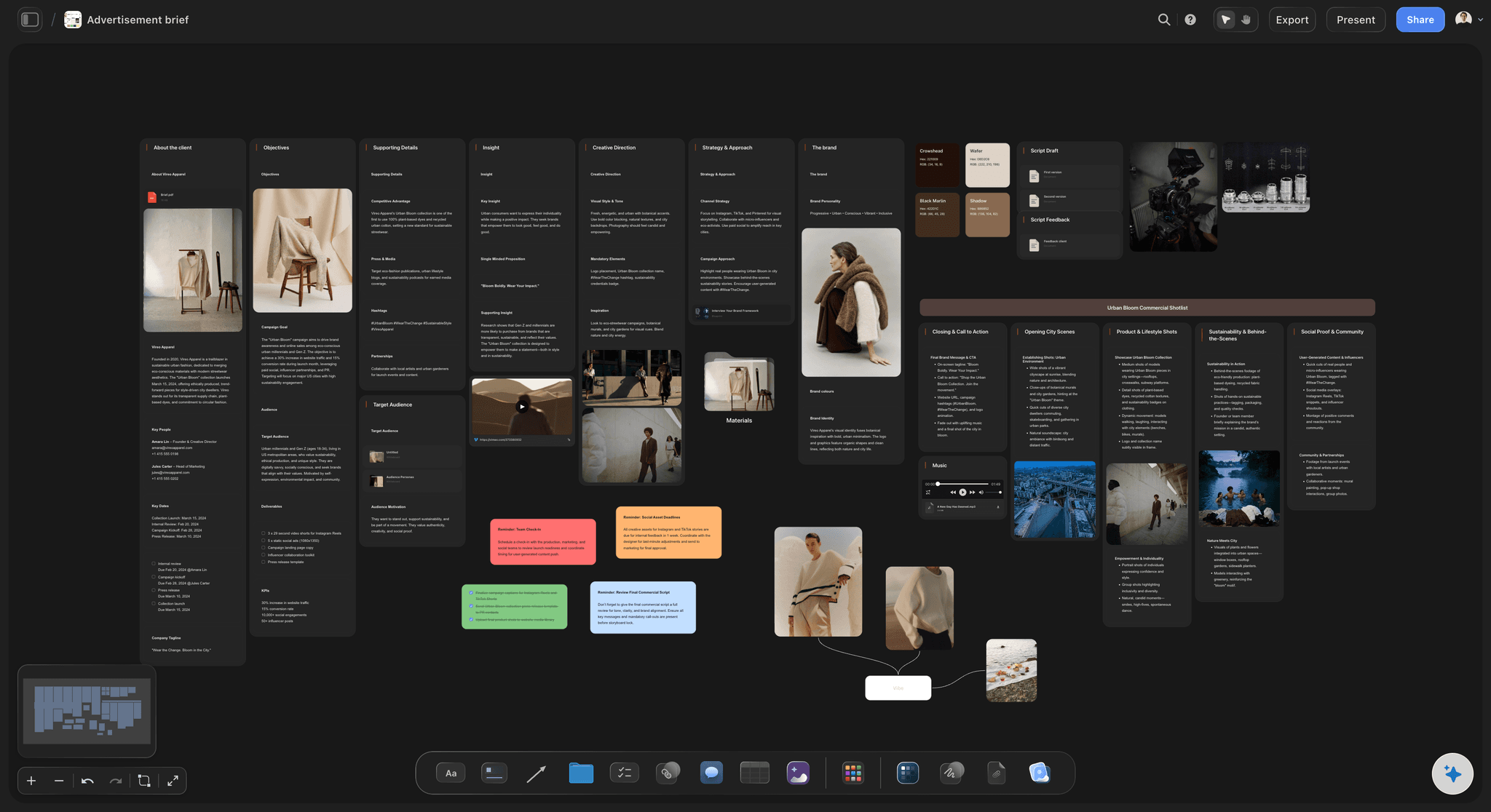
Project context beats profile context
Remembering the work, not just the user
Profile memory: Remembers your preferences across chats. Useful, and it knows nothing about the campaign you are three weeks into.
Project memory: Knows the brief, the audience, the references and what has been decided, because all of it is on the board being read.
You get both on Pro: The canvas provides project context on every plan; Pro and Max add memory that carries across conversations.
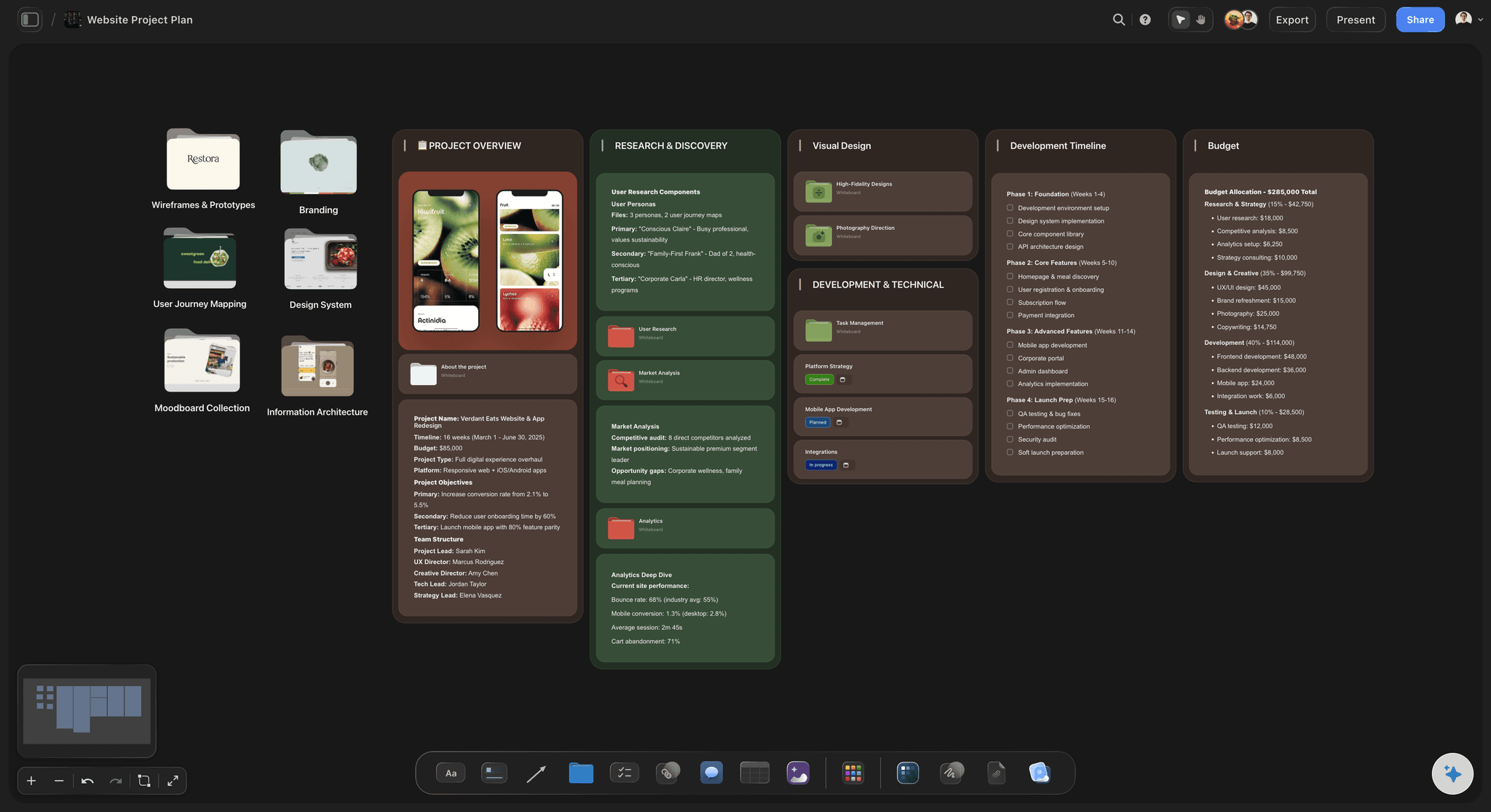
Structural rather than stored
Nothing to curate
No memory to prune: There is no growing list of remembered facts to review, because the context is the board you can already see and edit.
Visible and correctable: If the AI has the wrong idea, the cause is on the canvas where you can fix it, rather than in a hidden store.
Scoped to one project: It reads the board you are on, so one client's context never leaks into another's answer.

Honest about the boundaries
What it does not do
It reads the current board: Not every board in your workspace at once. That is what keeps answers specific to the project in front of you.
Mentions are capped: Up to five documents per question, which is a real limit rather than an unlimited context window.
It cannot remember what was never written: A decision made verbally and never put on the board is invisible to it, the same as to a new team member.
Fits around the tracker you run
Context, not a pipeline
Keep your tools: Storyflow runs no approvals or time tracking, so it adds context rather than replacing your delivery system.
Share the context by link: A view-only link gives stakeholders the same picture the AI has, with no account needed.
Export when it travels: Any board goes out as a high-quality image or PDF when the context needs to leave the canvas.
Explore templates for your project
Every template opens as a real, editable board on the infinite canvas. Pick the closest fit and make it your own.
Mind Map
Branch one central idea out into themes and sub-points, then drag the connections around until the structure makes sense.
One app instead of five
Why not just use a chat with memory turned on?
Chat memory is real and improving. It remembers you well and the project poorly, because the project was never given to it in a durable form.
Storyflow
Recommended
Context is the project, visible and editable
Shared with the team, not personal
References and images read as context
Remembers your personal chat preferences
ChatGPT
Context is the project, visible and editable
Shared with the team, not personal
References and images read as context
Remembers your personal chat preferences
Notion AI
Context is the project, visible and editable
Shared with the team, not personal
References and images read as context
Remembers your personal chat preferences
ClickUp Brain
Context is the project, visible and editable
Shared with the team, not personal
References and images read as context
Remembers your personal chat preferences
What creators are saying
Join early creators getting structured workspaces and AI that remembers their projects
“Storyflow has sped up my workflow by at least 3x, which means more flow state and more projects I can actually ship. It truly changed the way me and my team create.”

Reilin Joey
Director & YouTuber
“One prompt gets me a structured board. But the tactics are my favorite. I run my YouTube scripts through them and my intros and retention got better. It's amazing.”

Justkay
YouTuber & Freelance Filmmaker
“I used to juggle five apps to plan a project. Now I describe what I am making and get boards, lists, and a schedule. All in one place.”

George
@fernwehchronicles
AI project memory, answered.
What people ask before trusting an AI to keep a project in context.
Storyflow keeps the project on an infinite canvas and its AI reads the whole active board plus up to five documents and three boards every time it answers, so the brief, references and decisions are context on every question rather than something you re-paste. On Pro and Max the AI additionally carries memory across conversations.
Storyflow makes the board the memory: the brief, the references and the decisions sit on the canvas, and its AI reads the whole board before it answers, so you stop pasting the same context into every conversation. The context is visible and editable, images and references count as context too, and the whole team shares it. ChatGPT still remembers your personal chat preferences, which Storyflow does not.
Chat memory is mostly about you: your preferences and recurring instructions across conversations. Storyflow's context is about the work: what this specific project is, what was decided and what it references. The difference shows on week three of a project, where knowing your tone preference helps less than knowing the audience was already agreed.
No, and that is deliberate. It reads the board you are on, plus up to five documents and three boards you attach. Reading everything would make answers vaguer and would let one client's context leak into another's.
No. Memory across conversations is on Pro at $14 per month billed annually and Max at $39. Every plan gets the canvas context, which is the part that matters most: the AI reading the whole board before it answers.
The cause is on the canvas, so you can see it and change it. That is the practical advantage of context being a visible board rather than a hidden memory store you cannot inspect or correct.
Yes. The memory is the board, so anyone with access has the same context the AI does. Somebody joining in week six reads the same thing rather than needing a briefing, and Max adds a team workspace with roles and permissions.
Not during early access. Plans start at $7.99 per month billed annually or $9.99 monthly, and a free plan launches before the end of 2026. Anyone a paid member invites to a board joins free today and can invite others.
Only if they reach the board. Paste the transcript or the notes onto the canvas and they become context like anything else. A decision made verbally and never written down is invisible to the AI, exactly as it is to a new team member.
No. Storyflow has no approvals or time tracking. It gives the AI a durable picture of what the project is, and delivery stays wherever it already happens.
Give the AI something worth remembering.
Put the project on a canvas once and stop paying the re-explaining tax on every conversation.