
Extremely simple, seriously capable
Map the idea, then build
the project beside it.
Most mind map software ends where the thinking ends: you get a tidy diagram and then start the actual work somewhere else. Storyflow keeps the map on the same infinite canvas as the brief, the references, the shot list and the schedule, so the branches turn into the plan rather than being retyped into another tool.


Creatives working for these brands already got early access
- Red Bull
- Canon
- Artlist
- Porsche
See how easy it is to get started
Watch a real project come together, from a blank board to a finished plan, clicked through step by step.
Start from a ready-made template
Pick a board to see what you can build, then let AI fill it in. Every template is a real, editable starting point on the same infinite canvas.

Mind Map
Branch one central idea out into themes and sub-points, then drag the connections around until the structure makes sense.
What is mind map software?
Mind map software is a tool for laying an idea out as a branching diagram: a central subject in the middle, themes radiating from it, and detail hanging off each theme. Storyflow is an AI visual workspace that turns your mind map into the plan on one infinite canvas: the branches, the brief, the references, and the tasks and schedule beside them. Mind map software suits the early stage of thinking, where you do not yet know the shape of the thing and a list would force an order you have not earned.
The branching layout is doing real work. Writing a list forces you to decide sequence and priority before you understand the material, while a map lets a branch stay half-formed next to one that is finished. That is why mind mapping is used for planning a video, structuring an essay, breaking down a campaign or working out what a product actually is.
The common failure is not the map, it is the wall at the end of it. Dedicated mind mapping apps produce a diagram and stop, so the moment you need a brief, a schedule, references or a task list, you leave and rebuild everything you just worked out. The map becomes a snapshot of an afternoon rather than a live part of the project.
Storyflow is a mind mapping tool inside a project canvas. Branch the idea out, then place the brief, the moodboard, the outline and the timeline on the same board, connected to the branches they came from. Storyflow is not an outliner and does not do automatic radial re-layout or a formal presentation mode, so if you need pure diagramming with strict auto-layout, a dedicated mind mapper is the better fit. What Storyflow does is stop the map from being a dead end.
Ultra fast from brief to board
From a blank centre to a plan you can act on.
Four steps, all on the same canvas, with nothing retyped between them.
01
Put the subject in the middle
Open a board and write the thing you are working out: a film, a launch, a chapter, a rebrand. Everything else hangs off it.
02
Branch it out
Add branches by hand, or describe the subject and let the AI draft a first map you can argue with. Drag any branch anywhere: the canvas has no fixed layout to fight.
03
Grow the branches into real material
A branch stops being a word and becomes a note, a reference image, a task list or an outline, sitting in place on the same board.
04
Lay the plan over the map
Add the schedule, the brief or the shot list beside the branches that produced them, and share the whole board as a view-only link.
The map is the start of the project, not a picture of it.
What makes a mind map useful a week later is whether the work grew out of it.
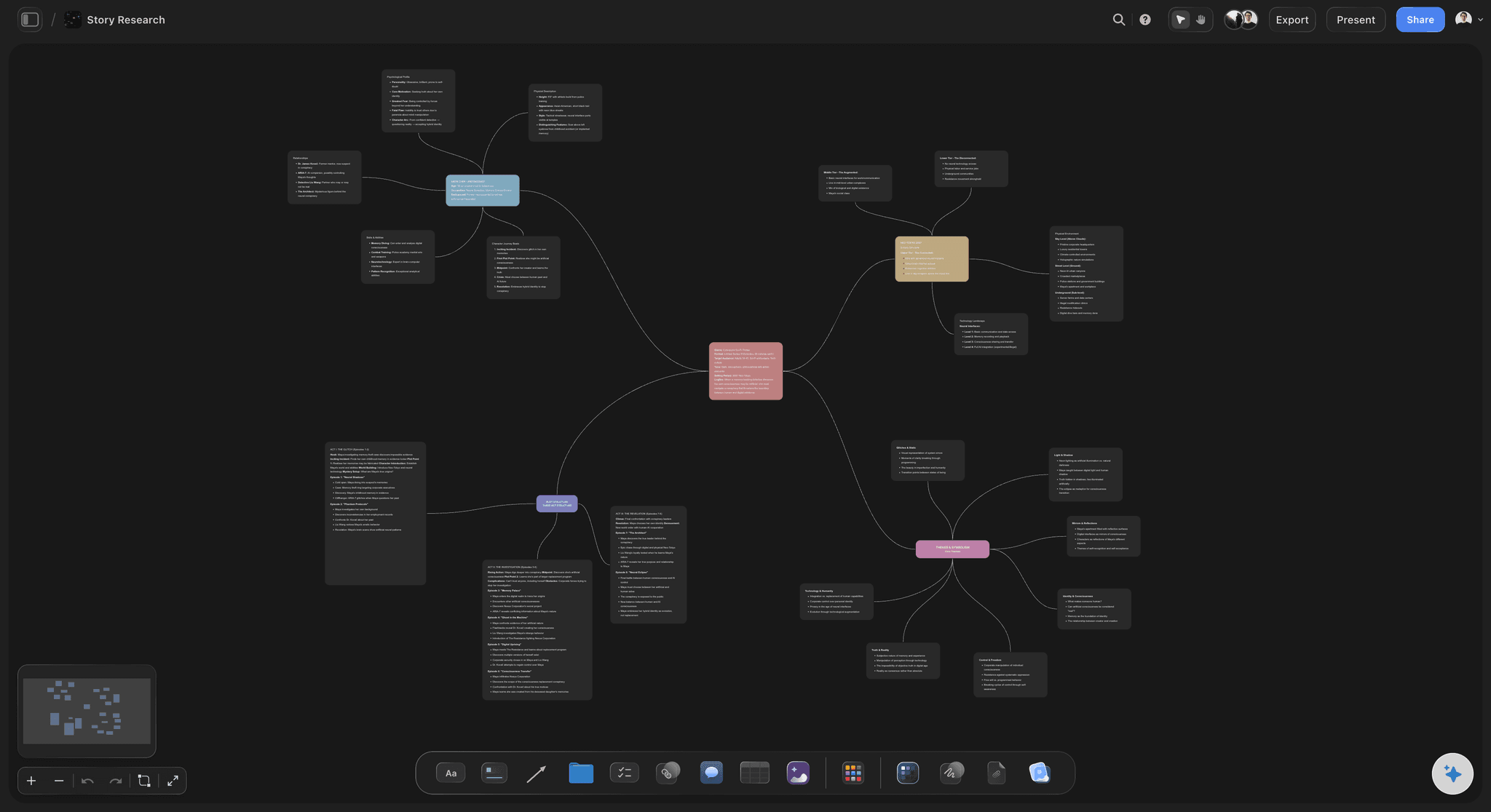
Think without committing
Branches that stay unfinished
An infinite canvas lets one branch be three words and another be a full outline with images. Nothing forces you to level the map before the thinking is done.
See the mind mapping tool →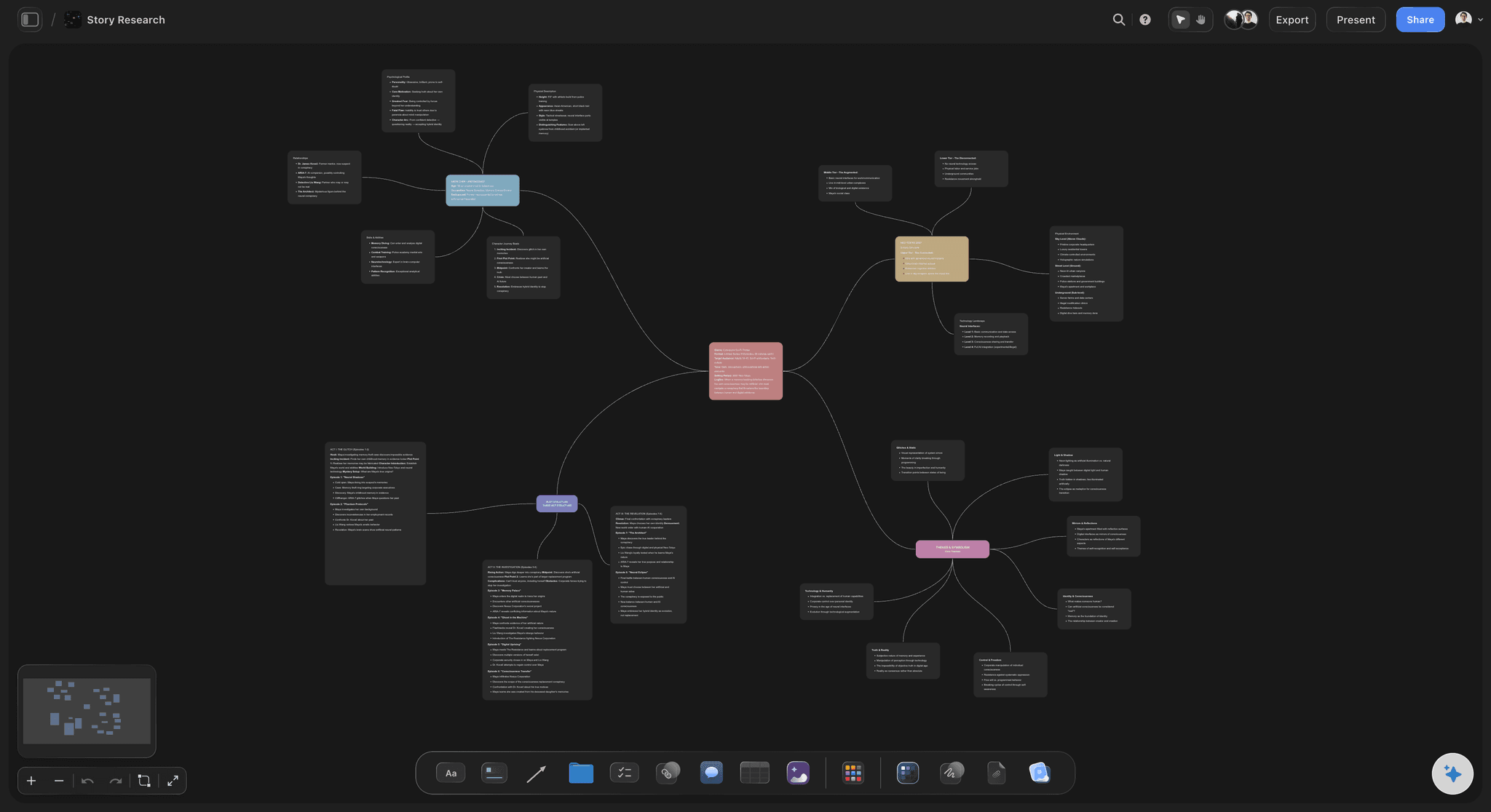
A first pass to react to
The AI drafts the map from a description
Describe the subject and get a starting map of branches you then cut and rearrange. Reacting to something concrete is faster than staring at an empty centre.
Try the AI mind map generator →
Where most tools stop
The map turns into the plan
Convert branches into tasks, an outline or a schedule on the same board. The plan keeps its link to the thinking that produced it instead of starting from a blank document.
See mind map to project plan →
Thinking together
A map other people can read
Share the board as a view-only link and colleagues read the map in a browser with no account. Anyone a paid member invites can edit it with you.
See visual collaboration →Plans from $7.99/month annual. Invited collaborators join free.
Storyflow is paid-only during early access. Anyone a paid member invites to a board joins at no cost, so sharing a map with the people who need to read it never changes the bill.
Unlimited boards, so every idea gets its own map
Readers open a view-only link with no account
Export any map as a high-quality image or PDF
Unlimited file uploads on every paid plan
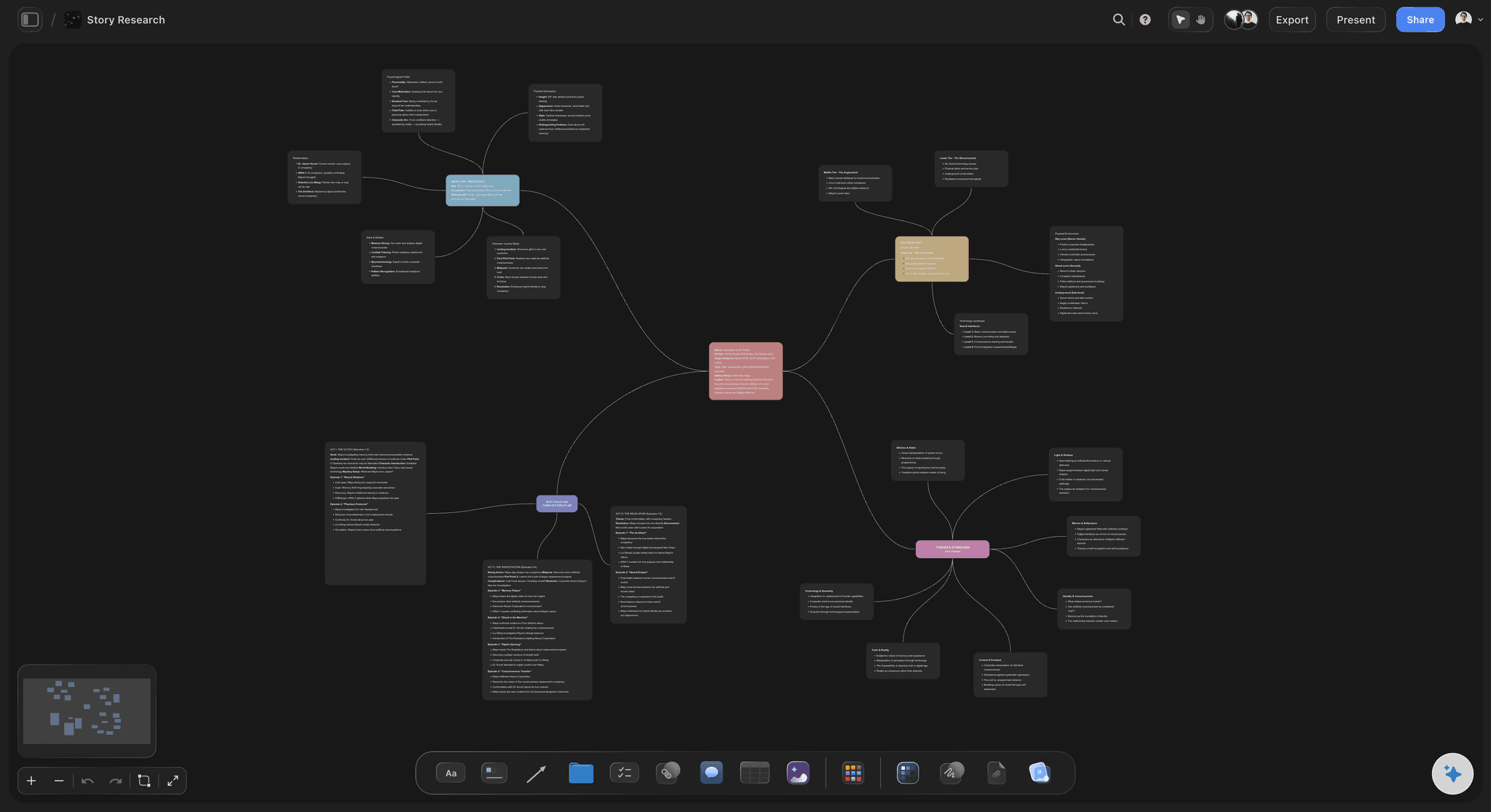
Built for people with taste
A diagram app makes a map. A canvas keeps it working.
The question is not how the map looks when you finish it. It is whether you are still using it in week three.
No wall at the end
Everything the idea needs on one board
References beside the branch: Drop images, links and files straight onto a branch, so the thing that inspired it sits where the reasoning is rather than in a folder.
Notes that grow into documents: A branch expands into a written note or an outline in place, which is how a map becomes a draft instead of a prompt to open a doc.
Tasks and dates on the same surface: Turn the branches you have decided on into a task board or a timeline without leaving the canvas or re-entering the labels.
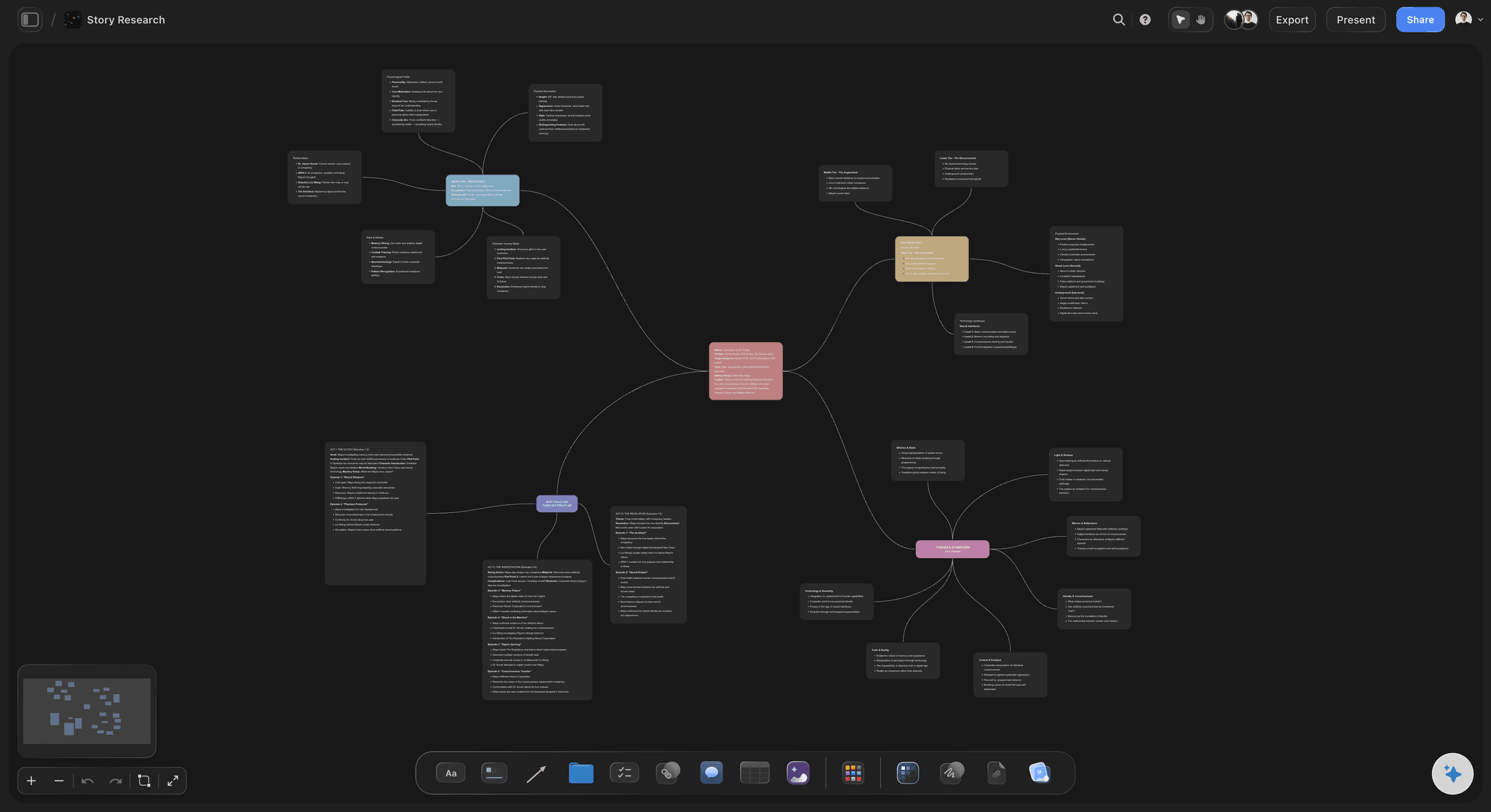
The AI reads the map
Ask what the map is missing
Canvas-aware AI: Storyflow's AI reads the whole active board, so the branches are in front of it when you ask which parts are thin or which two are the same idea twice.
Bring your own material in: Attach up to five documents and three boards so a research paper, a brief or last quarter's map informs the answer instead of a blank prompt.
It proposes, you decide: Generated branches arrive as ordinary editable cards. Nothing is applied to the map that you have not accepted.

Honest limits
What a dedicated mind mapper still does better
No strict auto-layout: Storyflow will not continuously re-balance a radial diagram for you. Branches go where you put them, which suits messy thinking and not tidy exports.
No outline mode: There is no synchronised text outline of the map. If you work by flipping between tree and list, a classic mind mapper fits better.
Built for what comes next: The trade is deliberate: less diagramming polish, and the brief, the moodboard and the schedule live on the same canvas as the map.
Explore templates for your project
Every template opens as a real, editable board on the infinite canvas. Pick the closest fit and make it your own.
Mind Map
Branch one central idea out into themes and sub-points, then drag the connections around until the structure makes sense.
One app instead of five
Against the usual mind mapping choices.
Storyflow trades diagramming polish for everything that happens after the map.
Storyflow
Recommended
Map and project plan on one canvas
References and files on a branch
AI reads the whole board
Strict radial auto-layout
Synchronised text outline mode
Dedicated mind mapper
Map and project plan on one canvas
References and files on a branch
AI reads the whole board
Strict radial auto-layout
Synchronised text outline mode
Whiteboard tool
Map and project plan on one canvas
References and files on a branch
AI reads the whole board
Strict radial auto-layout
Synchronised text outline mode
Document outline
Map and project plan on one canvas
References and files on a branch
AI reads the whole board
Strict radial auto-layout
Synchronised text outline mode
What creators are saying
Join early creators getting structured workspaces and AI that remembers their projects
“Storyflow has sped up my workflow by at least 3x, which means more flow state and more projects I can actually ship. It truly changed the way me and my team create.”

Reilin Joey
Director & YouTuber
“One prompt gets me a structured board. But the tactics are my favorite. I run my YouTube scripts through them and my intros and retention got better. It's amazing.”

Justkay
YouTuber & Freelance Filmmaker
“I used to juggle five apps to plan a project. Now I describe what I am making and get boards, lists, and a schedule. All in one place.”

George
@fernwehchronicles
Mind map software, answered.
What people ask before choosing where to map an idea.
Mind map software lays an idea out as a branching diagram: a subject in the centre, themes radiating from it, detail hanging off each theme. It suits early thinking, where a list would force an order you have not worked out yet. Storyflow does this on an infinite canvas and then keeps the brief, references, tasks and schedule on the same board, so the map becomes the plan.
Storyflow maps the idea and then keeps going: its AI drafts the map from a description, and the branches stay on the same board as the brief, the references, the tasks and the schedule. You put images and files on a branch, and the AI reads the whole board to say what the map is missing. A dedicated mind mapper still gives you strict radial auto-layout and a synchronised text outline mode, which Storyflow does not.
For thinking and for turning the map into real work, yes. For pure diagramming, not quite: there is no strict radial auto-layout and no synchronised text outline mode. If you need a perfectly balanced tree or you work by flipping between map and list, a classic mind mapper fits better. Storyflow trades that polish for having the whole project on the same canvas.
Yes. Describe the subject and the AI drafts a starting map of branches as ordinary editable cards, which you then cut and rearrange. It is faster to react to a concrete first pass than to face an empty centre. The AI proposes and you decide: nothing lands on the board that you have not accepted.
That is the point of doing it here. Branches you have settled on become tasks, an outline or a timeline on the same board, keeping their link to the thinking that produced them. In most mind mapping tools this step means exporting and retyping into a second tool, which is where the map usually dies.
Yes. Share a view-only link and anyone reads the map in a browser with no account. Anyone a paid member invites can edit alongside you and joins free, so adding readers or collaborators does not change the cost.
Yes. Drop images, links, PDFs and video onto the canvas and place them on the branch they belong to. This is the main practical difference from a text-only mind mapper: the reference that caused a branch sits next to the branch instead of in a separate folder.
Yes, Storyflow runs in the browser with nothing to install, and boards are readable on a phone. That matters for sharing, because the people you want to read a map are rarely willing to install an app first.
Yes. Export the board as a high-quality image or PDF for a deck, a document or print. For people who only need to read it, the view-only link is usually better because it always shows the current version rather than a snapshot.
Plans start at $7.99 per month billed annually, or $9.99 monthly. Storyflow is paid-only during early access, with a free plan launching before the end of 2026. Collaborators invited by a paid member can join free today.
Map the idea, then build it in the same place.
Branch out the thinking on an infinite canvas, then grow the brief, the references and the schedule beside it.