
Extremely simple, seriously capable
The session was the easy part.
Keeping what it produced is not.
Most brainstorming software is very good for ninety minutes and useless the following week: you end with a wall of notes, someone photographs it, and the real work starts from an empty document. Storyflow keeps the session, the clustering, the decision and the plan on one canvas, so the ideas stay attached to what was made from them.


Creatives working for these brands already got early access
- Red Bull
- Canon
- Artlist
- Porsche
See how easy it is to get started
Watch a real project come together, from a blank board to a finished plan, clicked through step by step.
Start from a ready-made template
Pick a board to see what you can build, then let AI fill it in. Every template is a real, editable starting point on the same infinite canvas.

Mind Map
Branch one central idea out into themes and sub-points, then drag the connections around until the structure makes sense.
What is brainstorming software?
Brainstorming software gives a group a shared surface for producing ideas quickly: sticky notes, an infinite canvas, drawing, images and a way to group what comes out. Storyflow is an AI visual workspace that runs the session and holds on to the result on one infinite canvas: the notes, the clusters, the decision, and the brief or plan built from them. The point of the format is to separate producing from judging, so a bad idea can sit on the wall long enough to turn into a good one.
The value is almost entirely in the second half. Generating a hundred notes is easy and slightly addictive. Clustering them into themes, arguing about which theme is real, and turning the surviving one into a brief is the part that decides whether the session mattered, and it is the part most tools hand back to you as an image export.
That is the structural problem with treating brainstorming as its own app. The session lives in a whiteboard, the decision lives in a doc, and the plan lives in a third place, so nobody can trace the finished brief back to the note that caused it. Three weeks later the team relitigates a question it already settled, because the reasoning was thrown away with the canvas.
Storyflow runs the session on an infinite canvas and keeps going on the same board. Cluster the notes, mark what survives, write the brief beside the cluster it came from, and add the schedule under it. Storyflow is not a facilitation suite: there is no built-in timer, no anonymous submission mode and no dot-voting widget. If you run large formal workshops that need those, a dedicated workshop tool is the better fit.
Ultra fast from brief to board
Diverge, cluster, decide, build.
The whole arc on one board, so no stage throws away the one before it.
01
Open a board and set the question
Write the actual question at the top. A brainstorm answering a vague prompt produces vague notes, and no amount of clustering fixes that later.
02
Produce without judging
Everyone adds notes, images and links at once on an infinite canvas. Nobody waits for space, and nothing has to be filed while it is being thought of.
03
Cluster and cut
Drag related notes together into themes, name each cluster, and mark what survives. Ask the AI to group the wall if the volume has got away from you.
04
Build the plan beside the cluster
Write the brief, the outline or the task list next to the theme that produced it, then share the board as a link so the reasoning stays readable.
What separates a useful session from a satisfying one.
Every one of these is about the day after the brainstorm, not the hour of it.
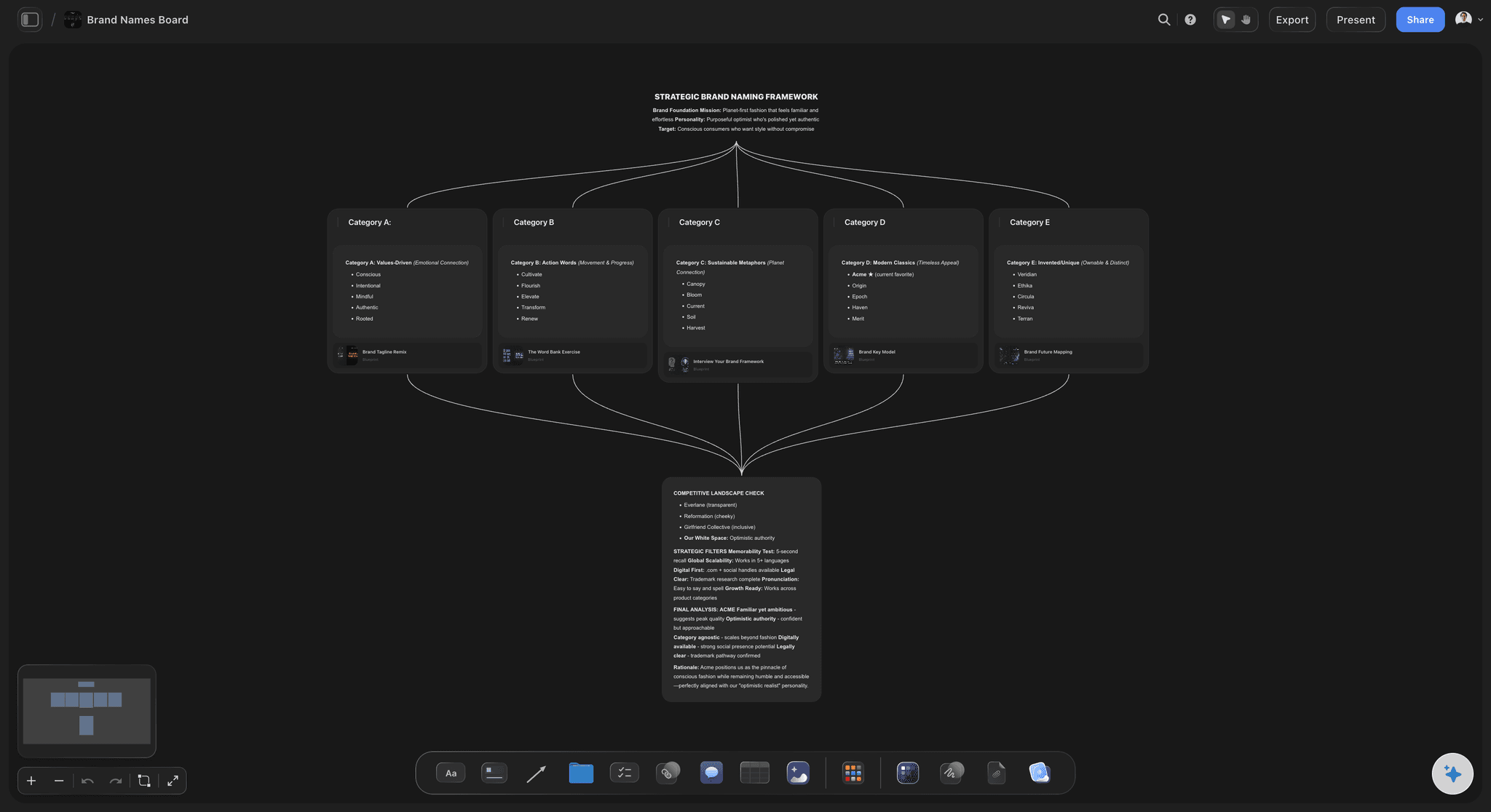
Room to diverge
An infinite canvas with no wall to run out of
Notes, images, links and drawings go anywhere, at any size. A quiet person adding to a corner does not have to interrupt anyone to claim space.
See the visual brainstorming tool →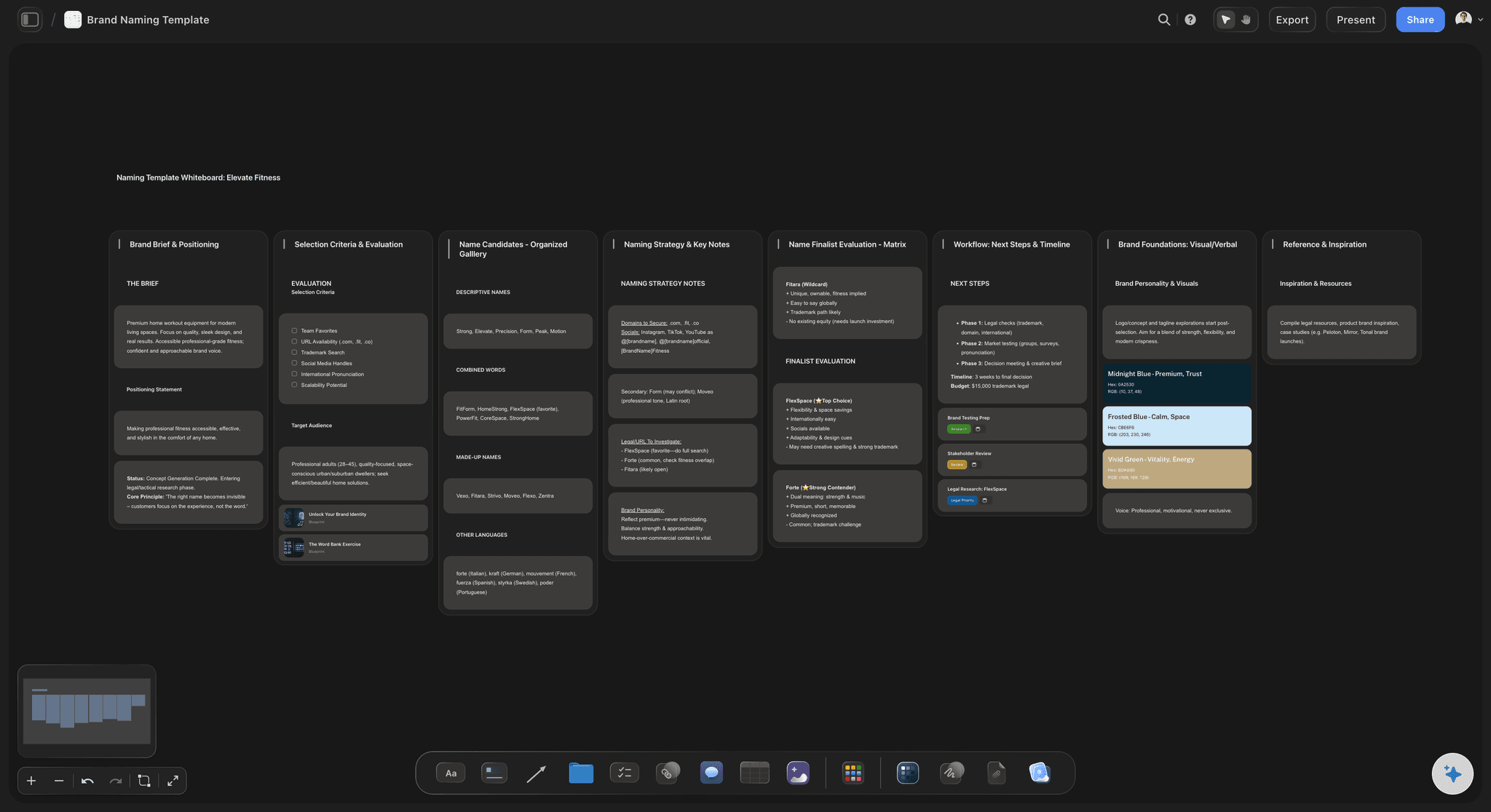
The hard half
Clustering the wall into themes
Group notes into named clusters and mark what survives. The AI can propose a first grouping across the whole board when there is too much to read.
Try the AI brainstorming tool →
Where sessions usually die
The brief sits beside the idea
Write the brief, the outline or the task list on the same board as the cluster that produced it, so anyone can trace a decision back to the note behind it.
See the creative brief template →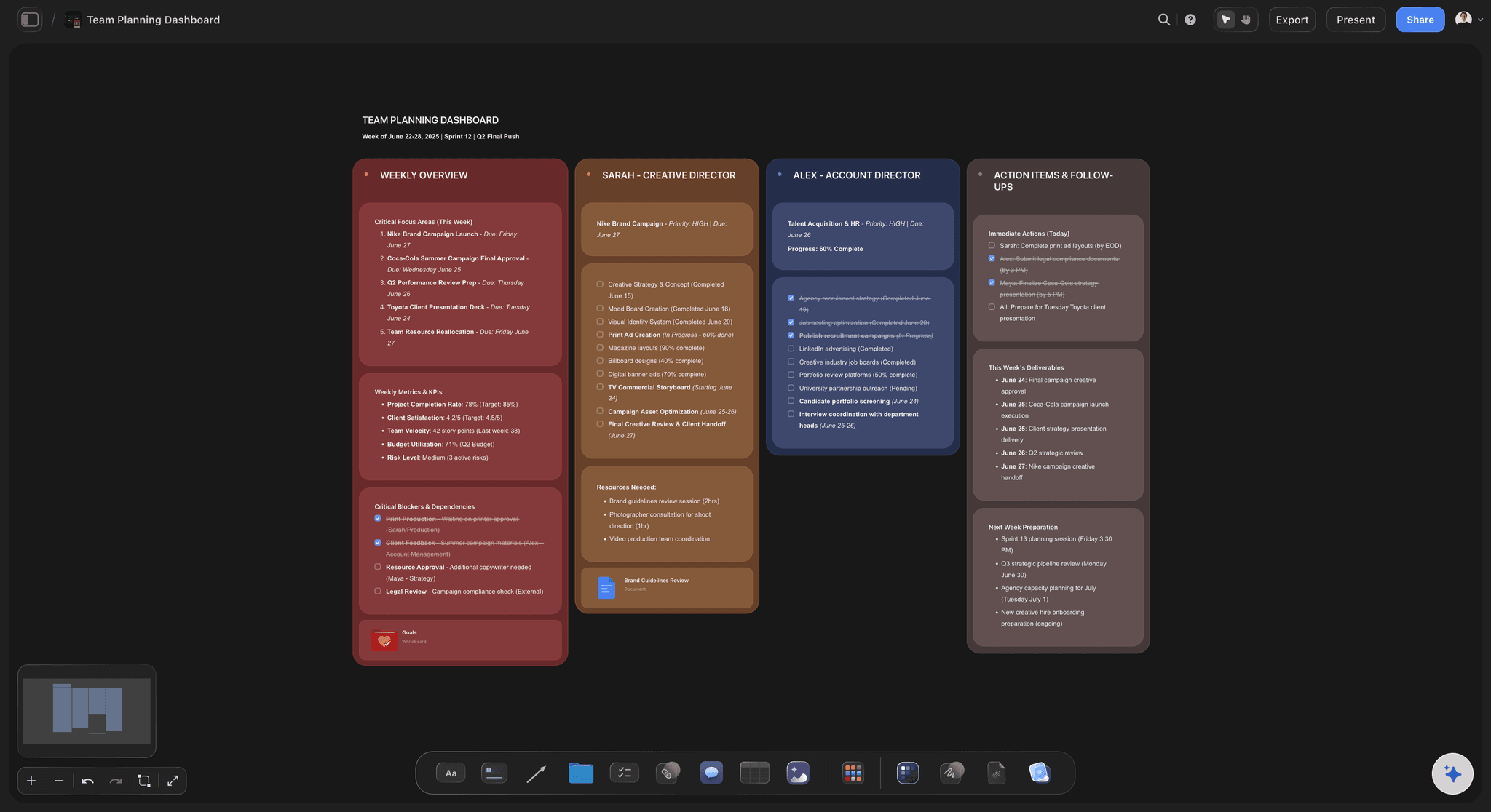
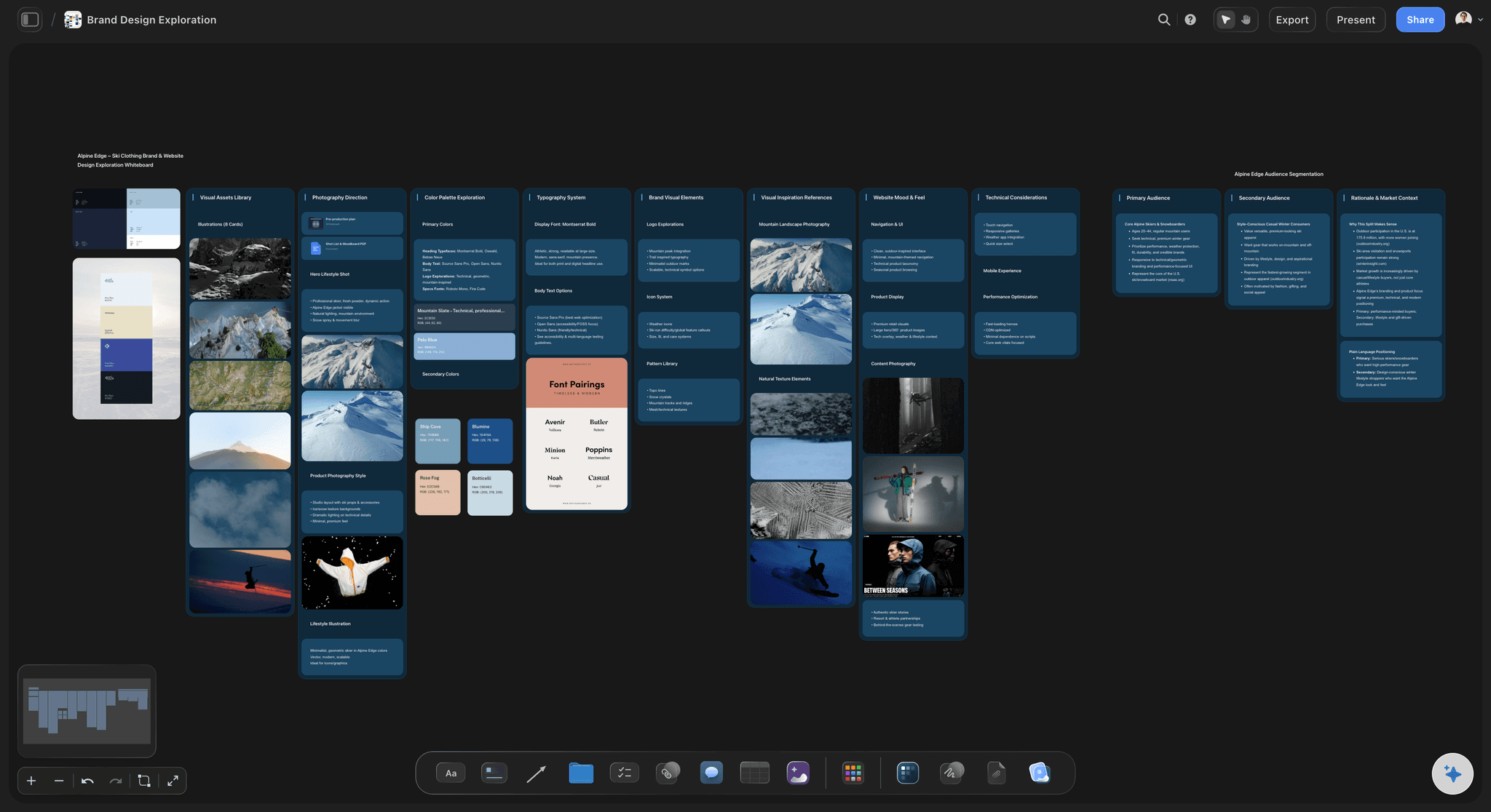
Not everyone is in the room
Sessions that work asynchronously
People add to the board before and after the call, and readers open a view-only link without an account, so the session is not limited to one hour of one timezone.
See remote team brainstorming →Plans from $7.99/month annual. Invited collaborators join free.
Storyflow is paid-only during early access. Anyone a paid member invites to a board joins at no cost, which is what you want when a session includes freelancers and a client.
Unlimited boards, so every session gets its own
Guests read the board with no account
Export the clustered board as a high-quality image or PDF
A free plan launches before the end of 2026
Built for people with taste
A photograph of sticky notes is not an output.
The test of brainstorming software is whether anyone opens the board again once the session is over.
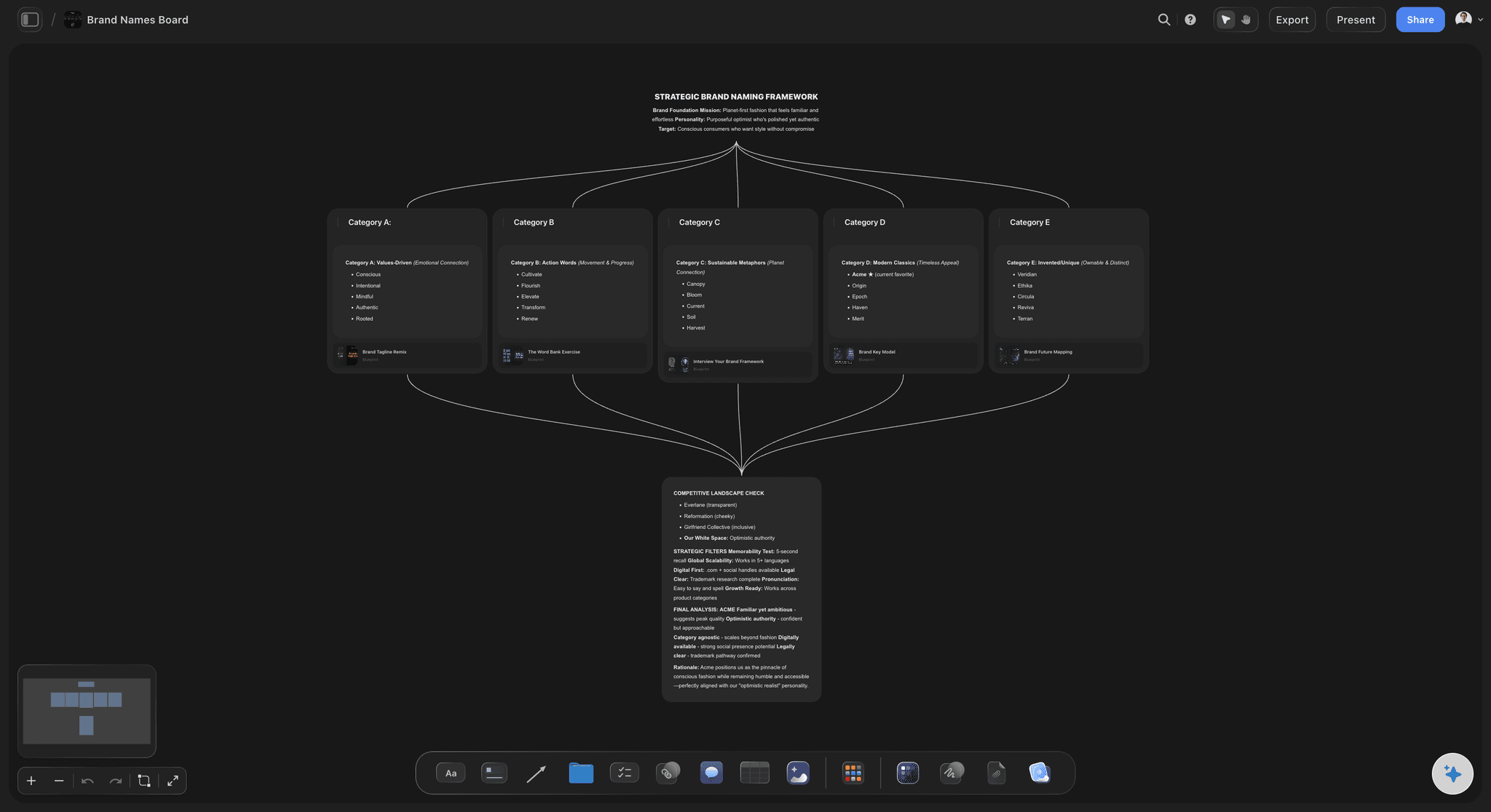
Continuity
The session stays part of the project
Nothing is retyped: The surviving note becomes the heading of the brief in place, so the wording the team actually agreed on is the wording that ships.
Rejected ideas stay visible: Park what did not survive in a corner of the same board. When the question comes back in a month, the answer and the reason are still there.
One link, current version: Share the live board rather than an export, so nobody works from a photo taken before the last two decisions.
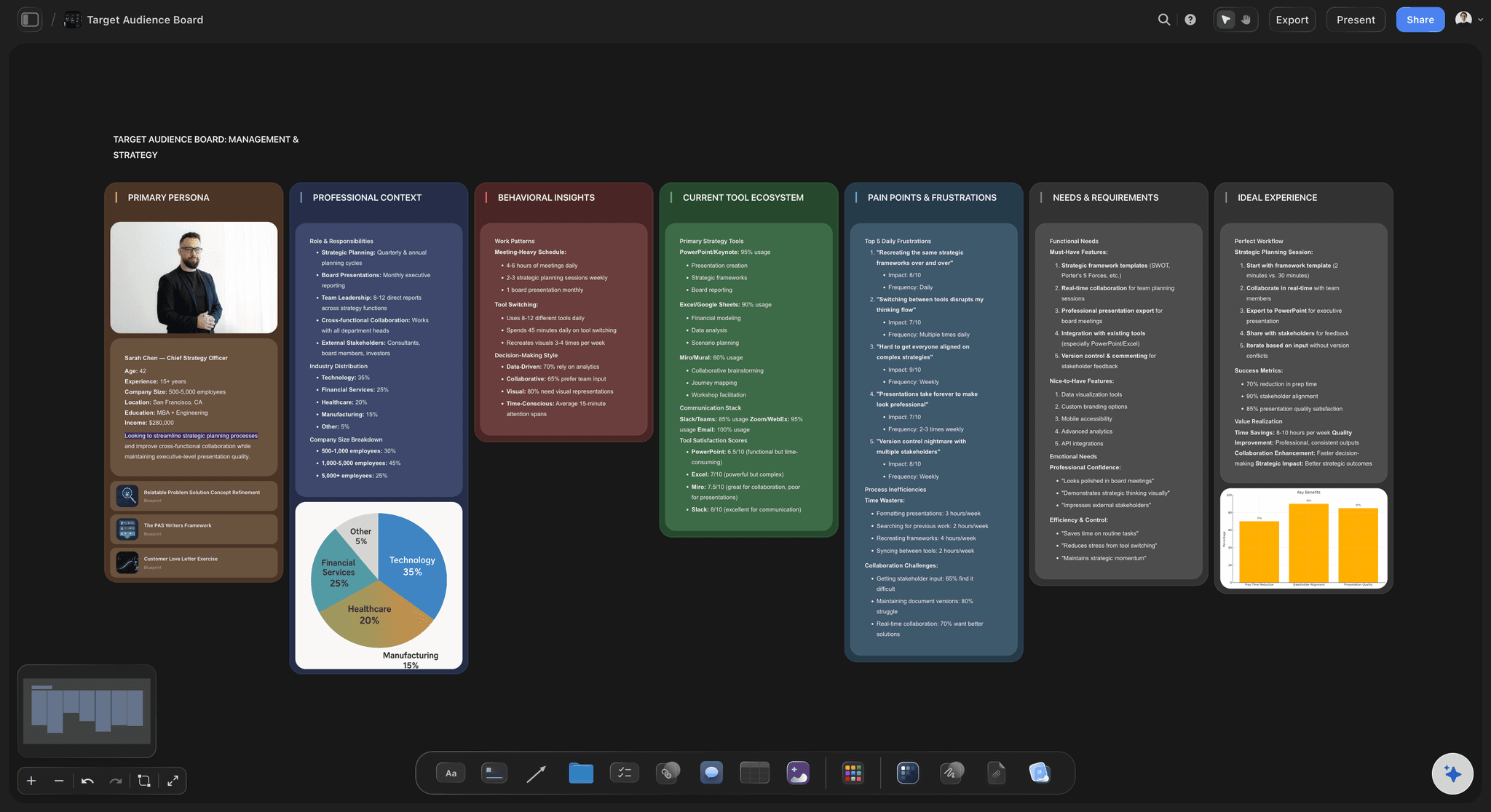
The AI reads the wall
Help with the part that is actually hard
Canvas-aware AI: Storyflow's AI reads the whole active board, so it can propose clusters, spot the same idea written four ways, and name the themes you are circling.
Prime the session with real material: Attach up to five documents and three boards, so the brief, the research and last quarter's session inform the ideas instead of a cold start.
It proposes, the room decides: Generated ideas and groupings arrive as ordinary editable cards. The AI widens the field; it does not pick the winner.
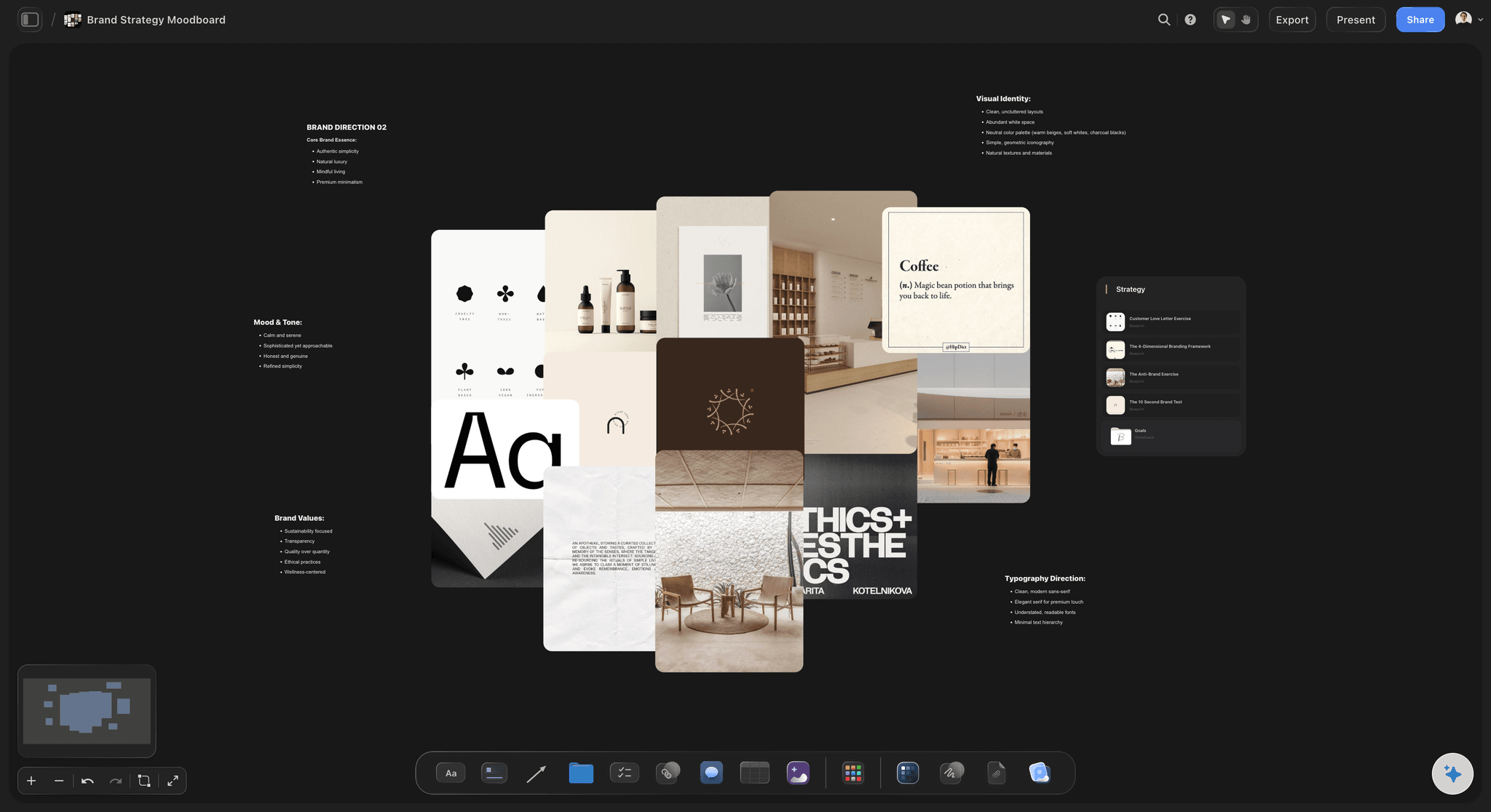
Honest limits
What a workshop suite still does better
No timer or facilitation mode: There is no built-in session timer, private-write phase or presenter lock. Formal workshops that depend on those are better served by a dedicated facilitation tool.
No anonymous submission: Notes are attributable. If your sessions rely on anonymity to get honest input from a hierarchy, that is a real gap.
No dot-voting widget: Prioritising is done by moving and marking cards rather than a voting mechanic. Simpler, and less precise for a large group.
Explore templates for your project
Every template opens as a real, editable board on the infinite canvas. Pick the closest fit and make it your own.
Mind Map
Branch one central idea out into themes and sub-points, then drag the connections around until the structure makes sense.
One app instead of five
Against the usual places a brainstorm happens.
Storyflow trades facilitation mechanics for continuity into the work.
Storyflow
Recommended
Session and resulting plan on one board
AI clusters the whole wall
Guests read without an account
Timer and facilitation mode
Anonymous submission and dot voting
Whiteboard tool
Session and resulting plan on one board
AI clusters the whole wall
Guests read without an account
Timer and facilitation mode
Anonymous submission and dot voting
Shared document
Session and resulting plan on one board
AI clusters the whole wall
Guests read without an account
Timer and facilitation mode
Anonymous submission and dot voting
Physical wall
Session and resulting plan on one board
AI clusters the whole wall
Guests read without an account
Timer and facilitation mode
Anonymous submission and dot voting
What creators are saying
Join early creators getting structured workspaces and AI that remembers their projects
“Storyflow has sped up my workflow by at least 3x, which means more flow state and more projects I can actually ship. It truly changed the way me and my team create.”

Reilin Joey
Director & YouTuber
“One prompt gets me a structured board. But the tactics are my favorite. I run my YouTube scripts through them and my intros and retention got better. It's amazing.”

Justkay
YouTuber & Freelance Filmmaker
“I used to juggle five apps to plan a project. Now I describe what I am making and get boards, lists, and a schedule. All in one place.”

George
@fernwehchronicles
Brainstorming software, answered.
What teams ask before moving a session online.
Brainstorming software gives a group a shared surface for producing ideas quickly: notes, images, drawing and a way to group the output. The format exists to separate producing from judging. Storyflow provides that canvas and then keeps the clustering, the decision and the resulting brief on the same board, so the session feeds the work instead of ending at an image export.
Storyflow is brainstorming software that keeps the session and what it produced on one board: the group fills the canvas with notes and images, the AI clusters the whole wall into themes, and the brief or plan is built right beside them. Guests can read the board without an account. A whiteboard tool still has a timer, a facilitation mode, anonymous submission and dot voting, and Storyflow does not.
A whiteboard is excellent for the session and stops there, so the brief and the plan get rebuilt elsewhere. Storyflow keeps the notes, the clusters and the finished brief on one canvas, which means a decision can be traced back to the idea behind it. The trade is that Storyflow has no timer, voting widget or facilitation mode.
Yes, and it is most useful for widening a field that has gone narrow. Describe the question and the AI adds ideas as ordinary editable cards. It can also cluster an existing wall into named themes and flag the same idea written four different ways. The AI proposes and the room decides.
Yes, and it often works better. People add to the board before the call and keep adding after it, so the session is not limited to whoever was loudest in one hour. Readers open a view-only link with no account, so a client or a freelancer can follow along without being onboarded.
Yes. Notes, images, links, files, video and freehand drawing all live on the same infinite canvas at any size. Reference images matter more than most tools allow for, because in creative work an idea is often a picture rather than a sentence.
Boards are built for a team working simultaneously. Anyone a paid member invites joins free, which suits sessions that include freelancers or a client.
Park them in a corner of the same board rather than deleting them. When the question resurfaces a month later, the option and the reason it lost are both still there, which is usually faster than running the argument again from memory.
Yes, export the board as a high-quality image or PDF for a deck or a write-up. For people who only need to read it, share the view-only link instead, because it always shows the current board rather than a snapshot taken before the last decisions.
Plans start at $7.99 per month billed annually, or $9.99 monthly. Storyflow is paid-only during early access, with a free plan launching before the end of 2026. Collaborators invited by a paid member can join free today.
Run the session where the work continues.
Diverge on an infinite canvas, cluster what came out, and write the brief beside the idea that survived.