
Extremely simple, seriously capable
Branch out.
Then build it.
Most mind mapping apps are descended from outliners, and it shows: they are excellent at growing a tree and have nowhere for the tree to go. A creative project needs the opposite. The map is a first hour, not a deliverable. Storyflow puts the map on the same infinite canvas as the boards, so a branch becomes a moodboard, a shot list or a schedule without being retyped. Plans start at $7.99 a month billed annually.


Creatives working for these brands already got early access
- Red Bull
- Canon
- Artlist
- Porsche
See how easy it is to get started
Watch a real project come together, from a blank board to a finished plan, clicked through step by step.
Start from a ready-made template
Pick a board to see what you can build, then let AI fill it in. Every template is a real, editable starting point on the same infinite canvas.

Mind Map
Branch one central idea out into themes and sub-points, then drag the connections around until the structure makes sense.
What is the best mind mapping software for creative projects?
The one where the map is not the end of the road. Storyflow is an AI visual workspace that puts your mind map beside the plan on one infinite canvas: reference images on the branches, a branch that becomes a moodboard, shot list or schedule, and an AI that groups a sprawling map into themes. Mind mapping tools were built for study notes and meeting capture, where a finished tree is the output. Creative work uses a map differently: it is the divergence step, and its value is spent the moment the project converges into shots, scenes, campaigns or pages. A tool that can only hold the tree makes you rebuild everything downstream somewhere else.
That rebuild is where creative mind maps usually die. You spend an hour mapping a campaign, then open a separate tool to plan it, and the map is never opened again. It becomes an artifact of a meeting rather than part of the work. The gap is not a missing feature in the mapping app; it is the boundary between two applications.
The second thing creative maps need is images. A branch that says "warmer, more 1970s" is a placeholder for a look, and the look is the actual content. Most mind mapping tools accept a small icon per node and nothing more, because their ancestry is text. Creative maps want photographs, frames and swatches sitting on the branch itself.
Storyflow maps on an infinite canvas where nodes, images, documents and boards share one space. Branch freely, then convert branches into the boards the project runs on. The AI reads the whole active board plus up to five documents and three boards, so it can group a sprawling map or draft the next layer from what is already there. Plans start at $7.99 per month billed annually, with a free plan before the end of 2026.
Ultra fast from brief to board
Diverge, cluster, convert.
The three moves a creative map has to support, in one place.
01
Branch without pruning
Get everything down first. An infinite canvas has no page edge, so the map does not start compressing itself the moment it grows.
02
Pull in the references
Drop images, frames and swatches onto the branches they belong to. A look is not a word, and a creative map that is only words loses the point.
03
Cluster what survived
Group the branches that hold up into themes. Ask the AI to propose groupings when the map has grown past what you can hold in view.
04
Convert into the plan
Turn a surviving branch into a moodboard, a shot list or a schedule on the same canvas, so nothing is retyped into a second tool.
Built for the map that has to become something.
Four things creative projects need that a text outliner cannot do.
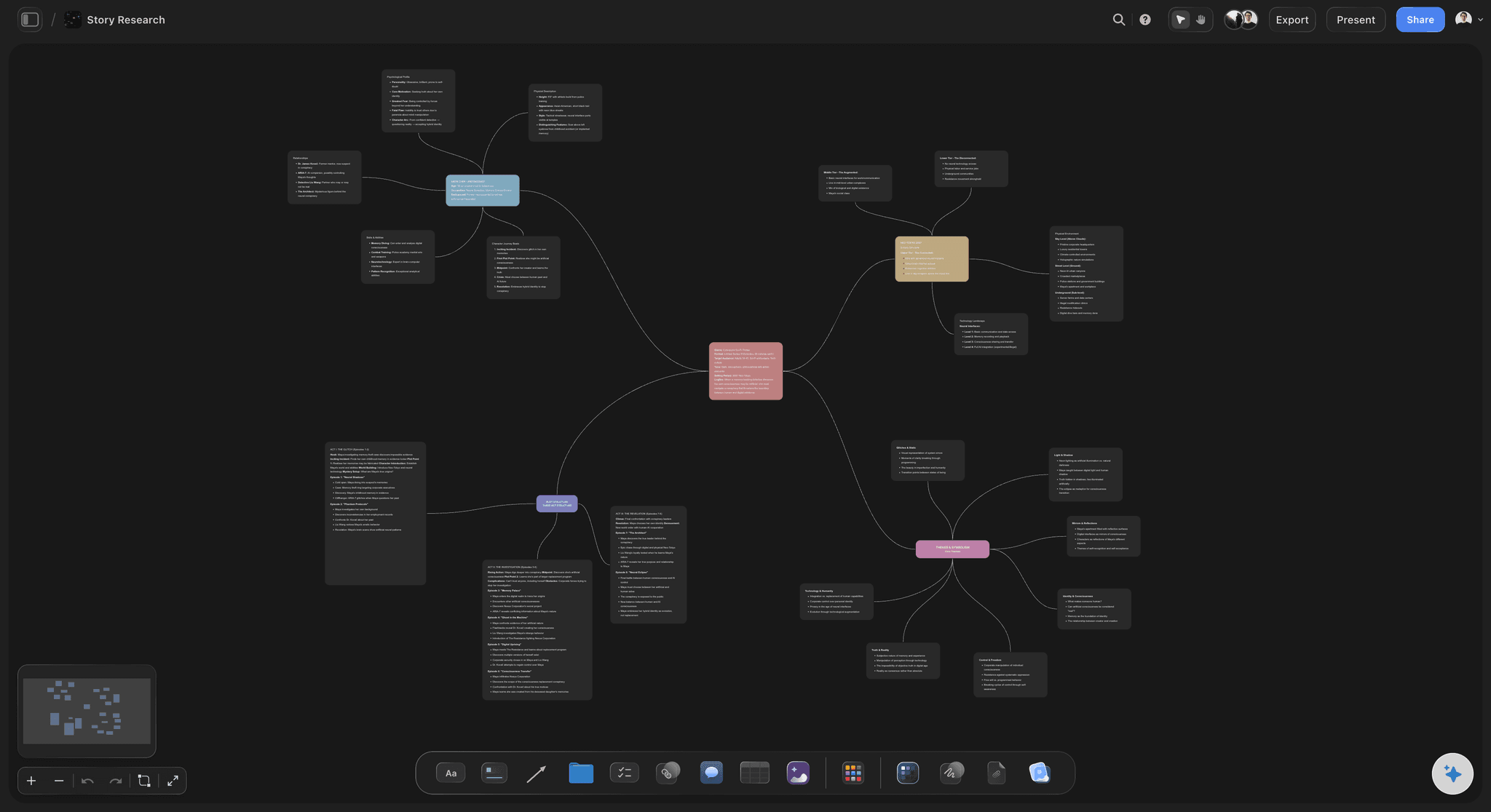
Images on the branch
A look is not a word
Photographs, frames and swatches sit on the branch itself rather than as a filename. For creative work the reference is the content, not an attachment to it.
See the moodboard maker →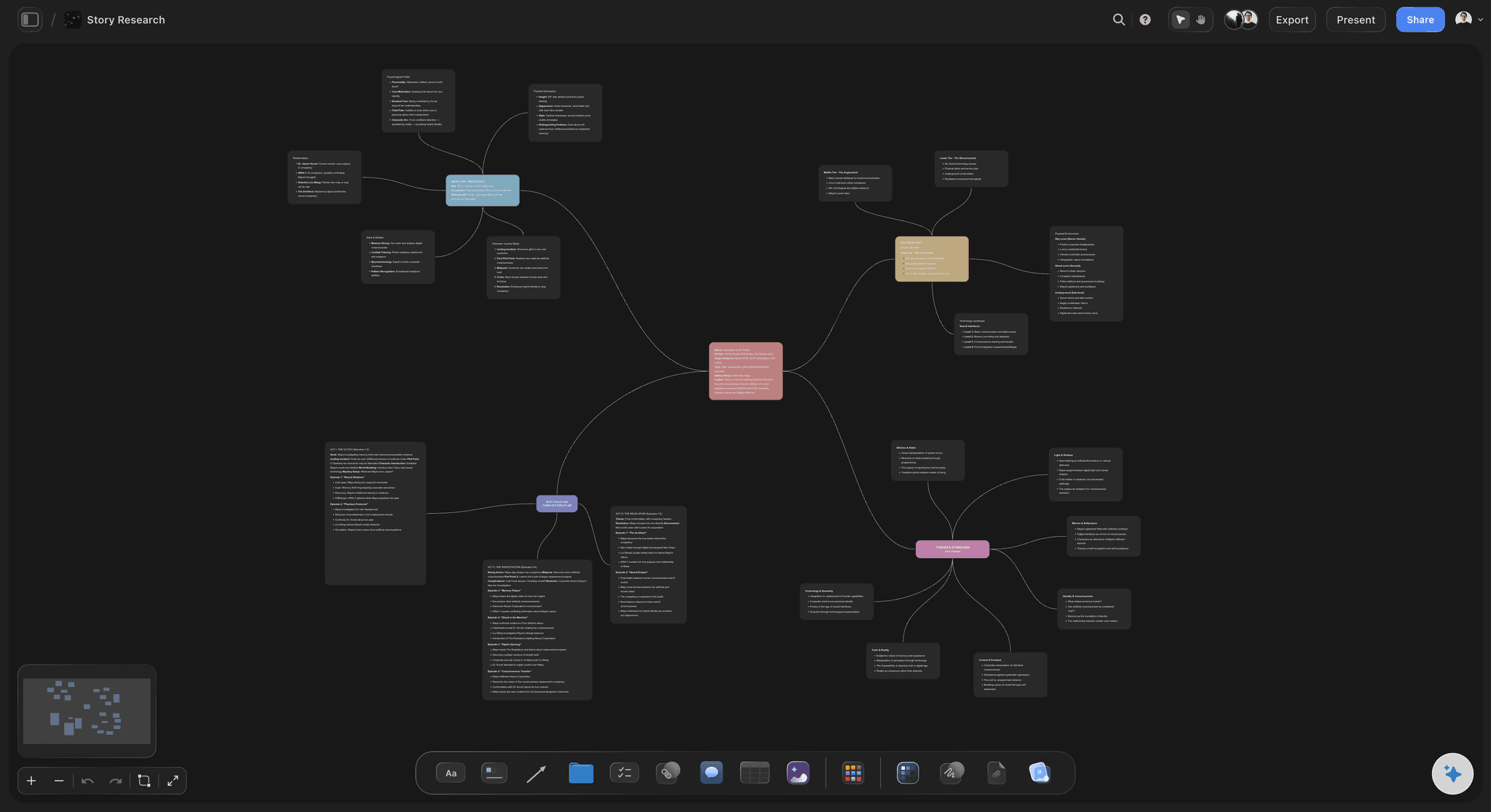
One canvas, two stages
The map sits beside the plan
Divergence and production share a canvas, so converting a branch into a board is a move rather than a migration between applications.
See the AI creative workspace →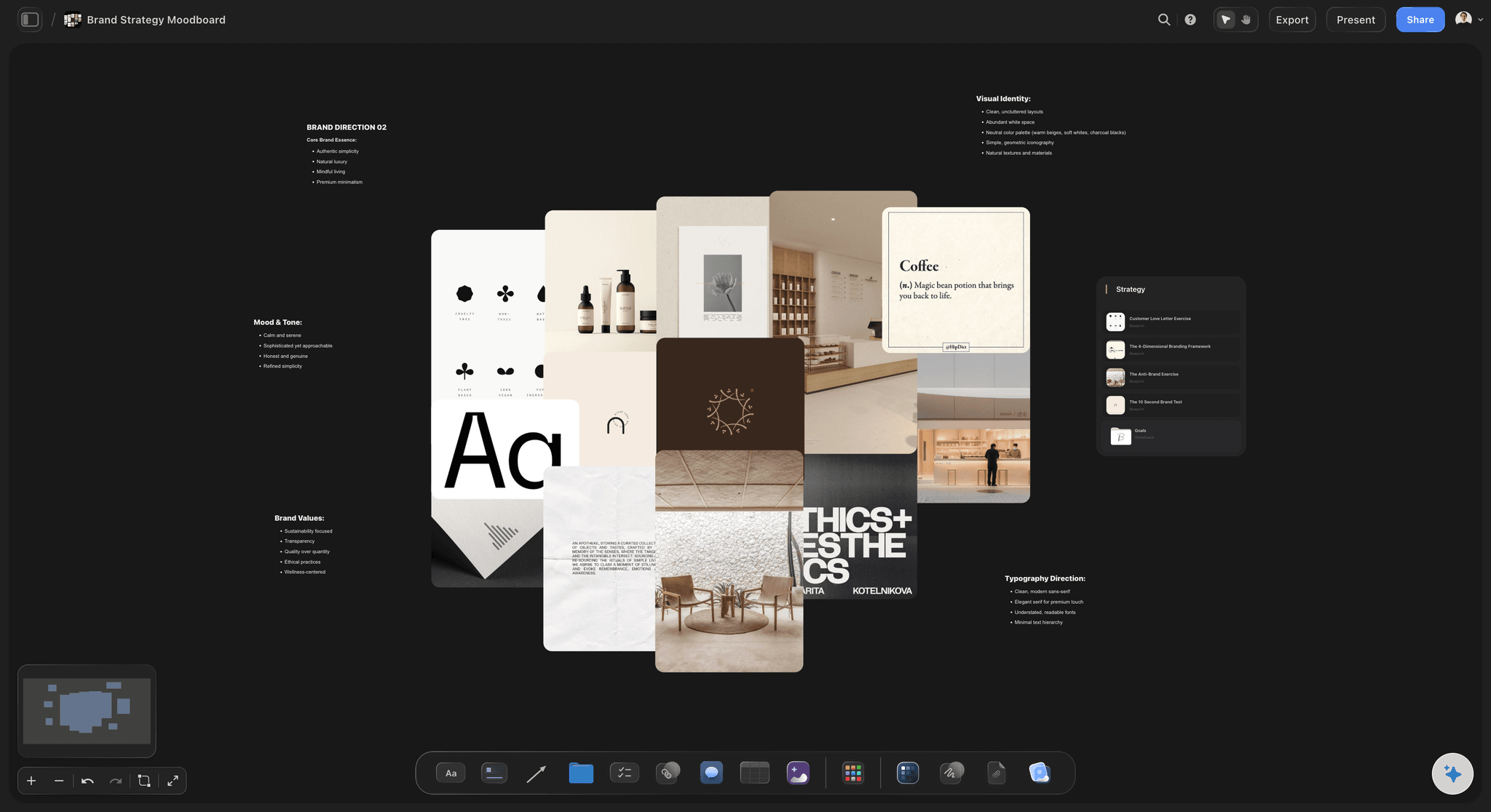
Structure when you want it
Frameworks over a live map
Lay a framework across branches you already have. Applying structure to real material beats filling an empty template.
See storytelling frameworks →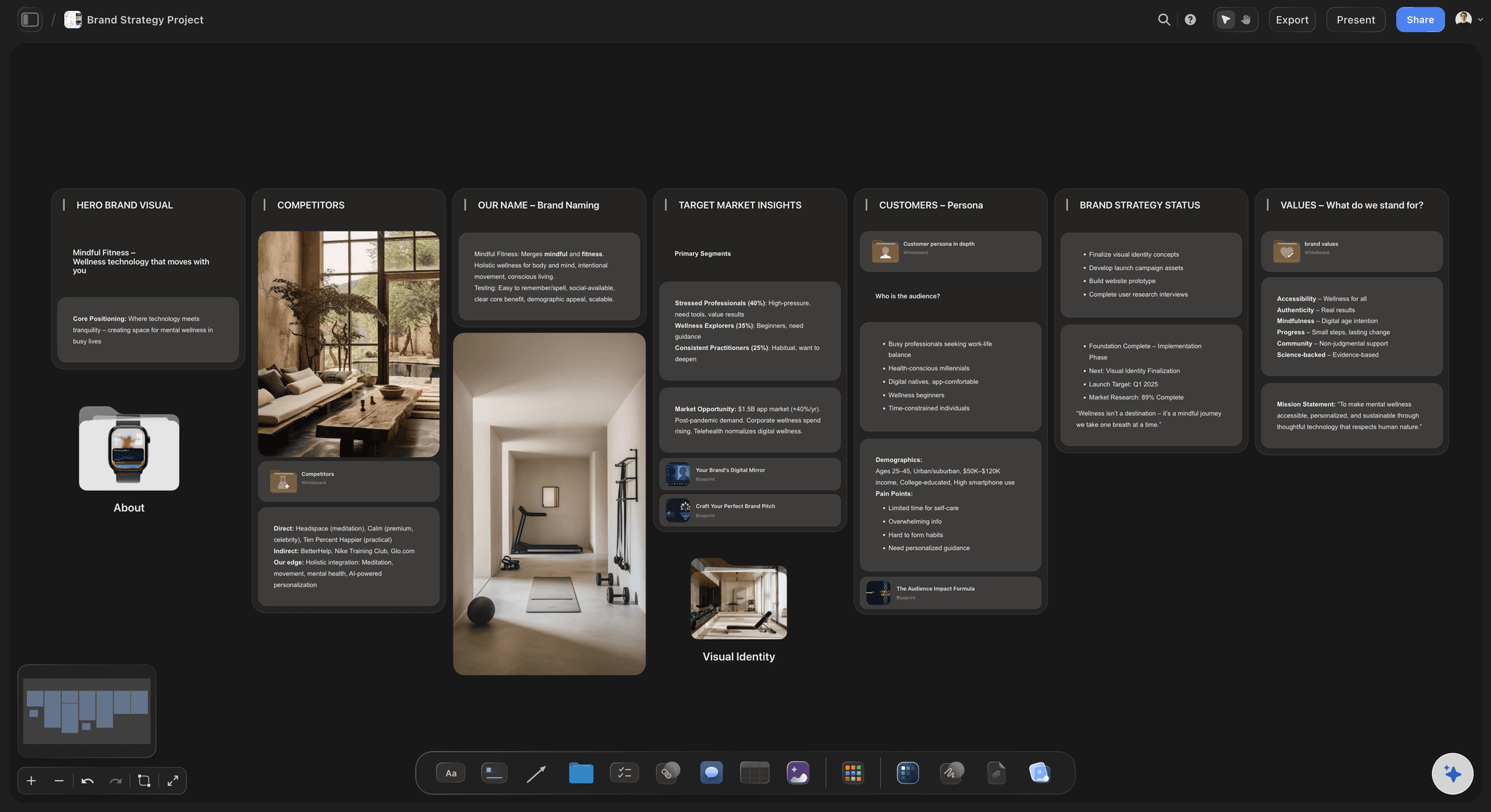
Ask the map questions
Grouping a map you cannot hold in view
Past about forty nodes a map stops being readable at a glance. The AI reads the whole board, so it can propose clusters and name the themes it finds.
See the AI mind map generator →Plans from $7.99/month annual. Free plan coming late 2026.
Unlimited boards on Plus, Pro and Max, and no node ceiling on any map.
Unlimited maps and boards on an infinite canvas
Unlimited file uploads on Plus, Pro and Max
Images and documents on the branches themselves
AI reads the whole board before it answers
Built for people with taste
Four failures that are not about the mapping.
Each one happens after the map is finished, which is why mapping features do not fix them.
Failure one
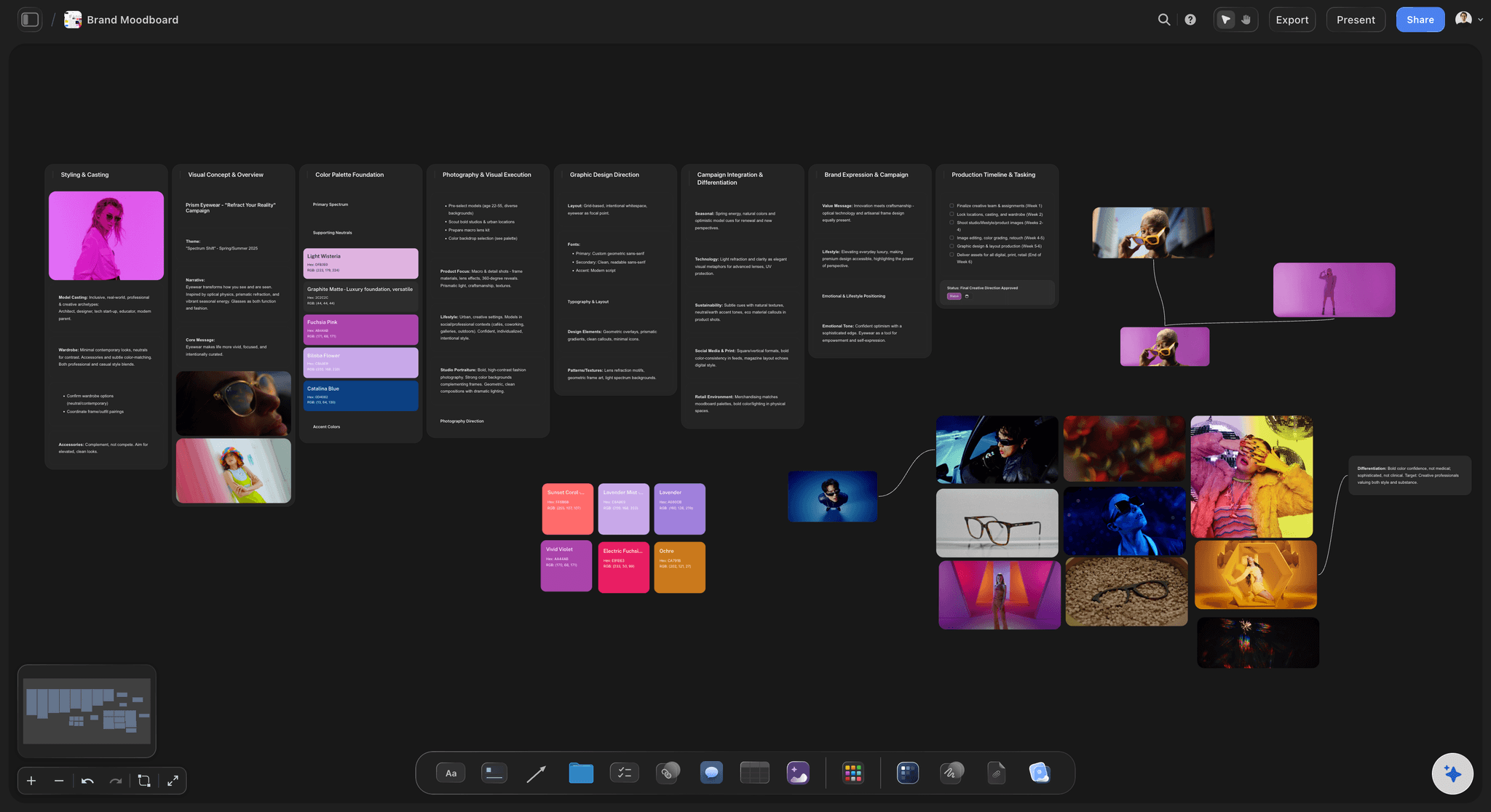
The map nobody opens again
Divergence has a short half-life: A map is most valuable in the hour it is made. If the plan lives elsewhere, the map is closed that day and quietly abandoned.
The cost is the retype: Rebuilding branches as tasks in a second tool is slow enough that people skip the map next time rather than pay it twice.
Keep both on one canvas: When the plan grows out of the map in the same space, the map stays in use because it is still part of the project.
Failure two
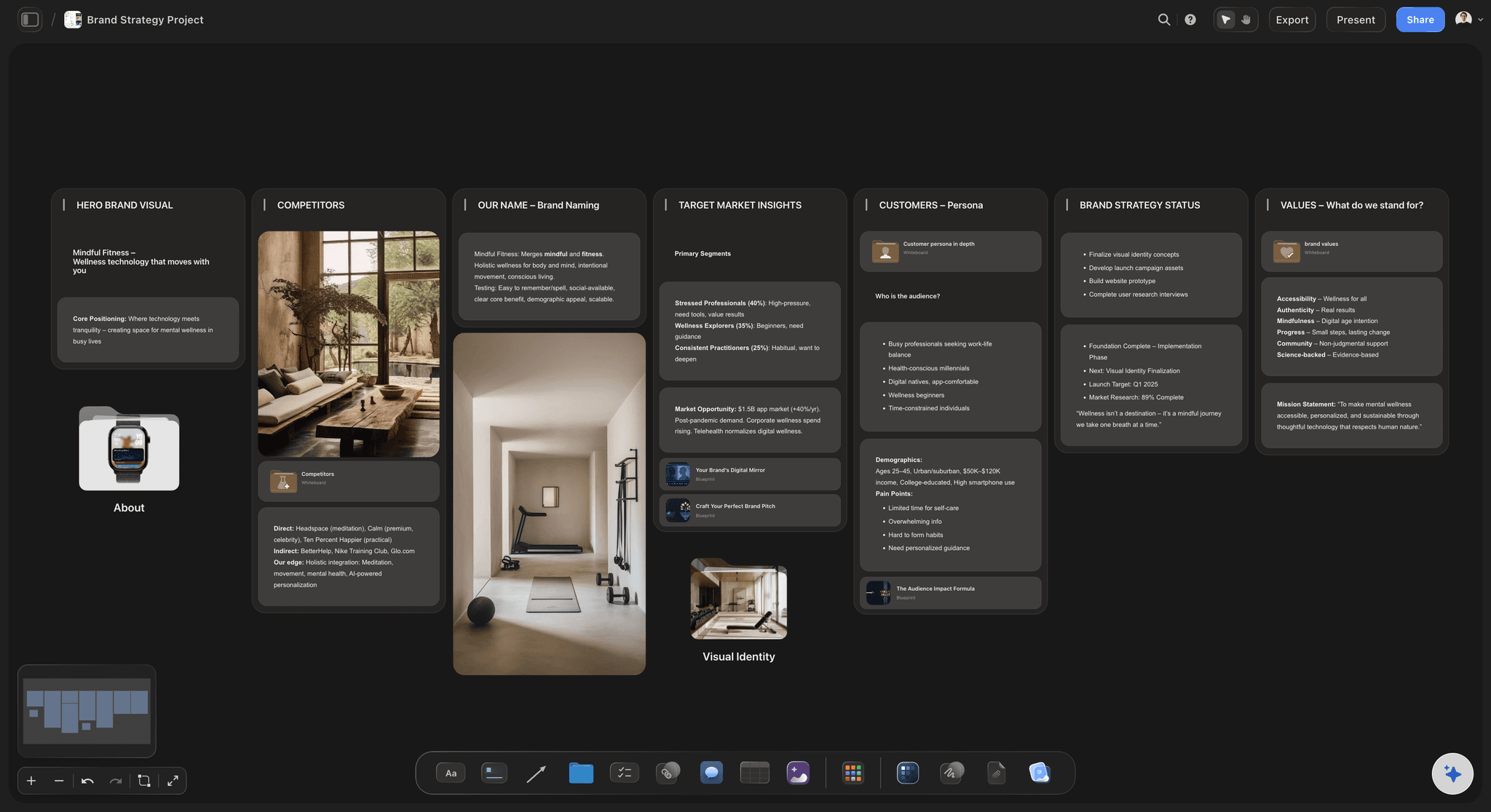
Text-only branches on visual work
Words stand in for looks: "Warmer, more 1970s" means six different things to six people, and the disagreement surfaces late and expensively.
References settle it early: Three frames on the branch end the argument in the mapping session instead of in the review.
Icons are not images: Most mapping tools allow a small marker per node because they descend from text outliners. Creative work needs the picture at full size.
Failure three
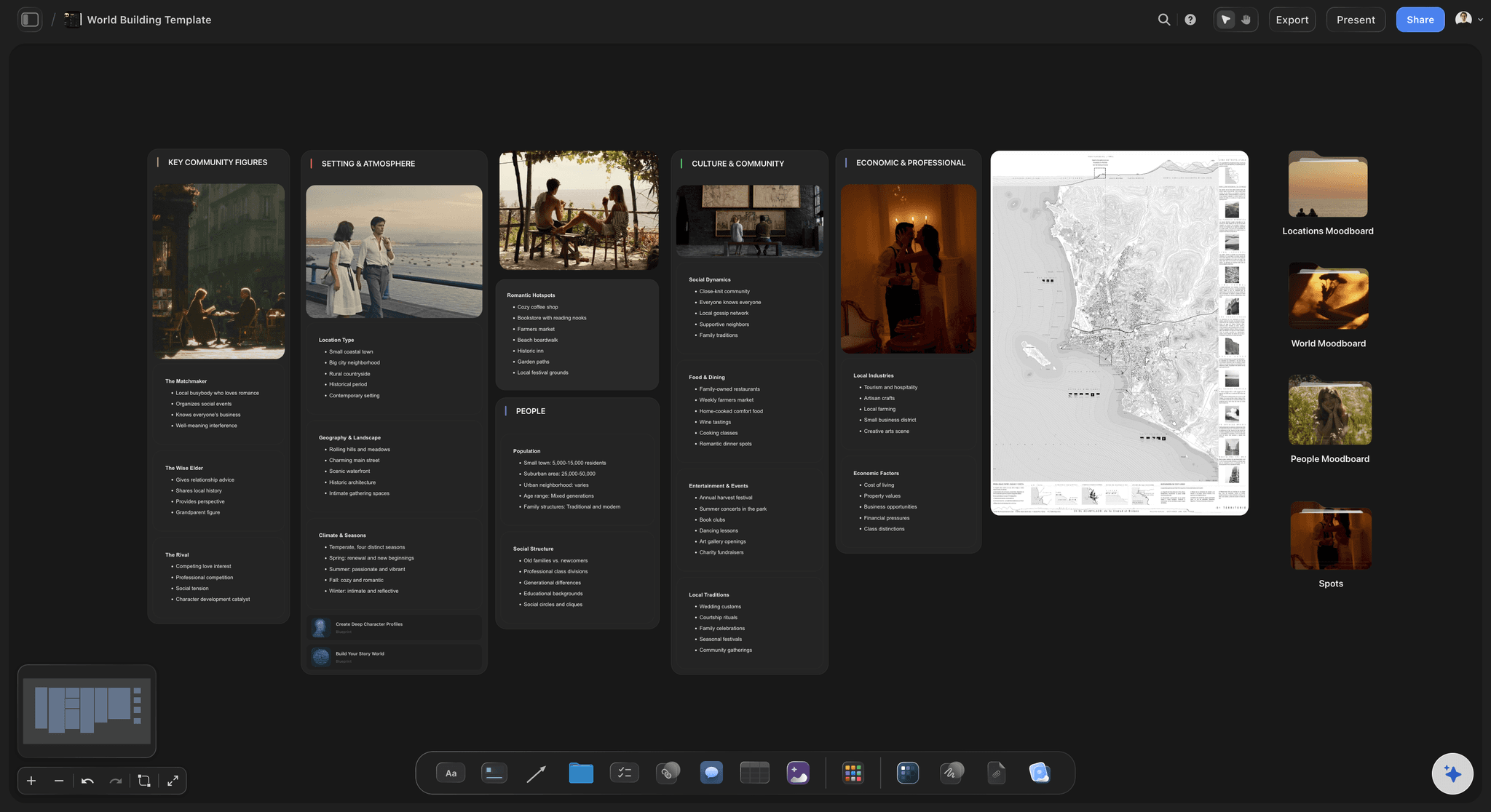
The map that outgrew the room
Forty nodes is the wall: Past roughly forty nodes a map stops being readable at a glance, which is the only thing a map was for.
Cluster instead of prune: The fix is grouping into themes, not deleting branches. Deleting loses the material that made the session worth running.
Ask for the groupings: The AI reads the whole canvas and can propose clusters with names, which is faster than dragging nodes to find the shape.
Failure four
Structure imposed too early
Templates cut the good branches: Starting inside a framework makes you generate to fill its slots, and the ideas that do not fit a slot never get written down.
Diverge first, shape second: Lay the structure over material you already have. What the framework leaves out is then a decision rather than an accident.
Reorganise a live board: Ask the AI to group branches that already exist into named themes, so the map is reorganised rather than restarted.
Explore templates for your project
Every template opens as a real, editable board on the infinite canvas. Pick the closest fit and make it your own.
Mind Map
Branch one central idea out into themes and sub-points, then drag the connections around until the structure makes sense.
What creators are saying
Join early creators getting structured workspaces and AI that remembers their projects
“Storyflow has sped up my workflow by at least 3x, which means more flow state and more projects I can actually ship. It truly changed the way me and my team create.”

Reilin Joey
Director & YouTuber
“One prompt gets me a structured board. But the tactics are my favorite. I run my YouTube scripts through them and my intros and retention got better. It's amazing.”

Justkay
YouTuber & Freelance Filmmaker
“I used to juggle five apps to plan a project. Now I describe what I am making and get boards, lists, and a schedule. All in one place.”

George
@fernwehchronicles
Mind mapping for creative projects, answered.
What creatives ask before moving off a dedicated mapping app.
The one where the map can become the plan. Creative work uses a map as a divergence step, so the tool has to carry reference images on the branches and let a branch convert into the moodboard, shot list or schedule the project actually runs on. Storyflow maps on an infinite canvas where nodes, images, documents and boards share one space, and its AI reads the whole board so it can cluster a sprawling map into named themes.
General mapping apps treat the finished tree as the output, which suits study notes and meeting capture. Creative projects spend the map the moment they converge, so the useful difference is what happens next: whether the branch becomes production material in the same tool or is retyped into a second one.
Yes, at full size rather than as a node icon. This matters more than it sounds. A branch reading "warmer, more 1970s" means something different to everyone who reads it, and three frames on that branch settle the question during the session instead of during the review.
Cluster it rather than prune it. Past roughly forty nodes a map stops being scannable, and deleting branches throws away what the session produced. The AI reads the whole board and can propose groupings with names, which is quicker than dragging nodes around to find the shape.
Yes, and that order is the right one. Starting inside a template makes you generate ideas to fill its slots. Laying a framework over branches that already exist reorganises real material, and what the framework leaves out becomes a visible decision.
It can draft a starting map from a prompt or a document, and it is more useful on the second pass: grouping a map you already made, naming the themes, or drafting the next layer from what is there. It reads the active board plus up to five attached documents and three boards, so it works from your material rather than from generic suggestions.
Yes. Boards are collaborative, so a mapping session can run live with everyone on the same canvas, and the board stays open afterwards as the project's working space rather than being exported to a photo.
The canvas is infinite and there is no node ceiling, so map size is not the constraint. Readability is, which is why clustering matters more than capacity.
Not during early access. Plans start at $7.99 per month billed annually or $9.99 monthly, and a free plan launches before the end of 2026. Anyone a paid member invites to a board joins free.
Boards export as PDF and as images. There is no round-trip export to dedicated mapping formats, which is worth knowing if a map has to move back into a specialist outliner later.
Map it, then make it.
Branch on an infinite canvas and convert what survives into the boards the project runs on. Plans from $7.99 a month billed annually.