
Extremely simple, seriously capable
Sixty notes.
No shape yet.
The hard part of a brainstorm is not producing ideas. It is the hour afterwards, when sixty loose notes have to become five themes and nobody wants to be the person who does it. Paste the notes, the sticky wall or the transcript onto a canvas and get a first grouping to argue with instead of a blank one to build.


Creatives working for these brands already got early access
- Red Bull
- Canon
- Artlist
- Porsche
See how easy it is to get started
Watch a real project come together, from a blank board to a finished plan, clicked through step by step.
Start from a ready-made template
Pick a board to see what you can build, then let AI fill it in. Every template is a real, editable starting point on the same infinite canvas.

Mind Map
Branch one central idea out into themes and sub-points, then drag the connections around until the structure makes sense.
How do you turn a brainstorm into a mind map?
By clustering before you structure. Storyflow is an AI visual workspace that turns your brainstorm into a mind map on one infinite canvas: pasted notes, sticky walls or transcripts, AI groups with real names, and branches you then edit. A brainstorm produces a flat pile: sticky notes, a list in a doc, a transcript with ideas buried in conversation. A mind map is hierarchical. Getting from one to the other means finding which notes belong together, naming those groups, and only then deciding what hangs off what. Teams usually skip straight to the hierarchy, which is why the first branch gets thirty children and the map has to be rebuilt.
The reason this step gets skipped is that it is genuinely unrewarding. Sorting sixty notes into themes takes about an hour, produces nothing anyone can see, and is a job people quietly avoid until the session's energy has gone. Most brainstorms do not fail in the room. They fail in the week afterwards, when nobody converted the wall into anything.
A first draft grouping changes the economics. Reacting to five proposed themes takes minutes, and disagreement is productive: moving a note out of the wrong cluster is a decision about the work, where staring at an unsorted pile is not. The draft does not need to be right. It needs to exist.
Storyflow takes the pile as notes, a pasted list or an uploaded document, lays it on an infinite canvas and can group it into named branches. The AI reads the whole active board plus up to five attached documents and three boards, so it groups your actual material. Everything stays editable, and the map sits on the same canvas as the boards the project will run on.
Ultra fast from brief to board
Pile in, structure out.
Four steps, and the tedious one is the one you do not do by hand.
01
Get the pile onto the canvas
Paste a list, drop the notes in, or upload the document or transcript the session produced. Nothing is reformatted on the way in.
02
Ask for a first grouping
The AI reads every note and proposes named clusters. This is the hour nobody volunteers for, and it is the part worth handing over.
03
Argue with the draft
Move notes between branches, rename a theme, split one that is doing two jobs. Correcting a draft is faster and sharper than building from nothing.
04
Grow it into the plan
Branches convert into boards on the same canvas, so the themes become the work rather than a picture of a session.
The part of a brainstorm that usually gets abandoned.
Four things that decide whether a session becomes anything.
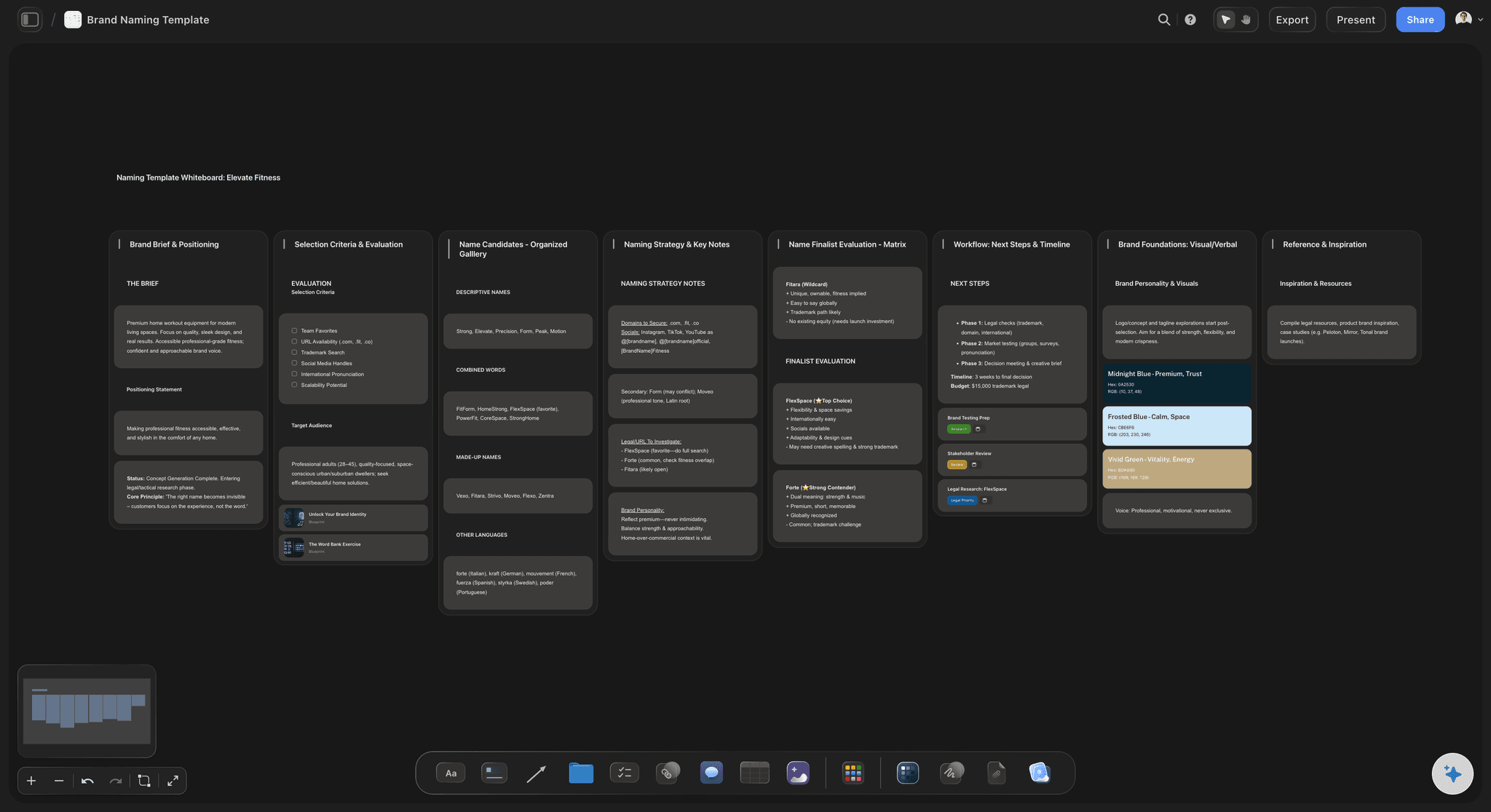
Any input shape
Lists, notes, transcripts
A brainstorm arrives as whatever the room produced. Paste a list, drop loose notes, or upload the transcript and work from that instead of retyping it.
See the transcript to board tool →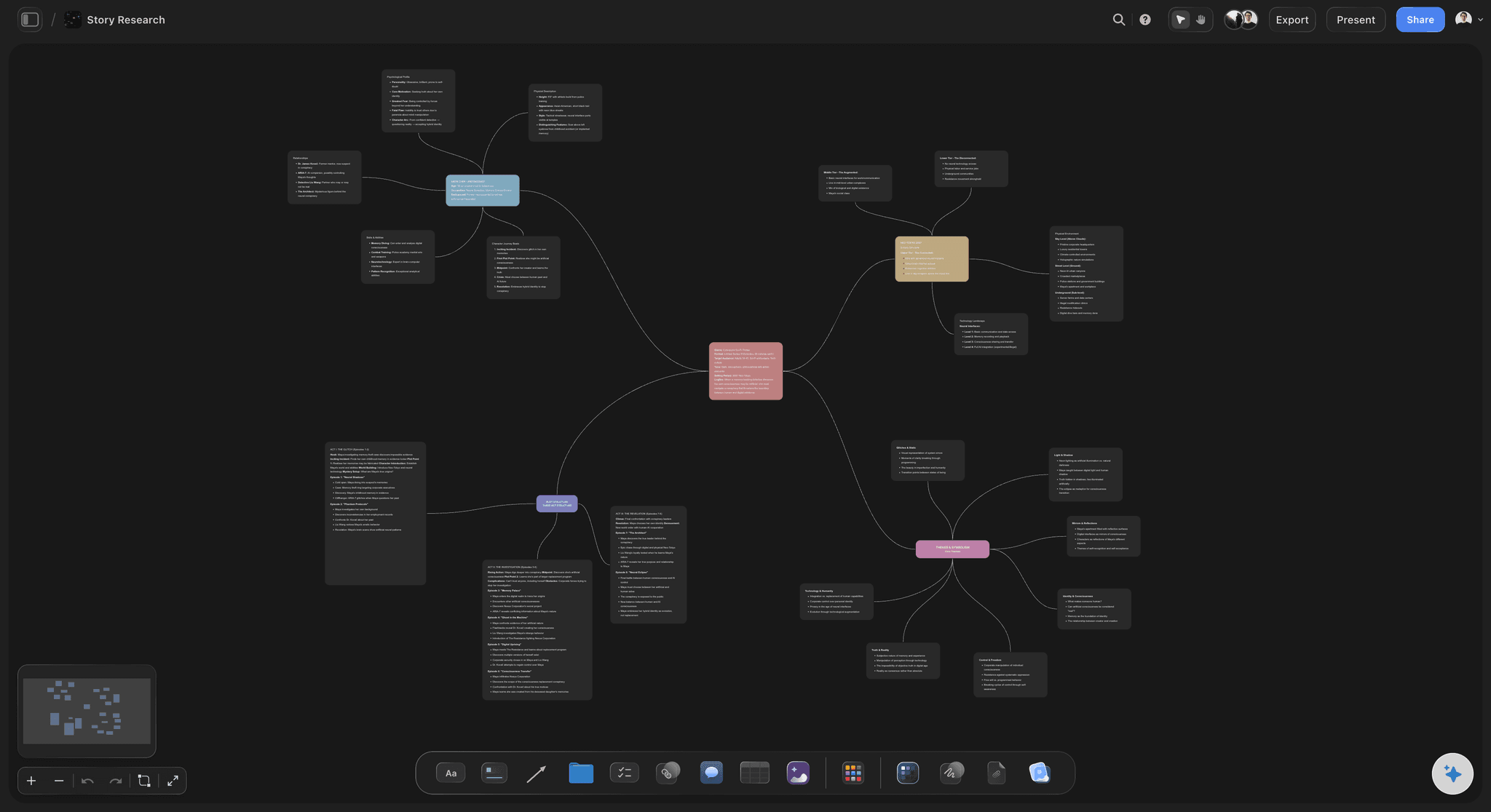
Named clusters
Groups with names, not colours
A cluster called "pricing objections" is a finding. A cluster of six yellow notes is still homework. The grouping arrives already named.
See the AI mind map generator →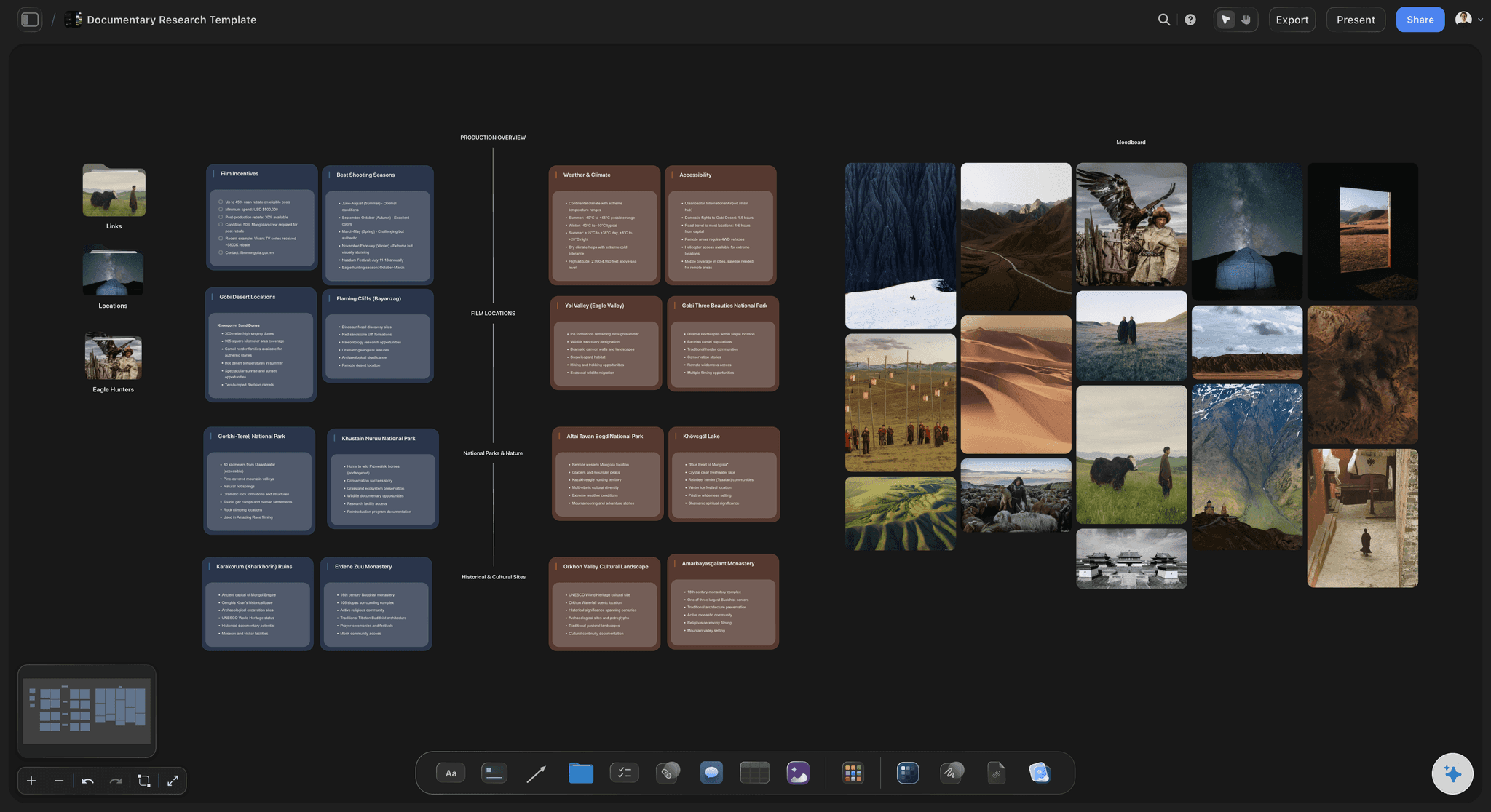
Nothing is discarded
Outliers stay visible
The note that fits nothing is often the interesting one. Ungrouped items stay on the canvas rather than being dropped to make the map tidy.
See the ideation tool →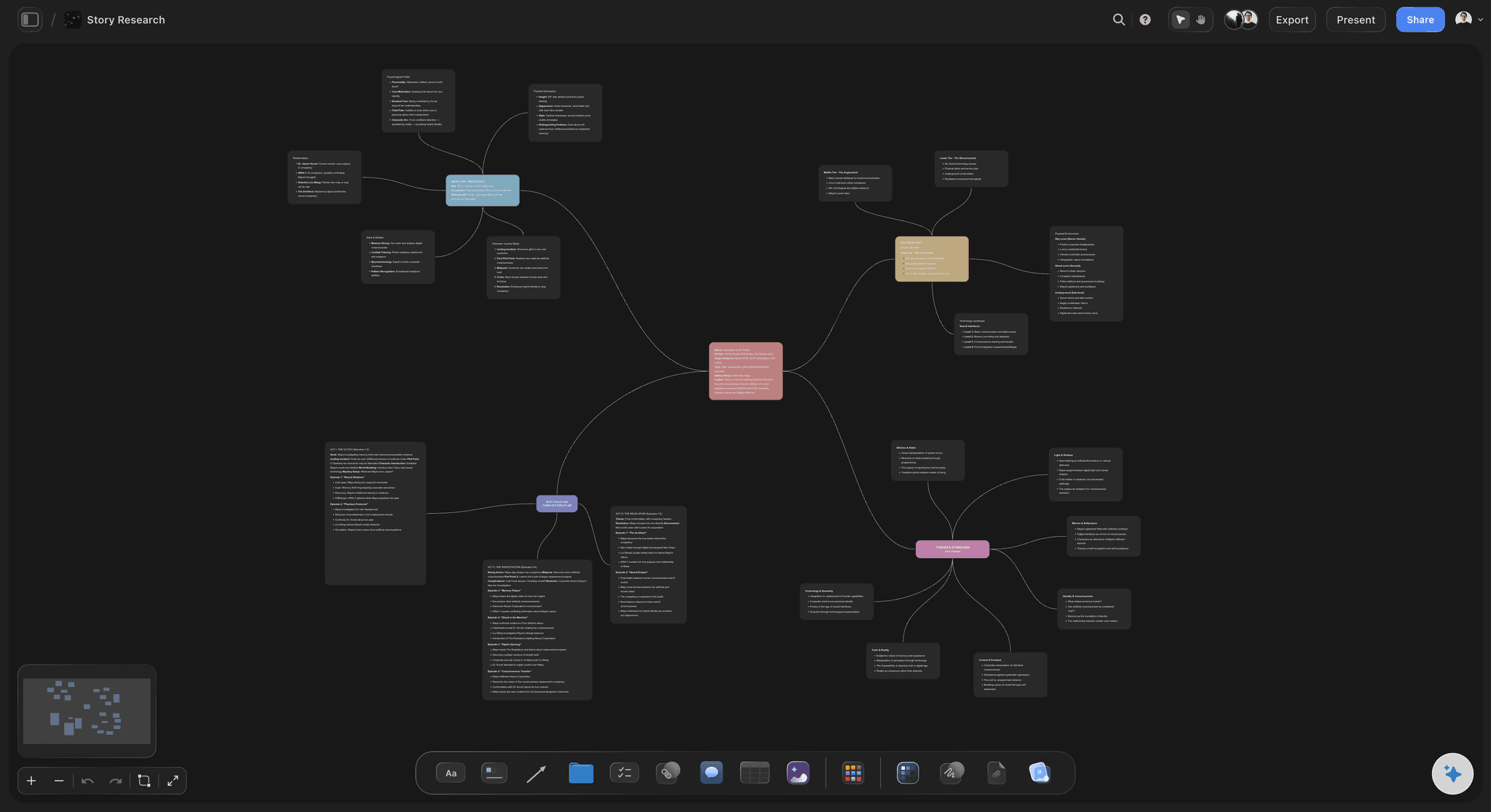
Straight into the work
A theme becomes a board
The map lives on the same canvas as the project, so a surviving theme turns into a brief, a calendar or a moodboard without moving tools.
See the AI creative workspace →Plans from $7.99/month annual. Free plan coming late 2026.
Unlimited boards on Plus, Pro and Max, and no ceiling on how many notes a session produces.
Paste lists, notes, documents or transcripts
Every grouping stays editable by hand
AI reads the whole board before it groups
Built for people with taste
Four reasons the wall never becomes a plan.
None of them are about the quality of the ideas in the room.
Reason one
The sorting hour nobody takes
It is invisible work: An hour spent clustering notes produces nothing anyone can point at, so it loses to work that shows.
Energy decays fast: The session ends on a high and the wall is photographed. By the time someone has an hour free, the context is gone.
A draft is enough: A proposed grouping turns an hour of sorting into ten minutes of correcting, which is a job people will actually do.
Reason two
Structuring before clustering
The first branch swallows everything: Building a hierarchy straight from a pile puts thirty notes under one node, and the map has to be started again.
Themes come before levels: Find what belongs together, name it, and only then decide what hangs off what. The hierarchy falls out of the grouping.
Naming is the test: A cluster you cannot name in three words is usually two clusters, and that is a useful thing to discover early.
Reason three
Tidying away the outliers
The odd note is the signal: The idea that fits no theme is often the only genuinely new one in the session, and it is the first casualty of a tidy map.
Keep an unsorted area: Ungrouped notes stay on the canvas rather than being deleted, so nothing is lost to make the picture look finished.
Revisit before you cut: Outliers often belong to the next project rather than this one, which is a reason to park them and not to bin them.
Reason four
The map that goes nowhere
A finished map is not a plan: A structured map is a middle step. If the next stage lives in another tool, the map becomes the last thing anyone did with the session.
Convert a theme in place: A branch becomes a brief, a calendar or a moodboard on the same canvas, so the session leads directly into the work.
Frameworks after the fact: Lay a framework over the themes to shape them into a plan, rather than filling in a template from scratch.
Explore templates for your project
Every template opens as a real, editable board on the infinite canvas. Pick the closest fit and make it your own.
Mind Map
Branch one central idea out into themes and sub-points, then drag the connections around until the structure makes sense.
What creators are saying
Join early creators getting structured workspaces and AI that remembers their projects
“Storyflow has sped up my workflow by at least 3x, which means more flow state and more projects I can actually ship. It truly changed the way me and my team create.”

Reilin Joey
Director & YouTuber
“One prompt gets me a structured board. But the tactics are my favorite. I run my YouTube scripts through them and my intros and retention got better. It's amazing.”

Justkay
YouTuber & Freelance Filmmaker
“I used to juggle five apps to plan a project. Now I describe what I am making and get boards, lists, and a schedule. All in one place.”

George
@fernwehchronicles
Brainstorm to mind map, answered.
The questions that come up between the session and the plan.
Cluster before you structure. Get the notes onto a canvas, find which ones belong together and name those groups, then decide the hierarchy. Going straight to a hierarchy is why the first branch ends up with thirty children. In Storyflow you paste the list, notes or transcript onto an infinite canvas and ask the AI for a first grouping into named branches, then correct it by hand.
Storyflow takes the sorting hour off your hands: paste a list, a sticky wall or a meeting transcript onto the canvas and the AI groups the notes into named branches. You get a first grouping to argue with, not a blank map to build, and every branch stays editable. Notes that fit nowhere stay visible as outliers, and a theme can grow into its own board.
A list, loose notes, an uploaded document, or a meeting transcript. Brainstorms arrive in whatever shape the room produced them, and retyping is where the process usually stalls, so nothing needs reformatting first.
Good enough to argue with, which is the point. It reads your actual notes rather than working from generic categories, and correcting a draft grouping takes minutes where sorting from scratch takes about an hour. Expect to move a few notes and rename a theme.
They stay on the canvas in an ungrouped area. The note that fits nothing is often the only new idea in the session, and deleting it to make the map look finished is the most common way a good brainstorm loses its best output.
Everything is editable. Move notes between branches, rename themes, split a cluster that is doing two jobs, or throw the grouping away and do it by hand. The draft is a starting point and never a locked structure.
Yes. Boards are collaborative, so the room can add notes to the same canvas as they go, and the grouping step can happen while everyone is still present, which is when the disagreements are worth having.
Convert the themes that survive into the work. Because the map is on the same canvas as the boards, a branch becomes a brief, a content calendar or a moodboard without moving to another tool, which is what stops the map being the last thing anyone does with the session.
The canvas is infinite and there is no note limit. Readability is the practical constraint rather than capacity, which is exactly why the grouping step matters at all.
Not during early access. Plans start at $7.99 per month billed annually or $9.99 monthly, and a free plan launches before the end of 2026.
No. Storyflow is not a meeting bot and does not join calls or produce transcripts. If you already have a transcript from elsewhere, you can upload it and work from that.
Do not photograph the wall.
Paste the session onto a canvas and get a named structure back.