
An ultra-fast canvas that stays calm
Flowcharts in ChatGPT,
drawn as boxes and arrows your team can edit.
For teams, founders and producers: describe the process and ChatGPT draws it on a Storyflow board, with the condition or the time written on every arrow.


Creatives working for these brands already got early access
- Red Bull
- Canon
- Artlist
- Porsche
See how easy it is to get started
Watch a real project come together, from a blank board to a finished plan, clicked through step by step.
Start from a ready-made template
Pick a board to see what you can build, then let AI fill it in. Every template is a real, editable starting point on the same infinite canvas.

Mind Map
Branch one central idea out into themes and sub-points, then drag the connections around until the structure makes sense.
Can ChatGPT make a flowchart?
Yes, ChatGPT can make a flowchart: with the Storyflow plugin it draws the whole process on a shared board in one request, boxes joined by arrows that carry the condition or the time, such as "approved" or "2 days". Storyflow is an AI visual workspace that turns a process you describe to ChatGPT into a flowchart on one infinite canvas, beside the plan, the tasks and the documents it belongs to. Every box is a card your team can drag and rewrite, and the work spends none of your Storyflow AI credits.
ChatGPT alone gets the steps right quickly. Describe how a job moves from brief to delivery and it lists the stages, spots the missing sign-off and suggests where work can run in parallel. To draw it, it writes diagram code for another tool to render, or makes a picture. Either way you get something to look at, not something to work on: a box cannot be dragged, an arrow cannot be relabelled, and the next change means a new version. And the diagram never reaches the place the team checks unless someone redraws it there.
With Storyflow connected, ChatGPT places every box in a cell of a grid, column by column and row by row, and Storyflow works out the geometry: one width for every box, each column as wide as its widest box, and room on each arrow for its words, so no label sits on a box. Arrows are stepped like a classic flowchart unless you ask for straight or curved lines, and ChatGPT can colour the lines that mean something and dash the optional or recovery path. A box can be a plain card, a card with a title and detail, a heading that names a lane, a to-do list, a picture, a document or a link. The flow lands below or to the right of what is already on the board.
Here is an example. Two Coast Films, a four-person production company, maps the approval route for a 30-second commercial so the client knows when each sign-off is due. The producer asks: "Draw the approval flow for the Kestrel spot on the Kestrel board: brief, treatment, client approves treatment, storyboard and shot list, client approves storyboard, shoot, rough cut, client review, final delivery. Loop back on changes." ChatGPT draws 9 boxes in two rows and 11 arrows: 8 forward, with "approved" after each client step and "2 days" on the arrow into the client review, and 3 dashed arrows looping back, each labelled "changes requested". The producer adds a to-do card under the shoot box by hand, then shares the board with the client's marketing lead.
A flowchart people follow keeps a few rules. One action per box, written as an owner and a verb: "Client approves storyboard", not "Storyboard". Every decision has two labelled ways out, because Storyflow has no diamond shape: a box with "approved" on one arrow and "changes requested" on the other reads just as clearly. Put time on the arrows, not in the boxes. Keep the main path in one row or one column and send the loops and exceptions off to the side. Past 20 boxes, split the process into two flowcharts on the same board and join them with one arrow.
Now the limits. Storyflow draws flowcharts as cards and arrows: there are no diamond, oval or BPMN shapes and no UML or network shape libraries. ChatGPT does not draw a Mermaid diagram on the board, and Storyflow exports boards as PNG, JPEG or PDF, with no SVG or Visio file. ChatGPT has no tool that deletes a card or an arrow, so a flowchart asked for twice leaves two on the board, and an arrow you no longer need is removed by hand. It cannot create share links or read board comments, and a file attached in the chat does not reach Storyflow; put the process document on the board first.
Ultra fast from brief to board
Four steps from a described process to a flowchart the team follows.
Drawing it is one request. The other steps keep it true when the process changes.
01
Install Storyflow from the plugin directory
Open the Storyflow listing in ChatGPT's plugin directory and select Install plugin. Sign in to Storyflow when asked, then choose which projects ChatGPT may use.
02
Describe the process, step by step
In a chat, type @ and pick Storyflow, or choose it from the + menu. Name the board, the steps in order and where it loops. For example: "Draw our content approval flow on the Q4 board: draft, editor review, legal check, client approval, publish. Loop back from any review on changes." The boxes and arrows appear on the board in order.
03
Fix a step or an arrow
Drag, rewrite or connect boxes by hand, or ask ChatGPT: "Put 48 hours on the arrow into client approval" or "Add a box for the brand check and join it to the legal check." It changes the words on the one arrow you named, or adds the box with its arrow. Remove an arrow the new step replaces by hand.
04
Turn it into the work, and share it
Ask ChatGPT for a to-do card for each owner beside the flow. Assign the tasks to people in Storyflow, then share the board with a view-only link that opens in a browser with no account.

Boxes, arrows, pictures and the plan around them.
ChatGPT draws the process. Storyflow keeps it on the board where the work it describes is planned.
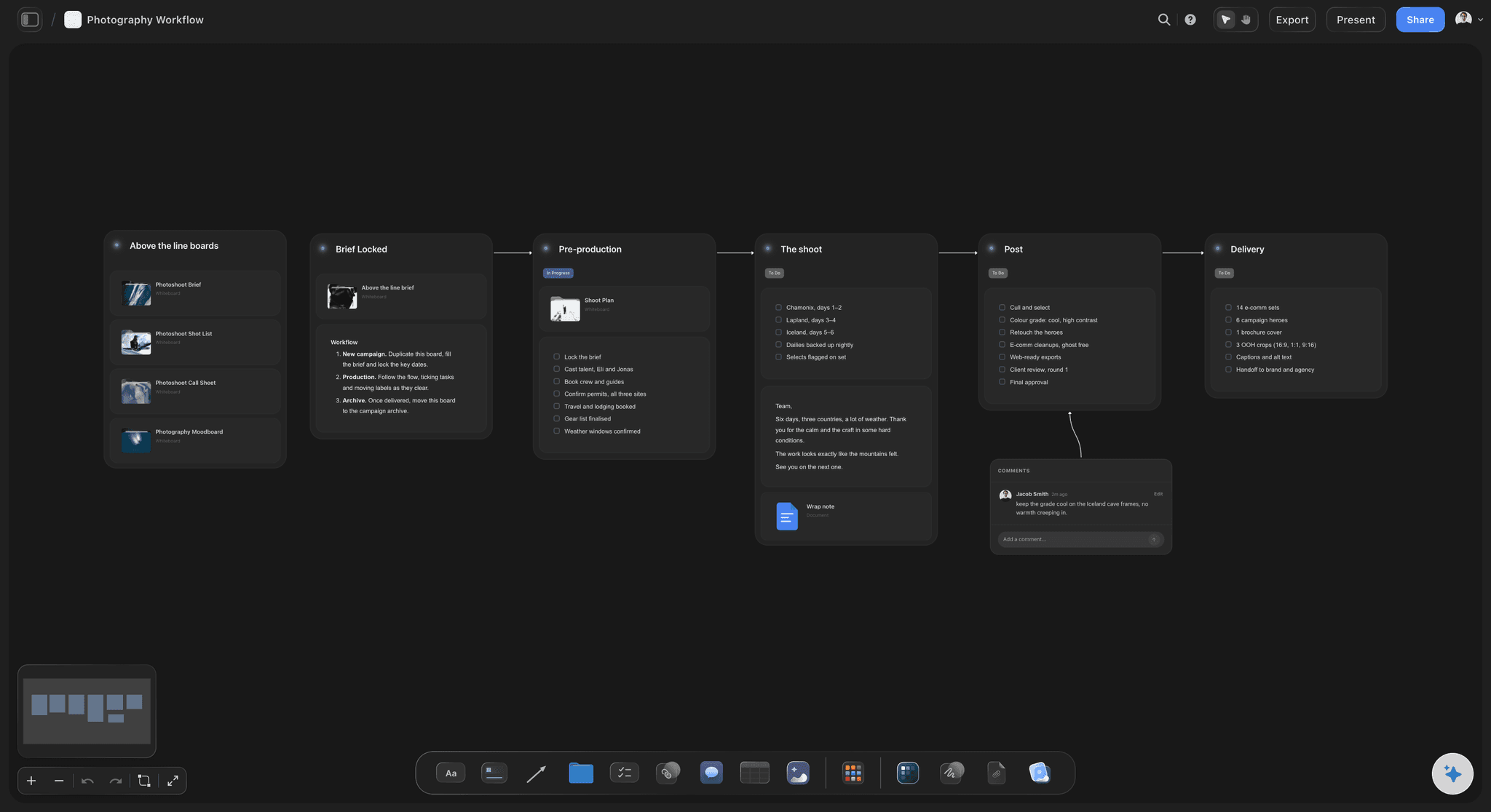
The grid
Up to 40 boxes, each in its place
ChatGPT names the cell for every box and Storyflow lays them out in clean rows and columns, so a flow that turns a corner still reads as one flow. Up to 60 arrows join them in one request.
See the flowchart maker →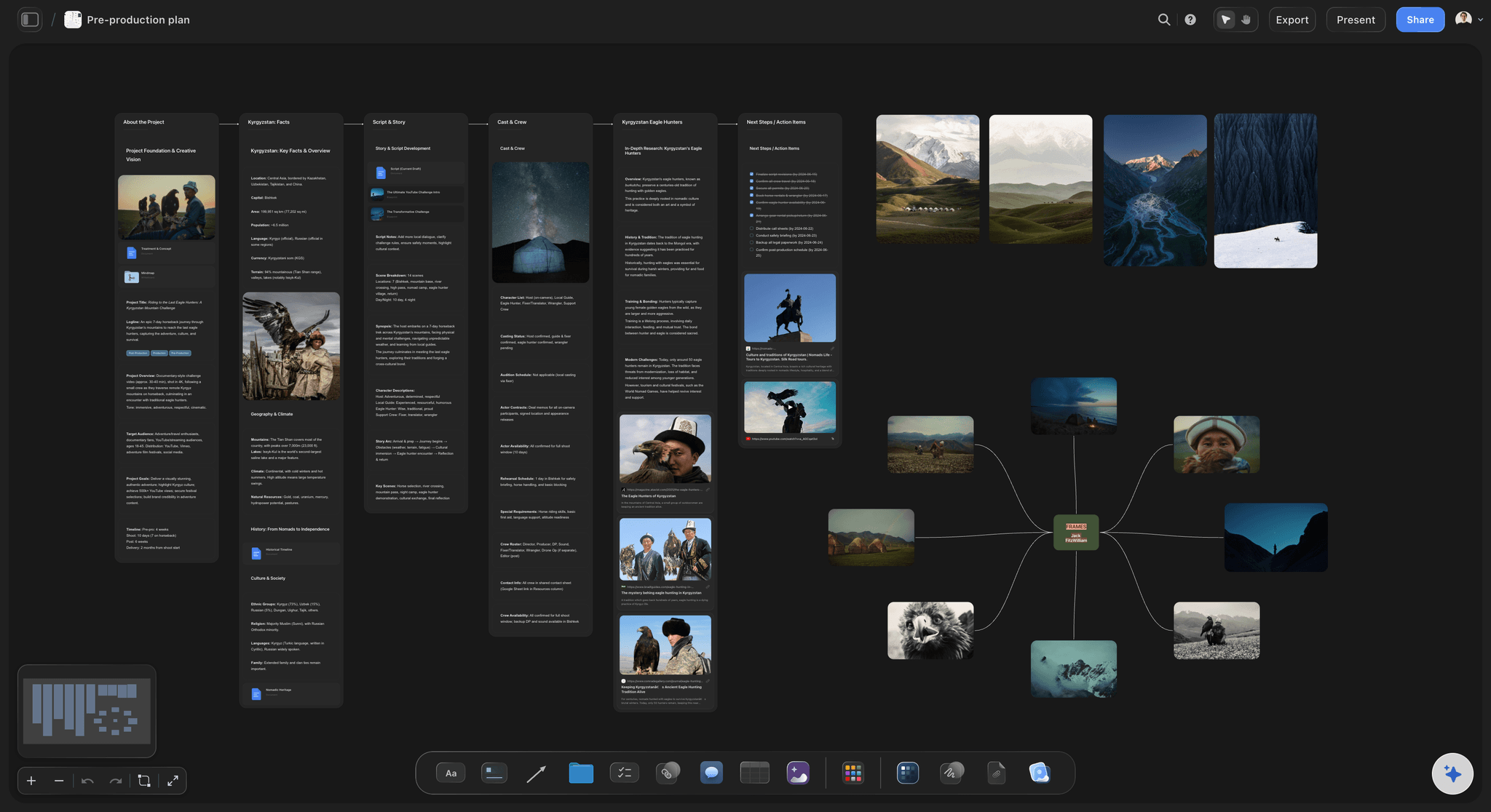
The steps
Pictures, documents and boards as steps
A step does not have to be a plain box. It can be a picture, a document, a to-do list or a folder that opens its own board, so the flow points at the actual treatment or the actual storyboard.
See the production plan with ChatGPT →
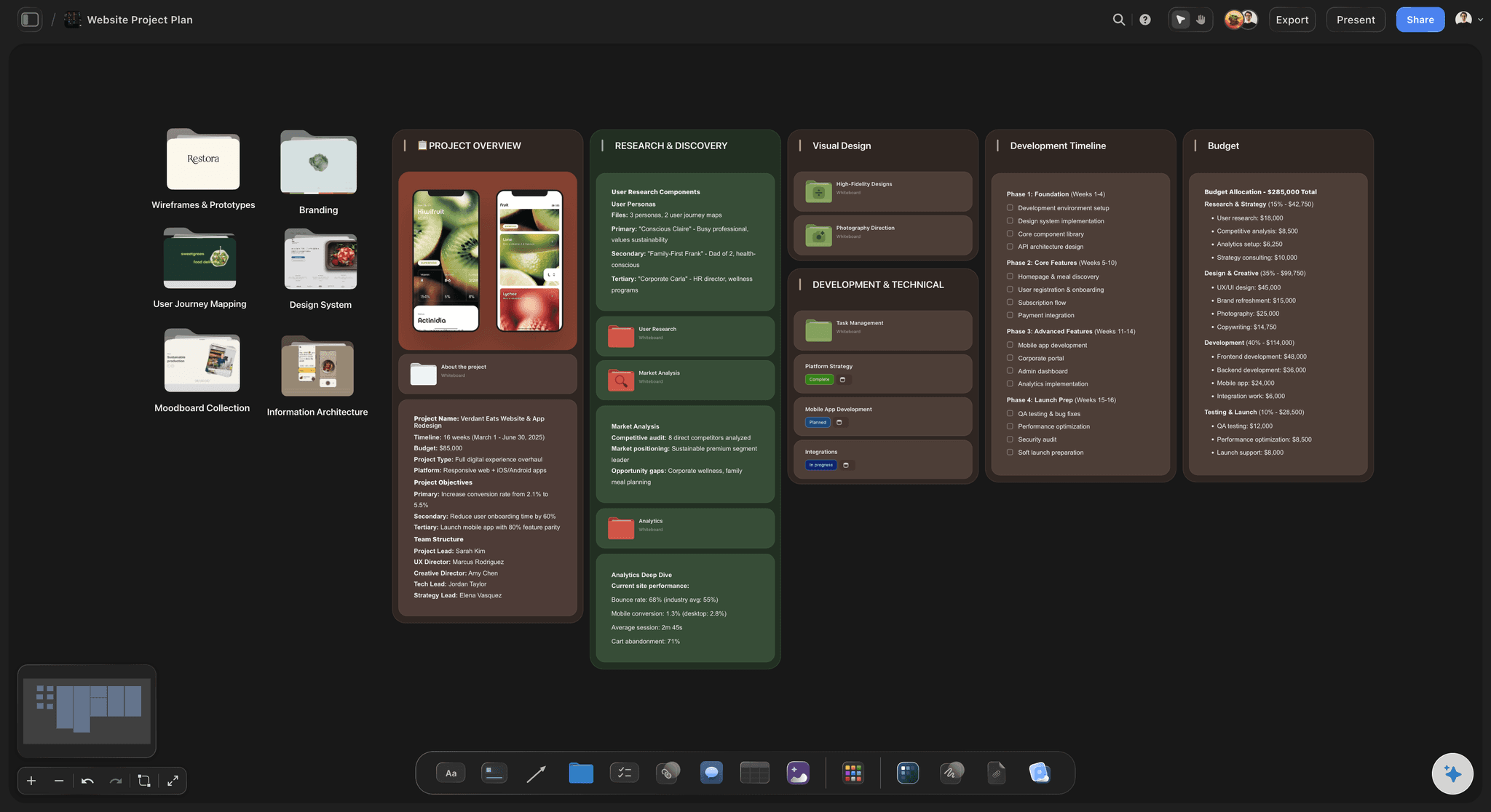
The plan
The flow beside the tasks it creates
The same board holds the to-do cards for each owner, the task columns and the documents the process needs, so the flowchart is something the team works from, not a picture in a slide.
See the kanban board with ChatGPT →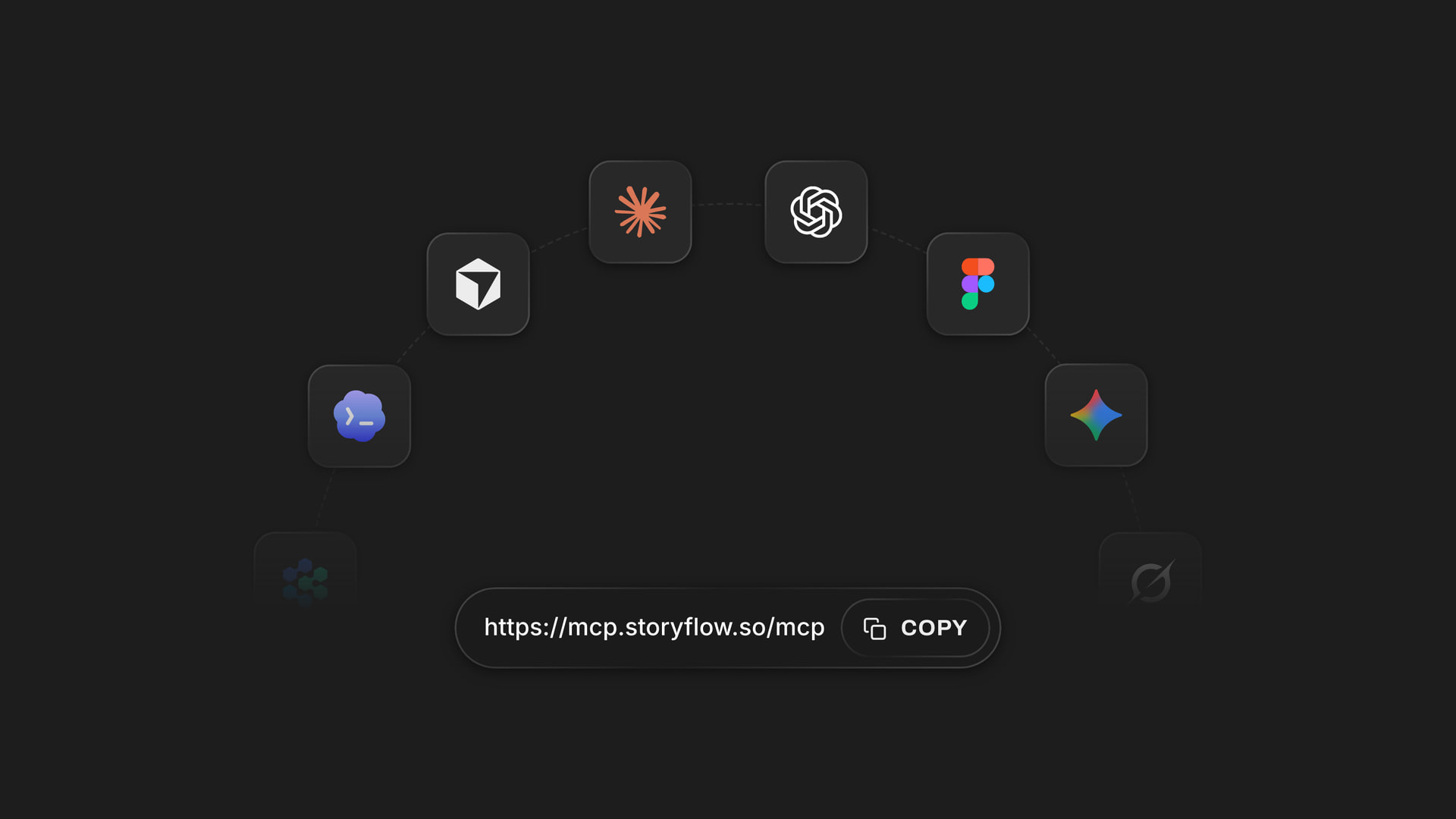
Any assistant
The same diagram from ChatGPT or Claude
Claude, Gemini and Grok reach the same Storyflow boards through one address, https://mcp.storyflow.so/mcp. A teammate can check your flow in Claude while you draw it in ChatGPT.
See diagrams with Claude →ChatGPT draws the process. Your Storyflow credits stay untouched.
The plugin runs on ChatGPT's own model and your ChatGPT plan, so a flowchart ChatGPT draws uses no Storyflow AI credits. An invited free Storyflow account can make 25 plugin actions a week, reset every Monday (UTC). Plus, Pro and Max have no weekly limit. Storyflow is paid-only during early access, with plans from $7.99 a month billed annually ($9.99 monthly), and anyone a paid member invites to a board joins free.
No Storyflow AI credits spent on flowcharts ChatGPT draws
25 plugin actions a week on an invited free account
No weekly limit on Plus, Pro and Max
Clients and crew you invite join the board free
You choose which projects ChatGPT may open, and whether it may change them
Built for people with taste
Where a flowchart from a chat usually goes wrong.
The steps are the easy part. Keeping the drawing editable, current and acted on is the work.
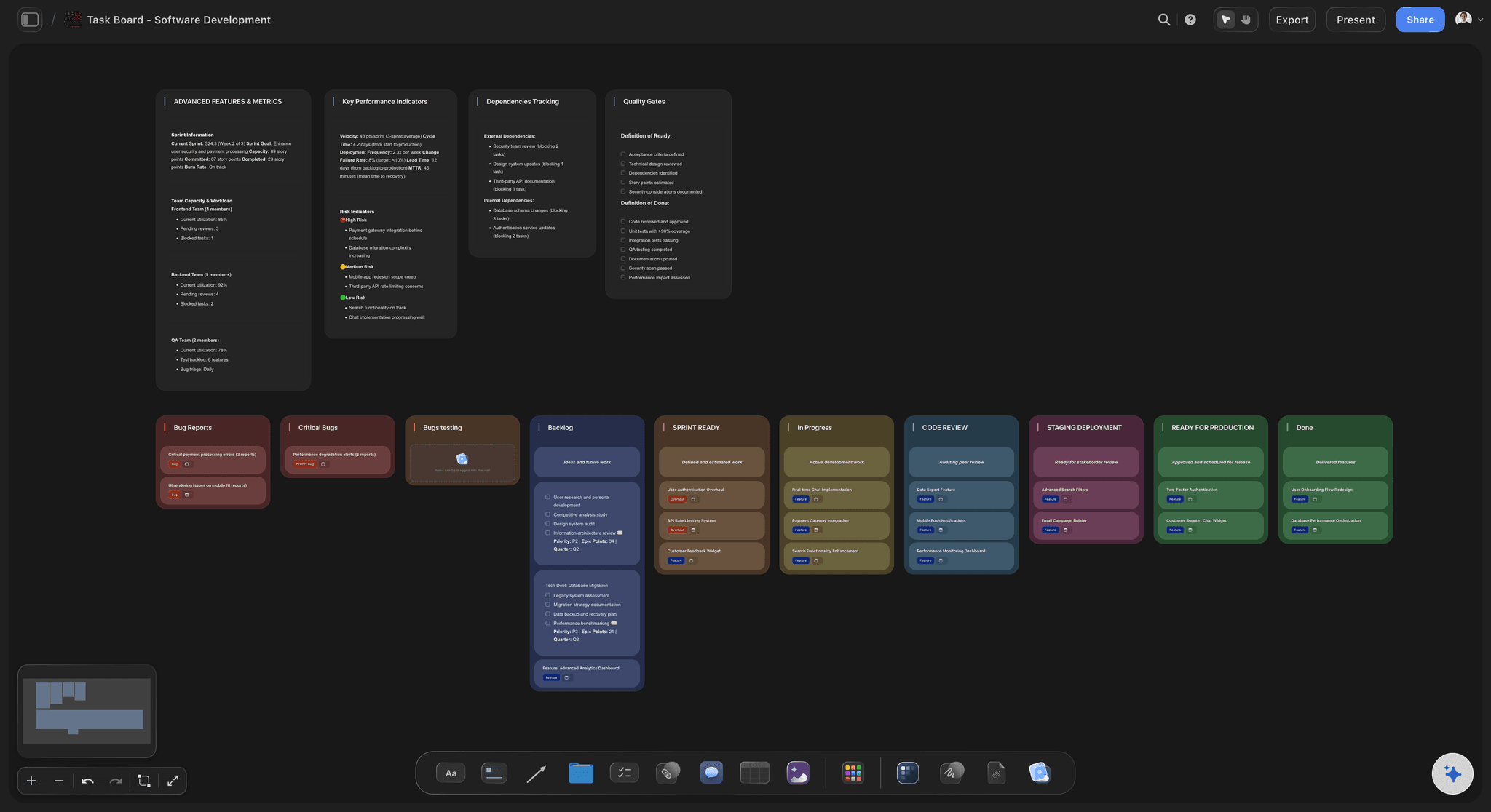
The drawing
A diagram you can look at but not touch
Real cards on a grid: Each box is a card in its own place. Drag it, rewrite it or draw a new arrow to it by hand, and nothing else on the board moves.
Words that sit on the line: An arrow in a flowchart ChatGPT draws carries up to 40 characters, and the grid leaves room for them, so "changes requested" never covers a box.
Lanes for who does what: Ask for a swimlane and each team gets its own row with a heading at its start, so the client's steps sit apart from yours.
Colour that means something: Ask ChatGPT to colour the automatic path green and the failure branch red. The line and its words take the colour together.
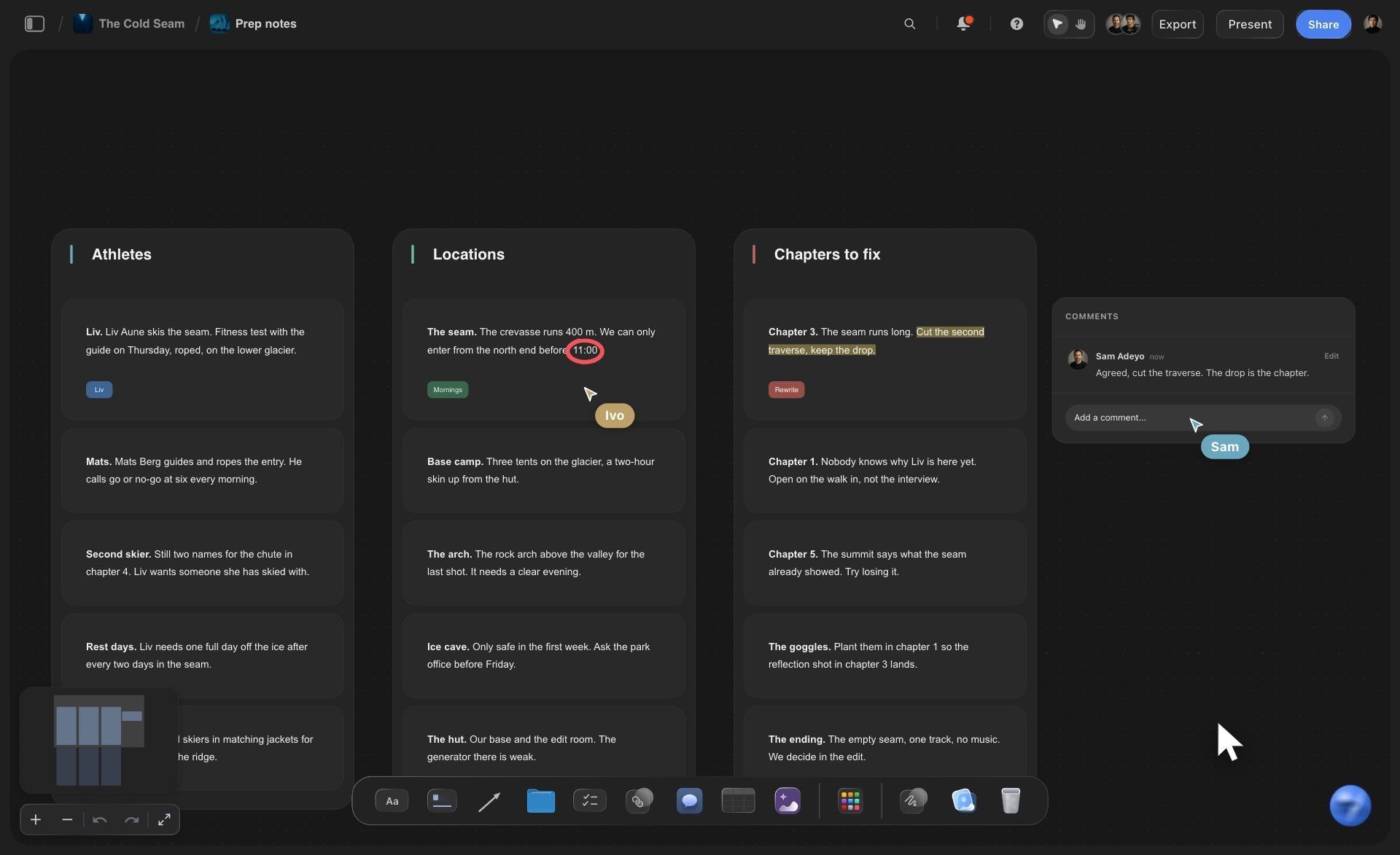
The change
The process changed on Thursday
New words on one arrow: Tell ChatGPT the client review now takes 48 hours, and it changes the words on that one arrow without redrawing the line you shaped.
One more step: Ask for a new box joined to the step before it. ChatGPT cannot delete, so remove the arrow the new step replaces yourself.
Two versions side by side: Ask for the new process as a fresh flowchart. Both sit on the same board until the team picks one and removes the other by hand.
What changed, and who: Ask what changed on the board this week. ChatGPT lists the boxes and arrows added, edited or moved, and which teammate did it.
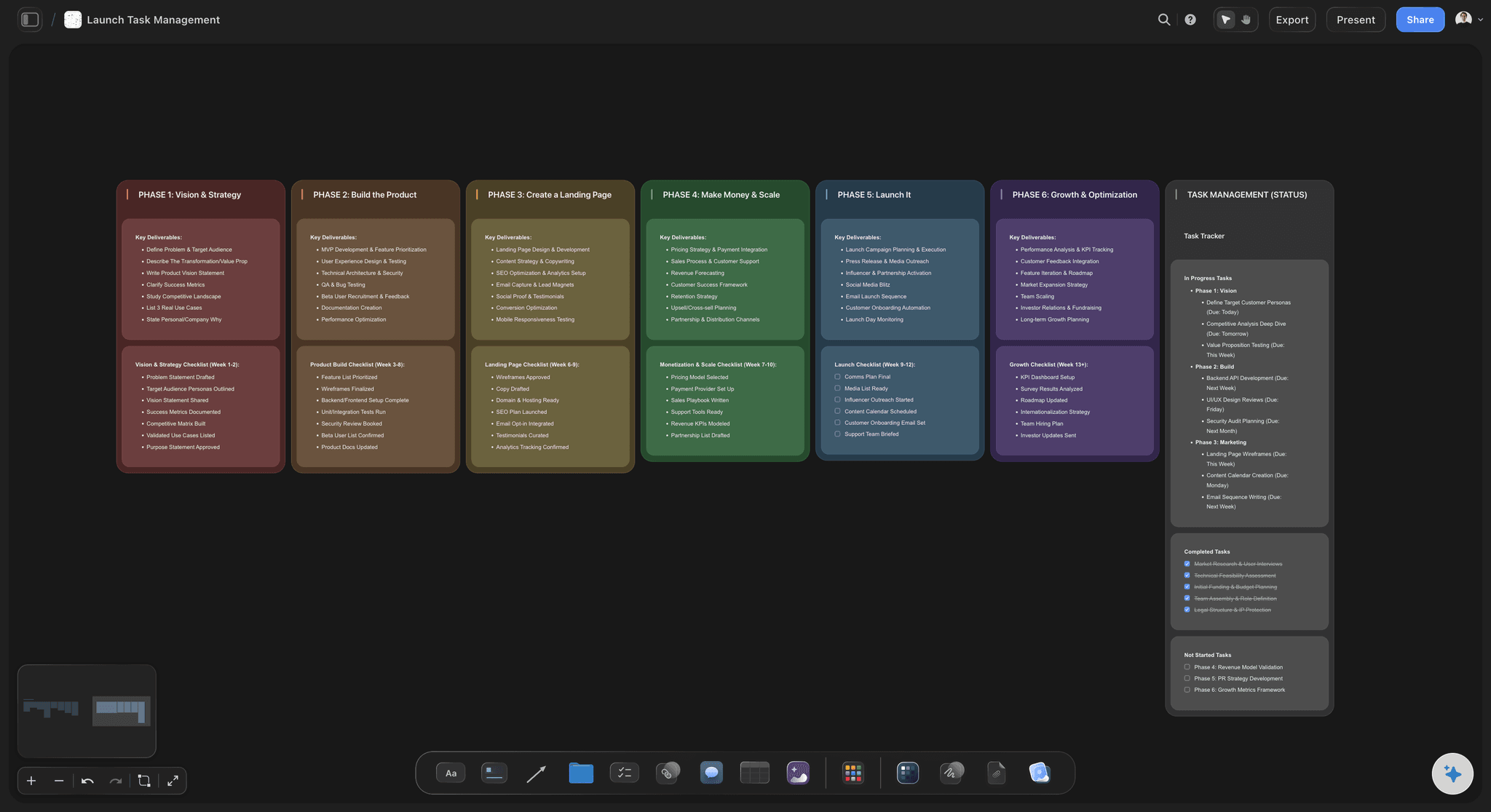
The handoff
A diagram nobody acts on
Tasks beside the steps: Ask ChatGPT to read the flowchart and write a to-do card for each owner, one line per step they own, next to the flow.
Dates you gave it: A task card takes a due date when you state one, such as "storyboard approved by 14 November". ChatGPT does not invent dates.
People you assign: ChatGPT cannot set who owns a task. Assign each one in Storyflow, and the owner sees it when they open the board.
A link for the client: Share the board from Storyflow with a view-only link that opens with no account. To comment, a person signs in, and anyone a paid member invites joins free.
Explore templates for your project
Every template opens as a real, editable board on the infinite canvas. Pick the closest fit and make it your own.
Mind Map
Branch one central idea out into themes and sub-points, then drag the connections around until the structure makes sense.
One app instead of five
Storyflow in ChatGPT, ChatGPT alone, or Lucid.
Storyflow and Lucid both turn a chat into a diagram. Lucid brings BPMN and UML shapes, share links and comment replies from the chat (Lucid's list of plugin actions, October 2026); Storyflow keeps the flow beside the project's tasks and decks.
Storyflow in ChatGPT
Recommended
Flowchart drawn on a shared canvas from a chat request
ChatGPT changes the diagram later
ChatGPT reads the diagram back
Report of what changed this week, and who changed it
Slide decks built on the same board
BPMN, UML and standard flowchart shapes
Share link created from the chat
Comments read and answered from the chat
ChatGPT on its own
Flowchart drawn on a shared canvas from a chat request
ChatGPT changes the diagram later
ChatGPT reads the diagram back
Report of what changed this week, and who changed it
Slide decks built on the same board
BPMN, UML and standard flowchart shapes
Share link created from the chat
Comments read and answered from the chat
Lucid in ChatGPT
Flowchart drawn on a shared canvas from a chat request
ChatGPT changes the diagram later
ChatGPT reads the diagram back
Report of what changed this week, and who changed it
Slide decks built on the same board
BPMN, UML and standard flowchart shapes
Share link created from the chat
Comments read and answered from the chat
What creators are saying
Join early creators getting structured workspaces and AI that remembers their projects
“Storyflow has sped up my workflow by at least 3x, which means more flow state and more projects I can actually ship. It truly changed the way me and my team create.”

Reilin Joey
Director & YouTuber
“One prompt gets me a structured board. But the tactics are my favorite. I run my YouTube scripts through them and my intros and retention got better. It's amazing.”

Justkay
YouTuber & Freelance Filmmaker
“I used to juggle five apps to plan a project. Now I describe what I am making and get boards, lists, and a schedule. All in one place.”

George
@fernwehchronicles
Flowcharts with ChatGPT: questions
What teams, founders and producers ask before a process goes on the board.
Yes. On its own ChatGPT lists the steps and can render them as a picture or as diagram code for another tool. With the Storyflow plugin it draws the flowchart on a shared board in one request: up to 40 boxes on a grid, joined by up to 60 arrows with the condition or the time written on them. Every box is a card your team drags and edits without ChatGPT.
Storyflow is our pick when the flowchart belongs to a project, and it is our product. The basis: ChatGPT draws editable boxes and labelled arrows on the same board as the to-do cards, task columns and documents the process creates, with no Storyflow AI credits spent. Lucid, also in ChatGPT's plugin directory, suits diagram-first teams: it turns conversations into Lucid diagrams, edits them and creates share links from the chat.
Open the Storyflow listing in ChatGPT's plugin directory and select Install plugin. Sign in to Storyflow, choose which projects ChatGPT may use, and decide whether it may make changes. In a chat, type @ and pick Storyflow, or choose it from the + menu. Availability depends on your ChatGPT plan, workspace and region, and in a Business or Enterprise workspace an admin can turn plugins on or off.
Anything made of boxes and arrows: flowcharts, approval routes, production pipelines, user journeys, org charts, swimlanes and state diagrams. A box can be a plain card, a card with a title and detail, a lane heading, a to-do list, a picture, a document, a link or a folder that opens its own board. For a centre with branches, ask ChatGPT for a mind map instead.
Up to 40 boxes and 60 arrows in one request on a Storyflow board, with up to 40 characters of words on each arrow. Most processes read best well under that: past about 20 boxes, people stop following the main path. Split a long process into two flowcharts on the same board, such as pre-production and post, and join the last box of one to the first box of the next.
Use one box for the decision and two labelled arrows out of it. Storyflow has no diamond shape, so "Client approves storyboard" with "approved" on the arrow forward and "changes requested" on the arrow back reads as clearly as a diamond. Ask ChatGPT to dash the loop-back arrow or colour it, so the main path stands out from the exceptions.
Yes. Ask for a new box joined to the step it follows, and ChatGPT adds the box and the arrow on your Storyflow board; drag the box into place. It can also change the words on any arrow already there, such as putting 48 hours on a review. It cannot delete, so an arrow the new step replaces is removed by hand.
Yes. ChatGPT reads the boxes on a Storyflow board and the arrows between them, words included, so it can walk through the process, find a step with no way out, count the sign-offs or turn each owner's steps into a to-do card. It can also report what changed on the board this week and who changed it.
Yes. Put the process document on the Storyflow board as a PDF, Word or text file, or paste the meeting notes into the chat, and ChatGPT reads them before it draws. A file you attach in the ChatGPT chat is read there, but the file itself does not reach Storyflow, so put anything the team should keep on the board.
Through the plugin it does not draw Mermaid diagrams on the board, delete boxes or arrows, create share links, read board comments or generate pictures. Storyflow has no diamond, oval, BPMN or UML shapes, and boards export as PNG, JPEG or PDF, with no SVG or Visio file. For a formal process model with those shapes, a dedicated diagram tool such as Lucid fits better.
Yes. Ask ChatGPT to read the flowchart and write a to-do card for each owner, one line per step, beside the flow on your Storyflow board. Give it the dates and it puts them on task cards; it never invents one. Assigning a task to a person is done by you in Storyflow, and the owner sees it when they open the board.
No. The plugin runs on ChatGPT's own model and your ChatGPT plan, so a flowchart ChatGPT draws uses no Storyflow AI credits. An invited free Storyflow account can make 25 plugin actions a week, reset every Monday (UTC), and Plus, Pro and Max have no weekly limit. Storyflow is paid-only during early access, from $7.99 a month billed annually ($9.99 monthly).
Yes. The flowchart is a set of ordinary cards and arrows on a Storyflow board, so it stays after the chat ends. Share the board from Storyflow with a view-only link, which opens in a browser with no account. To comment, the client signs in, and anyone a paid member invites joins free. ChatGPT cannot create share links, so sharing stays with you.
The diagram is the same; the way in differs. ChatGPT installs Storyflow from its plugin directory. Claude adds Storyflow as a custom connector with the address https://mcp.storyflow.so/mcp, as do Gemini and Grok. Both use the same diagram tool with the same 40-box limit, so a producer can draw the flow in ChatGPT and a teammate can review it in Claude.
More from Storyflow
Connect ChatGPT to Storyflow
Storyflow MCP setup for every assistant
Diagrams with Claude
Whiteboard in ChatGPT
Mind maps with ChatGPT
Kanban board with ChatGPT
To-do lists with ChatGPT
Production plan with ChatGPT
Flowchart maker
User flow mapping tool
Customer journey mapping tool
Best ChatGPT plugins for visual planning
Describe the process in the chat. Run it from the board.
Boxes your team can move, arrows that say what happens, and the tasks for each step right beside them.