
Extremely simple, seriously capable
Stop trying to
sync six time zones.
The standard remote brainstorm is a video call everyone half-attends at an inconvenient hour, and it is worse than the room it replaced. The version that works is not a call at all. It is one board people add to over three days, structured before it opens and grouped after it closes.


Creatives working for these brands already got early access
- Red Bull
- Canon
- Artlist
- Porsche
See how easy it is to get started
Watch a real project come together, from a blank board to a finished plan, clicked through step by step.
Start from a ready-made template
Pick a board to see what you can build, then let AI fill it in. Every template is a real, editable starting point on the same infinite canvas.

Mind Map
Branch one central idea out into themes and sub-points, then drag the connections around until the structure makes sense.
How do remote teams brainstorm well?
Remote teams brainstorm well by separating generating from discussing. Storyflow is an AI visual workspace that holds your remote team's brainstorm on one infinite canvas: a persistent board that arrives with prompts, ideas added across days, not in one call, and AI grouping of what came in. A physical brainstorm fuses generating and discussing because everyone is in the room anyway, and remote teams inherit that shape without questioning it. But generating ideas is solitary work that benefits from thinking time, and discussing them is genuinely collaborative. Forcing both into one video call gets the worst of each: not enough silence to think, not enough presence to argue well.
Run asynchronously, the generating phase gets better rather than worse. People contribute when their thinking is sharpest instead of at whatever hour the calendar found, they can add to it twice after sleeping on it, and the loudest person in the call no longer sets the direction in the first four minutes. What is lost is the energy of a room, which is real, and what is gained is the ideas of the people who never speak in one.
Two things make async work rather than fizzle. The board has to have structure before it opens, or the first person to arrive invents one and everybody else follows it. And someone has to close the loop by grouping what came in, or the board becomes a pile that nobody reads and the exercise teaches the team not to bother next time.
Storyflow gives you a persistent board on an infinite canvas that you structure before sharing, and AI that reads the whole board plus up to five attached documents and three boards, so the grouping step takes minutes rather than the hour that usually kills it.
Ultra fast from brief to board
Three days, no meeting.
The shape that turns a distributed team into an advantage.
01
Structure it before sharing
An unstructured board gets its shape from whoever opens it first.
02
Open it for a few days
People add when they are thinking clearly, come back the next morning, and are not competing for airtime with anyone.
03
Group what arrived
Ask the AI for named clusters across everything contributed. Doing this by hand is the step that usually never happens.
04
Meet only to decide
If a call is needed, it is a short one about the five themes, not ninety minutes of generating with cameras on.
Async only works if two things happen.
Structure before, synthesis after. The middle takes care of itself.
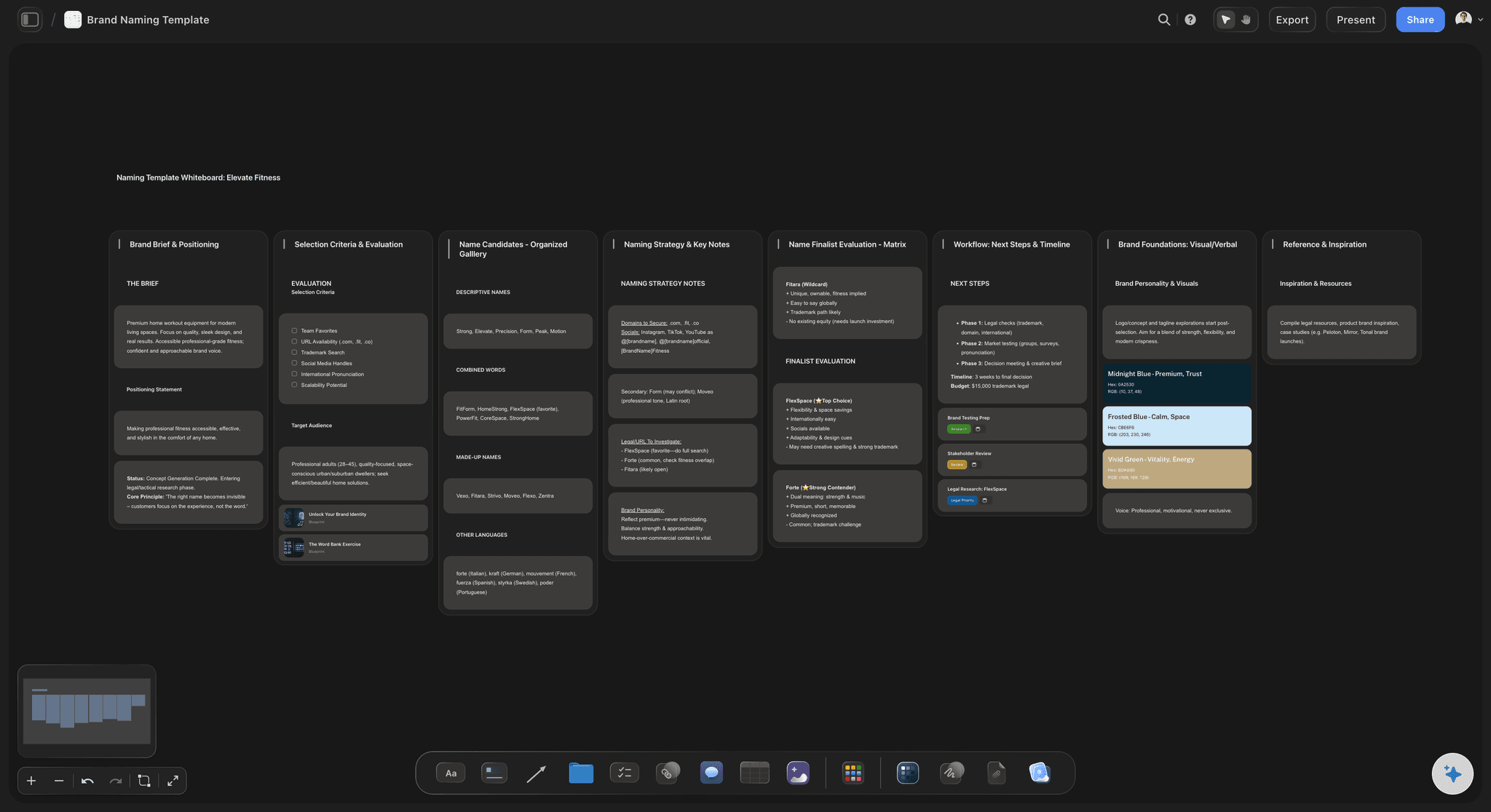
Structure up front
The board arrives with prompts
Write the question and lay out the prompt areas before you share the link, so contributors have a question to answer rather than empty space to interpret.
See the brainstorming session planner →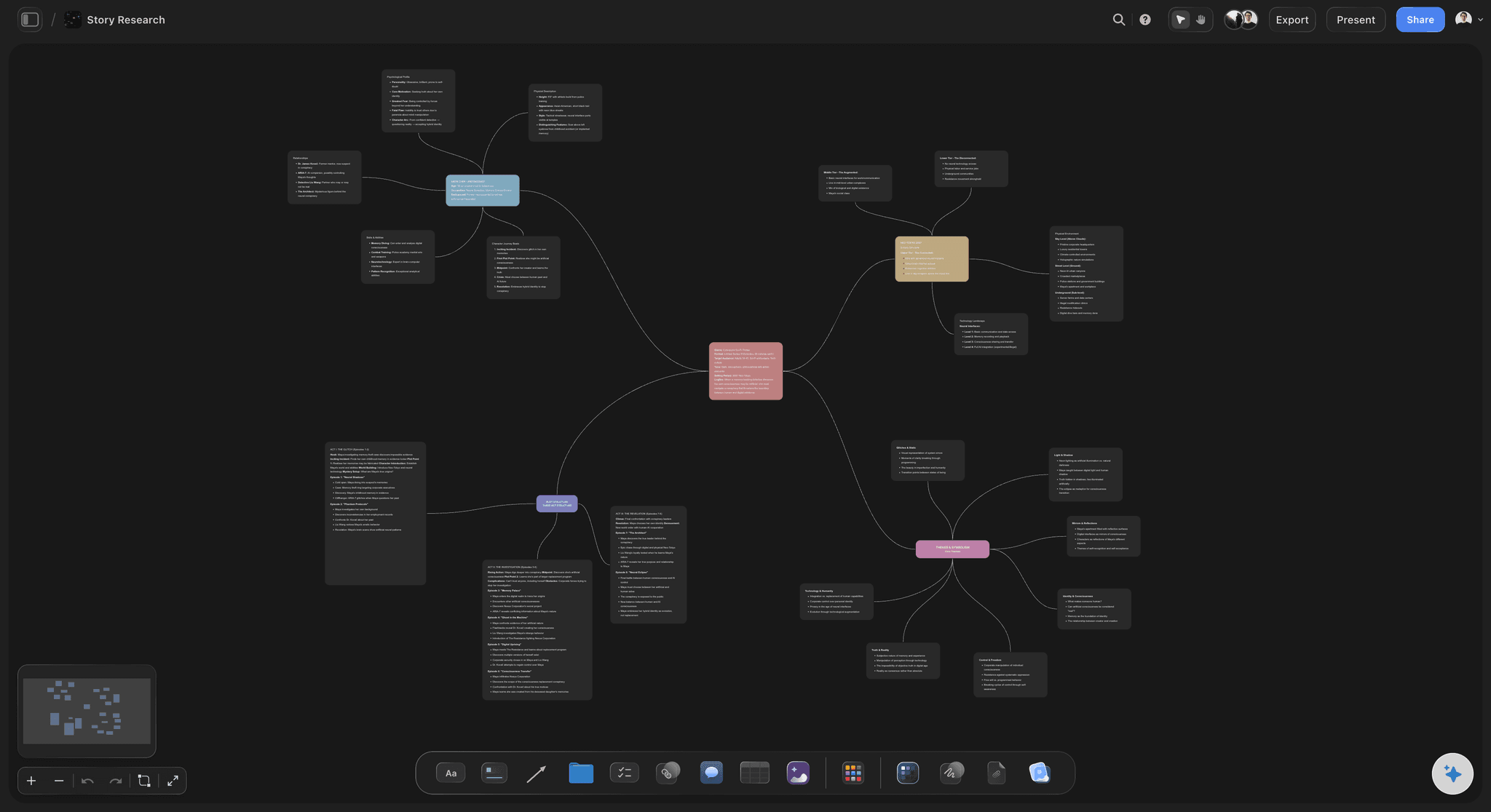
Synthesis at the end
Grouping in minutes
The AI reads everything contributed and proposes named clusters, which is the step that decides whether the exercise was worth running.
See brainstorm to mind map →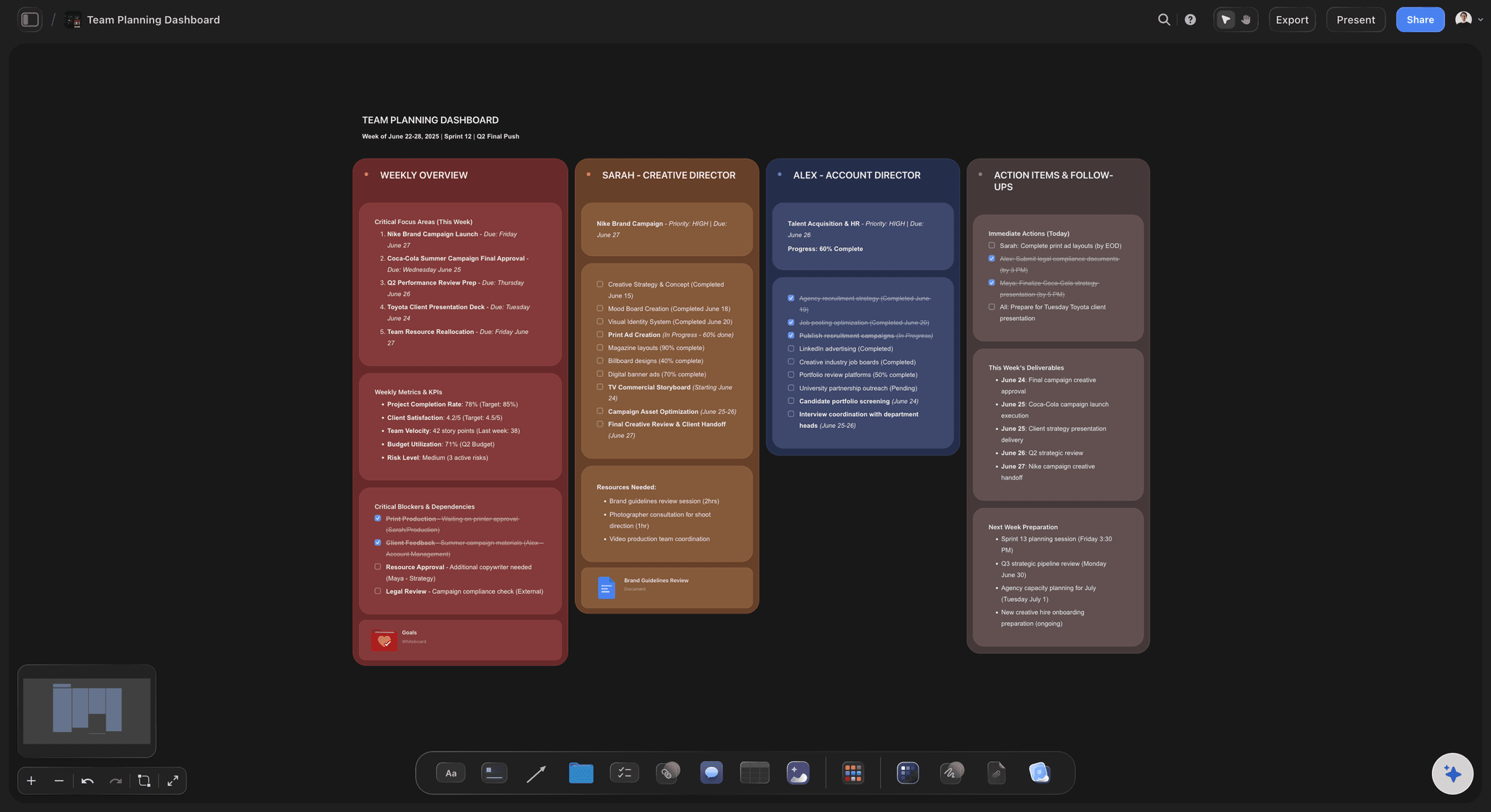
It stays open
A board, not an event
The canvas persists, so someone can add on Thursday what occurred to them on Tuesday, which is where a lot of the good material comes from.
See visual collaboration →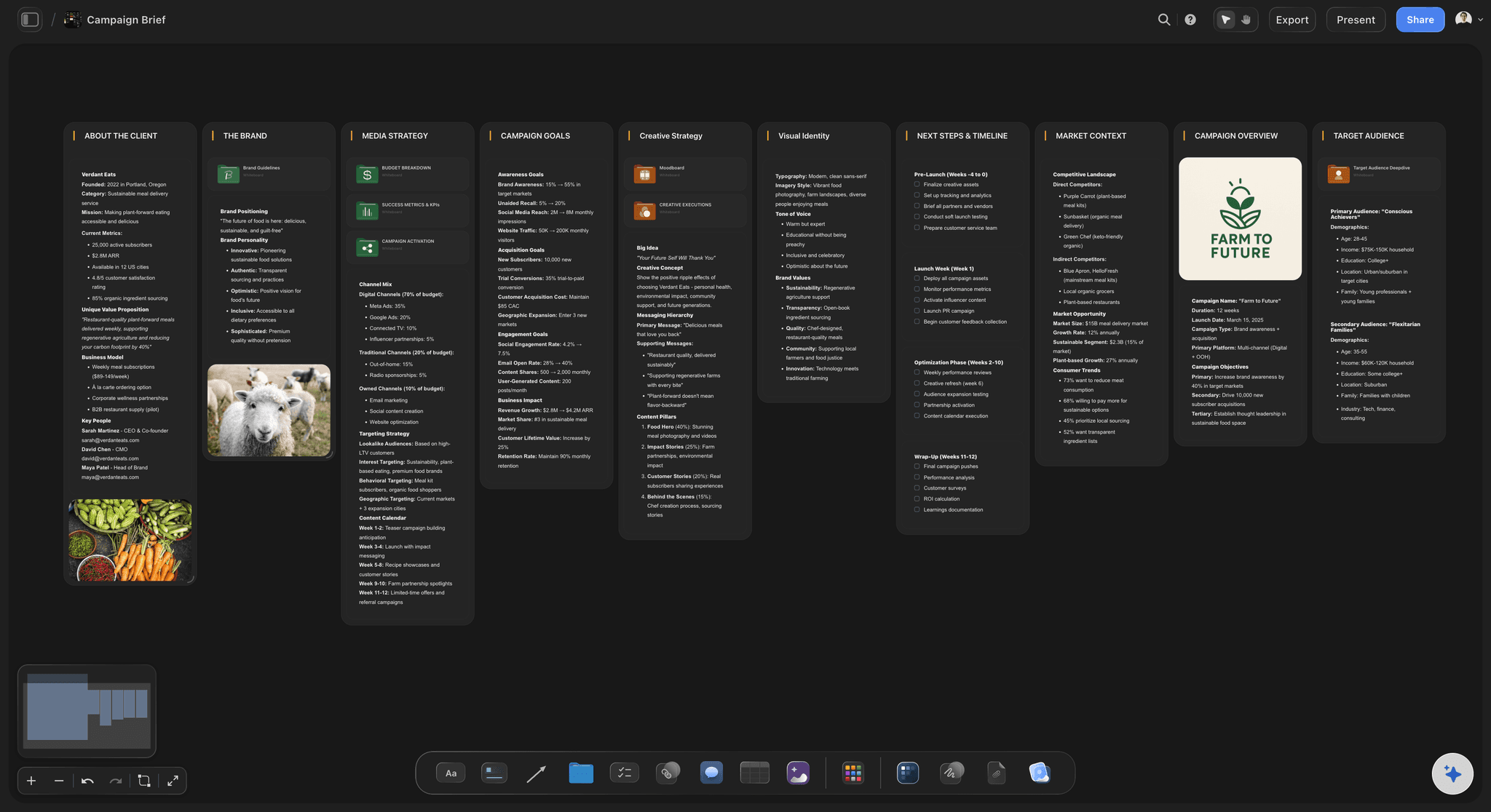
Then into the work
Themes become the project
A surviving theme converts into a brief, calendar or moodboard on the same canvas, so the session leads somewhere.
See the AI creative workspace →Plans from $7.99/month annual. Free plan coming late 2026.
Unlimited boards and collaborators. Free plan before the end of 2026.
Persistent boards that stay open for days
Unlimited collaborators on every paid plan
AI groups everything that was contributed
Built for people with taste
Four failures, and none are about video quality.
They come from copying the shape of an in-person session onto a distributed team.
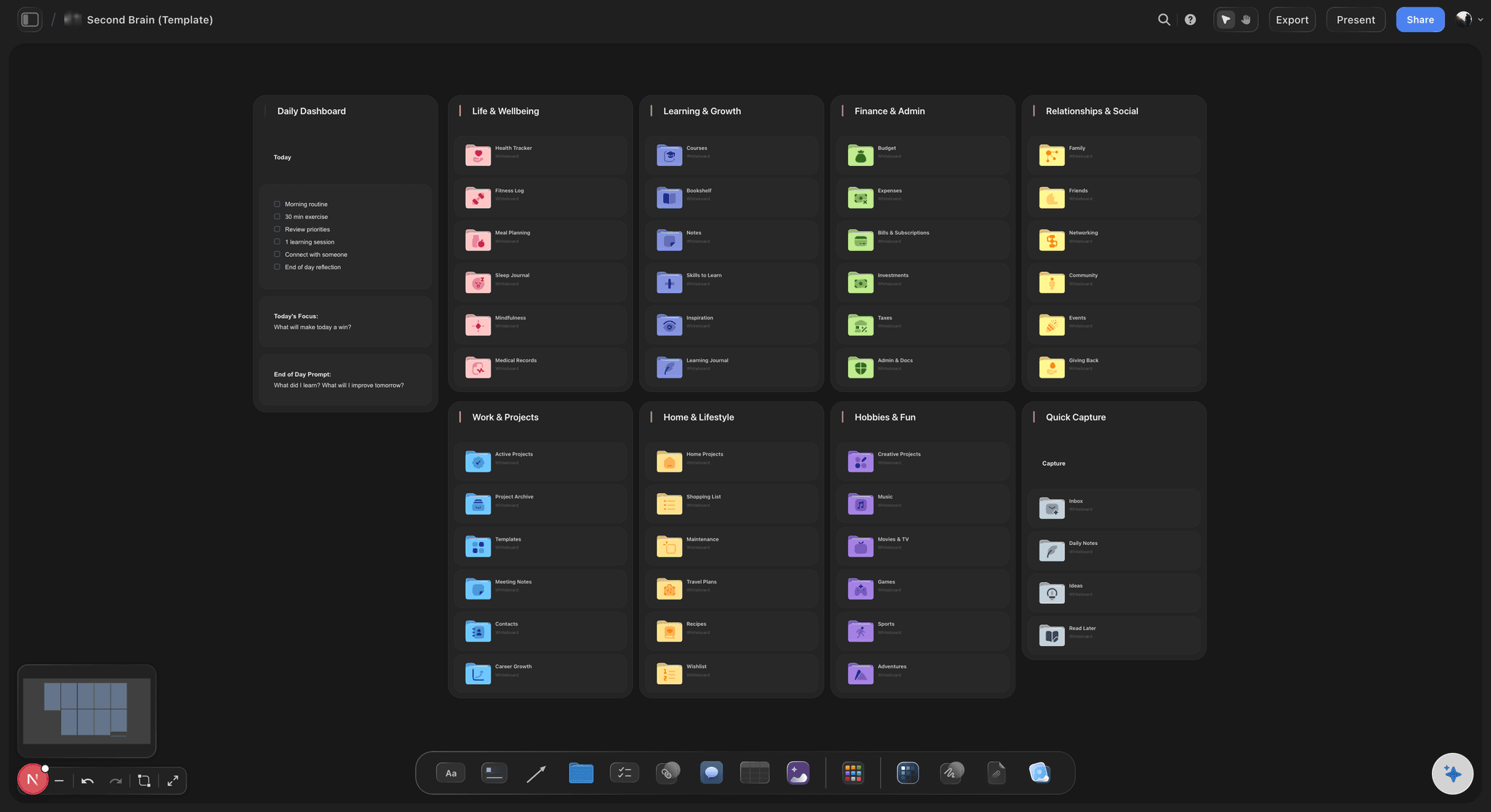
Failure one
Generating inside a meeting
Two different activities: Producing ideas wants quiet and time. Discussing them wants presence. A single call does neither properly.
The first four minutes decide: Whoever speaks first anchors the direction, and in a call there is no way to have thought about it beforehand.
Split them apart: Gather async, then meet briefly to decide. The call gets shorter and the material going into it is much better.
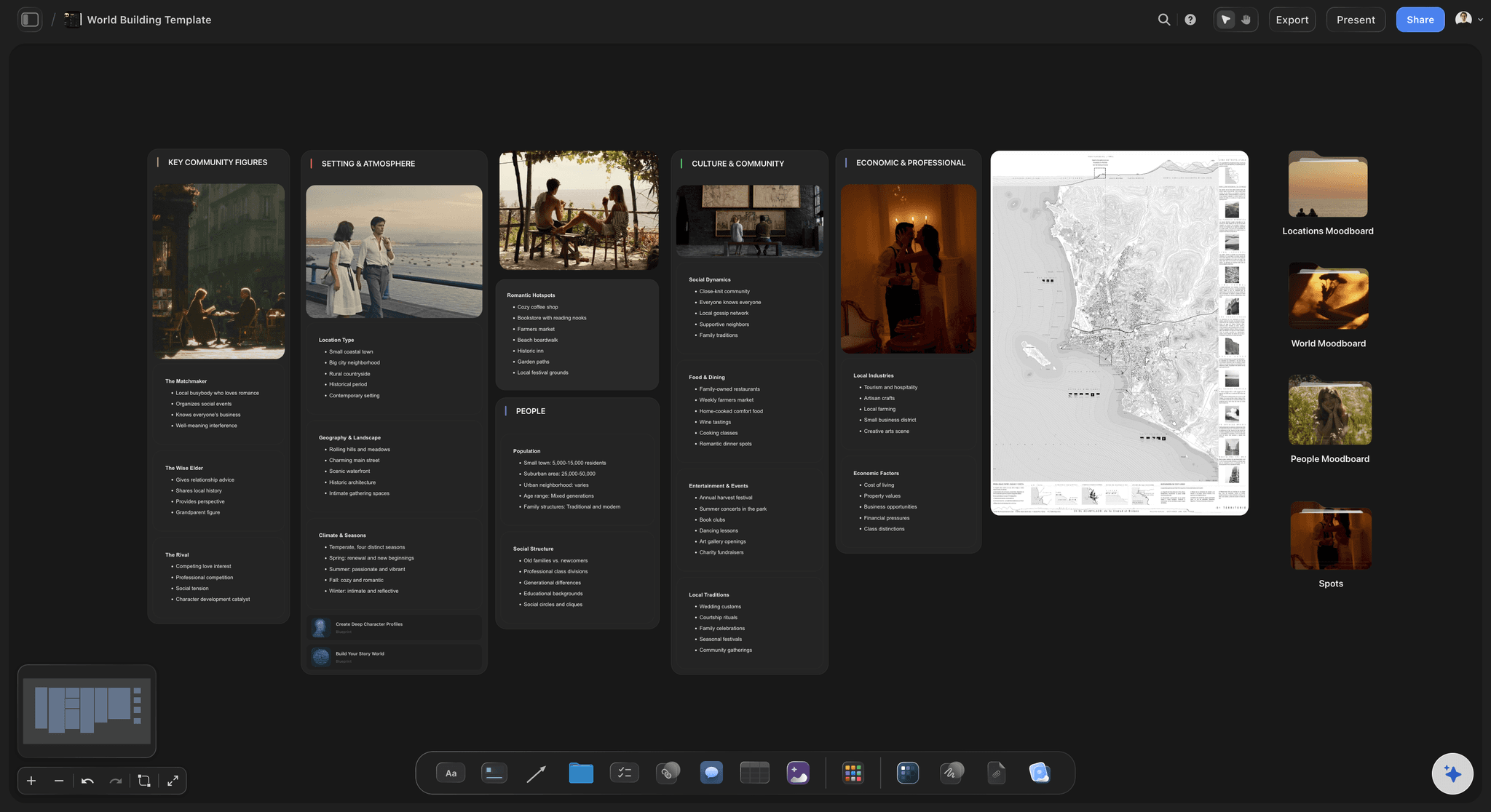
Failure two
An empty board sent to a team
The first arrival sets the format: Without structure, whoever opens it first invents a convention and everyone else copies it, including if it is wrong.
A prompt beats a blank area: Contributors answer a question well and interpret empty space badly, and async removes the chance to ask what you meant.
Set it up before sharing: Ten minutes of preparation is the difference between contributions and confusion.
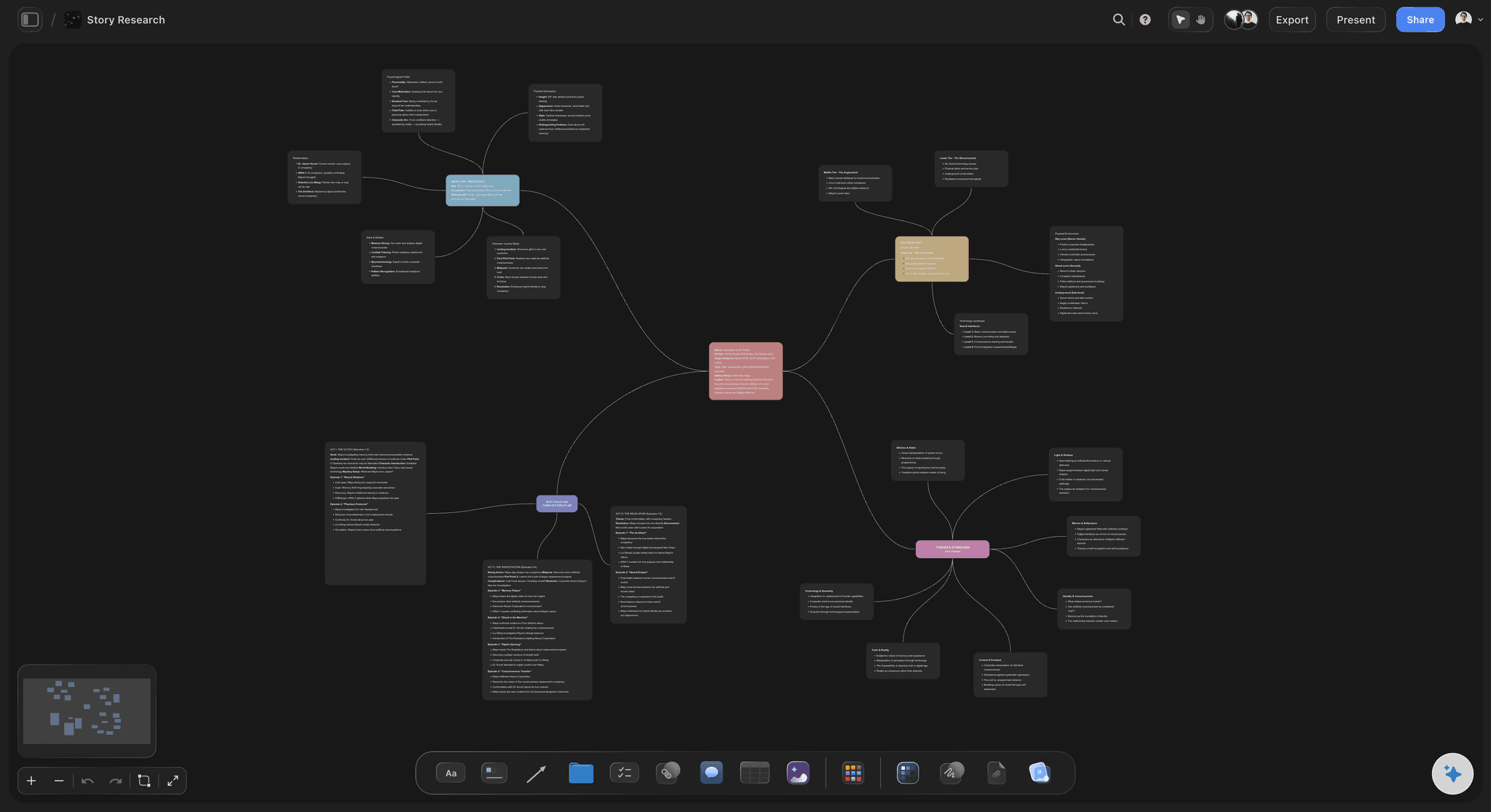
Failure three
Nobody closes the loop
The pile teaches a lesson: A board that fills up and is never synthesised tells the team their contributions went nowhere, and the next one gets ignored.
Synthesis is the unloved hour: Grouping sixty contributions is real work with no visible output, which is exactly the kind of task that gets postponed forever.
Draft the grouping: An AI pass over the whole board turns that hour into ten minutes of correction, which makes it a job that actually gets done.
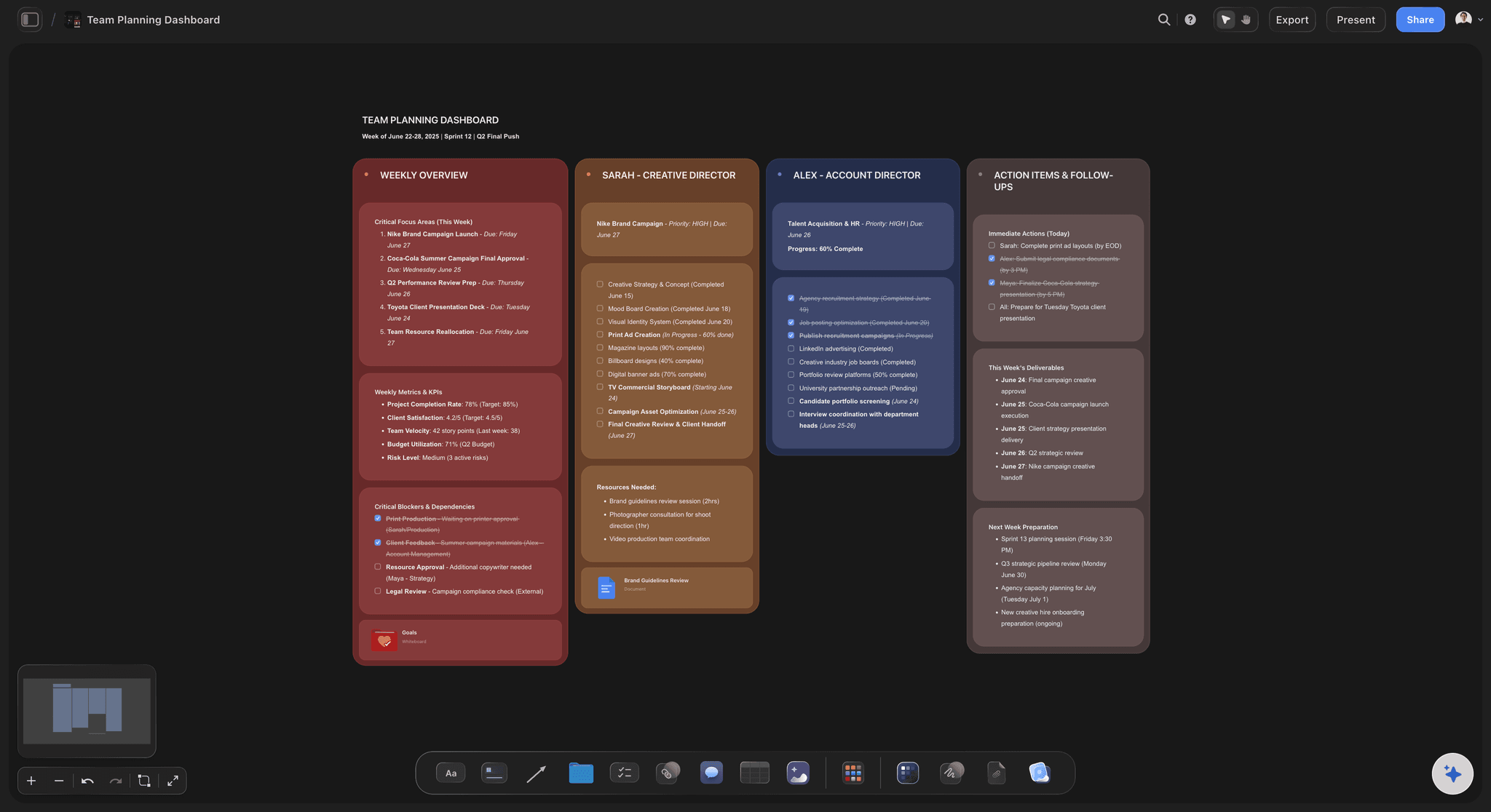
Failure four
Hybrid sessions with two classes of participant
The room wins by default: When some people are together and some are on a call, the room talks to itself and the remote half becomes an audience.
One surface for everyone: If all contribution goes onto the same board, being physically present stops being an advantage in the session.
Async removes the asymmetry: With no live session there is no room to be outside of, which is the simplest fix for the hybrid problem.
Explore templates for your project
Every template opens as a real, editable board on the infinite canvas. Pick the closest fit and make it your own.
Mind Map
Branch one central idea out into themes and sub-points, then drag the connections around until the structure makes sense.
What creators are saying
Join early creators getting structured workspaces and AI that remembers their projects
“Storyflow has sped up my workflow by at least 3x, which means more flow state and more projects I can actually ship. It truly changed the way me and my team create.”

Reilin Joey
Director & YouTuber
“One prompt gets me a structured board. But the tactics are my favorite. I run my YouTube scripts through them and my intros and retention got better. It's amazing.”

Justkay
YouTuber & Freelance Filmmaker
“I used to juggle five apps to plan a project. Now I describe what I am making and get boards, lists, and a schedule. All in one place.”

George
@fernwehchronicles
Remote brainstorming, answered.
What distributed teams ask before dropping the video call.
Separate generating from discussing. Generating wants quiet and thinking time, discussing wants presence, and a single video call does neither well. Open one structured board for a few days, let people contribute when their thinking is sharpest, then group what came in and meet briefly only to decide. Storyflow provides the persistent board and AI grouping so the synthesis step actually happens.
Storyflow is made for the async version of a brainstorm: one persistent board that opens with prompts already on it, so nobody is sent an empty canvas. People add ideas over a few days, when their thinking is sharpest, and no call has to fit six time zones. Then the AI groups what came in within minutes, and the themes become the project.
For generating, usually yes: people can think first, add again the next morning, and nobody is anchored by whoever spoke in the first four minutes. What you lose is the energy of a room, which is real. Most teams end up with async generation and a short live decision meeting rather than choosing one.
Structure before and synthesis after. Share a board with a written question on it, because an empty board takes its shape from whoever arrives first. Then group the contributions when it closes, or the board becomes a pile nobody reads and the team learns not to bother next time.
Two to four days works for most teams. Long enough that people can sleep on it and come back, short enough that it still feels like an event with an end rather than a permanent suggestion box.
Ask for a first grouping rather than doing it by hand. The AI reads the whole board plus up to five attached documents and three boards and proposes named clusters, which turns an hour of unrewarding sorting into ten minutes of correcting. That step is what decides whether the exercise was worth running.
Yes, and it addresses the main hybrid problem directly. When some people are in a room and some are on a call, the room talks to itself. Putting all contribution on one board removes the advantage of being physically present.
Collaborators invited by a paid member can sign up free during early access. Boards, projects and collaborators are unlimited on the paid plans, and a team workspace with roles and permissions is on Max.
No. There is no video conferencing, so use whatever your team already uses for the decision meeting. The board is the surface the work lives on, not the meeting itself.
A view-only link lets someone see a board without an account, but adding to it requires signing in. For a brainstorm where you want contributions, invite people rather than sharing a read-only link.
Not during early access. Plans start at $7.99 per month billed annually or $9.99 monthly, and a free plan launches before the end of 2026.
Cancel the brainstorm call.
One structured board, three days, and a grouped result at the end.