
Extremely simple, seriously capable
AI image upscaler: enlarge and sharpen images in one click.
Drop a small or blurry photo on your board and click Upscale. Storyflow enlarges the image and sharpens the detail, so a modest file holds up in print, pitch decks, and full-screen layouts without leaving your workspace.


Add your image
Drop a JPG, PNG, or WebP onto the canvas and upscale it in seconds.
Upload your imageAI-powered
Works in your browser
How it works
How to upscale an image without losing quality.
Three steps from small file to sharp, usable image.
1
Upload your image
Sign up, open a board, and add the photo you want to enlarge. JPG, PNG, and WebP all work, and you can bring in a whole set at once.
2
Click Upscale
Select the image and hit Upscale in the toolbar. Storyflow enlarges it and sharpens the detail automatically, no sliders or settings to tune.
3
Download or build on it
Save the upscaled result to your device, or leave it on the canvas and use it in moodboards, briefs, and presentations alongside your other images.
Creatives working for these brands already got early access
- Red Bull
- Canon
- Artlist
- Porsche
See how easy it is to get started
Watch a real project come together, from a blank board to a finished plan, clicked through step by step.
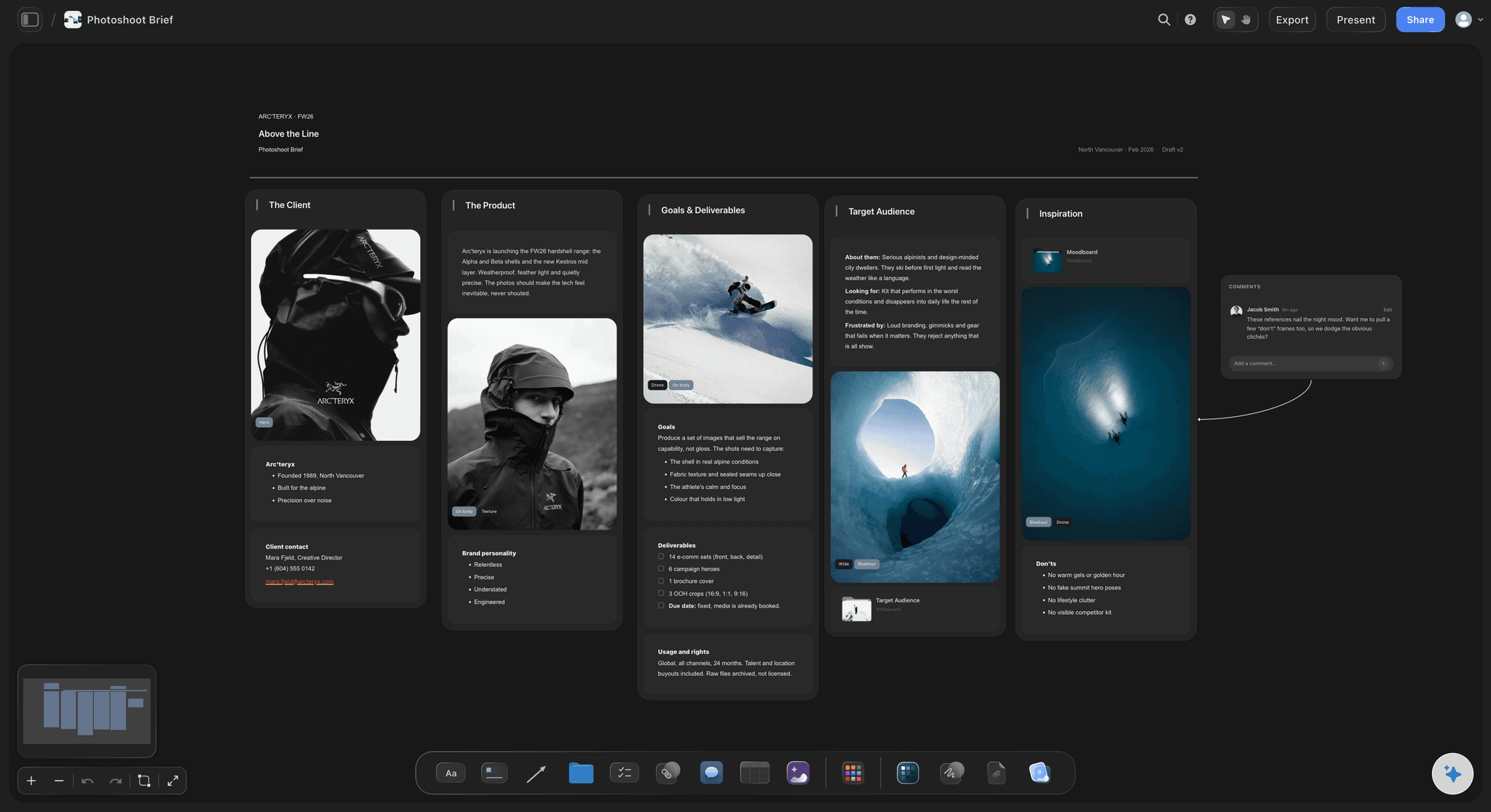
Rescue low-resolution photos for real projects.
Screenshots, old assets, and compressed downloads all fall apart the moment you scale them up. One click on Upscale enlarges the file and recovers crispness, so the photo you actually want to use survives the jump to a bigger layout.
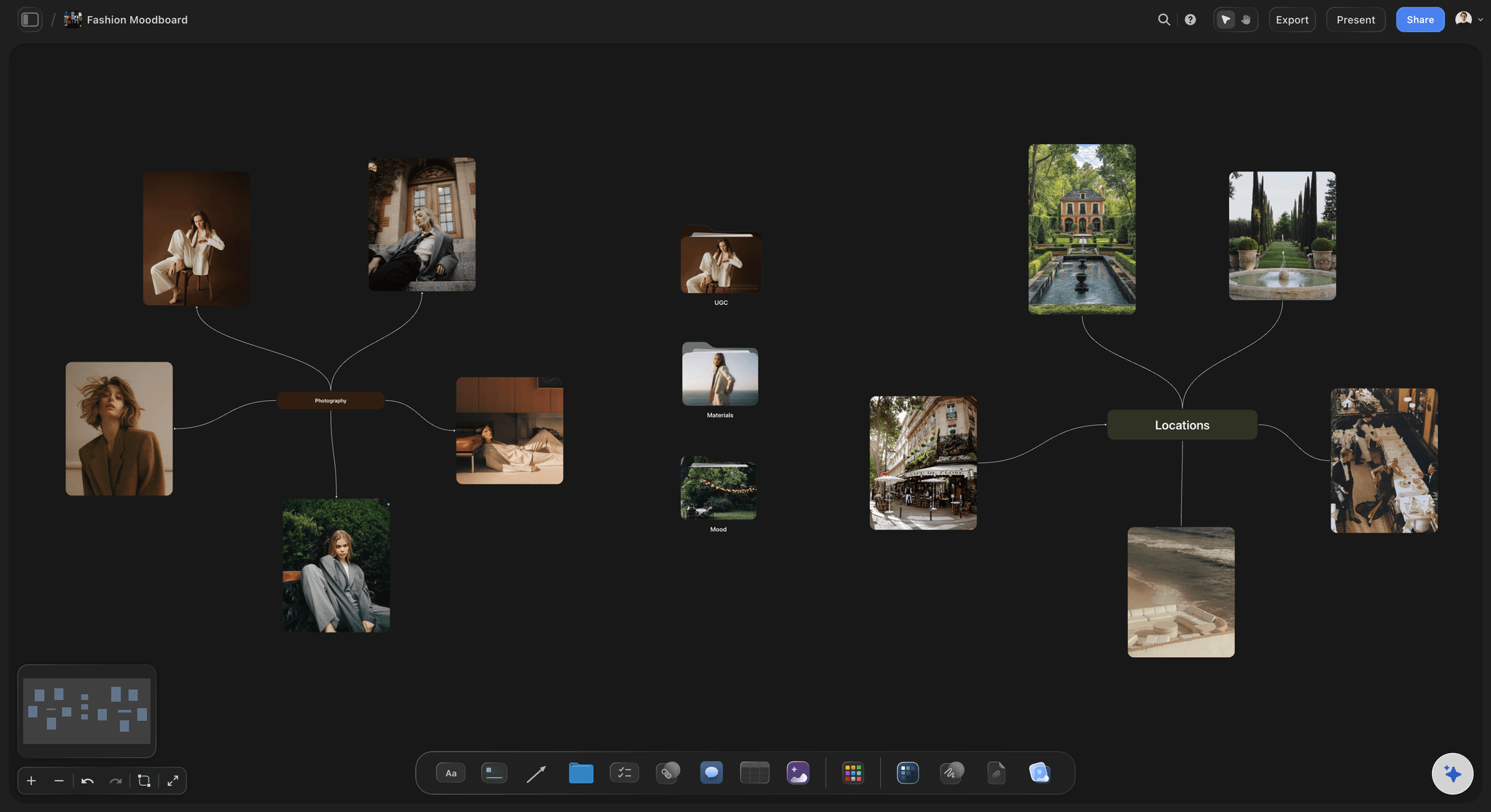
Make every image on the board presentation-ready.
A moodboard is only as convincing as its blurriest image. Upscale the weak ones in place and the whole board reads sharp when you zoom in during a review or export it for a client deck.
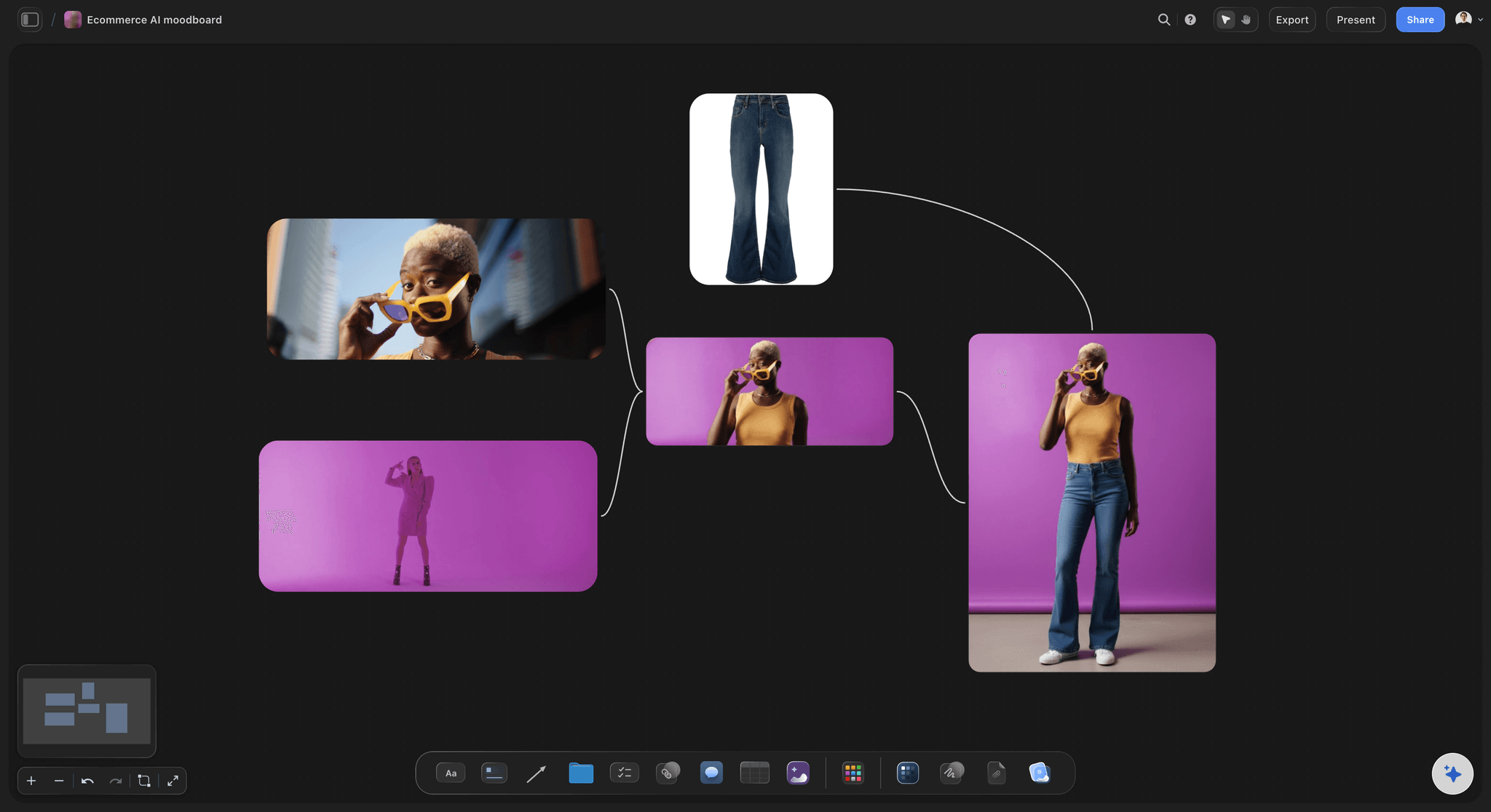
Prepare product shots for stores and campaigns.
E-commerce layouts and ad placements demand bigger images than most source files provide. Upscale product photos on the canvas, compare versions side by side, and keep the best ones together with your campaign material.
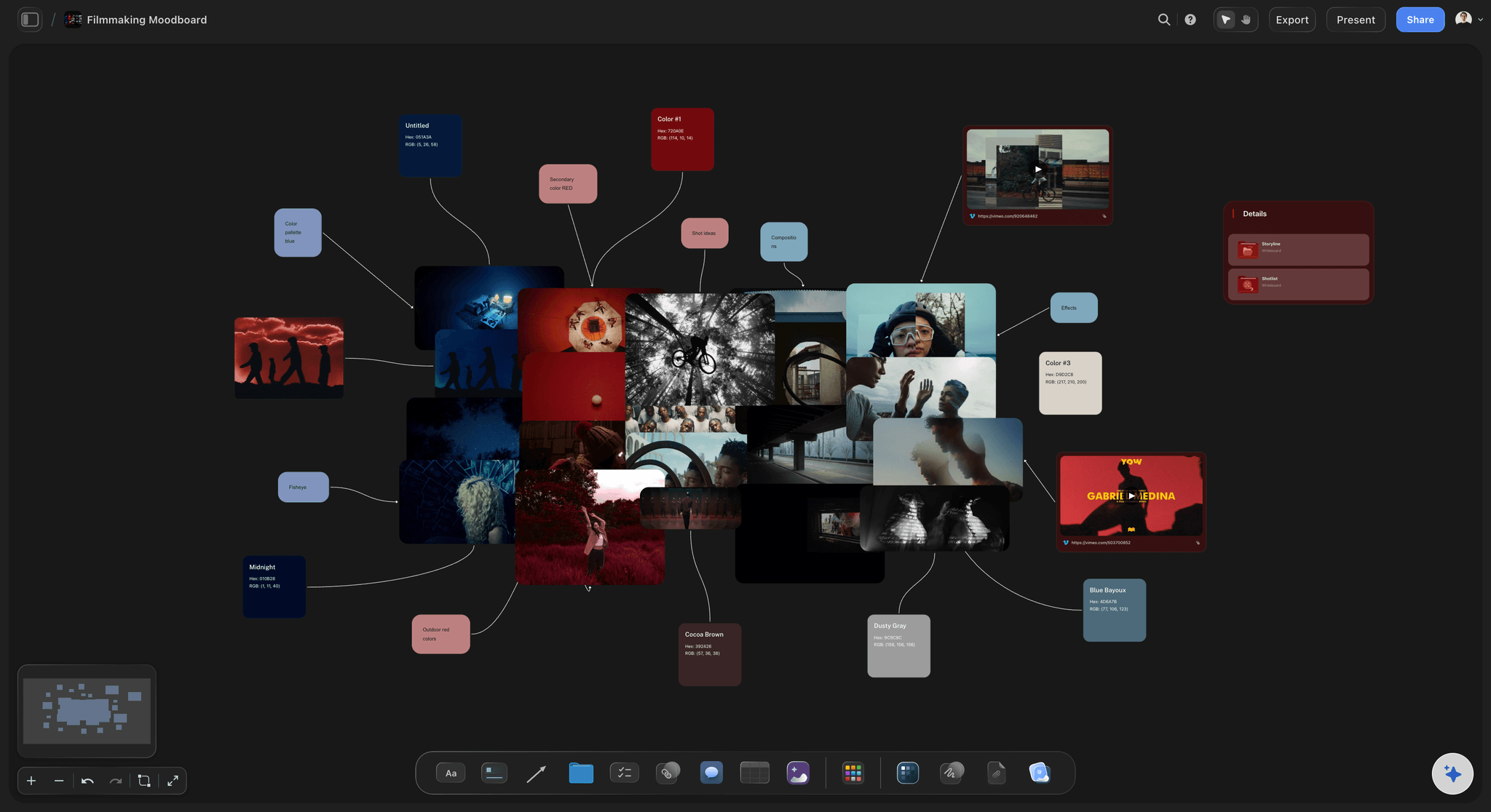
Combine Upscale with Remove BG and Crop.
Upscaling is one button in a full image toolbar. Crop the frame, remove the background, then upscale the result: three clicks turn a rough reference into a clean asset, all without leaving the board it belongs to.
Turn low-resolution files into images you can actually use.
Storyflow upscales JPG, PNG, and WebP images in one click, no manual settings and no software to install. Use it to enlarge product shots for e-commerce pages, sharpen references before a client presentation, or bring an old low-resolution photo back to usable quality. And since you are upscaling on the board where you plan and present, the sharper version drops straight into the project that needed it.
Upscale images online with nothing to install.
The upscaler runs entirely in your browser on Storyflow. Once the image is sharper, save it to your device, or keep it on the canvas and build the moodboard, brief, or deck around it.
Upscaling is just the start of the image toolbar.
Every image on a Storyflow board carries the same one-click tools: Upscale, Remove BG, Crop, Zoom, and Replace. Enlarge a photo, cut out its subject, and frame it properly in a single sitting, then arrange the results with notes, tables, and free templates for moodboards and briefs.
What creators are saying
Join early creators getting structured workspaces and AI that remembers their projects
“Storyflow has sped up my workflow by at least 3x, which means more flow state and more projects I can actually ship. It truly changed the way me and my team create.”

Reilin Joey
Director & YouTuber
“One prompt gets me a structured board. But the tactics are my favorite. I run my YouTube scripts through them and my intros and retention got better. It's amazing.”

Justkay
YouTuber & Freelance Filmmaker
“I used to juggle five apps to plan a project. Now I describe what I am making and get boards, lists, and a schedule. All in one place.”

George
@fernwehchronicles
Frequently asked questions.
Resolution, formats, and what's included.
You upload an image to a board, select it, and click Upscale in the image toolbar. Storyflow enlarges the image and sharpens the detail automatically, so you get a bigger, cleaner version in seconds without tuning any settings.
Not during early access. Upscaling runs on the basic AI usage included with Storyflow's plans, which start at $7.99 a month billed annually, and 20 file uploads cover the photos you want to enlarge. A Free plan is launching before the end of 2026.
That is exactly what the Upscale button is for. Instead of simply stretching pixels, Storyflow enlarges the image while sharpening detail, so the result stays crisp in print layouts, decks, and full-screen views.
You can drop JPG, PNG, and WebP files onto the canvas. After upscaling, save the result to your device or keep working with it directly on the board.
Yes. The upscaled image stays on your canvas, so you can crop it, remove its background, annotate it with the pen tool, and arrange it into moodboards, briefs, and presentations.
Yes. Nothing about Upscale is desktop-only: open your board in a phone or tablet browser, tap the image, and run the same one-click enlargement you would use at your desk.
Give your small images a second life.
One click on Upscale turns a soft, undersized photo into something you can print or present.