
Ultra-fast planning, extremely simple
Generate a course outline with AI
and map the whole curriculum at once.
Describe what you teach and Storyflow's AI generates the course: the modules, the lessons under each, and a learning outcome for every part, laid out as a tree. Reshape it on one board, then turn the outline into lesson plans and a launch.


Creatives working for these brands already got early access
- Red Bull
- Canon
- Artlist
- Porsche
See how easy it is to get started
Watch a real project come together, from a blank board to a finished plan, clicked through step by step.
Start from a ready-made template
Pick a board to see what you can build, then let AI fill it in. Every template is a real, editable starting point on the same infinite canvas.

Mind Map
Branch one central idea out into themes and sub-points, then drag the connections around until the structure makes sense.
What is an AI course outline generator?
A course outline is the structure of what you teach: the modules, the lessons inside them, and the order that takes a learner from where they are to where you promised they would be. It is the backbone of a course. Get the outline right and the recording, the slides, and the worksheets fall into place. Get it wrong and you find out halfway through that module four needed to come before module two.
An AI course outline generator takes the first pass off your hands. Instead of staring at a blank document, you describe the topic, the audience, and the transformation you promise, and the AI lays out the modules and lessons as a tree, with a learning outcome attached to each part, drafted for your course rather than a generic example. It is not a rigid table: the outline is real nodes on a canvas, so you cut the lessons you do not need and expand the ones you do.
That is the hard instructional-design work, breaking the subject into modules, sequencing the lessons, writing the outcomes, that a blank page does nothing to help with. The AI gives you a curriculum you can argue with, which is far faster than inventing it yourself. Then the outline becomes the work: drag lessons to resequence, ask the AI to expand a thin module, and turn it into lesson plans, a sales page, or a launch plan, all on the same canvas.
Ultra fast from brief to board
Generate a course outline with AI in four steps.
You describe the course. The AI maps the curriculum, so you start by sequencing, not inventing modules.
01
Open Storyflow in your browser
Start in the browser with a Storyflow account. No separate app to install, just an empty board ready for the outline.
02
Describe the course
A sentence is enough: the topic, who it is for, and the transformation you promise. Add the format and the AI shapes the map.
03
AI generates the course outline
The AI lays out the modules and lessons as a tree, with a learning outcome on each part, so the whole arc of the course reads at a glance.
04
Resequence, then build it out
Drag lessons to reorder, expand a thin module, then ask the AI for lesson plans or a sales page. Share view-only or export to PDF.
A course map that becomes the course, not a list of topics.
Most tools hand you a blank table. This one generates the curriculum, then turns into lessons and a launch.
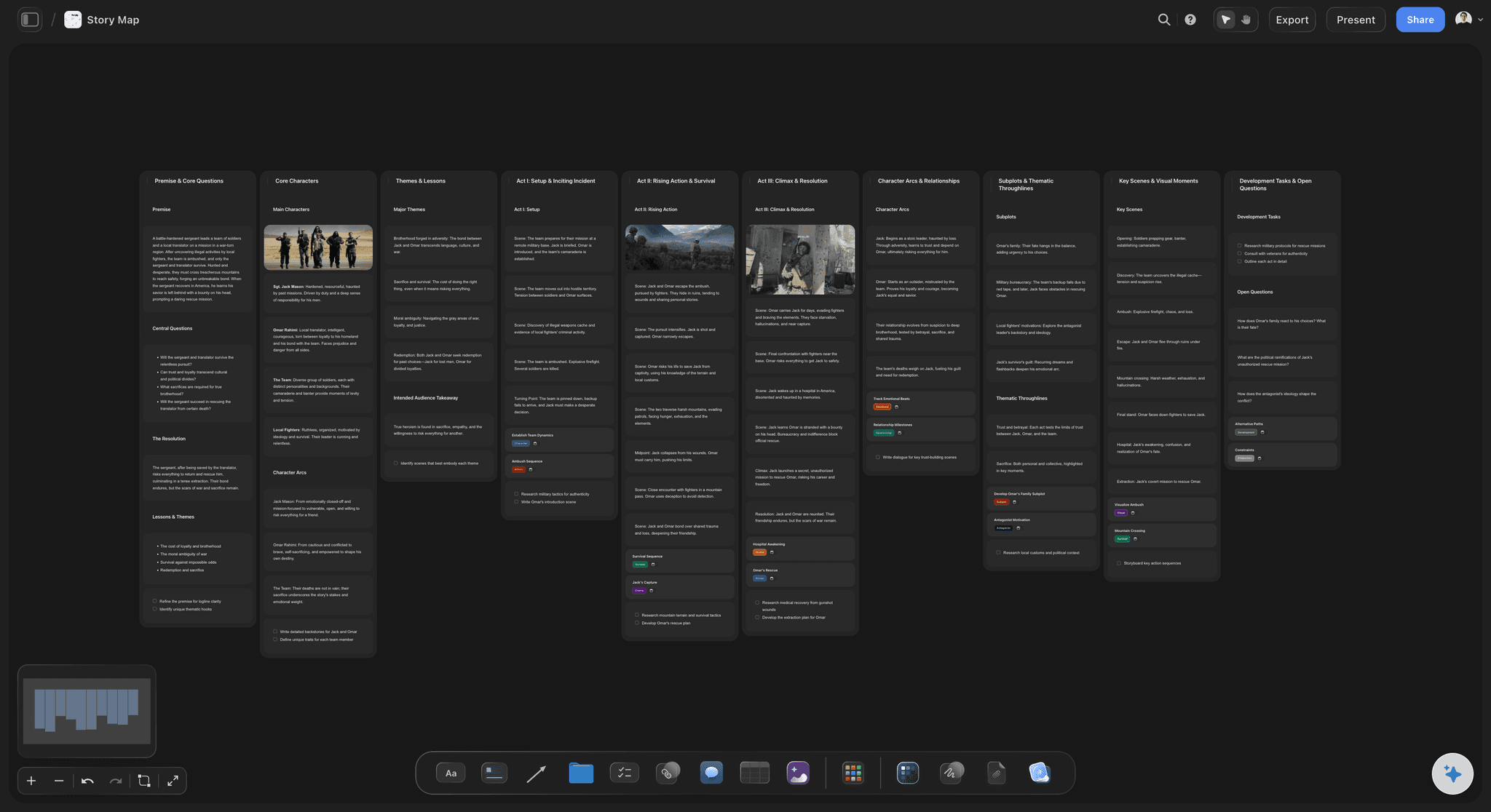
The curriculum, generated
Modules and lessons as a tree
Describe what you teach and the AI generates the modules and lessons, so you start by sequencing a real curriculum instead of breaking the subject down from a blank page.
See the AI content idea generator →
Every part has a purpose
Learning outcomes attached
Each module and lesson carries the outcome a learner should reach, so the course is a transformation with a clear path, not a pile of topics you happen to cover.
See the AI content planner →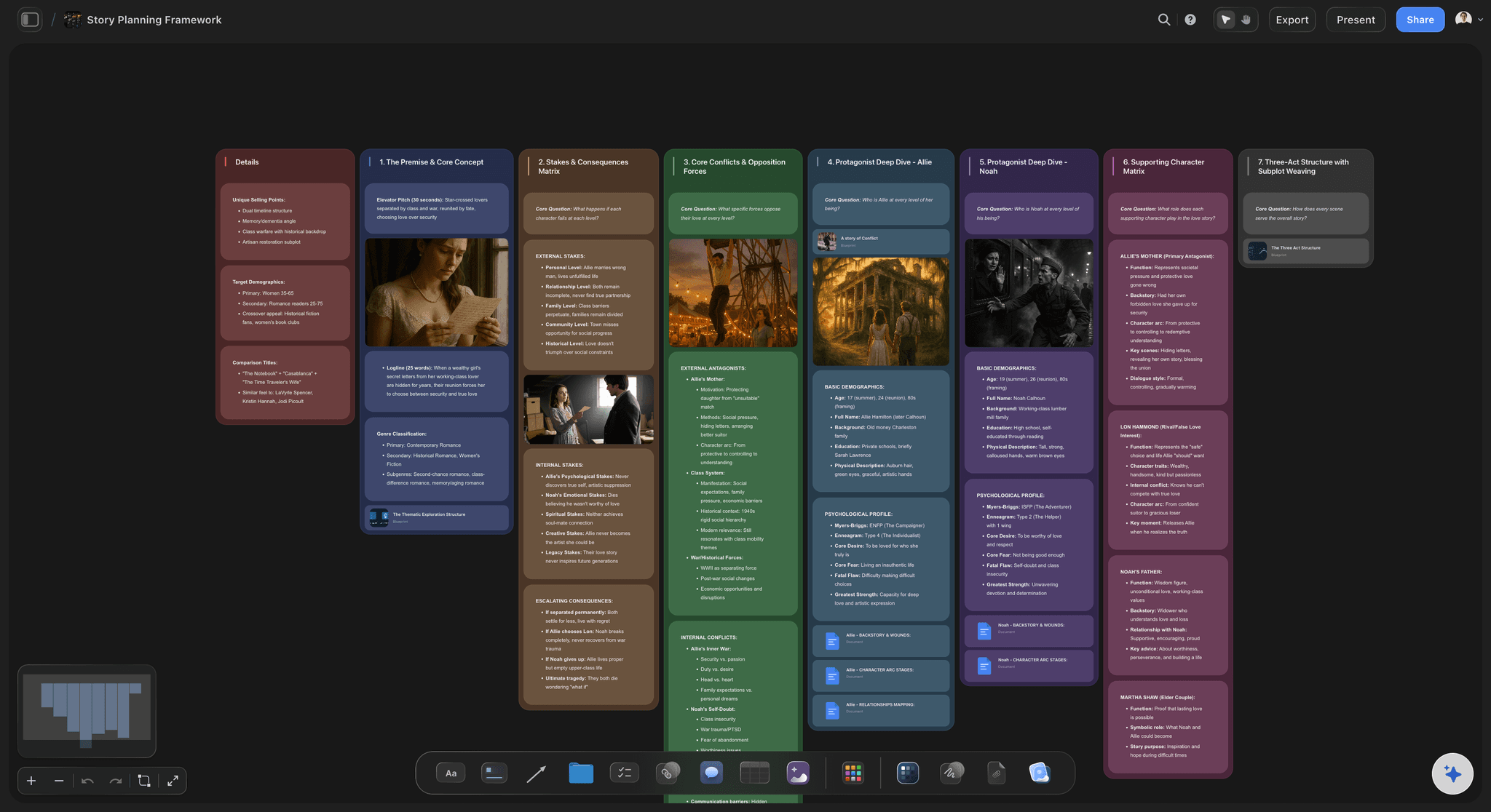
From outline to lessons
Expand a module into a lesson plan
Pick a lesson and ask the AI to draft its plan, the objectives, the content, and the activity, on the same canvas, so the outline turns straight into teachable material.
See the story planning tool →
The whole course in one view
See the arc top to bottom
A curriculum is easier to sequence when you can see all of it. With an infinite canvas and no object cap, every module and lesson fits on one board.
See the AI second brain →Paid-only during early access.
Open a canvas, describe the course, and watch the curriculum generate itself. Plans start at $7.99 a month, with no time limit on any of them.
Unlimited course outlines and boards, with room for every module
Basic AI usage to generate and expand the curriculum
Attach research, slides, and links to any lesson
Share the outline view-only, or invite collaborators free
Built for people with taste
Made for the way courses actually get built.
Generate the curriculum, attach the outcomes, sequence the lessons, and turn the outline into lessons and a launch.
A curriculum that generates itself
Modules, lessons, and outcomes together
The whole arc: The modules, the lessons under each, and a learning outcome per part arrive as a generated tree, not a blank table to fill in.
Resequence by dragging: Move a lesson, merge two modules, or reorder the arc by dragging. The curriculum reshapes as you sort.
Expand any module: Ask the AI to break a thin module into the lessons it needs, while the rest of the outline stays exactly as you arranged it.
Designed around the learner
A path to a real transformation
Outcome-led: Each part carries the outcome it delivers, so the course moves a learner from a starting point to the promise, step by step.
Attach your material: Bring in up to five documents and three boards, such as your notes, a past webinar, or research, and the AI generates the curriculum from them.
Pin your resources: Drop slides, references, and examples onto the lesson they belong to, so the outline gathers the material as it grows.
The outline becomes the course
From map to lessons, sales page, and launch
Draft the lessons: Turn any lesson into a lesson plan with objectives, content, and an activity, on the same canvas as the outline.
Write the sales page: Ask the AI to turn the outcomes into a course sales page or offer, so what you teach and how you sell it stay aligned.
Plan the launch: Expand the outline into a launch plan and a recording schedule, all on one board, then share or export it.
Explore templates for your project
Every template opens as a real, editable board on the infinite canvas. Pick the closest fit and make it your own.
Mind Map
Branch one central idea out into themes and sub-points, then drag the connections around until the structure makes sense.
One app instead of five
How Storyflow compares to other course planning tools.
Most options are a blank doc or a fixed template. The question is whether the AI generates the curriculum and it becomes the course.
Storyflow
Recommended
AI generates the modules and lessons from a topic
Outline becomes lesson plans and a sales page on one canvas
An infinite visual tree you can resequence by dragging
No board or card caps, even on paid plans
ChatGPT
AI generates the modules and lessons from a topic
Outline becomes lesson plans and a sales page on one canvas
An infinite visual tree you can resequence by dragging
A free plan without board or card caps
Course platform builder
AI generates the modules and lessons from a topic
Outline becomes lesson plans and a sales page on one canvas
An infinite visual tree you can resequence by dragging
A free plan without board or card caps
Notion / spreadsheet
AI generates the modules and lessons from a topic
Outline becomes lesson plans and a sales page on one canvas
An infinite visual tree you can resequence by dragging
A free plan without board or card caps
What creators are saying
Join early creators getting structured workspaces and AI that remembers their projects
“Storyflow has sped up my workflow by at least 3x, which means more flow state and more projects I can actually ship. It truly changed the way me and my team create.”

Reilin Joey
Director & YouTuber
“One prompt gets me a structured board. But the tactics are my favorite. I run my YouTube scripts through them and my intros and retention got better. It's amazing.”

Justkay
YouTuber & Freelance Filmmaker
“I used to juggle five apps to plan a project. Now I describe what I am making and get boards, lists, and a schedule. All in one place.”

George
@fernwehchronicles
AI course outline questions, answered.
Everything people ask about generating a course outline with AI in Storyflow.
An AI course outline generator turns a one-line description of what you teach into a full plan: the modules, the lessons within each, the order they run in, and the learning outcome for every part. In Storyflow the AI maps the modules and lessons as a tree on an infinite canvas, so you start by sequencing a real curriculum instead of a blank document.
A strong course outline includes the target learner and the transformation you promise, the modules in a logical order, the lessons within each module, a learning outcome for each part, and the resources or activities that support them. Storyflow generates the modules and lessons by default, attaches an outcome to each, and keeps the resources on the same board.
Describe the topic, audience, and promise in the AI chat, and the AI maps the modules and lessons as a tree on the canvas with a learning outcome on each part. Every node is editable and draggable, so you can resequence lessons, merge or split modules, and ask the AI to expand a thin module into the lessons it needs.
Not during early access. Storyflow is paid-only right now, with Plus starting at $9.99 a month ($7.99 billed annually). A Free plan is planned before the end of 2026 and will include basic AI usage, unlimited boards, 20 file uploads for slides and research, and view-only sharing. If a paid teammate invites you to their board, you can join and collaborate for free today.
Yes. Ask the AI to expand any lesson into a lesson plan with objectives, content, and an activity, on the same canvas as the outline. The outline becomes teachable material instead of staying a list of topics, and the modules, lessons, and plans all live on one board.
Yes. Ask the AI to turn the learning outcomes into a course sales page or offer, with the promise, the modules, and the benefits, on the same canvas. Because the sales page is built from the same outcomes as the curriculum, what you teach and how you sell it stay aligned.
Yes. Attach up to five documents and three boards, such as your notes, a past webinar, or research, and the AI generates the curriculum from them. You can also pin slides and references onto the lessons they support, so the outline gathers your material as it grows.
Stop staring at a blank curriculum. Generate the whole course on one board.
Describe what you teach once, watch the AI map the modules, and turn the outline into lessons.