
Ultra-fast planning, extremely simple
A lesson is a time budget
with an objective attached.
Lay one class period out as timed cards on an infinite canvas, with the slides, the worksheet, the video, and the images pinned to the stage that actually uses them.


Creatives working for these brands already got early access
- Red Bull
- Canon
- Artlist
- Porsche
See how easy it is to get started
Watch a real project come together, from a blank board to a finished plan, clicked through step by step.
Start from a ready-made template
Pick a board to see what you can build, then let AI fill it in. Every template is a real, editable starting point on the same infinite canvas.

Mind Map
Branch one central idea out into themes and sub-points, then drag the connections around until the structure makes sense.
What is a lesson plan creator?
A lesson plan creator is a tool for designing what happens in a single class period. Storyflow is an AI visual workspace that plans a single lesson on one infinite canvas: timed cards for each stage, slides, worksheets, videos and images pinned to the stage that uses them, and a draft the AI writes from your objective. Not a term, not a unit, one lesson: the forty, fifty, or ninety minutes between the bell and the bell. The plan holds the objective you are aiming at, the sequence of activities that gets students there, the materials each activity needs, and the points where you find out whether it is working. The job is smaller than curriculum planning and much more concrete, because every decision is measured in minutes you do not have.
The honest description of a lesson plan is that it is a time budget with a learning objective attached. That framing explains almost everything that goes wrong. Most lesson plans are over-stuffed by roughly a third, because writing an activity takes fifteen seconds and running it takes twelve minutes. The starter overruns, the modelling takes longer than expected because a student asks the good question you did not anticipate, and the plenary, the part where you actually find out what landed, gets cut to ninety seconds of packing up. The plan was not wrong. It was too long, and it was too long in a way that a list of bullet points cannot show you.
The second thing that goes wrong is the gap between what you planned to cover and what students actually understood. Coverage is easy to measure and understanding is not, so it is tempting to plan the former and hope for the latter. The fix is not a better template. It is putting a check for understanding in the middle of the lesson rather than at the end, so that the twenty minutes after it are still yours to change: a quick diagnostic question, a show of hands on a confidence scale, three books read over shoulders, anything that tells you whether to move on or to reteach.
Planning one lesson properly means deciding six things: the objective (what a student could recognise they had met by the end, phrased as something they can do, not something you will cover), the starter or hook (the first four minutes, which either recall prior learning or create the question the lesson answers), the direct instruction (your modelling, the I do of gradual release, kept shorter than instinct suggests), the guided and independent practice (the we do and the you do, where the actual learning happens and where most of the minutes should go), the checking for understanding and differentiation (how you find out mid-lesson, plus the extension for the student who finishes in four minutes and the scaffold for the one who needs the worked example again), and the plenary and what carries forward (the last five minutes that consolidate, and the note to yourself about where the next lesson has to start). Storyflow keeps all six visible at once, in order, with the materials attached.
Ultra fast from brief to board
From an objective to a lesson you can teach.
No template to fill in blind. Describe the lesson, then move the timings until the plan fits the period.
01
Open a canvas
Sign up in seconds. No download. Your infinite planning canvas opens in the browser.
02
Describe the lesson
Type the objective, the year group, and the length of the period. The AI lays out a first draft as a row of timed cards: starter, modelling, practice, check, plenary. You start from a shape rather than a blank page.
03
Attach the materials
Drag the slides, the worksheet, the diagram, the video clip, and the reference images onto the canvas and pin each one to the card that uses it. The lesson stops being a document that points at a folder.
04
Fix the timings, then teach it
Add up the minutes, cut the third you always over-plan, and mark where the mid-lesson check goes. Share a view-only link with a colleague or your department, or export the board as an image or PDF.
One lesson, in order, with everything attached.
The sequence, the minutes, and the actual materials on a single infinite canvas.
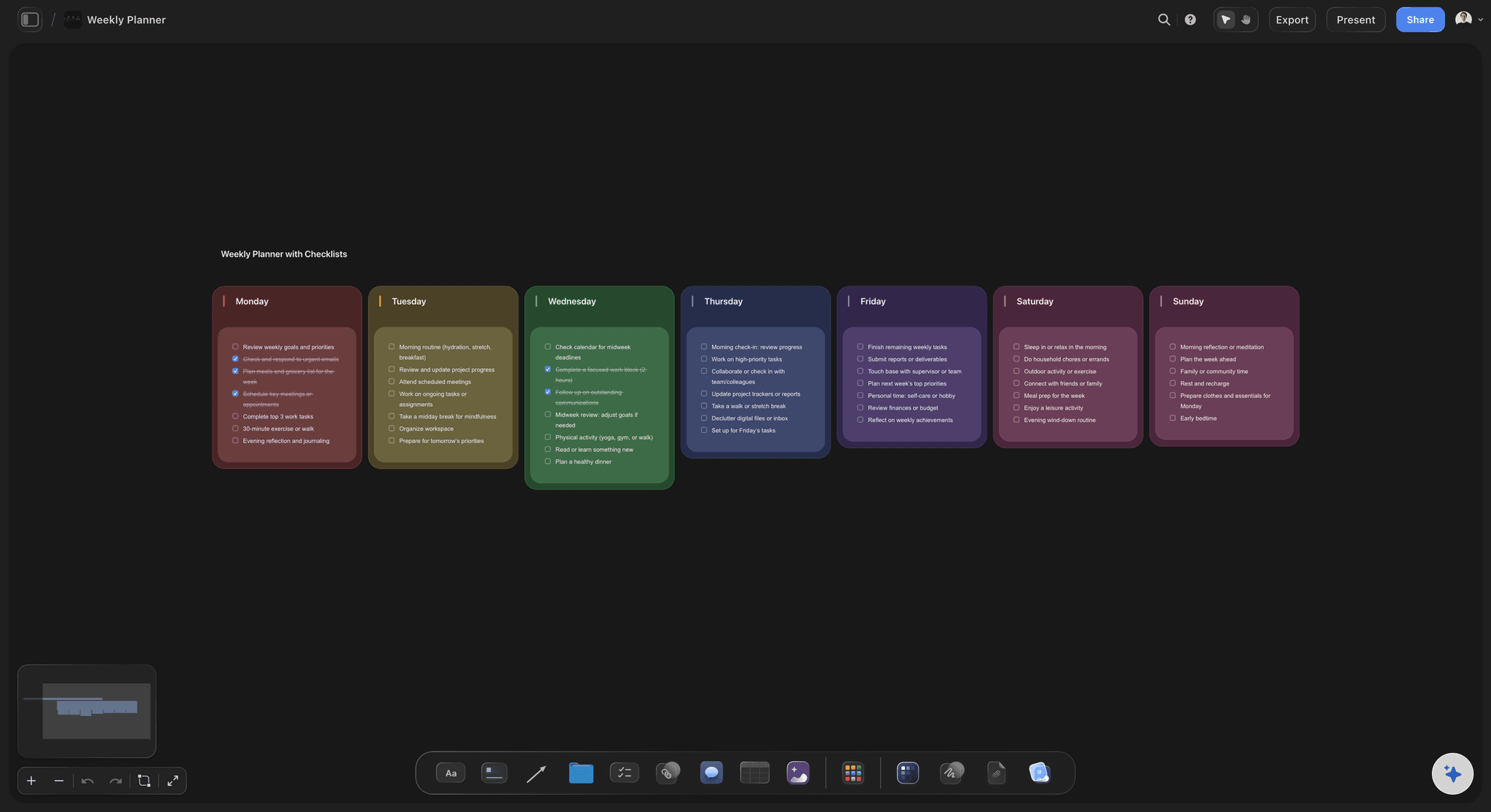
AI drafts the lesson from your objective and year group
Start from a shape, not a blank template
Give it the objective, the age of the students, and the length of the period, and the AI lays out a timed sequence you can argue with. Editing a draft is far quicker than writing a plan from nothing at half past nine at night.
See the AI outline generator →
Slides, worksheets, and images pinned to the card that uses them
The materials live in the plan
A lesson is a sequence with attachments, which a document handles badly. On a canvas the worksheet sits on the practice card, the video sits on the hook, and the diagram sits on the modelling. Nothing is in a folder you have to remember the name of.
Try the free online whiteboard →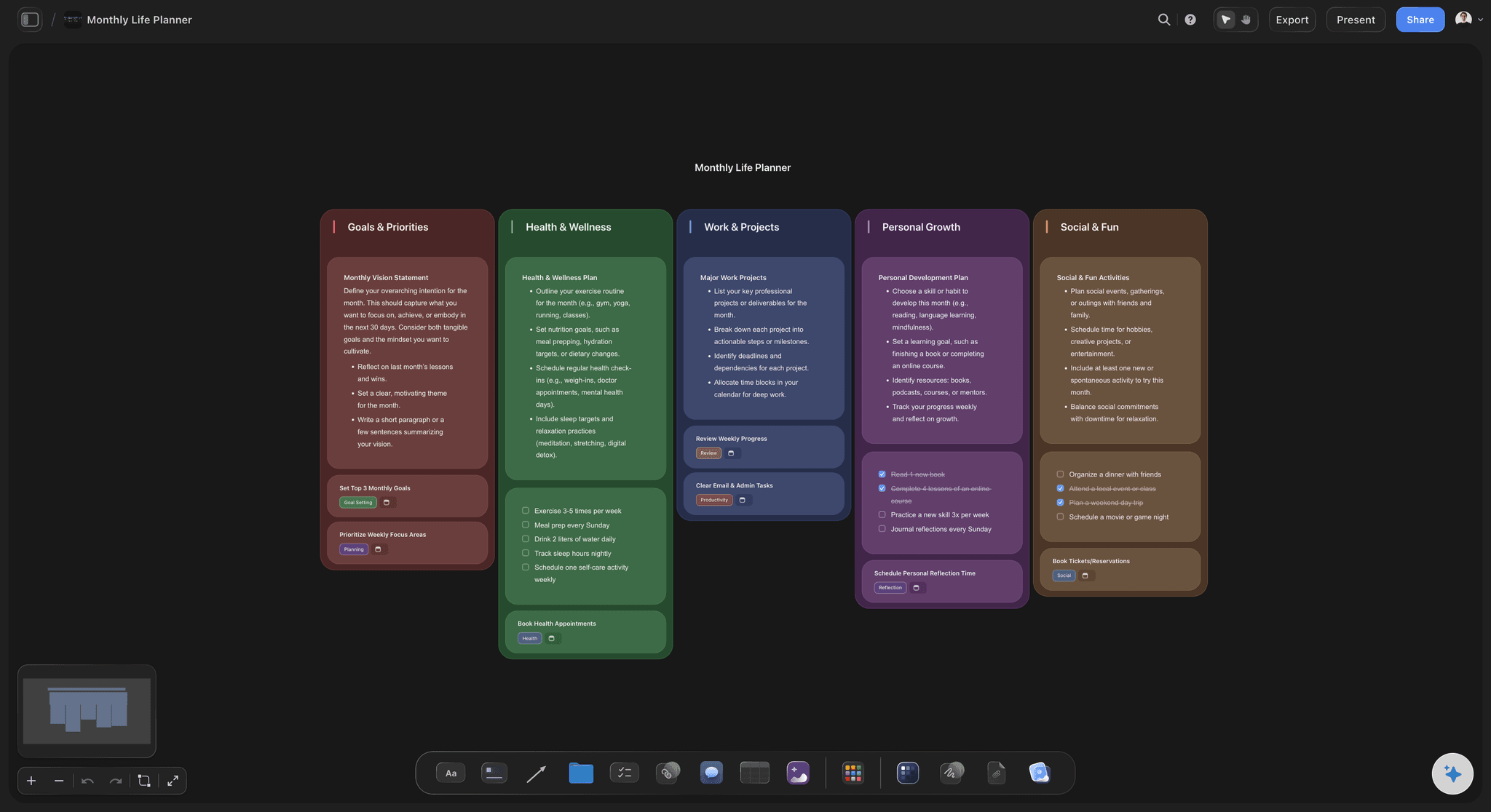
Duplicate the board and adapt it for this year's class
Teach it again without rebuilding it
Last year's lesson is a board, so this year's version is a duplicate with three cards changed and a better example swapped in. The notes you wrote to yourself about what overran come with it.
Map the wider course →
Map the misconceptions before you plan the explanation
Plan for what students get wrong
Mind map the misconceptions the topic usually produces, then design the check for understanding to catch them specifically. A generic thumbs-up tells you nothing. A question that separates two wrong models tells you what to do next.
See the AI mind map generator →Unlimited boards. No object cap.
Open a canvas, describe the lesson, and start moving the minutes around. Storyflow is paid-only during early access, with plans from $9.99 a month, and a Free plan launches before the end of 2026.
Unlimited lesson boards on an infinite canvas
Basic AI usage to draft lessons from your objective
3 starter frameworks built in
Share view-only links with colleagues
Built for people with taste
More than a form with five boxes.
A lesson plan template makes you write the plan. It does not help you see whether the plan fits in the period.
Objective, starter, I do, we do, you do, plenary
Build the sequence, then check the clock
An objective students could recognise they had met: Write the objective as something a student can do at the end, not a topic you will cover. Compare the two: covering photosynthesis is unmeasurable, explaining why a plant in a dark cupboard dies is something a student can either do or not do by the bell.
A starter that earns its four minutes: The first activity should either retrieve prior learning the lesson depends on, or create the question the lesson answers. Put it on its own card with a hard time on it, because the starter is the single most common source of overrun.
Gradual release, with the minutes where the learning is: Lay out I do, we do, and you do as three cards and look at the split honestly. If modelling has twenty minutes and independent practice has eight, the lesson is a lecture with a worksheet stapled to it, and you can see that at a glance on a canvas.
A plenary that is not the bit you cut: Plan the last five minutes first and protect them. Consolidation and the check on what actually landed are what make the lesson stick, and they are always what gets sacrificed when the middle overruns.

Find out mid-lesson, while you can still change something
Check for understanding before the bell
Put the check in the middle, not at the end: A check at the end tells you what to do next lesson. A check at the twenty-five minute mark tells you what to do in the next twenty minutes. Pin the diagnostic question to a card in the middle of the row so it is part of the plan rather than an intention.
Plan the two branches: Draw two cards off the check: what happens if most of the class has it, and what happens if most of them do not. Both branches sit on the canvas, so the decision in the moment is a choice between two prepared paths rather than improvisation.
Differentiate in both directions: Pin the extension task for the student who finishes in four minutes and the scaffold, worked example, or sentence starter for the student who needs another pass. Both are attached to the practice card, so neither is something you remember you needed halfway through.
AI that can see the lesson you have already built
Draft, stress-test, and trim with AI
A first draft from the objective: Describe the objective, the year group, and the period length and the AI lays out a timed sequence with a starter, modelling, practice, a check, and a plenary. It is a starting position to disagree with, which is much faster than an empty template.
It reads the whole board: Because the AI has the whole canvas as context, you can ask it to suggest a better hook for the lesson that is actually on the board, to propose an extension task that matches the practice you wrote, or to list the misconceptions this topic usually produces.
Ask it what to cut: Most plans are over-stuffed by about a third. Ask the AI which activity is doing the least work for the objective, then decide for yourself. The judgement stays with you, because you are the one who knows the class.
Reuse, adapt, and share with the department
A lesson you can teach again next year
Duplicate and adapt: Copy the board, change the example that did not land, swap the video, and adjust the timings you know were wrong. Adapting last year's lesson takes a fraction of the time of writing a new one, and the materials come with it.
Share a view-only link: Send a link to a colleague, a mentor, a trainee, or your head of department. They open the whole lesson in a browser with no account, which makes a conversation about pacing far more concrete than a paper plan.
Plan together: A department can build a lesson on the same canvas, so a shared scheme has one version of the lesson rather than four people's folders.
Export for a folder or an observation: Export the board as a high-quality image or PDF when someone needs a flat copy, for an observation, a training file, or a printout to annotate during the lesson itself.
Explore templates for your project
Every template opens as a real, editable board on the infinite canvas. Pick the closest fit and make it your own.
Mind Map
Branch one central idea out into themes and sub-points, then drag the connections around until the structure makes sense.
One app instead of five
Storyflow vs Google Slides, Canva, and Notion.
Each of these is genuinely the best tool for part of the job. Here is which part, so you can pick honestly.
Storyflow
Recommended
Infinite canvas for the whole lesson sequence
Materials pinned to the timed card that uses them
AI drafts the lesson and reads the whole board
Printable worksheet and handout design
Presenter mode for delivering to the class
Structured database of every lesson you teach
Google Slides
Infinite canvas for the whole lesson sequence
Materials pinned to the timed card that uses them
AI drafts the lesson and reads the whole board
Printable worksheet and handout design
Presenter mode for delivering to the class
Structured database of every lesson you teach
Canva
Infinite canvas for the whole lesson sequence
Materials pinned to the timed card that uses them
AI drafts the lesson and reads the whole board
Printable worksheet and handout design
Presenter mode for delivering to the class
Structured database of every lesson you teach
Notion
Infinite canvas for the whole lesson sequence
Materials pinned to the timed card that uses them
AI drafts the lesson and reads the whole board
Printable worksheet and handout design
Presenter mode for delivering to the class
Structured database of every lesson you teach
What creators are saying
Join early creators getting structured workspaces and AI that remembers their projects
“Storyflow has sped up my workflow by at least 3x, which means more flow state and more projects I can actually ship. It truly changed the way me and my team create.”

Reilin Joey
Director & YouTuber
“One prompt gets me a structured board. But the tactics are my favorite. I run my YouTube scripts through them and my intros and retention got better. It's amazing.”

Justkay
YouTuber & Freelance Filmmaker
“I used to juggle five apps to plan a project. Now I describe what I am making and get boards, lists, and a schedule. All in one place.”

George
@fernwehchronicles
Lesson planning questions, answered.
What goes in a lesson plan, how long planning should take, and what Storyflow does and does not do.
A lesson plan is the design for a single class period: what students should be able to do by the end, and how the available minutes are spent getting them there. The most useful way to think about it is as a time budget with a learning objective attached. It names the objective, the sequence of activities, the materials each activity needs, and the moments where you find out whether it is working. It is not a script, and it is not a record. It is a plan for one hour of other people's attention.
Storyflow is built for planning one class period: the lesson is laid out as timed cards on a canvas, so you can check the sequence against the clock. The slides, the worksheet, the video and the images are pinned to the stage that uses them, and the AI drafts the plan from your objective. Google Slides still has a presenter mode for delivering the lesson to the class, which Storyflow does not.
Six things. The learning objective, phrased as something a student can do rather than a topic you will cover. A starter or hook that retrieves prior learning or poses the question the lesson answers. Direct instruction, your modelling of the thing being learned. Guided and independent practice, where most of the minutes should sit. A check for understanding placed in the middle of the lesson, plus an extension and a scaffold for the students at either end. And a plenary that consolidates and tells you where the next lesson has to start.
For a lesson you have taught before, adapting an existing plan should take ten to twenty minutes. For a genuinely new lesson, an hour is realistic and two is not unusual if you are also making the materials. The honest answer is that planning time collapses when you are editing rather than starting from nothing, which is why reusing and adapting a board matters more than any template. If every lesson takes ninety minutes to plan, the problem is usually that last year's plan was not reusable.
Write something a student could recognise they had met. Compare two versions of the same lesson: covering the causes of the First World War is unmeasurable, while explaining why the alliance system turned one assassination into a continental war is either something a student can do at the end or not. Use a verb that describes student behaviour, not teacher behaviour. Then design the check for understanding directly from it. If you cannot write a question that tests the objective, the objective is too vague to plan against.
It is the gradual release of responsibility. I do is direct instruction, where you model the thinking out loud. We do is guided practice, where the class works through examples with you and you catch errors immediately. You do is independent practice, where students work alone and you find out what they can actually do. The common failure is a lopsided split: twenty minutes of modelling and eight of independent practice. Laying the three stages out as timed cards makes that imbalance visible before the lesson rather than during it.
Because writing an activity takes fifteen seconds and running it takes twelve minutes. Most plans are over-stuffed by roughly a third. Add to that the starter that overruns, the good question you did not anticipate, and the four minutes lost to settling and packing up, and the plenary gets cut. The fix is arithmetic: put a hard number of minutes on every card, add them up, compare the total to the actual period length, and cut before the lesson rather than during it.
Put the check in the middle, not at the end. A check at the end tells you what to do next lesson. A check at the twenty-five minute mark tells you what to do in the next twenty minutes, which is still time you can spend differently. Use something that separates wrong models rather than something that measures confidence: a diagnostic multiple choice where each wrong answer maps to a specific misconception, a mini whiteboard answer from every student, or reading three books over shoulders. Then plan both branches in advance.
Plan for both ends before the lesson, not during it. Attach an extension to the practice activity for the students who finish in four minutes, something that goes deeper rather than more of the same. Attach a scaffold for the students who need another pass: a worked example, a sentence starter, a partially completed version, or a paired grouping. On a canvas both sit pinned to the practice card, so neither is something you remember you needed while twenty-eight people are waiting.
No. Storyflow does not integrate with Google Classroom, Canvas, Moodle, Schoology, or any other learning management system, and there is no gradebook, no grading, no attendance, and no student records of any kind. It is a planning canvas for teachers, not a school information system, and it holds no student data. Plan the lesson here, then deliver and administer it wherever your school already does. You can export a board as an image or PDF, or share a view-only link, if you need the plan somewhere else.
Not automatically, and we will not claim otherwise. Storyflow has no built-in standards framework and does not check your lesson against any national curriculum, state standard, or exam specification. What you can do is put the specification text on the canvas as a card beside the lesson it covers, so the mapping is visible and yours. If you want to see coverage across a whole term or year rather than one lesson, that is the curriculum planner's job.
It writes a first draft, which is not the same thing. Give it the objective, the year group, and the length of the period, and it lays out a timed sequence you can disagree with. Because it reads the whole board, it can also suggest a better hook for the lesson you have actually built, propose an extension that matches your practice task, or tell you which activity is doing the least work. What it cannot do is know your class. Every judgement about pacing, grouping, and what to cut stays with you.
Not during early access. Storyflow is paid-only right now, with plans starting at $9.99 a month, and a Free plan launches before the end of 2026. Anyone a paid member invites to a board joins free today, so a colleague or a whole department can join a shared lesson board without paying. There is no separate education or teacher discount. If you need something free this minute, Google Slides and a document will plan a lesson, they just will not show you the sequence and the materials together.
Plan the lesson, then look at the clock.
Open a canvas, describe the objective, and let AI lay out the first timed draft. No download.